Pickcel

Core Platform

  • Software Features
  • Pickcel Comms
  • Templates
  • Security & Compliance

Enterprise

  • On-Premise
  • Integrations & Automation
  • Our Services

Extensions & Apps

  • Mobile App
  • App Integrations

Digital Signage Players

  • Android
  • Samsung Tizen
  • BrightSign
  • Amazon Signage Stick
  • View all Players
What is Digital Signage?

Learn the basics of digital signage and how it can transform your business.

Industries We Serve

  • Office
  • Retail
  • Restaurant
  • Manufacturing
  • Hospitality
  • Healthcare
  • Transportation
  • Education
  • View all Industries

Solutions

  • Dashboard
  • FIDS
  • Digital Menu board
  • Car Dealership App
  • Wall Craft
  • Event Stream
  • Transport PIS
  • Social Wall
  • View all Solutions
See How Pickcel  Helped Amazon
See How Pickcel Helped Amazon

Case Studies

  • Mercedes-Benz
  • Accenture
  • Magnolia Bakery
View all

All Resources

  • Digital Signage Blog
  • Learn
  • Digital Signage Gallery
  • Case Studies
  • Support
  • Download
Partnerships
Partnerships

Partnerships

  • White-Label
  • Reseller
Pricing
Login
OverviewProblemSolutionHow It SolvesUse CasesFeaturesCase StudiesTestimonialsSecurityGetting StartedFAQ

Corporate Digital Signage Software for Teams That Can't Afford to Miss a Message

Pickcel turns every office screen — from lobby displays to boardroom dashboards — into a real-time communication channel. Manage content across all your locations from one cloud dashboard, without the IT overhead.

Get a Personalized Demo
Start Free 14-Day Trial
Pickcel reviews on Capterra and G2

Trusted by Enterprise Teams at

Benz
Unilever
HCLTech
Accenture
Nestlé
Novartis
circle check

SOC 2 Type II

circle check

ISO Certified

150,000+
Screens managed globally
9,000+
Businesses worldwide
70+
Countries
100+
App integrations
99.9%
Platform uptime SLA

What Is Corporate Digital Signage Software?

Corporate digital signage software lets businesses create, schedule, and manage content on screens across offices from one dashboard.

It replaces noticeboards, email blasts, and manual updates with real-time displays for meeting rooms, KPIs, announcements, visitor check-in, and emergency alerts.

Pickcel is used by IT, operations, and comms teams to keep employees informed at scale — without manual overhead.

65%

of workplace updates go unnoticed during the workday

67%

of company emails are left unread by employees

47.7%

increase in brand awareness from digital signage vs. static displays (Samsung Research, 2023)

The Problem

Why Corporate Communication Breaks Down

In most offices, critical information is trapped in inboxes, chat threads, and SharePoint folders that employees don't check in time — if at all.

Workplace updates go unnoticed

Emails, Slack messages, and intranet posts compete for attention. Time-sensitive information — schedule changes, safety alerts, policy updates — arrives silently and gets buried.

65%

Workplace Communications Survey, 2023

Longer to update content manually

Content on screens across multiple floors or buildings requires physical access or IT tickets. By the time a screen is updated, the information is often outdated.

3×

Pickcel customer onboarding data, 2024

Of employees feel poorly informed

According to Gallup's 2023 State of the Global Workplace report, fewer than half of employees say they consistently receive the information they need to do their jobs effectively.

42%

Gallup State of the Global Workplace Report, 2023

The Solution

Pickcel for Corporate Offices — Built for IT, Loved by Comms Teams

Pickcel is corporate digital signage software designed to work within enterprise constraints — SOC 2 certified, SSO-ready, and available as cloud or on-premise. Your IT team approves it. Your communications team runs it. No tickets required.

From a single dashboard, your team controls every screen in every office location — scheduling content, displaying live data from Power BI and Tableau, managing meeting rooms, and pushing emergency alerts — all in real time.


01

Pickcel Cloud Dashboard

One control centre for every screen across every office.

Pushing update to all offices…0%
02

Screen Groups

Organise screens by floor, department, building, or location.

  • HQ — Floors 1–426 Screens
  • Regional Office14 Screens
03

Office Displays

Lobbies, floor TVs, break rooms, and meeting panels update together.

Live — Pushing content from HQ to every office…
Enterprise-Grade Security

Enterprise-Grade Security

SOC 2 Type II, ISO 27001, SSO, MFA, and role-based access. Your IT team's checklist, covered.

Security →
Real-Time Updates

Real-Time Updates

Push content to one screen or 10,000 simultaneously. Live dashboards update automatically.

Platfrom →
Native Integrations

Native Integrations

Microsoft Teams, Outlook, Power BI, Tableau, Jira, SharePoint, Slack, and 100+ more.

App Integrations →
Cloud or On-Premise

Cloud or On-Premise

Deploy from Pickcel's cloud or host the entire platform on your own servers — your choice.

On-Premise →
No credit card required
How Pickcel Solves Corporate Communication

Every Screen in Your Workplace, One Platform Behind It

Select a screen to see which real Pickcel use case runs on it.

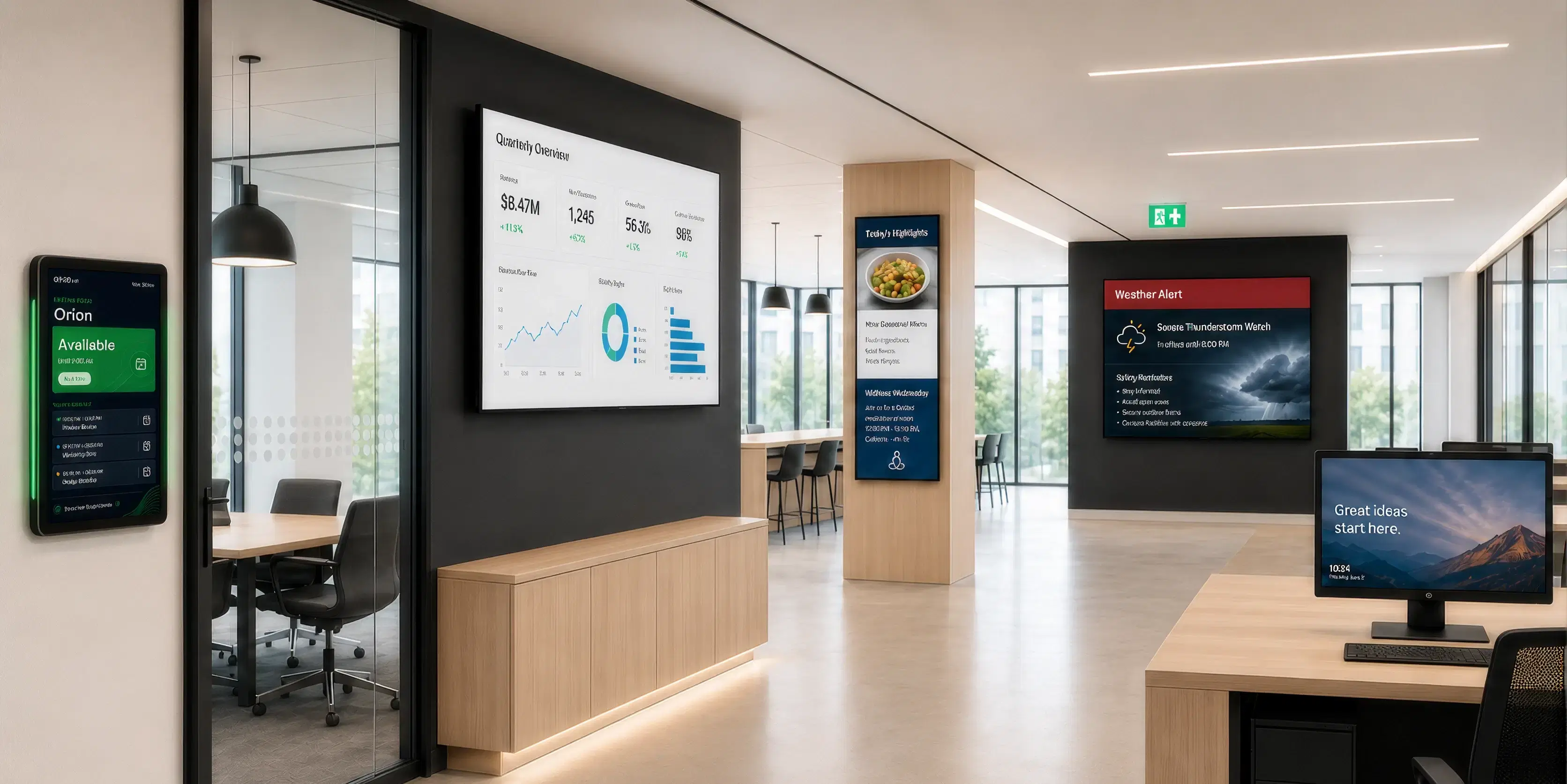
Corporate office interior with Pickcel digital signage on meeting room displays, KPI dashboards, lobby screens, and reception boards

Hover overTap a dot on the photo above to see its use case.

Use Cases

What Does Corporate Digital Signage Actually Do?

Pickcel powers six distinct use cases in corporate environments — each solving a specific communication or operational challenge.

Use Cases

What Does Corporate Digital Signage Actually Do?

Meeting Room Displays

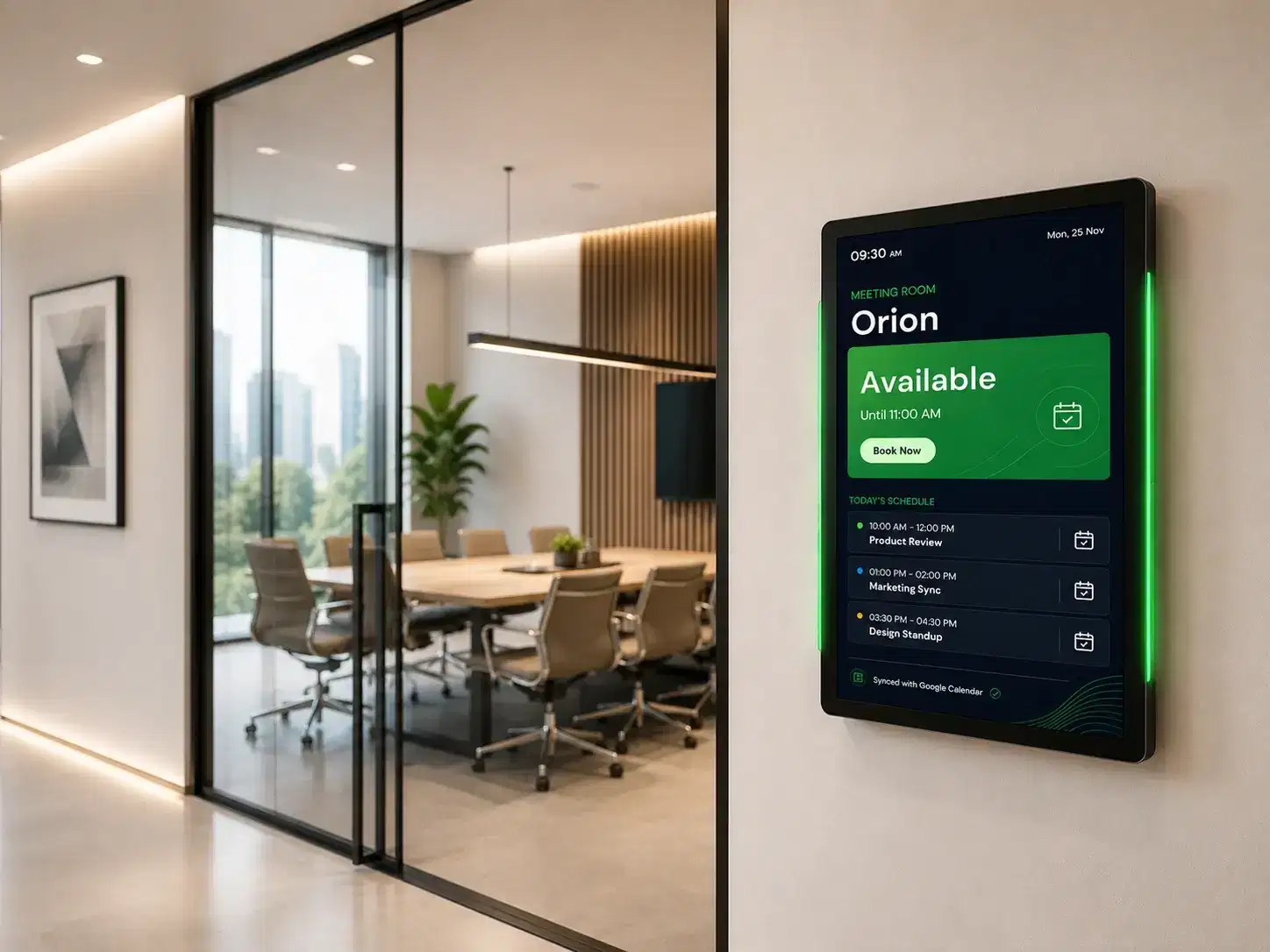
Show real-time room availability outside every meeting room. Sync with Outlook, Google Calendar, or Teams—employees book rooms from the display.
Meeting room digital signage use cases →
Meeting room availability display

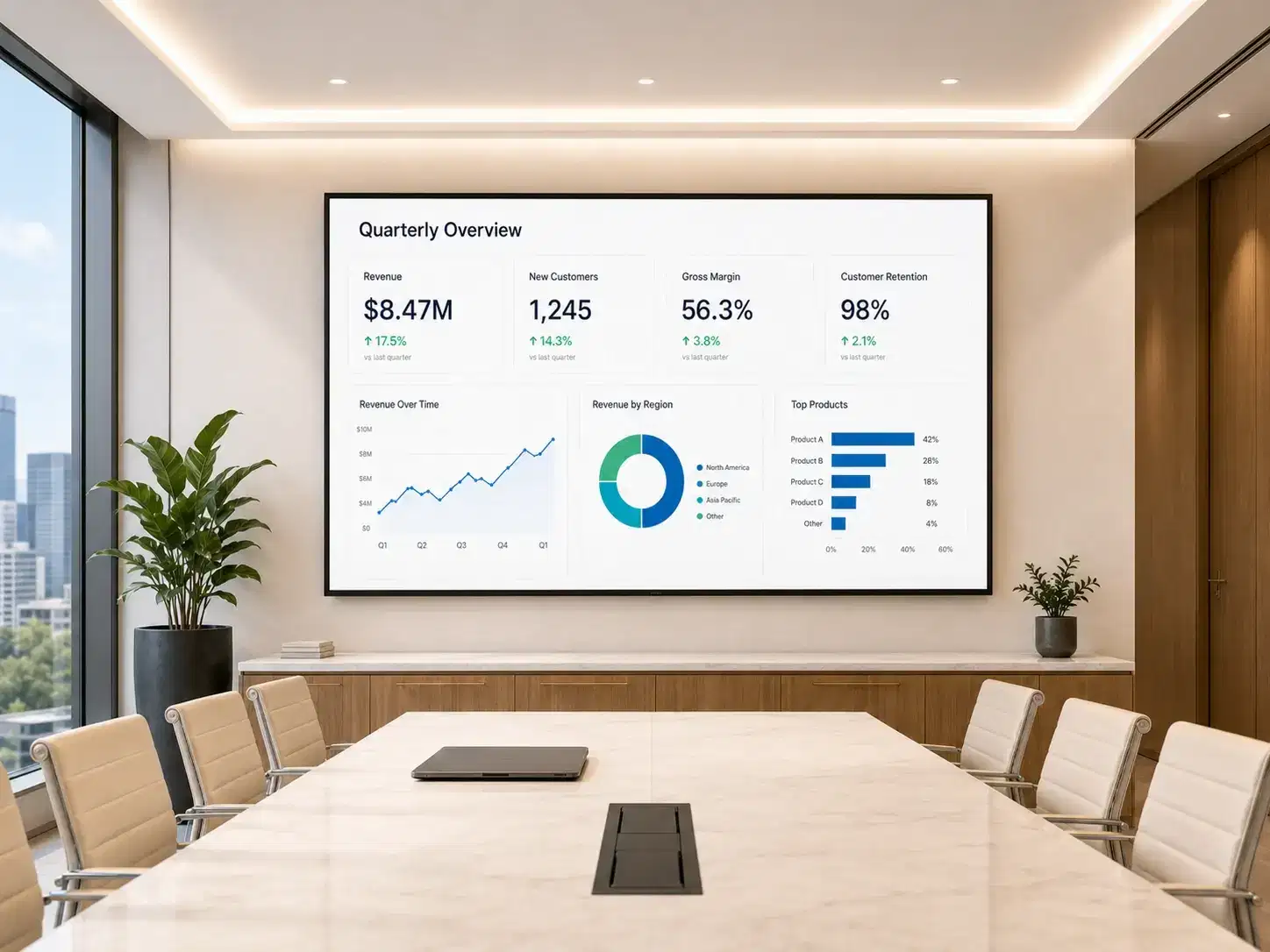
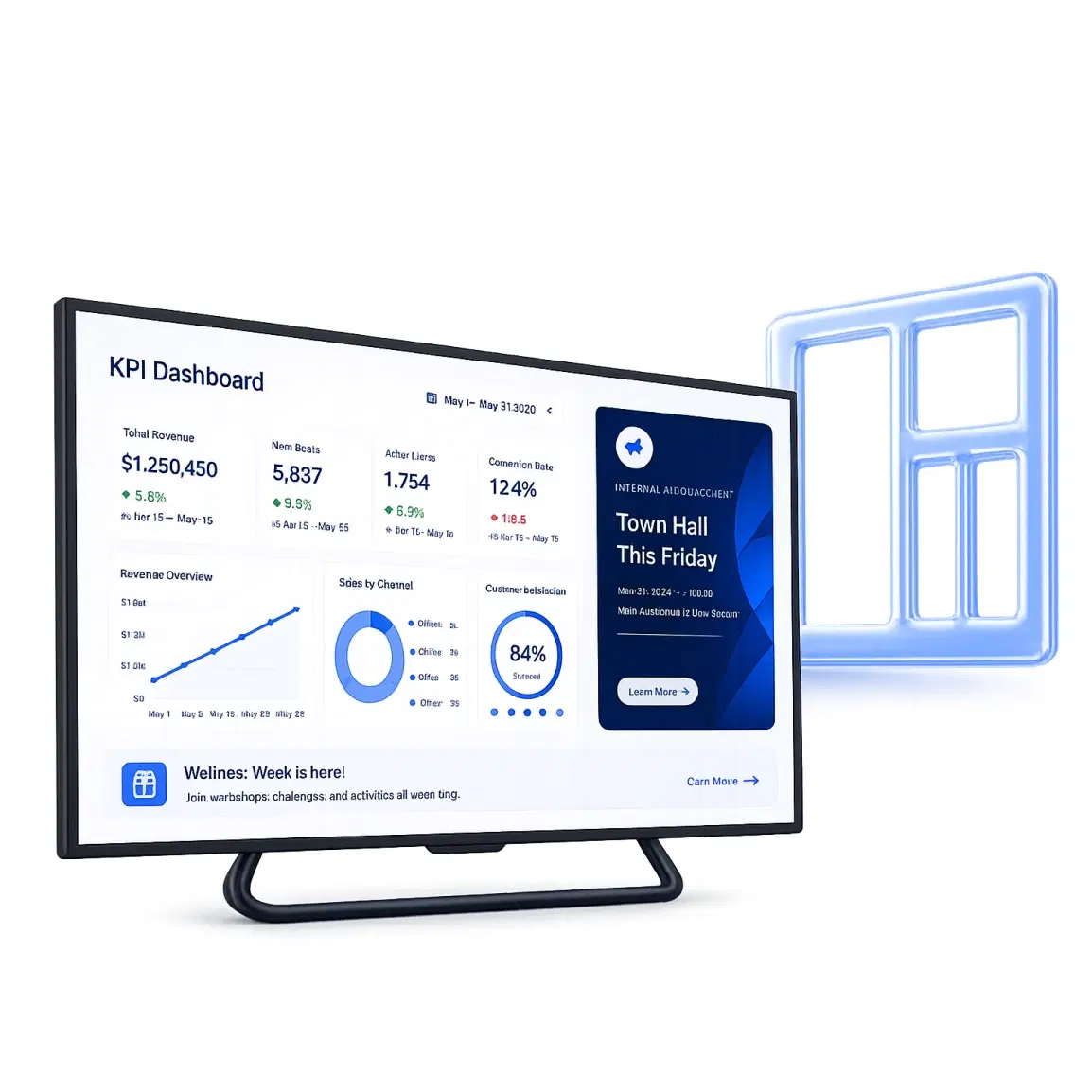
KPI & Operations Dashboards

Display live data from Power BI, Tableau, or Grafana on floor screens and war room monitors. Teams see their numbers in real time.
Digital signage dashboard →
Live KPI and operations dashboard

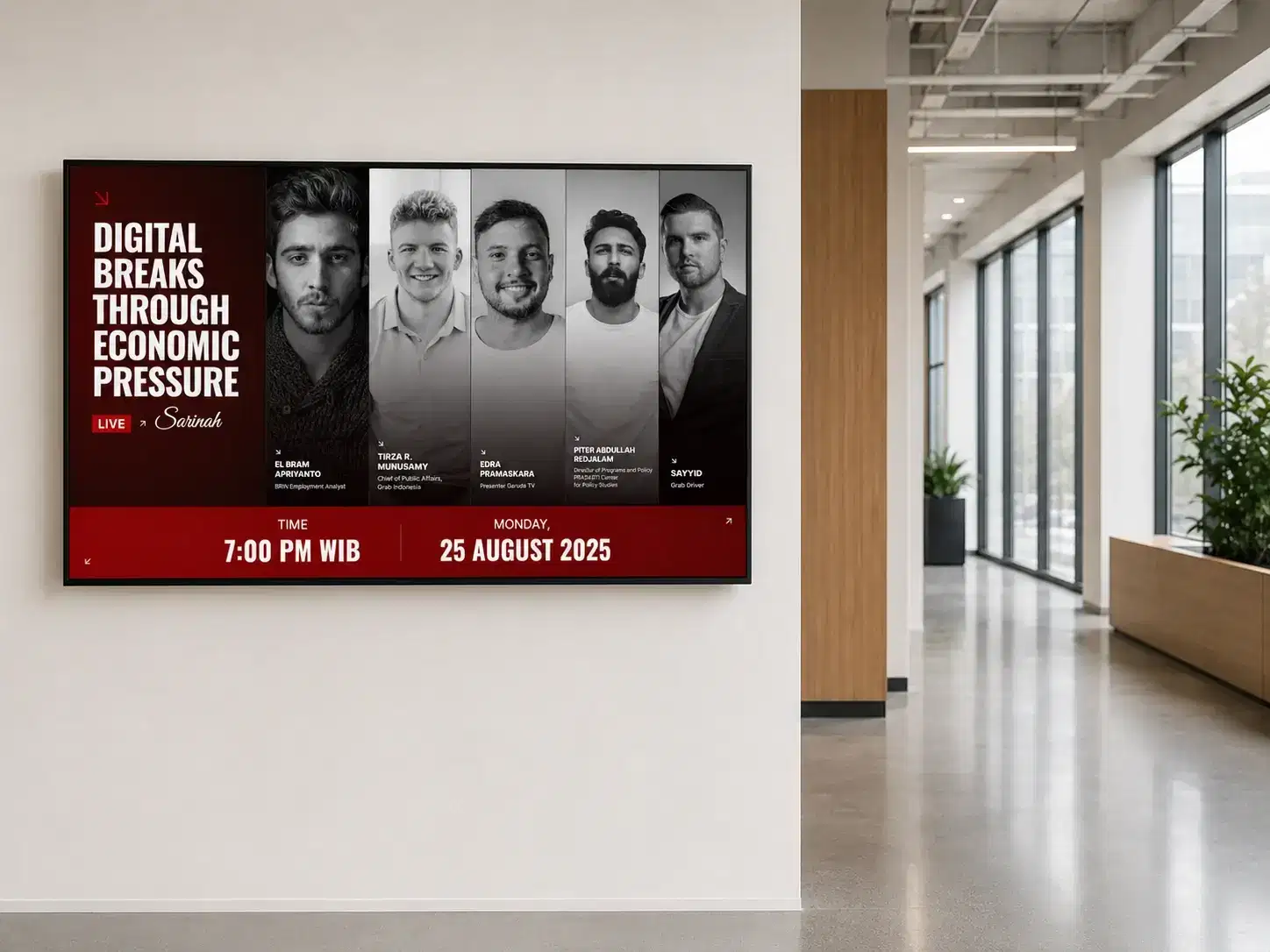
Internal Communications

Replace noticeboards and missed emails with scheduled messages on lobby, cafeteria, and corridor screens. HR and leadership publish to their zones.
Employee communication platform →
Internal communications and announcements

Visitor Management Displays

Greet visitors by name in the lobby. Display check-in instructions, Wi-Fi credentials, and meeting details on reception screens via calendar. Interactive display solution help employees and visitors find meeting rooms, locate colleagues, access floor directories, and book available spaces on the spot.
Visitor management application →
Visitor management welcome display

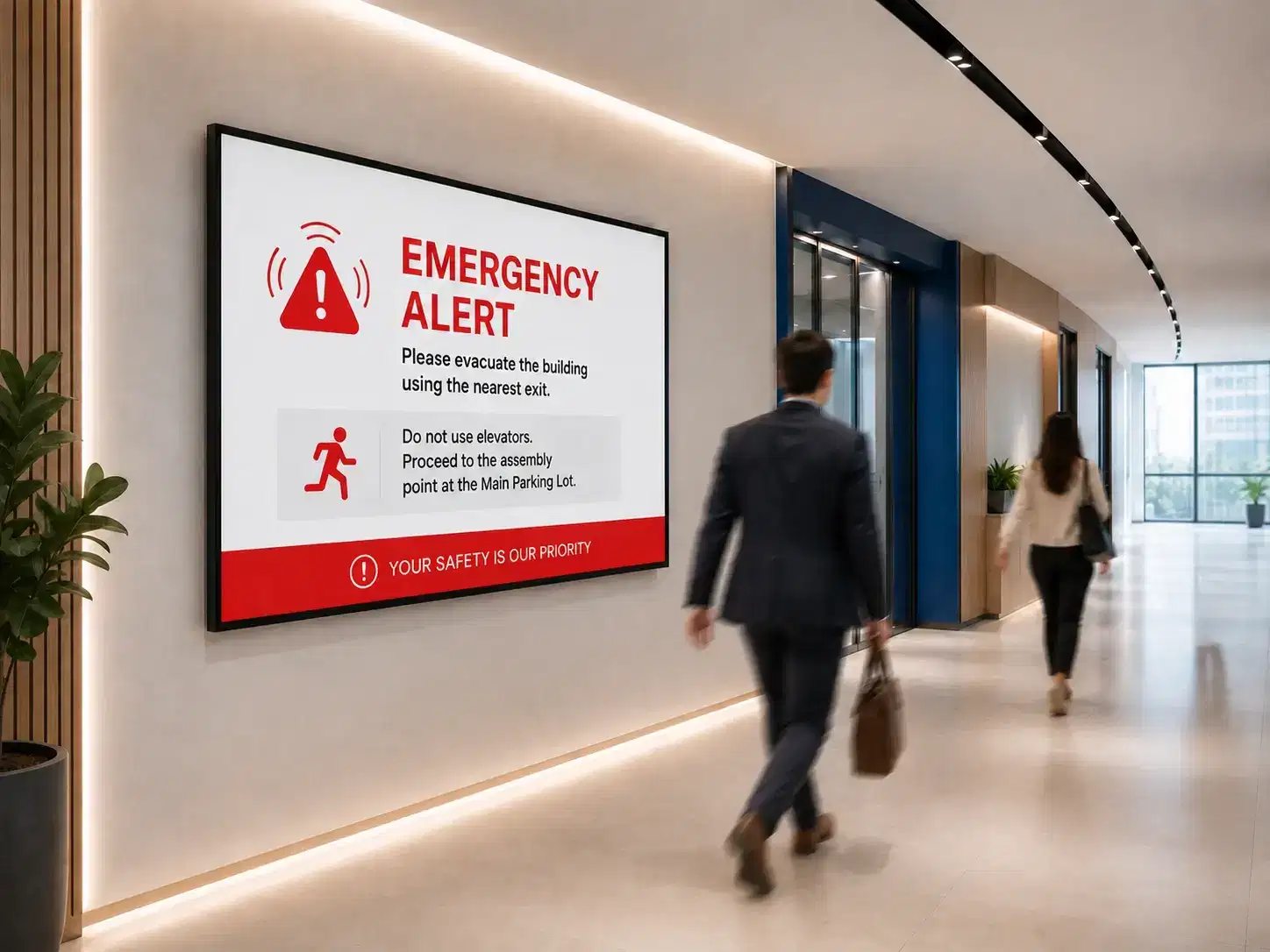
Emergency Alerts

Override all screens instantly with emergency alerts—fire, evacuation, or critical safety updates—from one click on the dashboard.
Safety communication system →
Emergency alerts and safety communications

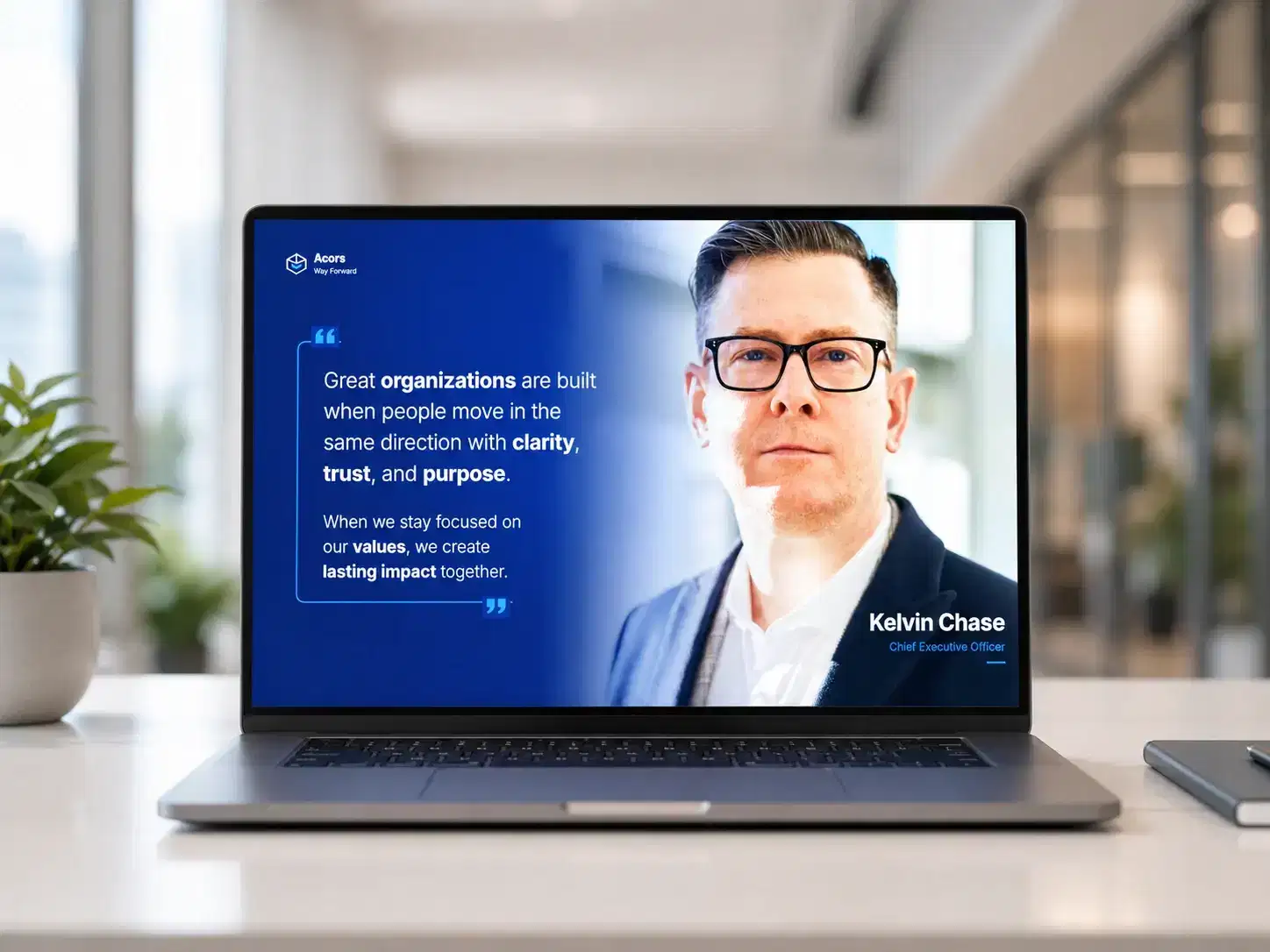
Windows Screensaver Signage

Turn dormant desktop screensavers into managed communication channels. Show company news, compliance updates, and IT notices across the org.
Employee screensaver communication →
Windows screensaver signage
Setup

How to Deploy Pickcel in Your Corporate Office

Most corporate offices go live in under a day. No specialist AV installation. No IT project. Just install, connect, and publish.

01

Connect Your Screens

Install the Pickcel app on your existing devices — Android media player, Windows PC, or smart TV. Plug in, sign in, and your screen is registered in the dashboard. Works on hardware you already own.

Install the Pickcel app on your existing devices — Android media player, Windows PC, or smart TV. Plug in, sign in, and your screen is registered in the dashboard. Works on hardware you already own.

Use Pickcel's drag-and-drop editor, import from Google Slides or Canva, or connect live data sources like Power BI and Teams. 100+ templates designed for corporate environments are included.

Push content to one screen or your entire network simultaneously. Schedule content weeks in advance, set auto-expiry, and override any screen in real time when priorities change.

Platform Capabilities

The Features Corporate Teams Rely On Most

Pickcel's platform is built for scale — from a single office floor to a global enterprise campus network.

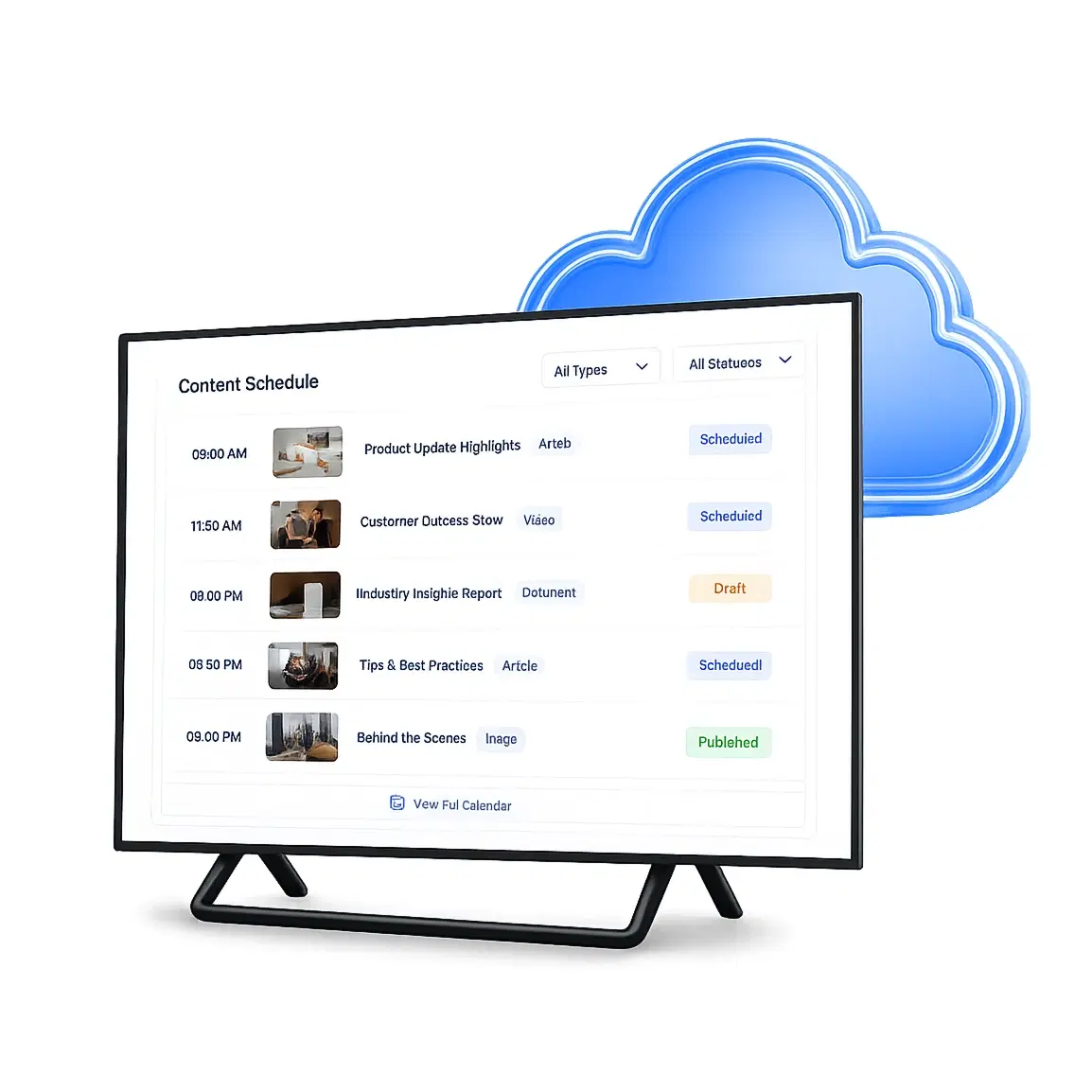
Centralised Content Management

Create, schedule, and publish content for all screens and locations from one cloud dashboard. Set expiry dates, content zones, and priority overrides — no IT ticket needed.

Centralised Content Management

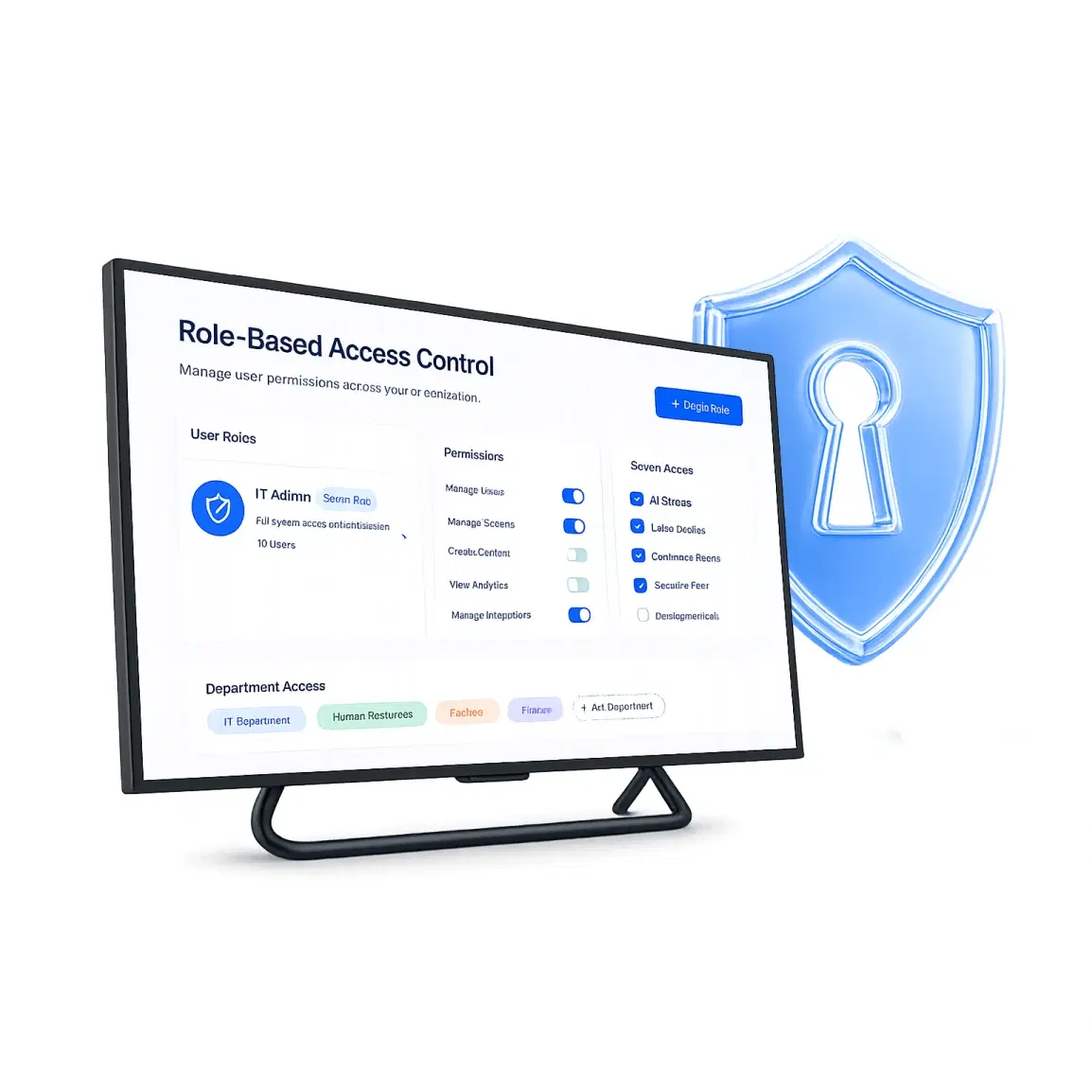
Role-Based Access Control

Assign granular permissions by department, location, or team. HR publishes to breakrooms. Facilities manage lobby screens. IT retains full visibility. Zero overlap, zero conflict.

Role-Based Access Control

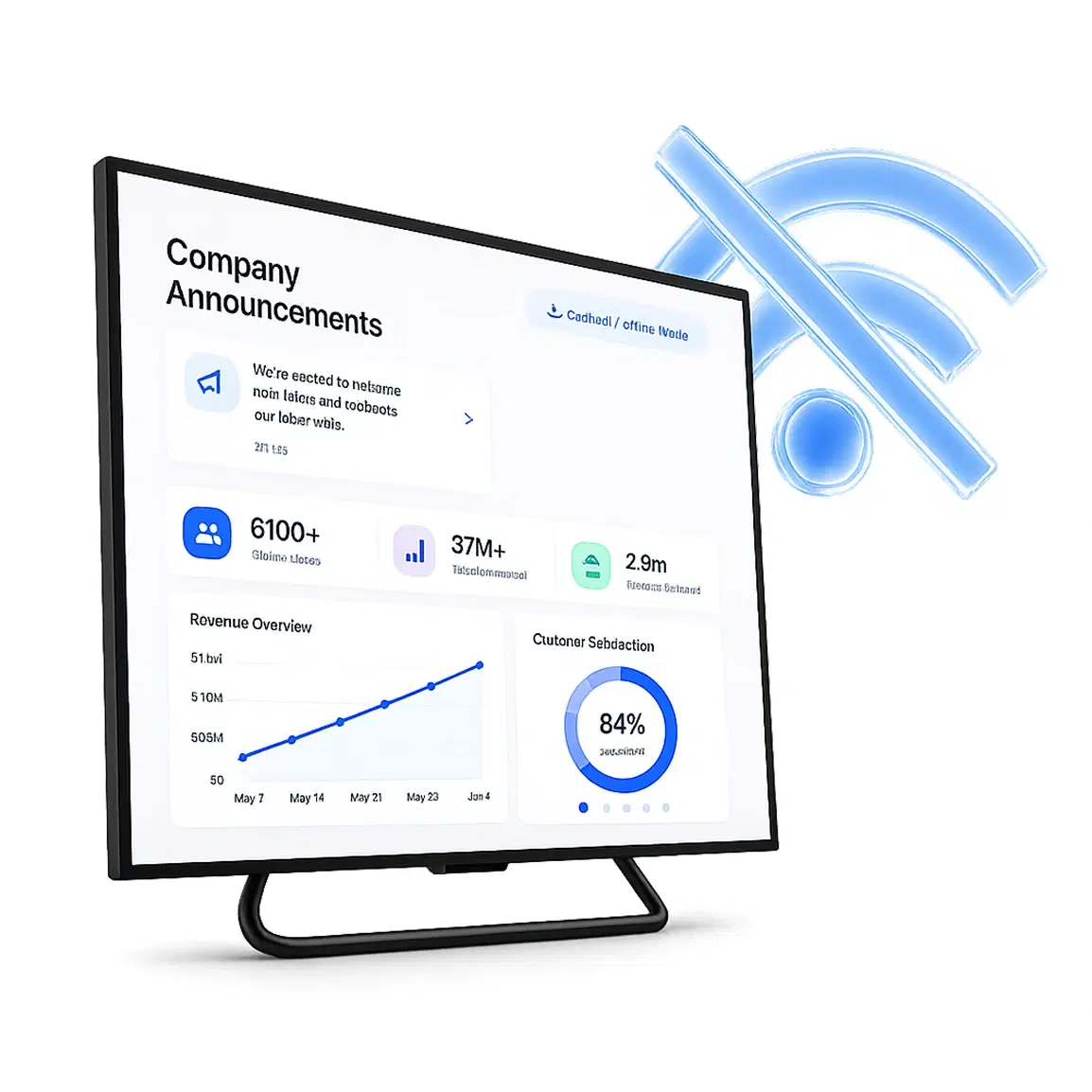
Offline Playback Mode

When internet connectivity drops, screens continue displaying the last synced content. Playback picks up automatically when the connection is restored — no manual intervention.

Offline Playback Mode

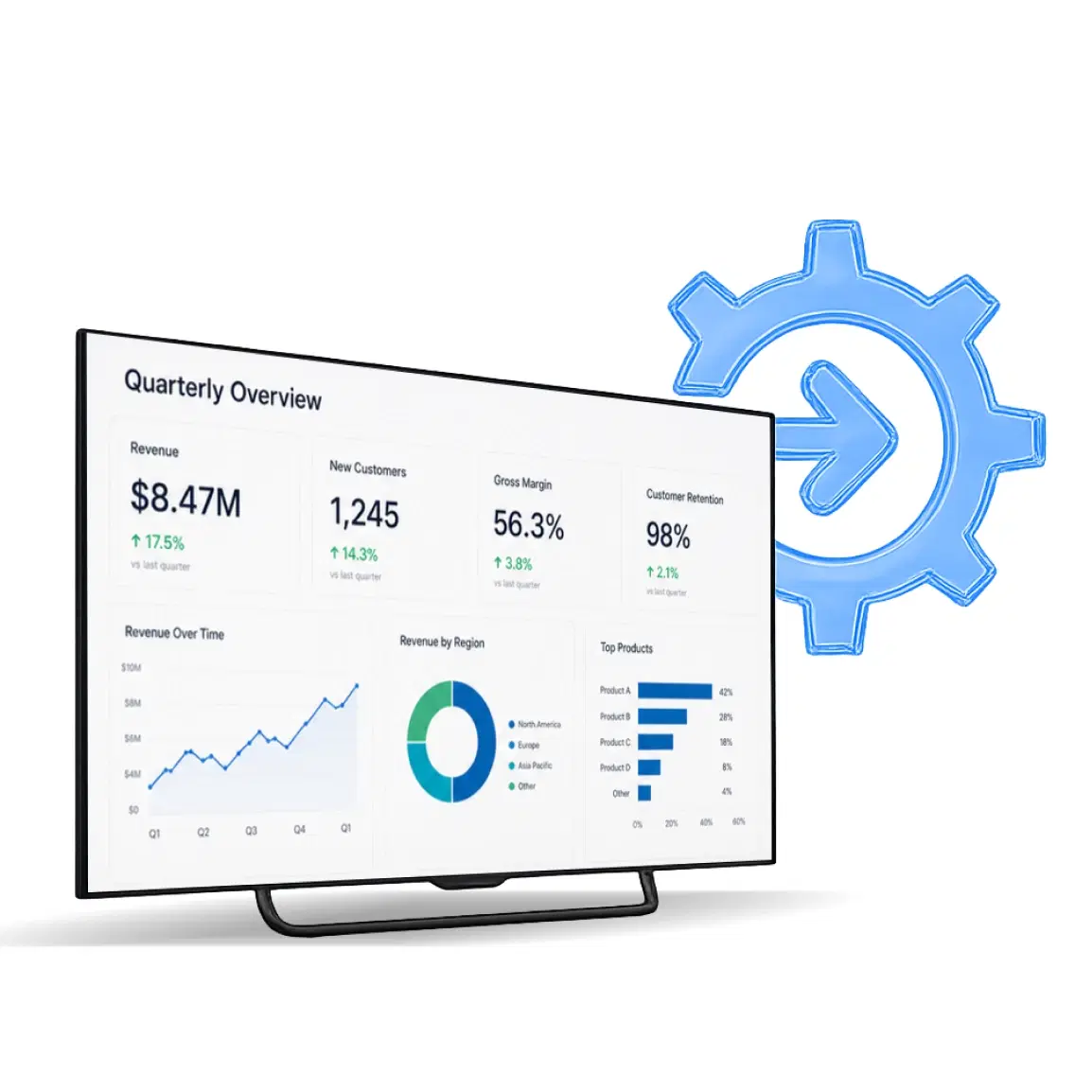
Enterprise App Integrations

Connect to Microsoft Teams, Outlook, SharePoint, Power BI, Tableau, Grafana, Jira, and Slack. Live data flows directly onto your screens without any manual content updates.

Enterprise App Integrations

Multi-Zone Screen Layouts

Divide any screen into independent content zones — show a live news ticker, a KPI widget, and an internal announcement simultaneously on a single display.

Multi-Zone Screen Layouts

50+ Device Compatibility

Works on Android, Windows, LG webOS, Samsung Tizen, Amazon Fire TV, Chrome OS, and Raspberry Pi. Use screens you already own — no hardware replacement required.

50+ Device Compatibility

Centralised Content Management

Create, schedule, and publish content for all screens and locations from one cloud dashboard. Set expiry dates, content zones, and priority overrides — no IT ticket needed.

Centralised Content Management

Role-Based Access Control

Assign granular permissions by department, location, or team. HR publishes to breakrooms. Facilities manage lobby screens. IT retains full visibility. Zero overlap, zero conflict.

Role-Based Access Control

Offline Playback Mode

When internet connectivity drops, screens continue displaying the last synced content. Playback picks up automatically when the connection is restored — no manual intervention.

Offline Playback Mode

Enterprise App Integrations

Connect to Microsoft Teams, Outlook, SharePoint, Power BI, Tableau, Grafana, Jira, and Slack. Live data flows directly onto your screens without any manual content updates.

Enterprise App Integrations

Multi-Zone Screen Layouts

Divide any screen into independent content zones — show a live news ticker, a KPI widget, and an internal announcement simultaneously on a single display.

Multi-Zone Screen Layouts

50+ Device Compatibility

Works on Android, Windows, LG webOS, Samsung Tizen, Amazon Fire TV, Chrome OS, and Raspberry Pi. Use screens you already own — no hardware replacement required.

50+ Device Compatibility
Integrations

Turn Your Existing Tools Into Live Screen Content

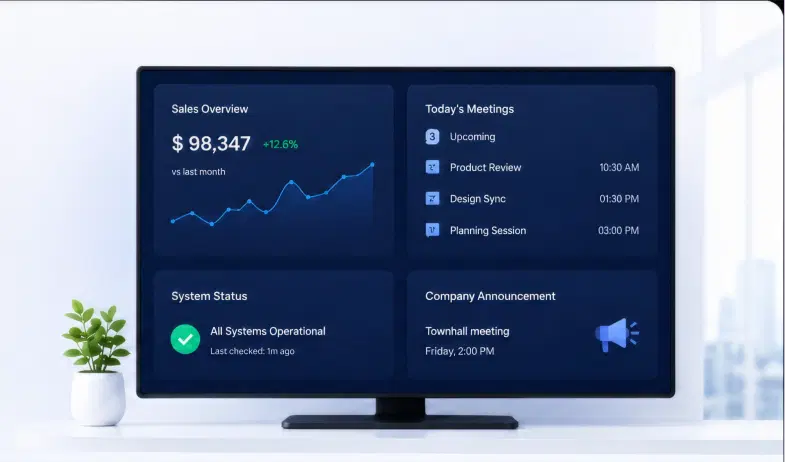
Pickcel connects with the tools your teams already use. Data flows automatically — no manual updates,no copy-pasting, no delays.

Office screen showing live sales, meetings, system status and announcement dashboards
Power BI

Power BI

Display live reports and dashboards on any screen

Tableau

Tableau

Visualise analytics data across floor screens

Microsoft Teams

Microsoft Teams

Show announcements and room status from Teams

Meetings Calendar

Meetings Calendar

Sync meeting room bookings in real time

SharePoint

SharePoint

Publish intranet content directly to screens

Jira

Jira

Display sprint progress and issue counts live

Grafana

Grafana

Ops and infra dashboards on monitoring screens

Slack

Slack

Display channel feeds and important Slack messages

Customer Stories

How Enterprise Teams Use Pickcel

Companies like yours have replaced manual screen updates, missed emails, and disconnected displays with Pickcel. Here's what changed.

Mercedes-Benz logo

Mercedes-Benz

AUTOMOTIVE ENTERPRISE · GLOBAL

The Challenge

Rising internal content demands and strict security requirements made it difficult to scale employee communications across offices.

The Outcome

Pickcel’s secure on-premise platform enabled centralized control of internal communications while meeting enterprise IT standards.

"Pickcel’s hardware-neutral platform helped us manage internal communications efficiently."

Read case study
HCLTech logo

HCLTech

IT SERVICES ENTERPRISE · 220,000+ EMPLOYEES

The Challenge

Thousands of Cisco Webex meeting room screens remained idle outside calls, with security policies restricting third-party app installations.

The Outcome

Pickcel activated idle screens via a secure web-based signage layer, turning meeting room displays into centrally managed communication assets.

"We unlocked the full value of our screen network without compromising security."

Read case study
Unilever logo

Unilever

FMCG ENTERPRISE · INDIA

The Challenge

Email and printed posters were failing to capture employee attention across Bangalore and Mumbai offices.

The Outcome

Pickcel's cloud CMS unified screen communications across locations — improving visibility, engagement, and operational efficiency.

"Our internal communications became more engaging, timely, and visible across offices."

Read case study
What Our Customers Say

Corporate Teams Trust Pickcel

★★★★★
"We reduced our content update time from about 3 hours per week to under 15 minutes. The integration with Power BI alone was worth the switch — our ops screens update automatically every hour."

Rahul Mehta

Head of Operations, Fortune 500 FMCG Company.

1 / 3

Enterprise Readiness

Designed to Clear Your IT Security Review

Pickcel is built for enterprise environments that cannot compromise on security, flexibility, or compliance.

SOC 2 Type IIISO 27001GDPR Compliant
Secure by Certification

Secure by Certification

Pickcel holds SOC 2 Type II and ISO 27001 certifications — the industry standard for enterprise software security. All data is encrypted in transit and at rest. Single Sign-On (SSO) and Multi-Factor Authentication (MFA) are supported out of the box.

Flexible Deployment

Flexible Deployment

Choose cloud-hosted for fast setup with no infrastructure overhead, or deploy on-premise on your own servers for environments where data cannot leave the corporate network. Hybrid deployments are also supported for multi-region enterprises with mixed requirements.

Deep Integration Support

Deep Integration Support

Pickcel's API and 100+ native integrations connect your signage to the tools your teams already use. Microsoft 365, Active Directory, LDAP, and REST API support means Pickcel fits into your existing IT landscape — not the other way around.

Simple to Manage at Scale

Simple to Manage at Scale

Role-based access, multi-location grouping, device health monitoring, and automated failover mean even a team of two can manage hundreds of screens. Most content updates take under five minutes — no AV vendor or IT ticket required.

On-Premise Deployment

Corporate Digital Signage That Never Leaves Your Network

For organisations in regulated industries or with strict data governance requirements, Pickcel's on-premise deployment keeps every byte of your signage infrastructure within your own corporate environment.

  • check mark

    Hosted on your corporate servers

    The entire Pickcel platform runs on your own infrastructure. No cloud dependency, no outbound data transfers.

  • check mark

    Works within your corporate intranet

    Screens communicate directly with your internal server — no internet connection required for day-to-day operations.

  • check mark

    Aligns with your existing security controls

    Integrates with Active Directory, LDAP, and your corporate firewall policies. Your security team stays in complete control.

Cloud vs. On-Premise Comparison

CapabilityCloudOn-Premise
Real-time updatesIncludedIncluded
No internet requiredNot includedIncluded
Data stays on your serversNot includedIncluded
Active Directory integrationIncludedIncluded
SOC 2 / ISO 27001IncludedIncluded
Zero infrastructure overheadIncludedNot included
Industry Research

What the Data Says About Workplace Digital Signage

The business case for workplace digital signage is well-established. Here is what the research shows.

47.7%

Increase in brand awareness when digital signage is used vs. static displays

Samsung Business Research, 2023

72%

Faster information reach within the organisation when screen-based communications replace email-only channels

Pickcel Enterprise Customer Cohort Data, 2024

46%

Of enterprises expect to expand their digital signage footprint by 2026 as hybrid work becomes the permanent norm

Grand View Research, Digital Signage Market Report, 2024

FAQ

Frequently Asked Questions About Corporate Digital Signage

Corporate digital signage software is a cloud-based or on-premise platform that enables businesses to create, schedule, and manage content on screens across office locations from a single centralized dashboard.
Yes. Pickcel integrates natively with Microsoft Teams, Outlook, SharePoint, Power BI, Tableau, Grafana, Jira, Slack, and 100+ other apps.
Pickcel is SOC 2 Type II and ISO 27001 certified. It supports SSO, MFA, role-based access controls, and Active Directory integration.
Yes. Pickcel supports offline playback. When connectivity is lost, screens display the last synced content without interruption.
Pickcel is hardware-agnostic and supports 50+ device types including Android, Windows, LG webOS, Samsung Tizen, Amazon Fire TV, Chrome OS, and Raspberry Pi.
Yes. Pickcel's role-based access control allows you to assign different permission levels across departments, locations, or teams.
Most corporate deployments go live within a single working day. For enterprise rollouts, Pickcel's onboarding team provides dedicated setup support.
Yes. Pickcel offers a fully on-premise deployment option that keeps all data within your corporate network.
Explore More

Pickcel Across Industries

Pickcel's digital signage platform is purpose-built for the communication needs of each major industry vertical.

Retail

Digital menu boards, in-store promotions, and dynamic pricing displays

Healthcare

Queue management, wayfinding, patient information, and staff communications

Education

Campus announcements, event boards, and cafeteria menu displays

QSR / Restaurants

Digital menu boards, combo promotions, and drive-through displays

Transportation

Passenger information, real-time schedules, and wayfinding displays

Book a Free Consultation Now

Ready to Deploy Corporate Digital Signage
Across Your Workplace?

Join 9,000+ businesses that use Pickcel to keep every team informed and every screen up to date — in real time, from anywhere.

Product

  • Software Features
  • Digital Signage Hardware
  • Digital Menu Board Software
  • Digital Signage Player
  • Interactive Kiosk
  • OTT Digital Signage Software
  • Queue Management Software
  • Visitor Management software
  • On-premise Digital Signage

Enterprise

  • Integrations & Automation
  • On-premise Digital Signage
  • Our Services

Solutions

  • Corporate Communication
  • Retail Digital Signage
  • Digital Signage Hospitality
  • Multi Channel Employee Communication
  • Restaurant Digital Signage
  • Banking & Finance Signage
  • Transportation Digital Signage
  • Digital Product Catalogue
  • Electronic Bulletin Board
  • Employee Communication App
  • Wayfinding Signage

Resources

  • Case Studies
  • What is digital signage?
  • Digital Signage Blog
  • Apps
  • Pricing
  • FAQ

Company

  • About Us
  • Contact Us
  • Support
  • Press Release
  • Careers

Trust & Compliance

  • Privacy Policy
  • Terms of Service
  • Refund Policy
  • Data Processing Addendum
  • Sub-processors
  • Security
  • Cookie Policy

Partner program

  • White Label Digital Signage
  • Reseller Digital Signage
Capterra4.6G24.6GoodFirms4.6

© 2026 LaneSquare Technology Pvt Ltd. All rights reserved.