Android Digital Signage Made Simple
Turn any Android device into a digital signage player in minutes. Use Pickcel to manage content across TVs, tablets, players, and HDMI sticks from one simple dashboard.
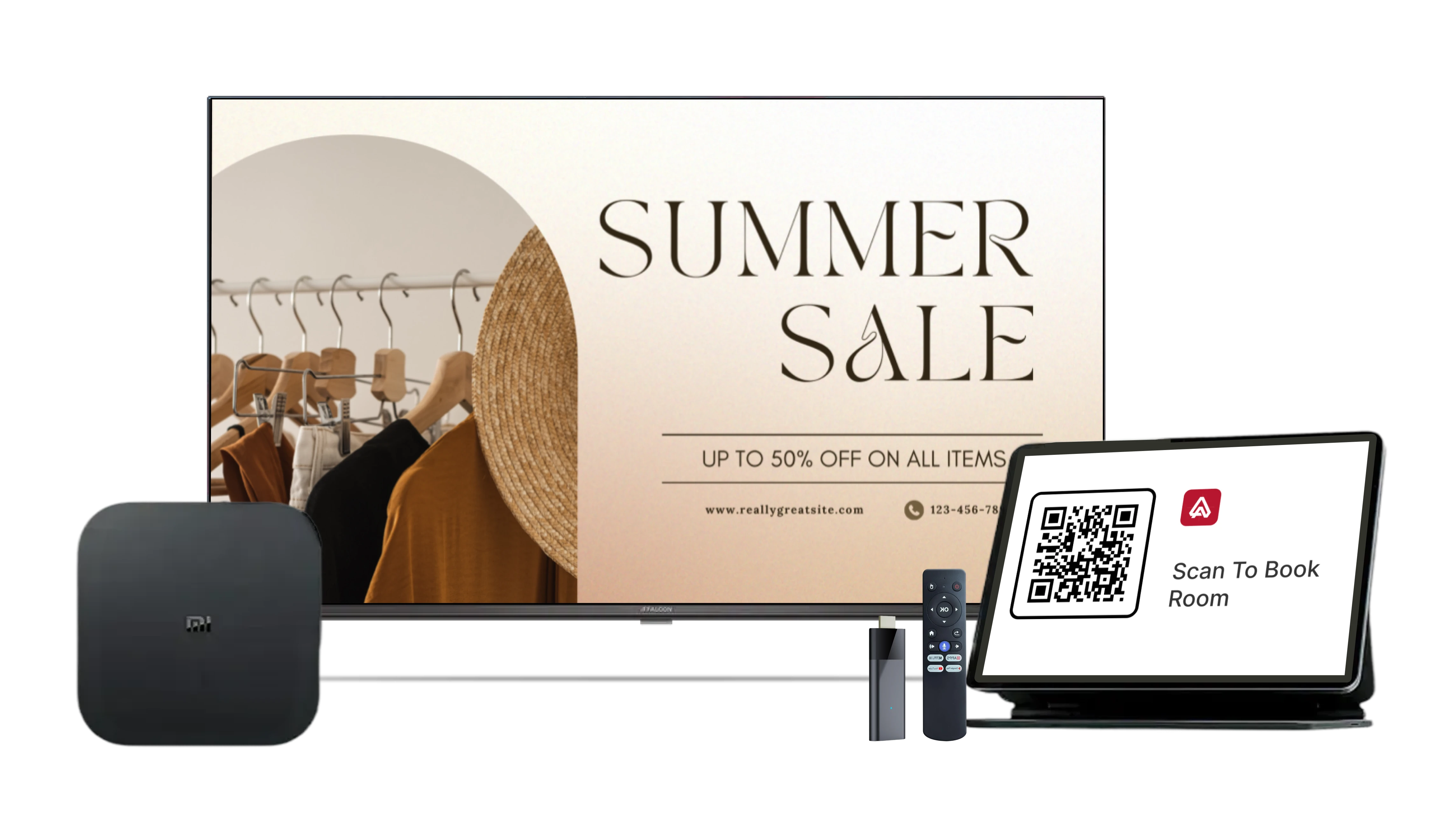
Simple to Set Up
Anyone can set it up. No technical skills needed.

Install the app
Download Pickcel from the Play Store or install it with the APK.

Pair your screen
Open the app and get the on-screen code. Enter it in your Pickcel dashboard.

Publish content
Choose a template or upload your media. Press publish, and your screen goes live.
Works on the Android Devices You Already Have
Pickcel works with the most common Android screens and versions, anything from 6 through to 16.
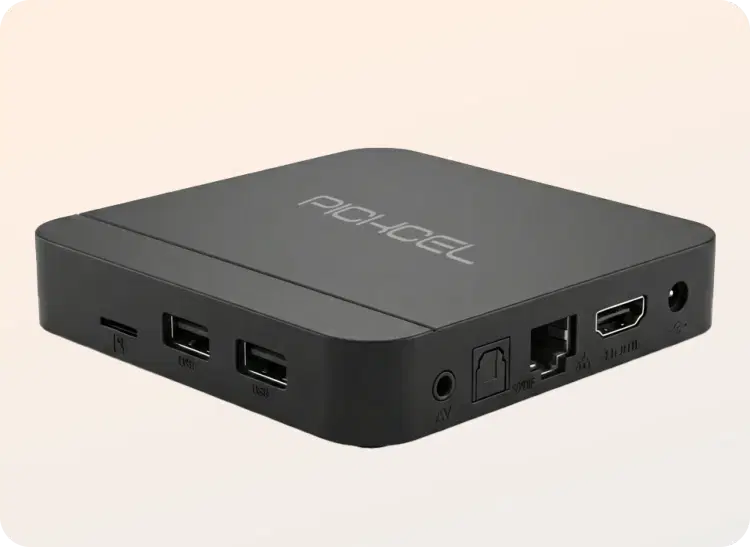
CE420 player
A reliable, professional-grade Android signage device for always-on screens. Good for stores, offices, and large rollouts.

Android TVs and tablets (including Google TV)
A simple way to run signage on screens you already own. Good for menus, promos, office updates, and mid-sized networks.
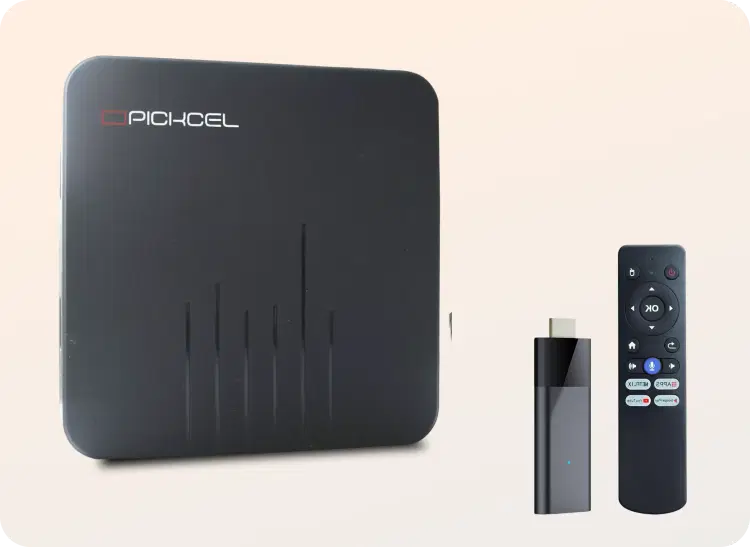
Android HDMI sticks and boxes
A quick plug-in option for any TV or monitor. Ideal for basic signage needs in shops, cafés, waiting areas, and single-screen setups.

Kiosk mode for locked screens
Lock your Android screens to signage content only. Avoid people closing or changing the app.

Offline playback
Store images, videos, and scrollers on the device. Keep screens playing even when the internet drops.

Remote updates
Change content on any screen from your desk. Save trips and remove manual USB updates.

Multi-zone layouts
Divide a screen into separate areas. Show promos, data, and notices together without extra displays.

Auto updates on Google TV
Let Google TV fetch Pickcel app updates on its own. Reduce manual checks and keep apps current

Team roles and access control
Give each user the right level of control. Protect screens from mistakes and unwanted changes.

Cloud, on-premise
Run Pickcel in the cloud or in your own network. Match your IT and security rules.

Enterprise support when you need it
Get help from Pickcel experts for rollout and setup. Keep projects on track as you grow.
Where It Fits
Retail stores – promotions and product videos
Restaurants and cafés – digital menus
Corporate offices – announcements and dashboards
Schools and colleges – notices and campus updates
Healthcare – patient info and waiting areas
Events – schedules and branded loops
Media and entertainment – trailers, show promos, and partner campaigns on OTT screens


Why Businesses Choose Pickcel
150,000+
Screens
9,000+
Global Customers
100+
Apps & Integrations
70+
Countries