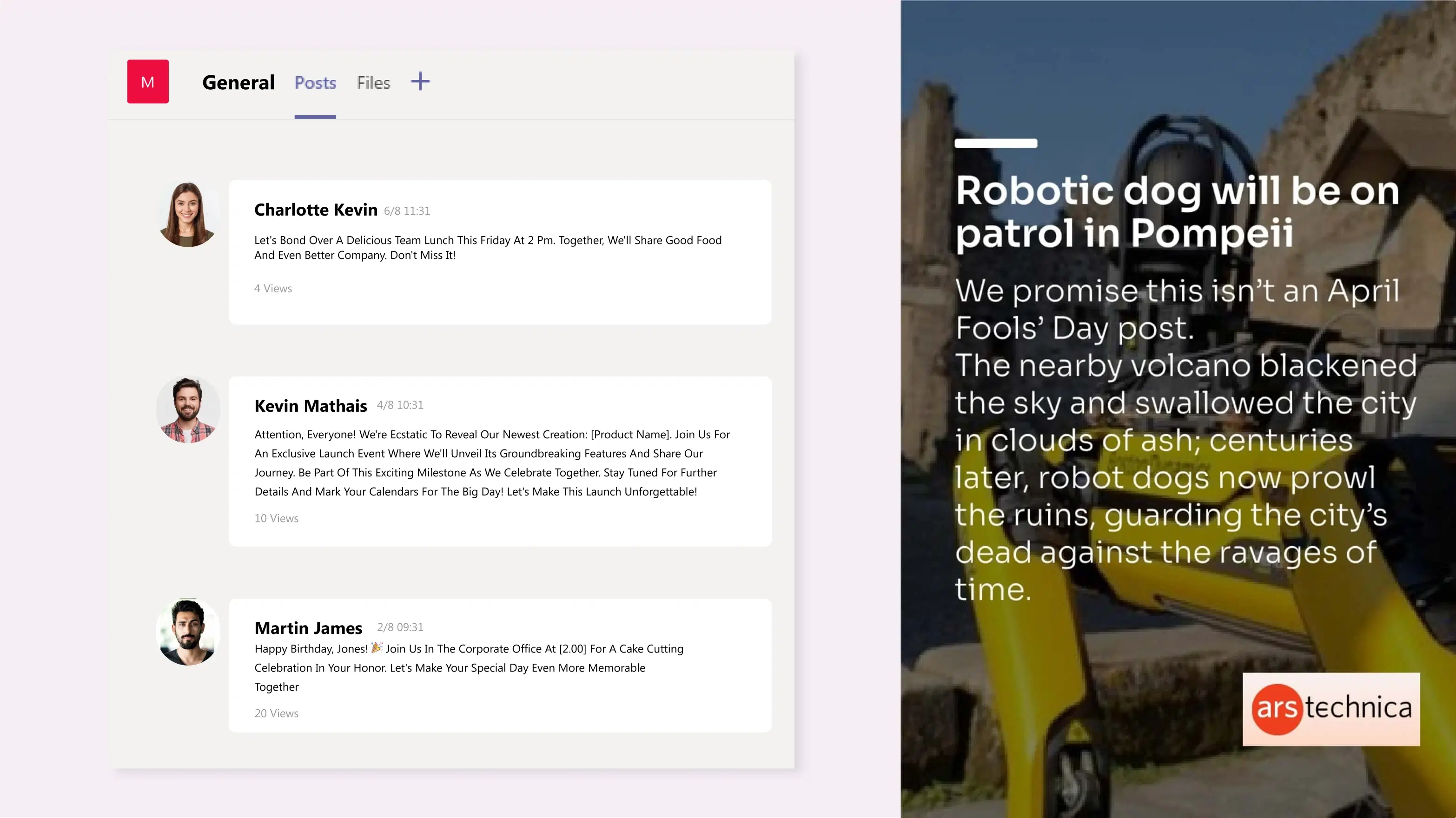
Microsoft Teams App
Display the Microsoft Teams messages and team conversations on digital signage.
App Features
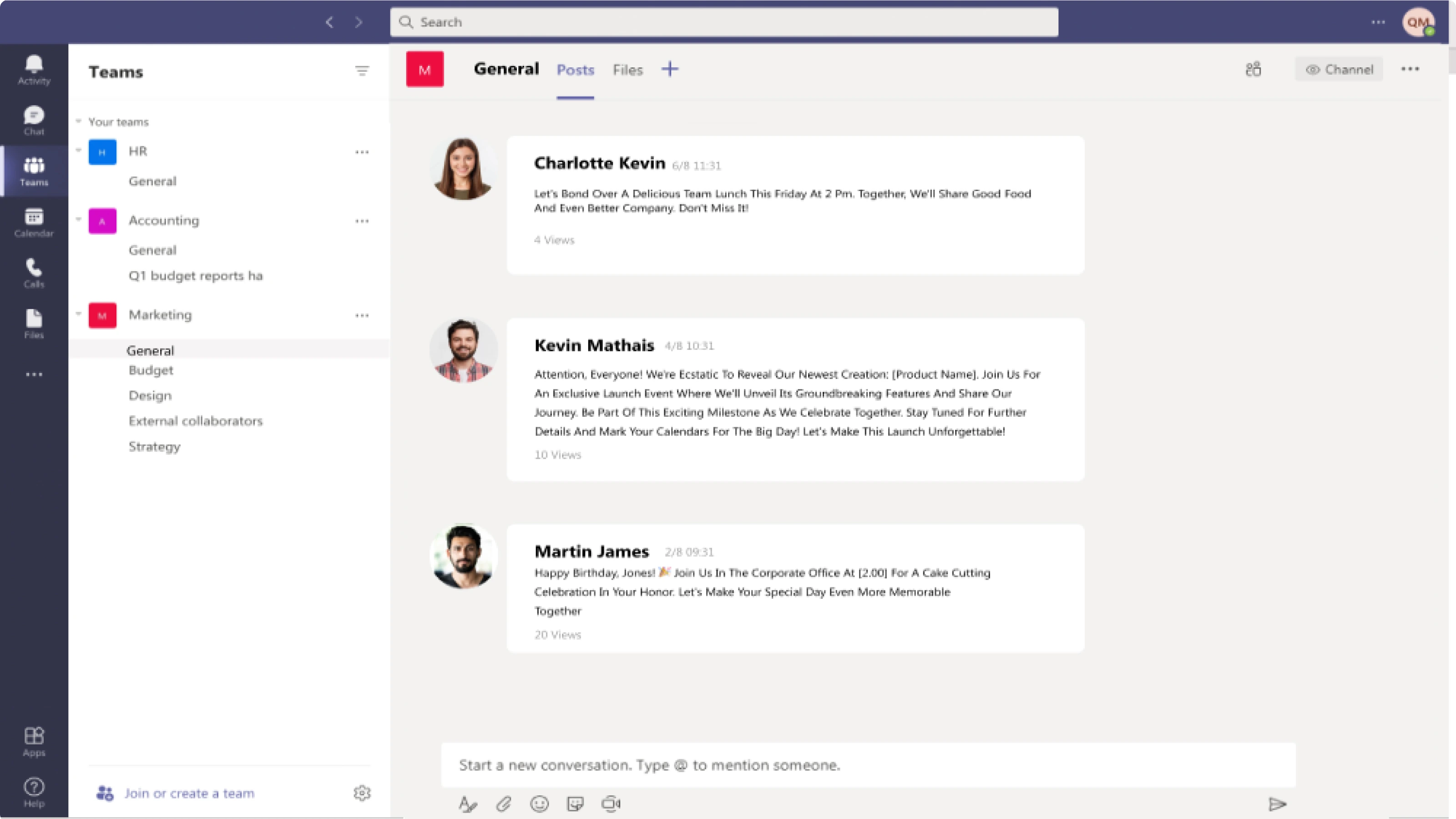
Internal communication is key to a well-coordinated workplace. With the Pickcel Microsoft Team app for digital signage, bring important conversations to the forefront. The app comes free with the Pickcel CMS.
No additional setup
You don't require any additional licenses or permissions to bring up the Microsoft Team dashboard on your office screens. Simply sign in to your workplace & select the Teams #channel.
Control the post frequency
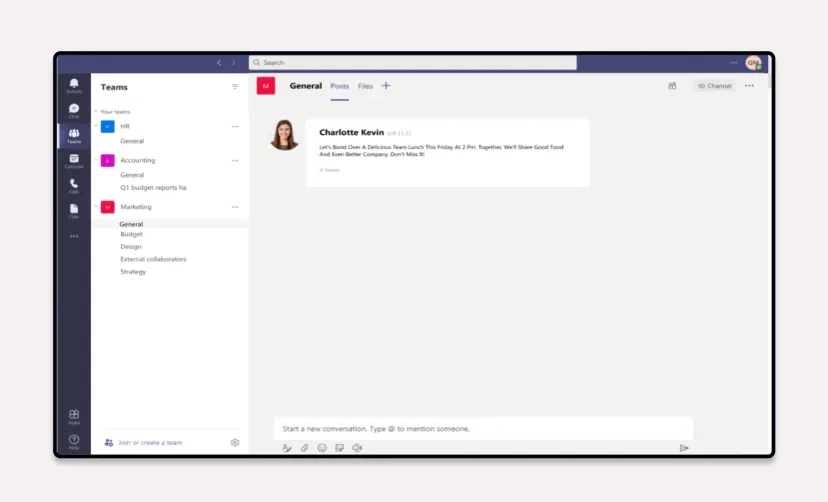
You can customize the number of messages that are displayed on screen. The most recent messages will be displayed first. You can also set a post duration of your choice.
Supported in any layout
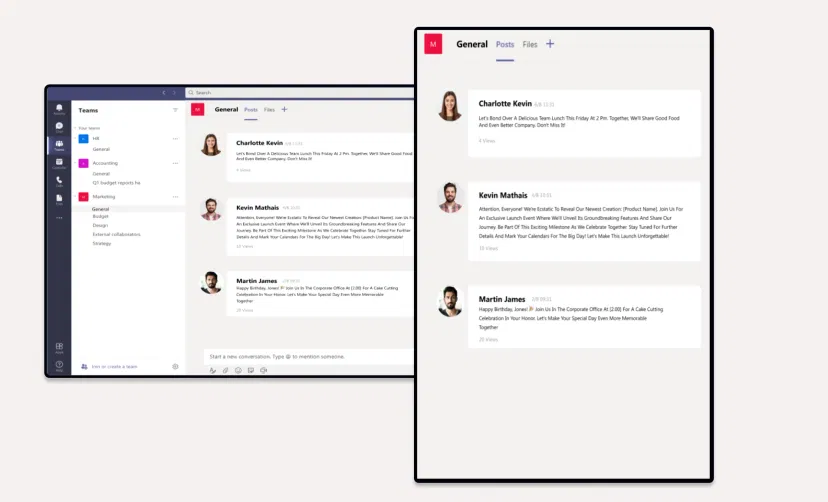
You have three layout choices to display your Microsoft Team dashboard: horizontal, portrait mode, and footer. Select with one click.
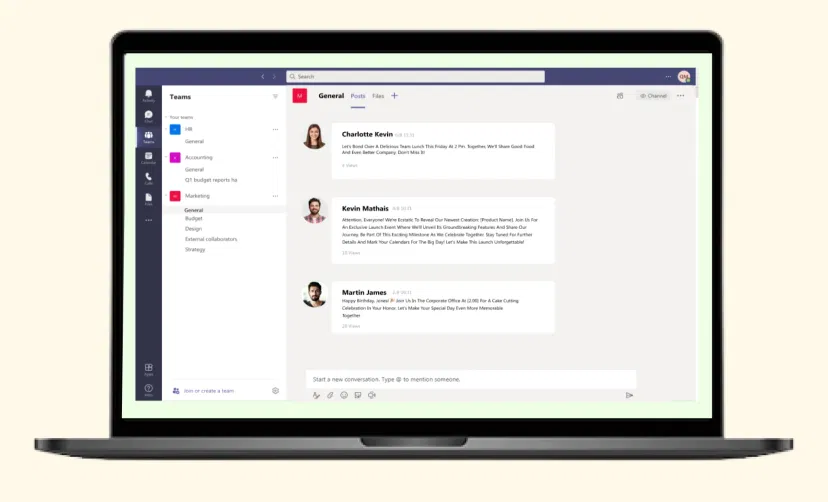
Preview Option
Previewing the content before publishing it on digital signage will ensure that no error slips through your notice.
Unlock the Microsoft Teams app for your digital signage.
Interesting Use Cases of the Microsoft Teams App
We have listed a few. The sky is the limit for you!

Appreciation Made Simple
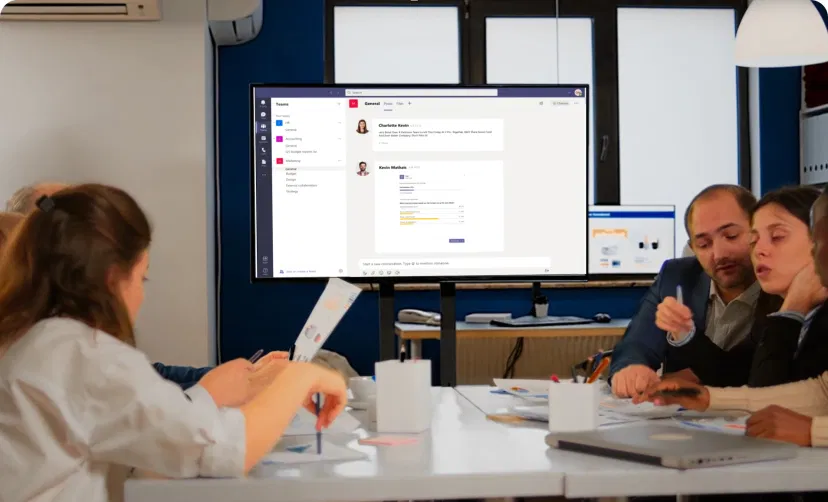
In bigger organizations, Microsoft Teams can be used to recognize achievements within teams. Celebrate milestones like project completions, certifications, or great performance openly.
Effortless Brainstorming
Create dedicated channels for brainstorming and real-time idea sharing, voting, and constructive discussions, to foster collaboration and drive innovation throughout your organization.
How to add the Microsoft Team app on your digital signage?
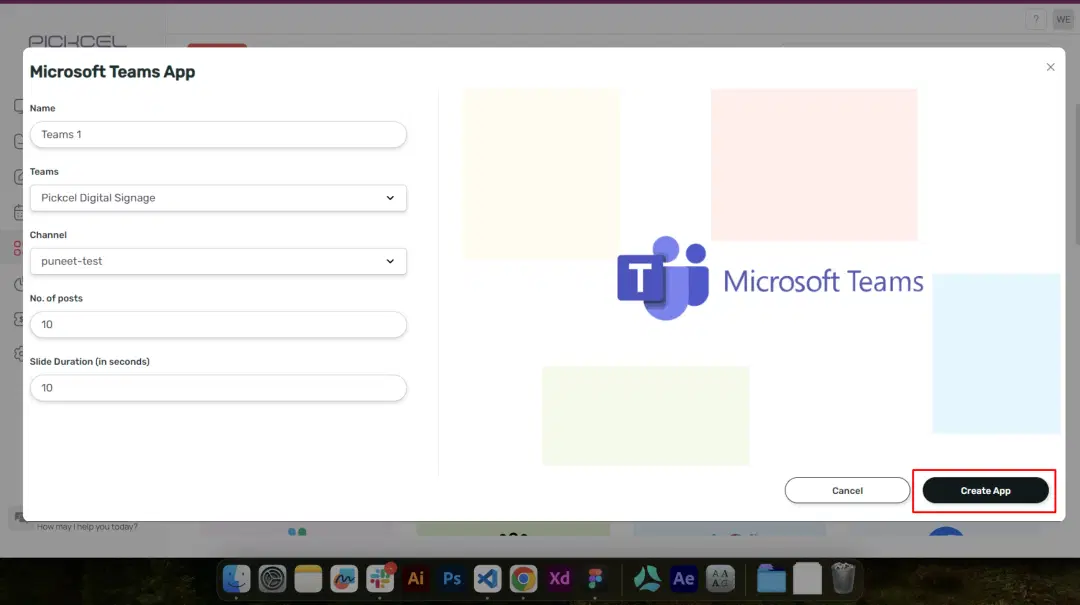
Configure the app from the app store
Set the app name, login to your Teams workspace, preview, and add the app to your media.
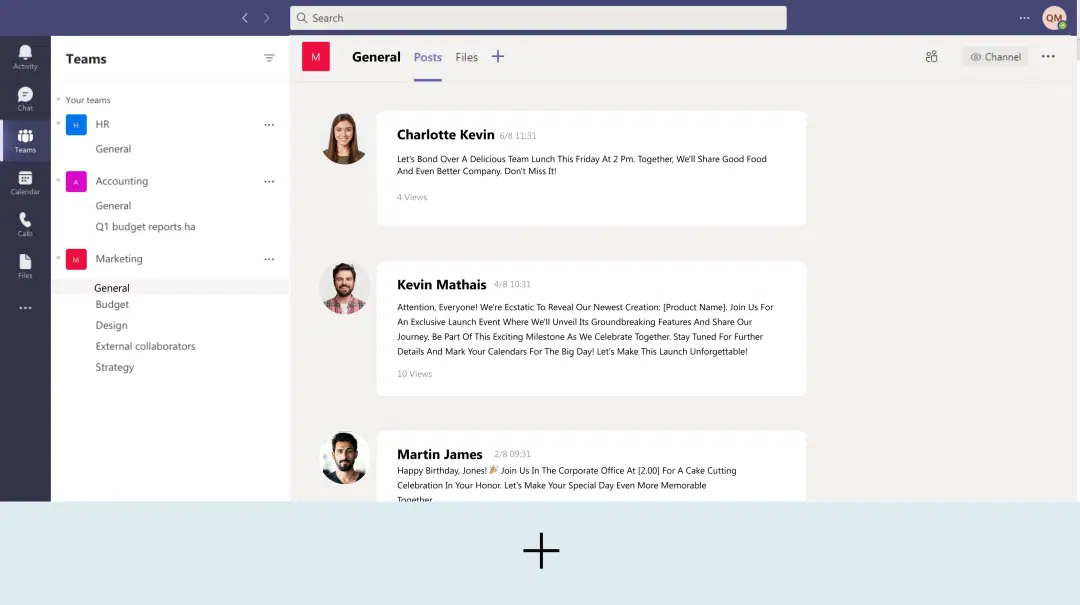
Create a composition
Show your Microsoft Teams dashboard on full screen or keep it on the sidelines with other important content.
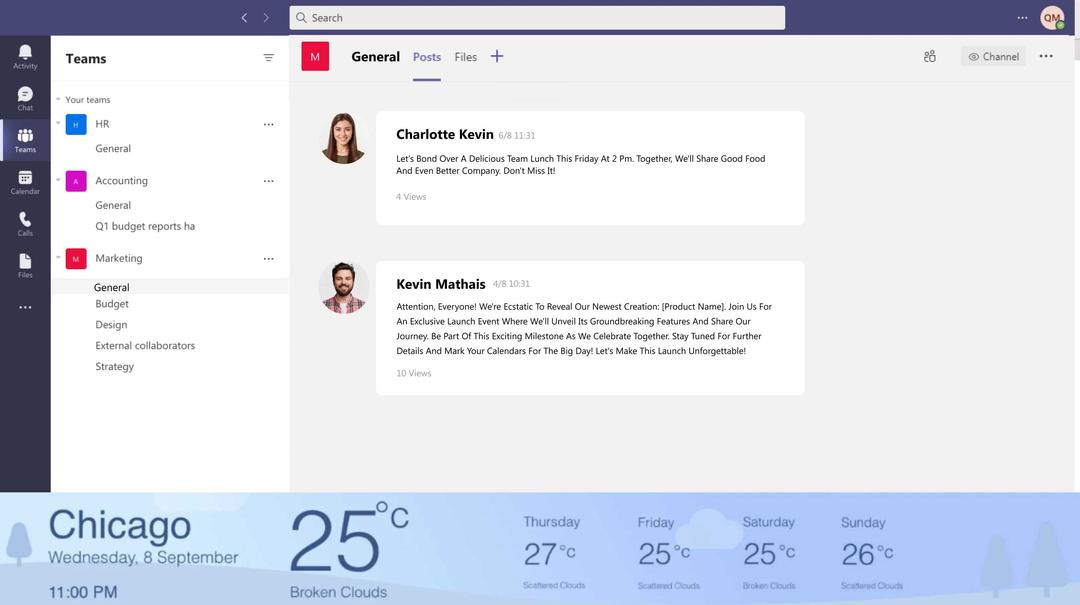
Publish the composition
Select the screens and hit publish.
Step-by-step tutorial for adding the App for Microsoft TeamNeed customized apps? Connect with us.
We are open to all kinds of customization & integration with third-party applications.
More Pickcel Apps to Complement the Microsoft Teams App on your Digital Signage

ARS Technica News
Show what's latest in science & technology

Stock Market App
Display the live stock market updates

Countdown app
Add a timer to your limited deals or just welcome in the New Year

AQI App
Enrich your signage with live air quality data