
Electronic Bulletin Board — Turn Any Screen into a Dynamic Notice Board
Pickcel's electronic bulletin board lets you publish announcements, policies, and updates to any screen across any location — instantly, remotely, without printing a single page.

Trusted by 9,000+ businesses across 70+ countries







SOC 2 Type II
ISO Certified
What Is an Electronic Bulletin Board?
An electronic bulletin board is a screen-based system that displays announcements, notices, and updates in a physical location — managed remotely through software. Unlike a physical cork board, it updates in seconds, displays content in scheduled rotation, and works across multiple locations from a single dashboard.
- Digital displays in common areas reach 75% of people in a building — vs. single-digit engagement for static boards (MVIX)
- Visual information is processed 60,000× faster than plain text (3M / Zabisco)
- Pickcel's bulletin board app supports 50+ device types, runs in landscape or portrait, and updates across all screens simultaneously
- Included in all Pickcel plans — no additional software required
What Is an Electronic Bulletin Board?
An electronic bulletin board is a screen-based system that displays announcements, notices, and updates in a specific physical location — replacing or supplementing a traditional cork or whiteboard. Unlike physical boards, electronic bulletin boards are updated remotely through software, display content in rotation or on a schedule, and can be managed across multiple locations from a single dashboard.
Pickcel is a cloud-based digital signage platform used by 9,000+ businesses across 70+ countries. Its electronic bulletin board feature is part of Pickcel's broader multi-channel employee communication platform, letting any internet-connected screen — a TV, a commercial display, or a tablet — function as a live notice board. Content managers update it through a browser or mobile app; the screen reflects changes within seconds.

Why Physical Bulletin Boards Fail — and What That Costs You
Physical bulletin boards have one structural problem: they require employees to walk up, stop, and read. Most don't.
A McKinsey Global Institute study found employees spend only 24% of their workweek on activities directly related to communication and collaboration. When that time is scarce, passive physical notices — stacked on top of one another, weeks out of date — go ignored. According to MVIX industry data, digital displays in common areas reach 75% of people in a building. Static cork boards and paper sheets cannot match this by design.
There is also an engagement dimension. Research by 3M and Zabisco found that visual information is processed 60,000 times faster than plain text. An electronic bulletin board on a wall-mounted screen communicates its message before an employee has finished reading the first line of a pinned paper notice.
The operational cost is less visible but real. Printing updates, pinning notices, removing outdated announcements, and replicating changes across multiple locations consumes staff time that doesn't show up in a single line item — but accumulates into hours every month.
Building Reach
Digital displays in common areas reach 75% of people in a building — vs. single-digit engagement for static boards. (MVIX)
Faster Processing
Visual information is processed 60,000 times faster than plain text — your message lands before a paper notice is even skimmed. (3M / Zabisco)
Update Speed
From the moment you hit publish on Pickcel, every assigned screen reflects the new content in under 30 seconds — across all locations simultaneously.
KEY INSIGHT
An intranet requires employees to actively seek information. A screen in a break room, lobby, or corridor delivers it passively — in the places where employees already are, without any action required on their part.
Physical vs. Electronic Bulletin Board — At a Glance
| Feature | Physical Bulletin Board | Electronic Bulletin Board (Pickcel) |
|---|---|---|
| Update speed | Remote — under 30 seconds | Manual — minutes to hours |
| Multi-location sync | Yes | No |
| Content scheduling | Yes | No |
| Visibility in building | Reaches 75% of building occupants (MVIX) | Single-digit engagement |
| Content capacity | Unlimited rotation of content pieces | One page at a time |
| Admin time | Dashboard update from any device | Print, travel, pin, remove |
| Cost over time | Per-screen monthly subscription | Printing, materials, labour |
Key Capabilities
Drag-and-Drop Content Editor
Build announcements with a visual canvas — no coding, no design software required. Add text, images, video, clocks, or real-time data feeds. What you see in the editor is exactly what appears on screen.
Scheduled Content Rotation
Set bulletins to appear at specific times, for specific durations, in a specific sequence. An HR notice shows from 8–10 AM. A company event reminder runs all day Friday. Safety reminders loop automatically overnight.
Multi-Zone Layouts
Divide a single screen into multiple content zones — run a scrolling text ticker at the bottom while displaying a main announcement in the centre. Display a clock, weather, or live KPI feed alongside your notice.
Remote Management Across Locations
One Pickcel dashboard controls every screen in your network regardless of physical location. Update a notice for your New York office and your Singapore site simultaneously. Changes propagate in under 30 seconds.
Role-Based Content Approval
Assign different permissions to different teams. A department head creates and queues content; a communications manager approves and publishes; IT administrators retain full access. No accidental or unauthorised posts.
Offline Playback
If internet connectivity drops, screens continue displaying the last cached content. Your bulletin board never goes dark mid-shift.
Key Capabilities in Action
Drag-and-Drop Content Editor
Build announcements with a visual canvas — no coding, no design software required. Add text, images, video, clocks, or real-time data feeds. What you see in the editor is exactly what appears on screen.
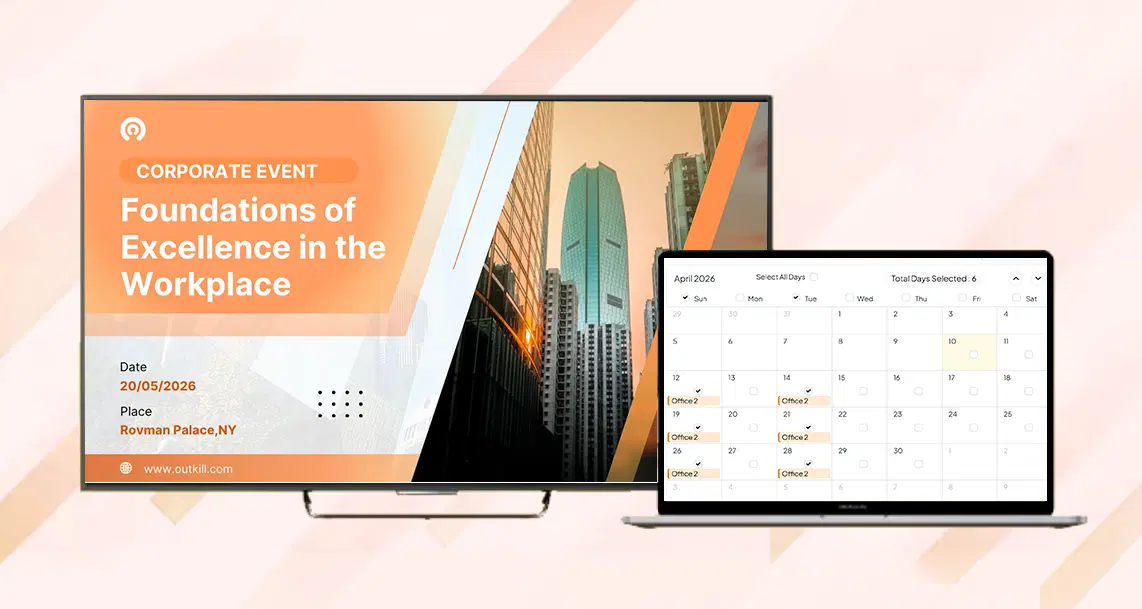
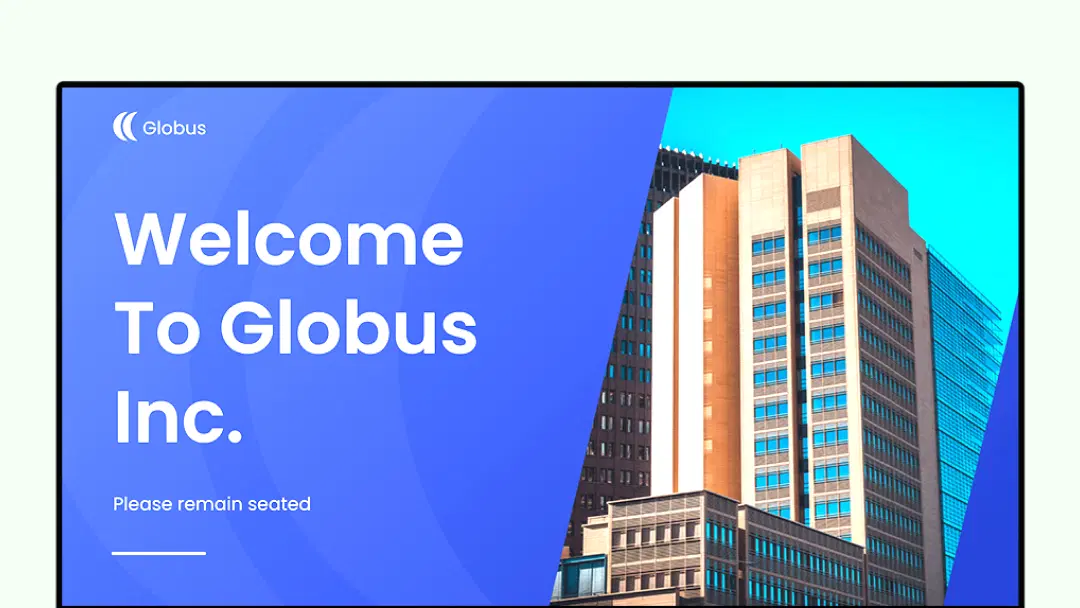
Scheduled Content Rotation and Multi-Zone Layouts
Set bulletins to appear at specific times, for specific durations, in a specific sequence. Divide a single screen into multiple content zones — run a scrolling text ticker at the bottom while displaying a main announcement in the centre.
Display a clock, weather, or live KPI feed alongside your notice. Browse digital bulletin board templates to get started quickly.
Remote Management Across Locations
One Pickcel dashboard controls every screen in your network regardless of physical location. Update a notice for your New York office and your Singapore site simultaneously. Changes propagate in under 30 seconds.
Explore the Pickcel Bulletin Board App for templates and publishing tools.
How It Works — From First Announcement to Every Screen in Minutes
Choose a Template
Pickcel's bulletin board app includes 50+ pre-designed templates for corporate announcements, HR notices, safety alerts, event schedules, and more. Select one, add your content, and publish — or design from scratch with the drag-and-drop editor.
Add Your Content
Drag in text blocks, images, video clips, or data widgets. Add your company logo. Set expiry dates so outdated notices remove themselves automatically. No design skills required.
Schedule and Assign
Select which screens should display the bulletin — a single office TV, all screens in a building, or every location in your network. Set a start time, display duration, and end date. Everything runs automatically from that point.
Update from Anywhere
When something changes — a policy update, an emergency notice, a last-minute cancellation — open Pickcel on your phone or laptop, make the change, and push it live in seconds. Every assigned screen updates simultaneously.
Who Uses Electronic Bulletin Boards — and How
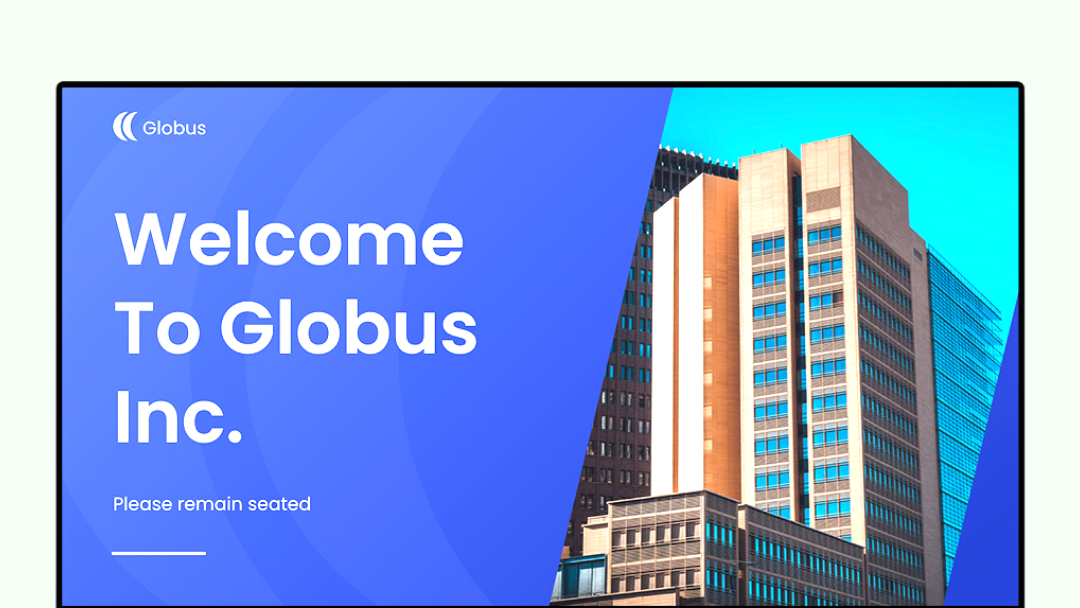
Corporate Lobby and Reception Areas
Display visitor welcome messages, company news, and key metrics alongside bulletin board content. Pickcel's multi-zone layout lets you run reception information and internal notices on the same screen simultaneously.
So you can Deliver key messages where people already look
Office digital signage solution
Break Rooms and Canteens
The highest-footfall area in most offices. Use the bulletin board to display HR policies, upcoming events, birthday announcements, and employee recognition. Employees engage with this content passively during natural breaks — no click required.
So you can High-footfall areas drive higher visibility
Digital bulletin board for internal communication
Factory Floor and Warehouse Environments
Safety notices, shift schedules, production targets, and compliance updates displayed on screens positioned at eye level near workstations. No paper notices required; updates reach every shift without a print run.
So you can Keep operations aligned across shifts
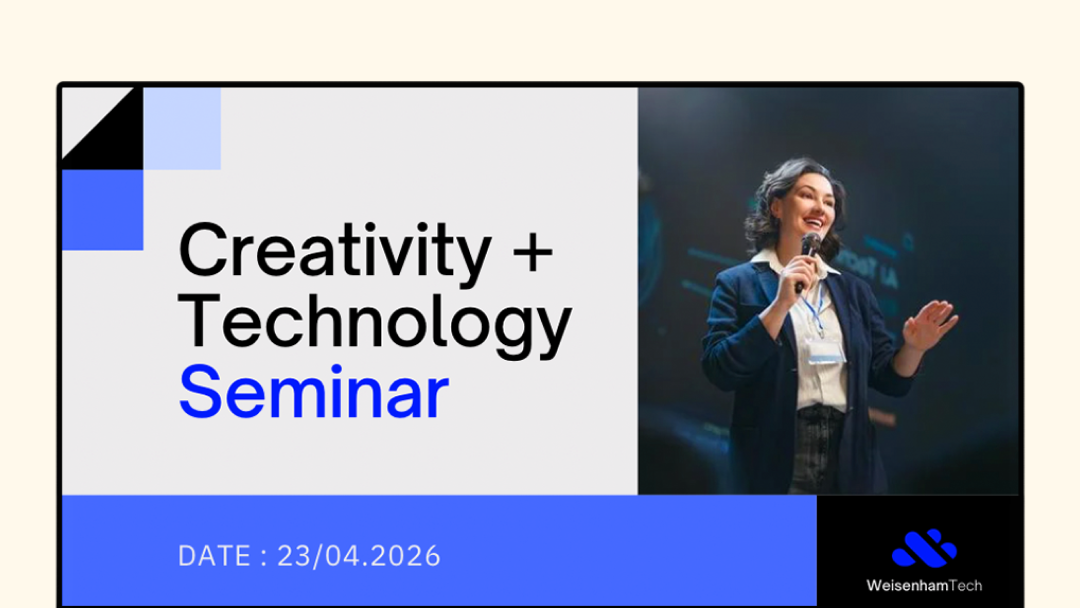
School and University Common Areas
Campus event schedules, exam timetables, club announcements, and administrative notices — managed centrally by the communications office, displayed across buildings. Individual departments publish to their own assigned screens without involving central IT.
So you can One dashboard for every building
Enterprise Security Standards
Pickcel is SOC 2 Type II certified and ISO 27001 compliant, meeting the security and data governance standards required by enterprise IT and compliance teams. Role-based access controls allow organisations to restrict who can create, approve, and publish content. All data is encrypted in transit and at rest.
For organisations in regulated industries — healthcare, finance, education — Pickcel provides the audit trail and access management required by compliance frameworks.

SOC 2 Type II
Security and availability controls audited by independent third-party assessors

ISO 27001
Information security management standard — encrypted data in transit and at rest
Role-Based Access
Granular permissions by role, location, and screen group
Set Up Your First Electronic Bulletin Board in Under 5 Minutes
Pickcel runs on any screen connected to the internet. No proprietary hardware is required and no specialist installation is needed.
Compatible devices: Smart TVs, commercial displays, tablets, Raspberry Pi, Amazon Fire Stick, Android media players, Chrome devices, and more — 50+ device types supported.
What You Need to Get Started
- A Pickcel account (free 14-day trial, no card required)
- Any screen with an HDMI input or Android/Chrome OS
- An internet connection (wired or Wi-Fi)
Screens work in portrait or landscape orientation. Content automatically adapts to the display orientation set in the dashboard. Pickcel's digital signage platform is SOC 2 Type II certified and ISO 27001 compliant — enterprise security standards for teams with IT governance requirements. Need a step-by-step walkthrough? See the guide to creating a digital bulletin board.
Compatible Devices
Smart TVs, commercial displays, tablets, Raspberry Pi, Amazon Fire Stick, Android media players, Chrome devices, and more — 50+ device types supported.
Compatible Hardware and Integrations
Pickcel works with the hardware your offices already have. No mandatory hardware purchase is required.
Samsung Smart Signage (SSSP/Tizen)
No external media player needed
LG webOS commercial displays
No external media player needed
BrightSign media players
Media player device
Android media players (Fire Stick, Android 7.0+)
External player
Raspberry Pi
Low-cost external player
Windows and Linux media players
Desktop-grade players
What Customers Say
Teams use Pickcel to replace physical notice boards with screens that update in seconds across every location.
Mercedes-Benz
CORPORATE · MULTI-LOCATION
The Challenge
Scaling corporate communication and internal announcements across office locations with consistent, timely updates.
The Outcome
"Pickcel's platform helped us manage announcements across our office network securely and efficiently."
Novo Nordisk
PHARMA · WORKPLACE COMMS
The Challenge
Upgrading internal communications across office locations without relying on physical notice boards that staff ignored.
The Outcome
"Pickcel gave our teams a single dashboard to reach every office screen with the latest announcements."
See How Pickcel Works for Your Office
No credit card required.
Related Features
Looking to do more with your screens beyond announcements?
Content Scheduling
Automate when and where every piece of content plays

Emergency Alerts
Override all screens with urgent notices instantly
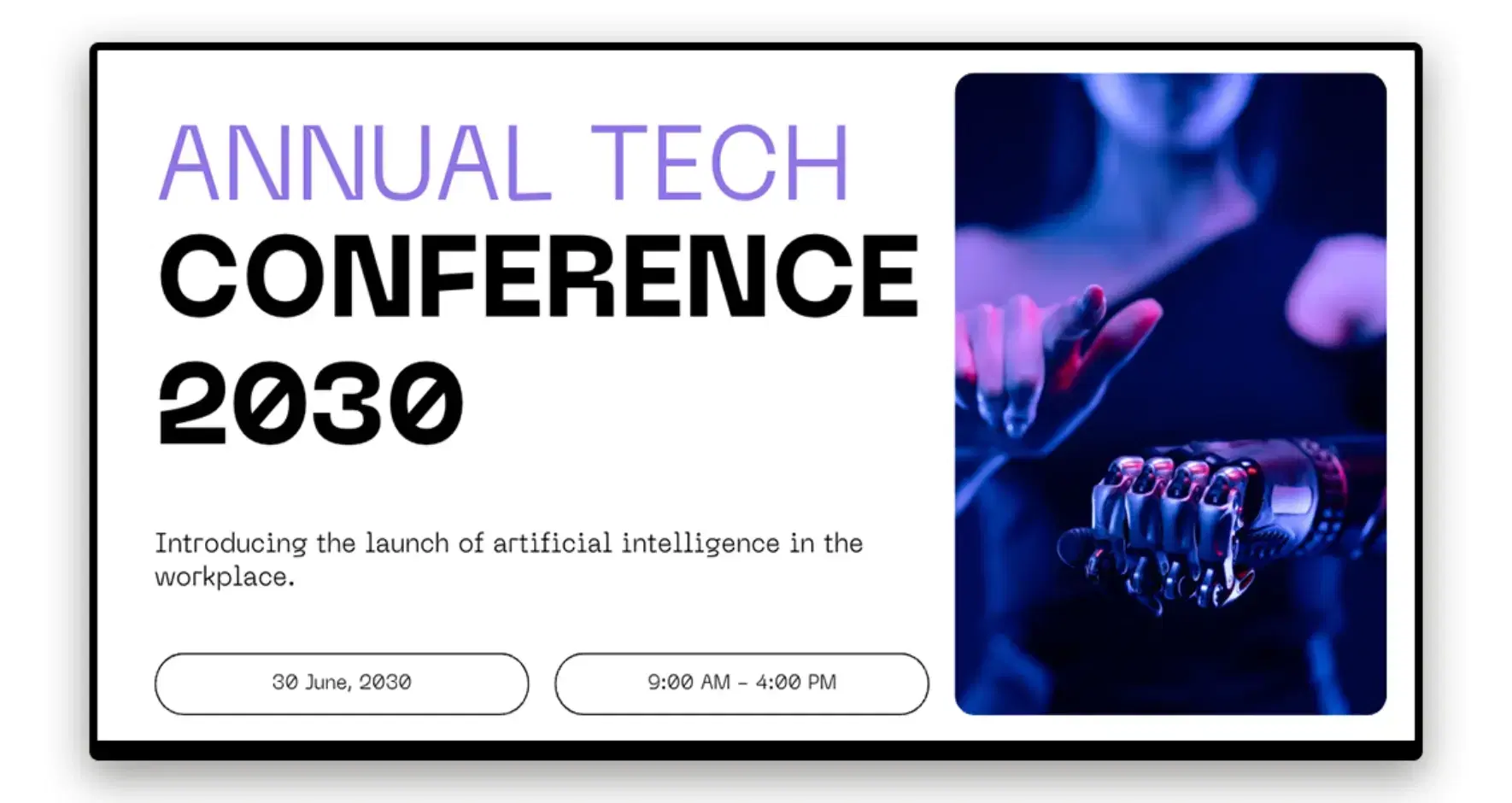
Digital Signage Templates
50+ ready-to-use layouts for every use case
Office Bulletin Board Ideas
Inspiration for what to display on your screens
Frequently Asked Questions
Still have questions?
Our team is here to help with anything not covered above.