



Microsoft Power BI
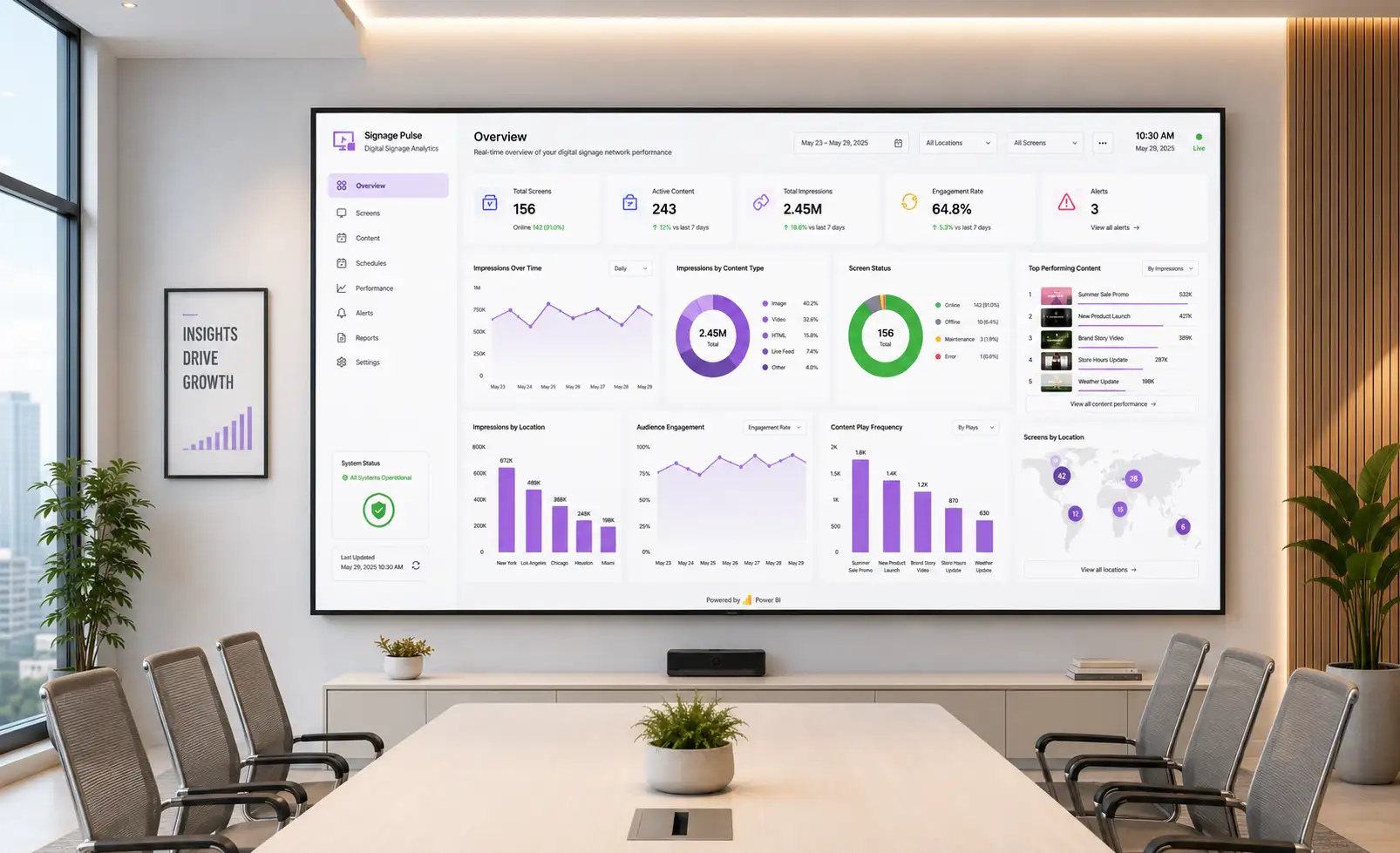
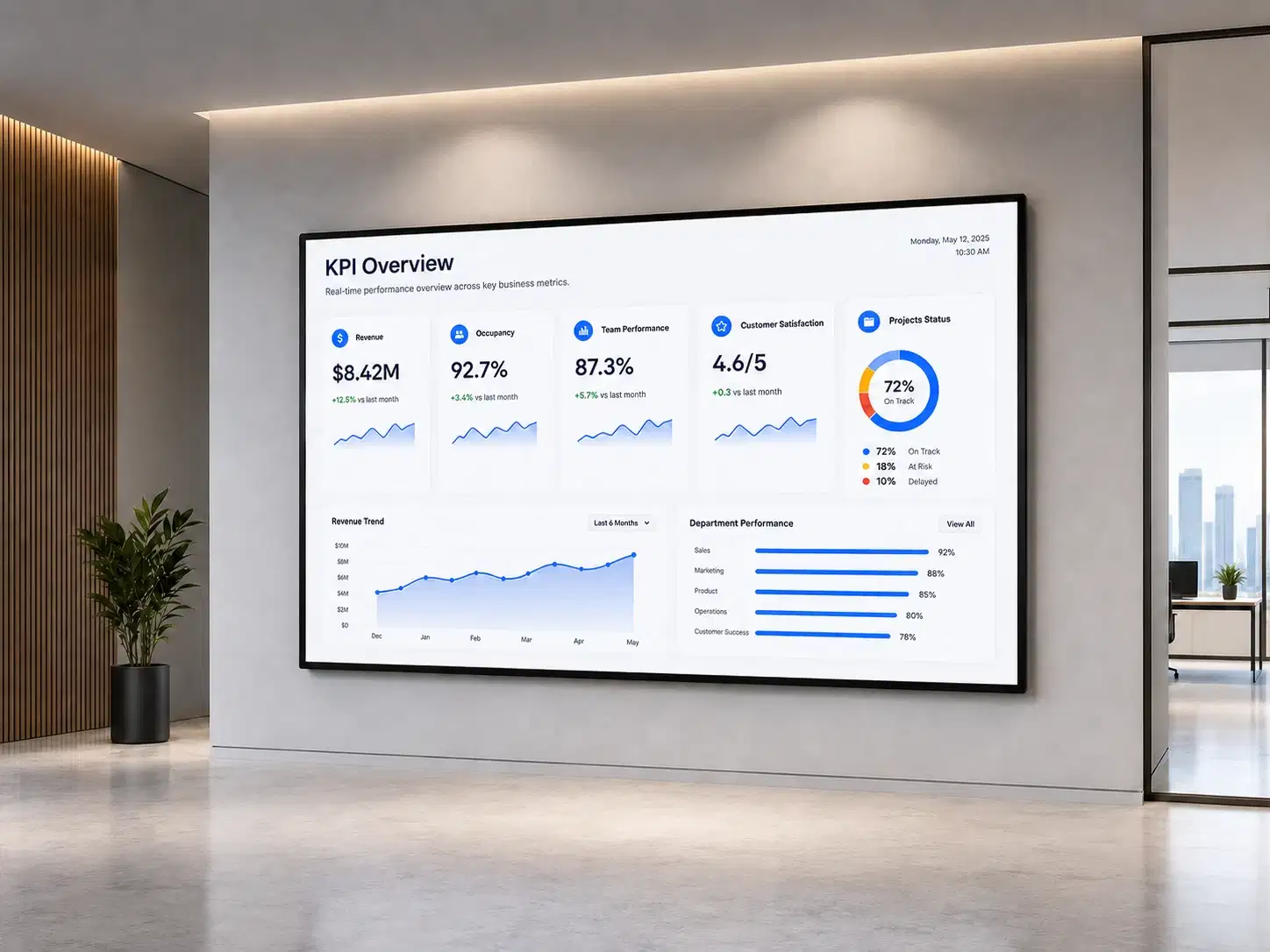
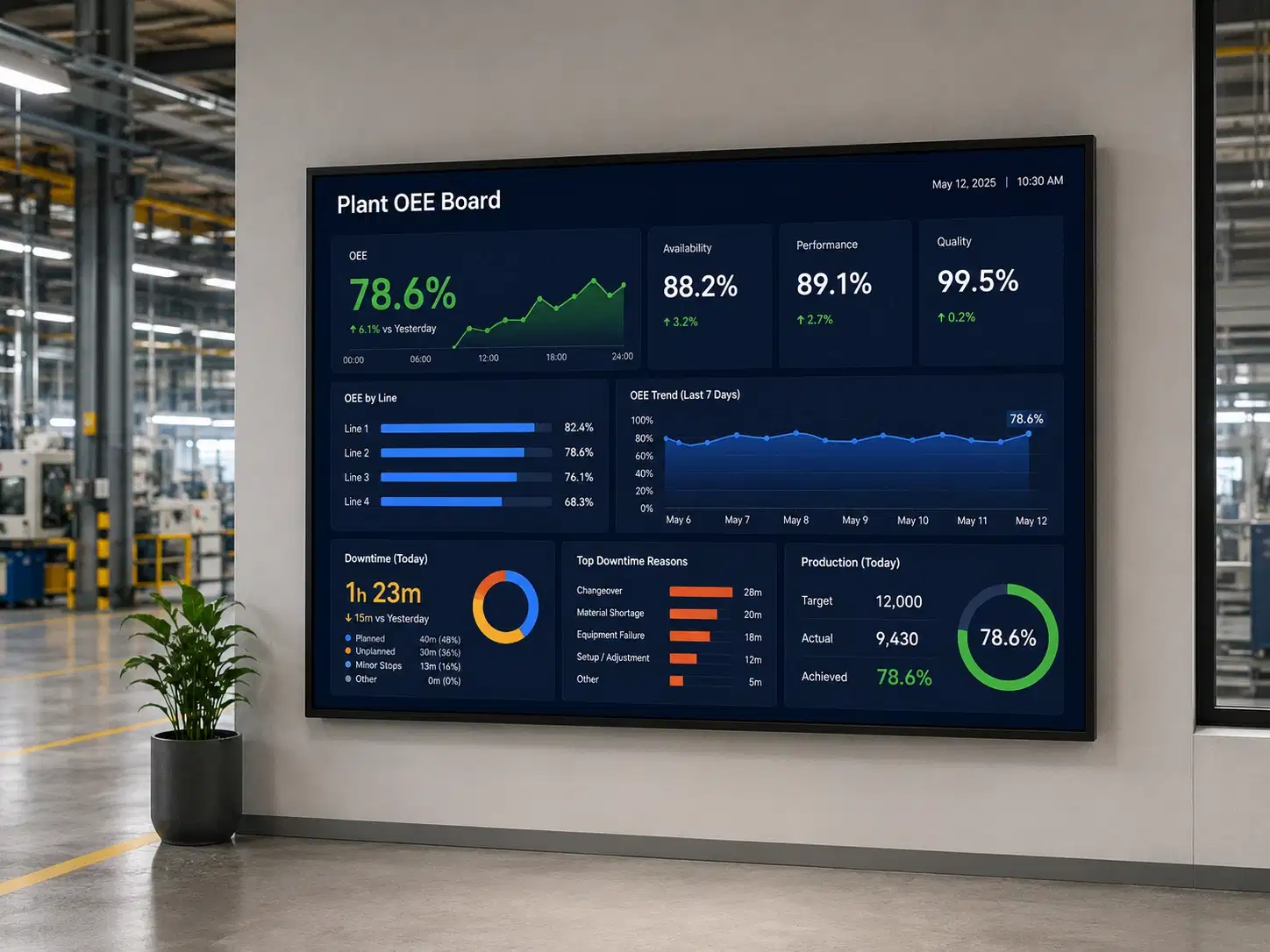
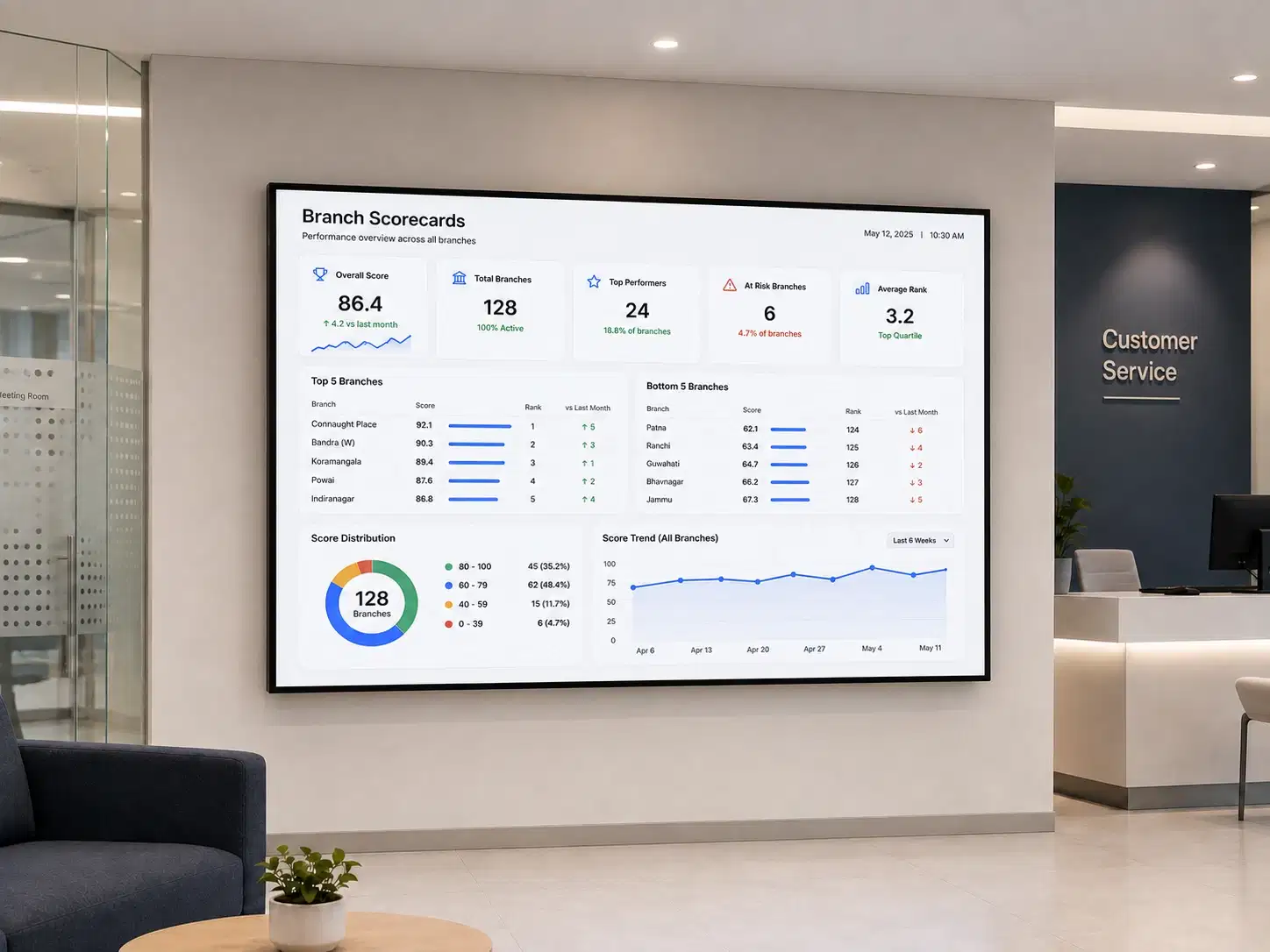
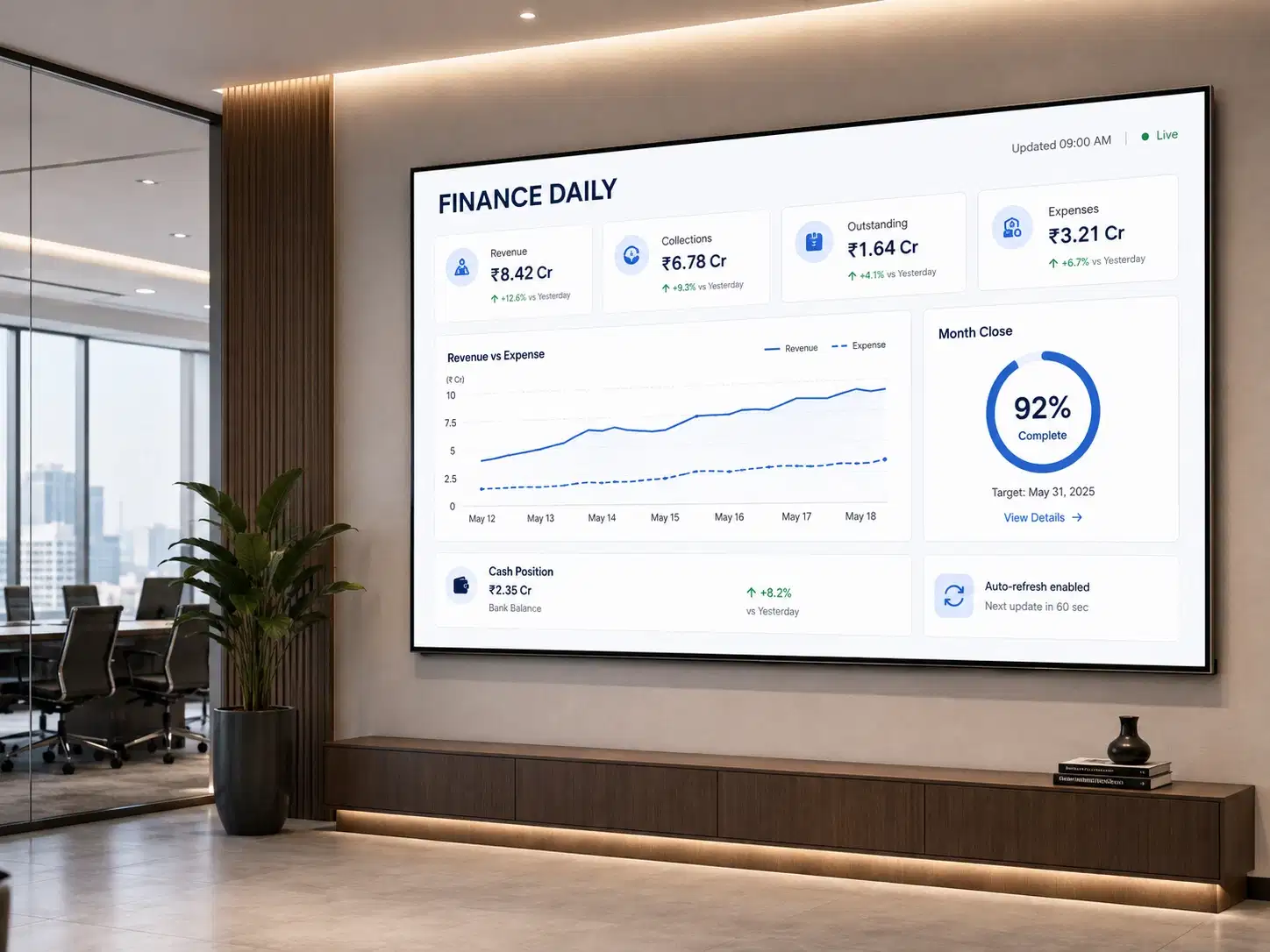
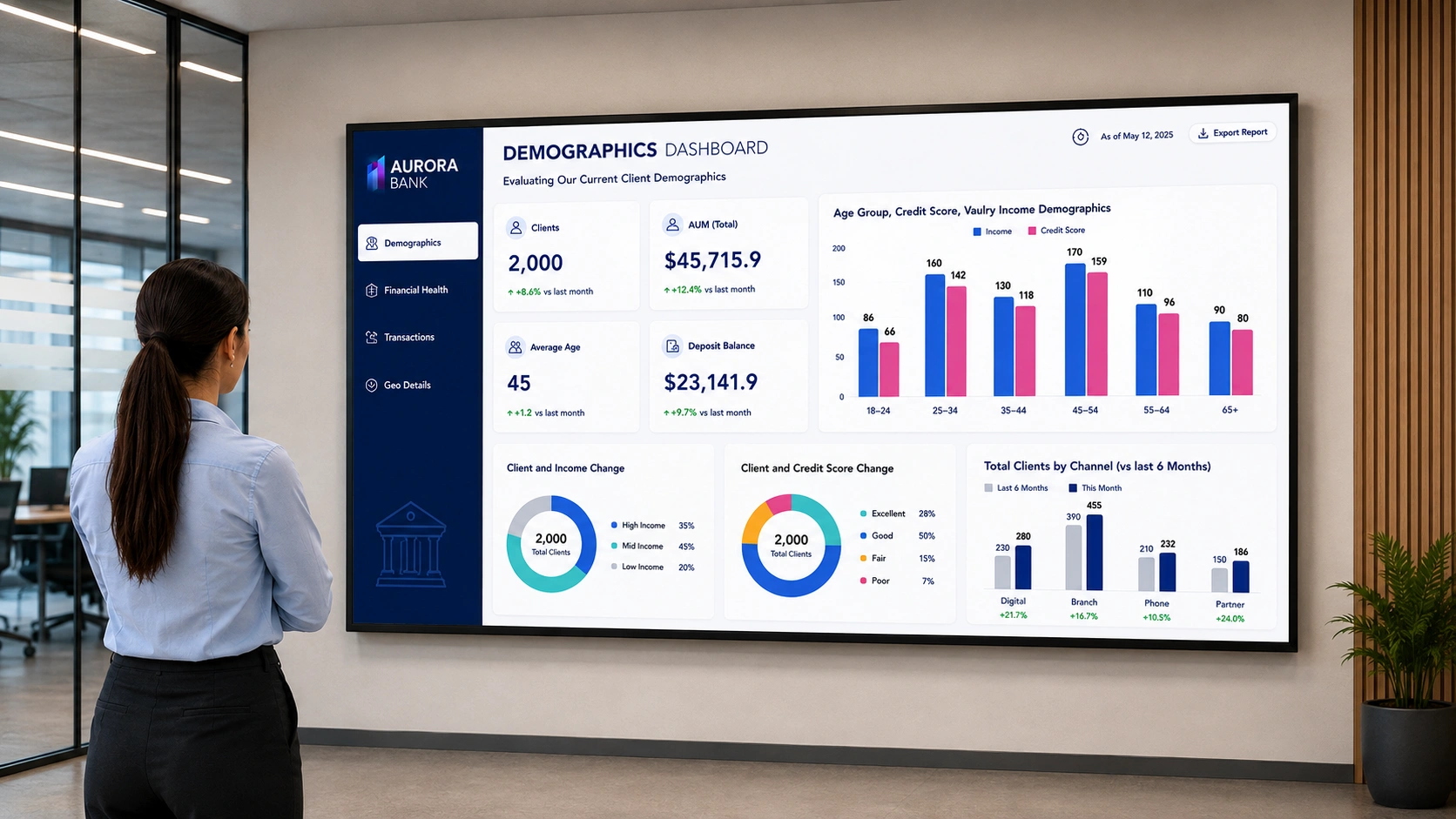
Pickcel and Microsoft Power BI come together to empower you to transform your data into captivating visuals that inform, engage, and inspire your audience. Leverage the power of your data through Pickcel’s digital signage app to display your visuals to your audience.
App Features
Transform your data and step into the digital era. With the Pickcel Microsoft Power BI App, you can add new sense of visual dynamics to your data. It is supported on all major operating systems including Android, Windows, MacOS, Linux & more.

Seamless Integration and Remote Management
Pickcel's user-friendly cloud-based console empowers you to seamlessly integrate Power BI reports and dashboards into your digital signage content, all within a single platform.

Real-Time Insights at Your Fingertips
Stay up-to-date with the latest information by displaying live data feeds from Power BI directly on your digital signs created by Pickcel's console.

Secure data connections
Enjoy peace of mind knowing your data is safe with our secure and reliable infrastructure, featuring encryption at rest and in transit, multi-factor authentication, and regular security audits.

Advanced layout flexibility
Leverage our powerful layout engine to design unique digital signage experiences by combining Power BI reports with images, videos, text overlays, and animation across multiple zones within your layout.
Additional benefits of using Pickcel with Power BI
Easy integration
Connect your Power BI account to Pickcel in just a few clicks.
Regular updates and support
Our team ensures a smooth experience with regular updates and ongoing support.
Interesting Use Cases for the Microsoft Power BI App
We have listed a few. The sky is the limit for

For Corporates
Monitor sales performance, analyze financial health, perform scenario planning, and more.

For Manufacturing & Construction Industry
Analyze production quality, energy consumption, defect trends, and equipment performance to optimize resources.
How to add the Microsoft Power BI app on your digital signage?

Configure the app from the app store
Add the app name, type your notices, and define other parameters like display formats & color scheme.

Create a composition
Publish the app content on the entire screen. Or create a multi-zone composition to show your digital notices with other content.

Publish the composition
Select the screens and hit publish.