Pickcel

Core Platform

  • Software Features
  • Pickcel Comms
  • Templates
  • Security & Compliance

Enterprise

  • On-Premise
  • Integrations & Automation
  • Our Services

Extensions & Apps

  • Mobile App
  • App Integrations

Digital Signage Players

  • Android
  • Samsung Tizen
  • BrightSign
  • Amazon Signage Stick
  • View all Players
What is Digital Signage?

Learn the basics of digital signage and how it can transform your business.

Industries We Serve

  • Office
  • Retail
  • Restaurant
  • Manufacturing
  • Hospitality
  • Healthcare
  • Transportation
  • Education
  • View all Industries

Solutions

  • Dashboard
  • FIDS
  • Digital Menu board
  • Car Dealership App
  • Wall Craft
  • Event Stream
  • Transport PIS
  • Social Wall
  • View all Solutions
See How Pickcel  Helped Amazon
See How Pickcel Helped Amazon

Case Studies

  • Mercedes-Benz
  • Accenture
  • Magnolia Bakery
View all

All Resources

  • Digital Signage Blog
  • Learn
  • Digital Signage Gallery
  • Case Studies
  • Support
  • Download
Partnerships
Partnerships

Partnerships

  • White-Label
  • Reseller
Pricing
Login

LCD Video Wall Software: Multi-Screen Video Walls Without Specialized Hardware

Wallcraft synchronizes content across LCD video wall panels regardless of bezel configuration, turning standard Android and commercial displays into one coordinated wall. No proprietary controllers, no hardware lock-in.

No credit card required
Get Started
Pickcel reviews on Capterra and G2
LCD video wall software Wallcraft synchronizing content across a multi-screen display in a corporate lobby

Trusted Across Industries

Trusted by leading brands worldwide

Amazon
Mercedes-Benz
Unilever
Uber
9,000+
Businesses worldwide
150,000+
Screens managed
70+
Countries

How Wallcraft Runs a Video Wall

01

Content source

Video, image, or dashboard feed

Syncing wall content…0%
02

Pickcel cloud platform

Wallcraft sync + scheduling engine

  • Lobby wall9 Screens
  • Storefront wall6 Screens
03

LCD panel grid

Symmetric or asymmetric wall, any bezel class

04

Audience

Lobby, storefront, or control room viewers

Ready for viewers

Live on the floor

Live — Content source ready to publish…

Wallcraft: One Story Across Every Screen

Wallcraft is Pickcel's video wall software, built to turn a bank of standard LCD screens into a single, coordinated display. Brands use it to express a story at a scale a single screen cannot carry, across a lobby wall, a retail storefront, or a control room bank.

The software handles the hard part: keeping content consistent across every panel with flawless synchronization, whatever the layout. That is the technical problem most video wall vendors solve with proprietary hardware. Wallcraft solves it with software running on the LCD panels you already spec, powered by Pickcel's cloud-based digital signage platform.

Definition
LCD video wall software is the CMS layer that divides, schedules, and synchronizes content across a grid of individual LCD panels so they display as a single canvas. It works on standard commercial or Android displays and does not require a proprietary video wall processor.
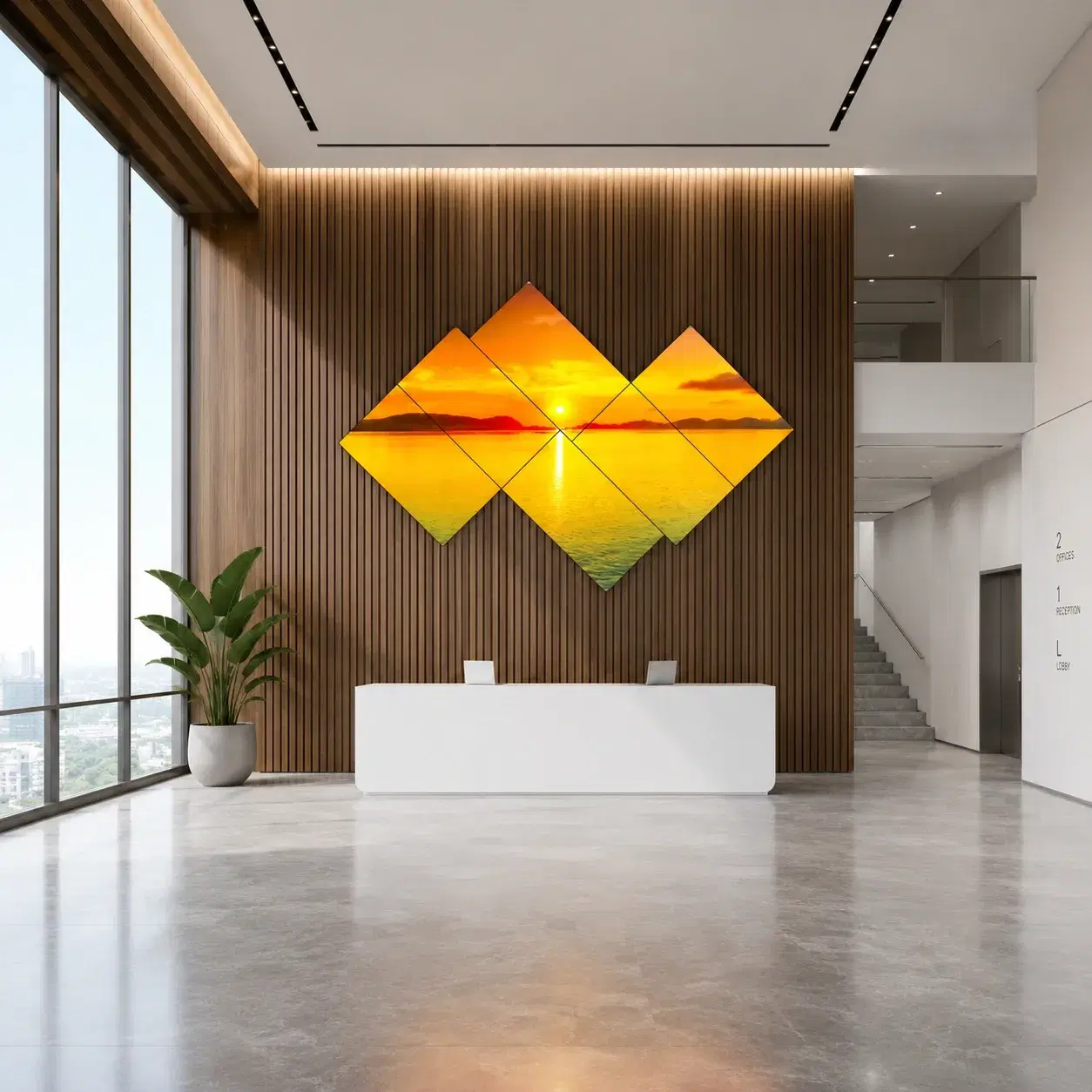
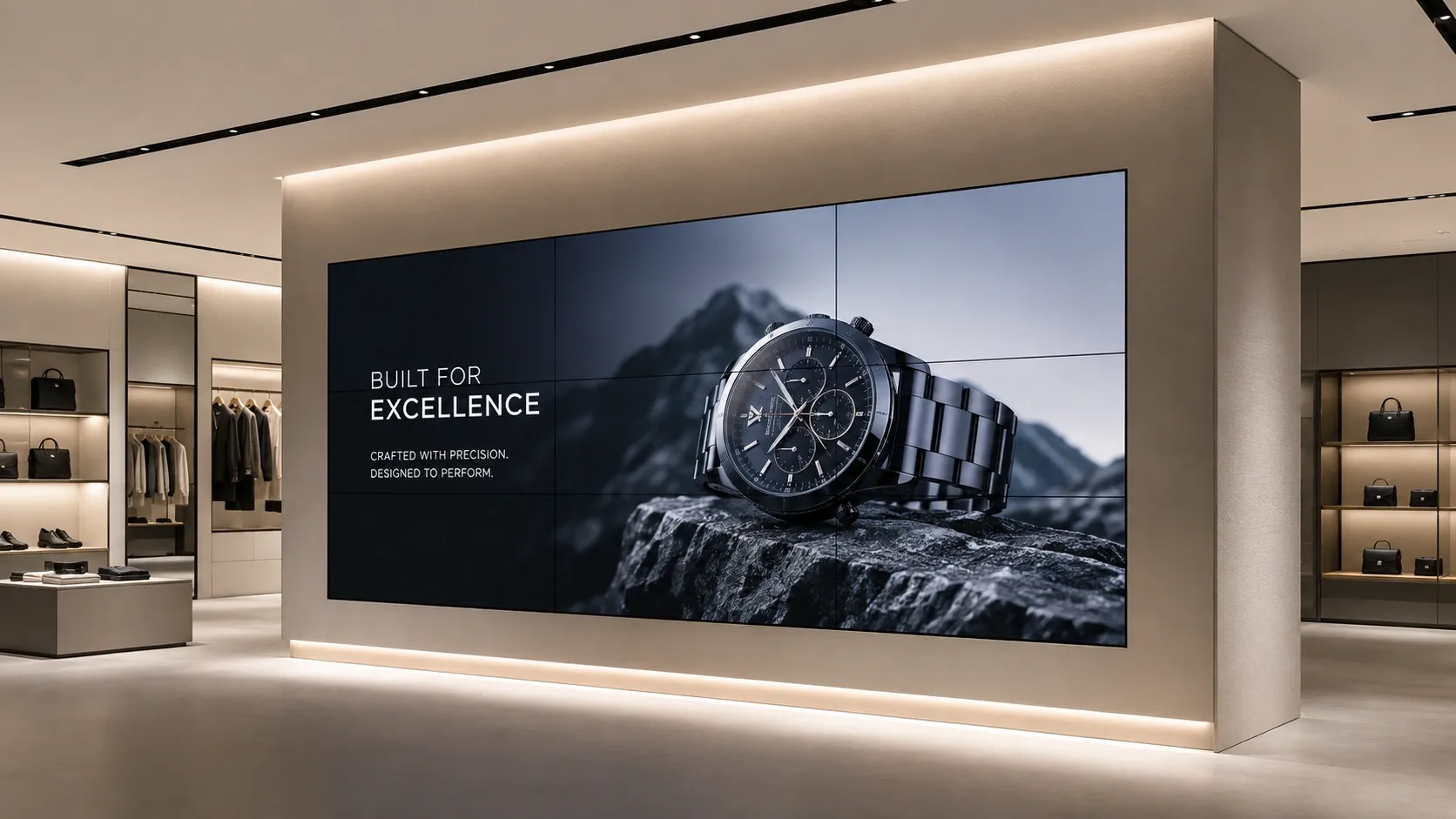
Wallcraft LCD video wall software synchronizing content across multiple screens as one coordinated display
Platform Features

Key Capabilities

Content synchronization

Wallcraft delivers consistent content across every panel in the wall with frame-accurate timing, so a single video or image spans the full grid without visible lag between screens.
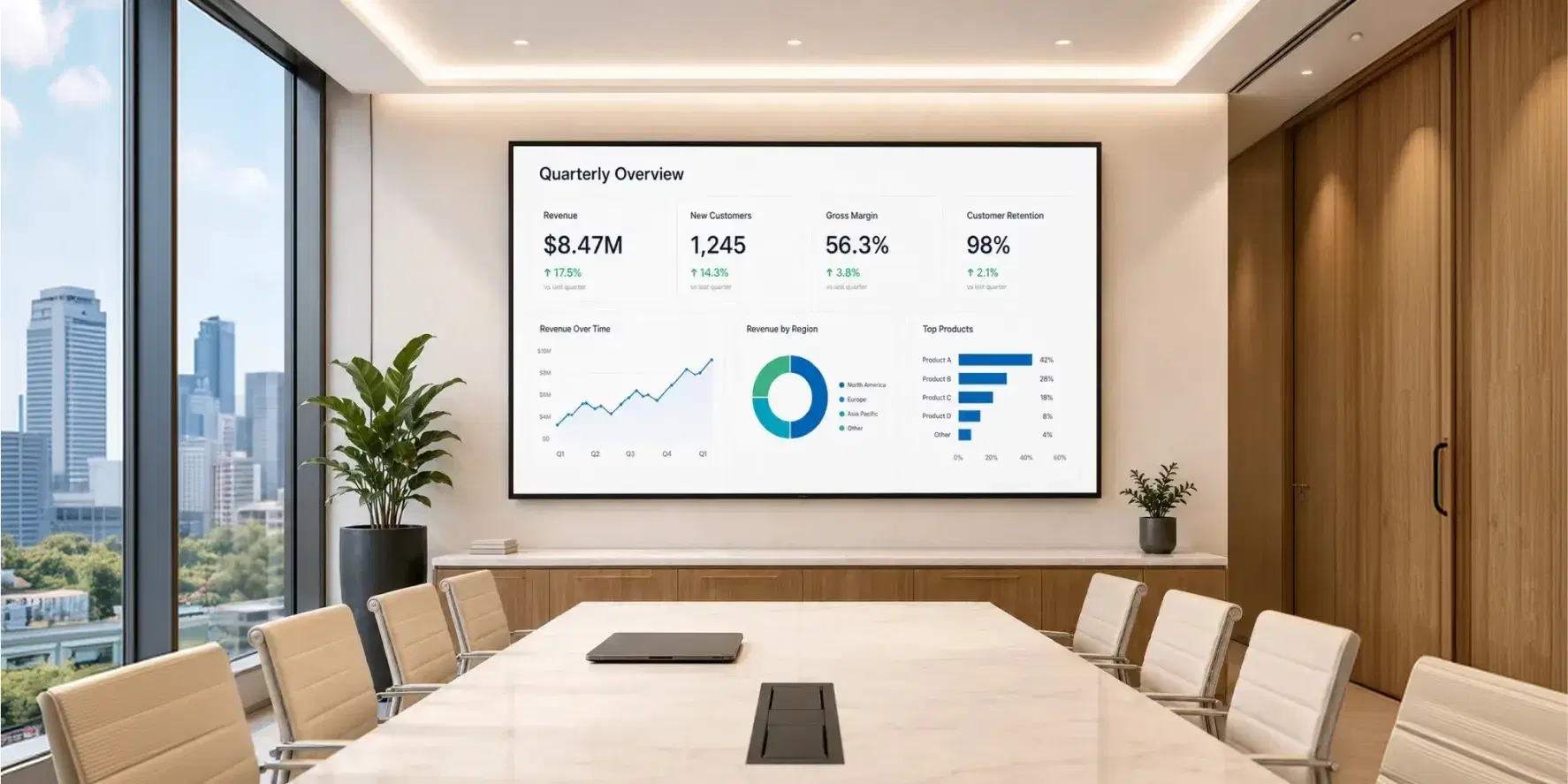
Wallcraft synchronizing content across a symmetric LCD video wall grid

Symmetric and asymmetric layouts

Symmetric grids (2x2, 3x3, and larger) scale to any number of screens for a uniform canvas. Asymmetric layouts let panels of different sizes and orientations combine into a single artistic composition, without specialized hardware to drive the irregular grid.

Innovative asymmetric LCD video wall layout managed by Wallcraft

Independent and unified scheduling

Content can run as one unified canvas across the whole wall, or each screen can carry its own scheduled content. Switching between the two modes happens from the same dashboard, without redeploying content or reconfiguring the wall.

Wallcraft unified and independent content scheduling on a multi-screen video wall

Remote management across multiple walls

A retailer with a video wall in every store, or a corporate account managing lobby walls across several offices, controls every installation from one Pickcel dashboard. Content updates push to all connected walls at once, or to a single location, without a technician visiting each site.

Pickcel dashboard remotely managing LCD video walls across multiple locations

Content synchronization

Wallcraft delivers consistent content across every panel in the wall with frame-accurate timing, so a single video or image spans the full grid without visible lag between screens.

Wallcraft synchronizing content across a symmetric LCD video wall grid

Symmetric and asymmetric layouts

Symmetric grids (2x2, 3x3, and larger) scale to any number of screens for a uniform canvas. Asymmetric layouts let panels of different sizes and orientations combine into a single artistic composition, without specialized hardware to drive the irregular grid.

Innovative asymmetric LCD video wall layout managed by Wallcraft

Independent and unified scheduling

Content can run as one unified canvas across the whole wall, or each screen can carry its own scheduled content. Switching between the two modes happens from the same dashboard, without redeploying content or reconfiguring the wall.

Wallcraft unified and independent content scheduling on a multi-screen video wall

Remote management across multiple walls

A retailer with a video wall in every store, or a corporate account managing lobby walls across several offices, controls every installation from one Pickcel dashboard. Content updates push to all connected walls at once, or to a single location, without a technician visiting each site.

Pickcel dashboard remotely managing LCD video walls across multiple locations
Installation

LCD Panel Specifications & Installation

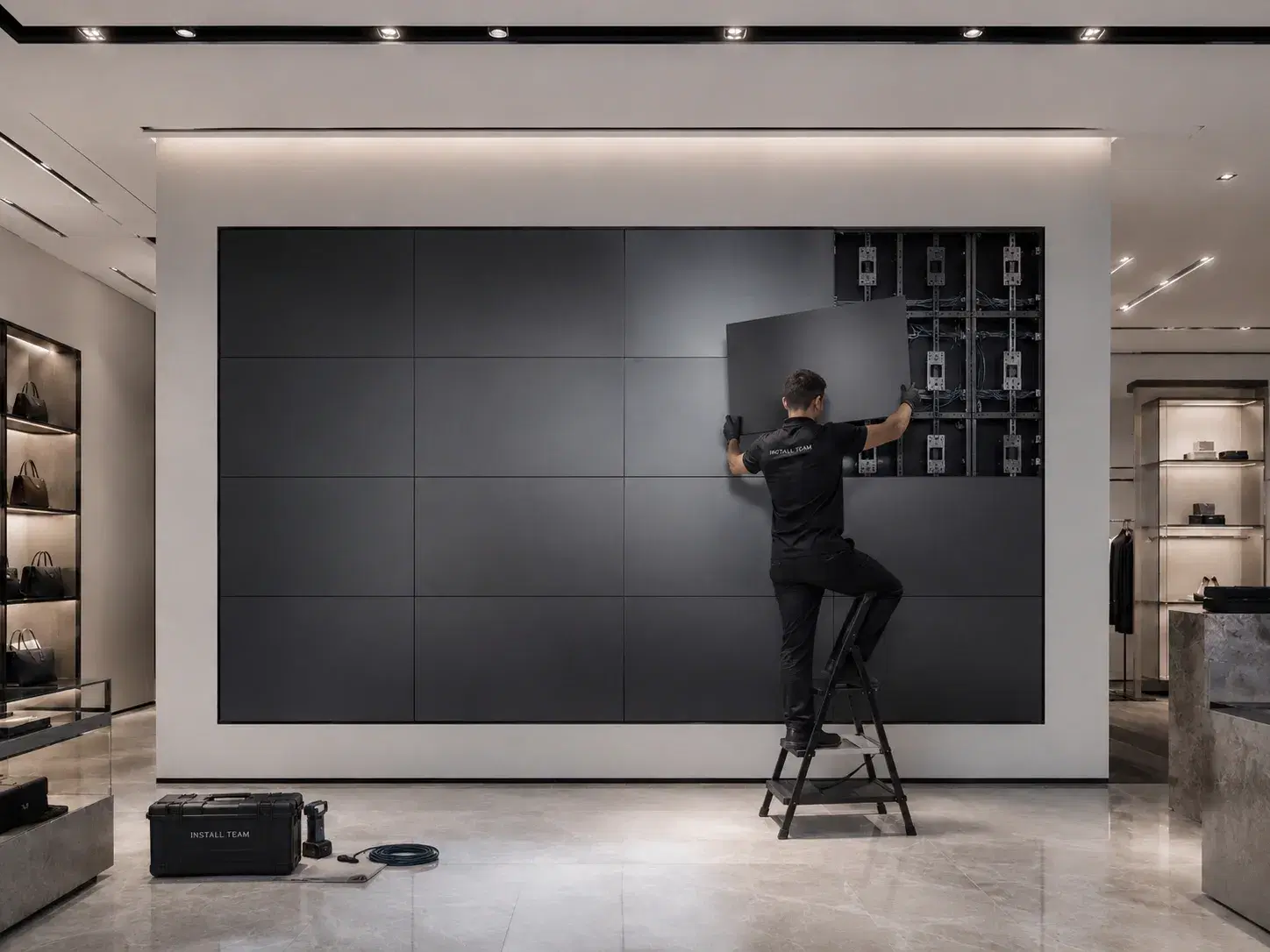
The panels themselves determine how convincing the final canvas looks. It comes down to four factors.
LCD video wall bezel width and mounting bracket diagram for multi-screen installation
?Need help choosing hardware?

Bezel width is the gap a viewer sees between adjacent panels, and it is the single biggest factor in how "seamed" a video wall looks up close. Commercial LCD video wall panels on the market today typically fall in the sub-4mm combined-bezel range, with select ultra-narrow options under 1mm for premium installations viewed at close range (typical ranges across the panel market; confirm exact specs with your chosen hardware vendor before procurement). Wider-bezel commercial displays, in the 8-15mm range, work for walls viewed from a distance, such as a lobby or retail storefront, where individual seams matter less than overall impact.

Video wall panels come in edge-lit and direct-lit LED-backlit LCD variants, with direct-lit panels generally holding brightness and color consistency better across long duty cycles, which matters for walls running content continuously. Anti-glare or matte-finish panels reduce reflections in bright lobbies and daylight-facing retail windows.

Wall-mount brackets with micro-adjustment screws let installers correct minor panel misalignment after mounting, closing gaps a fixed bracket would leave visible. Floor-standing frames are the common choice for temporary event installations or walls that need to be relocated. Wallcraft's software calibration corrects minor pixel-level offset between panels after physical alignment, but it does not substitute for correct mechanical mounting: get the bracket alignment right first, then let the software fine-tune the result.

Panel selection should follow how close the audience actually stands to the wall, not a fixed spec sheet preference. A control room wall viewed from a seated desk a few feet away justifies the cost of ultra-narrow bezel panels. A retail storefront wall viewed from across a mall corridor, or a lobby wall seen in passing, gets the same visual impact from a wider-bezel commercial panel at a lower cost per screen.

See it in 20 minutes

See Wallcraft synchronize a live multi-screen video wall in a 20-minute walkthrough.

No commitment required. 20-minute session with a Wallcraft specialist.

Compliance & Security

Is Wallcraft secure enough for enterprise deployment?

Enterprise-ready
Pickcel is SOC 2 Type II and ISO 27001 certified, with a 99.99% uptime SLA backing the platform that drives your video wall. Content transmission to every panel is encrypted, and role-based access controls mean only authorized team members can push updates to a live wall.

For control rooms and corporate lobbies where the video wall is a visible extension of the brand, unreliable playback is not a minor bug: it is a wall of blank or frozen screens in a high-traffic space. Wallcraft's offline playback keeps the most recently synced content running if connectivity drops, so panels never go dark mid-wall.

Enterprise security shield with ISO 27001 and AICPA SOC 2 certification badges
  • SOC 2 Type II
  • ISO 27001
  • 99.99% uptime SLA
  • Role-based access controls
Who It's For

Who Can Benefit from Pickcel's Video Wall Solution?

Any team that needs a multi-screen display to read as one canvas, not a grid of separate monitors, is a fit for Wallcraft.

IT managers and AV specialists

Get a video wall that runs on standard commercial or Android hardware they can source and replace without vendor lock-in, and a synchronization layer that does not require a dedicated video wall processor.

Facilities directors

Get simpler installation logistics: standard mounting hardware, no proprietary controller room, and a wall that can scale from a 2x2 grid to a large asymmetric configuration without a hardware swap.

Retail and hospitality teams

Use video walls for storefront displays and lobby experiences where visual scale drives brand impact.

Corporate and control room teams

Use video walls for wayfinding, live dashboards, and command-center monitoring where several data streams need to sit on one coordinated surface.

Digital signage for corporate environmentsDigital signage for retailDigital signage for hospitality

A video wall is only as good as the software keeping every panel in sync.

FAQ

Frequently Asked Questions

Wallcraft does not require a single hardware brand. Panels from different manufacturers can sit in the same wall as long as they share a similar bezel class and panel type, since Wallcraft's calibration corrects timing and content sync at the software layer, not the hardware layer. Matching brightness and color profile across vendors is still worth doing manually, since Wallcraft does not equalize those differences. Extending an existing Android-display deployment into a video wall typically does not require a new subscription tier: the same account and dashboard extend to a synchronized layout once the target panels are grouped into a wall configuration. Confirm eligibility under your specific plan with your account team before procurement.
Reconfiguring a wall's logical grid, for example splitting one section to run independent scheduled content while another stays part of the unified canvas, is a dashboard change with no physical work involved. Moving to a genuinely different physical layout, such as adding panels or changing from a 2x2 grid to a staggered asymmetric shape, still needs remounting: bezel alignment is a mechanical constraint the software cannot compensate for. Screen count is not capped by the software itself: Wallcraft has supported both compact grids and large multi-panel installations well beyond a standard 2x2 or 3x3. The practical ceiling comes from network bandwidth and the LCD panel controllers in use, not from Wallcraft's synchronization engine.
An LCD video wall uses individual flat-panel LCD screens tiled together, with a visible bezel between panels. An LED video wall uses direct-view LED modules with no bezel, at a higher cost per screen. LCD video walls suit indoor installations viewed at moderate distances, such as lobbies, retail storefronts, and control rooms, where cost per screen and panel replaceability matter. LED video walls suit large-format installations viewed from farther away, where a fully bezel-free surface justifies the higher hardware cost.
Mixing bezel widths in one contiguous wall is not recommended: an inconsistent seam pattern draws more attention than a wider bezel used consistently throughout. For spaces where viewers stand at different distances, such as a lobby seen up close near the entrance and from across the room elsewhere, the more common approach is one bezel spec chosen for the closest expected viewing point, since narrower bezels still read cleanly from farther away. If budget makes a single bezel spec impractical for a very large wall, keep any bezel change at a natural break, such as between two sections separated by structural framing, rather than mid-grid where the inconsistency is most visible.
A single panel replacement does not require re-aligning the entire wall. The failed panel is swapped using the same wall-mount bracket, and Wallcraft's software calibration re-syncs the new panel's pixel-level offset against its neighbors, provided the replacement panel matches the original's bezel class and resolution. Physical realignment is only needed if the bracket itself was disturbed during the swap. Professional installation is recommended for the initial wall build given bracket-leveling tolerances, but a single-panel swap on an already-mounted wall is within reach of an in-house facilities team.
When several panels lose connectivity at the same time, the wall does not fail as a single unit: because there is no central controller routing content through one point, each panel keeps its own last content state independently and rejoins sync the moment its own connection returns. A four-panel outage is not functionally different to the system than a single-panel one; it just means more panels resync in sequence rather than one at a time. There is no fixed time limit on how long offline playback can run: a panel loops its last-synced content indefinitely until connectivity returns. For time-sensitive content, such as pricing or promotion end dates, sync status is visible from the same dashboard, so a stale panel can be caught before it undercuts a since-changed promotion elsewhere on the wall.
Related Reading

Related Content

Digital signage for corporate environments
Industry

Digital signage for corporate environments

Digital signage for corporate environments

Explore corporate →
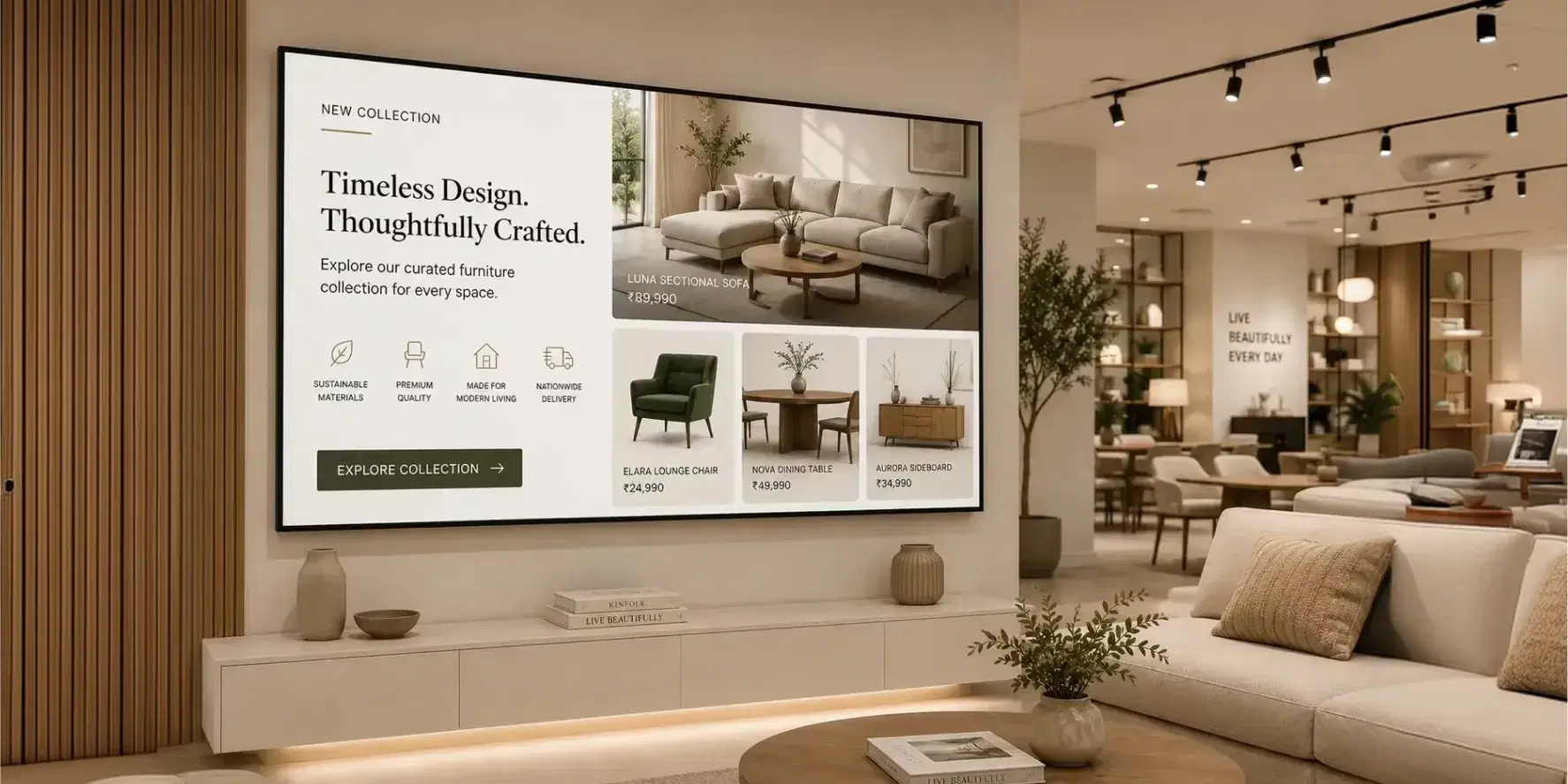
Digital signage for retail
Industry

Digital signage for retail

Digital signage for retail

Explore retail →
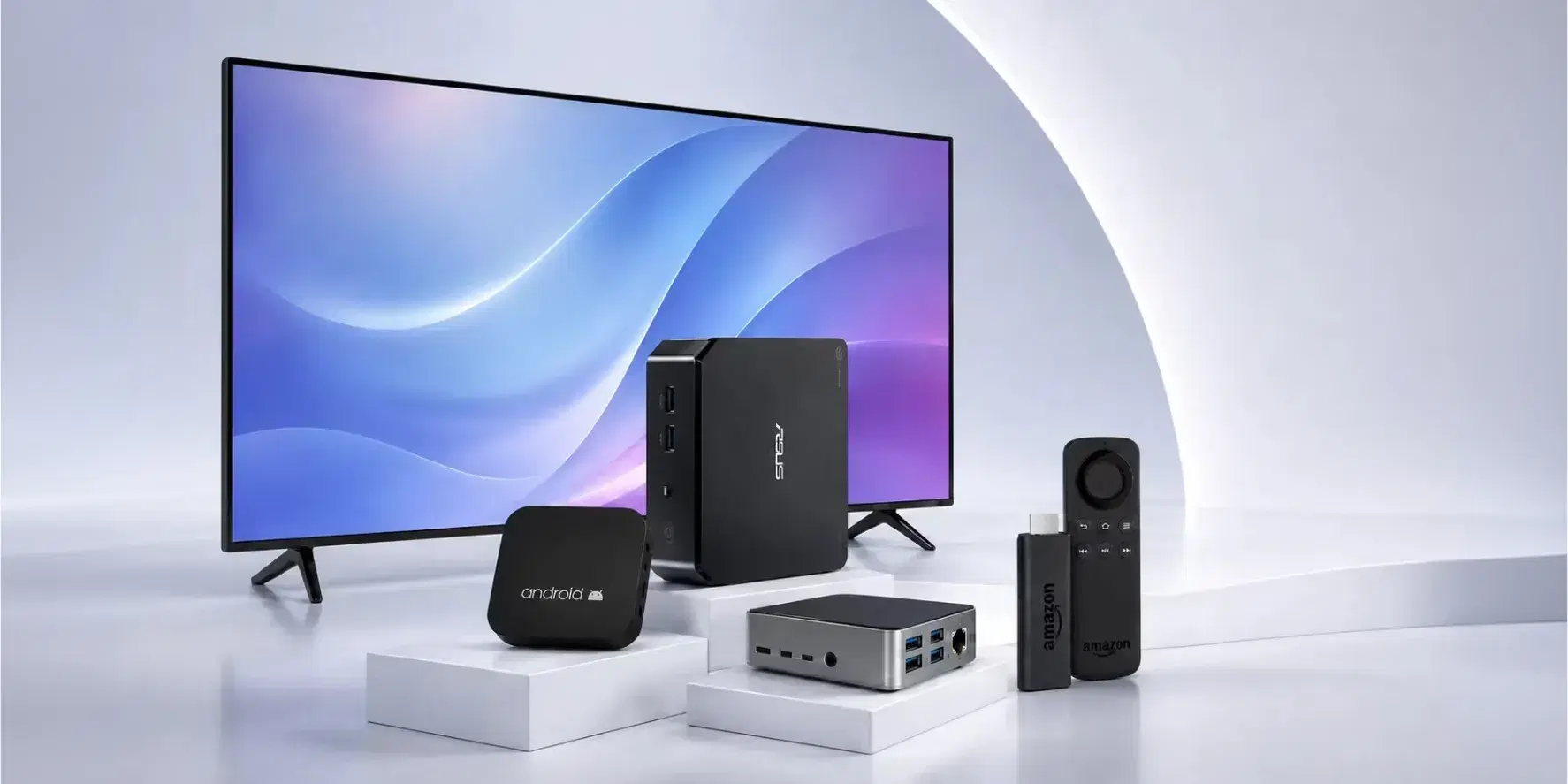
Digital signage hardware guide
Guide

Digital signage hardware guide

See Pickcel's hardware compatibility guide

See hardware guide →

Product

  • Software Features
  • Digital Signage Hardware
  • Digital Menu Board Software
  • Digital Signage Player
  • Interactive Kiosk
  • OTT Digital Signage Software
  • Queue Management Software
  • Visitor Management software
  • On-premise Digital Signage

Enterprise

  • Integrations & Automation
  • On-premise Digital Signage
  • Our Services

Solutions

  • Corporate Communication
  • Retail Digital Signage
  • Digital Signage Hospitality
  • Multi Channel Employee Communication
  • Restaurant Digital Signage
  • Banking & Finance Signage
  • Transportation Digital Signage
  • Digital Product Catalogue
  • Electronic Bulletin Board
  • Employee Communication App
  • Wayfinding Signage

Resources

  • Case Studies
  • What is digital signage?
  • Digital Signage Blog
  • Apps
  • Pricing
  • FAQ

Company

  • About Us
  • Contact Us
  • Support
  • Press Release
  • Careers

Trust & Compliance

  • Privacy Policy
  • Terms of Service
  • Refund Policy
  • Data Processing Addendum
  • Sub-processors
  • Security
  • Cookie Policy

Partner program

  • White Label Digital Signage
  • Reseller Digital Signage
Capterra4.6G24.6GoodFirms4.6

© 2026 LaneSquare Technology Pvt Ltd. All rights reserved.