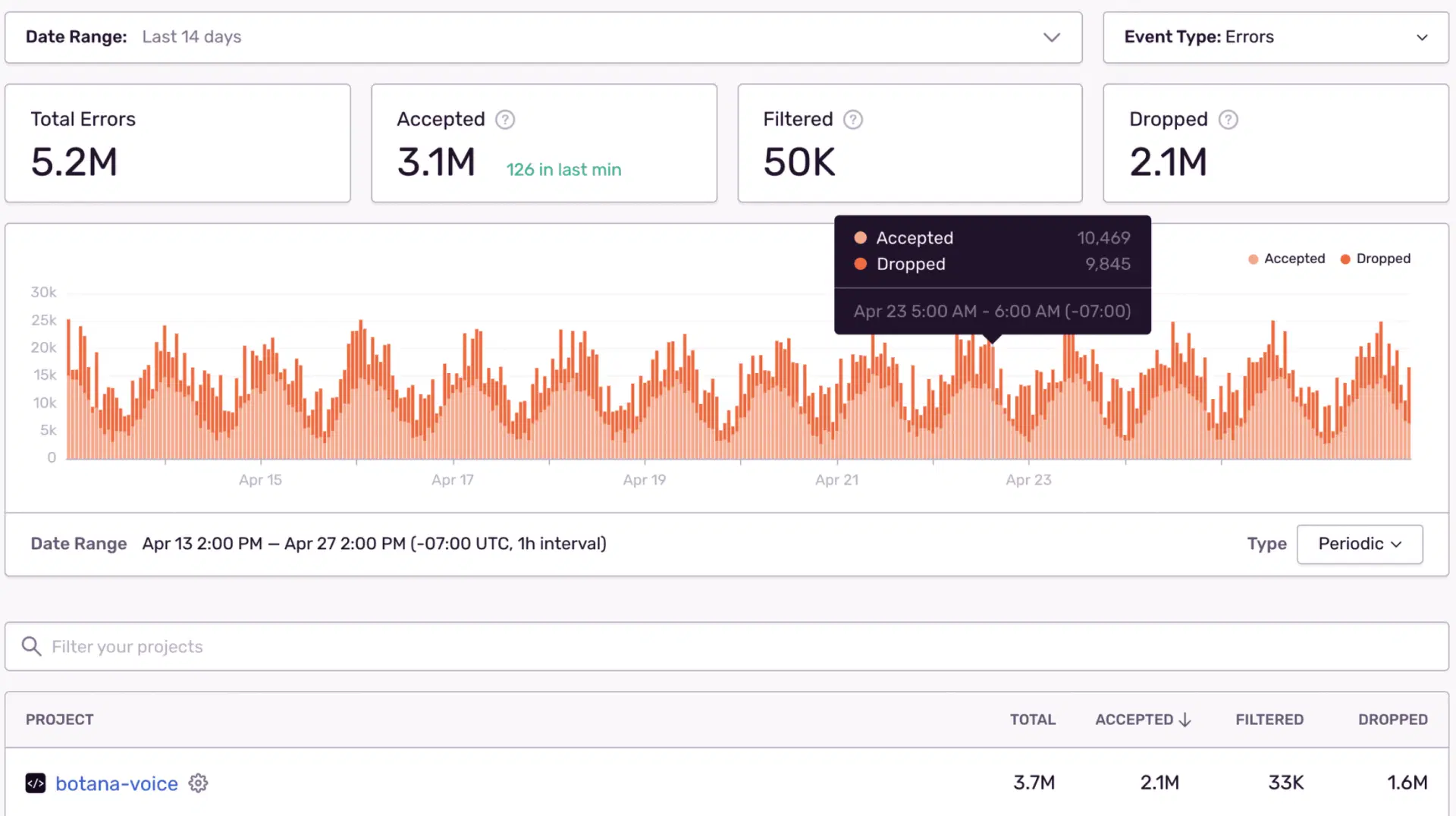
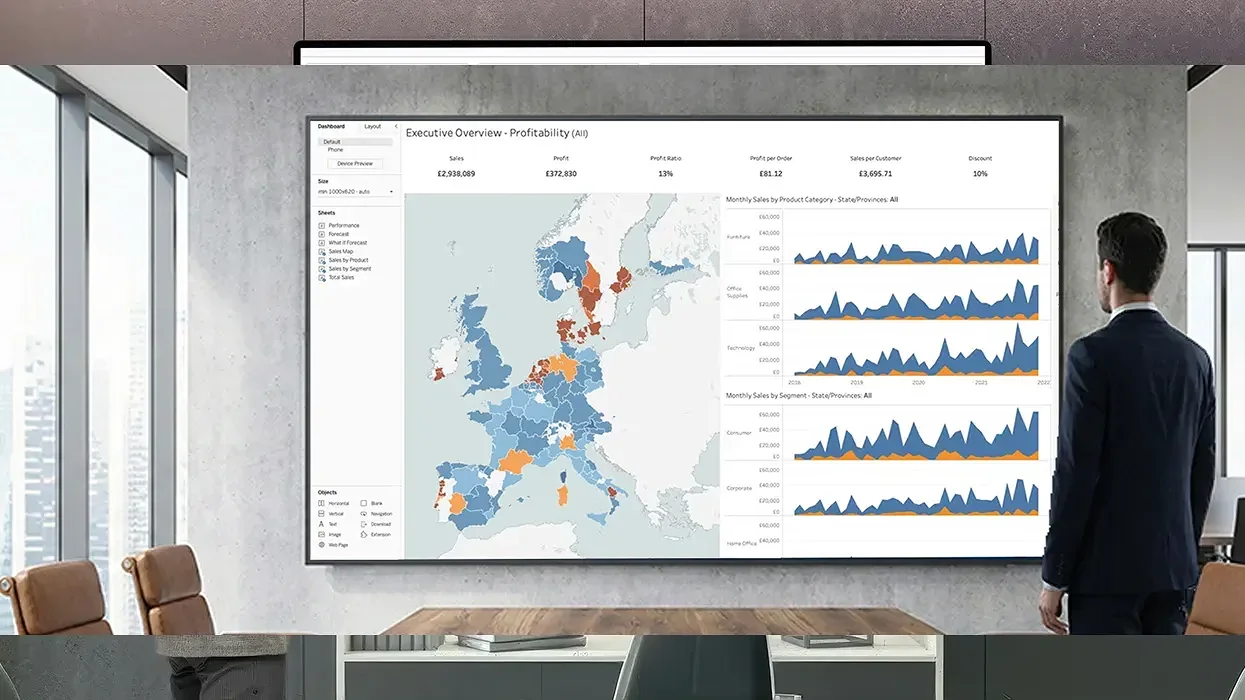
Live Tableau Dashboards on Shared Workplace Screens
Keep story views and ad-hoc explorations visible so leaders align faster. No screenshots or manual exports needed.

Trusted by 9,000+ Businesses







SSO & MFA
ISO 27001
SOC 2
On-Premise
99.9% Uptime SLA
Pickcel + Tableau: High-Impact Use Cases
In fast-moving organisations, messages get buried under emails and chat threads. Pickcel helps you communicate where people notice — on digital screens that share updates, dashboards, and recognition in real time.

Exec Story Dashboards
- Increase review speed
- Unified narrative

Unified narrative
- Reduce time-to-detection
- Faster regional actions

Product/Marketing Insights Walls
- Increase review speed
- Unified narrative

Leadership Review Rooms
- Reduce time-to-detection
- Faster regional actions
Simple Login and Use.
Easy access and effortless day-to-day screen management.

One console for 10 or 10,000 screens.

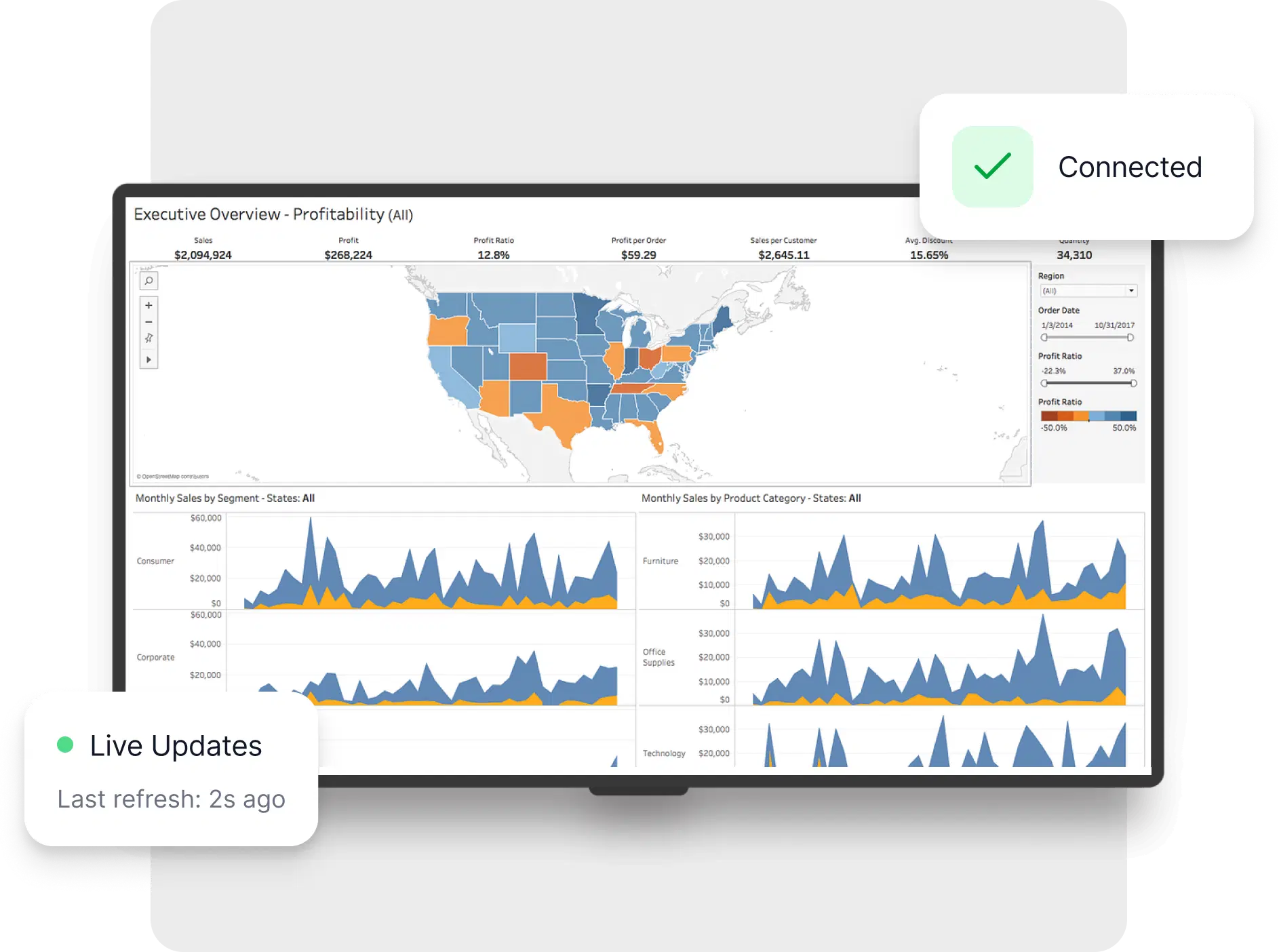
Auto-refresh, no re-logins (managed sessions/tokens)

Works with Tableau Cloud & Tableau Server.

Multizone layouts (Tableau + alerts + ticker/widgets).

Playback & uptime logging (export-ready for audits).


Supporting these dashboard and more
For data outside those tools, Pickcel brings the same secure, always-on delivery to your internal systems.