Pickcel

Core Platform

  • Software Features
  • Pickcel Comms
  • Templates
  • Security & Compliance

Enterprise

  • On-Premise
  • Integrations & Automation
  • Our Services

Extensions & Apps

  • Mobile App
  • App Integrations

Digital Signage Players

  • Android
  • Samsung Tizen
  • BrightSign
  • Amazon Signage Stick
  • View all Players
What is Digital Signage?

Learn the basics of digital signage and how it can transform your business.

Industries We Serve

  • Office
  • Retail
  • Restaurant
  • Manufacturing
  • Hospitality
  • Healthcare
  • Transportation
  • Education
  • View all Industries

Solutions

  • Dashboard
  • FIDS
  • Digital Menu board
  • Car Dealership App
  • Wall Craft
  • Event Stream
  • Transport PIS
  • Social Wall
  • View all Solutions
See How Pickcel  Helped Amazon
See How Pickcel Helped Amazon

Case Studies

  • Mercedes-Benz
  • Accenture
  • Magnolia Bakery
View all

All Resources

  • Digital Signage Blog
  • Learn
  • Digital Signage Gallery
  • Case Studies
  • Support
  • Download
Partnerships
Partnerships

Partnerships

  • White-Label
  • Reseller
Pricing
Login

BrightSign Digital Signage Made Simple

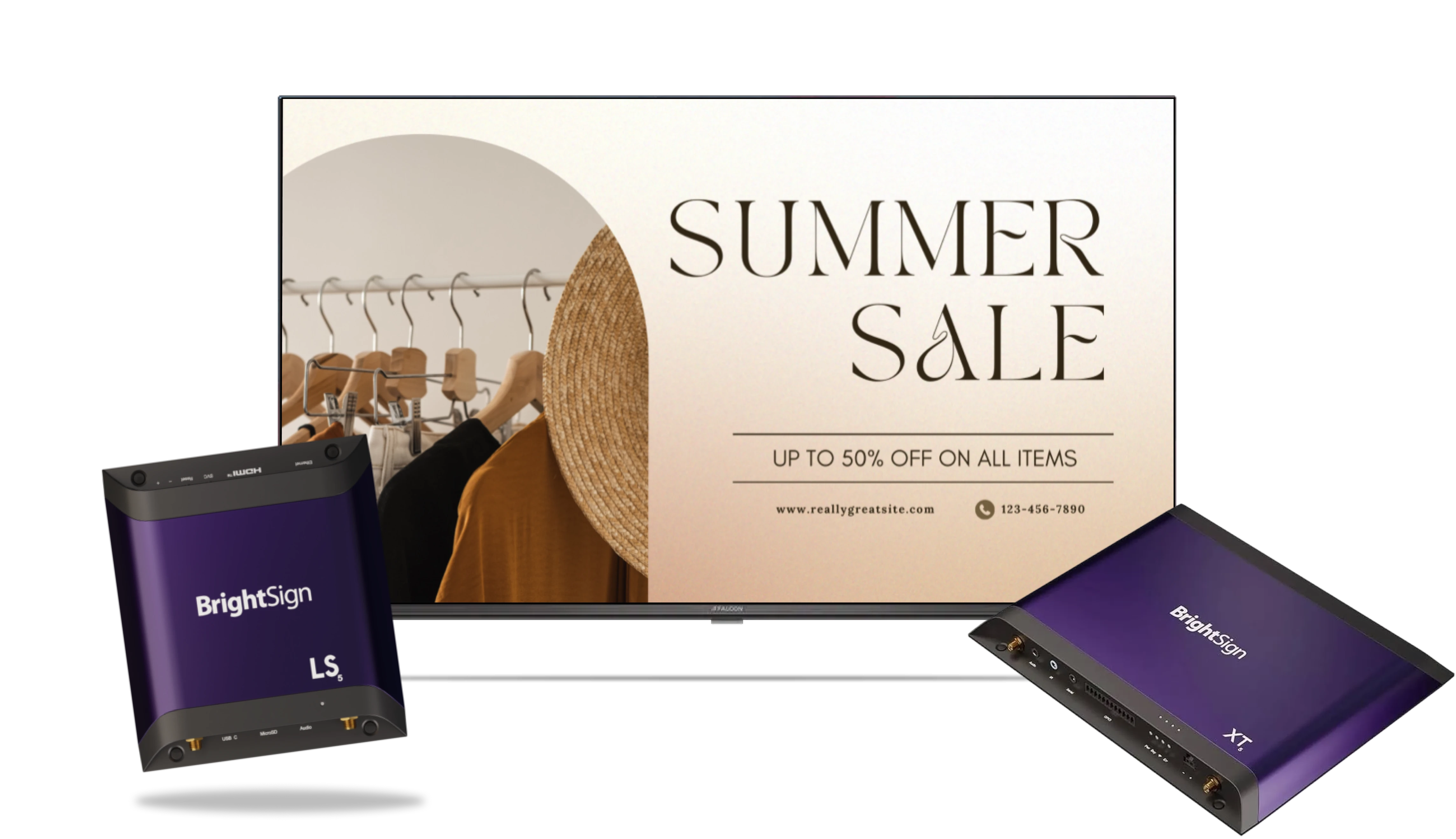
Pickcel connects with your BrightSign devices to deliver pro-grade signage. Publish menus, promos, and live dashboards from one console.
Book a Demo
BrightSign digital signage screens powered by Pickcel

Simple to Set Up

Anyone can set it up. No technical skills needed.

Prepare the player
Step 1

Prepare the player

Download the Pickcel BrightSign player package, extract it, and copy it to the SD card.

Boot & install
Step 2

Boot & install

Insert the SD card into your BrightSign device and restart it to install Pickcel.

Register & publish
Step 3

Register & publish

Enter the on-screen code in your Pickcel dashboard and start publishing content.

View Full Setup Guide

Works on the BrightSign Players You Trust

Pickcel integrates smoothly with BrightSign Series 5 players and some widely used Series 4 players. These are excellent choices for pro-grade, always-on signage.
BrightSign Series 4

Supporting Series 4 devices:

  • BrightSign XT11445
  • BrightSign LS425

BrightSign Series 5

Supporting Series 5 devices:

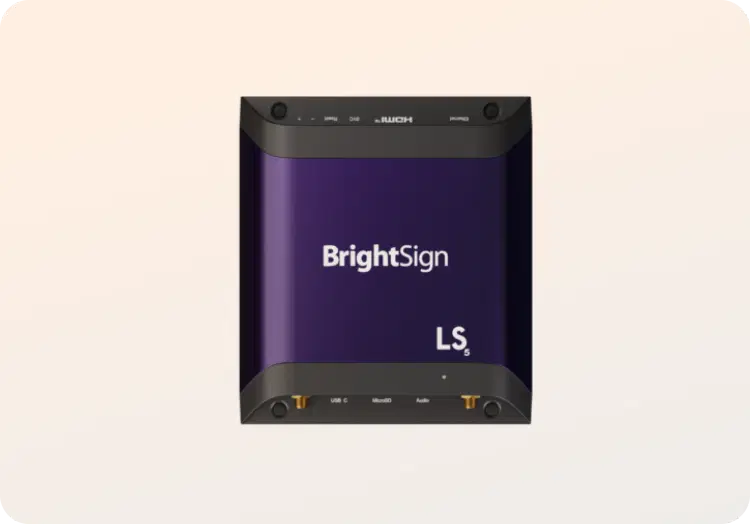
  • BrightSign LS5
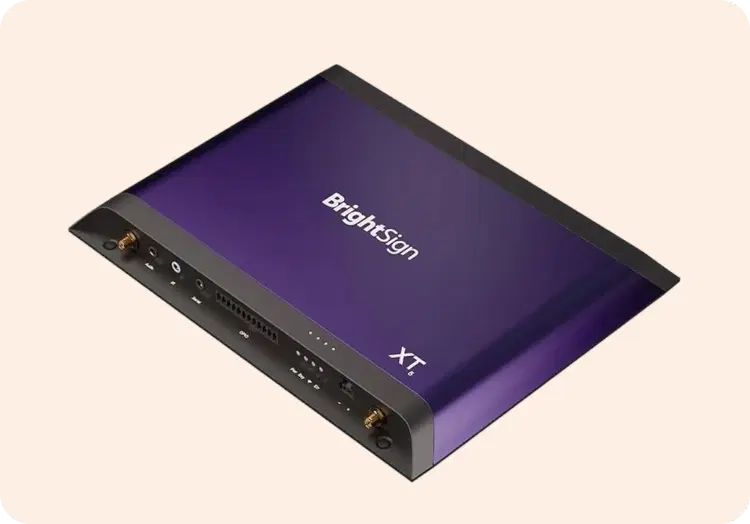
  • BrightSign XT5

Feature Highlights

Key things that make Pickcel a strong choice for BrightSign digital signage.

Offline playback

Offline playback

Store content locally so key images and videos keep playing even when the network drops.

Remote updates from one dashboard

Remote updates from one dashboard

Push new playlists, campaigns, and schedules to any BrightSign screen from your desk.

Multi-zone layouts

Multi-zone layouts

Split screens into zones and show menus, dashboards, and updates together on one display.

Real-time device monitoring

Real-time device monitoring

Check BrightSign player status, last sync, and connectivity from the Pickcel dashboard.

Network and deployment flexibility

Network and deployment flexibility

Use BrightSign on LAN or local networks; Pickcel is cloud or hybrid, with BrightSign best in the cloud.

Roles, access, and secure control

Roles, access, and secure control

Give marketing, ops, and IT the right access levels to avoid mistakes and keep governance tight.

Enterprise rollout support

Enterprise rollout support

Get help from Pickcel experts for pilots, rollouts, and scaling BrightSign networks across sites.

Where It Fits

  • Retail stores – promotions and product videos

  • Restaurants and cafés – digital menus

  • Corporate offices – announcements and dashboards

  • Education – notices and campus updates

  • Healthcare – patient info and waiting areas

  • Events – schedules and branded loops

  • Media and entertainment – trailers, show promos, and partner campaigns on OTT screens

BrightSign devices running Pickcel digital signage

Advanced BrightSign

Pickcel can enable these advanced BrightSign features for custom and enterprise projects:

Interactive GPIO triggers

Interactive GPIO triggers

Use BrightSign GPIO ports to trigger content with buttons, sensors, or other physical inputs.

HDMI-in workflows

HDMI-in workflows

Use supported BrightSign HDMI-in to bring live video sources into your digital signage mix.

Customer Story

Power BI and web apps on BrightSign

Nestlé Australia

Food and beverage manufacturing · Power BI on BrightSign

The Challenge

Power BI reports would not render on BrightSign players, the Power BI tenant sits behind single sign-on, and the manufacturing sites run behind a strict corporate firewall.

The Outcome

Pickcel's Dashboard App now runs SSO-secured Power BI live on BrightSign floor screens, alongside a custom FourKites app, from one cloud console with only the required APIs whitelisted.
Power BI on BrightSign at Nestlé Australia

Why Businesses Choose Pickcel

150,000+

Screens

9,000+

Global Customers

100+

Apps & Integrations

70+

Countries

What You Can Do with Pickcel

Upload videos, images, and live feeds

Upload videos, images, and live feeds

Schedule content by time, date, or location

Schedule content by time, date, or location

Show dashboards, tickers, and custom apps

Show dashboards, tickers, and custom apps

Monitor device health and playback in real time

Monitor device health and playback in real time

Start Free Trial
FAQ

Frequently Asked Questions

Not if you already use supported BrightSign Series 5 players. Just install the Pickcel BrightSign app and connect your players to the CMS.
Download the Pickcel app package for BrightSign from our website and follow the installation guide. Your team can use BrightSign’s standard tools and the step-by-step Pickcel documentation.
Yes. Images and videos stored on the player keep playing even during a network outage. Live data apps that depend on the internet will resume once the connection returns.
Pickcel supports BrightSign XC5, XT5, XD5, HD5, LS5, and AU5 Series 5 players, and certain Series 4 players, viz., LS425 and XT1144.
Yes. You can manage all your players from a single Pickcel dashboard. Group devices by site, brand, or region and push updates in bulk.
Yes. Pickcel lets you run BrightSign players alongside Android, Windows, or other supported devices in the same network.
Yes. The Pickcel BrightSign setup is designed for always-on signage playback, so screens stay on your content without user intervention.
Yes. Pickcel supports secure deployments, role-based access, and governed workflows. BrightSign players work best with cloud-managed setups. Controlled-network or on-premise deployments are possible but may require custom IT routing and configuration since BrightSign does not offer native server URL switching.

Product

  • Software Features
  • Digital Signage Hardware
  • Digital Menu Board Software
  • Digital Signage Player
  • Interactive Kiosk
  • OTT Digital Signage Software
  • Queue Management Software
  • Visitor Management software
  • On-premise Digital Signage

Enterprise

  • Integrations & Automation
  • On-premise Digital Signage
  • Our Services

Solutions

  • Corporate Communication
  • Retail Digital Signage
  • Digital Signage Hospitality
  • Multi Channel Employee Communication
  • Restaurant Digital Signage
  • Banking & Finance Signage
  • Transportation Digital Signage
  • Digital Product Catalogue
  • Electronic Bulletin Board
  • Employee Communication App
  • Wayfinding Signage

Resources

  • Case Studies
  • What is digital signage?
  • Digital Signage Blog
  • Apps
  • Pricing
  • FAQ

Company

  • About Us
  • Contact Us
  • Support
  • Press Release
  • Careers

Trust & Compliance

  • Privacy Policy
  • Terms of Service
  • Refund Policy
  • Data Processing Addendum
  • Sub-processors
  • Security
  • Cookie Policy

Partner program

  • White Label Digital Signage
  • Reseller Digital Signage
Capterra4.6G24.6GoodFirms4.6

© 2026 LaneSquare Technology Pvt Ltd. All rights reserved.