
Pickcel

Core Platform

  • Software Features
  • Pickcel Comms
  • Templates
  • Security & Compliance

Enterprise

  • On-Premise
  • Integrations & Automation
  • Our Services

Extensions & Apps

  • Mobile App
  • App Integrations

Digital Signage Players

  • Android
  • Samsung Tizen
  • BrightSign
  • Amazon Signage Stick
  • View all Players
What is Digital Signage?

Learn the basics of digital signage and how it can transform your business.

Industries We Serve

  • Office
  • Retail
  • Restaurant
  • Manufacturing
  • Hospitality
  • Healthcare
  • Transportation
  • Education
  • View all Industries

Solutions

  • Dashboard
  • FIDS
  • Digital Menu board
  • Car Dealership App
  • Wall Craft
  • Event Stream
  • Transport PIS
  • Social Wall
  • View all Solutions
See How Pickcel  Helped Amazon
See How Pickcel Helped Amazon

Case Studies

  • Mercedes-Benz
  • Accenture
  • Magnolia Bakery
View all

All Resources

  • Digital Signage Blog
  • Learn
  • Digital Signage Gallery
  • Case Studies
  • Support
  • Download
Partnerships
Partnerships

Partnerships

  • White-Label
  • Reseller
Pricing
Login

Professional Signage in Minutes with Amazon Signage Stick

Amazon Signage Stick is built to make digital signage easy and affordable for any business or organization. With simple and seamless integration to Pickcel, you get powerful content management right out of the box.

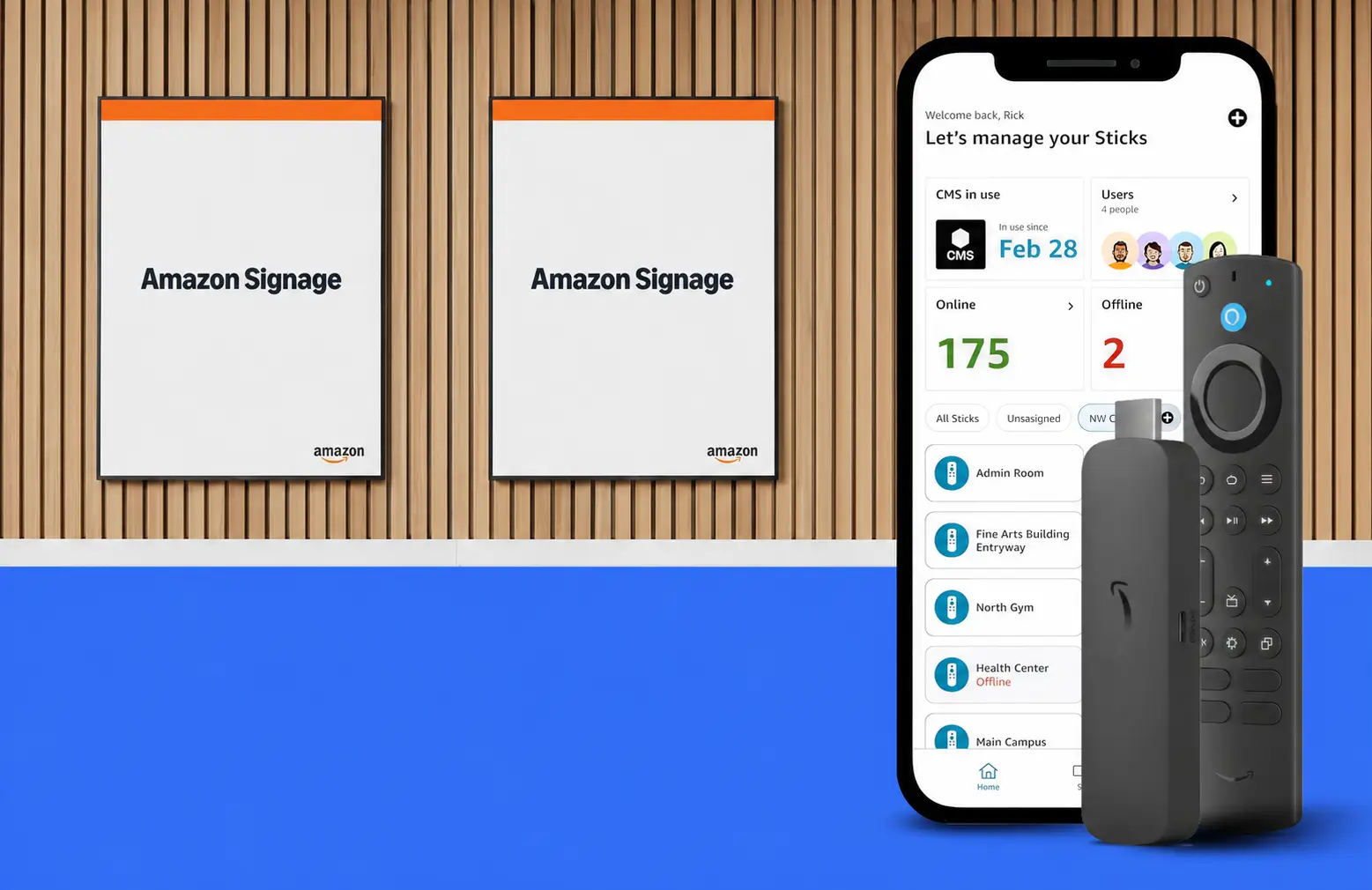
Amazon Signage Stick with Pickcel

Why Pickcel and Amazon Signage Stick

Amazon Signage Stick is a secure, purpose-built player for digital signage. Pickcel is the cloud CMS managing your content. Together, Pickcel and Amazon Signage Stick give you a plug-and-play way to launch, manage, and scale impactful experiences to your screens.

Why Pickcel and Amazon Signage Stick

Simple to Set Up

Plug the Amazon Signage Stick into any screen. Use the Signage mobile app or remote to select Pickcel from the setup menu. Enter the code into your Pickcel dashboard. In minutes your content is live — no technical team needed.

Plug & Power
Step 1

Plug & Power

Connect the stick to HDMI and power.

Select Pickcel
Step 2

Select Pickcel

Choose Pickcel in the setup menu.

Enter Code
Step 3

Enter Code

Pair the device in your Pickcel dashboard.

Feature Highlights

Key features that make Amazon Signage Stick and Pickcel simple, secure and ready for business.

Affordable Professional Signage

Affordable Professional Signage

Premier signage performance accessible for a wide range of businesses and applications.

Seamless CMS Integration

Seamless CMS Integration

Works out-of-the-box with Pickcel CMS (separate subscription required).

Designed for Digital Signage

Designed for Digital Signage

Auto-launches CMS in kiosk mode for unattended operation, increasing uptime without requiring user involvement.

Easy Setup

Easy Setup

Connect to Pickcel in minutes. No technical expertise needed with our hassle-free process.

Amazon Signage Mobile App

Amazon Signage Mobile App

Set up multiple Signage Sticks faster and easier — no remotes needed. Plus, monitor all devices from a centralized dashboard.

Powerful Performance

Powerful Performance

With quad-core SoC, 4K video streaming and playback, and high-bandwidth Wi-Fi 6E connectivity.

Engineered with Security in Mind

Engineered with Security in Mind

With a secure boot loader, data encryption, and regular updates that keep signage safe and running smoothly.

Built to Scale

Built to Scale

Using one Signage Stick per screen, easily expand across multiple displays and locations.

Conveniently Available

Conveniently Available

Order the Signage Stick through Amazon and Amazon Business, with business pricing and nationwide shipping for fast access to your signage solution.
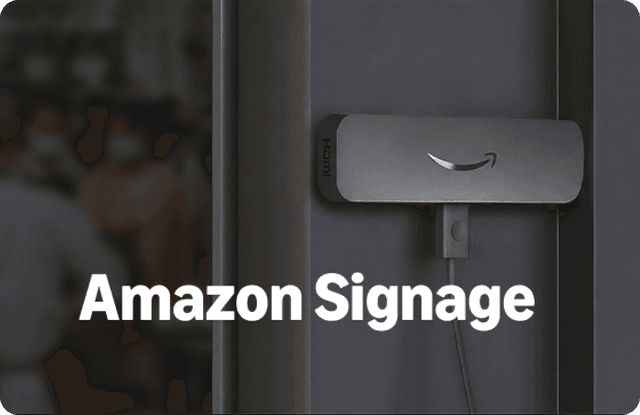
Where It Fits

  • Retail stores – promotions, product videos

  • Corporate offices – announcements, dashboards

  • Restaurants & cafés – digital menus

  • Education – notices, events, and updates

  • Healthcare – patient info, waiting times

  • Events – booth displays, schedules, branding

Amazon Signage Stick

What You Can Do with Pickcel

Upload videos, images, and live feeds

Upload videos, images, and live feeds

Schedule content by time, date, or location

Schedule content by time, date, or location

Show dashboards, tickers, and custom apps

Show dashboards, tickers, and custom apps

Monitor device health and playback in real time

Monitor device health and playback in real time

Get Started with Amazon Signage Stick

Plug in the Amazon Signage Stick, activate Pickcel, and start
publishing to your screens in minutes.
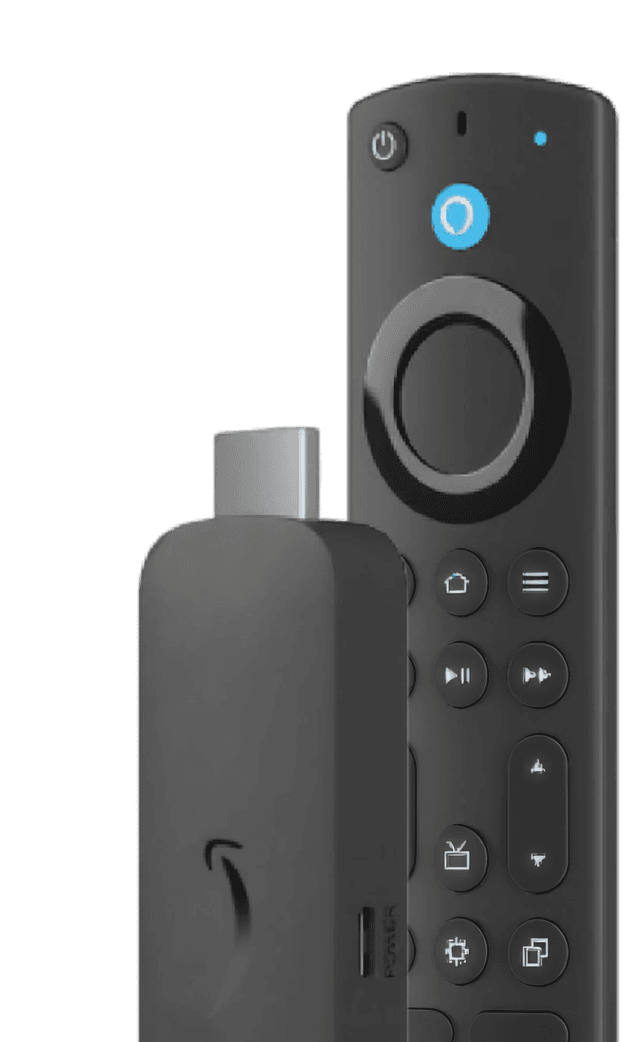
Buy Amazon Signage Stick
Amazon Signage Stick Offer

Why Businesses Choose Pickcel

150,000+

Screens

9,000+

Global Customers

100+

Apps & Integrations

70+

Countries

Simplify and elevate digital signage. Use Amazon Signage Stick with Pickcel to manage your screens now.

Start Free Trial
Book a Demo
Team collaborating around a Pickcel-powered display
FAQ

Frequently Asked Questions

No. The Amazon Signage Stick is completely plug-and-play. Once connected, it auto-launches Pickcel in signage mode. Just pair your screen with Pickcel using the on-screen code, and you’re ready to go.
Pickcel supports videos (MP4, H.264), images (JPG, PNG, GIF), live dashboards, RSS feeds, HTML overlays, and social media apps. You can mix and schedule any of these through your Pickcel dashboard.
Yes. Pickcel lets you track every screen’s uptime, connection status, playback history, and media performance in real time, all from a single dashboard.
It’s designed for professional signage with security built in. The device includes a secure bootloader, encrypted storage, and regular firmware updates. Pickcel adds an extra layer of protection with encrypted communication and role-based access control.
Absolutely. You can easily add one Signage Stick per screen and manage content delivery centrally through Pickcel. It’s built to handle both small and large screen networks across multiple locations.
You can order the Amazon Signage Stick directly from Amazon.com for quick delivery and business pricing.
Yes. Pickcel provides the content management system (CMS) that runs your signage. You can start with a free trial and later choose from multiple plans depending on your screen count and feature needs.
Yes. Pickcel offers support through chat, email, and call. You’ll also find tutorials, documentation, and setup guides to help you get started quickly.

Product

  • Software Features
  • Digital Signage Hardware
  • Digital Menu Board Software
  • Digital Signage Player
  • Interactive Kiosk
  • OTT Digital Signage Software
  • Queue Management Software
  • Visitor Management software
  • On-premise Digital Signage

Enterprise

  • Integrations & Automation
  • On-premise Digital Signage
  • Our Services

Solutions

  • Corporate Communication
  • Retail Digital Signage
  • Digital Signage Hospitality
  • Multi Channel Employee Communication
  • Restaurant Digital Signage
  • Banking & Finance Signage
  • Transportation Digital Signage
  • Digital Product Catalogue
  • Electronic Bulletin Board
  • Employee Communication App
  • Wayfinding Signage

Resources

  • Case Studies
  • What is digital signage?
  • Digital Signage Blog
  • Apps
  • Pricing
  • FAQ

Company

  • About Us
  • Contact Us
  • Support
  • Press Release
  • Careers

Trust & Compliance

  • Privacy Policy
  • Terms of Service
  • Refund Policy
  • Data Processing Addendum
  • Sub-processors
  • Security
  • Cookie Policy

Partner program

  • White Label Digital Signage
  • Reseller Digital Signage
Capterra4.6G24.6GoodFirms4.6

© 2026 LaneSquare Technology Pvt Ltd. All rights reserved.