

Restaurant Digital Signage Software for QSRs and Franchise Operators
Update menu boards, promotions, and daily specials across all your restaurant locations instantly from one cloud dashboard.

Trusted by Leading Food Brands Worldwide





SOC 2 Type II
ISO Certified
What Is Restaurant Digital Signage?
Restaurant digital signage is software that manages and displays content on screens inside restaurants: menu boards, promotional offers, wait-time displays, and loyalty programme messages. Content is updated remotely from a single cloud dashboard with no on-site visits required.
- Multi-location content control from one cloud dashboard
- Content changes reach screens within seconds of publishing
- Works on existing commercial displays (50+ compatible device types)
- SOC 2 Type II and ISO 27001 certified
Why Outdated Menus Are Costing You Revenue
Printed menus and static displays cannot keep pace with daily price changes, limited-time offers, and last-minute promotions. For a QSR franchise with 10 or 30 locations, the cost is not just printing. It is the staff time spent on manual updates, the revenue lost when the wrong price sits on a menu board, and the customers who never see the promotional offer that would have upsold them.
Every day with outdated menu content is a compounding problem. Wrong prices generate customer disputes. Missed promotions lose attach revenue. Staff interruptions pull focus from service.
Pickcel's digital signage software puts real-time content control in one cloud dashboard, accessible from anywhere. Update a price, launch a daypart promotion, or push a flash offer to all your locations in seconds, with no site visit required.
Why Restaurant Operators Choose Digital Signage
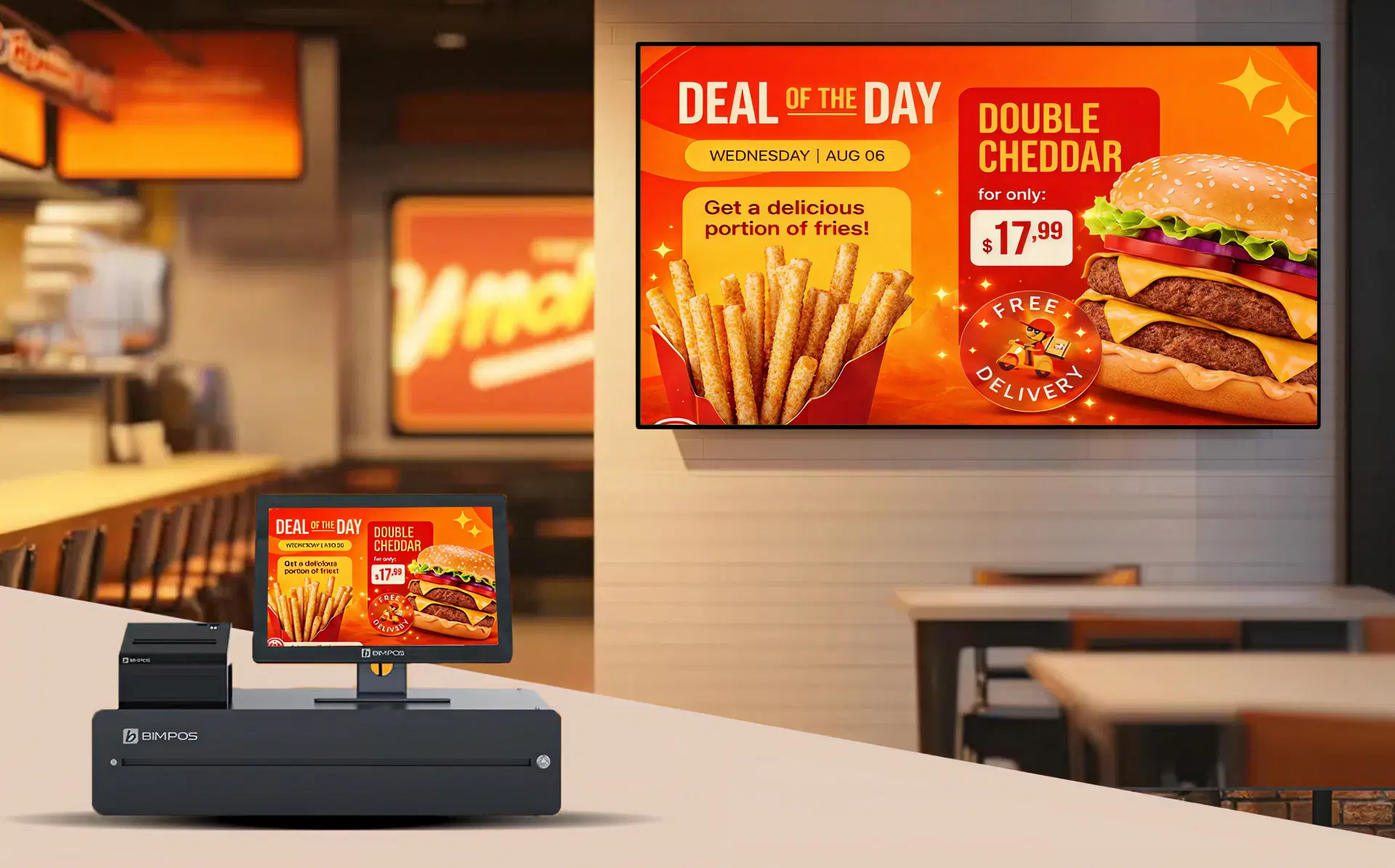
Restaurant operators choose digital signage because it eliminates the three core limitations of printed menus: pricing can be updated instantly across every location, daypart schedules run automatically without staff involvement, and brand-approved templates deploy simultaneously to every site in a franchise network.
Pricing Accuracy Across Locations
QSR menus change frequently: ingredient costs shift, promotions launch and expire, and prices must stay current at every display. A single incorrect price across 20 locations is not a printing mistake — it is a customer service failure and a potential compliance issue.
Daypart Content Scheduling
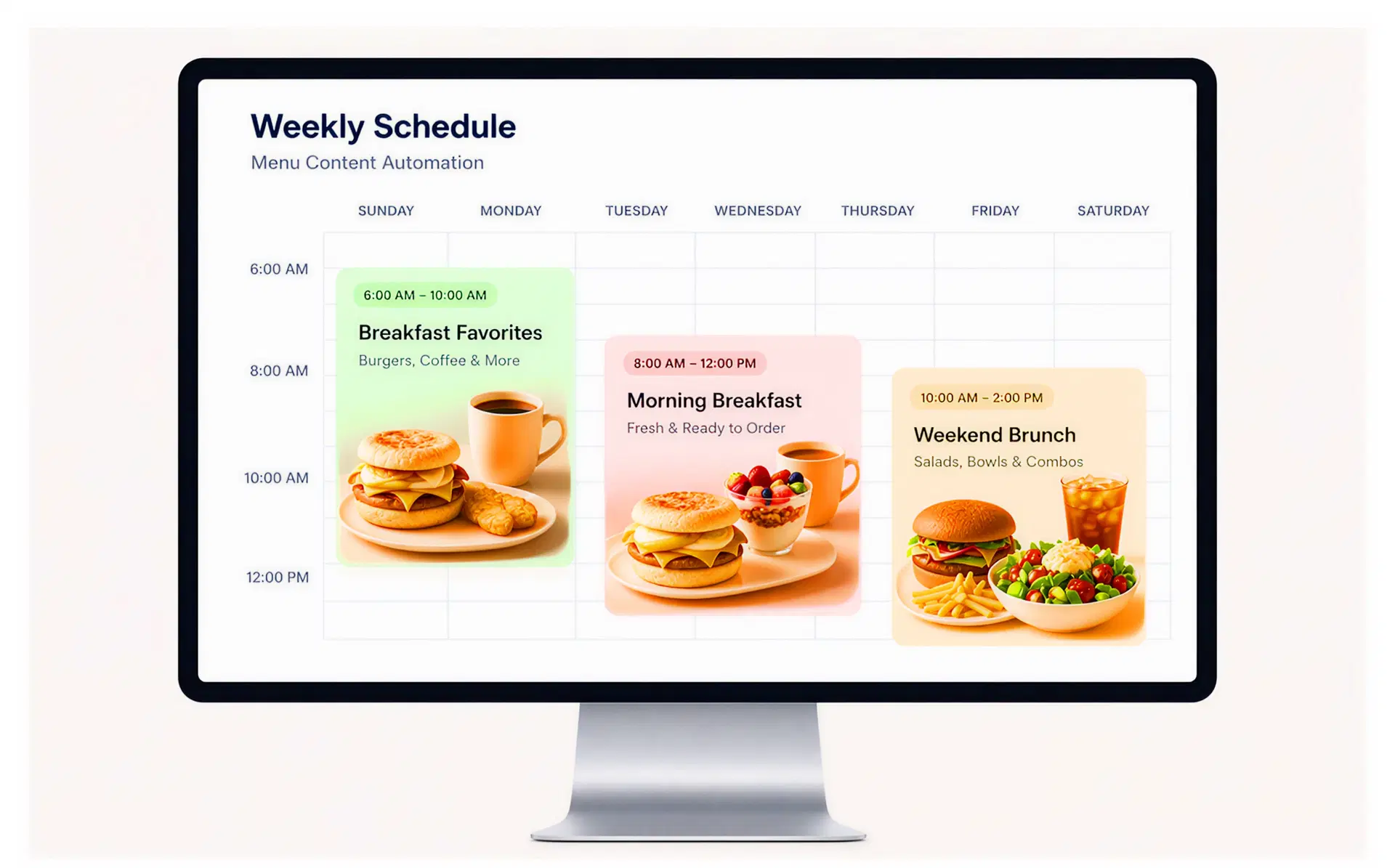
Set precise time windows for breakfast, lunch, and dinner service content. Pickcel runs schedules automatically every day — breakfast from 6am to 11am, lunch from 11am to 3pm, dinner after 3pm. See the restaurant menu daypart scheduling guide for operator setup examples.
Multi-Location Brand Consistency
Whether a customer visits your flagship or a regional outlet, the content follows the same standards. A single template update in Pickcel applies across all screens in your network simultaneously.
What Pickcel Does for Restaurant Digital Signage
Real-Time Menu Board Updates
Pickcel pushes menu board and promotional content updates to every connected screen within seconds of publishing from the dashboard. No manual process is required on-site. A manager at head office can update pricing across all franchise locations in under a minute. See how Pickcel's digital menu board software handles menu management at scale.
Pickcel's cloud CMS connects to your screen network over the internet. When you publish a change in the dashboard, it propagates to all assigned screens instantly. For larger networks, you can push updates by region, location type, or individual device group — without touching screens individually.
The platform supports advance scheduling so a Tuesday LTO, a weekend promotion, or a seasonal offer can all be set up in advance. Each goes live at the exact time you choose, with no team member needing to be online to trigger it.
Daypart Scheduling for QSRs
Set your breakfast, lunch, dinner, and late-night content once. Pickcel runs the schedule automatically every day, so your screens show the right menu for every service period without staff involvement.
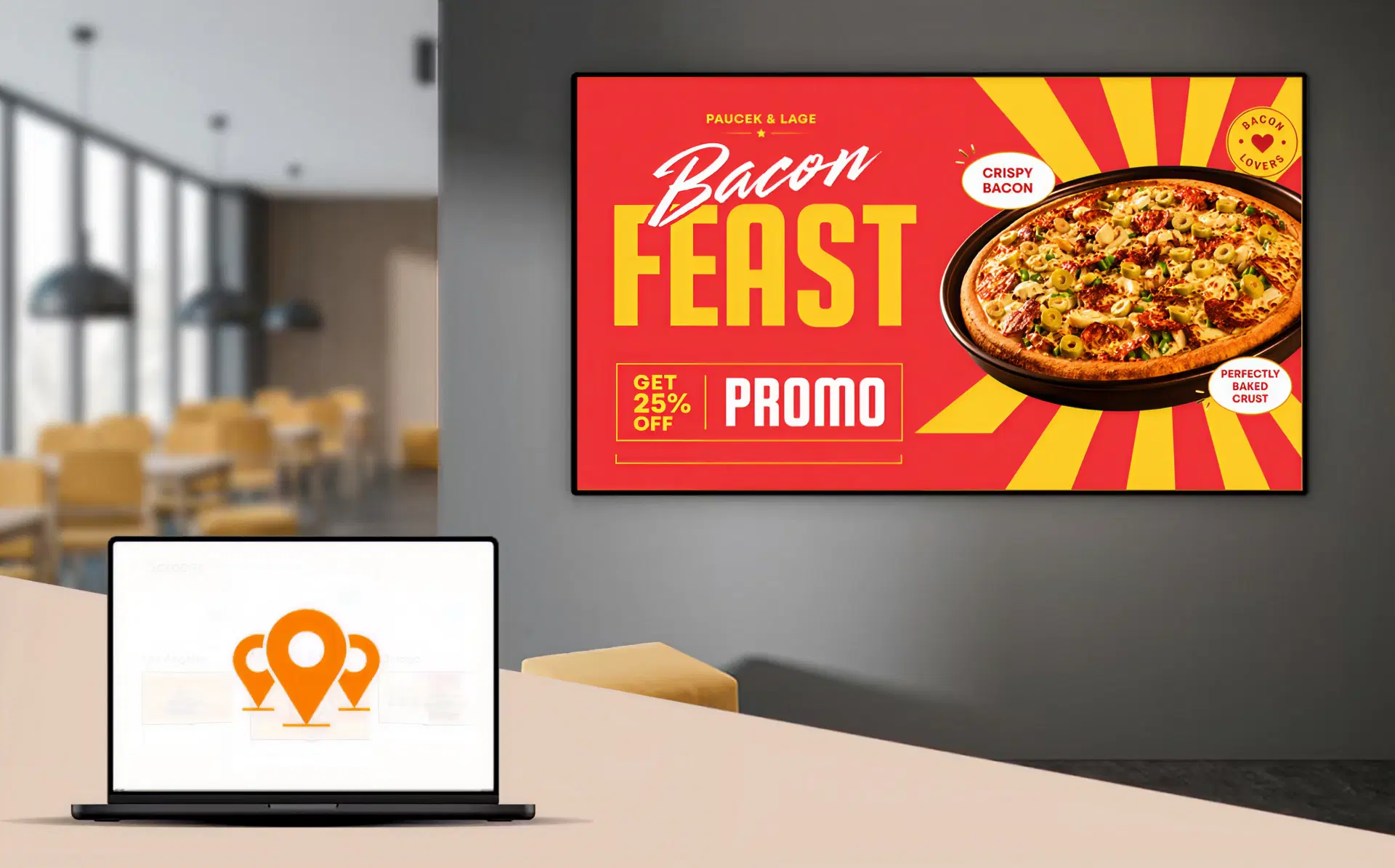
Multi-Location Management for Franchise Operators
Manage your entire screen network from one account. Apply brand-approved templates centrally, delegate localised content control to franchisees within defined parameters, and monitor every screen's status from the dashboard.
Hotel groups running multiple dining outlets per property, from the all-day restaurant to the rooftop bar, face a similar coordination challenge, covered in our hotel restaurant digital signage guide.
What Should I Display on Restaurant Digital Signage?
The highest-performing restaurant digital signage content covers four categories: menu boards with current pricing and availability, promotional content (limited-time offers, combo upsells), operational displays (queue management, order-ready notifications), and branded content (loyalty programme offers, seasonal campaigns). Daypart-specific messaging (breakfast add-ons in the morning, dessert prompts at dinner) consistently drives additional attach spend.
Operators who systemise this daypart approach, rather than leaving upsell prompts to server memory and mood, tend to see the most consistent lift in attach spend across every shift, not just the busiest ones. For a deeper breakdown of these tactics, including specific screen placements and offer timing by meal period, see our guide to restaurant upsell digital signage strategies.
Beyond commercial content, restaurant operators also use digital signage for allergen and nutritional notices, food safety messaging, and staff communications in kitchen and back-of-house areas. The core advantage over printed menus is that keeping every category current requires seconds, not days. For visual best practices, see how to design effective restaurant menu boards.
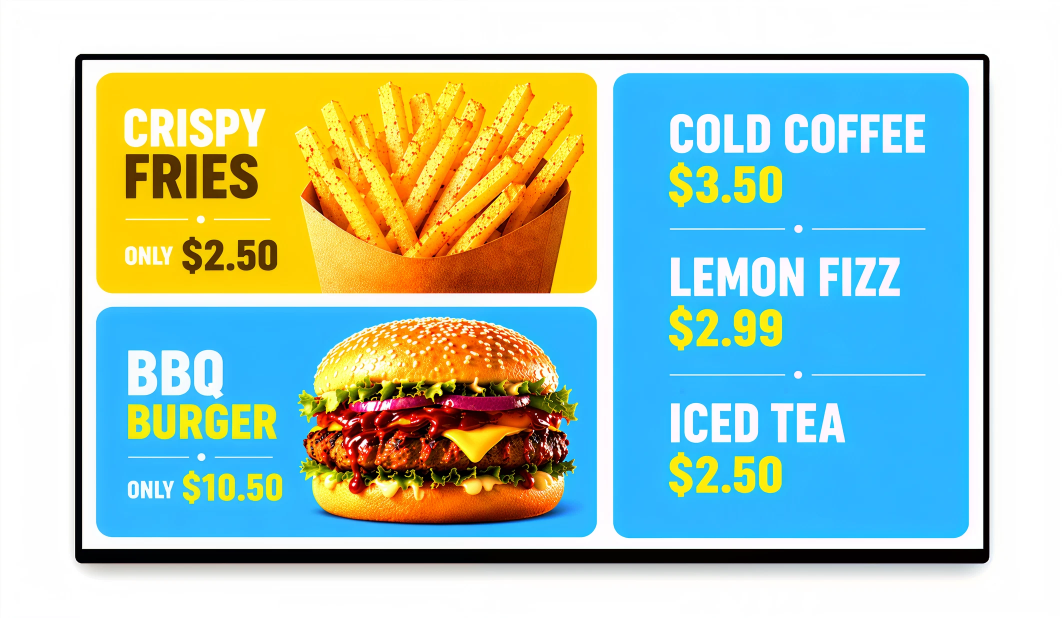
Menu Boards
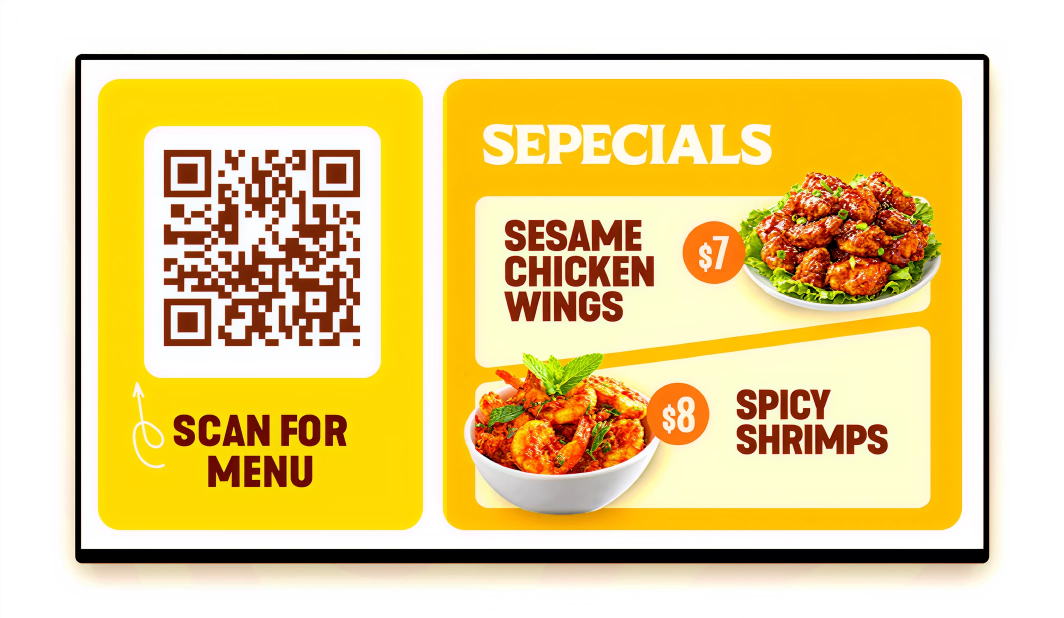
Current pricing, item availability, seasonal specials, daily features
So you can Keep pricing and availability current across every screen
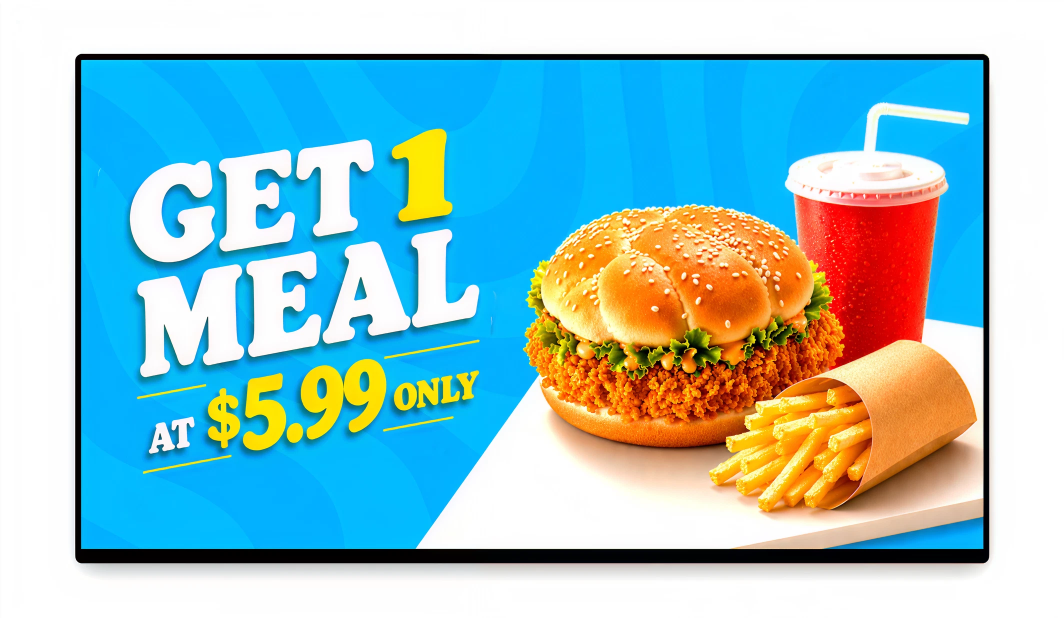
Promotions
Limited-time offers, combo upsells, loyalty rewards, daypart specials
So you can Schedule promotions to go live and expire automatically
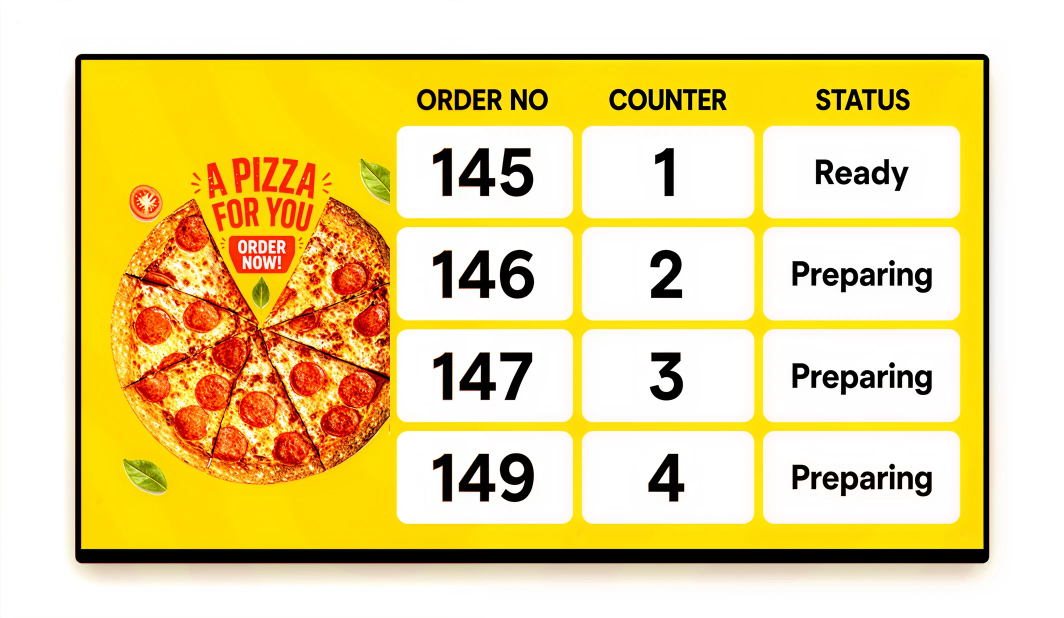
Operational
Queue management, wait-time displays, order-ready notifications
So you can Reduce counter congestion with live order status
Brand and Compliance
Loyalty programme offers, allergen notices, nutritional information, food safety messaging
So you can Meet regulatory requirements from the same dashboard
How Restaurant Digital Signage Works
A media player connects to your existing commercial display via HDMI, or to a smart display with a built-in OS (Samsung Tizen, LG webOS). The player connects to Pickcel's cloud CMS over your restaurant's internet connection, receives your scheduled content, and plays it continuously, even offline.
Connect
Connect the Pickcel media player to your commercial display via HDMI, or use a Samsung SSSP/Tizen or LG webOS display natively. The player connects to Pickcel's cloud CMS over your restaurant's internet connection.
Configure
Set up your content playlists, daypart schedules, and screen groups from the Pickcel dashboard. For multiple locations, all configuration happens centrally. No on-site setup is required per location.
Publish
Assign playlists to screens or location groups. Content goes live immediately or on your set schedule. The player caches content locally, so playback continues during brief outages.For a deep dive, see the complete guide to digital menu boards.
Restaurant Digital Signage by Role
Deploy brand-approved menu templates across all locations from one dashboard and push LTO updates to every site simultaneously. Franchisees retain control over locally approved content variations within the limits you configure, so brand consistency and local flexibility coexist without extra admin.
Launch promotional campaigns across your entire screen network without depending on on-site staff. Schedule limited-time offers to go live and expire automatically, test different approaches by region or daypart, and update upsell messaging the same day a campaign changes — no print lead time.
Reduce staff time spent on manual content updates and eliminate mismatches between displayed prices and actual pricing. Pickcel's scheduling means the right menu is on screen for every service period, automatically.
Pickcel operates as a cloud SaaS with no local server infrastructure. The platform is SOC 2 Type II and ISO 27001 certified, with role-based access controls and full audit logs. POS integration is supported via API and third-party connectors; Pickcel's technical team assists with compatibility assessment during onboarding.
Compliance and Security for Restaurant Operators
Pickcel is SOC 2 Type II and ISO 27001 certified, meeting the security and food-safety compliance standards multi-location restaurant and QSR operators require before rolling out across every location.

SOC 2 Type II
Annual third-party audit of security, availability, and confidentiality

ISO 27001
International standard for information security management
FDA Section 4205
Menu labelling compliance for US restaurant chains with 20+ locations
Trusted platform for customer-facing operations: Restaurant and QSR operators handling customer data, payment-adjacent workflows, and food safety messaging run on a platform certified to SOC 2 Type II and ISO 27001.
Role-based access and audit logging: Granular permissions determine who can publish, approve, or only view content, while full audit logs record every content change, publication action, and screen event.
Food-safety and FDA menu labelling support: Display allergen information on digital menu boards, nutritional content, and food safety notices from the same dashboard. US chains with 20+ locations can post the calorie counts required under FDA menu labelling rules (Section 4205) with no separate compliance tool.
What Restaurant Customers Say
McDonald's India
QSR · 1,300+ DISPLAYS
The Challenge
Scaling real-time menu updates across 1,300+ displays in multiple cities with various hardware types (LG, Samsung, Android).
The Outcome
"Pickcel's platform helped us manage menu boards across our entire network securely and efficiently."
Third Wave Coffee
CAFE CHAIN · 700+ SCREENS
The Challenge
Managing time-sensitive campaigns and brand consistency across 700+ screens in rapidly expanding cafe locations.
The Outcome
"We can push a new promotion to every store in minutes. Pickcel gave us the speed and control we needed."
Compatible Hardware and Integrations
Pickcel works with the hardware your restaurants already have. No mandatory hardware purchase is required.
POS integration: API-based connectors available. Contact Pickcel for a compatibility check specific to your POS system.
| Device | Notes |
|---|---|
| Samsung Smart Signage (SSSP/Tizen) | No external media player needed |
| LG webOS commercial displays | No external media player needed |
| BrightSign media players | Media player device |
| Android media players (Amazon Fire Stick, generic Android 7.0+) | External player |
| Windows and Linux media players | Desktop-grade players |
| POS integration via API | Contact Pickcel for compatibility check |