



Pickcel

Core Platform

  • Software Features
  • Pickcel Comms
  • Templates
  • Security & Compliance

Enterprise

  • On-Premise
  • Integrations & Automation
  • Our Services

Extensions & Apps

  • Mobile App
  • App Integrations

Digital Signage Players

  • Android
  • Samsung Tizen
  • BrightSign
  • Amazon Signage Stick
  • View all Players
What is Digital Signage?

Learn the basics of digital signage and how it can transform your business.

Industries We Serve

  • Office
  • Retail
  • Restaurant
  • Manufacturing
  • Hospitality
  • Healthcare
  • Transportation
  • Education
  • View all Industries

Solutions

  • Dashboard
  • FIDS
  • Digital Menu board
  • Car Dealership App
  • Wall Craft
  • Event Stream
  • Transport PIS
  • Social Wall
  • View all Solutions
See How Pickcel  Helped Amazon
See How Pickcel Helped Amazon

Case Studies

  • Mercedes-Benz
  • Accenture
  • Magnolia Bakery
View all

All Resources

  • Digital Signage Blog
  • Learn
  • Digital Signage Gallery
  • Case Studies
  • Support
  • Download
Partnerships
Partnerships

Partnerships

  • White-Label
  • Reseller
Pricing
Login
OverviewProblemSolutionUse CasesFeaturesCase StudiesComparisonGetting StartedSecurityHardwareFAQ

Turn Every Office Screen Into a Communication Channel

Stop relying on emails that no one reads. Pickcel's office digital signage software puts the right message on the right screen — automatically, in real time, from one dashboard.

Start Free Trial
Pickcel reviews on Capterra and G2

Trusted by businesses worldwide

Trusted by 9,000+ Businesses • 150,000+ Screens • 70+ Countries

Benz
Unilever
HCLTech
Accenture
Nestlé
Novartis
circle check

SOC 2 Type II

circle check

ISO Certified

9,000+
Businesses worldwide
150,000+
Screens managed globally
70+
Countries
94%
Message reach in under 2 hrs

What Is Office Digital Signage?

Office digital signage is a cloud-based platform that turns the screens already in your workplace — lobby displays, floor TVs, break-room monitors, meeting-room panels — into a managed communication channel, with content created, scheduled, and published from a single dashboard.

It replaces all-staff emails, printed notice boards, and intranet posts that employees have to go looking for, delivering announcements, KPIs, schedules, and recognition passively to wherever people already are.

Pickcel helps internal comms, HR, and IT teams keep every location on the same message, update it in seconds, and prove that it actually reached the floor.

94%

of employees reached within 2 hours of publishing

60–75%

reduction in internal communication costs

72%

faster information reach vs. email and intranet

The Problem

Why Do Office Updates Keep Getting Missed?

Short answer: Traditional channels like email and intranet require employees to actively check them — which most don't. Office digital signage delivers information passively to wherever employees already are, without requiring any action on their part.

67%

Of company emails go unread

The average office worker receives 100+ emails per day. Important internal updates compete with project threads, client messages, and newsletters — and consistently lose. According to McKinsey, knowledge workers spend 28% of their day on email alone.

65%

Of critical workplace updates go unnoticed

Intranet posts, Slack announcements, and pinned notices reach only the employees who happen to look. For distributed or multi-floor teams, a missed update means a missed update — full stop.

5–7

Fragmented tools, zero single source of truth

Most organizations cobble together email, Teams, SMS, intranet, and physical notice boards for internal comms — creating duplication, inconsistency, and an administrative load that keeps growing.

💡The real insight: Employees don't avoid information — they avoid the friction of seeking it. Office digital signage eliminates that friction by bringing information to them, passively and persistently, throughout the workday.

The Solution

Pickcel for Corporate Offices — Built for IT, Loved by Comms Teams

Pickcel is corporate digital signage software designed to work within enterprise constraints — SOC 2 certified, SSO-ready, and available as cloud or on-premise. Your IT team approves it. Your communications team runs it. No tickets required.

From a single dashboard, your team controls every screen in every office location — scheduling content, displaying live data from Power BI and Tableau, managing meeting rooms, and pushing emergency alerts — all in real time.

01

Pickcel Cloud Dashboard

One control centre for every screen across every office.

Pushing update to all offices…0%
02

Screen Groups

Organise screens by floor, department, building, or location.

  • HQ — Floors 1–426 Screens
  • Regional Office14 Screens
03

Office Displays

Lobbies, floor TVs, break rooms, and meeting panels update together.

Live — Pushing content from HQ to every office…
Enterprise-Grade Security

Enterprise-Grade Security

SOC 2 Type II, ISO 27001, SSO, MFA, and role-based access. Your IT team's checklist, covered.

Real-Time Updates

Real-Time Updates

Push content to one screen or 10,000 simultaneously. Live dashboards update automatically.

Native Integrations

Native Integrations

Microsoft Teams, Outlook, Power BI, Tableau, Jira, SharePoint, Slack, and 100+ more.

Cloud or On-Premise

Cloud or On-Premise

Deploy from Pickcel's cloud or host the entire platform on your own servers — your choice.

Business Impact

What Changes When You Switch to Office Digital Signage?

Organizations using Pickcel office digital signage report up to 72% faster information reach, 45% fewer repeated employee queries, and 60–75% reduction in total communication costs — all within the first year of deployment (Pickcel deployment data, 2025).

Information Reaches Every Employee — Not Just the Ones Who Check Their Email

Office screens, desktop screensavers, and scrollers are visible throughout the workday without any employee action required. Your update is seen whether or not the email gets opened — in the lobby, the corridor, the break room, or on the desktop.

↑ 94% message reach within 2 hours (Pickcel deployment data, 2025)

One Platform Replaces Five to Seven Fragmented Tools

The average organization manages a separate intranet, digital notice boards, SMS service, Teams bot, and email broadcast tool — each with its own admin cost and learning curve. Pickcel consolidates all of these into one subscription with one dashboard and one support contract.

↓ 60–75% reduction in total communication costs (Pickcel deployment data, 2025)

Your Communications Team Gets Hours Back Every Week

With Pickcel's content scheduling, approval workflows, and multi-channel publishing, what used to require coordination across multiple tools and multiple teams now takes minutes from a single interface. Campaigns that took days to roll out now take an afternoon.

↓ ~75% reduction in administrative effort (Pickcel deployment data, 2025)

How Pickcel Solves Office Communication

Every Screen in Your Workplace, One Platform Behind It

Select a screen to see which real Pickcel use case runs on it.

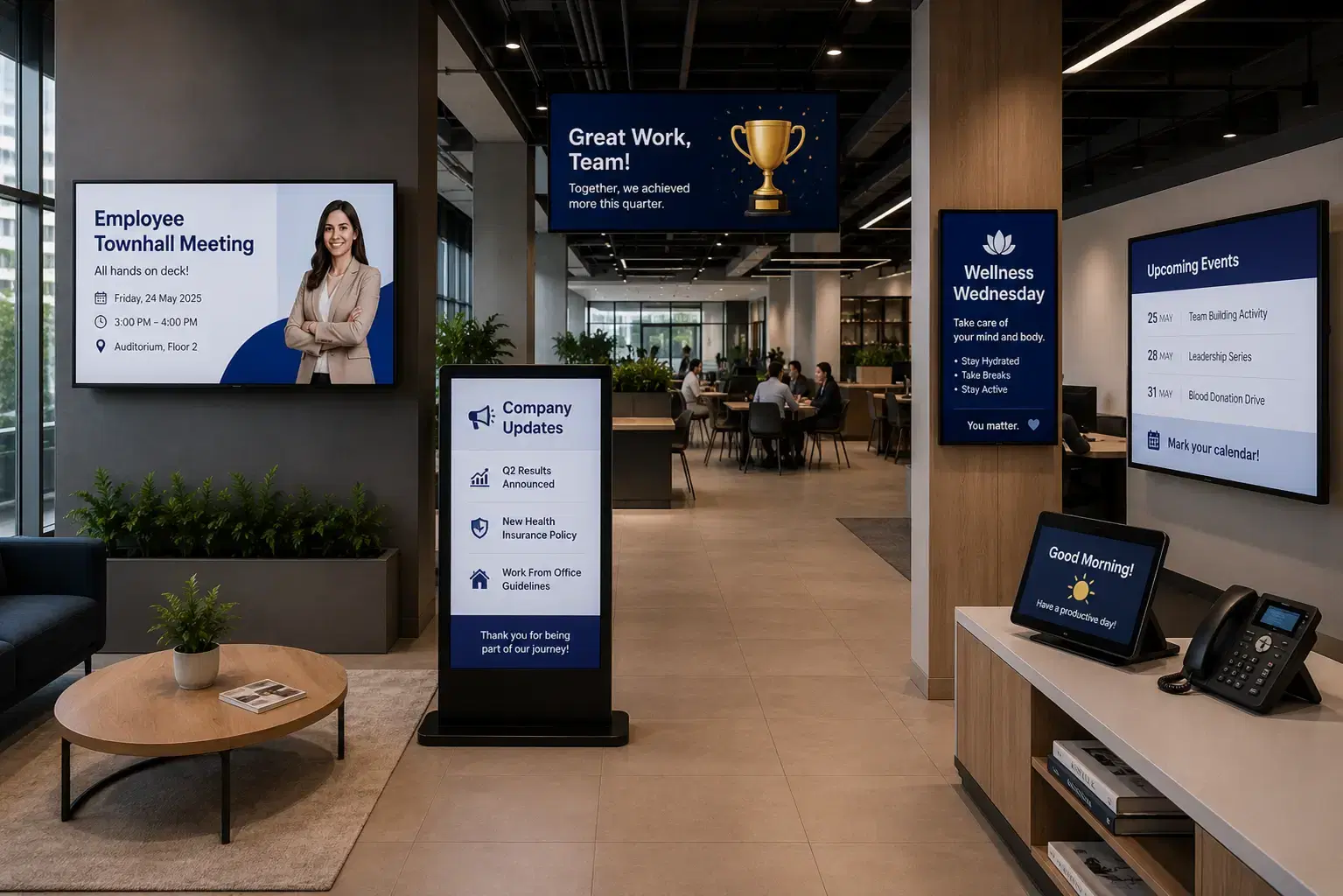
Office interior with Pickcel digital signage on lobby screens, corridor displays, and meeting room boards

Hover overTap a dot on the photo above to see its use case.

Getting Started

How Does Pickcel Office Digital Signage Work?

Setting up Pickcel office digital signage takes three steps: connect your screens, build your content, and go live. Most teams are publishing to their first screen within 15 minutes of signing up — no IT project required.

01

Connect Your Screens

Plug in any compatible device — Android player, Windows PC, Samsung Tizen TV, LG webOS display, or Amazon Fire TV Stick. Install the Pickcel app, scan a pairing code, and your screen is live in minutes.

Plug in any compatible device — Android player, Windows PC, Samsung Tizen TV, LG webOS display, or Amazon Fire TV Stick. Install the Pickcel app, scan a pairing code, and your screen is live in minutes.

Use Pickcel's drag-and-drop editor or import from Google Slides, Canva, or PowerPoint. Start from templates and add live data feeds like calendars, KPIs, or news tickers in a few clicks.

Publish to one screen or all locations at once. Set schedules, target content by location or department, and override any screen instantly from the Pickcel Go mobile app.

No IT project required

Connect your screens, build your content, and go live in minutes — most teams publish to their first screen within 15 minutes of signing up.
Platform Capabilities

Built for IT. Operated by Anyone.

Pickcel's office digital signage platform gives IT teams the control and security they need while keeping daily content management simple enough for any department to run without training.

Content Scheduling & Automation

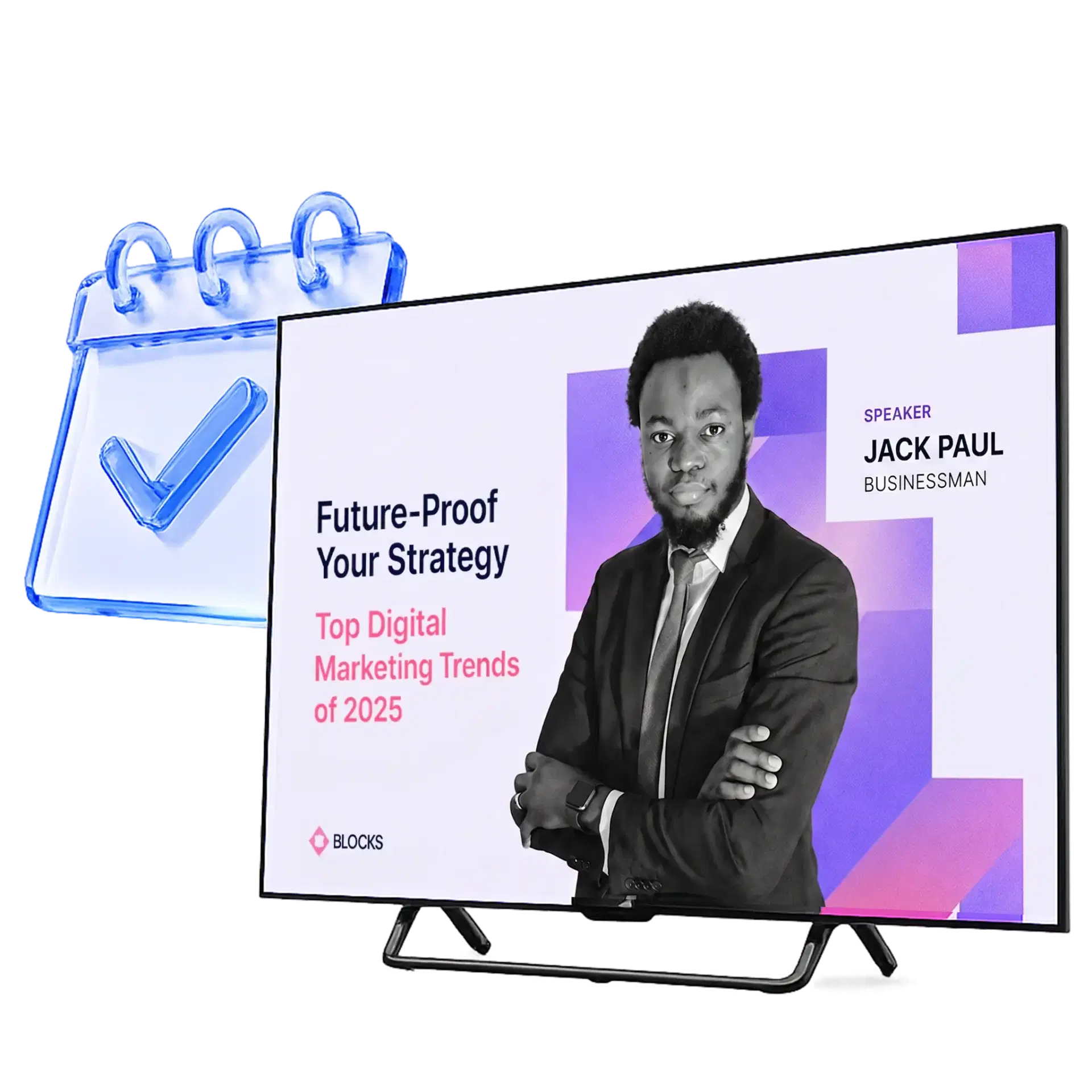
Schedule content weeks ahead. Set start and end dates. Auto-publish recurring announcements on a cadence — morning briefings, lunch menus, Friday shout-outs — without touching the dashboard again. Explore the full signage automation guide.

Scheduled business event promotion displayed on a digital screen

Multi-Location Screen Management

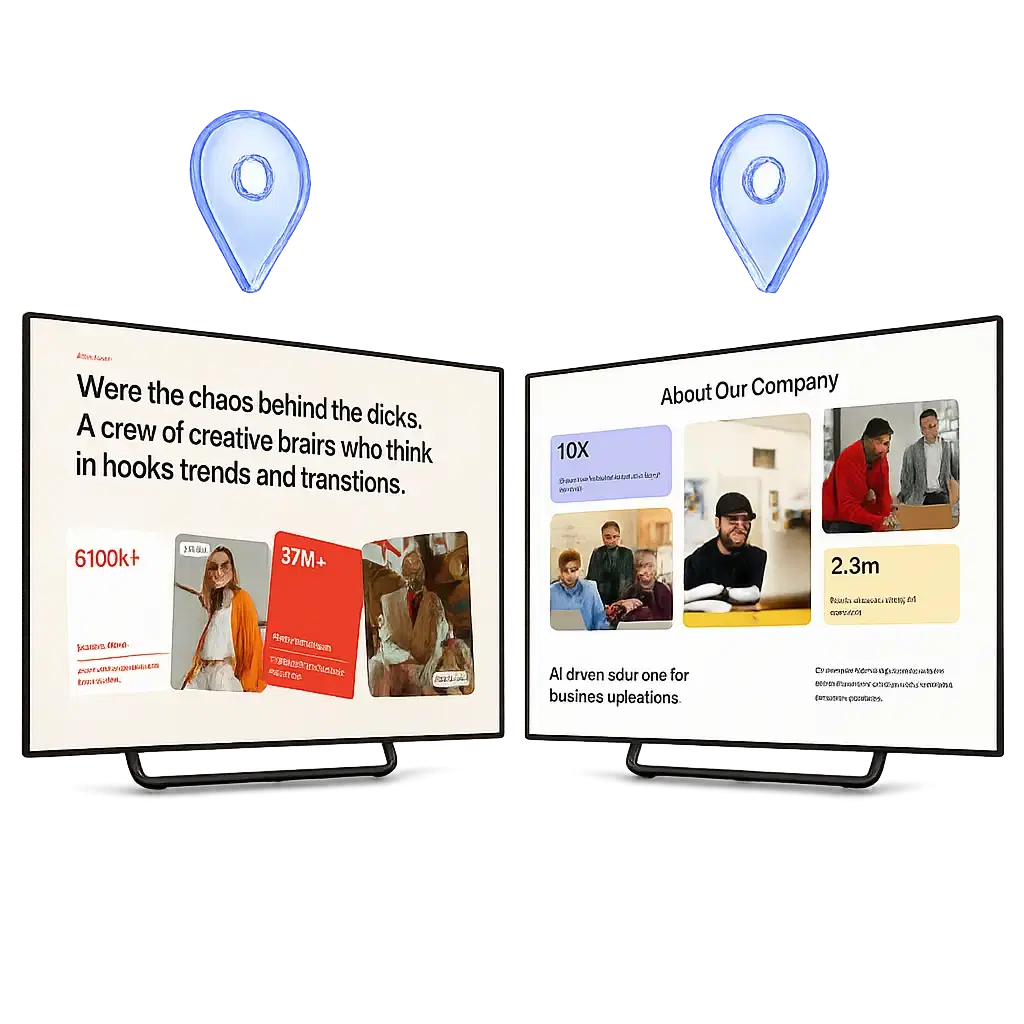
Group screens by location, floor, department, or building. Send a company-wide update while simultaneously showing floor-specific content to different teams — from the same dashboard. Purpose-built for enterprise digital signage at scale.

Business event content displayed on a remotely managed office screen

Live Data & BI Integrations

Connect Pickcel to Power BI, Google Sheets, Salesforce, and 60+ other tools via the Pickcel integration hub. Display real-time KPIs, sales numbers, or HR milestones automatically — no manual screen updates required.

Live KPI dashboard feeding data to an office digital signage screen preview

Drag-and-Drop Content Editor

No design skills needed. Pickcel's visual editor includes 100+ templates sized for every office screen format. Add video, images, RSS news feeds, social walls, or live weather data in minutes. Start from a gallery of real-world examples.

Drag-and-drop content editor canvas with office announcement templates

Analytics & Proof of Display

Know what's showing on every screen, when it ran, and for how long. Pickcel's signage analytics dashboard gives compliance teams proof of display and communications teams cross-channel reach reporting — all in one view.

Analytics dashboard with proof-of-display charts and screen play reports

Approval Workflows & Role-Based Access

Let department heads create content for their screens without global publish rights, with approval chains ensuring every message is reviewed before going live. For teams needing a structured notice board, Pickcel's electronic bulletin board adds department-level posting controls and workflows.

Approval workflow showing role-based review steps before publishing to screens

Content Scheduling & Automation

Schedule content weeks ahead. Set start and end dates. Auto-publish recurring announcements on a cadence — morning briefings, lunch menus, Friday shout-outs — without touching the dashboard again. Explore the full signage automation guide.

Scheduled business event promotion displayed on a digital screen

Multi-Location Screen Management

Group screens by location, floor, department, or building. Send a company-wide update while simultaneously showing floor-specific content to different teams — from the same dashboard. Purpose-built for enterprise digital signage at scale.

Business event content displayed on a remotely managed office screen

Live Data & BI Integrations

Connect Pickcel to Power BI, Google Sheets, Salesforce, and 60+ other tools via the Pickcel integration hub. Display real-time KPIs, sales numbers, or HR milestones automatically — no manual screen updates required.

Live KPI dashboard feeding data to an office digital signage screen preview

Drag-and-Drop Content Editor

No design skills needed. Pickcel's visual editor includes 100+ templates sized for every office screen format. Add video, images, RSS news feeds, social walls, or live weather data in minutes. Start from a gallery of real-world examples.

Drag-and-drop content editor canvas with office announcement templates

Analytics & Proof of Display

Know what's showing on every screen, when it ran, and for how long. Pickcel's signage analytics dashboard gives compliance teams proof of display and communications teams cross-channel reach reporting — all in one view.

Analytics dashboard with proof-of-display charts and screen play reports

Approval Workflows & Role-Based Access

Let department heads create content for their screens without global publish rights, with approval chains ensuring every message is reviewed before going live. For teams needing a structured notice board, Pickcel's electronic bulletin board adds department-level posting controls and workflows.

Approval workflow showing role-based review steps before publishing to screens

Need to Reach Employees Beyond Office Screens?

Pickcel's multi-channel employee communication platform goes beyond digital signage to reach every employee — desk, deskless, and frontline — across 8 native channels. Create once, publish everywhere. Replace 5–7 fragmented tools with one powerful system.

Digital SignageDesktop ScreensaverDesktop ScrollerDesktop WallpaperDesktop AlertsMicrosoft TeamsSMSWhatsApp
Use Cases

What Does Office Digital Signage Actually Do?

Pickcel powers six distinct use cases in office environments — each solving a specific communication or operational challenge.

Use Cases

What Does Office Digital Signage Actually Do?

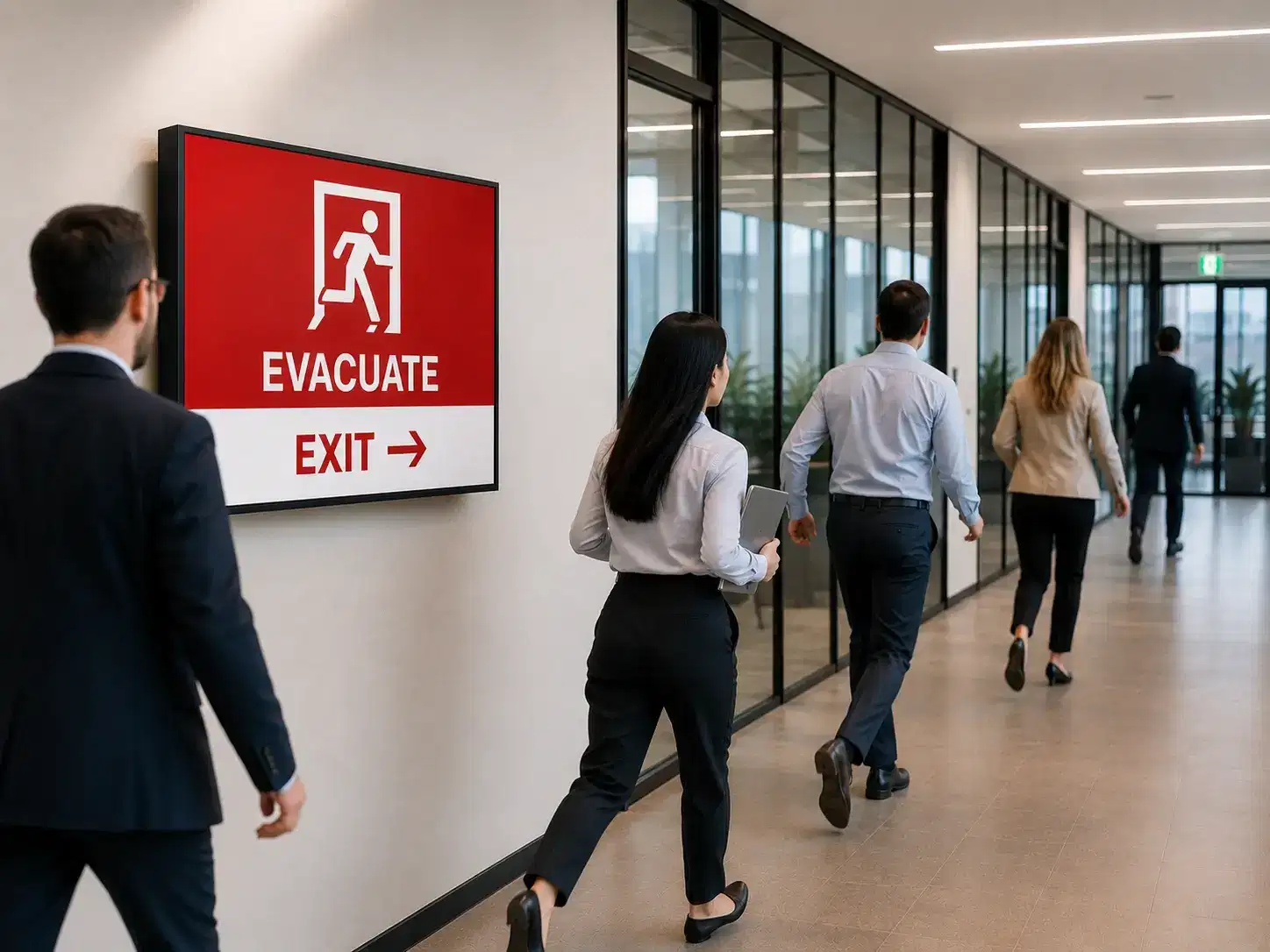
Emergency & Safety Alerts

Override every screen instantly with a full-screen alert — fire evacuations, security events, or weather emergencies. For factory and warehouse environments, see Pickcel's dedicated safety communication system.

So you can Critical alerts can override all screens instantly

Safety communication system →
Emergency safety alert on office digital signage

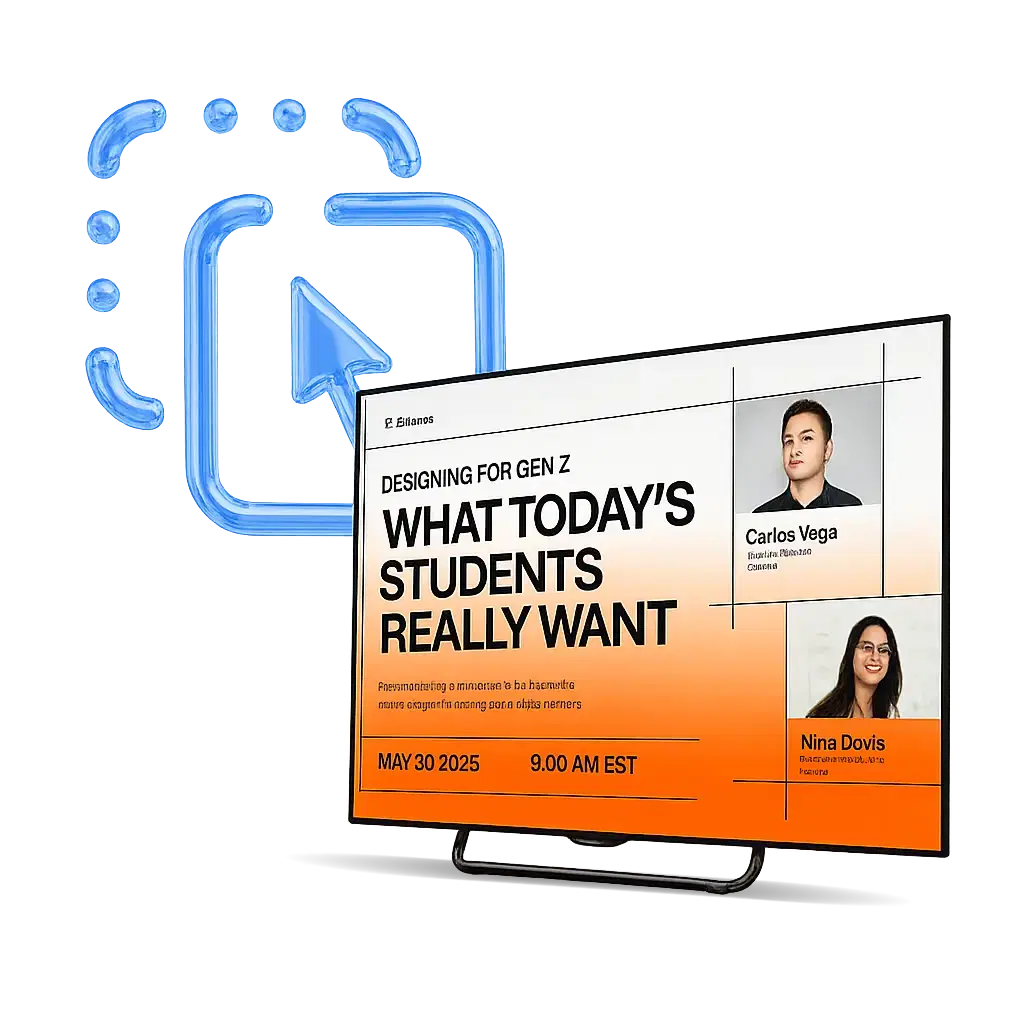
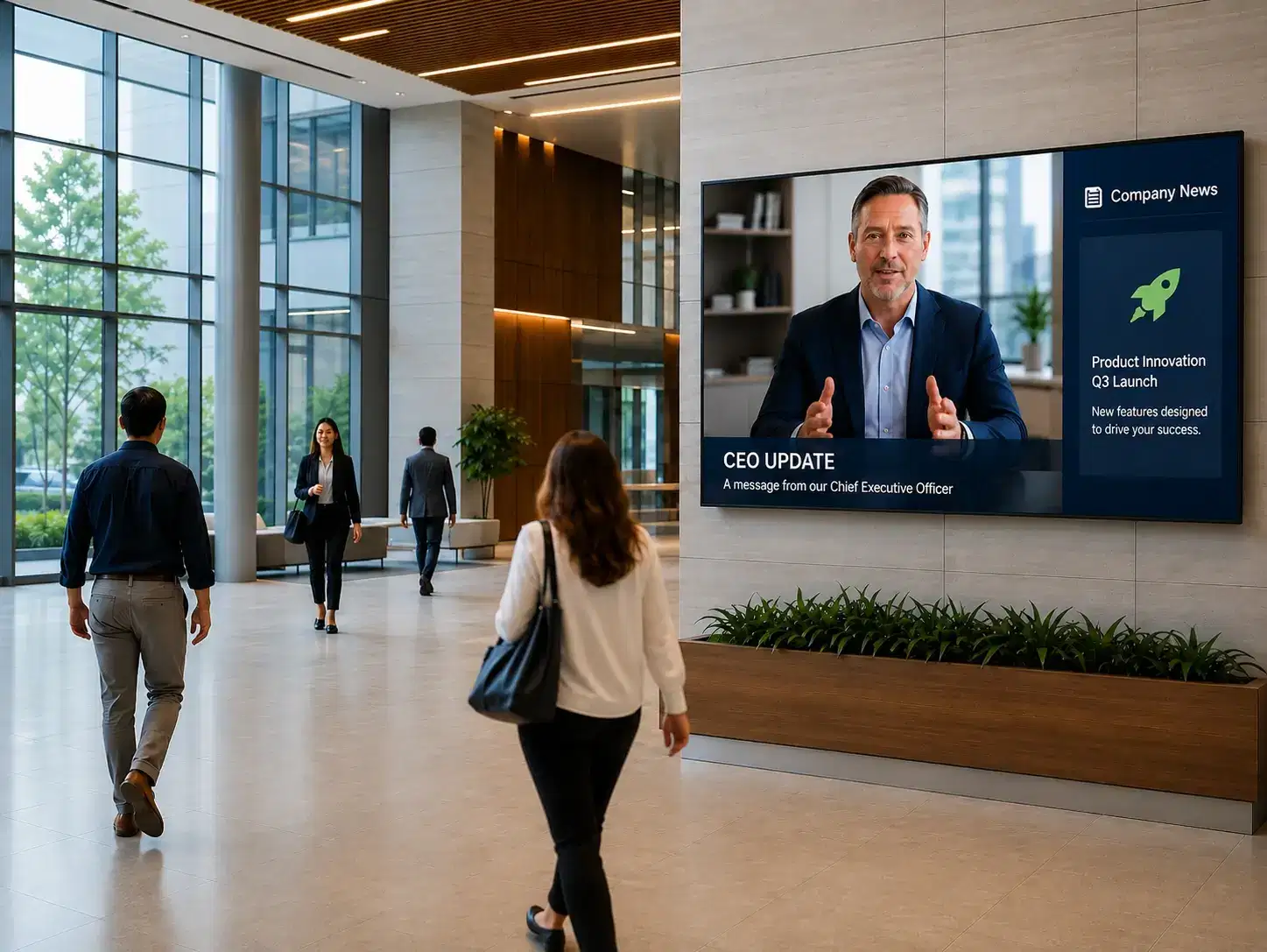
CEO & Leadership Updates

Display leadership videos, company strategy announcements, and town hall recordings on lobby and corridor screens — ensuring the message reaches every employee, not just inbox-checkers.

So you can Leadership messages reach employees beyond inboxes

CEO and leadership communication on office screens

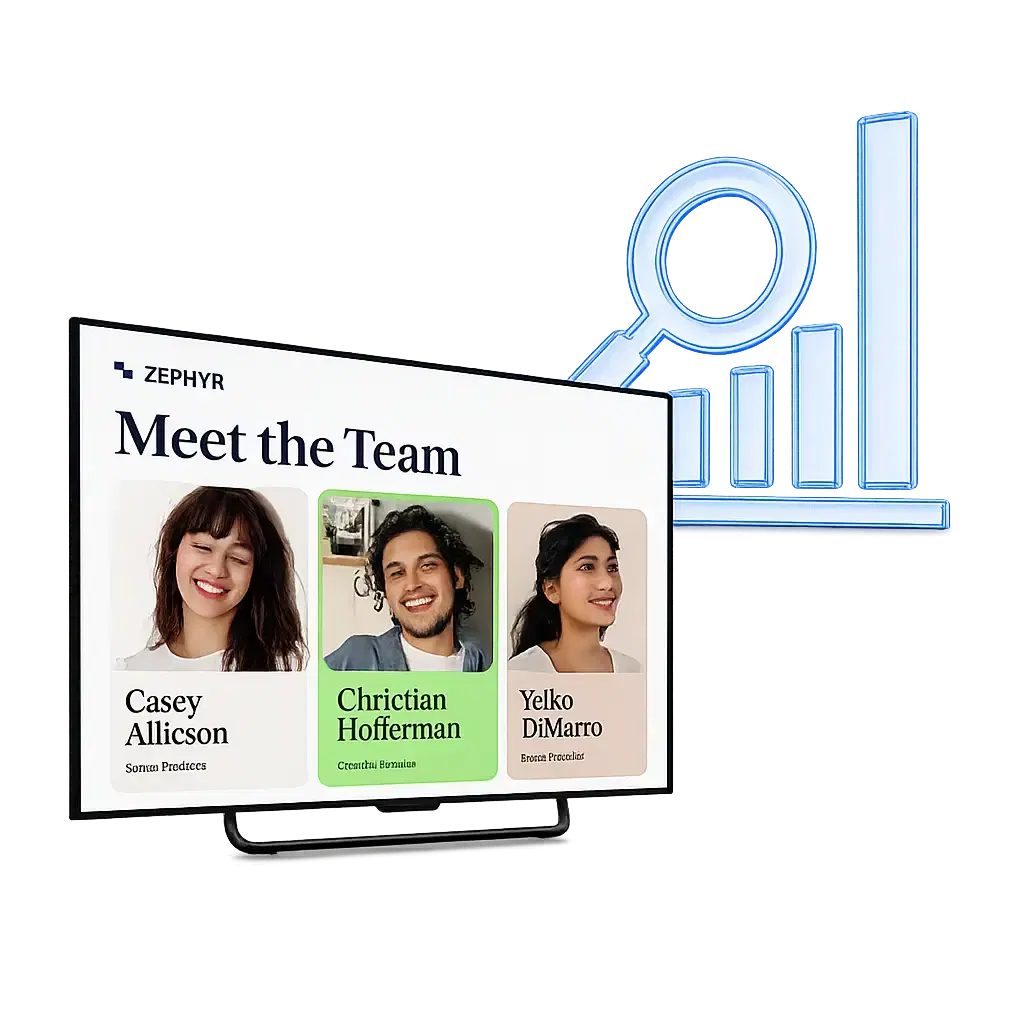
Culture & Employee Recognition

Showcase work anniversaries, team achievements, new joiners, and employee shout-outs. Build belonging with content that employees actually stop to read — and feel proud to be part of. See how Microsoft Teams and digital signage for office employee engagement work together.

So you can Recognition content strengthens belonging and morale

Culture and employee recognition content on office signage

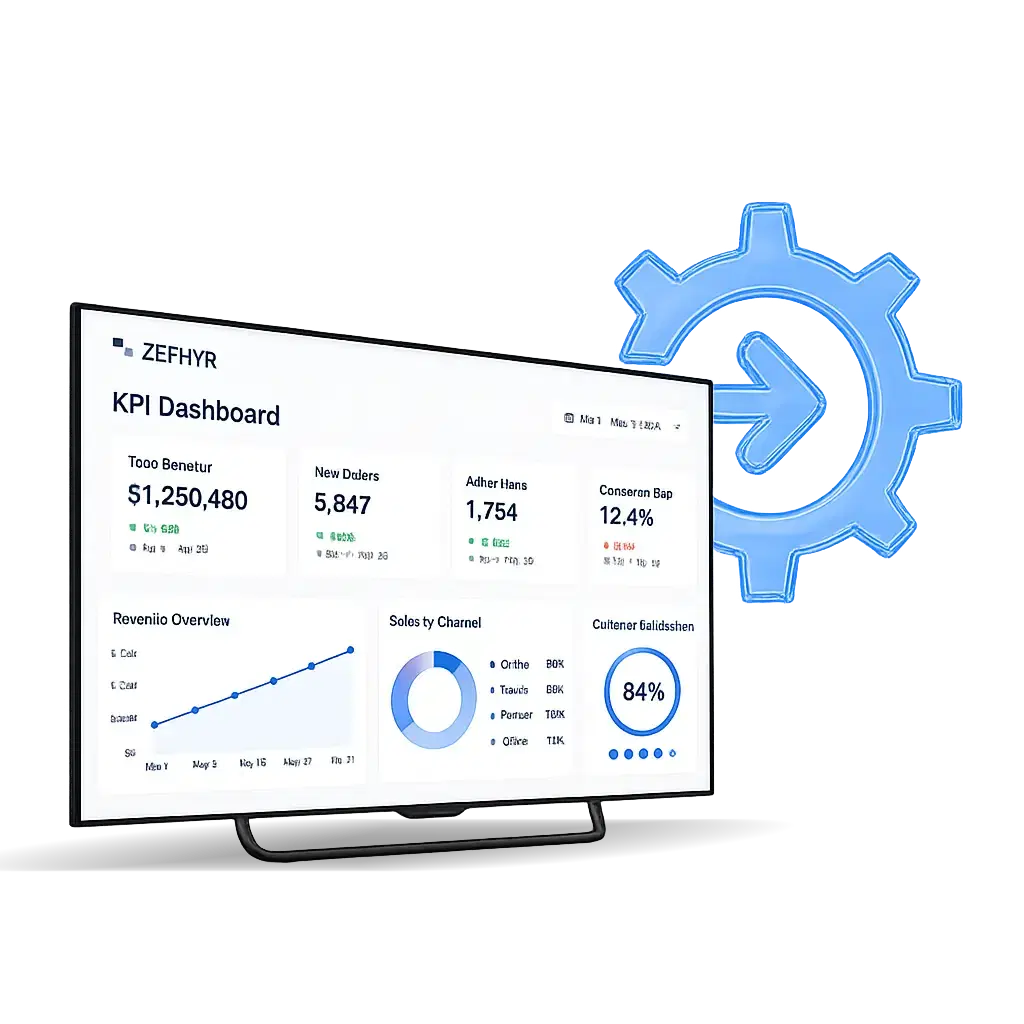
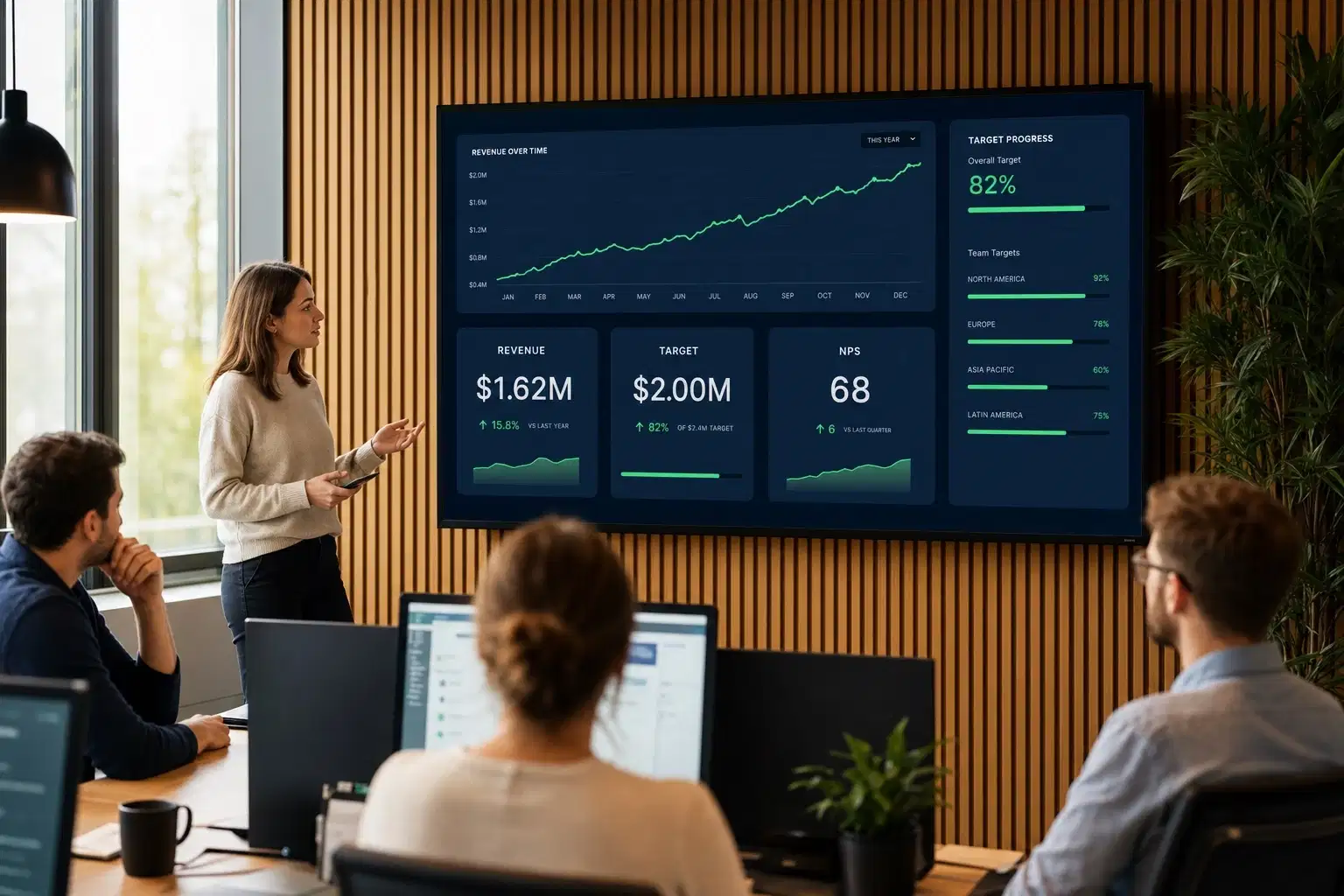
Live KPI Dashboards

Connect Pickcel to Power BI or Google Sheets and display real-time sales numbers, production targets, NPS scores, or SLA metrics on office screens — keeping teams motivated and data-driven.

So you can Real-time dashboards keep teams aligned on targets

Live KPI dashboards on office digital signage

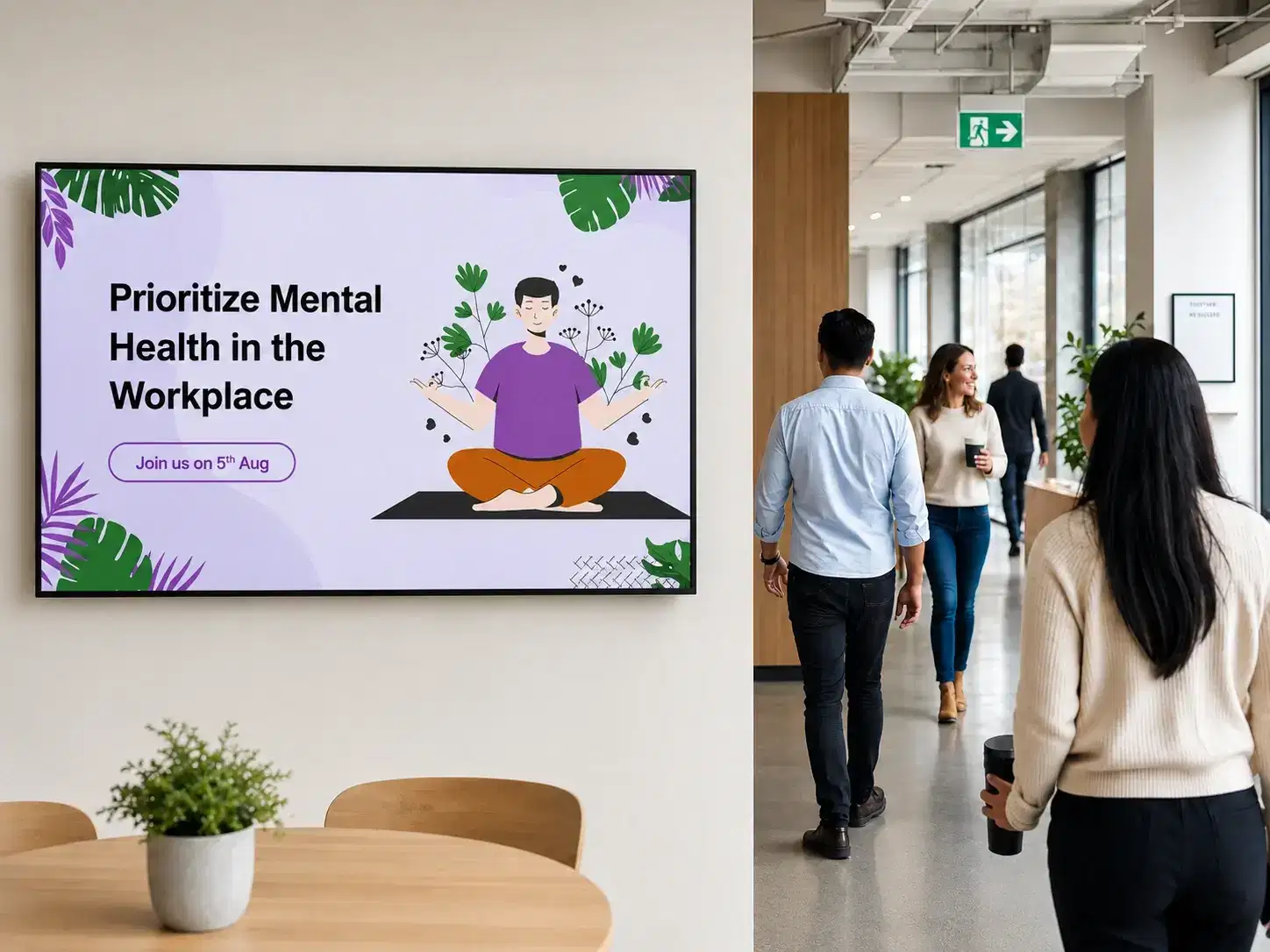
HR Campaigns & Open Enrolment

Drive awareness for benefits enrolment, wellness programs, training deadlines, and policy updates — without relying on a single email that competes with 100 others in the inbox.

So you can Boost visibility for time-sensitive HR campaigns

HR campaigns and benefits enrollment on office screens

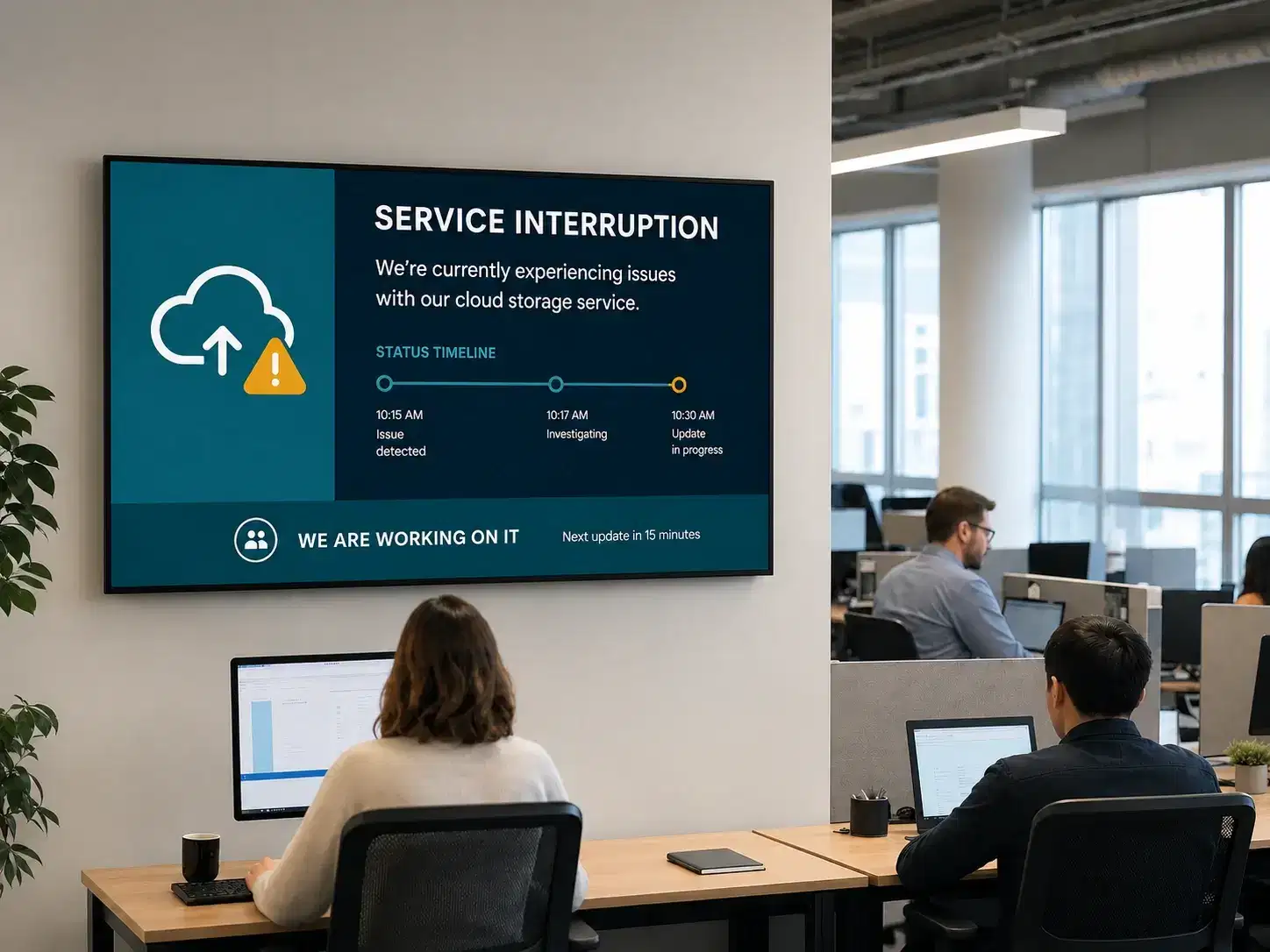
IT Outage Notifications

Alert the entire office to system outages or scheduled maintenance windows via screen displays and desktop alerts — before the helpdesk queue fills up with duplicate tickets.

So you can Reduce duplicate helpdesk queries during outages

IT outage notifications on office digital signage
Customer Stories

Real Results from Real Offices

See how leading offices use Pickcel to improve on-floor visibility and keep teams informed without relying on emails or static noticeboards.

Accenture logo

Accenture

Global professional services · Enterprise deployment

The Challenge

Accenture needed a scalable corporate digital signage solution to communicate with a distributed office workforce across multiple floors and locations — without creating per-site IT overhead or requiring on-site administrators at each location.

The Outcome

Centralized control of office screens across all locations

"Pickcel gave us the control and flexibility to manage all our office screens from one place — without the complexity we expected from an enterprise deployment."

Read case study
Mercedes-Benz logo

Mercedes-Benz

Automotive enterprise · Corporate communication

The Challenge

Mercedes-Benz required a corporate digital signage solution capable of delivering brand-consistent, professional content across office environments — while meeting the rigorous security and deployment standards expected of an automotive enterprise with strict IT governance.

The Outcome

Brand-consistent digital signage deployed seamlessly across global offices

"The quality and reliability of Pickcel's platform matched the standards our brand demands. Deployment was significantly faster than we anticipated."

Read case study
Unilever logo

Unilever

FMCG enterprise · India

The Challenge

Unilever needed a more effective way to capture employee attention across its Bangalore and Mumbai offices, as email and printed posters were failing to cut through.

The Outcome

Pickcel's cloud CMS unified screen communications across locations — improving visibility, engagement, and operational efficiency.

"Our internal communications became more engaging, timely, and visible across offices."

Read case study
How We Compare

Office Digital Signage vs. Traditional Communication Tools

Traditional internal communication relies on channels that require employees to take action — opening an email, visiting an intranet, or spotting a notice board. Office digital signage delivers information passively and persistently, without any employee effort required to receive it.

Real-time content updates

Pickcel Office Digital Signage

Instant, from anywhere

Email / Intranet

But requires email open

Physical Notice Boards

Physical update required

Generic Digital Signage

⚠Varies by platform

No employee action needed to receive

Pickcel Office Digital Signage

Always visible, passive

Email / Intranet

Must open email

Physical Notice Boards

Must walk past and read it

Generic Digital Signage

If screens are maintained

Multi-location management

Pickcel Office Digital Signage

One dashboard, all sites

Email / Intranet

⚠No screen control

Physical Notice Boards

On-site only

Generic Digital Signage

⚠Often limited or siloed

Live data feeds (Power BI, Salesforce)

Pickcel Office Digital Signage

60+ integrations

Email / Intranet

—

Physical Notice Boards

—

Generic Digital Signage

⚠Limited integrations

Emergency override / full-screen alerts

Pickcel Office Digital Signage

Instant full-screen override

Email / Intranet

⚠Only if email is open

Physical Notice Boards

—

Generic Digital Signage

⚠Rare capability

Analytics & proof of display

Pickcel Office Digital Signage

Full reporting dashboard

Email / Intranet

⚠Email open rates only

Physical Notice Boards

No tracking

Generic Digital Signage

⚠Basic uptime logs only

SOC 2 Type II & ISO 27001 certified

Pickcel Office Digital Signage

Both certifications held

Email / Intranet

⚠Depends on provider

Physical Notice Boards

N/A

Generic Digital Signage

⚠Varies widely

On-premise deployment option

Pickcel Office Digital Signage

Available on request

Email / Intranet

⚠Varies by provider

Physical Notice Boards

N/A

Generic Digital Signage

Mostly cloud-only

Hardware-agnostic (50+ device types)

Pickcel Office Digital Signage

Android, Windows, Tizen, webOS, Fire TV…

Email / Intranet

N/A

Physical Notice Boards

N/A

Generic Digital Signage

⚠Often proprietary hardware
CapabilityPickcel Office Digital SignageEmail / IntranetPhysical Notice BoardsGeneric Digital Signage
Real-time content updatesInstant, from anywhereBut requires email openPhysical update required⚠Varies by platform
No employee action needed to receiveAlways visible, passiveMust open emailMust walk past and read itIf screens are maintained
Multi-location managementOne dashboard, all sites⚠No screen controlOn-site only⚠Often limited or siloed
Live data feeds (Power BI, Salesforce)60+ integrations——⚠Limited integrations
Emergency override / full-screen alertsInstant full-screen override⚠Only if email is open—⚠Rare capability
Analytics & proof of displayFull reporting dashboard⚠Email open rates onlyNo tracking⚠Basic uptime logs only
SOC 2 Type II & ISO 27001 certifiedBoth certifications held⚠Depends on providerN/A⚠Varies widely
On-premise deployment optionAvailable on request⚠Varies by providerN/AMostly cloud-only
Hardware-agnostic (50+ device types)Android, Windows, Tizen, webOS, Fire TV…N/AN/A⚠Often proprietary hardware
Security & Compliance

Is Office Digital Signage Secure Enough for Enterprise?

Yes. Pickcel is SOC 2 Type II and ISO 27001 certified — the two most widely recognized enterprise security standards. For organizations with strict data residency or network isolation requirements, an on-premise deployment option is also available.

SOC 2 Type II Certified

Independently audited for security, availability, and confidentiality. Built for enterprise IT and procurement teams with rigorous standards.

  • Security
  • Availability
  • Confidentiality

ISO 27001 Certified

The global standard for information security management. Certified controls across systems, processes, and data protection.

  • Risk Management
  • Data Protection
  • Compliance

On-Premise Deployment Available

Keep all signage data within your own infrastructure with full control and flexibility.

  • Data Residency
  • Network Isolation
  • Full Control
SOC 2 Type IIISO 27001GDPR-AwareOn-Premise OptionRole-Based Access Controls
Hardware Compatibility

Works with the Screens and Devices You Already Have

Pickcel is hardware-agnostic. It runs on 50+ device types — meaning you don't need to replace any existing screens to get started. Simply install the Pickcel app on your current devices and they're ready to publish content within minutes.

Android Media Players
Most popular starting point
Windows PCs
Windows PCs
Turn existing PCs into players
Samsung Tizen
Samsung Tizen
Built-in app, no player needed
LG webOS
LG webOS
Native LG integration
Amazon Fire TV Stick
Affordable, plug-and-play
BrightSign
BrightSign
Professional-grade reliability

Want the full list?

View the complete hardware compatibility guide and player comparison.

View compatibility guide

Ready to Make Every Office Screen Work Harder?

Join 9,000+ organizations that use Pickcel for office digital signage. Book a free demo and see how your screens can look — live, in your own environment, in under 30 minutes.

No credit card · Free 14-day trial · Dedicated onboarding support

Related Resources

Explore Office Digital Signage by Space

Dive into workplace-specific use cases from our corporate digital signage industry pages — lobbies, HR, conferences, and breakrooms.

Office Lobbies

Welcome visitors with branded lobby displays and live information for a strong first impression.

Human Resources

Share HR announcements, policy updates, and recognition to keep every employee informed.

Conferences

Show live schedules, room wayfinding, and instant updates across conference screens.

Breakrooms

Blend company news, team highlights, and updates into everyday breakroom downtime.

Book a Free Demo
FAQ

Common Questions About Office Digital Signage

Office digital signage is a cloud-based software system that displays dynamic, targeted content on screens across a workplace — from lobby TVs and corridor displays to meeting room monitors and digital notice boards — allowing organizations to communicate with employees in real time without relying on email. Unlike physical notice boards or intranet posts, office digital signage updates automatically and is always visible throughout the workday without requiring any employee action to receive the message.
Digital signage improves employee communication by replacing passive, opt-in channels like email and intranet with ambient, always-visible screens that display relevant messages automatically throughout the workday. Pickcel customers report up to 72% faster information reach and 45% fewer repeated employee queries after deploying office digital signage. Because the screens are always on and visible — in lobbies, corridors, break rooms, and on desktops — important updates land whether or not anyone opens their inbox. For a deeper look, read our guide on how digital signage enhances the employee experience.
Yes — Pickcel is hardware-agnostic and works with 50+ device types including Android media players, Windows PCs, Samsung Tizen displays, LG webOS screens, Amazon Fire TV Sticks, BrightSign players, and Raspberry Pi. You do not need to replace your existing hardware to get started. Simply install the Pickcel app on your current device, scan a pairing code, and the screen is live — typically within 15 minutes per screen.
Individual screens are live within 15 minutes of setup. For enterprise-wide deployments, Pickcel's structured rollout framework typically spans 17–20 weeks from initial assessment to full deployment and legacy tool decommissioning — covering stack assessment, platform configuration, pilot testing, full organizational rollout, and team training. No per-site IT visits are required for routine content updates after deployment.
Yes. Pickcel holds SOC 2 Type II and ISO 27001 certifications — the two most widely recognized enterprise security standards. This typically accelerates IT security review timelines significantly. For organizations with strict data residency, air-gap, or network isolation requirements, Pickcel also offers an on-premise digital signage deployment option that keeps all data within your own infrastructure. Full security documentation is available at pickcel.com/digital-signage-security.
Yes — audience targeting is a core capability of Pickcel. You can group screens by location, floor, department, or any custom category, and publish targeted content to specific groups — or push a single update company-wide — from the same dashboard. A company-wide safety announcement can run on all screens simultaneously while the London office shows a UK-specific HR update and the Mumbai office shows a local event calendar. There is no limit to the number of locations or groups you can manage.
Yes. Beyond office digital signage screens, Pickcel's unified internal communication platform extends to desktop screensavers, desktop scrollers, desktop wallpapers, priority desktop alerts, Microsoft Teams, SMS, and WhatsApp — reaching desk-based and deskless workers across 8 native channels from one dashboard. The platform is designed for organizations looking to replace 5–7 fragmented communication tools with a single consolidated system. Customers using the full multi-channel platform report up to 94% employee message reach within 2 hours.
Pickcel is priced per screen per month on a subscription basis, scaling with the number of screens and the feature tier required. Visit the Pickcel pricing page for current plan details, or book a demo for an enterprise-specific quote. Organizations that consolidate their communication tools onto Pickcel typically report 60–75% reduction in total communication costs versus managing multiple separate tools — making it cost-neutral or cost-positive even in the first year for most deployments of 50+ screens.

Still have questions?

Our team is here to help with anything not covered above.

Talk to Our Team

Product

  • Software Features
  • Digital Signage Hardware
  • Digital Menu Board Software
  • Digital Signage Player
  • Interactive Kiosk
  • OTT Digital Signage Software
  • Queue Management Software
  • Visitor Management software
  • On-premise Digital Signage

Enterprise

  • Integrations & Automation
  • On-premise Digital Signage
  • Our Services

Solutions

  • Corporate Communication
  • Retail Digital Signage
  • Digital Signage Hospitality
  • Multi Channel Employee Communication
  • Restaurant Digital Signage
  • Banking & Finance Signage
  • Transportation Digital Signage
  • Digital Product Catalogue
  • Electronic Bulletin Board
  • Employee Communication App
  • Wayfinding Signage

Resources

  • Case Studies
  • What is digital signage?
  • Digital Signage Blog
  • Apps
  • Pricing
  • FAQ

Company

  • About Us
  • Contact Us
  • Support
  • Press Release
  • Careers

Trust & Compliance

  • Privacy Policy
  • Terms of Service
  • Refund Policy
  • Data Processing Addendum
  • Sub-processors
  • Security
  • Cookie Policy

Partner program

  • White Label Digital Signage
  • Reseller Digital Signage
Capterra4.6G24.6GoodFirms4.6

© 2026 LaneSquare Technology Pvt Ltd. All rights reserved.