Seamless Project Visualization: Discover Pickcel’s Integration with Jira
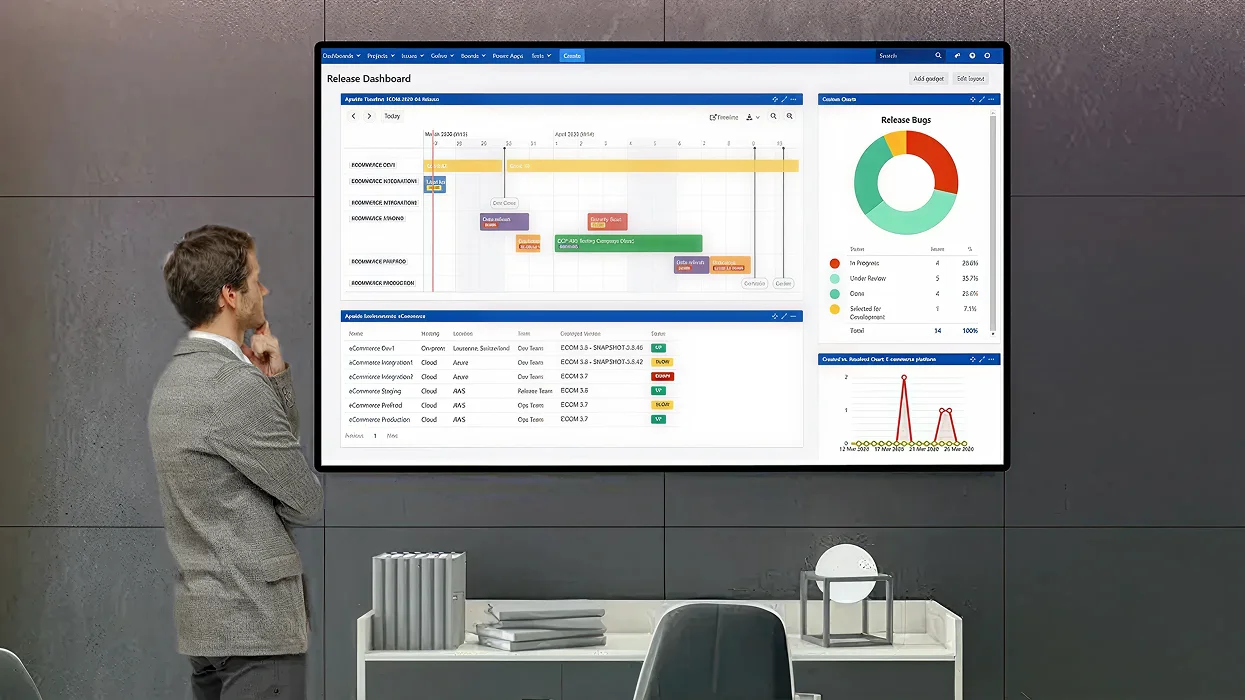
Take a step ahead in project management visibility! Display real-time project updates and actionable insights on your digital screens with Pickcel’s integration.
Pickcel’s integration with Jira helps you streamline communication and enhance team efficiency and visibility in project-driven environments. Display and track your project updates and status in real-time with the Pickcel Jira app.
Key Features
Transform your data and step into the digital era. With the Pickcel Microsoft Power BI App, you can add new sense of visual dynamics to your data. It is supported on all major operating systems including Android, Windows, MacOS, Linux & more.

Real-time updates for everyone
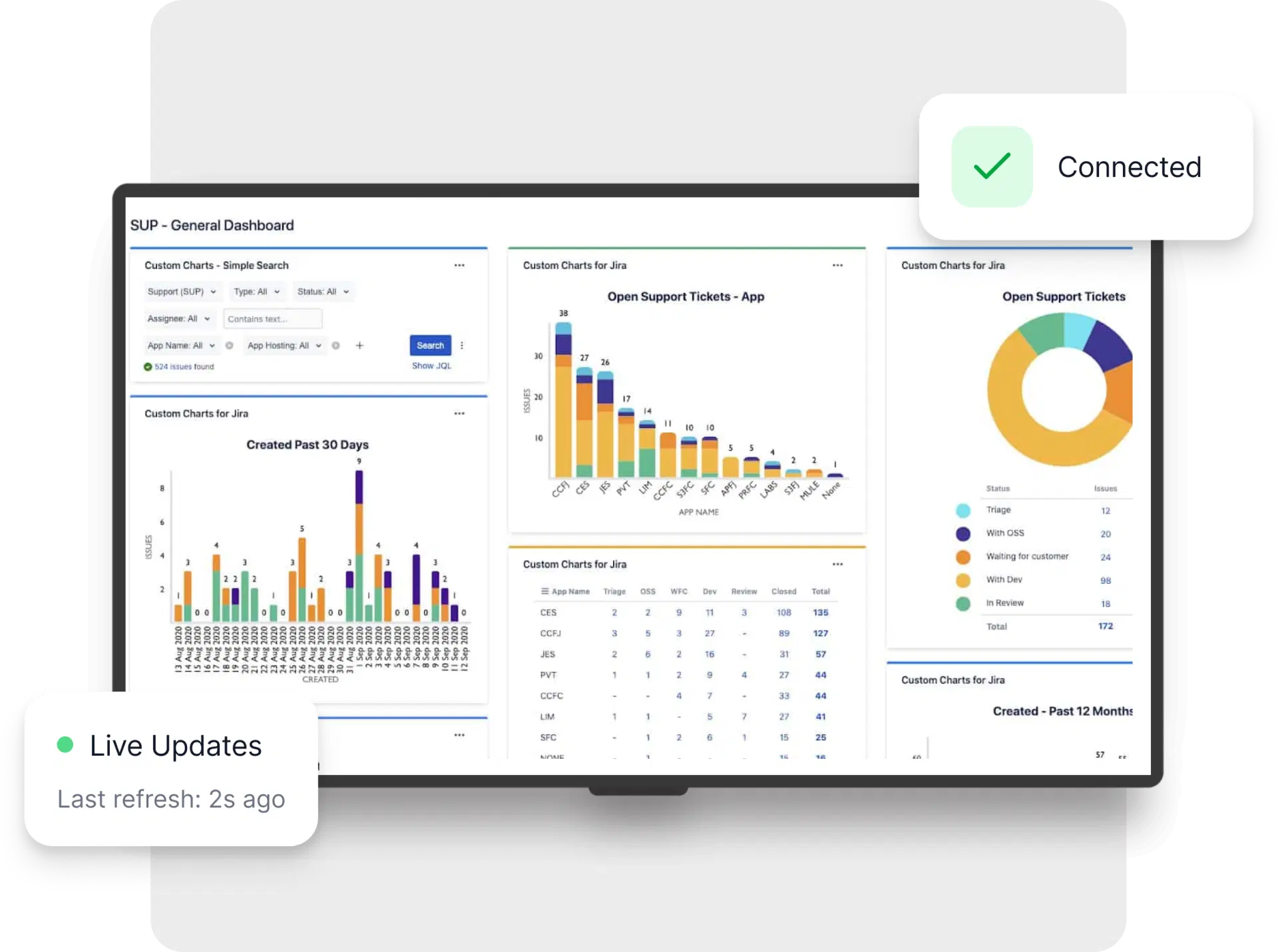
Visualize your project progress dynamically with live feeds of Jira’s project statuses and updates on your digital screens created by Pickcel’s console.

Customizable displays
Tailor your digital signage to show what matters most. From specific sprint metrics to overall project health, choose the data that drives your team’s productivity.

Seamless integration and remote management
Manage and update digital signage content from anywhere using Pickcel’s cloud console, with hassle-free synchronization across platforms.

Industry-grade data security
Enjoy seamless connectivity with industry-grade security measures safeguarding your project data.
More benefits of Pickcel with Jira
Agile Board Visibility
Display Jira Agile boards across locations so all team members can see sprint progress, story points, and task assignments in real time.
Issue Tracking Alerts
Configure alerts for new, updated, or escalated issues in Jira to be displayed on digital signage for faster resolution.
Use cases across diverse industries
We have listed a few. The sky is the limit for

Software development
Accelerate agile processes by showcasing sprint progress, bug tracking, and release schedules on digital displays.

Manufacturing
Display real-time production metrics and workflow statuses from Jira on digital signs across the factory floor.
How to integrate Jira with our Digital Signage?

Before configuring the Tableau app, please follow the steps to securely capture the Jira authentication information. This involves installing a Chrome extension on your browser. This custom app automates the authentication process, ensuring a secure connection for your data. For detailed instructions on installing and configuring the authentication generator app, please contact our support team for a guided onboarding process
Seamlessly display Jira dashboards on your digital signage

Configure the app from the app store
Name the app, assign a group, and define the Jira reports/dashboards to display.

Create a composition
Choose to publish full-screen or use Pickcel's layouts to combine your visualizations with other content.

Publish the composition
Select the digital screens and hit publish.