
Digital Signage Software That Puts You in Control of Every Screen
Create, schedule, and manage content on any screen — from a single retail store to a 10,000-screen enterprise network. Pickcel is cloud-based digital signage software trusted by 9,000+ businesses across 70+ countries.


Trusted by businesses worldwide






What Is Digital Signage Software?
Digital signage software Digital signage software replaces static posters, printed menus, and manual screen updates with a centralized content management system (CMS). Instead of physically visiting each screen to change what it displays, you upload content once and push it to one screen or thousands — instantly.
A 2024 report by Grand View Research valued the global digital signage market at $25.4 billion, projecting 8.1% annual growth through 2030. The shift is driven by businesses recognizing that digital displays capture 400% more views than static signage (Intel, 2023) and increase brand awareness by up to 47.7% (Samsung, 2023).
Pickcel is digital signage software that combines content creation, scheduling, device management, and analytics in a single cloud-based platform. It supports 50+ device types — including Android, Windows, LG webOS, Samsung Tizen, and BrightSign — so you can use screens you already own. Whether you manage 5 displays in one office or 10,000 across a global retail network, Pickcel gives you real-time control from anywhere.
$25.4B
global digital signage market value (Grand View Research, 2024)
8.1%
projected annual growth through 2030
47.7%
increase in brand awareness from digital vs. static displays (Samsung Research, 2023)
How Pickcel Works — From Setup to Live Screens
Three steps: connect your screens, build your content, and go live — all from a web browser, no IT team required.

Connect your screens
Install the Pickcel Player on Android, Windows, LG webOS, Samsung Tizen, or BrightSign devices and pair it with your dashboard using a simple activation code. No dedicated IT setup needed — just a screen and internet connection.Every supported device runs Pickcel's digital signage player, the lightweight software layer that receives content from this CMS and plays it back on the screen, even offline.

Everything You Can Do With Pickcel
Pickcel covers content creation, scheduling, multi-screen management, BI dashboard display, real-time analytics, enterprise integrations (POS, CRM, ERP), and enterprise-grade security — all from one platform.

Centralized screen management
Monitor and control every screen in your network from a single dashboard. Tag screens by location, department, or function. Push content to specific groups and capture real-time screenshots to verify playback.This same approach also powers Pickcel's display board software for large screen networks.

Built-in content creation tools
Pickcel's Artboard editor lets you design professional signage content inside the platform — no Photoshop needed. Access 1 million+ free stock images, customizable templates, multi-zone layouts, and text overlays. Integrates directly with Canva, Google Slides, and PowerPoint.

100+ ready-to-use apps
Extend your screens beyond static images. Pickcel's app store includes integrations for Power BI dashboards, live weather, social media walls, digital menu boards, meeting room calendars, flight information displays, queue management, news tickers, and more.
Smart scheduling and automation
Schedule content by date, time, day of week, or location. Use dayparting to show breakfast menus in the morning and dinner specials at night — automatically. Set campaign start and end dates so promotions activate and expire without manual intervention. 68% of operators cite automated scheduling as their most time-saving feature (Sixteen:Nine, 2024).These are among Pickcel's core smart digital signage features that reduce manual screen management to a one-time setup.

Interactive & touchscreen support
Turn screens into two-way communication channels. Pickcel supports touch-based kiosks, QR code interactions, wayfinding directories, and self-service applications. Perfect for hospital check-in stations, retail product catalogs, corporate visitor management, and restaurant self-ordering kiosks..

Real-time analytics & proof of play
Track what content played, when, and on which screen. Get media playback reports, device uptime data, and campaign performance summaries. For advertising networks and franchise operations, proof-of-play logs provide auditable records exportable in CSV format — critical for billing and compliance.

Enterprise security and compliance
Pickcel is SOC 2 Type II and ISO 27001 certified. The platform supports role-based access control (RBAC), single sign-on (SSO) via Google Workspace, Microsoft Azure AD, and SAML 2.0, multi-factor authentication (MFA), and full user activity audit trails. On-premise deployment is also available.

Real-time dashboards & BI integration
Display live business intelligence directly on your screens. Pickcel connects natively to Power BI, Tableau, Grafana, Jira, Salesforce, AWS CloudWatch, Zendesk, Trello, and Sentry. 64% of organizations consider BI access a critical operational requirement (Dresner Advisory Services).

Enterprise integrations — POS, CRM, ERP
POS integrations with Square and Shopify automatically sync menu pricing, offers, and inventory status to your screens. Pickcel's open API and webhook framework allows integration with ERP platforms, CRM systems, HR tools, IoT sensors, and SCADA/PLC industrial systems.
Which Industries Use Pickcel?
From fast food chains to hospital networks, Pickcel solves real operational challenges across industries.

Digital menu boards, drive-thru displays & more
Digital menu boards, drive-thru displays, POS integration, dayparting, promotional screens. Automate content changes throughout the day without touching a single screen.
Up to 28% increase in average order value

In-store promotions, window displays & wayfinding
In-store promotions, window displays, wayfinding, product catalogs, and queue management. Drive impulse purchases and keep customers engaged across the store.
29.5% lift in retail sales
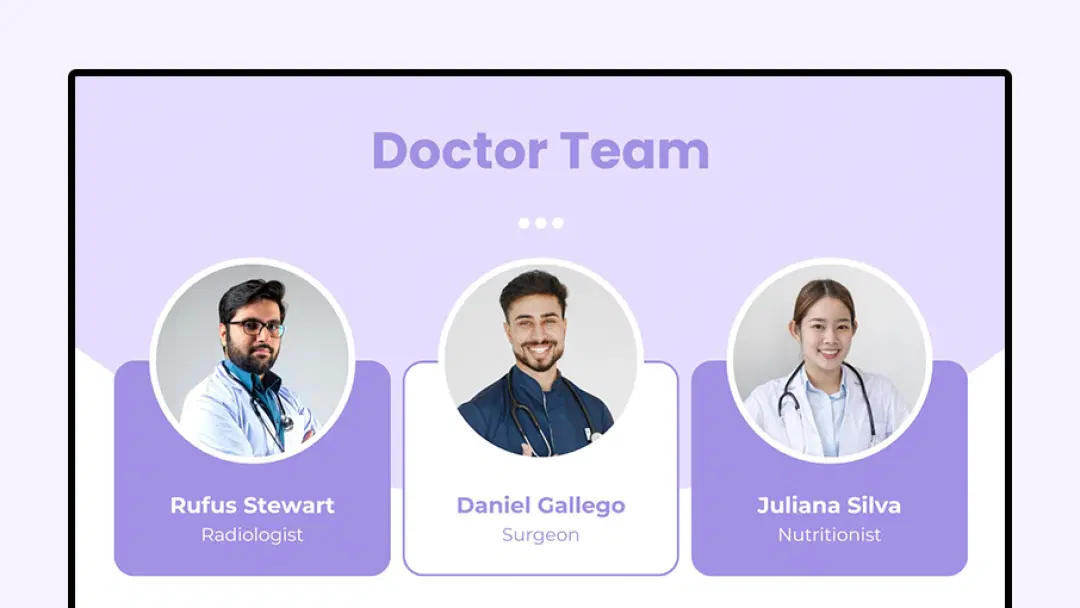
Patient wayfinding & waiting room displays
Patient wayfinding, waiting room displays, emergency alerts, staff communication boards. Keep patients informed and reduce perceived wait times significantly.
35% reduction in perceived wait times
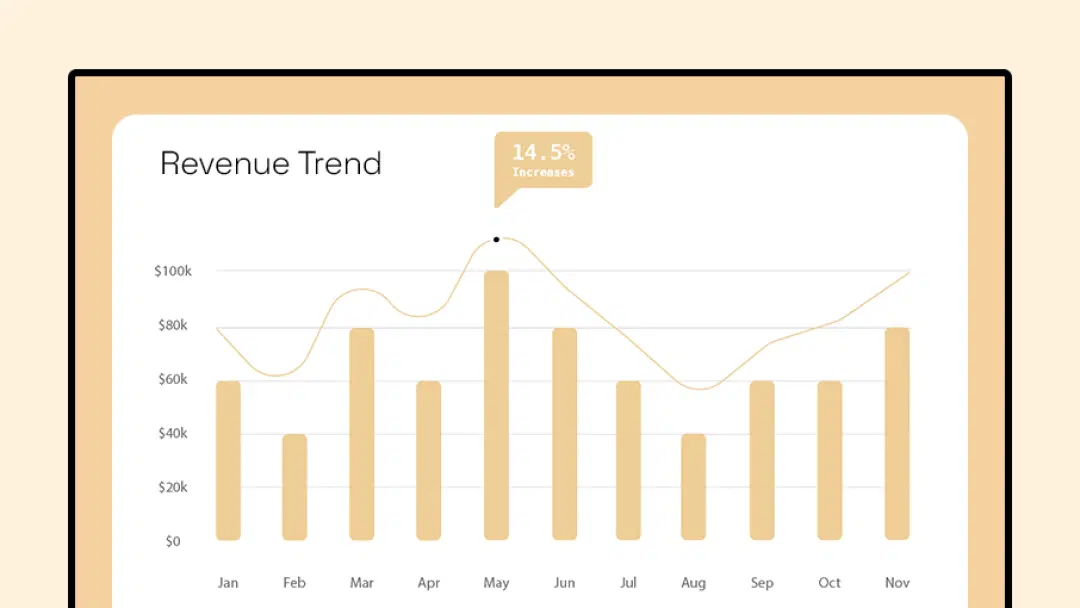
Meeting room displays & KPI dashboards
Meeting room displays, KPI dashboards, employee engagement, visitor welcome screens, internal communications. Digital displays deliver 73% content retention vs. 12% for paper (InfoTrends, 2024).
73% content retention vs. 12% for paper
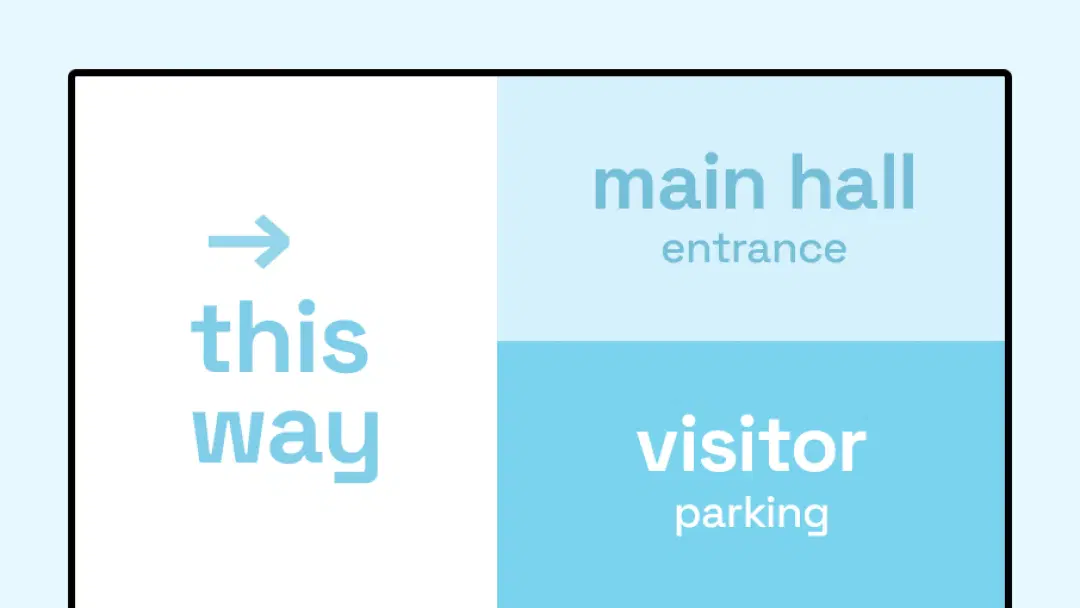
Campus wayfinding & emergency notifications
Campus wayfinding, event boards, emergency alerts, classroom displays, and cafeteria menus. Improve campus communication and keep students informed in real time.
56% improvement in communication effectiveness
Compatible Devices & Hardware
Pickcel is hardware-agnostic. You do not need to replace your existing screens or media players. The Pickcel player app runs natively on commercial-grade displays and consumer devices alike — meaning lower deployment costs and faster rollouts.
Pickcel works with 50+ device types including Android, Windows, LG webOS, Samsung Tizen, BrightSign, Raspberry Pi, Fire TV, Chrome OS, and iOS.
For the fleet of Android TVs and tablets already in the field, Pickcel's Android digital signage software installs directly with no extra hardware to buy.
| Platform | Best For | Key Advantage |
|---|---|---|
Android TV | Cost-effective deployments, tablets, TV boxes |  Widest device variety, lowest cost per screen Widest device variety, lowest cost per screen |
Windows | Interactive kiosks, video walls, PCs | Full browser support, enterprise management |
LG webOS | Commercial LG displays | No external player needed — runs natively |
Samsung Tizen | Samsung Smart Signage displays | Zero-hardware deployment on Samsung SSP |
BrightSign | 24/7 reliability, LS/HD/XT series | Industrial-grade uptime for mission-critical displays |
Raspberry Pi | Education, small-scale pilots | Ultra-low cost — under $50 per endpoint |
Fire TV Stick | Quick, affordable single-screen setups | Plug-and-play from around $30 |
Linux | Industrial, custom hardware | Lightweight, optimized for constrained environments |
Chrome OS / Chrome Flex | Corporate kiosks, education labs | Google Workspace integration, zero-touch enrollment |
How Does Pickcel Compare to Other Digital Signage Software?
Choosing the right digital signage software depends on your scale, security requirements, and budget. Here is how Pickcel stacks up against the most commonly evaluated alternatives:
Pickcel advantage: Pickcel offers broader device support, on-premise deployment, built-in content tools, and SOC 2 certification at a competitive price — covering what most competitors split across multiple tiers.
| Feature | Pickcel | ScreenCloud | Yodeck | OptiSigns | Rise Vision |
|---|---|---|---|---|---|
| Cloud CMS | | | | | |
| On-Premise Option | |  | | | |
| Built-In Design Editor | | | Basic | Basic | |
| 100+ Content Apps & Custom Apps | | Limited | Limited | | Limited |
| SOC 2 + ISO 27001 | | SOC 2 only | | | |
| SSO / MFA / RBAC | | Partial | | | Partial |
| 50+ Device Support | | Limited | Limited | Limited | Limited |
| POS Integration | | | | | |
| Custom App SDK | | | | | |
| White-Label Option | | | | | |
| Free Trial | 14 days | 14 days | Free tier | Free tier | Free tier |
Table data verified as of March 2025. Features and availability may vary by vendor plan. Check vendor websites for the latest information.
On-Premise Deployment — Is It Right for You?
Yes. Pickcel offers both cloud-hosted and fully on-premise deployment, making it one of the few digital signage platforms that supports air-gapped environments.
Cloud Deployment
RecommendedFully managed by Pickcel. No servers to maintain. Automatic updates, 99.9% uptime SLA, and access from any device, anywhere.
- Hosted on Pickcel's secure AWS infrastructure
- Best for most businesses — fast setup
- Setup in minutes
- Data residency managed by Pickcel
- Automatic updates
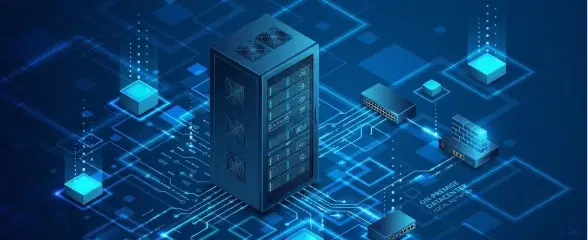
On-Premise Deployment
EnterpriseHost Pickcel entirely on your own infrastructure. Full data sovereignty, air-gapped network support, and enterprise-grade security on your terms.This is the model behind Pickcel's on-premise digital signage software for regulated environments.
- Your private network or data center
- Best for government, defense, banking, HIPAA-regulated
- Setup in days to weeks (with Pickcel support)
- Full customer control over data residency
- Customer-managed updates
- Air-gapped environment support
Global QSR chain deploys 1,300+ screens without per-site visits
Pickcel's POS and Excel integration enabled centralized control of 1,300+ screens — deployed in under a week with no per-site visits required.
The Challenge
1,300+ screens across 200 locations — different teams, different time zones, manual content updates.
The Solution
Pickcel cloud deployment with POS integration and centralized scheduling. Content pushed once, live everywhere.
The Outcome
Deployed in under a week with zero per-site visits. Content update time reduced by 94%.
Why Use Pickcel?
Eight reasons why 5,000+ businesses choose Pickcel over the competition.
That track record is why customers call Pickcel a trusted digital signage company.

Hardware-Agnostic
Runs on Android, Windows, LG webOS, Samsung Tizen, Raspberry Pi, BrightSign, and more. No vendor lock-in.

Built-In Design Editor
Create professional signage directly in Pickcel — no third-party tools needed. 200+ templates, 1M+ assets.

SOC 2 + ISO 27001
Dual-certified security. HIPAA and GDPR compliant deployments. Full audit trails and RBAC.

On-Premise Available
One of the few platforms with true on-premise and air-gapped deployment for regulated industries.

60+ Integrations
POS, CRM, ERP, Power BI, Google Slides, Canva, social feeds, weather — all natively integrated.

Proof-of-Play Reporting
Auditable playback logs, campaign analytics, and device uptime data. Exportable CSV for billing.

Smart Dayparting
Schedule content by time of day, day of week, date range, or location group — all automated.

4.9★ Rated on G2
Over 1,200 verified reviews. G2 Leader in Digital Signage Software — Winter 2024.
Frequently Asked Questions
Still have questions?
Our team is here to help with anything not covered above.