
Smart Digital Signage Software: Screens That React to Your World
Your displays show the same content loop regardless of time, audience, or what's actually happening in your business. Pickcel connects every screen to live data, triggers, and automation rules so the right content appears without anyone pressing publish.

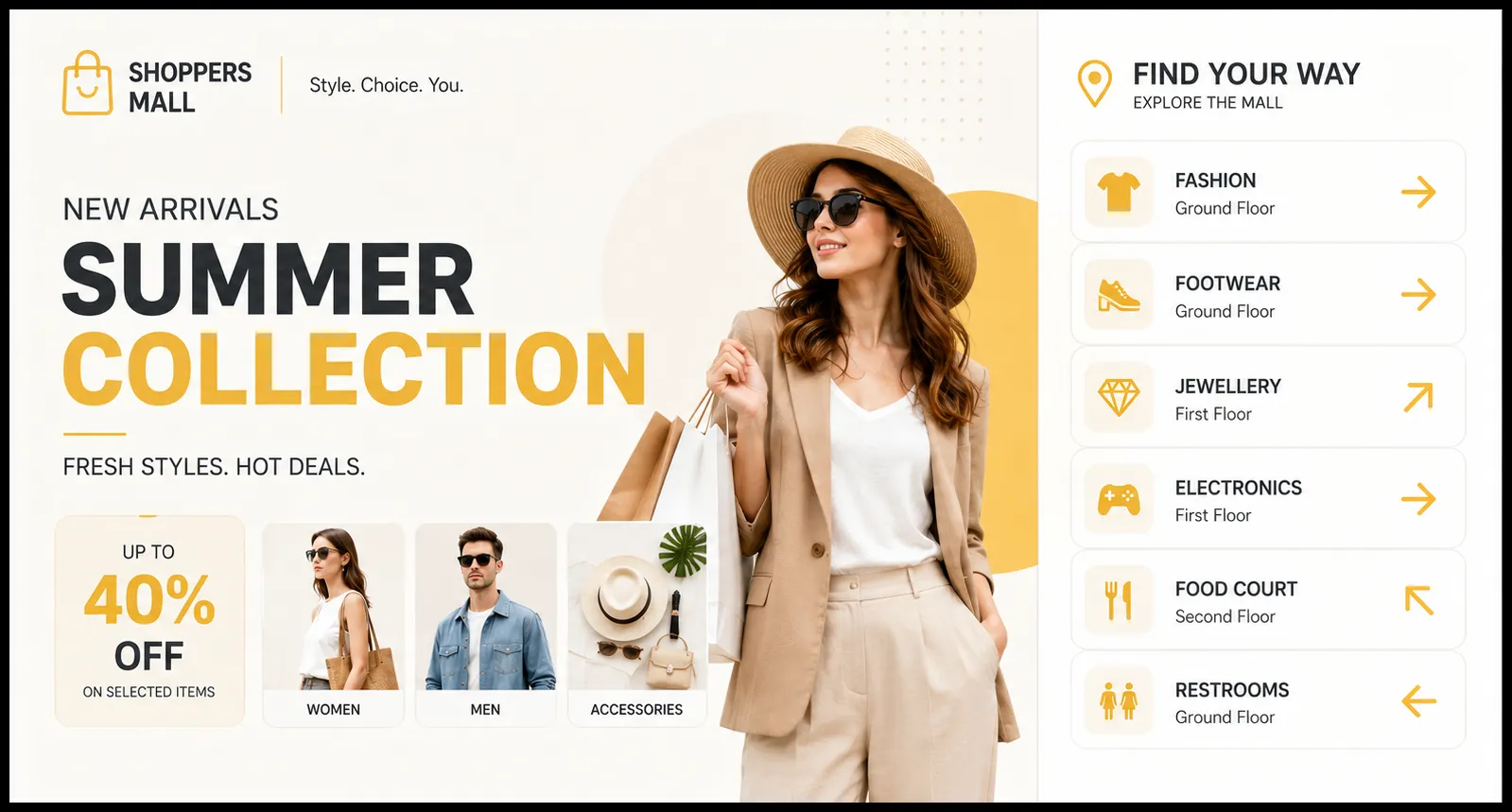
Trusted by 9,000+ businesses across 70+ countries






What Is Smart Digital Signage?
Smart digital signage is a cloud-managed display system that uses live data inputs, scheduling triggers, and automation rules to show contextually relevant content automatically, without manual updates. Unlike standard digital signage, smart signage responds to real-world signals: time of day, audience data, inventory levels, weather, or live business metrics.
Pickcel brings this capability to businesses of all sizes, without specialist hardware, a development team, or complex integrations to manage. Connect your existing data sources through a visual interface, define the conditions that control what your screens show, and publish to every location from one cloud dashboard. Smart signage stops being an enterprise-only capability when the configuration doesn't require one.
For a deeper look at what smart digital signage means in practice, the companion blog covers the category in detail.
The Problem with Standard Digital Signage
Static display tools were built for scheduled content, not responsive content. Three failure modes appear consistently at businesses with conventional setups.
Content Goes Stale Without Staff Effort
Scheduled signage requires someone to log in, update the content, and republish, repeatedly. When that person is absent, screens continue running outdated promotions, last week's menu prices, or an expired event. The display does what it was told, not what the business needs.
Your Screens Have No Awareness of Your Business
Whether inventory is running low, a queue is forming, or a KPI crossed a critical threshold, standard signage doesn't know. It shows what was scheduled, regardless of what's happened since. The gap between what screens show and what's actually true in your operations widens every hour.
Multi-Location Updates Don't Scale
For businesses operating across multiple sites, manual content management multiplies the workload. Each location requires individual access, content changes, and verification that updates have taken effect. There's no aggregate view of what's live across the network at any moment.
How Pickcel Maps to Each Problem
Pickcel addresses each of the three standard digital signage failure modes with a specific capability.
| Problem you have today | How Pickcel handles it | What you get |
|---|---|---|
| Content loops go stale without staff effort | Trigger-based rules publish new content when conditions you define are met | Screens that update themselves when business conditions change |
| Screens are disconnected from live business data | API connections to weather feeds, spreadsheets, CRM dashboards, and inventory systems | Contextually accurate content, updated without manual intervention |
| Managing updates across locations is operationally expensive | Single cloud dashboard controls all screens and all locations simultaneously | Content changes published to 1 or 1,000 locations in the same number of clicks |
| Display output is identical regardless of time, audience, or context | Time-based scheduling combined with conditional content rules | Relevant content for every daypart, audience type, or business condition |
What Pickcel's Smart Signage Does
As cloud-based digital signage software, Pickcel gives you five capabilities that transform how your screens behave.
Live Data Connections
Connect your screens to the data sources your business already uses: weather APIs, Google Sheets, CRM dashboards, RSS feeds, and inventory management systems. Content on your displays reflects what's happening in your operations right now, not what someone scheduled last week.
So you can keep every screen accurate without manual updates: the moment your data changes, your screens follow.
Trigger-Based Content Rules
Set the conditions that determine what content appears. A retail display can suppress a promotion when stock of that item drops below a threshold. A corporate lobby screen can switch to an emergency message when you trigger it from your phone. No one needs to log in, navigate a CMS, or republish anything: the rules do it.
So you can automate responses to real business events without any manual intervention.
Drag-and-Drop Template Builder
Build display layouts visually, without design tools or coding. Marketing and operations teams create and modify their own screen templates without waiting for IT resources. A new campaign can go from concept to live screens in minutes.
So you can give your team direct control over what screens show, without a bottleneck through IT.
Multi-Location Remote Management
One change from the cloud dashboard publishes to your entire screen network simultaneously. A business with 20 locations and a business with one location perform the same action to update what every screen shows. The operational overhead doesn't scale with location count.
So you can manage a growing screen network without adding management overhead.
Real-Time Content Push
Publish a content change to any screen, anywhere, instantly. Pricing corrections, time-sensitive announcements, emergency communications, or event updates reach every display within seconds of the trigger being fired.
So you can respond to urgent business needs across your full screen network in seconds.
For businesses evaluating interactive display software alongside smart signage, Pickcel supports both: smart signage handles the data and automation layer; interactive display adds the audience-input layer.
Ready to see it working on your screens?
See how Pickcel automates what your screens show in a 20-minute walkthrough. Bring your specific use case: we'll show you how the trigger and data setup works for your environment.
- Live walkthrough of triggers, data connections, and automation rules
- Mapped to your industry, screen count, and content workflow
- No specialist hardware or development team required
Smart Signage in Action
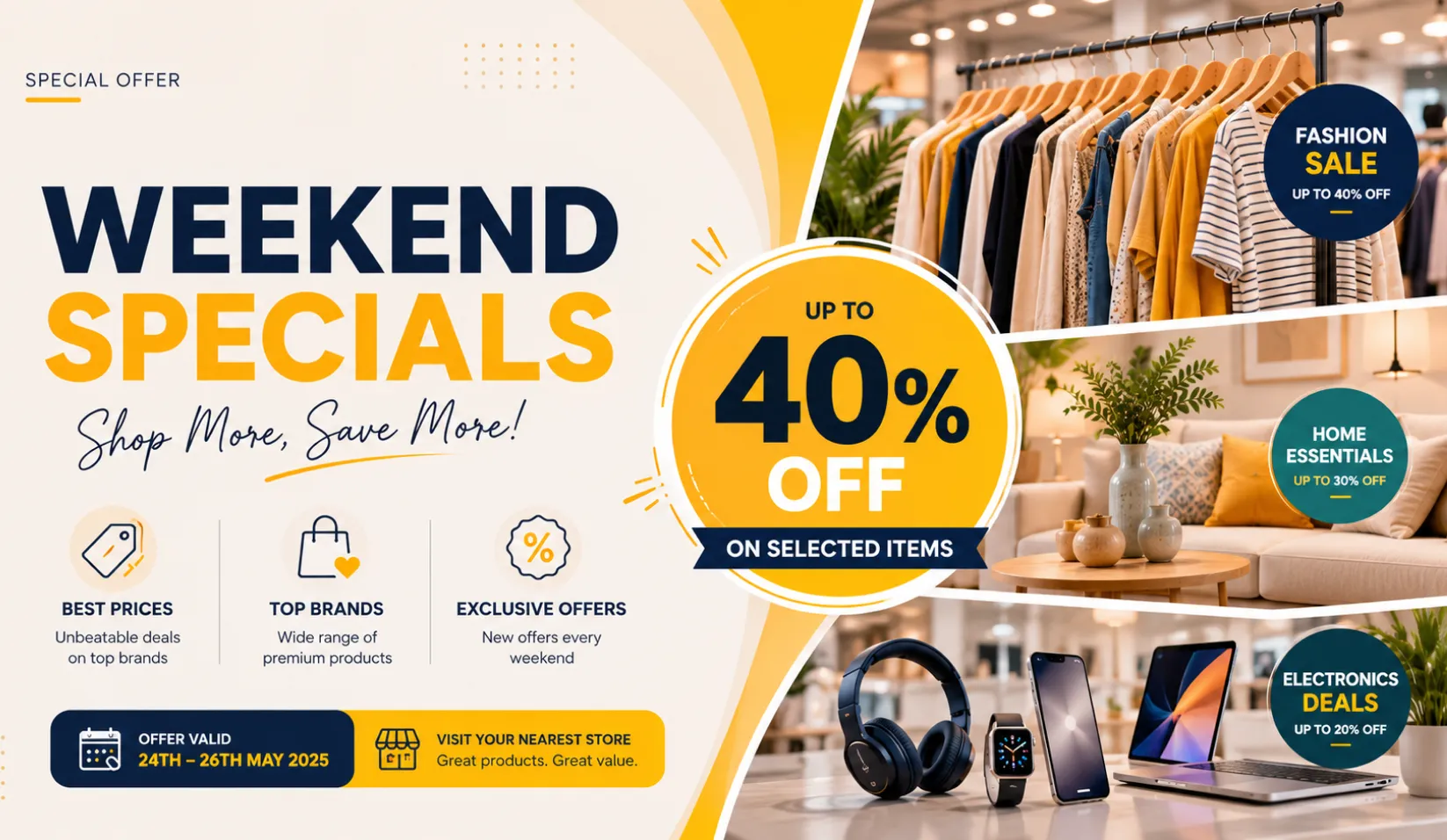
Retail: Promotions That Follow Inventory
A fashion retailer operating 15 locations connects Pickcel to its inventory management system. When stock of a featured product drops below a defined threshold, the promotion for that item switches automatically to a different campaign. No staff member needs to log into the CMS, no display runs an out-of-stock promotion, and no markdown is advertised for an item that's already gone.
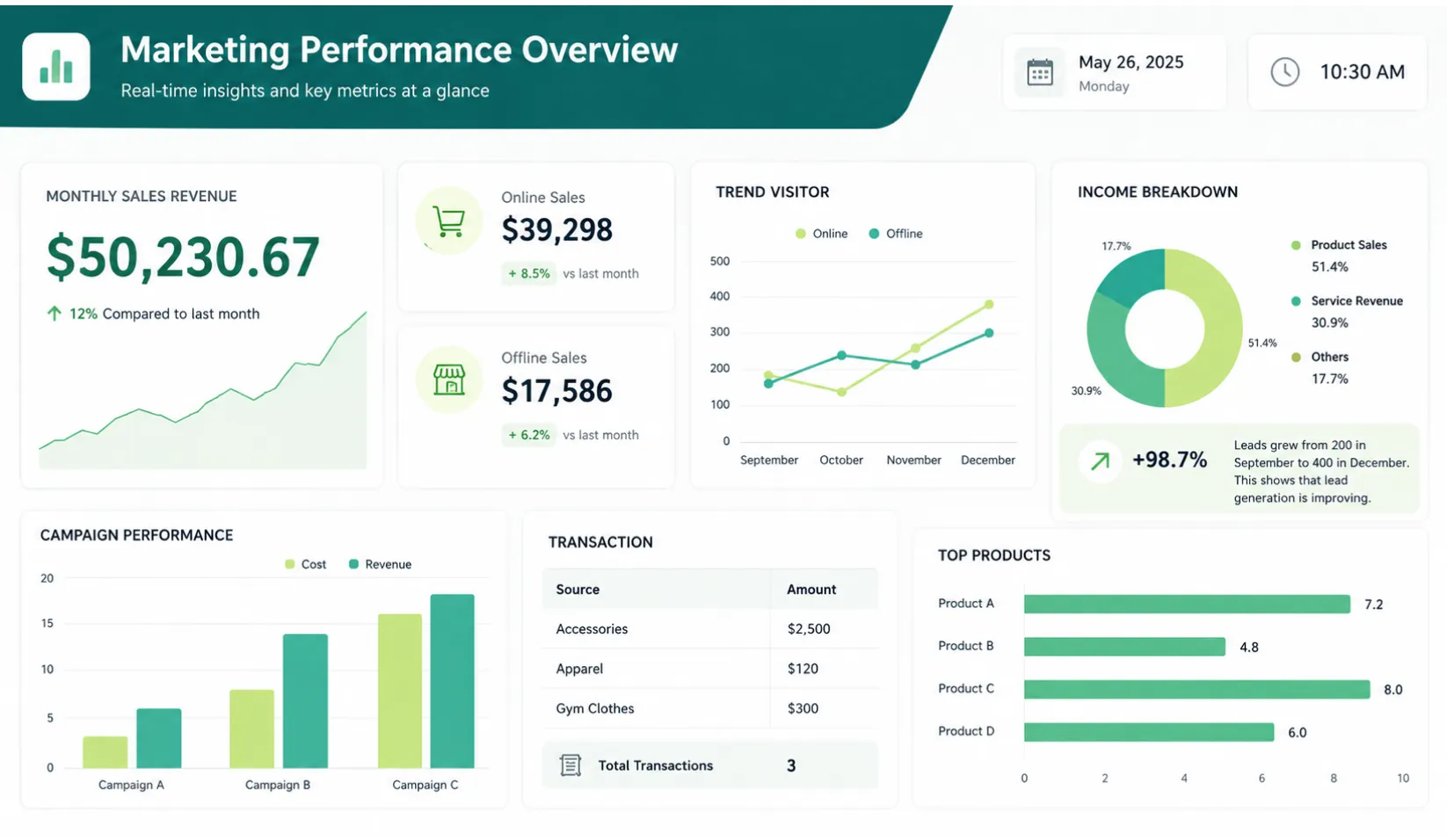
Corporate: Live KPI Feeds on Office Screens
A financial services firm displays live performance dashboards from its business intelligence tools across office screens. Metrics update every 15 minutes without any manual refresh cycle. Department leaders configure their own data views without IT involvement. The screens always show current figures, not whatever someone last published.
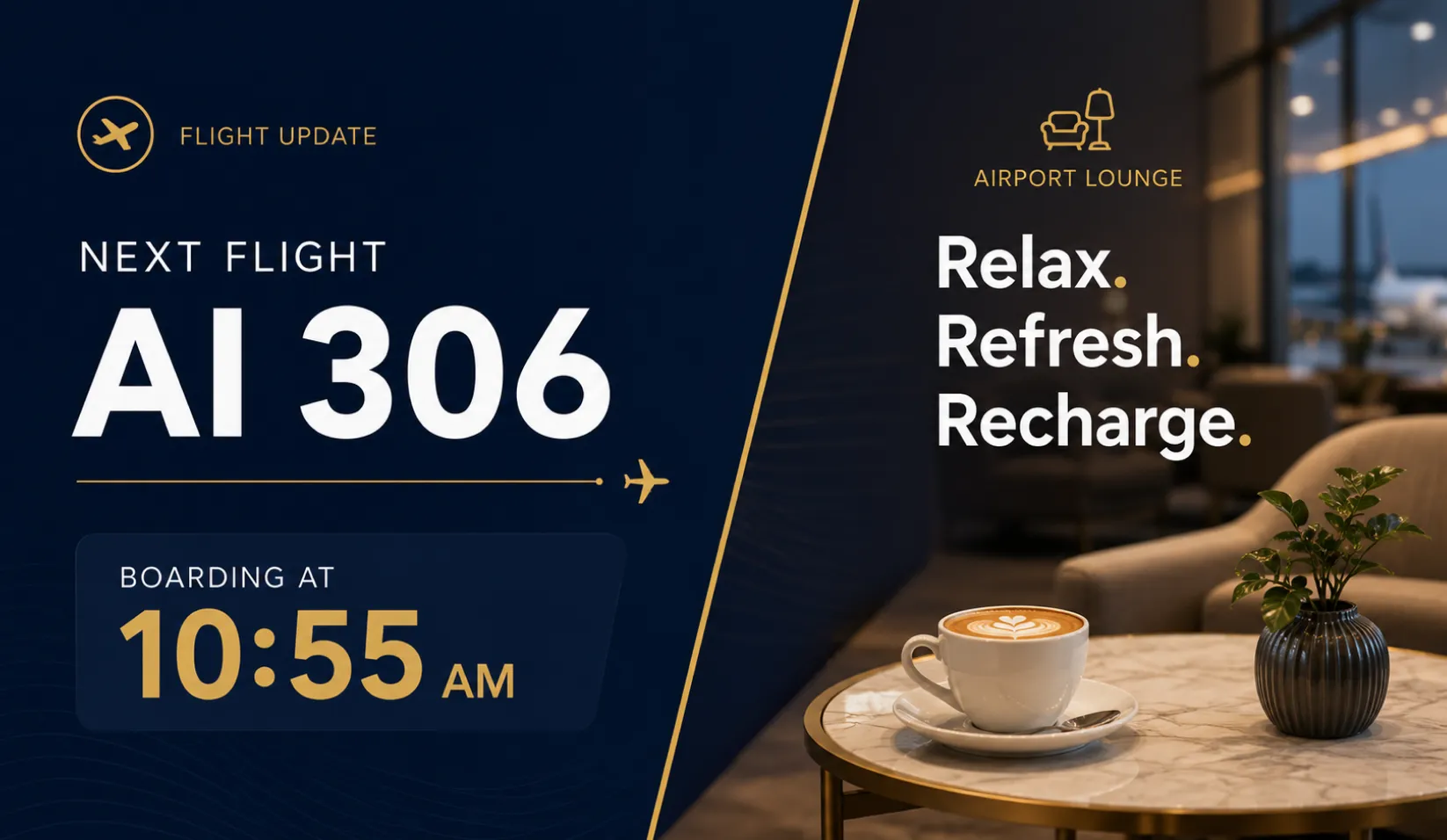
Transport and Hospitality: Real-Time Schedule Feeds Without Staff Overhead
A hotel group displays live room availability, restaurant reservation slots, and event schedules across lobby and corridor screens. Data pulls from the property management system on a five-minute cycle. Front-desk staff no longer update screen content between shifts. Guests see accurate availability without the hotel needing dedicated screen management resources.
How It Works: Three Steps to Smart Signage
Connect your data, build your layout, and publish to every screen.
Connect Your Data Source
Link Pickcel to the live feed you want driving your screens. This can be a weather API, a Google Sheet, a CRM export, a corporate dashboard URL, or a custom data endpoint via REST API. The connection is configured through Pickcel's interface: no code required from your team.
Build Your Layout
Use the drag-and-drop editor to create the display template. Define which data fields appear in which zones on screen. Set the conditions that determine which layout activates under which circumstances: by time, by data value, by location, or by content type.
Publish to Every Screen
Send your smart layout to one screen or every location simultaneously from the cloud dashboard. Updates propagate instantly. From the moment the trigger condition is met, every affected screen shows the correct content.
Ready to automate what your screens show?
Start free. No credit card required. Connect data, set triggers, and go live.
Integrations and Device Compatibility
Pickcel connects to data source categories including live weather APIs, spreadsheet data sources (including Google Sheets), RSS and social media feeds, corporate dashboards and business intelligence tools via embeds or API, and custom data endpoints via REST API.
Note: Specific integration availability should be confirmed with the Pickcel product team before documenting in final published copy.
Device and OS Support
Smart digital signage from Pickcel runs on 50+ device types, so your existing compatible digital signage hardware is likely already supported.

Operating systems: Windows, Android, Chrome OS, Linux.
Security and Compliance
Pickcel is SOC 2 Type II and ISO 27001 certified. All content delivery operates over encrypted connections. The cloud infrastructure runs with a 99.99% uptime SLA. Role-based access controls allow content managers at individual locations to modify only what they're authorised to change, while central administrators retain visibility and control across the full network.
For organisations with strict IT requirements, Pickcel provides documentation to support security review processes.
SOC 2 Type II
Independently audited security controls for data security, availability, and confidentiality.
ISO 27001
International standard for information security management, required by many enterprise procurement teams.
Trusted by 9,000+ Businesses
Pickcel powers smart content workflows across retail chains, corporate campuses, hospitality groups, and transport hubs in 70+ countries.
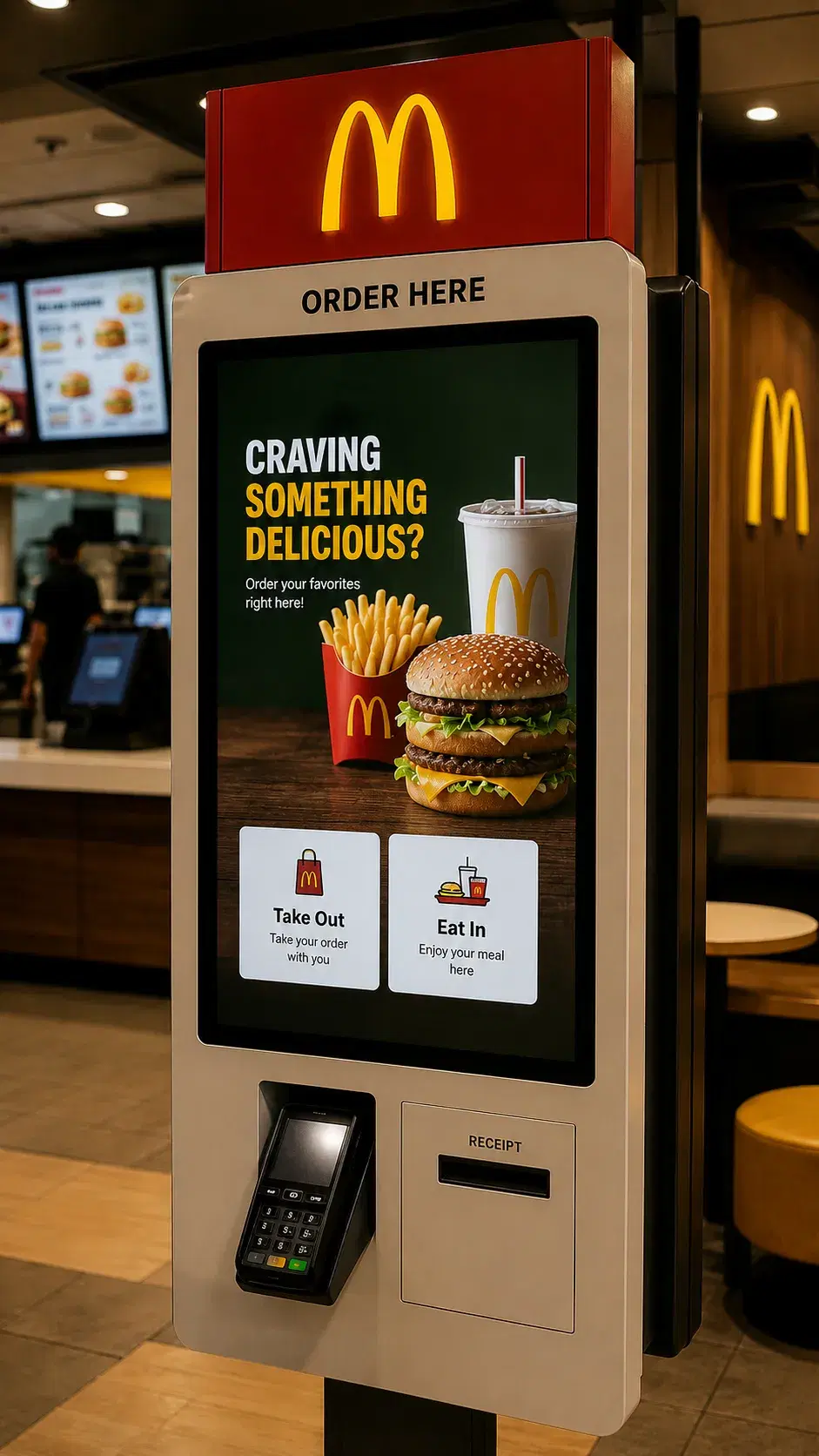
QSR · 1,300+ Displays
McDonald's India
The Challenge
Scaling real-time menu updates across 1,300+ displays in multiple cities with various hardware types (LG, Samsung, Android).
The Outcome
Pickcel's POS and multi-OS support enabled secure, efficient menu board management centrally for all franchise locations.
"Pickcel's platform helped us manage menu boards across our entire network securely and efficiently."McDonald's India
Frequently Asked Questions
Related Content
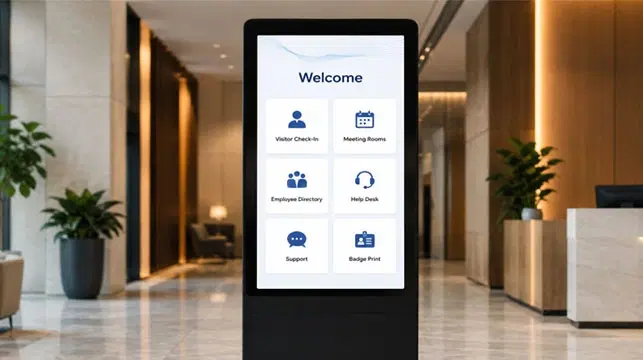
Interactive Display Software
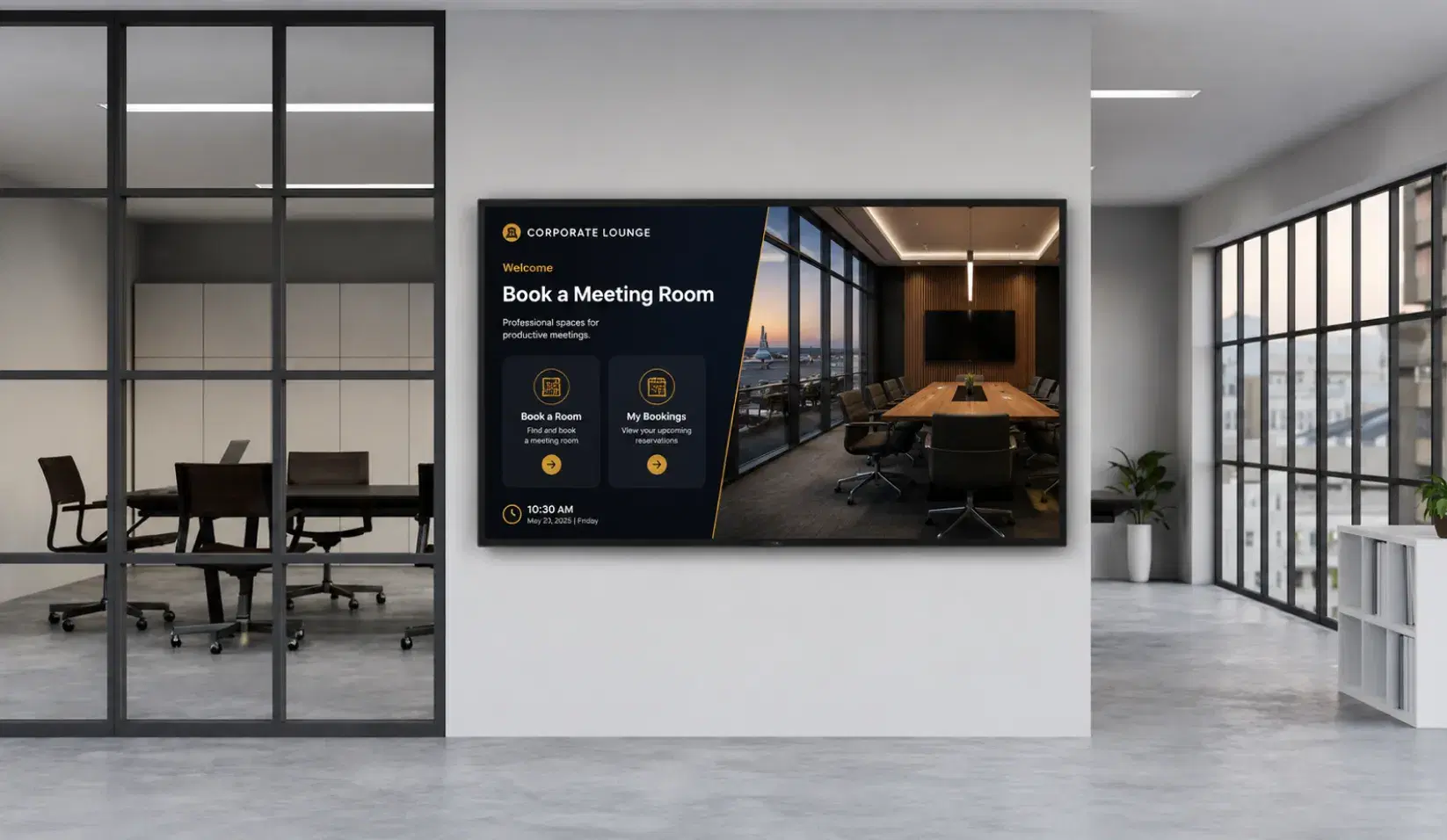
Smart signage with the audience-input layer. For visitors interested in touch-enabled or audience-reactive displays.
What Is Smart Digital Signage? Software, Uses and Examples
Educational companion for readers who want definitional and use-case depth before deciding.
Digital Signage for Corporate Offices
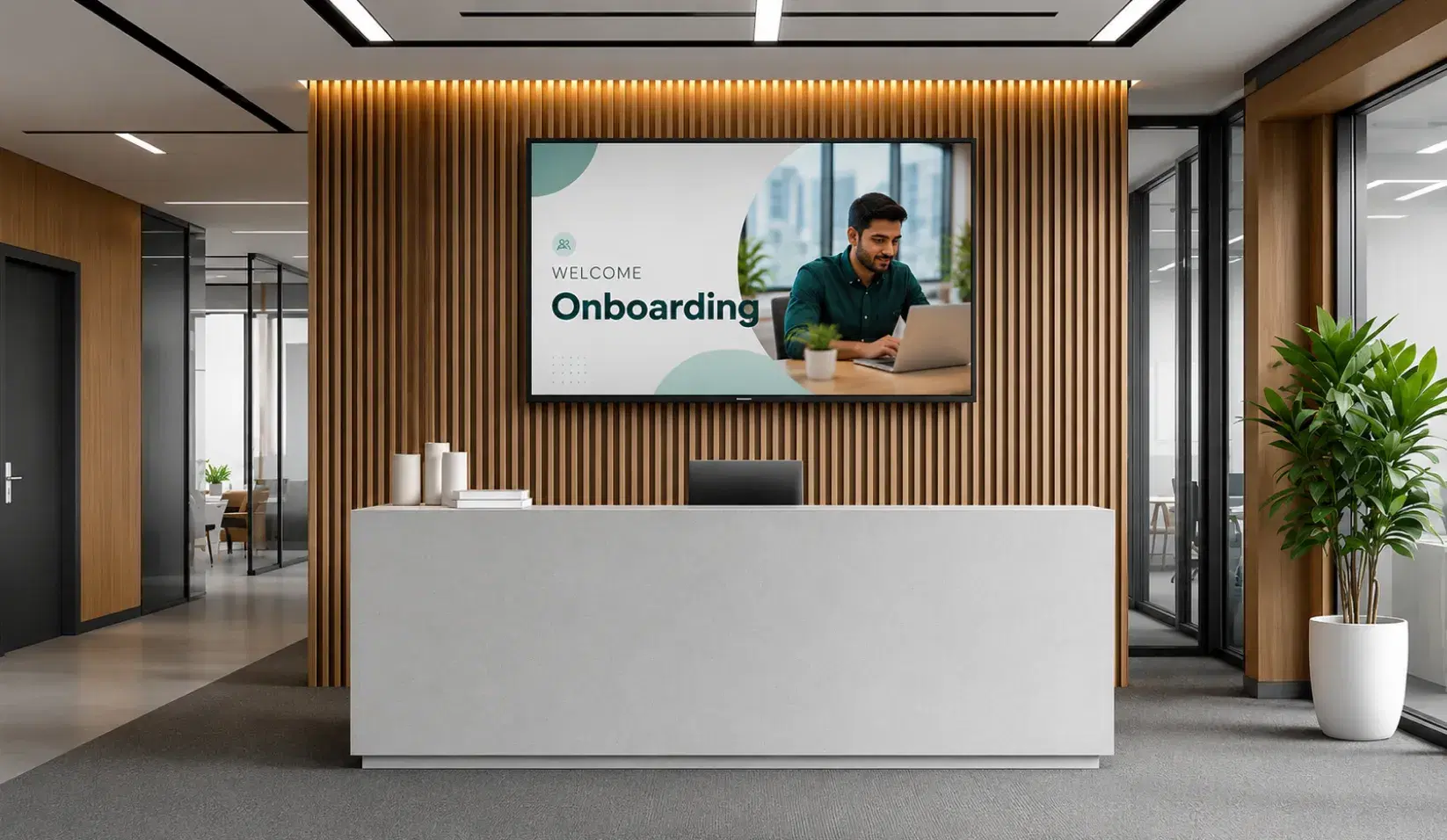
Most common enterprise use case for smart signage. Relevant to the primary ICP (Marketing/IT Manager, 200–5,000-employee businesses).