Live Salesforce Digital Signage Insights with Pickcel
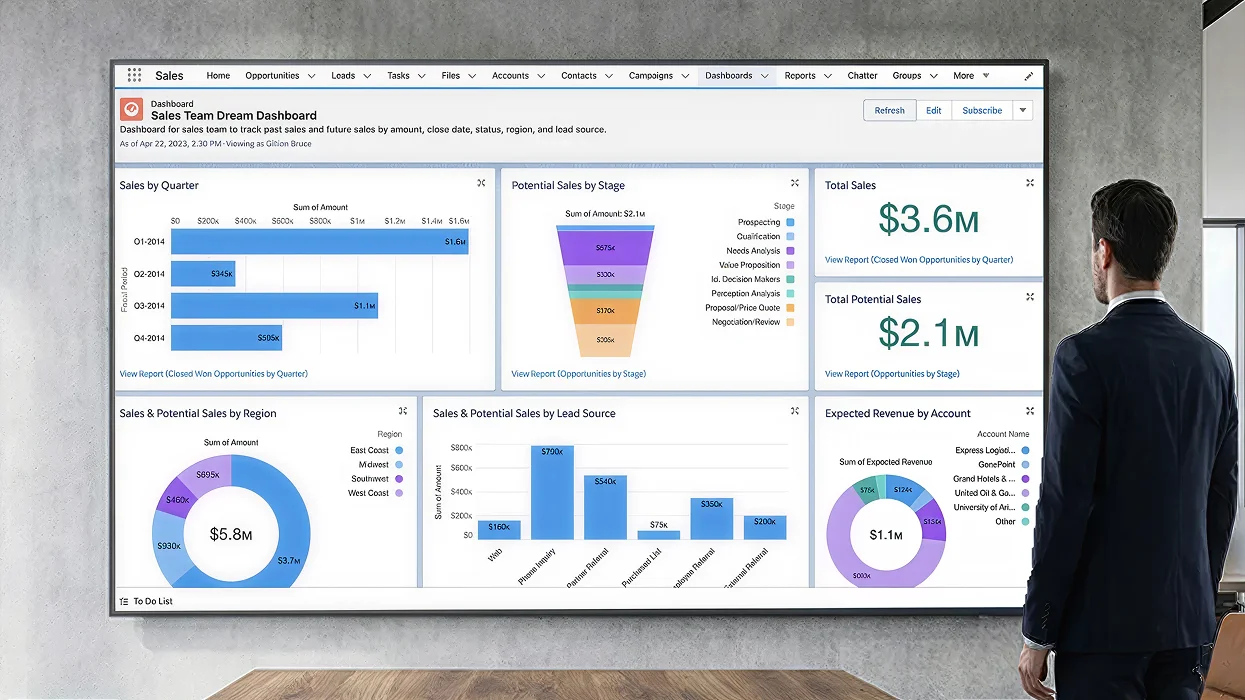
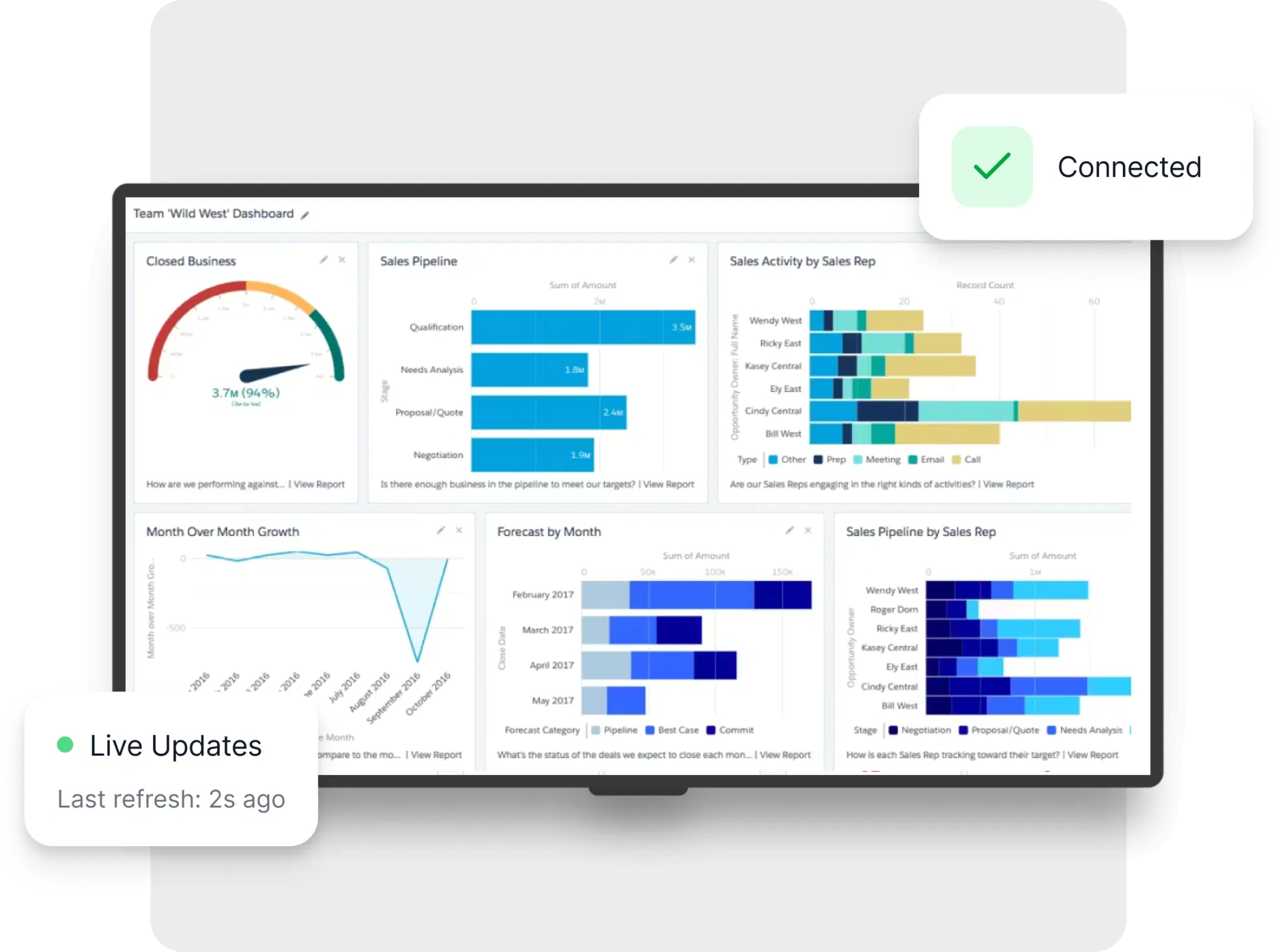
Motivate your team and keep stakeholders informed with Salesforce dashboards. Pickcel digital signage app integrates seamlessly with Salesforce to showcase key sales metrics and pipeline health in real time on your digital signs.
Key Features

Dynamic sales leaderboards
Foster healthy competition and celebrate achievements. Display dynamic leaderboards showcasing top performers and motivating your sales team.

Customizable goal tracking
Visualize progress towards targets. Create custom dashboards to track sales goals and quotas in real-time, keeping your team focused and on track.

Advanced sales filtering
Focus on specific data insights. Utilize filtering to display relevant sales metrics for specific territories, products, or team members.

Object-level permissions
Respect existing Salesforce object-level permissions so only authorized data is displayed, adhering to your data governance policies.
More benefits of Pickcel with Salesforce
Gamification Features
Integrate gamification elements into your digital signage. Utilize Salesforce data to trigger visual rewards or recognition badges based on achievements to foster a competitive environment.
Sales Forecasting
Display real-time sales forecasts and quota attainment progress for individuals and teams on digital signage.
Use cases across industries
We have listed a few. The sky is the limit for

Human Resources
Display key HR metrics like open positions, recruitment pipeline progress, and time-to-hire data on digital signage.

Retail & Hospitality
Highlight upcoming sales promotions, loyalty program benefits, or customer reviews on digital signage to influence purchasing decisions.
How to integrate Salesforce on your digital signage?

Before configuring the Salesforce app, install our Chrome extension to securely capture authentication information. This custom app automates the authentication process, ensuring a secure connection for your data. Contact our support team for a guided onboarding.
Seamlessly display Salesforce dashboards on your digital signage

Configure the app from the app store
Open the Dashboard Auth app in Pickcel console. Name the app, paste your Salesforce login URL, configure parameters, and add the Authentication Generator URL to clipboard.

Create a composition
Publish full-screen or combine Salesforce visualizations with other content using Pickcel layouts for a comprehensive display.

Publish the composition
Select the digital signs and publish to activate your real-time sales data experience.