

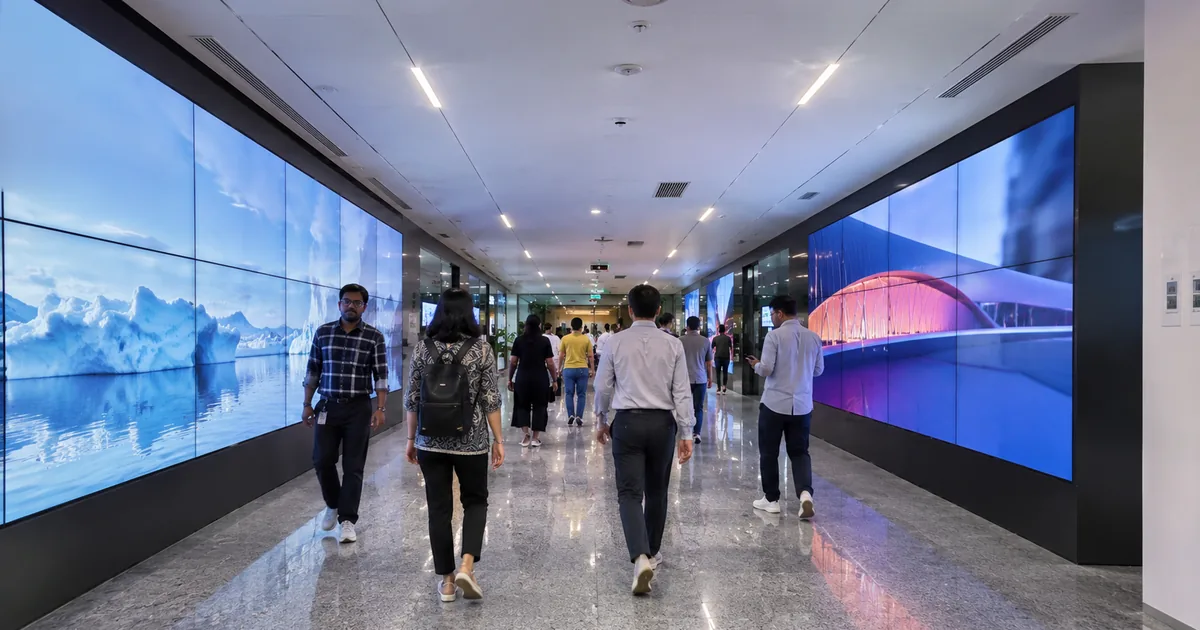
- Every LED wall plays at its true resolution, so nothing stretches.
- One tablet tap starts a synchronised scene across a whole zone.
- Everything runs on PwC's own server, managed from one CMS.
Pickcel’s digital signage software runs all 30 screens at PwC India’s Future AI Experience Lab in Gurugram: 17 active LED screens and 13 ticker screens. Among them are two long tunnel LED walls and a walk-in Immersive Simulation room. Pickcel set up each wall to play content pixel for pixel, mapped the immersive room surface by surface, and built a tablet app that lets PwC’s presenters run the screens zone by zone during a tour.
The lab: where visitors test AI on their own problems
PwC India built the Future AI Experience Lab as a hands-on space where business leaders try AI against their own challenges, working alongside PwC experts. PwC says the lab showcases more than 90 AI solutions for sectors including manufacturing, infrastructure, healthcare, telecom and banking.
The screens carry the story from the moment a visitor walks in. First comes a tunnel lined with two long LED walls. Then the Immersive Simulation room, where the ceiling, three walls and floor are all LED and play as a single scene. After that, a series of zones where each AI use case plays across a cluster of screens while a PwC expert talks it through.
In a space like this, the screens are part of the argument. A visitor judging whether AI is ready for their plant or their bank will read a soft, stretched picture as a sign of an unfinished product.
Why standard video formats failed on these walls
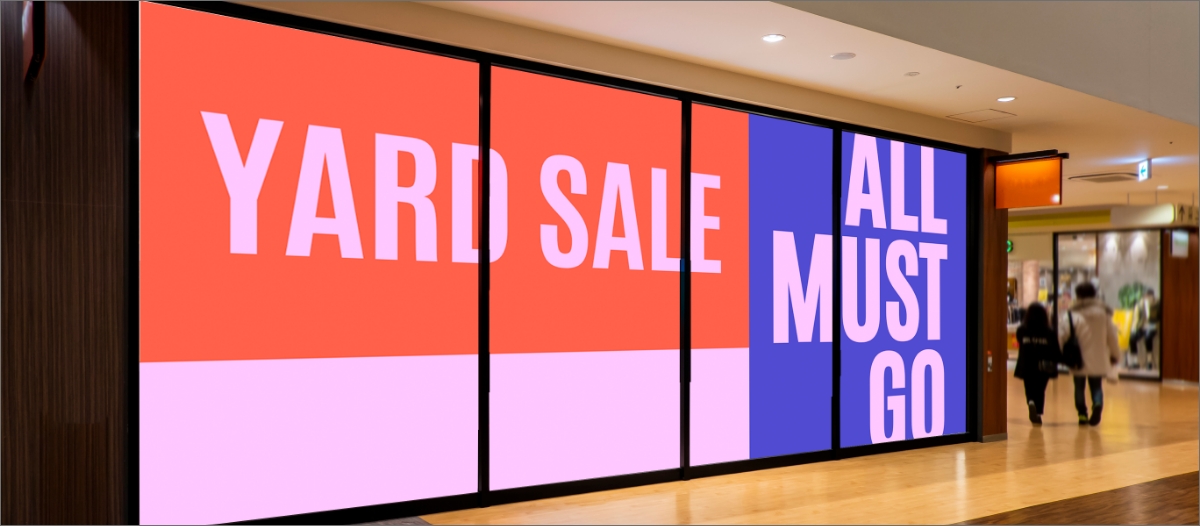
Standard video formats are made for TV-shaped screens, and none of the lab’s main walls is TV-shaped. The tunnel walls are long, very wide strips. The widest is over 7,000 pixels across, nearly twice the width of a 4K screen. Fit a normal 16:9 video onto that shape and the picture has to be stretched or scaled. That is exactly what happened at first: content looked stretched and lost its sharpness.
The Immersive room raised the bar again. One picture wraps across every surface, so each edge has to meet the next exactly. A seam that drifts where a wall meets the ceiling breaks the feeling of standing inside the scene, and once a visitor spots it, it is hard to unsee.
Two more constraints sat on top. Presenters needed to change what played on several screens at once while talking to a client, without calling a technician. And this is PwC India’s showcase for clients, so every screen had to look right from the very first tour.
How Pickcel made every wall play sharp
Pickcel set up each LED wall so content plays at the wall’s true resolution: every pixel of the video lands on exactly one pixel of the wall, with no scaling in between. Across the tunnel and the Immersive room, that is over 22 million LED pixels mapped one to one. The tunnel walls run at 60 frames per second, which keeps fast motion smooth along the full length of the strip.
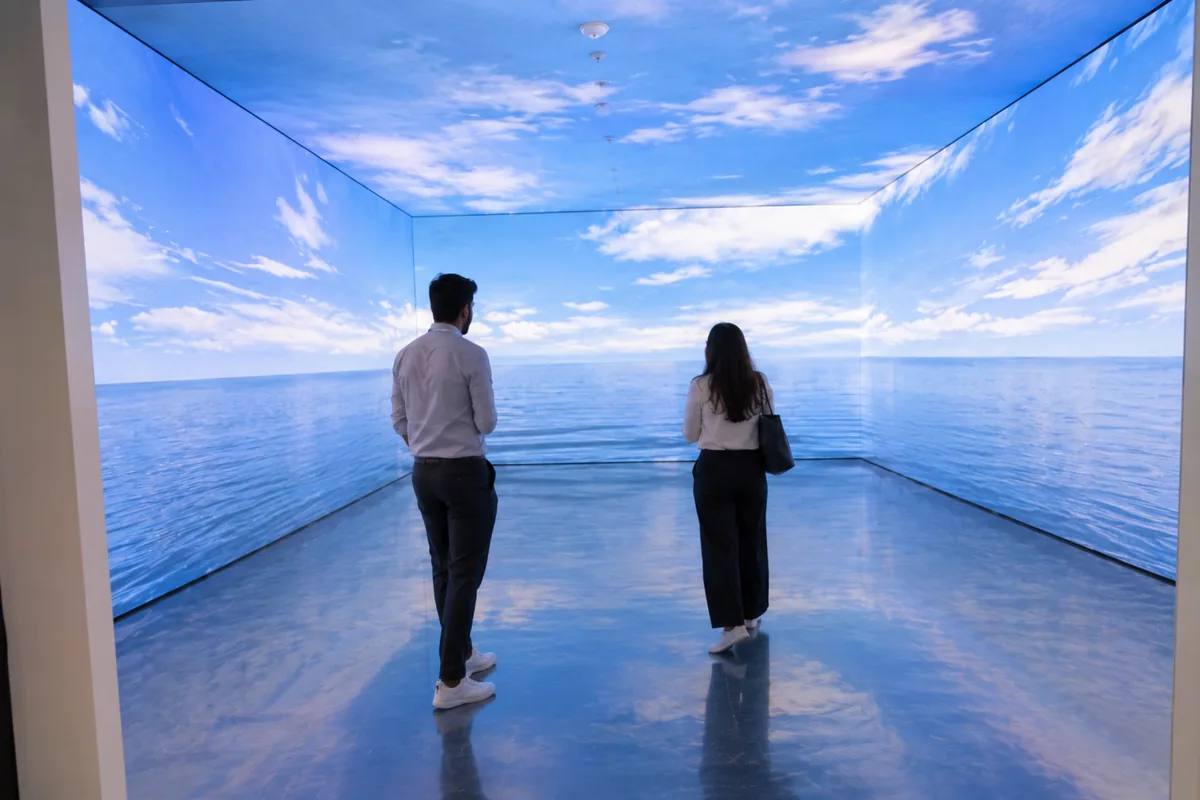
For the Immersive room, Pickcel mapped the space one surface at a time and lined up every edge, so the picture carries across corners without a break. The lab’s curved LED screens got the same treatment: content plays at each screen’s true resolution, so images follow the bend with no stretching or blur.
All of it is scheduled and managed from one Pickcel CMS, from the tunnel and the Immersive room down to the ticker screens. There is no separate tool for each wall and no special-case setup that only one engineer understands.
One tap, a whole zone: the Pickcel Experience Center app
Presenters run the lab’s screens from tablets, not from a control room. Pickcel built a custom app, the Pickcel Experience Center, so PwC’s team can change what plays around a visitor without breaking off the conversation. The active LED screens are grouped into six zones of three to four screens, and each zone has its own tablet.
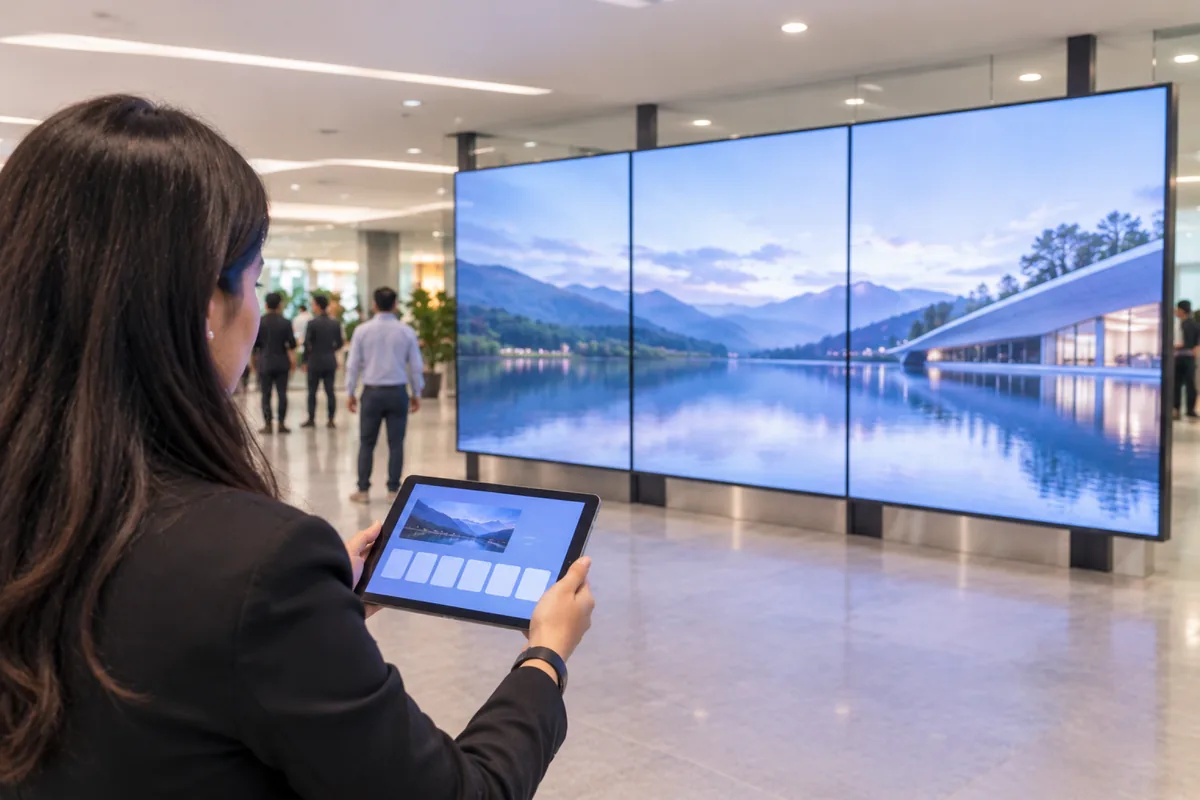
From the tablet, a presenter can:
- Play one screen. Pick a screen in the zone and play its own video on it.
- Play the whole zone. One tap on Play starts synchronised content on every screen in the zone at once.
- Pick from ready-made content. Every scene is set up in advance, so the presenter chooses from a short list instead of browsing files.
The ticker screens need no tablet at all. They pull their content straight from the CMS and keep running on their own.
Ready-made content is the part that matters most on a live tour. The real risk in front of a client is rarely a screen failing; it is a presenter hunting through folders while the room waits.
Built to run without Pickcel on site
The lab is designed for PwC’s own team to run day to day. As an on-premise deployment , content and control stay inside PwC’s network. Each screen sets itself up automatically when it powers on, so a morning restart needs nobody from Pickcel. Built-in safeguards and a simple recovery path cover the rare start that goes wrong.
Two handovers keep the walls sharp after the project team leaves:
- Content guidelines for PwC’s creative team. They include a ready-made template for the Immersive room, so new videos fit the screens the first time.
- A guide for the on-site team. It covers which screen is which, what to check if something looks wrong, and which settings not to change.
That last list earns its place. A wall that was sharp on day one usually goes soft later for one reason: someone changes a scaling or resolution setting while fixing something else.
What experience centres can take from this
The result at PwC is sharp, in-sync content on every screen, run by presenters rather than technicians.
The same lessons apply to a corporate briefing centre, a flagship store or a museum gallery:
- Design for the walls you have. Measure every wall’s pixel dimensions before the creative brief goes out, not after the first render looks wrong.
- Treat a wrap-around room as one picture with edges. Test the corners and seams first, because that is where the illusion fails.
- Give presenters scenes, not files. A tablet with a short list of ready-made scenes beats a file browser in front of a client.
Related reading
- Video wall content design ideas : layouts and formats that suit wide and multi-screen canvases.
- Creative video wall displays : standout video wall builds and what makes them work.
- Digital signage for corporate lobbies : the first screen most visitors see in an office.
Frequently asked questions
How do you work out an LED wall's true resolution?
What is the difference between an LED wall and an LCD video wall?
How should a creative team prepare content for an unusually shaped LED wall?
What happens to the screens if the internet connection drops?
Who can change content on an on-premise Pickcel setup?
If you are planning LED walls for an experience centre, book a free demo and bring your wall dimensions; we will show you how they would play on Pickcel.