
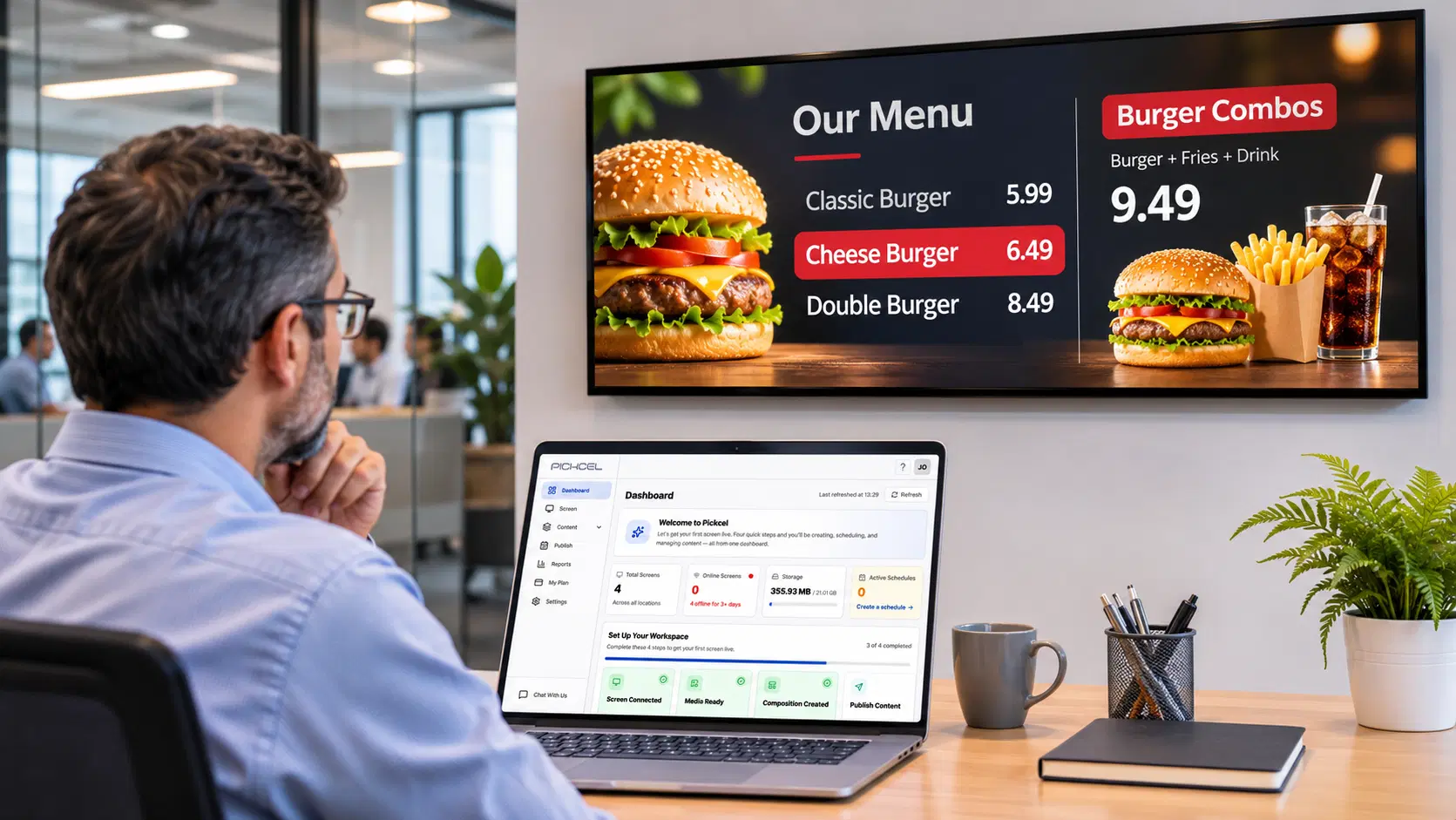
For the Operations Director:
menu boards read items and prices from a spreadsheet, so a change means editing a cell, not redesigning artwork. The design stays locked while the data updates.
Digital menu board software





In practice
Restaurant digital signage is software that controls what every screen in a restaurant shows, from menu boards and prices to promotions and order-ready alerts, and lets a central team change all of them remotely. For a chain — and for multi-outlet F&B teams that also run digital signage for hotels— the value is consistency: one edit reaches every outlet at once, with no site visit.
The problem
The usual failure is drift: the price on the board stops matching the price at the till. A cost increase lands at head office on Monday, reaches some outlets by Wednesday and others never, and the crew ends up overriding the board at the counter while a queue builds behind the customer who noticed.
Timing breaks next. A breakfast offer is still on screen at 2 pm. A weekend LTO never appears at 40 outlets because the USB stick or the email with the new artwork didn't arrive. Nobody on shift has time to fix a screen in the lunch rush, so the wrong content stays up until someone from the area team visits.
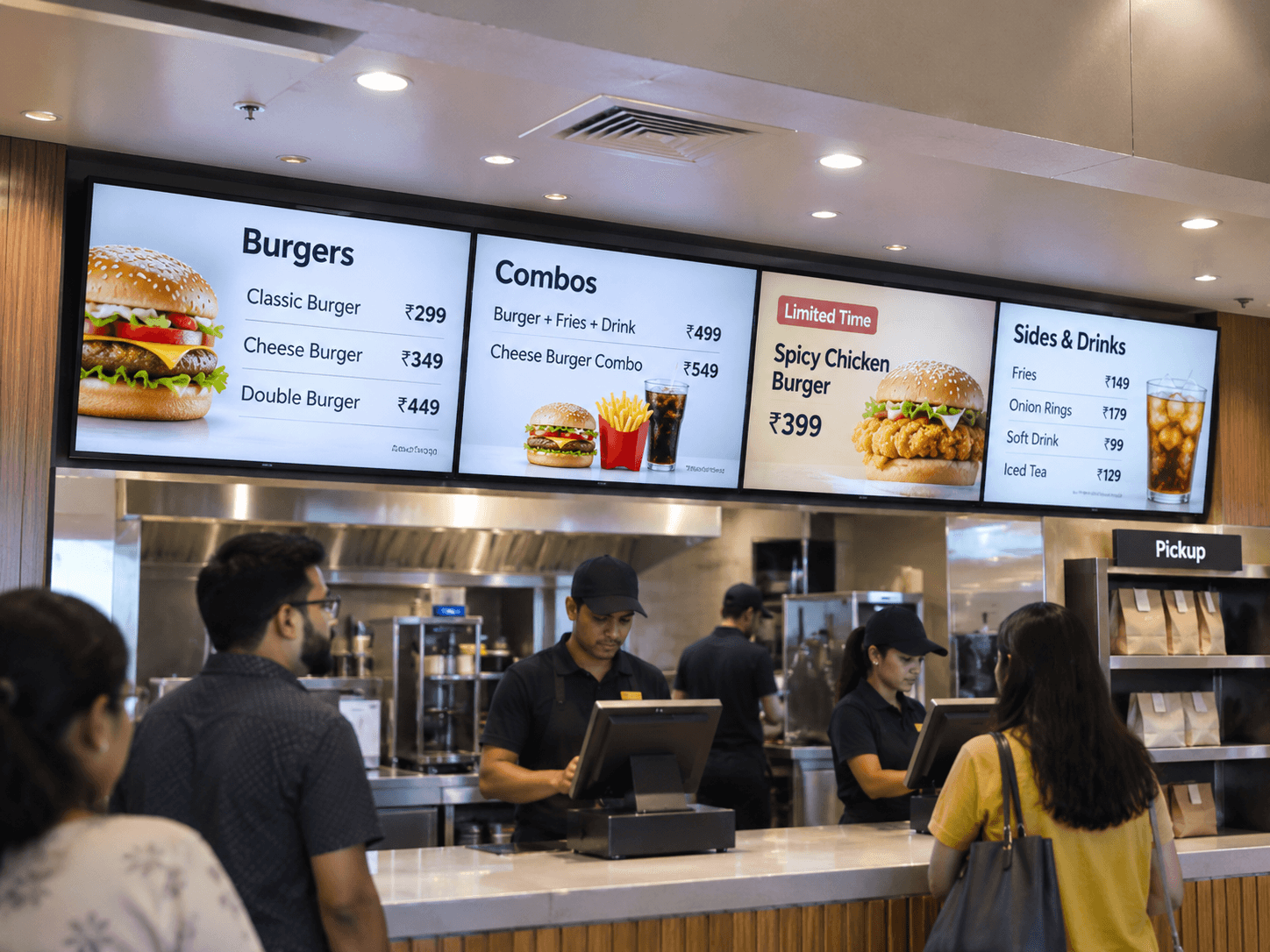
How it works
Every outlet's screens play from a player that pulls its content from Pickcel's cloud digital signage software, so head office publishes once and each assigned screen updates.
Head office
Published once
Pickcel cloud
Schedules by daypart, targets by screen group
Screen groups
Outlet players
Cache content locally and report screen status
Restaurant screens
Counter boards, drive-thru boards, order-ready displays
A media player plugs into the existing commercial display over HDMI, or the Pickcel app runs directly on Samsung Tizen and LG webOS screens with no extra box.
Screens are grouped by region, outlet format (dine-in, drive-thru, food court) or single outlet. A change can go to all 300 outlets or only to the airport sites.
Breakfast, lunch, dinner and late-night content is set once and switches on its own every day. An LTO gets its go-live and expiry time in advance. The restaurant menu daypart guide has worked examples by service period.
The player caches content locally, so screens keep playing through an internet drop. Each screen reports its status to the dashboard, so the area team sees which outlets are offline before service starts, not after a customer complains.
Pickcel in restaurants
McDonald's India
1,300+ digital menu boards across West India operations, deployed in under one week with zero on-site installation visits.
McDonald's India case studyThird Wave Coffee
More than 700 café screens live nationwide in under a week.
Third Wave Coffee case studyCotton Patch Cafe
50+ screens across its US locations run on the Amazon Fire TV devices the restaurants already had.
Cotton Patch Cafe case studyMagnolia Bakery
Runs on the 15 to 20 Samsung Tizen screens already in its Mumbai, Hyderabad and Bangalore outlets, with no extra hardware.
Magnolia Bakery case studyBy role
menu boards read items and prices from a spreadsheet, so a change means editing a cell, not redesigning artwork. The design stays locked while the data updates.
Digital menu board software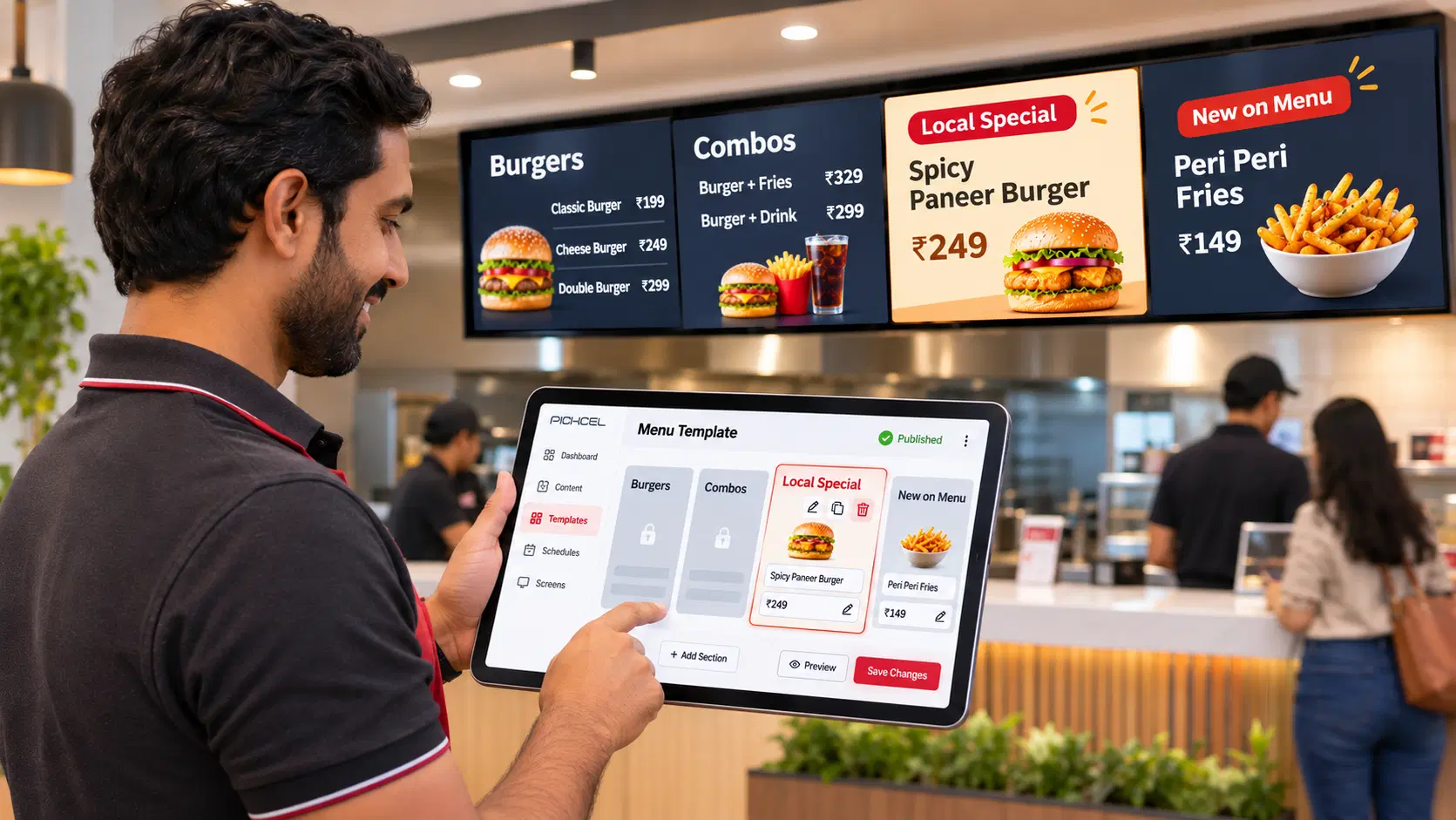
brand templates stay locked while each franchisee adds local specials. Permissions decide who can publish, who approves and who can only view.
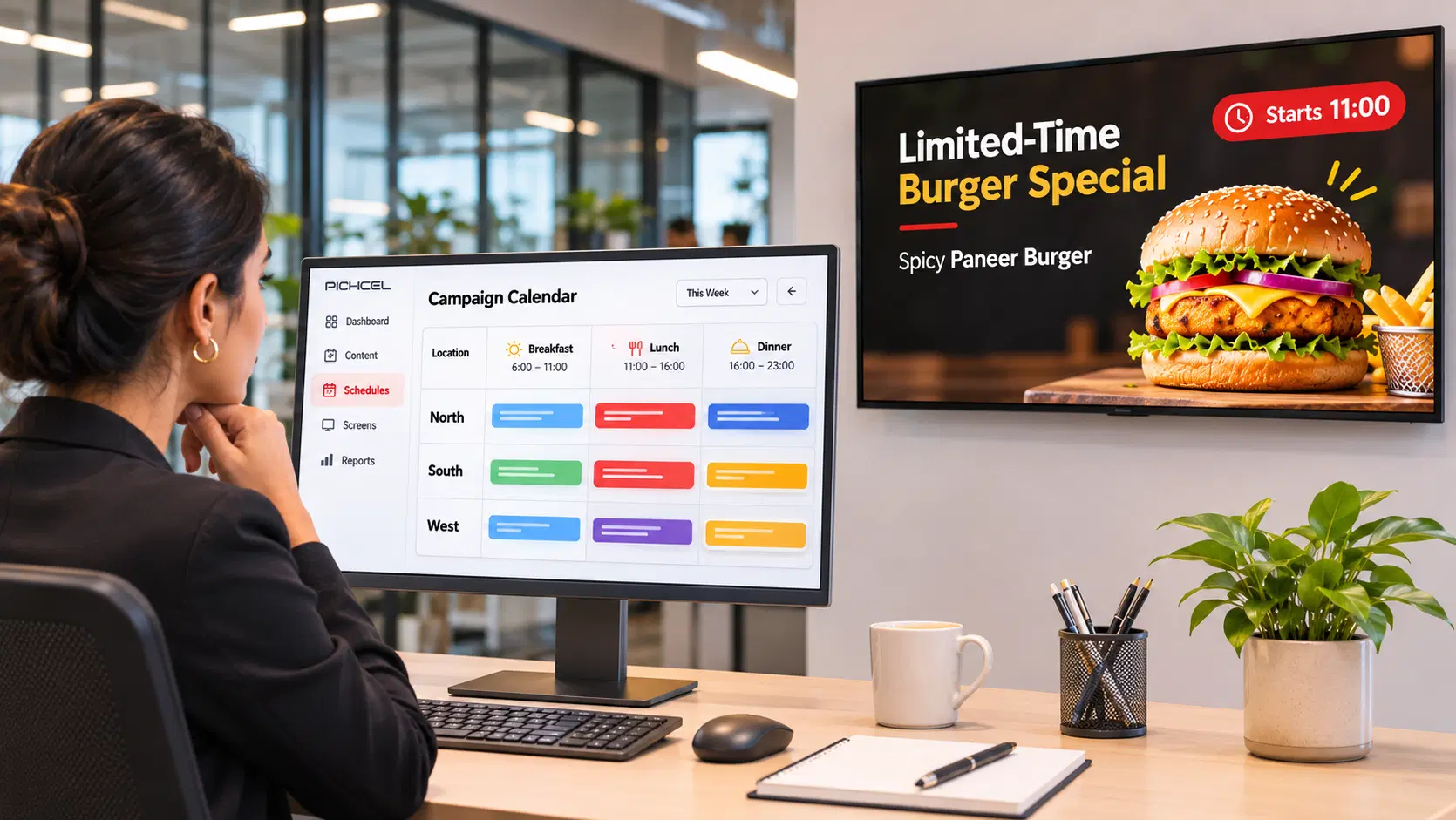
an LTO goes up on drive-thru and counter boards at the hour it starts and comes down when it ends. Campaigns are booked ahead by region and daypart.
Drive-thru menu boards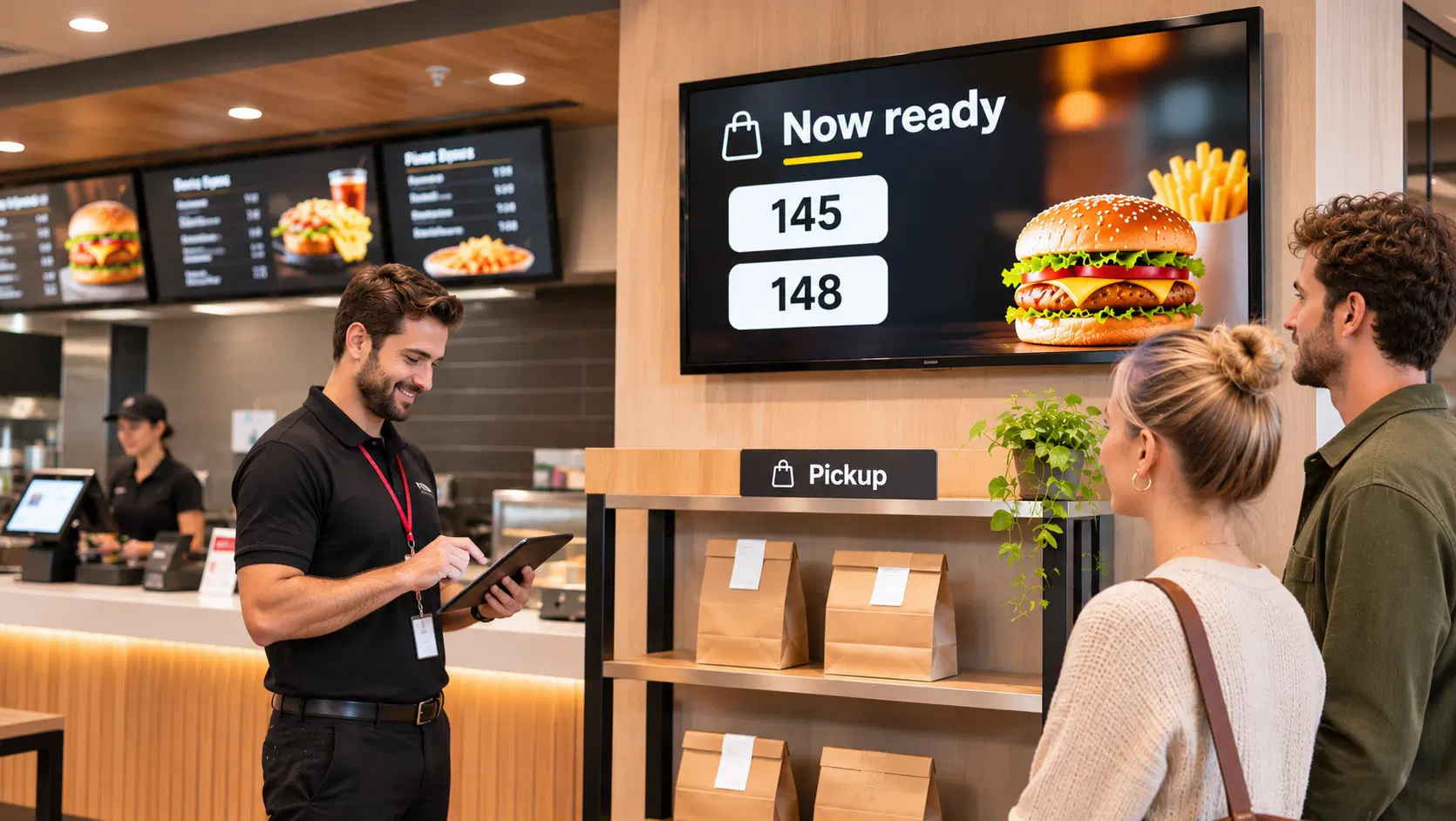
order-ready numbers on a screen near pickup thin the crowd at the counter. The queue display runs on the same player as the menu.
Queue and order-ready displays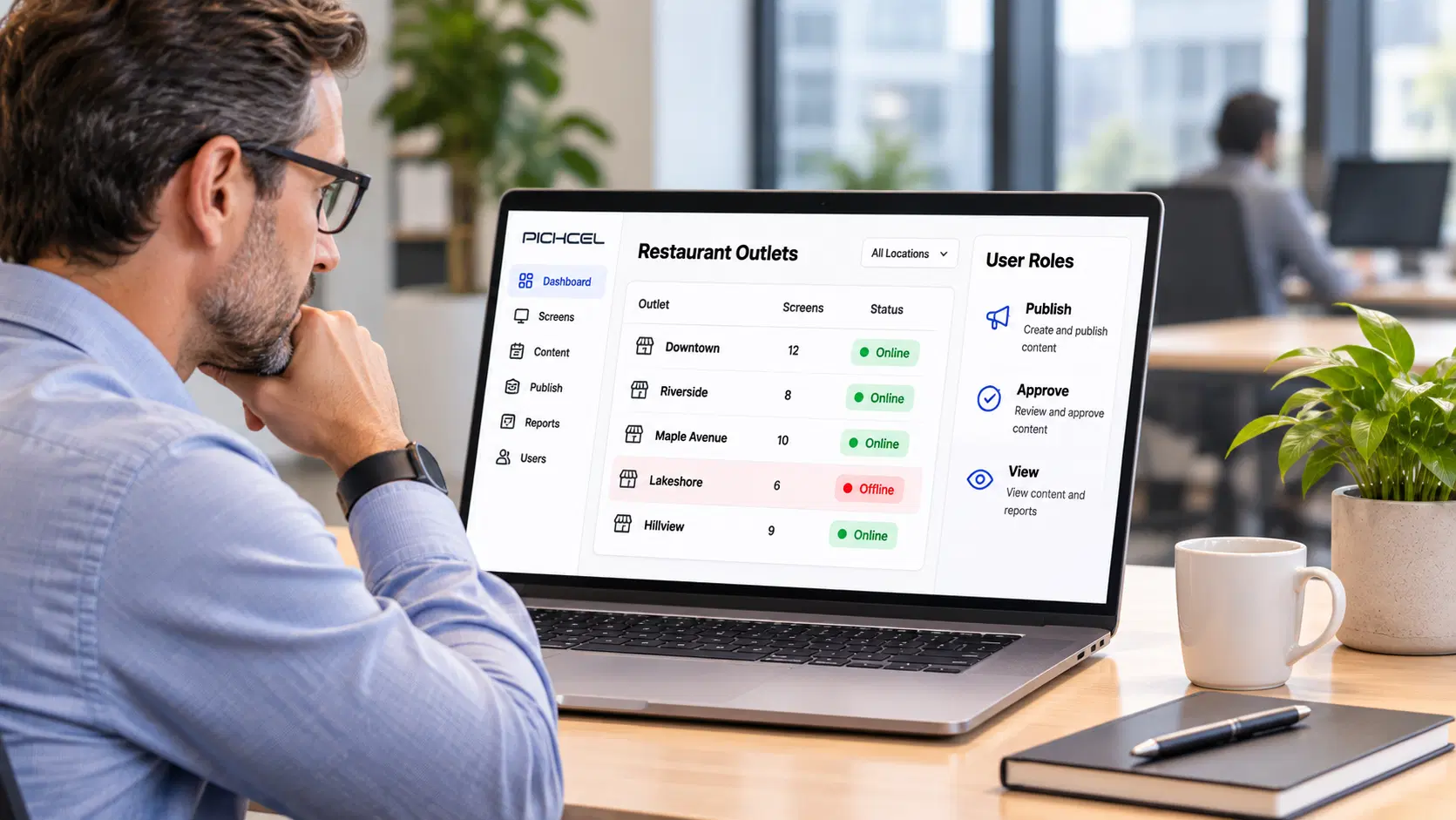
there is no local server to patch at any outlet. Players are registered and assigned from the dashboard, and access follows your own role structure.
Security and access controlsSecurity
Three controls matter to a restaurant IT team before a chain-wide rollout.
Annual third-party audit of security, availability and confidentiality

Certified information security management system

Every content change, approval and publish action is recorded against the user who made it
Request a demo
FAQ
An outlet's software cost is its screen count multiplied by the per-screen plan rate on the pricing page. Hardware cost depends on whether each screen needs its own media player and on the screen sizes you choose. Large networks can ask for custom pricing.
Usually, yes. Pickcel runs on 50+ device types, including Android, Windows, Linux, ChromeOS and BrightSign players as well as Samsung Tizen and LG webOS displays. Consumer TVs are fine for a pilot but are not built for all-day commercial use. The onboarding team checks your models before you buy anything.
It can, depending on the POS. Pickcel connects to POS systems through API-based connectors, so a price change or a sold-out item at the till can reach the menu board without a second edit. McDonald's India runs its boards from its existing POS and Excel workflows. Your system's compatibility is confirmed during the demo.
Yes. Each screen group can carry its own version of the menu board, so airport or highway outlets can show different prices from city outlets while sharing the same design. With a POS connection, each outlet's board can read prices from that outlet's own till.
Physical mounting and cabling are done by your installation partner, or by Pickcel's hardware team when you buy hardware through Pickcel. For outlets with no screens yet, that team's site survey covers mounting points and network before anything is installed.
Yes, as a display. FDA rules require chains with 20 or more locations to show calories for standard items on menus and menu boards, with compliance required since May 7, 2018 (FDA menu labeling requirements). Pickcel shows the calorie values your menu data carries. The figures themselves remain the chain's responsibility.
Yes. A pilot runs on the same account the full network will use, so adding outlets later means adding screens, not rebuilding anything. Third Wave Coffee kept adding cafés to the same setup as its store count grew, without reworking it.
