 SOC 2 Type II Certified
Airport
For the airport terminal operations manager:
gate-area, wayfinding and concession screens share one network, while airline and concession teams each publish only to their own. See airport digital signage.
Digital signage for transportation is software that lets a transit agency or transport operator publish service information, alerts, wayfinding and advertising to screens in stations, at stops, on board vehicles and in depots. One platform schedules content for every screen type, so a disruption notice or timetable change reaches the whole network at once.
Arriving in 3 minutes, on time.
Boarding zone 2. Doors open on the left.
Platform 3 · Coach position A–C
Platform 1 · Stops at all stations
Most agencies didn't buy their screens as one network. Platform displays came with a station upgrade, shelter screens with a bus contract, onboard monitors with a fleet order. Each runs its own software, so a single detour goes out three different ways and riders see three different versions of the truth.
Vehicles are the harder half. A screen that leaves the depot every morning can't be reached over a station LAN, and if its content only changes when a technician plugs in, onboard messaging drifts weeks behind the service it describes.
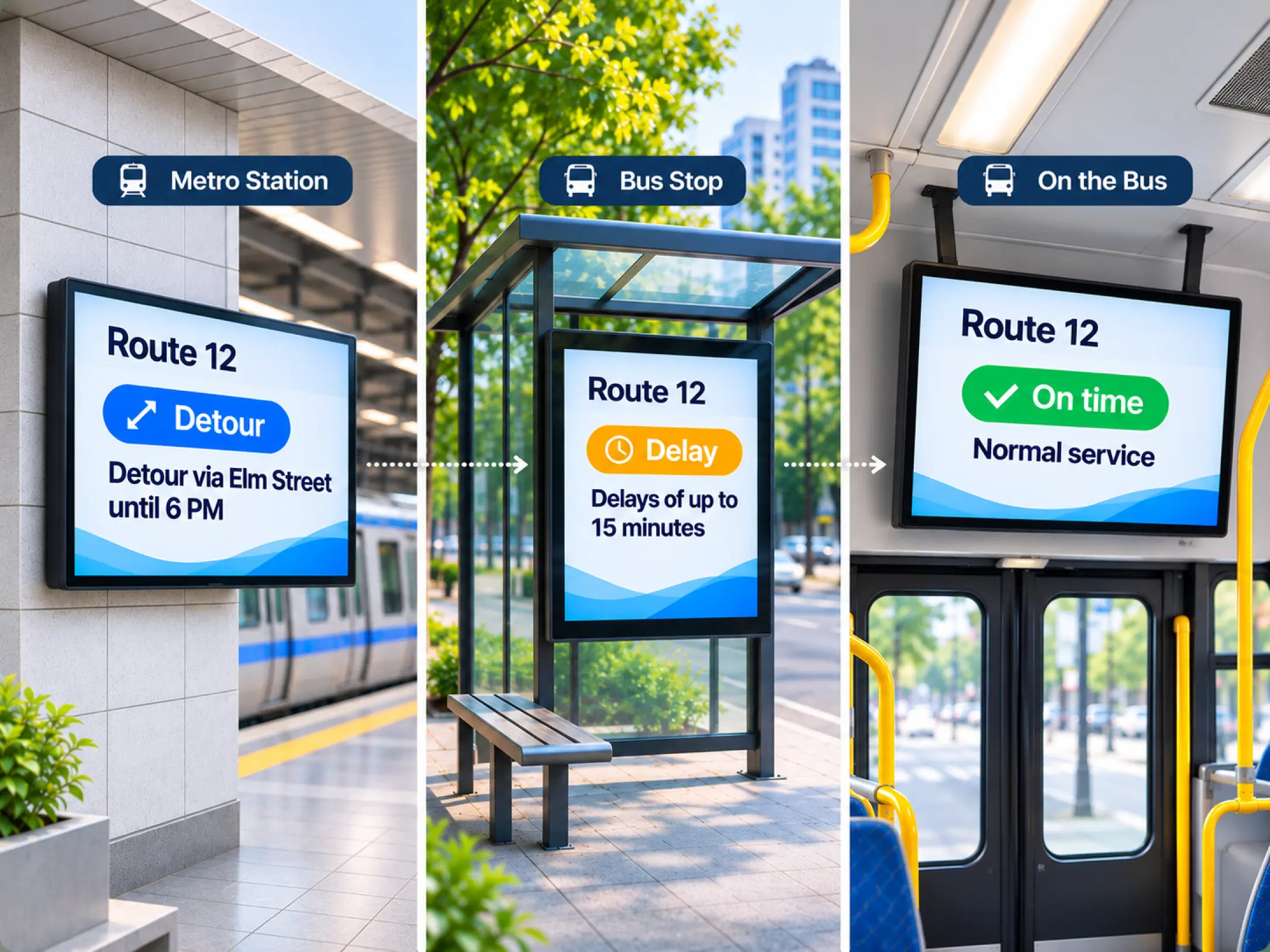
Pickcel puts fixed and moving screens on one account and treats them the same way: grouped, scheduled and reachable from the control center.
Who publishes
Pickcel CMS
Cloud or on-premise
Screen groups by station, route, depot and fleet
Media players
Where it shows
Organize screens by station, route, depot or fleet. Role-based access keeps each depot manager inside their own groups while the control center sees the whole network.
A multi-zone layout runs service information, alerts and advertising side by side, each on its own schedule, so an ad rotation never pushes a platform notice off the display.
Arrival and schedule data comes from your own CAD/AVL or scheduling system through a custom integration, scoped with your team at onboarding.
Each onboard player connects over its own 4G link or the vehicle's WiFi, downloads its schedule ahead of time and plays from local storage, so a tunnel or a rural stretch doesn't blank the screen. The dashboard emails your team when any screen goes offline.
QuickPlay replaces scheduled content on the screens you select, up to the whole network, with a pre-built alert. It runs for 10 minutes to 24 hours, then every screen returns to its schedule.
The same digital signage software runs stations, stops and vehicles, so there is no separate onboard product to buy or learn.
Pickcel on transit networks

NEC Corporation
150 bus stop screens across the Ahmedabad and Hubli-Dharwad BRTS corridors, fed by NEC's vehicle-location system.
NEC case study
UBN Enterprise
100+ displays on Shatabdi and Tejas express trains, each on its own 4G connection.
UBN Enterprise case study
Airports Authority of India
Interactive kiosks at Varanasi's Lal Bahadur Shastri International Airport, run as a proof of concept.
Varanasi Airport case studyAgency IT reviews tend to ask the same six questions, and each has a one-line answer.

Independently audited controls for security and availability

Certified information security management system
Contracted availability of the Pickcel platform
Users reach only their own screen groups, sign in with a second factor, and every change is recorded
Data encrypted at rest and in transit
The full CMS on servers inside your own network. See on-premise digital signage
Security documentation for procurement: Pickcel security.
Tell us how many stations and vehicles you run, and we'll build sample screen groups for the walkthrough.
gate-area, wayfinding and concession screens share one network, while airline and concession teams each publish only to their own. See airport digital signage.
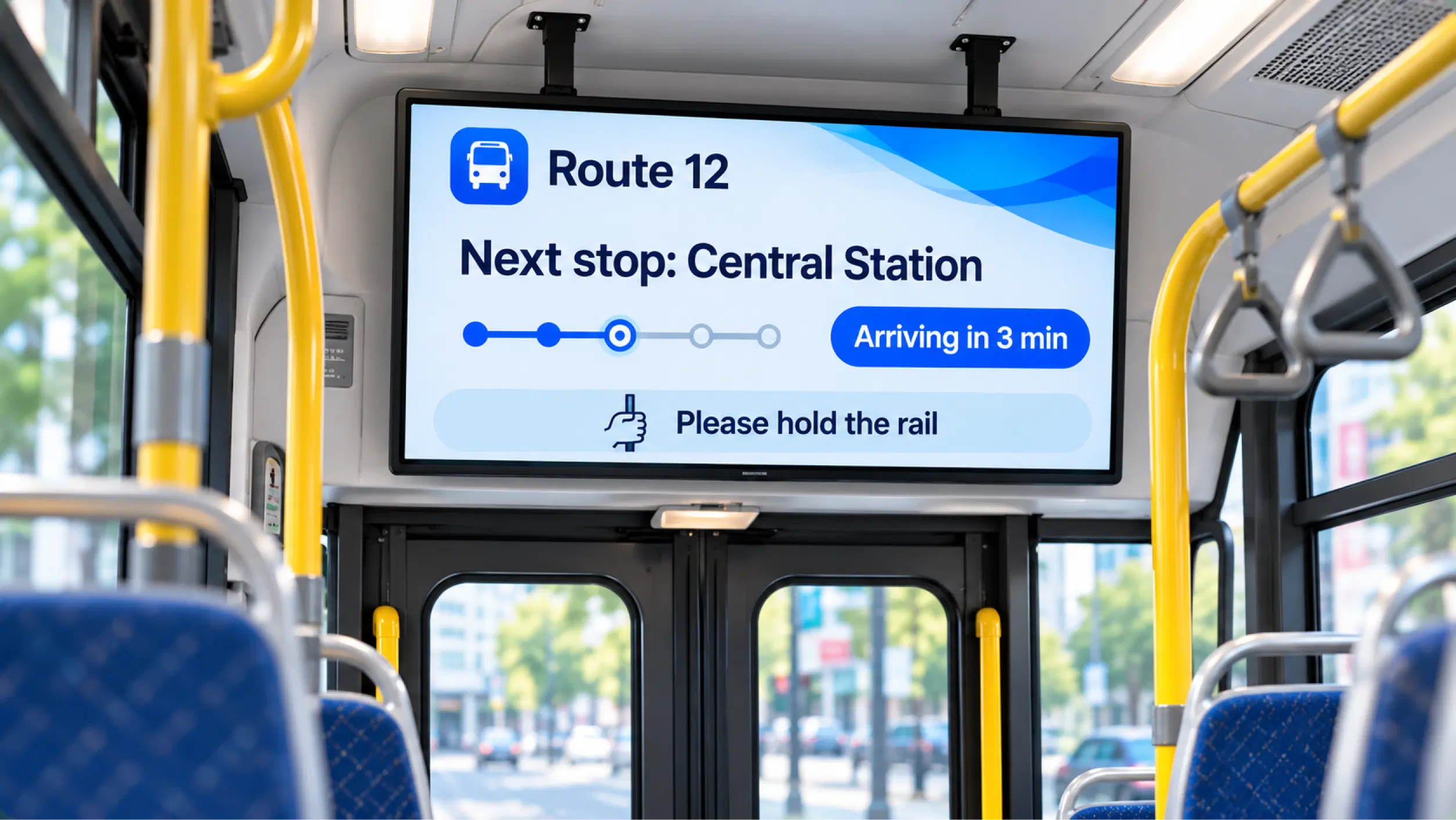
route notices and safety messages reach every bus without a depot visit, and shelter screens follow the same schedule. See bus digital signage.
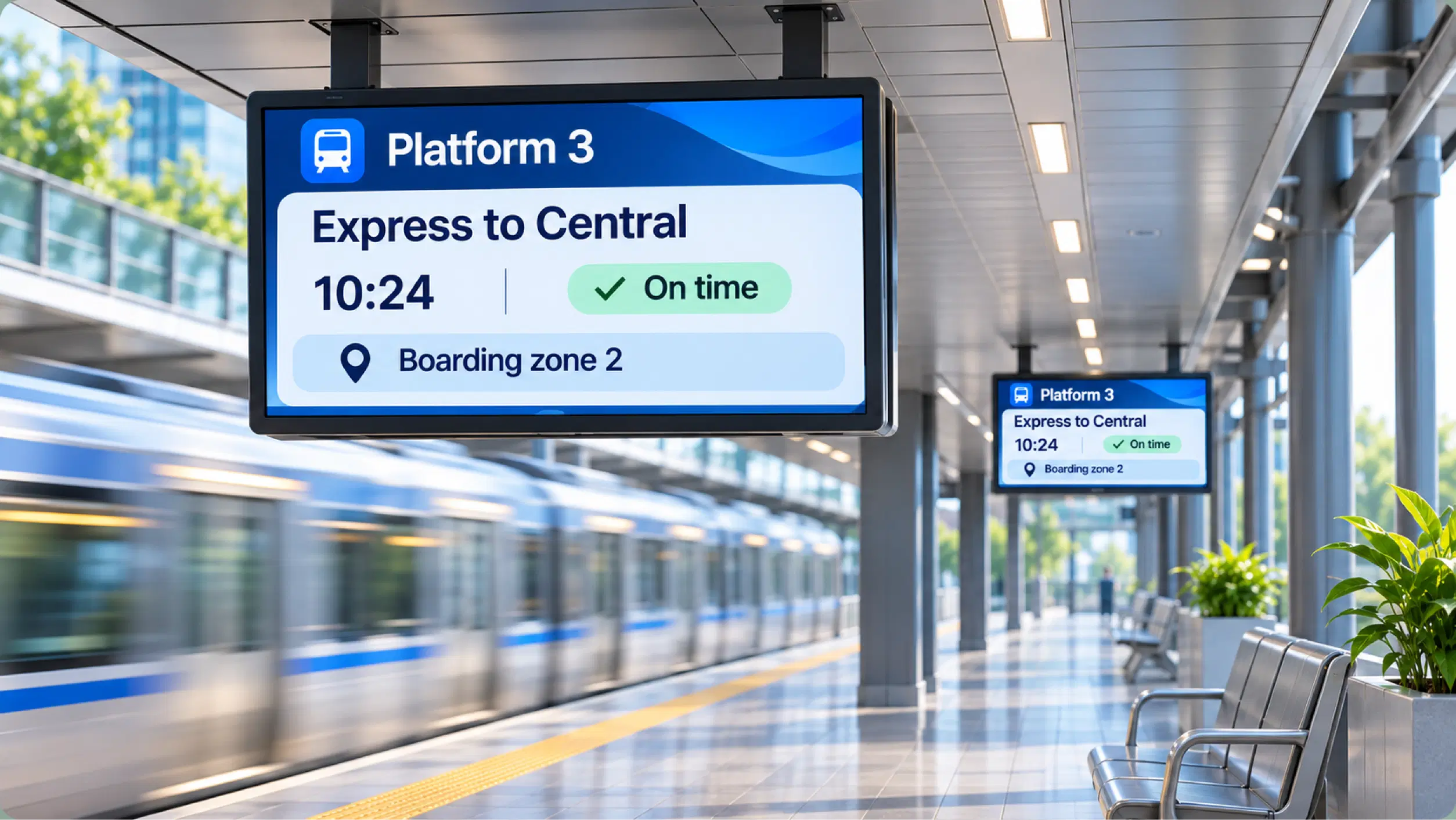
platform, concourse and in-carriage screens run from one set of groups, so a platform change reaches the train and the station together. See train station digital signage.
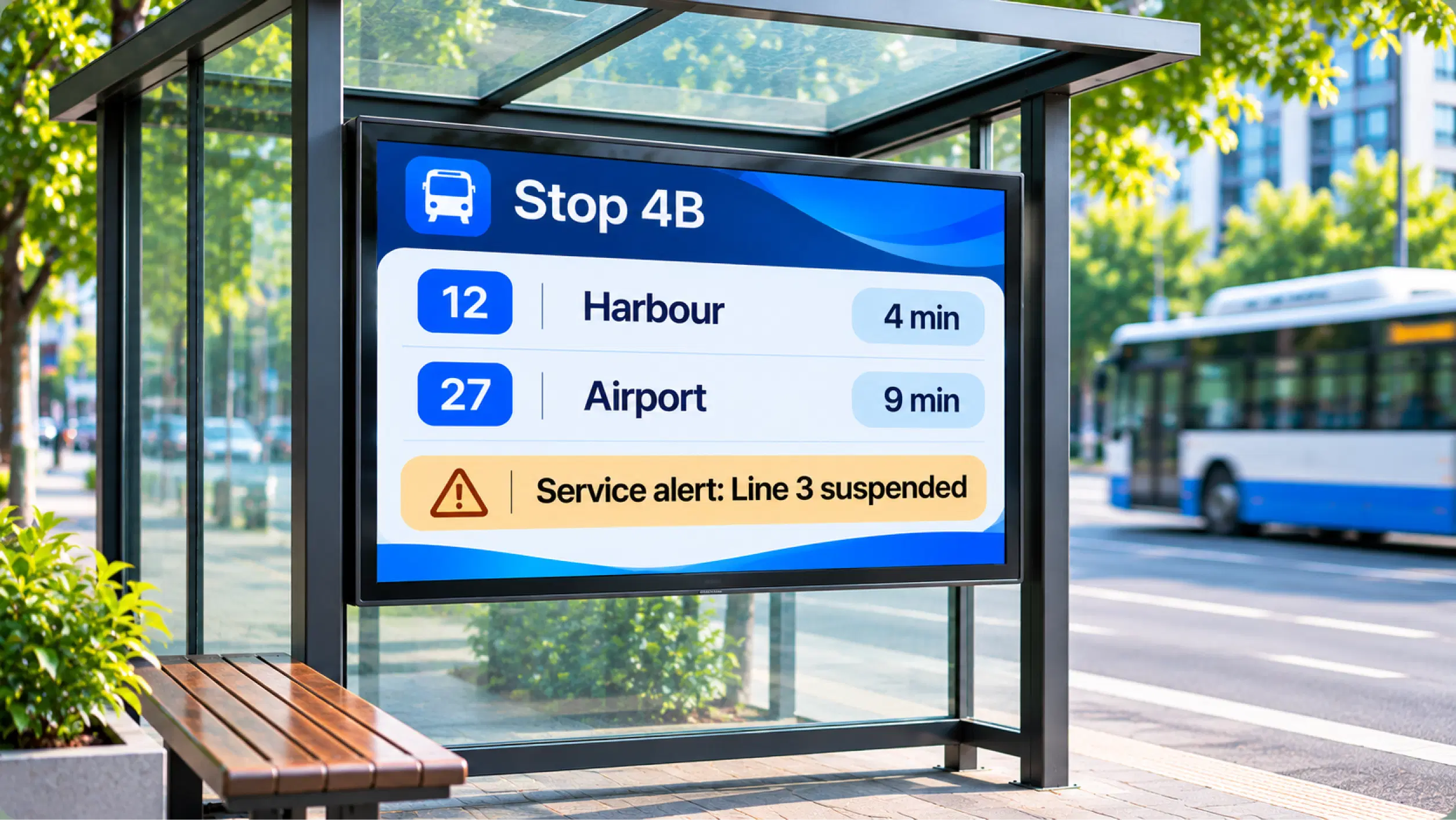
live arrivals sit on stop and platform boards next to alerts and announcements. See passenger information display system software.
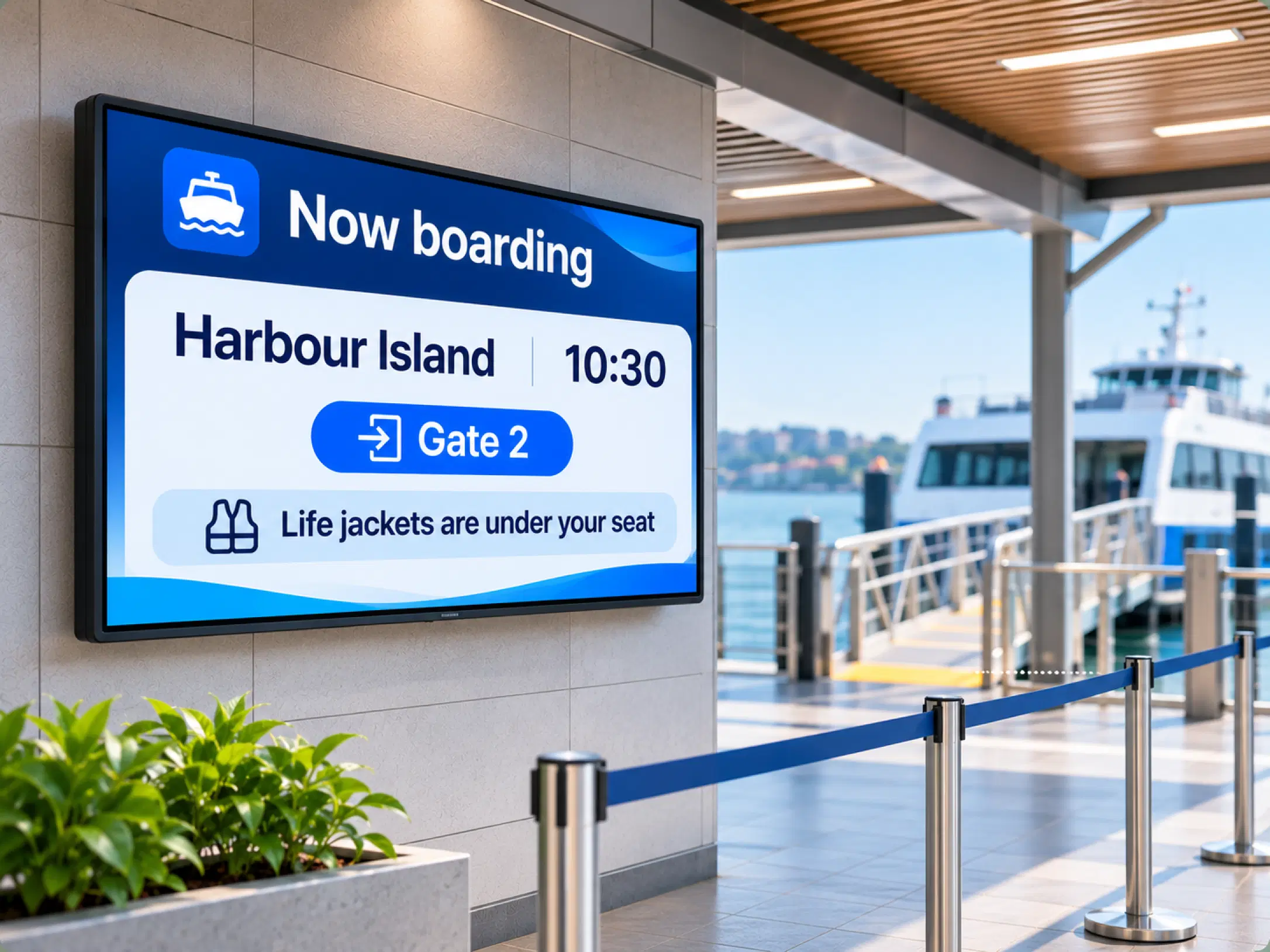
boarding, safety and onboard information screens update between sailings from shore. See cruise and ferry digital signage.
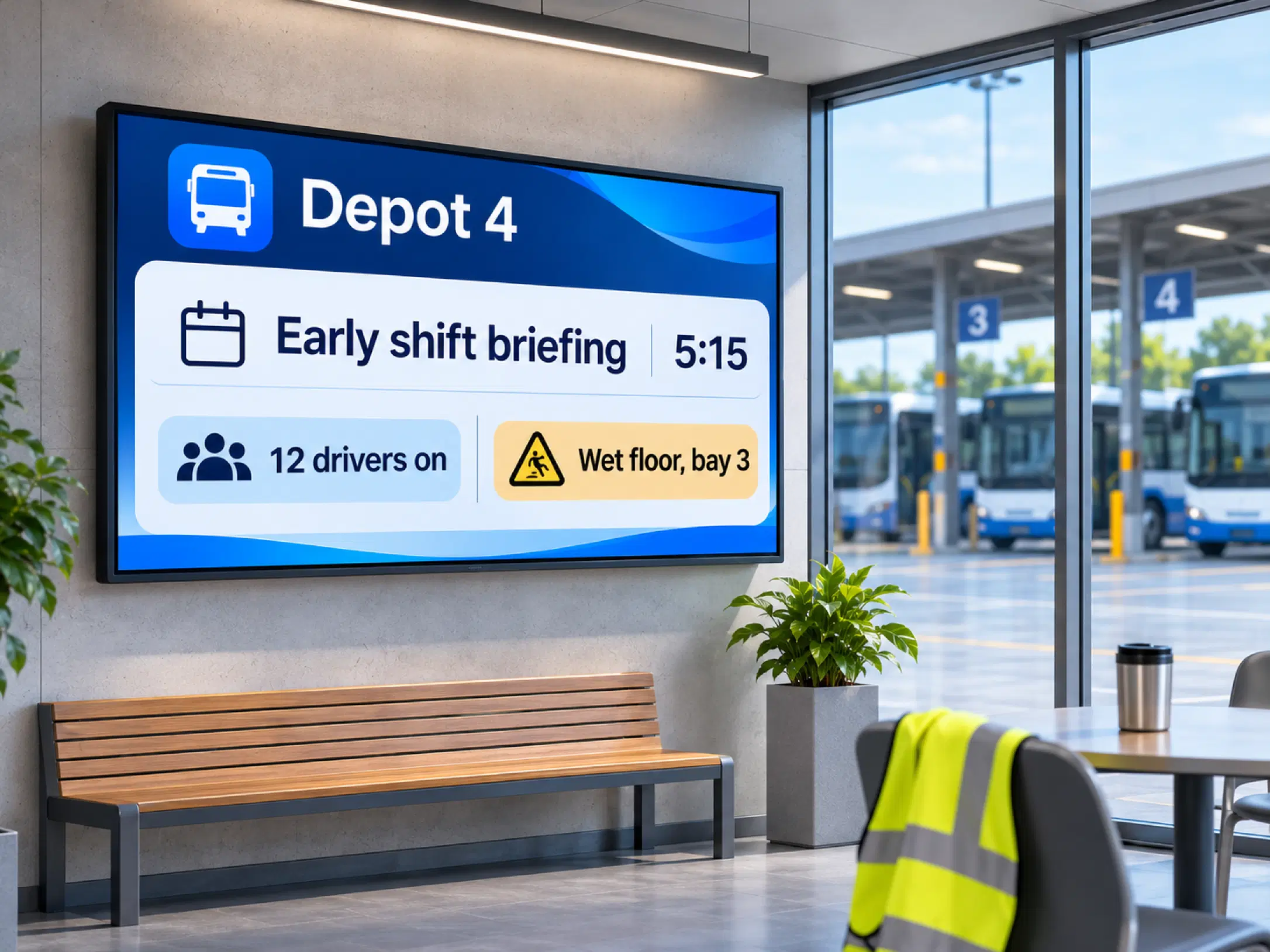
shift rosters, safety notices and yard KPIs reach drivers and warehouse crews before they head out. See digital signage for logistics and warehousing.
Pickcel's Professional plan is USD 13.50 per screen per month, billed annually. Media players and displays are a one-time hardware cost on top. On-premise deployments and large networks are quoted separately. See plans and pricing.
Usually, yes. Pickcel's player runs on 10 operating systems and 50+ device types, including Samsung, LG, Android, Windows and BrightSign hardware. Share your current display and player models before rollout so the team can confirm which carry over and which need a new player.
Yes, and a media partner can sell that screen time without being able to edit service information, because ad content sits under its own permissions. UBN Enterprise sells onboard ad space on Indian express trains through Pickcel. For ad-network operations, see DOOH digital signage.
Start with one route or station as a pilot, then add screen groups line by line. Pickcel's onboarding team helps you plan the group structure, role permissions and alert templates before the pilot goes live, so later phases reuse them instead of starting over.
No. Pickcel shows the data your CAD/AVL or scheduling system already produces; it doesn't track vehicles or build timetables. Your team shares the feed's format and access method, Pickcel builds the integration, and both sides test it against real stops before any rider sees it.
Yes. Pickcel supplies the security audit reports, on-premise option and integration plan a transit tender usually asks for. Systems integrators can also deliver Pickcel inside a wider ITS package, as NEC did on its BRTS project. Our RFP guide lists what to specify.