



Front Office
For the front office manager:
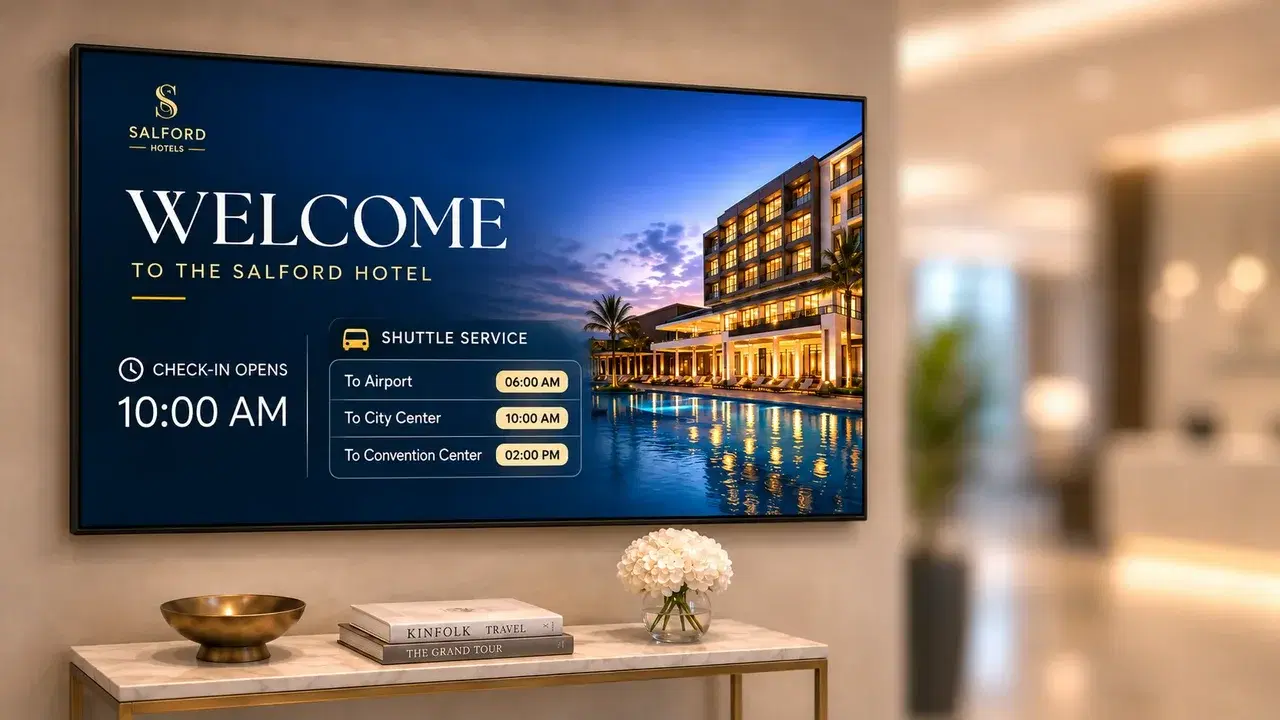
guests find answers on the lobby screen instead of queueing to ask, from today's events to the airport shuttle times.
In practice
Hotel digital signage software is a cloud platform that controls what every screen in a hotel shows, and when: lobby welcome screens, meeting room signs, restaurant menus, wayfinding kiosks and back-of-house noticeboards. Staff change content from a browser instead of walking to each screen. Pickcel runs it for single hotels and multi-property groups.
The problem
A hotel's schedule changes faster than its signs. A banquet moves to another ballroom at noon, and the easel in the lobby still points to the old room. A breakfast offer stays on the restaurant screen into dinner because nobody had time to swap the USB stick.
Across a group, the problem is brand drift. Each property builds its own slides, so the logo, fonts and offers look different from one hotel to the next. Both failures cost the most on the busiest days: a convention check-in wave, a wedding weekend, a holiday Friday when the front desk has nobody to spare.
How it works
Pickcel organises a hotel's screens in three layers, with the hotel's own systems feeding the zones that need them. Every screen runs on the same Pickcel digital signage CMS, whatever the display brand.
Templates, brand assets and the rules for what each property may change. Group-wide content, such as a loyalty campaign, is scheduled once for every hotel.
Each hotel's screens are grouped by zone: lobby and front desk, meeting and banquet rooms, restaurants and bars, wayfinding kiosks, back-of-house. A team login sees only its own zone.
Each screen downloads its schedule and plays it on time.
The PMS, room calendars, outlet POS menus and property maps connect at the zone that uses them; the role tiles below say what each one drives.
Pickcel in hospitality
JW Marriott
Two properties, New Delhi Aerocity and Chandigarh, run lobby standees and event signs that staff edit from the Pickcel Go mobile app.
JW Marriott case study
Cotton Patch Cafe
50+ screens across its US locations run on the Amazon Fire TV devices the restaurants already had.
Cotton Patch Cafe case studyBy role
guests find answers on the lobby screen instead of queueing to ask, from today's events to the airport shuttle times.
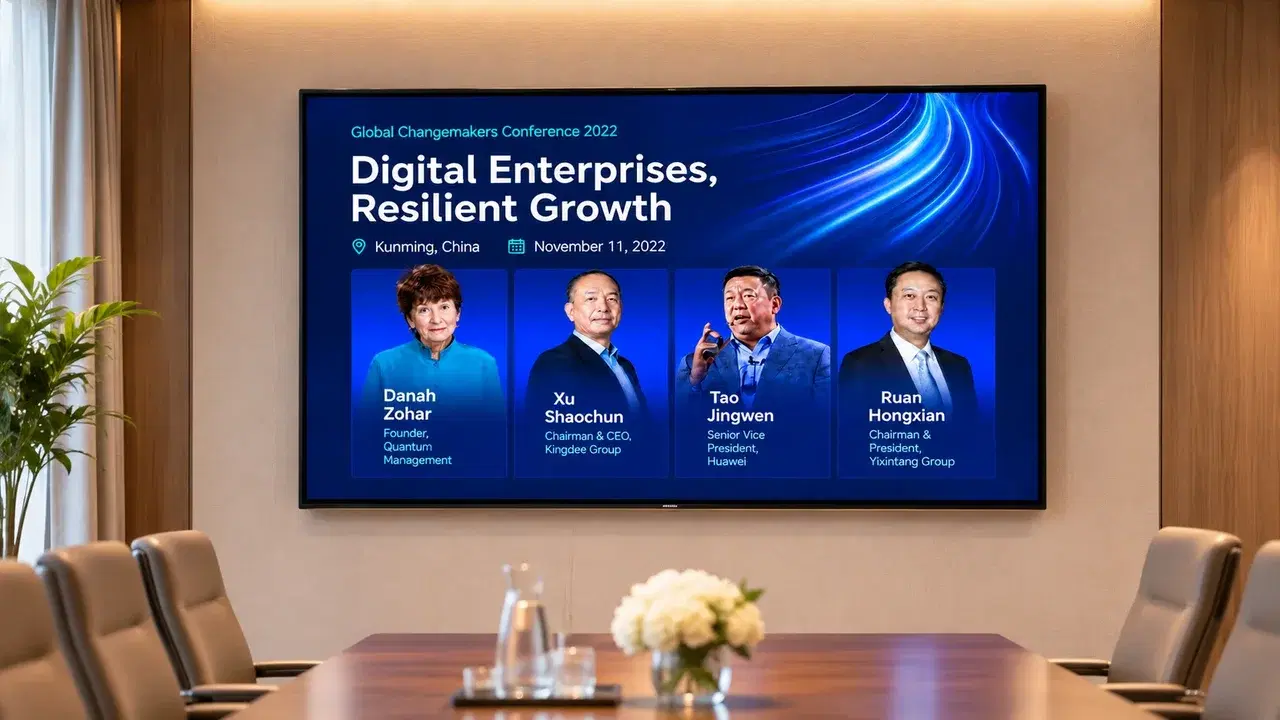
meeting room signs show the event name, host and times straight from the Google or Outlook calendar where bookings already live, and change the moment a booking does. Built on the Pickcel meetings calendar app.
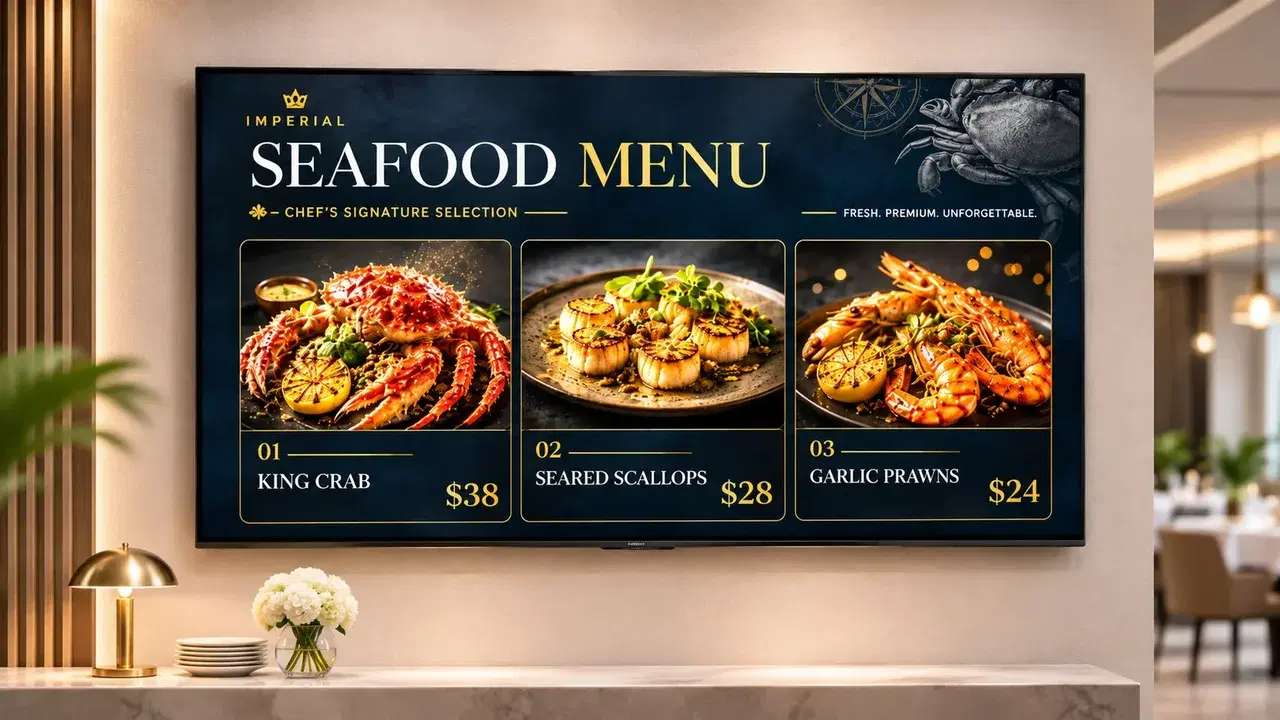
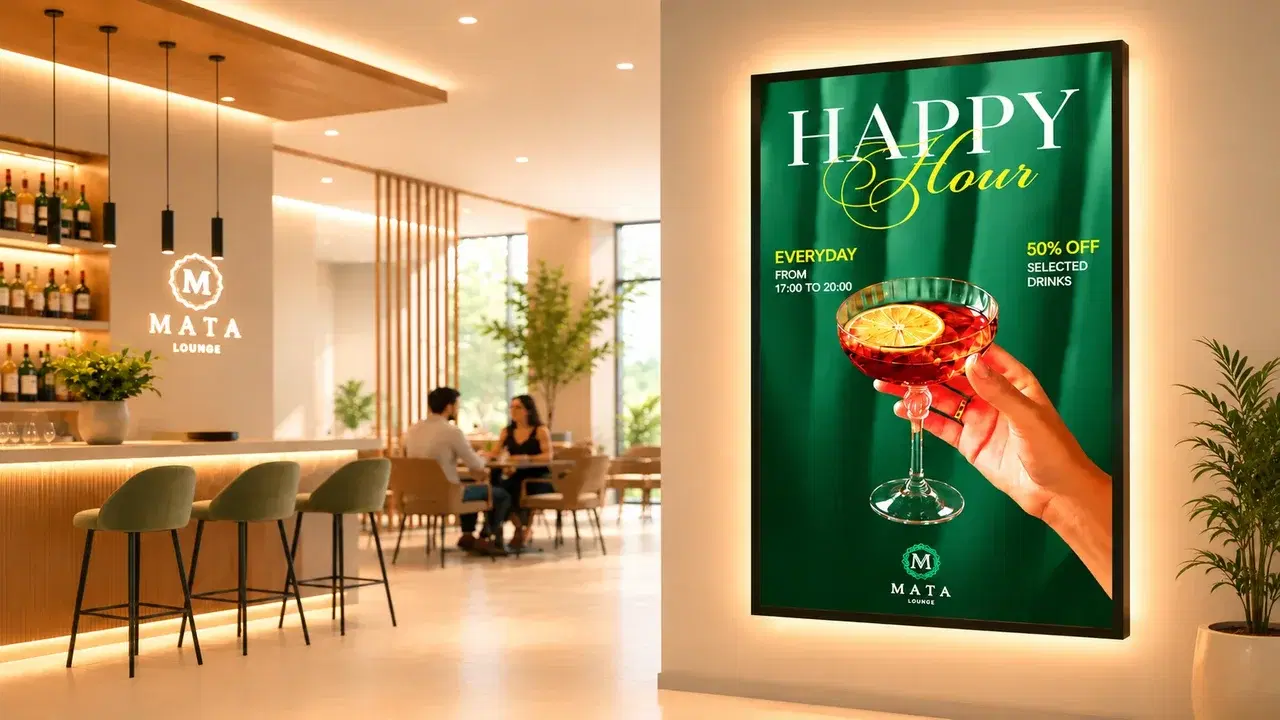
restaurant and bar screens move from the breakfast menu to lunch and dinner on schedule, with items and prices taken from the outlet's POS. More in digital signage for hotel restaurants and bars.
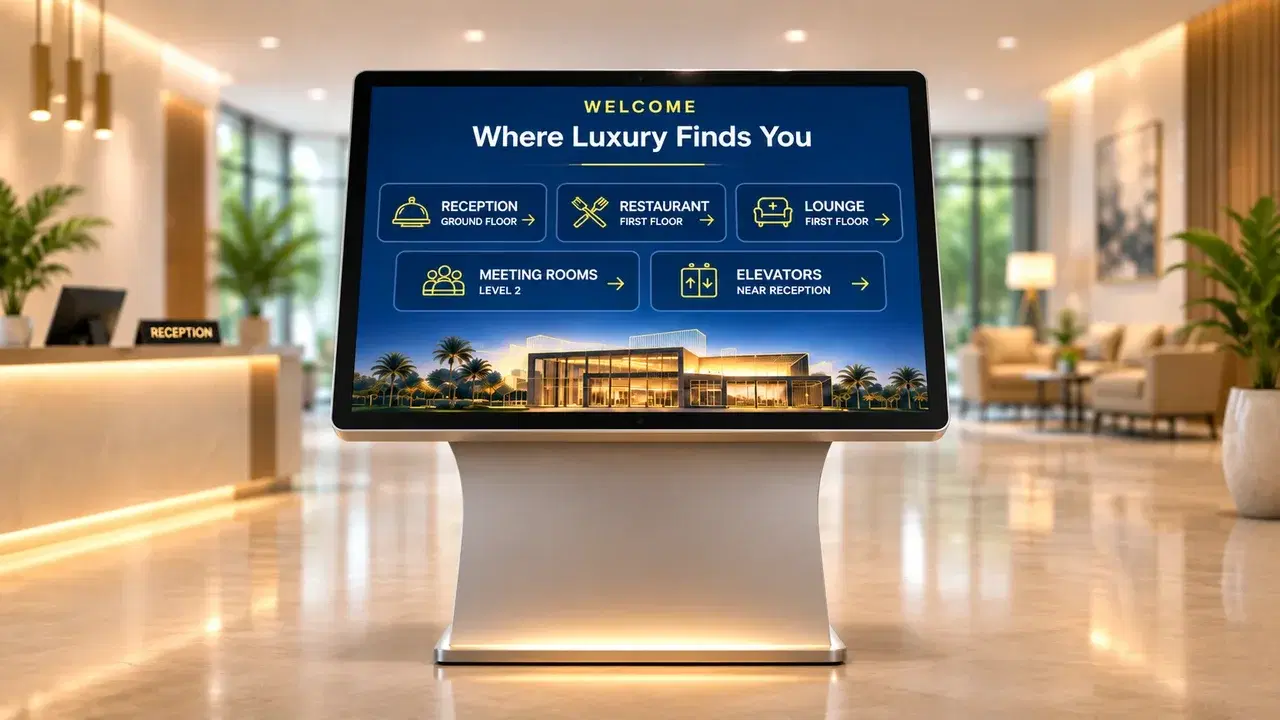
touchscreen kiosks in large hotels and resorts show the route to the spa, ballroom or car park on a live property map, so fewer guests stop staff for directions. See Pickcel wayfinding signage.
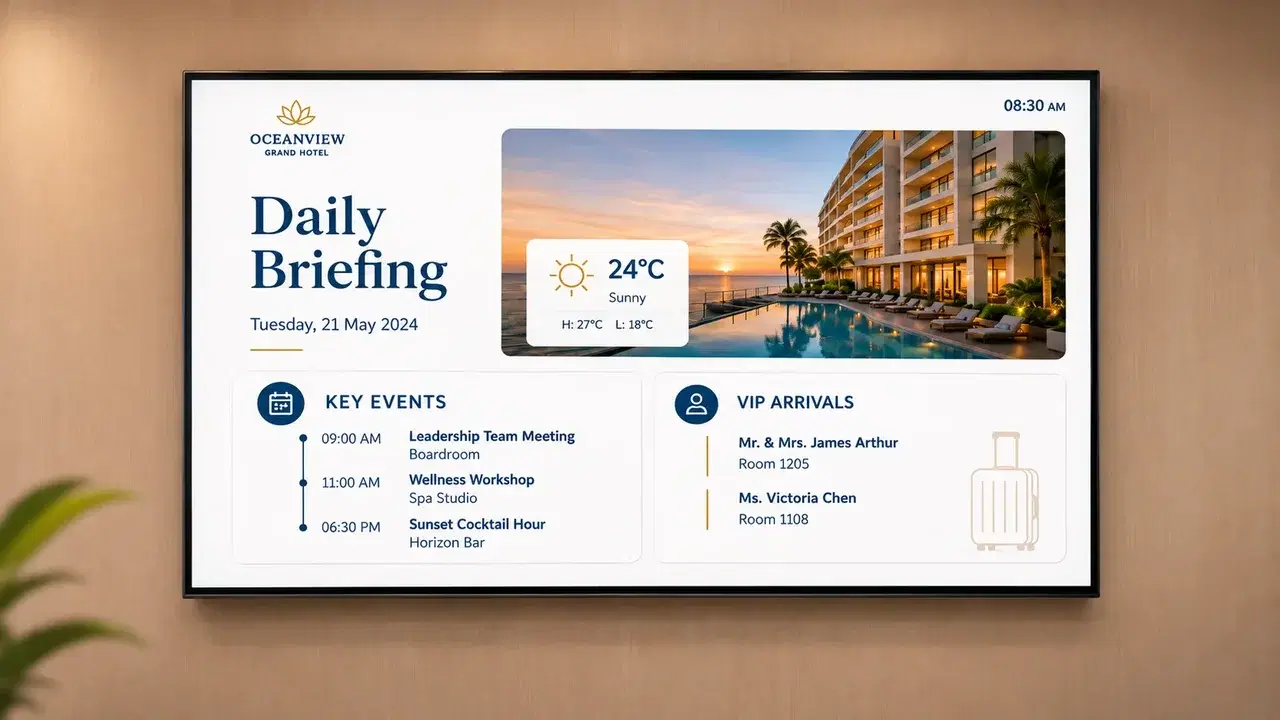
shift rosters, daily briefings and safety notices go to staff-area screens and, through the Pickcel employee communication app, to staff phones by WhatsApp or SMS.
Case studies
2 hotels
JW Marriott, India (two hotels). At JW Marriott New Delhi Aerocity and JW Marriott Chandigarh, lobby standees promote the spa, gym and dining and show live flight times for guests heading to the airport. Digital event signs replaced the easels and printed placards used for conferences, and staff edit screens from the Pickcel Go mobile app.
Read the JW Marriott case study50+ screens
Cotton Patch Cafe, US (restaurant chain, adjacent to hotels). A Texas casual-dining chain runs 50+ screens on the Amazon Fire TVs its restaurants already had, so staff at every location get the same updates at the same time.
See the Cotton Patch deploymentFree Resource
A practical guide to planning screens across one property or a group: which zones earn a screen, who gets which permissions, how to build the content calendar around events, and what to budget.
“Pickcel's user interface is simple, intuitive, and easy for any type of user.”
FAQ
Pickcel is priced per screen per month, starting at USD 13.50 on the Professional plan, billed annually. A boutique hotel with a handful of screens gets the same scheduling and permissions as a large group, and can start on the 14-day free trial. Portfolios of more than 100 screens move to Enterprise, which is quoted. Compare plans and pricing.
Yes. Pickcel integrates with hotel property management systems, so lobby and front desk screens can show room availability, check-in and check-out information and VIP arrival flags without anyone retyping them. The same feed can drive personalised welcome messages for arriving groups and guests, and the screens update as the PMS data changes.
Usually, yes. Pickcel supports 50+ device types, including Samsung Tizen and LG webOS commercial displays that need no external player, Android media players, Windows PCs and Amazon Fire TV Sticks. Older TVs that are not smart displays need a small media player connected over HDMI, so most properties add players rather than replace screens.
Use Pickcel's Quickplay feature. An administrator assigns a pre-designed alert, such as a fire evacuation notice, to the chosen screens, and it overrides the scheduled content straight away. The alert stays on screen for at least 10 minutes and can be extended to 24 hours. Prepare the alert designs in advance so nobody is building one during an incident.
Yes. Each screen can carry its own language version of the same content, or rotate several languages through the day. A hotel near a convention centre might run English plus the languages of its largest guest groups in the lobby, while back-of-house screens use the languages its staff read.
Screens keep playing the content already downloaded to them, so the lobby does not go blank during an outage. New changes reach each screen when it reconnects. Hotel guest Wi-Fi and staff networks are often kept separate, so put signage players on the stable staff or wired network from the start.
Yes. Pickcel is SOC 2 Type II and ISO 27001 certified, and its cloud service carries a 99.9% uptime SLA. Multi-factor authentication comes with the Business plan, and single sign-on with Enterprise. Groups that need content and logs kept inside their own network can run Pickcel on-premise on the Enterprise plan.