
Pickcel

Core Platform

  • Software Features
  • Pickcel Comms
  • Templates
  • Security & Compliance

Enterprise

  • On-Premise
  • Integrations & Automation
  • Our Services

Extensions & Apps

  • Mobile App
  • App Integrations

Digital Signage Players

  • Android
  • Samsung Tizen
  • BrightSign
  • Amazon Signage Stick
  • View all Players
What is Digital Signage?

Learn the basics of digital signage and how it can transform your business.

Industries We Serve

  • Office
  • Retail
  • Restaurant
  • Manufacturing
  • Hospitality
  • Healthcare
  • Transportation
  • Education
  • View all Industries

Solutions

  • Dashboard
  • FIDS
  • Digital Menu board
  • Car Dealership App
  • Wall Craft
  • Event Stream
  • Transport PIS
  • Social Wall
  • View all Solutions
See How Pickcel  Helped Amazon
See How Pickcel Helped Amazon

Case Studies

  • Mercedes-Benz
  • Accenture
  • Magnolia Bakery
View all

All Resources

  • Digital Signage Blog
  • Learn
  • Digital Signage Gallery
  • Case Studies
  • Support
  • Download
Partnerships
Partnerships

Partnerships

  • White-Label
  • Reseller
Pricing
Login

Samsung Tizen Digital Signage Made Simple

Turn Samsung Tizen displays into a centrally managed signage network—whether you’re launching signage for the first time or switching platforms.
Book a Demo
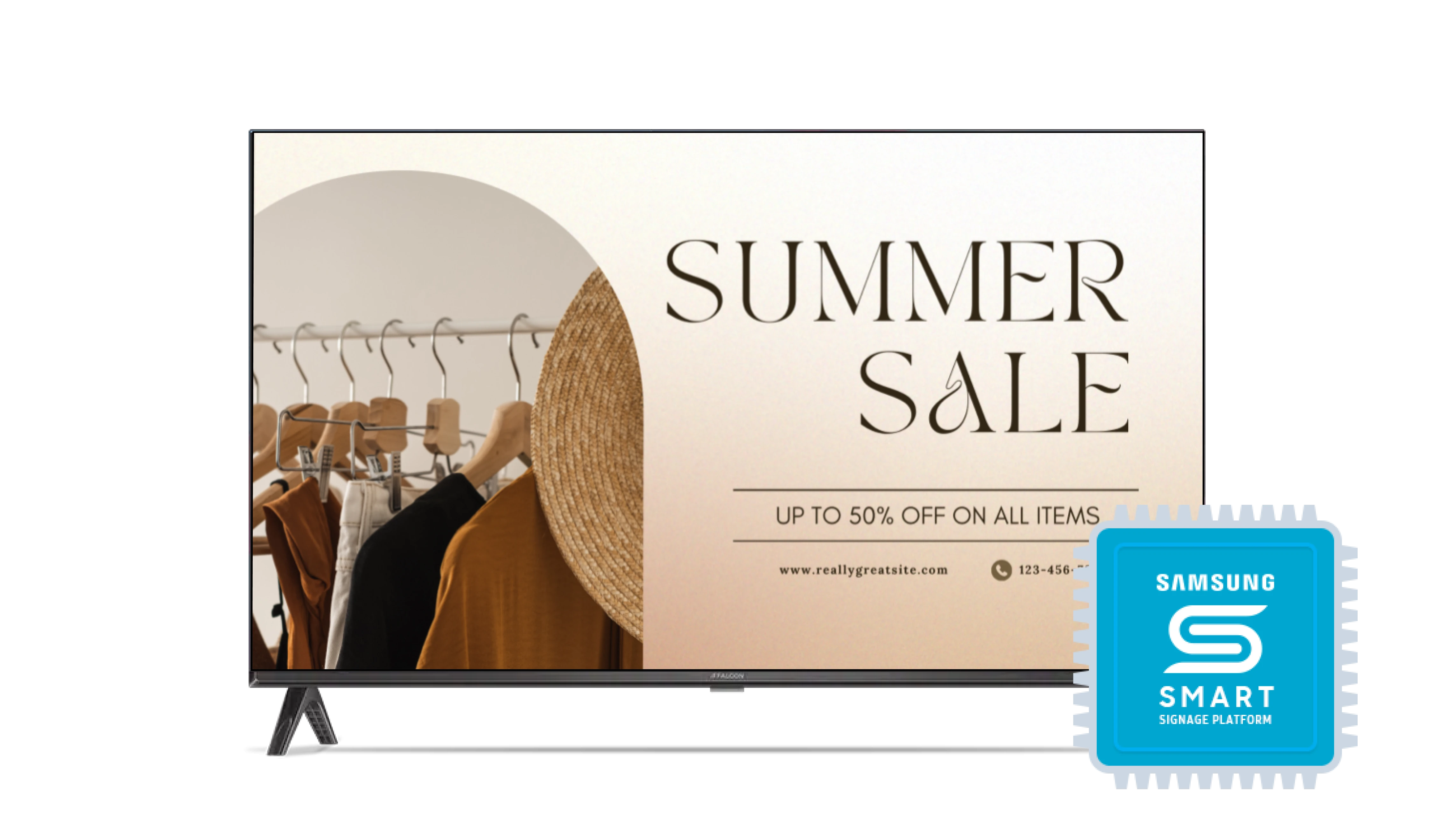
Samsung Tizen digital signage screens powered by Pickcel

Simple 3 Step Setup With Pickcel

Anyone can set it up. No deep technical skill needed.

Install the app
Step 1

Install the app

Install the app using the SSSP URL or deploy it via the Pickcel USB package.

Pair your screen
Step 2

Pair your screen

Launch Pickcel and enter the on-screen pairing code in your dashboard.

Publish content
Step 3

Publish content

Upload media, create a playlist, and publish to go live on your Tizen display.

View Full Setup Guide

Works on the Samsung Tizen Screens You Trust

Pickcel runs natively on supported Samsung Tizen displays—no external player, fewer failure points, and quicker rollouts.
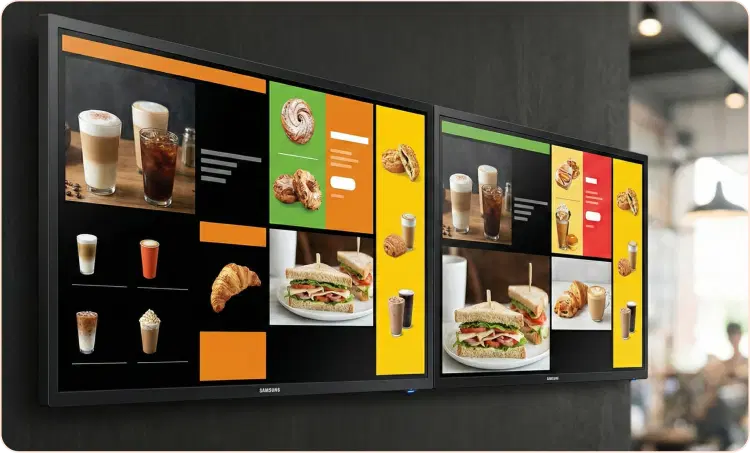
Samsung Smart Signage Displays (SSSP)

Samsung Smart Signage Displays (SSSP)

Commercial-grade Samsung displays with built-in Tizen OS. Well-suited for always-on menus, promotions, and corporate messaging.

Samsung Commercial TV Series (QB / QM)

Samsung Commercial TV Series (QB / QM)

Professional Samsung displays running Tizen with SSSP support. Ideal for offices, lobbies, campuses, and retail environments.

Feature Highlights

Key things that make Pickcel a strong choice for Samsung Tizen digital signage.

Start Using These Features
Centralized updates from one dashboard

Centralized updates from one dashboard

Update playlists, campaigns, and schedules across Tizen screens without site visits.

Reliable offline playback

Reliable offline playback

Keep images and videos running locally when the network is unstable.

Flexible multi-zone layouts

Flexible multi-zone layouts

Divide screens into zones to show menus, dashboards, and updates together.

Smart scheduling and automation

Smart scheduling and automation

Use day-parting, auto-expiry, recurring playlists, and timed publishing.

Dashboards and live web content

Dashboards and live web content

Show BI and operational dashboards or secure internal web views.

Real-time screen monitoring

Real-time screen monitoring

View device status, connectivity, and sync health from the dashboard.

Roles and access control

Roles and access control

Set permissions for IT, operations, and marketing to reduce errors.

Enterprise rollout support

Enterprise rollout support

Get hands-on help for pilots, deployments, and large-scale rollouts.

Where It Fits

  • Retail stores – product promos, aisle displays, window signage

  • Corporate offices – dashboards, reception screens, internal updates

  • Restaurants & cafés – digital menus and offer rotations

  • Education – notices, event schedules, wayfinding

  • Healthcare – patient information and waiting-area messaging

  • Events – schedules, sponsor content, directions
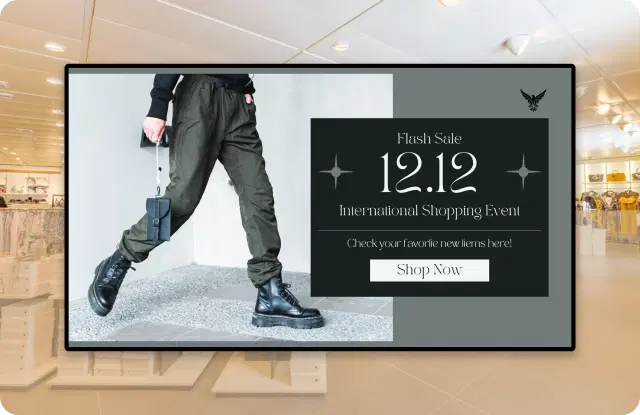
Samsung Tizen devices running Pickcel digital signage

What You Can Do with Pickcel

Upload videos, images, and live feeds

Upload videos, images, and live feeds

Schedule content by time, date, or location

Schedule content by time, date, or location

Show dashboards, tickers, and custom apps

Show dashboards, tickers, and custom apps

Monitor device health and playback in real time

Monitor device health and playback in real time

Why Businesses Choose Pickcel

150,000+

Screens

9,000+

Global Customers

100+

Apps & Integrations

70+

Countries
Download Pickcel for Samsung Tizen

Samsung Tizen Digital Signage Player
FAQ

Frequently Asked Questions

No. Pickcel works on Samsung Smart Signage displays running Tizen 4 or above.
Samsung SSSP displays and QB/QM series with Tizen 4+.
Follow the Pickcel Samsung Tizen installation guide for step-by-step setup.
Yes. Group screens by location or use case and publish updates in bulk.
Yes. Secure web views allow dashboards and internal tools to be displayed.
Yes. Pickcel supports mixed device networks from a single CMS.
Yes. Pickcel supports many Android TV box models that work well for digital signage. Some Chromecast-type sticks can be used for simple setups, but they are not ideal for long hours or always-on use.
Yes. Role-based access and governed workflows support enterprise deployments.

Product

  • Software Features
  • Digital Signage Hardware
  • Digital Menu Board Software
  • Digital Signage Player
  • Interactive Kiosk
  • OTT Digital Signage Software
  • Queue Management Software
  • Visitor Management software
  • On-premise Digital Signage

Enterprise

  • Integrations & Automation
  • On-premise Digital Signage
  • Our Services

Solutions

  • Corporate Communication
  • Retail Digital Signage
  • Digital Signage Hospitality
  • Multi Channel Employee Communication
  • Restaurant Digital Signage
  • Banking & Finance Signage
  • Transportation Digital Signage
  • Digital Product Catalogue
  • Electronic Bulletin Board
  • Employee Communication App
  • Wayfinding Signage

Resources

  • Case Studies
  • What is digital signage?
  • Digital Signage Blog
  • Apps
  • Pricing
  • FAQ

Company

  • About Us
  • Contact Us
  • Support
  • Press Release
  • Careers

Trust & Compliance

  • Privacy Policy
  • Terms of Service
  • Refund Policy
  • Data Processing Addendum
  • Sub-processors
  • Security
  • Cookie Policy

Partner program

  • White Label Digital Signage
  • Reseller Digital Signage
Capterra4.6G24.6GoodFirms4.6

© 2026 LaneSquare Technology Pvt Ltd. All rights reserved.