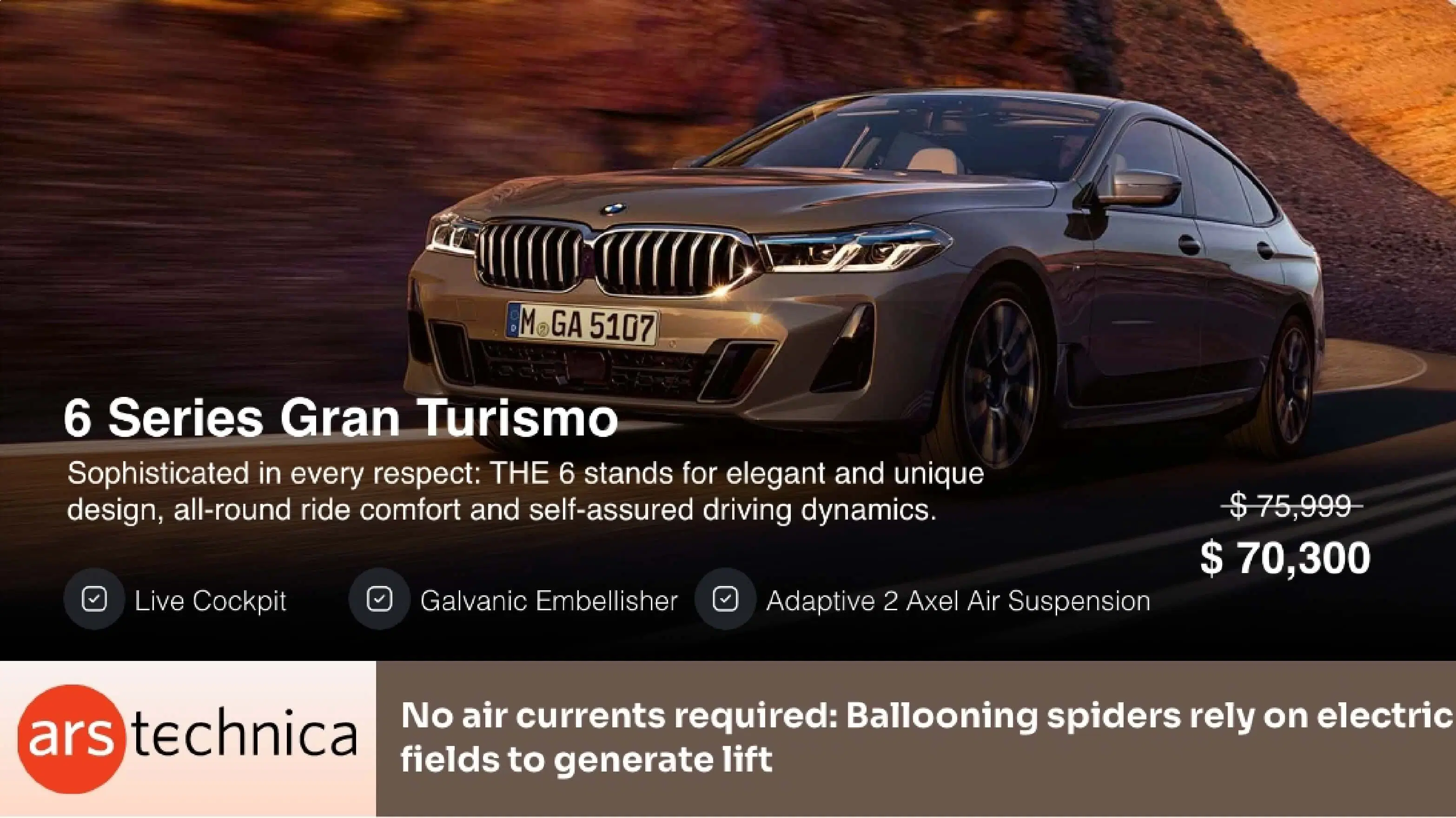
ARS Technica News App
Play this app on your digital screens and let your viewers discover the world of technology through a different lens.

App Features
With ARS Technica News app, you can now keep the technophiles among your audience glued to your digital signage screens. If you are a tech company, this Pickcel app is a must-have for you. It is supported on all digital signage players.

Latest ARS news feeds
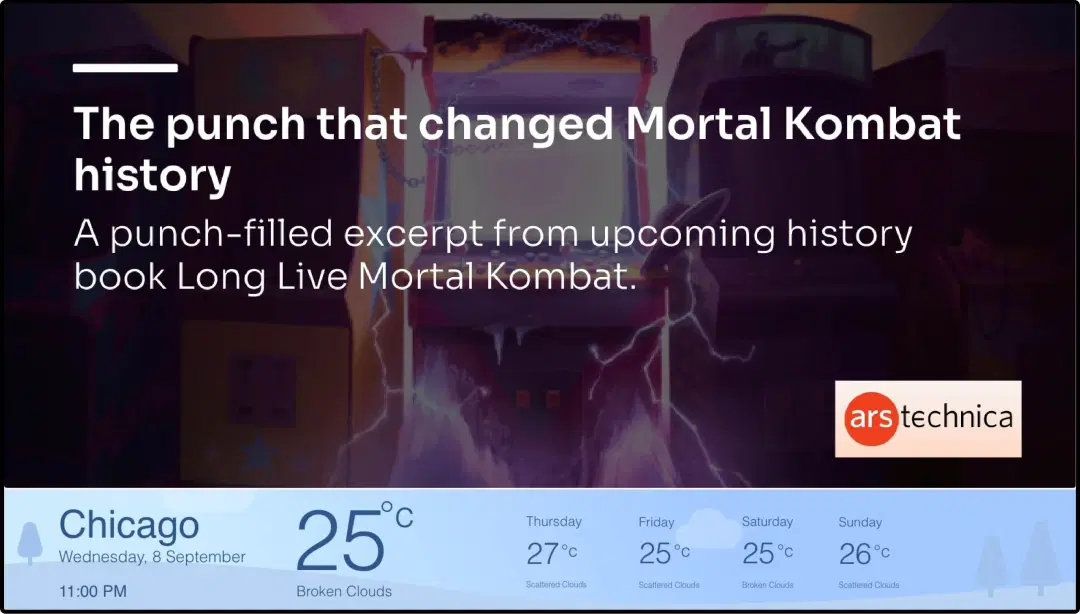
The app auto-refreshes and brings the latest ARS Technica news feeds to your digital screens. You have the option to set how fast or slow your news transitions.
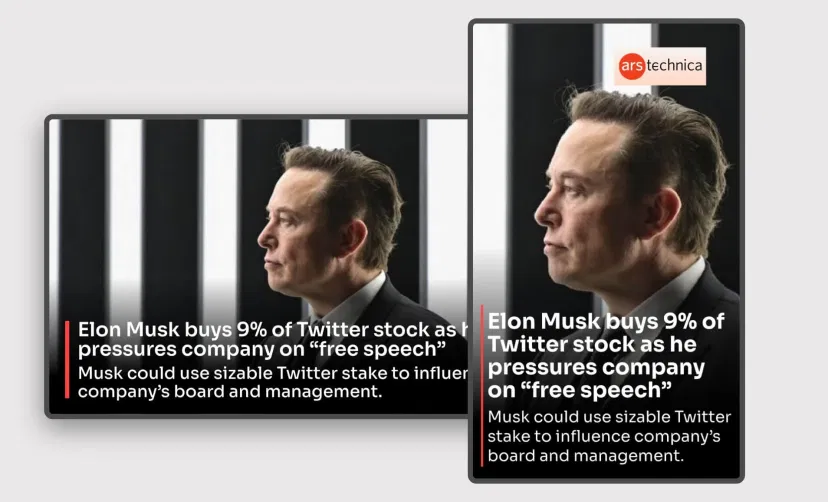
Layout support
The ARS Technica app is supported on different layouts like landscape, portrait, footer. The app content can also auto-fit into any custom layout with manual resizing.
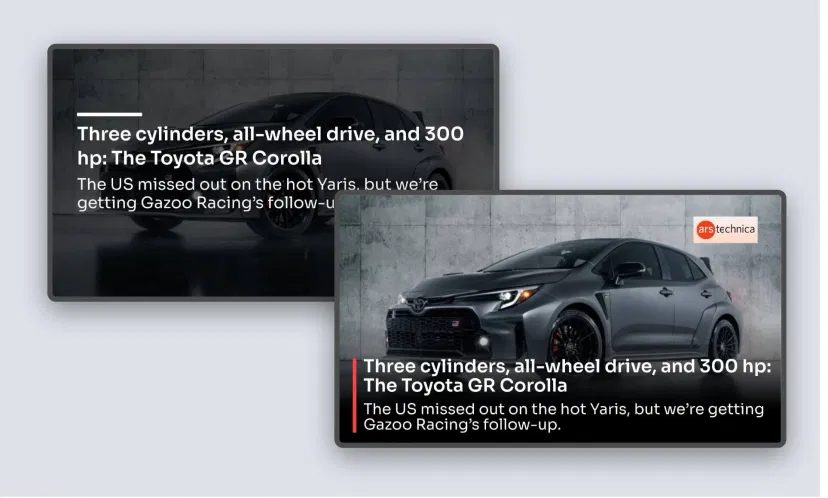
Different themes
Plain text on screen can get boring after a point. Make the visuals interesting with a variety of themes like Classic View, Blurred, White Background, and more. You can also enable transition effects.
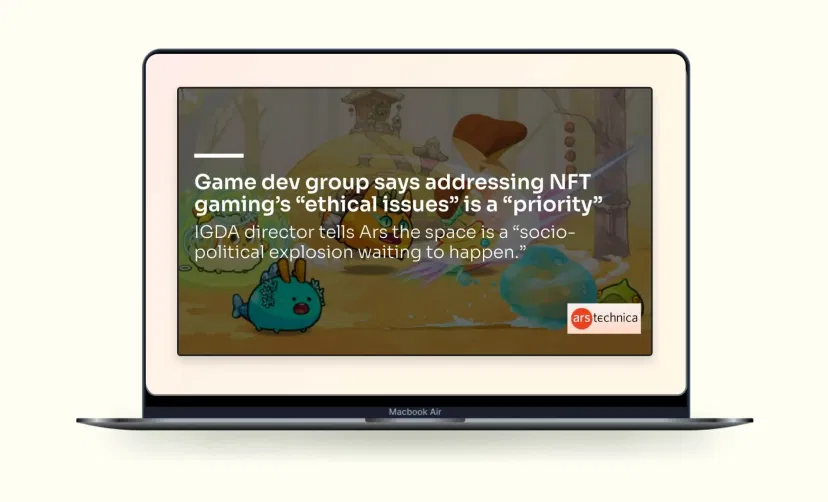
Preview option
The Preview button allows you to check the ARS Technica app for any content error, design mismatch, or layout disorientation
Same App, Different Looks!
Present the ARS Technica News in multiple background settings. Which one is your favorite?



Ready to unlock the ARS Technica News App for your digital signage?
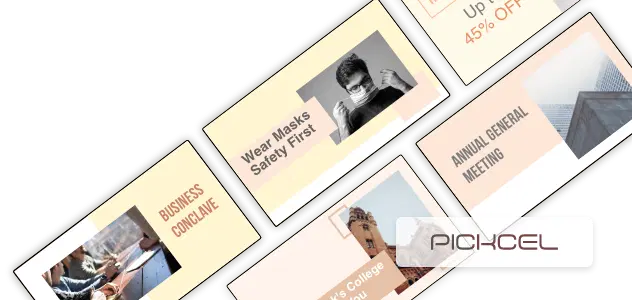
Interesting Use Cases of the ARS Technica News App
We have listed a few. The sky is the limit for you!

Tech-based companies
Technology is at the core of your business. So, your audience would expect you to convey the latest news, trends, and expert opinions on different tech-related matters! Give them what they want with this app.
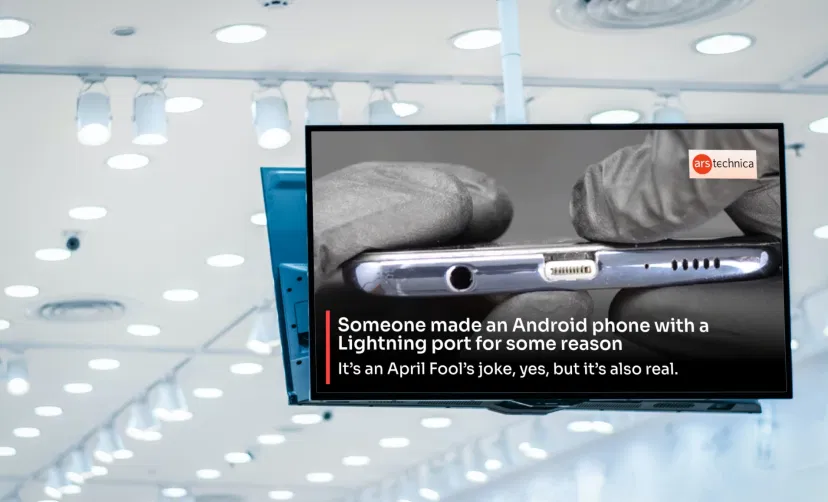
Modern gadget stores
Reviews are the best reference points for any gadget buyer. So, let this app run on your digital screens at every corner of your store. Help your audience know products better through the latest reviews by experts.
How to add the ARS Technica News app on your digital signage?
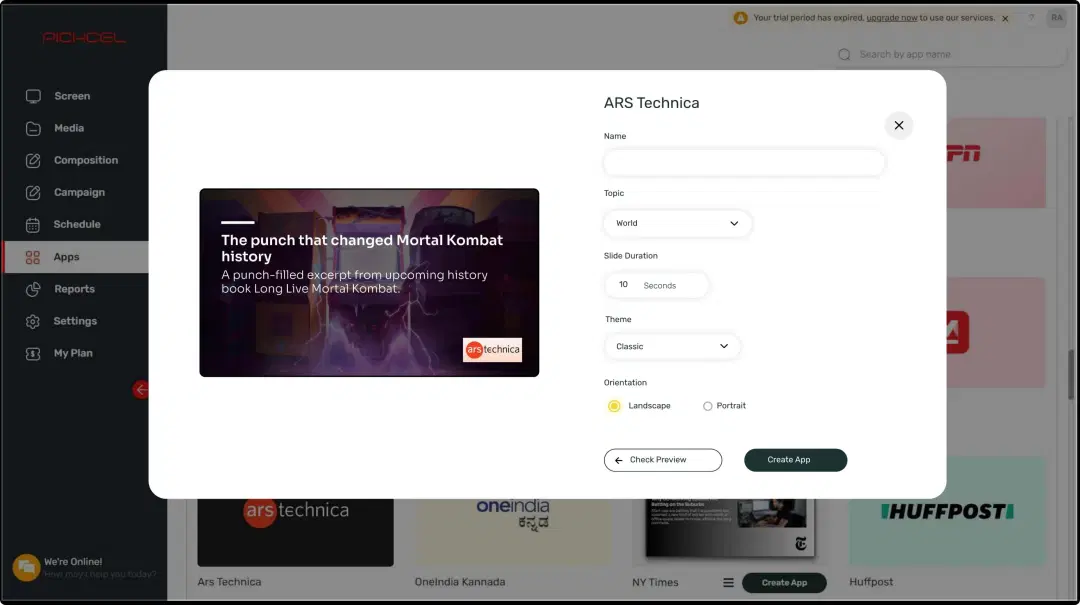
Configure the app from the app store
Set the app name, customize the aesthetics, preview, and save the app.
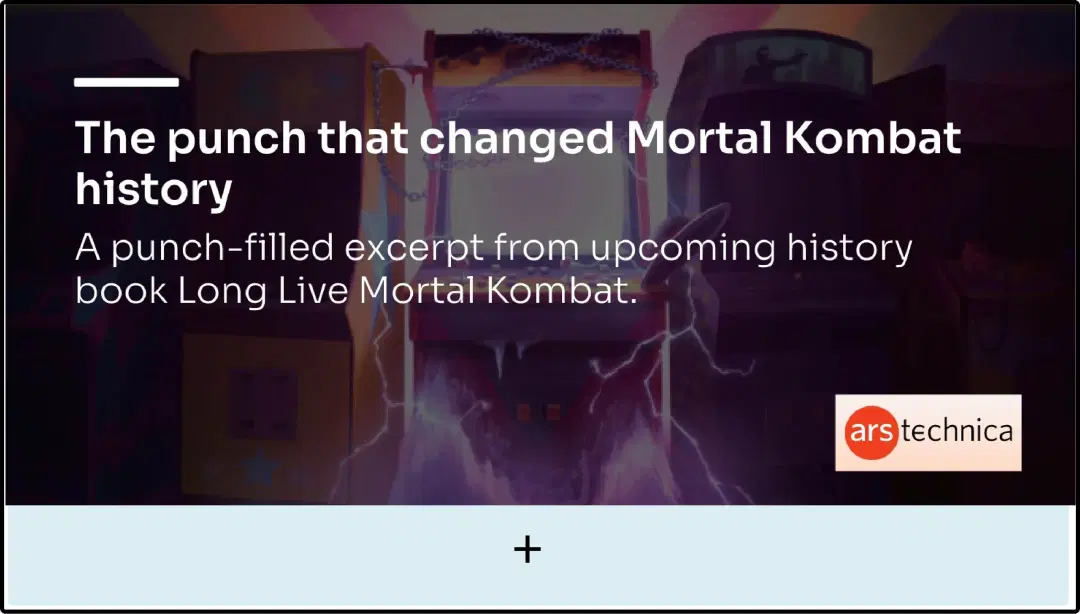
Create a composition
Dedicate a full screen to your ARS Technica news updates. Or, create a multi-zone layout and play it with other content.
Publish the composition
Select the screens and hit publish.
Step-by-step tutorial of adding the ARS Technica News applicationNeed customized apps? Connect with us.
We are open to all kinds of customization & integration with third-party applications.
More Pickcel Apps to Complement the ARS Technica News App on your Digital Signage

Car Dealership app
Show available car models at your dealership with images

Twitter Plus App
Display live tweets, follow any hashtag or account

Slack app
Show the Slack messages on your screen

Quotes app
Display motivational quotes on your digital signage