Best Digital Signage Software: 7 Platforms Compared
A side-by-side comparison for IT teams running screens across many sites, built from the prices, security certifications and deployment options each vendor publishes on its own website.Every vendor fact checked against the vendor's own website, October 2026.
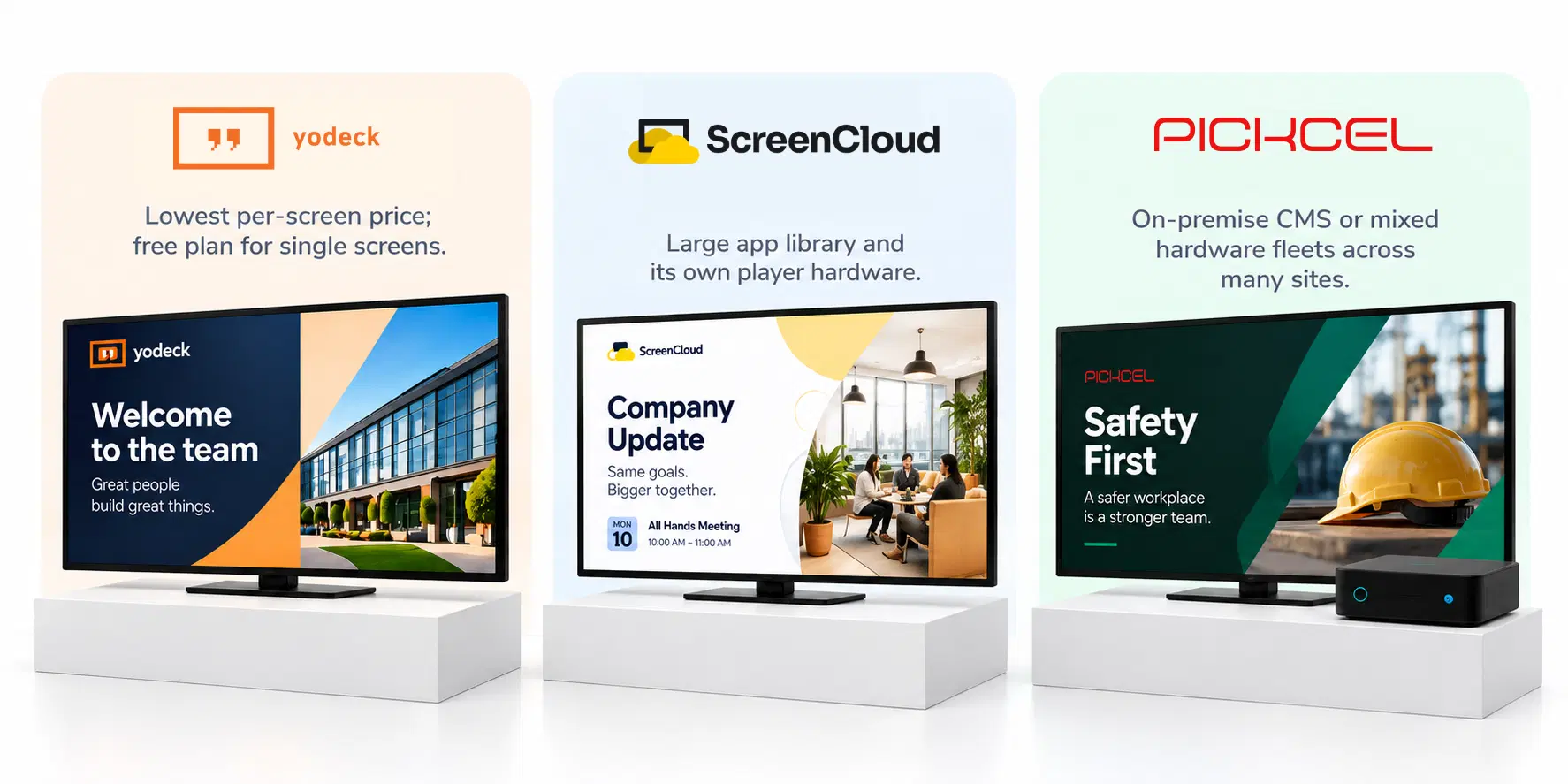
The best digital signage software for a multi-site business is usually Yodeck, ScreenCloud or Pickcel, depending on which constraint bites first. Yodeck has the lowest published per-screen price and a free single-screen plan, while ScreenCloud suits workplace comms teams that want a large app library and its own player hardware. Pickcel fits when the CMS has to run on your own servers or drive a mixed fleet of players from different manufacturers. The split that matters most for IT is deployment model and security evidence, not template counts, because every tool here ships with plenty of templates.
Deployment model
Cloud-only or on-premise
The first question to answer.
Security evidence
SOC 2 and ISO 27001
What IT asks for before signing.
Methodology
How we compared
Published priceSecurity evidenceDeployment modelFree tierBuyer fit
Seven platforms, five criteria: the lowest published per-screen price, the security certifications each vendor states on its own site, the deployment model (cloud only, or on-premise as well), whether a free tier exists, and the buyer each one is built for. We checked every fact on the vendor's own website on 6 October 2026 and took nothing from a rival's comparison page. A certification missing from a cell means we could not find it on that vendor's site, not proof the vendor lacks it. Prices move often, so treat them as a starting point for a quote. Pickcel publishes this page and appears in it, so its card carries a real weakness like every other.
Comparison
Digital signage software compared
Listed alphabetically. “On-prem” means the vendor states the CMS itself can run on servers you control.
Tool
Best for
Where it wins
Starting price
Security evidence
Deployment
Free tier
Navori
Large networks bought through an AV integrator
Cloud, on-prem and hybrid from one vendor, now combined with Signagelive
On request
SOC 2 Type I and II
Cloud, on-prem, hybrid
OptiSigns
Small teams piloting signage before they commit
140+ apps, including Power BI, and a free plan for small pilots
$9/screen/mo, billed annually
SOC 2 Type II
Cloud
PickcelRecommended
Multi-site fleets with mixed hardware or on-prem needs
One CMS for mixed player hardware, in the cloud or on your servers
$13.50/device/mo, billed annually
SOC 2 Type II, ISO 27001
Cloud, on-prem
Rise Vision
K-12 schools and districts
A per-school plan covering unlimited displays, with education discounts
$11/display/mo
SOC 2 Type II
Cloud
ScreenCloud
Workplace comms teams in large organizations
80+ ready-made apps, including Microsoft 365 and Canva, plus its own PIXI player
$20/screen/mo, billed annually
SOC 2 Type II, Cyber Essentials
Cloud
Screenly
Small fleets that want player and software from one vendor
A paid cloud platform with its own players, plus Anthias, a free open-source edition
$15/screen/mo, billed annually
SOC 2 Type II, ISO 27001
Cloud
Partial
Yodeck
Small businesses watching every dollar
Lowest published per-screen price, with a free player on annual plans
$8/screen/mo, billed annually
ISO 27001
Cloud
Navori
Best for
Large networks bought through an AV integrator
Where it wins
Cloud, on-prem and hybrid from one vendor, now combined with Signagelive
Starting price
On request
Deployment
Cloud, on-prem, hybrid
Security evidence
SOC 2 Type I and II
Free tier
OptiSigns
Best for
Small teams piloting signage before they commit
Where it wins
140+ apps, including Power BI, and a free plan for small pilots
Starting price
$9/screen/mo, billed annually
Deployment
Cloud
Security evidence
SOC 2 Type II
Free tier
Pickcel
Recommended
Best for
Multi-site fleets with mixed hardware or on-prem needs
Where it wins
One CMS for mixed player hardware, in the cloud or on your servers
Starting price
$13.50/device/mo, billed annually
Deployment
Cloud, on-prem
Security evidence
SOC 2 Type II, ISO 27001
Free tier
Rise Vision
Best for
K-12 schools and districts
Where it wins
A per-school plan covering unlimited displays, with education discounts
Starting price
$11/display/mo
Deployment
Cloud
Security evidence
SOC 2 Type II
Free tier
ScreenCloud
Best for
Workplace comms teams in large organizations
Where it wins
80+ ready-made apps, including Microsoft 365 and Canva, plus its own PIXI player
Starting price
$20/screen/mo, billed annually
Deployment
Cloud
Security evidence
SOC 2 Type II, Cyber Essentials
Free tier
Screenly
Best for
Small fleets that want player and software from one vendor
Where it wins
A paid cloud platform with its own players, plus Anthias, a free open-source edition
Starting price
$15/screen/mo, billed annually
Deployment
Cloud
Security evidence
SOC 2 Type II, ISO 27001
Free tier
Partial
Yodeck
Best for
Small businesses watching every dollar
Where it wins
Lowest published per-screen price, with a free player on annual plans
Starting price
$8/screen/mo, billed annually
Deployment
Cloud
Security evidence
ISO 27001
Free tier
Screenly “Partial”: Anthias, Screenly's free open-source edition, runs self-hosted on a single Raspberry Pi or PC; the paid cloud platform has a 14-day trial instead. Rise Vision's price is from its published K-12 plan table. Free tier means a plan with no end date, not a trial.
Platform profiles
The seven platforms, one by one
01
01
Navori
Navori Labs is a Swiss CMS vendor, founded in 1998, that acquired the UK's Signagelive in August 2025 and sells through channel partners.
large retail, banking or media networks that buy screens, players and installation through an integrator and need cloud, on-premise or hybrid deployment.
Weakest at
buying direct. No price is published, and the partner model means a small team can't sign up and start this afternoon.
Look elsewhere if
you run a handful of screens and want to self-serve.
02
02
OptiSigns
OptiSigns pairs a cloud signage platform with more than 140 apps and its own player hardware, the OptiStick and Pro Series.
Best for
pilots. Its free plan is large enough to prove the idea at one site before anyone raises a purchase order.
Weakest at
keeping things inside your network. No on-premise option is stated on its site, and free-plan screens show OptiSigns branding.
Look elsewhere if
your security team requires the CMS to sit behind your own firewall.
03
03
Pickcel
Pickcel is digital signage software that runs in the cloud or on a customer's own servers, built for networks spread across many sites.
Best for
fleets that mix Android, Windows, Samsung, LG and BrightSign players, or that must keep the CMS on premises, as General Dynamics' APS subsidiary does.
Weakest at
entry-level IT controls. Single sign-on and on-premise deployment are Enterprise-only at custom pricing, and the Professional plan includes one user login.
Look elsewhere if
you need SSO on a small budget or one screen running for free.
04
04
Rise Vision
Built around schools, Rise Vision prices its cloud platform through a dedicated K-12 plan table, with discounts for education and nonprofits.
Best for
K-12 districts. The Enterprise plan costs $1,399 per school per year for unlimited displays, so a hallway-heavy campus is easy to budget.
Weakest at
anything beyond the cloud. No on-premise option is stated, and emergency alerts and calendar integrations sit on the Advanced plan rather than the entry tier.
Look elsewhere if
you are not a school and want pricing shaped around a business fleet.
05
05
ScreenCloud
Aimed at workplace communication, ScreenCloud sells its cloud platform alongside its own Android-based PIXI player at $95 a device.
small businesses and single sites, where the Basic plan plus a free Yodeck player on annual billing keeps the first year cheap.
Weakest at
on-premise and SOC 2. Neither appears on its site; Yodeck states ISO 27001 and ISO 9001 instead.
Look elsewhere if
your security questionnaire asks for a SOC 2 report.
Decision guide
Which should you pick
Pick by the situation you are in, not by counting ticks in the table.
01
Yodeck
If you need one screen running for free, choose Yodeck.
If that one screen becomes ten, its paid plans are also the cheapest way to grow.
02
OptiSigns
If you want to test several screens before any purchase order, choose OptiSigns.
A free multi-screen pilot shows whether staff actually watch the screens, provided vendor branding is acceptable while you test.
03
Rise Vision
If you run signage for a K-12 district, choose Rise Vision.
A flat per-school price is easier to defend to a school board than counting screens.
04
ScreenCloud
If a comms team owns the screens and wants Microsoft 365 and Canva content ready to go, choose ScreenCloud.
The app library does the content work a small team can't.
05
Navori
If you buy screens, players and installation through an AV integrator, choose Navori.
Its partner model is built for exactly that relationship.
06
Pickcel
If the CMS must run on your own servers, or one platform has to drive a mixed hardware fleet across many sites, choose Pickcel.
You get the same CMS either way, so a cloud pilot can move on-premise later without retraining anyone.
Tell us how many screens you run, on which hardware, and what you use today. We'll map your requirements against the table above.
Share your current stack and shortlist — we'll help you compare against the seven platforms on this page.
Switching
What switching actually costs
Moving content is the easy part. The real effort sits in players, people and contracts:
In Pickcel's own sales conversations, IT teams leaving a cloud-only tool usually give one of three reasons. A site now has to run on-premise or air-gapped. The fleet has grown past what single-user plans and manual scheduling can handle. Or the hardware mix has outgrown any one vendor's player. Large networks also ask for things entry-level tools treat as extras: Power BI, Tableau and Jira dashboards on screens, custom apps wired into their own systems, scheduling by tag and location across hundreds of screens, and live Zoom or Microsoft Teams streams to every site. If none of that applies to you, a cheaper tool above will likely serve you well. If on-premise is the deciding factor, our evaluation of on-premise digital signage software goes deeper on that shortlist.
1
Players may not come with you.
Several vendors here sell or bundle their own player. Whether that box will run another vendor's software depends on the device, so check the new platform's supported players before assuming you can reuse it.
2
Schedules get rebuilt, not exported.
Images and videos re-upload in an afternoon. Playlists, dayparts and app configurations are rebuilt by hand on every platform we checked.
3
Users and permissions start again.
If the new tool supports SSO on your plan, roles come from your identity provider. If not, someone re-creates every account.
4
The renewal date sets the timing.
Most entry prices assume annual billing, so a switch is cheapest when the old contract is ending anyway.
Put your own screens and content through Pickcel for 14 days, or book a walkthrough shaped around your fleet.
See how Pickcel fits your shortlist — or start a free trial today.
No credit card required.
FAQ
Frequently asked questions
The plan tier you need matters more than the screen count. Features large fleets rely on, such as SSO, user roles and bulk scheduling, often sit one or two tiers above the entry prices in the table, which can double the per-screen cost. OptiSigns and Screenly also set 25-screen minimums on their Enterprise plans. Above that, ask every vendor for a volume quote.