
Passenger Information Display System Software
Update every departure board, alert screen, and wayfinding display across your transit network from a single dashboard. Pickcel's transportation digital signage platform gives transit authorities real-time control over passenger information displays at metro stations, bus stops, and transport hubs.

What Is a Passenger Information Display System?
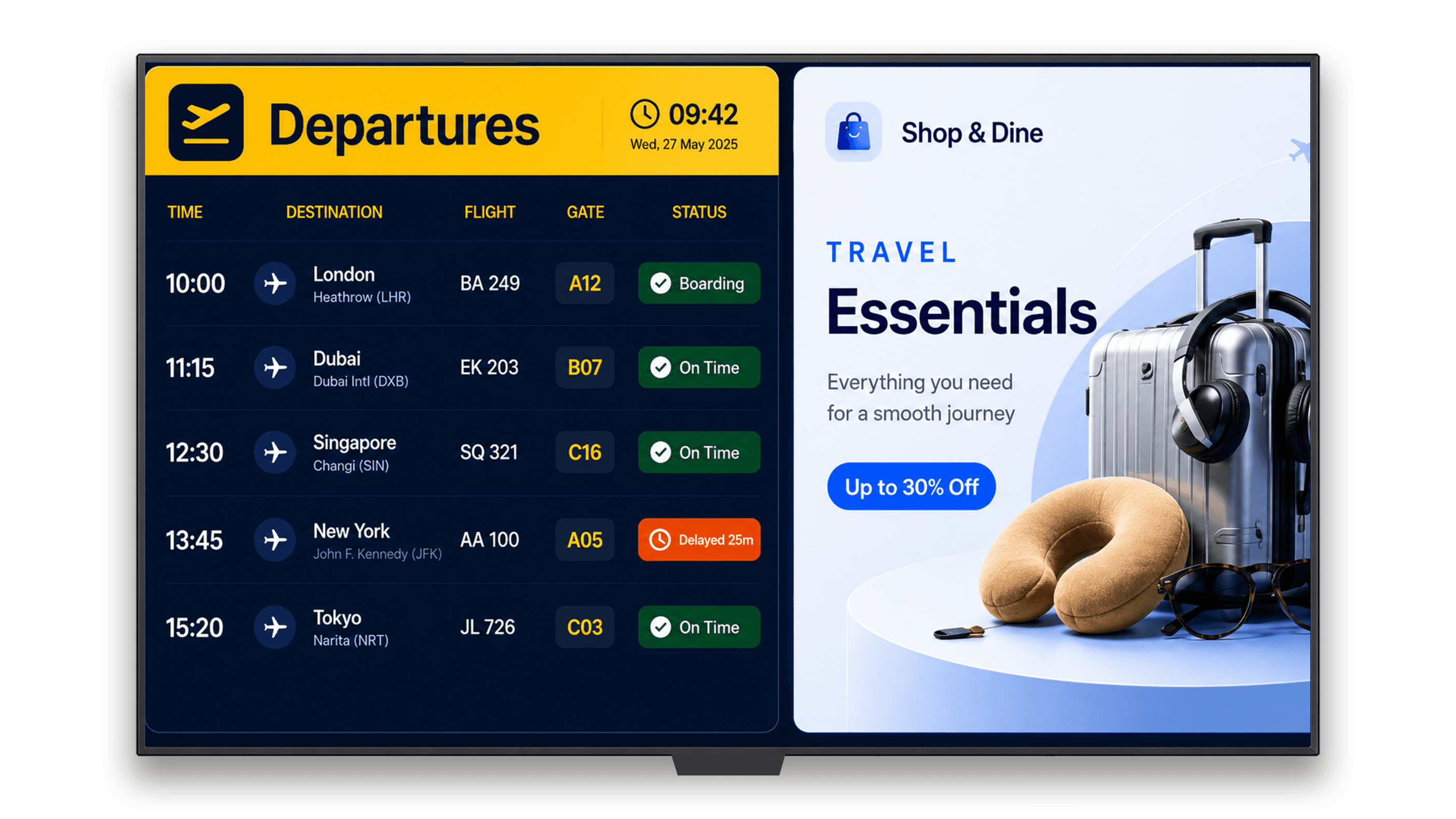
A passenger information display system (PIDS) is a centrally managed network of digital screens at transit locations that shows real-time departure times, service alerts, and wayfinding information to passengers. PIDS software pushes updates to every screen in the network from a single cloud platform, replacing fragmented manual display management.Modern PIDS installations span multiple transit modes in a single city network. Metro platforms, bus stations, bus shelters, and interchange hubs can all feed from the same central CMS, enabling coordinated updates across every passenger touchpoint.
Real-Time Data Feeds
GTFS and GTFS-RT integration for live departure and arrival updates.
Multi-Zone Layouts
Departure boards, alert tickers, and wayfinding panels on one screen.
Emergency Override
Full-screen alerts to every display in seconds across the network.
Cloud Management
Update hundreds of screens from a single browser-based dashboard.
Key Facts
- Pickcel supports PIDS deployments across metro, bus, bus shelter, and train environments
- Compatible with 50+ device types with no proprietary hardware required
- 150,000+ screens currently managed on the Pickcel platform
- Cloud-based: update any screen, from any location, without on-site access
Who it's for
Why Real-Time Passenger Information Matters
Transit authorities managing multiple stations face communication problems that worsen at scale. Three recurring challenges affect most legacy PIDS environments.
Platform confusion leads to missed connections
When departure boards show static or outdated information, passengers misread platforms and miss their services. Each minute of delay between a schedule change and a screen update increases the number of passengers affected across the network.Interchange stations amplify this problem. An incorrect platform listing at a hub can misdirect dozens of travelers across multiple lines simultaneously. Real-time PIDS closes the update gap before it affects passenger flow.
Manual updates cannot match operational tempo
Transit networks change constantly: delays, reroutings, platform reassignments, and emergency service modifications. Teams managing screen content manually cannot keep pace with the operational tempo of a live network, creating a lag between real-world conditions and what passengers see on displays.Operations running on manual update cycles often trail live conditions by 10 to 30 minutes. At a busy station during peak hours, that gap creates queues at the wrong platform and complaints at information desks.
Proprietary hardware creates stranded assets
Legacy PIDS installations often rely on proprietary display controllers that tie transit authorities to a single vendor for every replacement, upgrade, or support call. When that vendor discontinues a product line, the display network becomes a costly maintenance problem with no clear upgrade path.PIDS software built on standard commercial hardware removes vendor dependency. Transit authorities can source screens from multiple suppliers and replace displays without platform lock-in.
How Pickcel Powers Passenger Information Displays
Pickcel provides the CMS layer for your PIDS network. It connects to live data sources, manages multi-zone content across all screen types, and gives operations teams the tools to respond to real-time events without leaving the dashboard.
Real-time content feeds
Transit operators configure data connections once. After that, the PIDS network updates itself based on live schedule data, with no manual trigger required.
Learn more about Pickcel digital signage softwareMulti-zone screen layouts
This matters for bus shelter displays and station concourse boards where information hierarchy is defined by passenger priority.
Emergency broadcast override
The override clears automatically when the emergency status is removed, returning all screens to their scheduled content.
Remote content management from a single dashboard
For large transit networks, this means a single team can push a platform reassignment or service alert to hundreds of screens at once. An operations manager in a control room can respond to a live service disruption and have every affected display updated before the next announcement over the public address system.
Where Pickcel PIDS Works: Deployment Contexts
Pickcel supports passenger information displays across all major public transport environments. Each context has distinct layout and data requirements, all managed from the same platform.
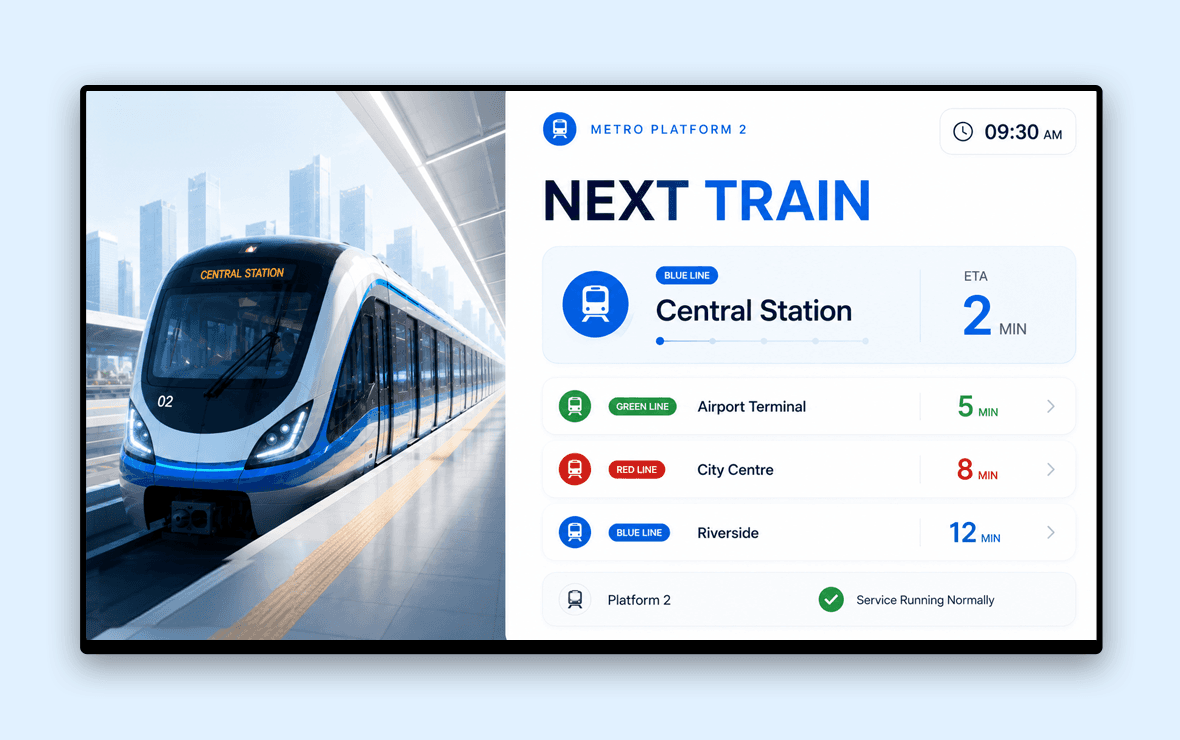
Metro station PIDS (platform screens and concourse boards)
Pickcel manages metro platform screens and concourse boards in high-density urban environments. Platform displays show real-time arrivals by destination and platform number. Concourse boards guide passengers through ticketing areas, exits, and interchange connections.
Explore transportation digital signageBus station and bus shelter PIDS
At bus stations and bus shelters, Pickcel displays real-time arrival boards connected to live route data, showing accurate ETAs by route and stop. Screens run on standard commercial displays with no proprietary kiosks or controllers required.
Pickcel for bus digital signage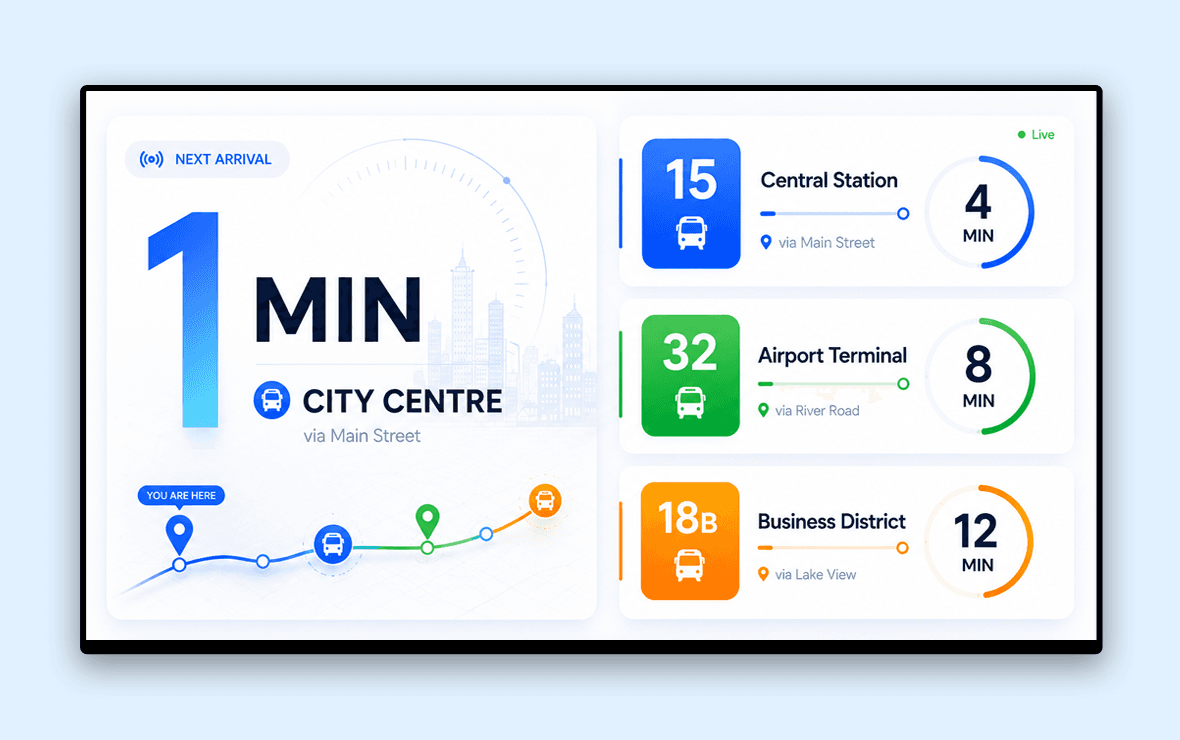
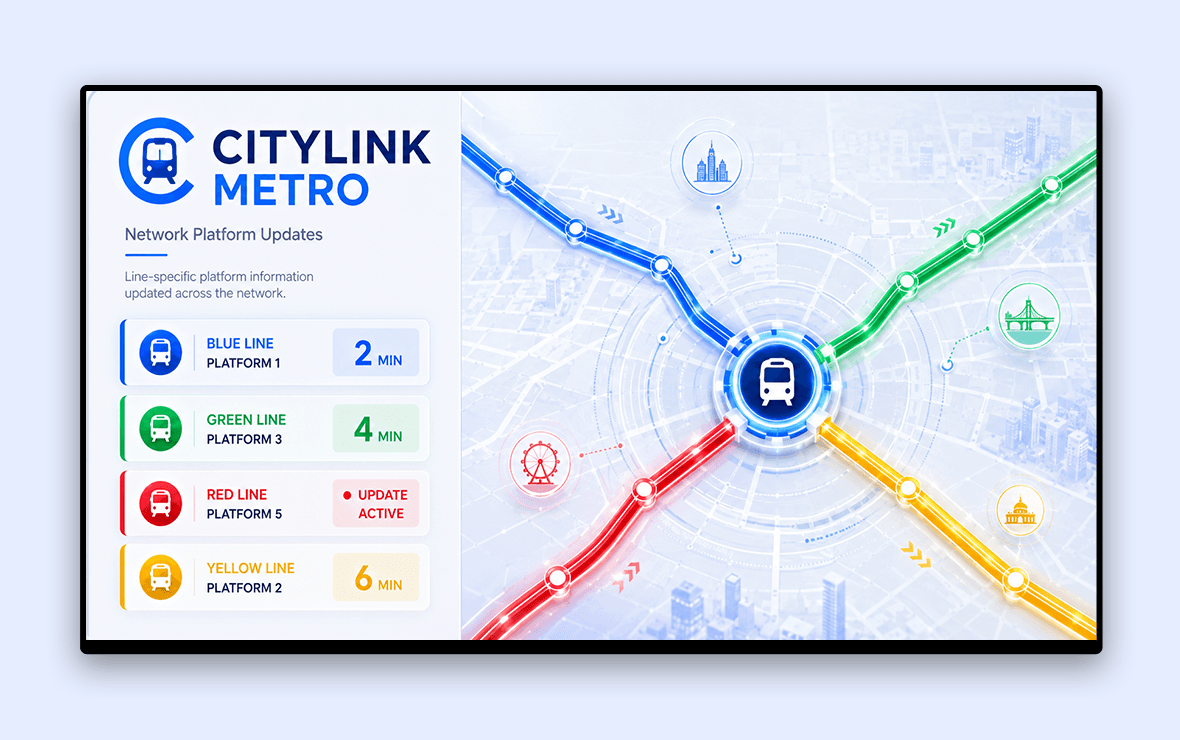
Passenger information display system in metro: multi-line networks
For metro networks operating multiple lines, Pickcel manages line-specific display zones and updates each platform board independently by route. Cross-platform interchanges display arrival and departure data for all connecting lines simultaneously, without requiring separate CMS instances per line.
Airport terminal passenger information (non-FIDS)
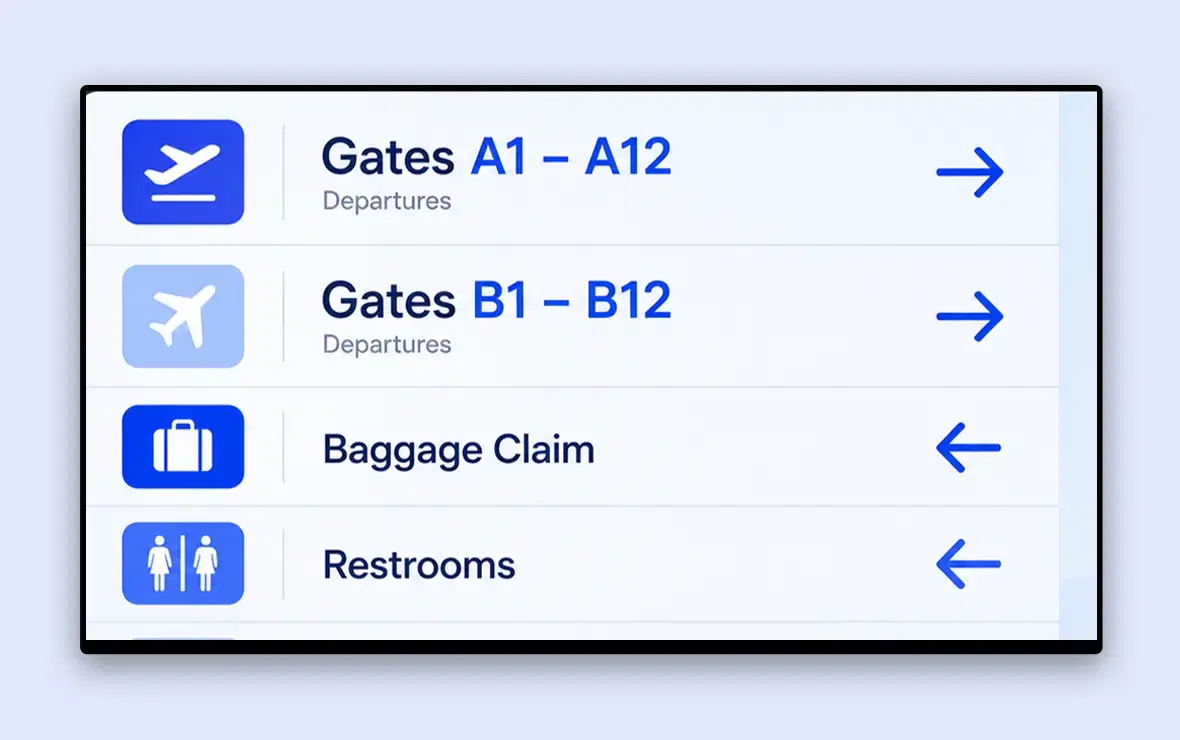
Pickcel handles passenger information in airport terminal areas outside the FIDS scope: gate area directional signage, ground transport arrival boards, and terminal wayfinding. For full flight information display systems, Pickcel's dedicated FIDS solution covers departure and arrival boards.
Transport interchange hubs (multi-mode)
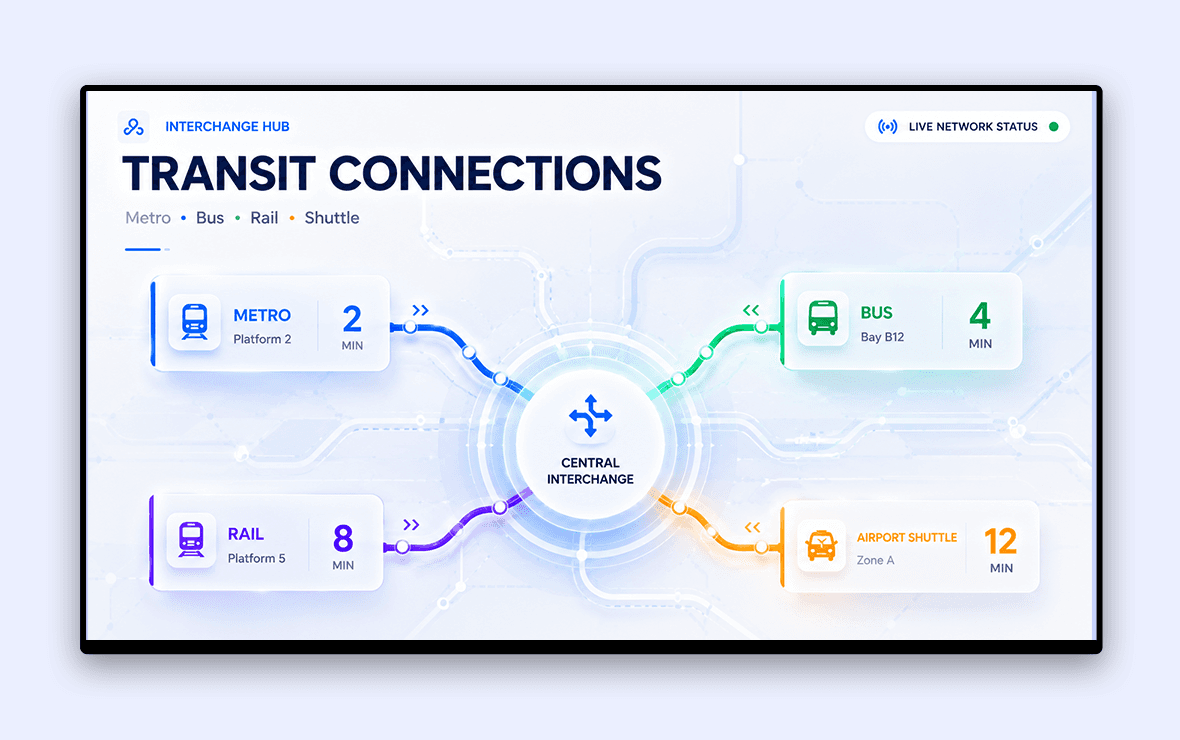
Multi-mode interchange hubs, where metro, bus, and rail services connect, require PIDS that can present information from multiple transport operators in a single screen hierarchy. Pickcel's multi-zone layouts and data widget layer support concurrent feeds from different transit systems on the same display network.
How to Set Up Pickcel for PIDS
Connect your screens, configure live data feeds, and publish content across your transit network in three steps.
Connect your screens
Pickcel works with any display running Android, Windows, or System-on-Chip (SoC) operating systems. Mount your screens at stations or shelters, install the Pickcel app, and your displays appear in the CMS dashboard within minutes. No proprietary players or controllers required — existing hardware is often compatible without replacement.
Configure data feeds and zone layouts
In the Pickcel CMS, connect your live departure data sources using the data widget layer. Set up screen zones for departure information, service alerts, wayfinding, and advertising using the drag-and-drop layout editor. Replicate the same template across every screen in a station or zone in one step.
Schedule, approve, and publish
Define publishing rules: which screens receive which content, when content activates, and who approves updates before going live. Live data feeds update automatically. Manual content such as announcements, campaigns, and seasonal information publishes on the schedule you set.
Key Features for Transit Operators
Multi-screen management
Control passenger information displays across hundreds of stations from a single dashboard. Group screens by station, transit line, or geographic zone and push targeted updates without selecting individual displays.
Content scheduling
Schedule departure templates, promotional content, seasonal campaigns, and emergency protocols in advance. Pickcel's scheduling engine handles time-of-day rules, day-of-week variations, and date-specific overrides, keeping displays accurate without daily manual intervention.
Live data widget support
The data widget layer connects to structured live feeds, including transit systems using GTFS and GTFS-RT, to display real-time arrival and departure information. Widgets configure once and update automatically as underlying data changes.
Role-based access control
Operations, marketing, IT, and external content partners each access only their assigned screens and content types. Approval workflows prevent unauthorised updates from reaching live passenger-facing displays.
Offline playback fallback
When connectivity drops at a remote bus shelter or underground platform, Pickcel continues playing the most recently cached content. Screens never go blank. When connectivity restores, the CMS syncs the latest schedule automatically.
Pickcel vs. Legacy PIDS Hardware Vendors
| Factor | Pickcel (Cloud CMS) | Legacy PIDS Hardware Vendor |
|---|---|---|
| Hardware requirement |  Any Android, Windows, or SoC commercial display Any Android, Windows, or SoC commercial display |  Proprietary media players or display controllers Proprietary media players or display controllers |
| Software updates | Automatic, cloud-delivered | Manual; often requires on-site technician or vendor engagement |
| Multi-vendor hardware sourcing | Yes — source from any compatible display manufacturer | No — single-vendor ecosystem for displays and software |
| End-of-life risk | Replace any screen; CMS continues without migration | Vendor discontinuation may require full platform migration |
| Remote management | Update any screen from any location via browser | Limited; often requires on-site access or VPN to controller |
| Live data integration | GTFS, GTFS-RT, and structured API feeds via data widget layer | Proprietary formats; custom integration typically requires paid services |
| Security certifications | SOC 2 Type II, ISO 27001 | Varies by vendor; not always public-sector compliant |
| Deployment timeline | Days to weeks | Weeks to months |
Security and Reliability for Transit Networks
Can Pickcel be trusted for critical public information?
Pickcel is SOC 2 Type II and ISO 27001 certified with a 99.9% uptime SLA. Encrypted data transmission and role-based access controls ensure that only authorised personnel can modify what appears on passenger-facing displays, meeting the security standards required for public sector and government transit deployments.
Public transit information systems carry a responsibility that most commercial display software does not: passengers make real decisions based on what your screens show. Reliability and security are operational requirements, not optional features.
The platform avoids single points of failure. If one screen in a station loses connectivity, adjacent displays continue on their current content schedule. A remote monitoring module alerts your operations team to hardware issues before passengers notice them.
Pickcel in Transit: Real PIDS Deployments
NEC's Bus Rapid Transit Network in India
Transportation / BRTS
The Challenge
NEC needed a real-time passenger information system across BRTS networks in Ahmedabad and Hubli-Dharwad — connecting 150 bus stop displays to live AVLS/GPS data with centralised remote operations and trilingual messaging on every screen.
The Outcome
"The Hubli-Dharwad BRTS was recognised as India's Best Urban Mass Transit Project by the Ministry of Housing and Urban Affairs, with Pickcel's real-time display infrastructure as a core operational component."
Varanasi International Airport
Airport / Passenger Engagement
The Challenge
Lal Bahadur Shastri International Airport's interpretation centre needed touch-based interactive kiosks that keep visitors engaged and informed, while automatically playing pre-defined signage content whenever the kiosks were idle.
The Outcome
"The kiosks were an instant hit from inauguration and also helped airport authorities collect passenger feedback, with similar deployments slated for other major Indian airports."
Pickcel for Transit: Scale and Pricing
Pickcel's licensing is scale-based — the platform grows with your network without proprietary hardware upgrades or replacement cycles. A regional authority managing 50 bus shelter screens and a metropolitan operator managing 500 platform displays use the same software, with the same feature set, at different scale parameters.
There is no proprietary hardware requirement. Pickcel works with standard commercial displays from multiple vendors, giving transit authorities flexibility in procurement and competitive pricing on hardware replacement.
Start with a 14-day free trial or request a personalised demo to walk through a PIDS setup specific to your network's size and data sources.
Frequently Asked Questions
A passenger information display system (PIDS) is a managed network of digital screens at public transit locations — metro stations, bus stops, and train platforms — that delivers real-time schedule information, service alerts, and wayfinding guidance to passengers.
A PIDS operates through a central content management system that connects to live data sources: GPS tracking systems, schedule databases, and operational feeds from transit control centres. When a service event occurs — a delay, platform change, or emergency — the software updates affected displays within seconds, across every screen in the network simultaneously. Modern PIDS installations are software-defined, meaning transit authorities add new screens or new locations without replacing the underlying platform. Pickcel supports PIDS deployments across metro, bus, bus shelter, and train environments from one dashboard.
PIDS and FIDS both use managed networks of digital screens for real-time travel updates, but serve different environments. PIDS covers ground transport: metro, bus, and rail networks. FIDS (Flight Information Display System) is airport-specific, displaying departure and arrival data for airline passengers using feeds from airline departure control systems.
The distinction matters when selecting software. A FIDS integrates with airline-specific data formats and airport operational systems. PIDS software integrates with GTFS and AVLS feeds used by metro and bus operators. Pickcel provides both: a dedicated FIDS solution for airport departure and arrival boards, and a PIDS CMS for all ground transit modes. Transit authorities managing multi-modal hubs that connect ground transport and air services may require both. Explore Pickcel's FIDS solution.
Related Transport Solutions
Transportation Digital Signage
The complete guide to digital signage across all transit modes
Explore →Airport Digital Signage
Passenger information and wayfinding for airport terminals
Explore →Flight Information Display Systems
Dedicated FIDS software for departure and arrival boards
Explore →Bus Digital Signage
Route-specific display solutions for bus networks
Explore →Train Digital Signage
Platform and concourse displays for rail operators
Explore →