
School Digital Signage: Communicate Smarter Across Every Campus Display
Pickcel is a cloud-based digital signage platform for K-12 schools. Replace paper notice boards and fragmented communication channels with real-time displays that keep students, staff, and visitors informed, managed remotely from any device, across every screen on campus.

Trusted by Leading Educational Institutions



What Is Digital Signage for Schools?
Digital signage for schools is a cloud-based platform that displays announcements, cafeteria menus, emergency alerts, and event updates on screens across school buildings, managed remotely from any device.Pickcel's school digital signage replaces static notice boards, printed flyers, and disconnected email chains with a connected display network you control from any device with a browser. A principal can update a cafeteria menu at 7 AM from their phone and have it live on the cafeteria screen before students arrive. A communications coordinator can broadcast an emergency alert to every corridor, reception, and common area on campus in seconds, without visiting a single display.
For K-12 schools, Pickcel's appeal is straightforward: one platform, any screen, zero specialist IT knowledge required for daily use. Schools from small independent primaries to multi-campus districts are replacing outdated printed communication with Pickcel digital signage because it is faster to update, more visible to students, and significantly cheaper to operate than traditional alternatives over time.
Cloud-Based Updates
Publish content from any browser, on any device, from anywhere. No local software or server required.
Any Screen, Any Building
Manage every display across your campus or district from a single dashboard. Works with existing hardware.
Emergency Broadcast
Override all content with a single click and push a priority alert to every screen on campus simultaneously.
Free Plan for Schools
One screen, no credit card, no expiry. Start in your reception or cafeteria at zero cost.
Why School Communication Breaks Down
Schools carry the same communication tools they used a decade ago into an environment where speed and clarity are more critical than ever. The result is a system that works poorly for everyone involved.
Outdated notice boards are slow and easy to ignore
A printed notice requires someone to write or print it, walk to the board, pin it, and hope students pause to read it. Date changes and cancellations require the same process again. By the time a notice is posted, circumstances may have already changed. Boards fill up quickly, important information gets buried, and outdated content sits alongside current notices with no way to distinguish between them.
Fragmented channels mean no single source of truth
Most schools run the same announcement across email, WhatsApp group chats, printed letters home, and PA system broadcasts. Each channel reaches a different subset of students and parents, and important updates still fall through the gaps. Staff spend time managing each channel rather than on the work they were hired to do. Students hear different versions of the same announcement depending on which channel they happened to check.
No reliable way to broadcast instant alerts campus-wide
When an emergency situation develops, speed is everything. Email may go unread for minutes or hours. PA systems cover corridors and common areas but not every room or building. Printed notices are not a practical option. Schools without a connected display network have no reliable mechanism to reach every student and staff member simultaneously with safety-critical information.
How Pickcel Solves School Communication Challenges
Pickcel gives your school a single platform to create, schedule, and broadcast content to every display on campus. You do not need to replace your existing screens or hire a specialist to operate it.
One Dashboard, Every Screen
Publish content once and Pickcel pushes it to all connected displays simultaneously. Send the same content to every building or send different content to different areas, such as a cafeteria menu for the dining hall and an event schedule for the gym foyer, all from the same dashboard.
Eliminates duplicate effort across channels
Real-Time Updates from Any Device
Any authorised staff member can update content from a phone, tablet, or laptop without being on campus. No local software to install. If something changes at short notice, such as a supply teacher covering a class, a room change for an exam, or a cancelled after-school club, the relevant screen reflects the update within seconds.
Under two minutes from decision to screen
Emergency Broadcast Capability
A single action in Pickcel overrides all scheduled content on every connected screen and displays a priority alert. Schools can pre-build emergency alert templates for common scenarios so the response time in an incident is measured in seconds, not minutes.
Campus-wide reach in under 10 seconds
How Schools Use Digital Signage: Six Applications That Work Every Day
Schools use Pickcel digital signage daily for announcements, nutrition, school spirit, safety, recognition, and wayfinding — all managed from the same dashboard.
School Announcements and Daily Bulletins
How do schools use digital signage for daily communication?
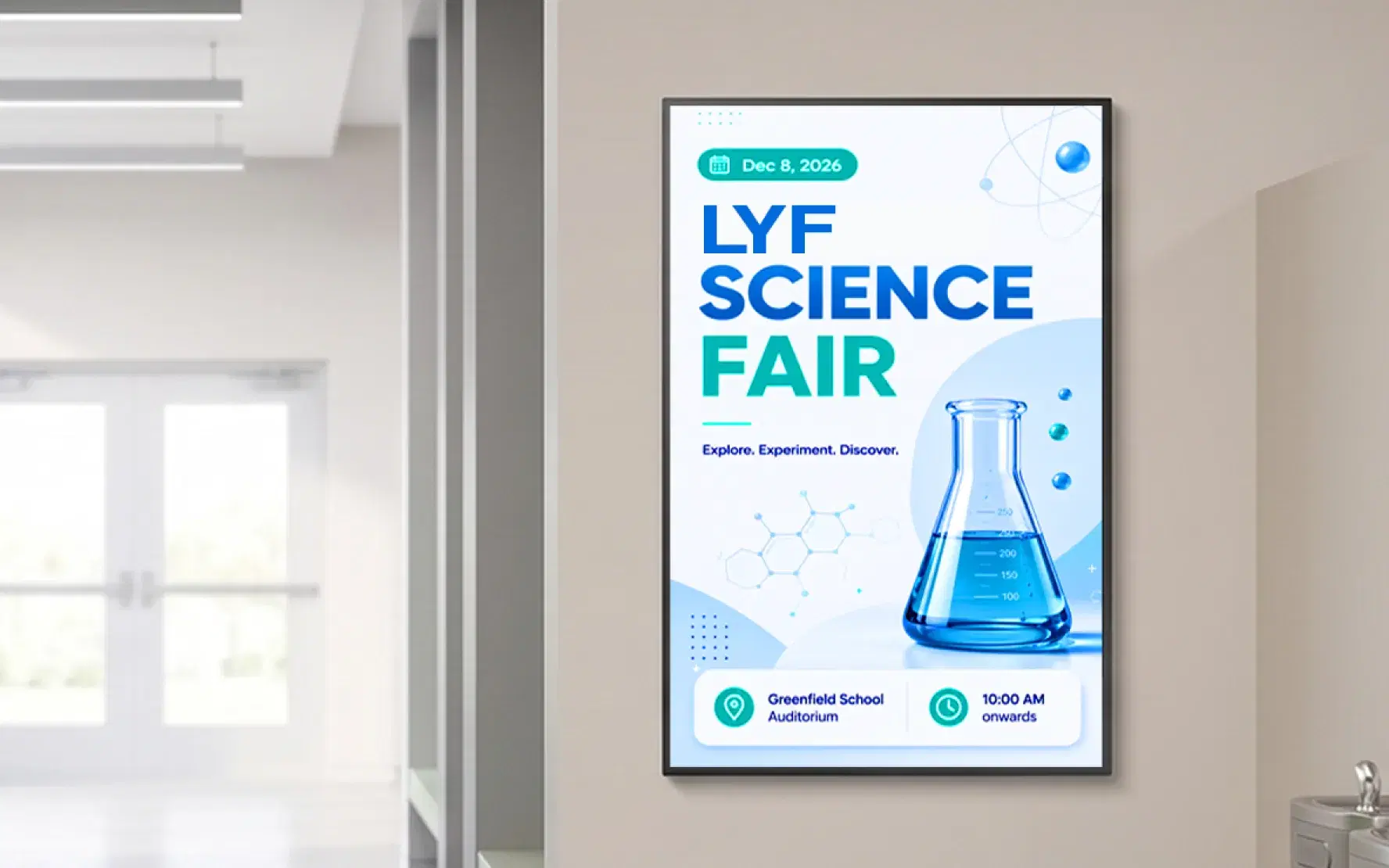
Schools use digital signage for daily announcements, schedule updates, and important notices on lobby screens, corridor displays, and reception areas, replacing printed notice boards and email broadcasts with live, centrally managed content.The daily bulletin is the most common starting point for school digital signage. Any staff member with publishing access can update the bulletin from any device in under two minutes. The updated content appears on every screen at once. Announcements for assemblies, class cancellations, exam timetable changes, and sports results reach students the moment they enter the building. Because screens are on throughout the school day, information is visible and current all day, not just at morning assembly.
Cafeteria Menus and Nutritional Information
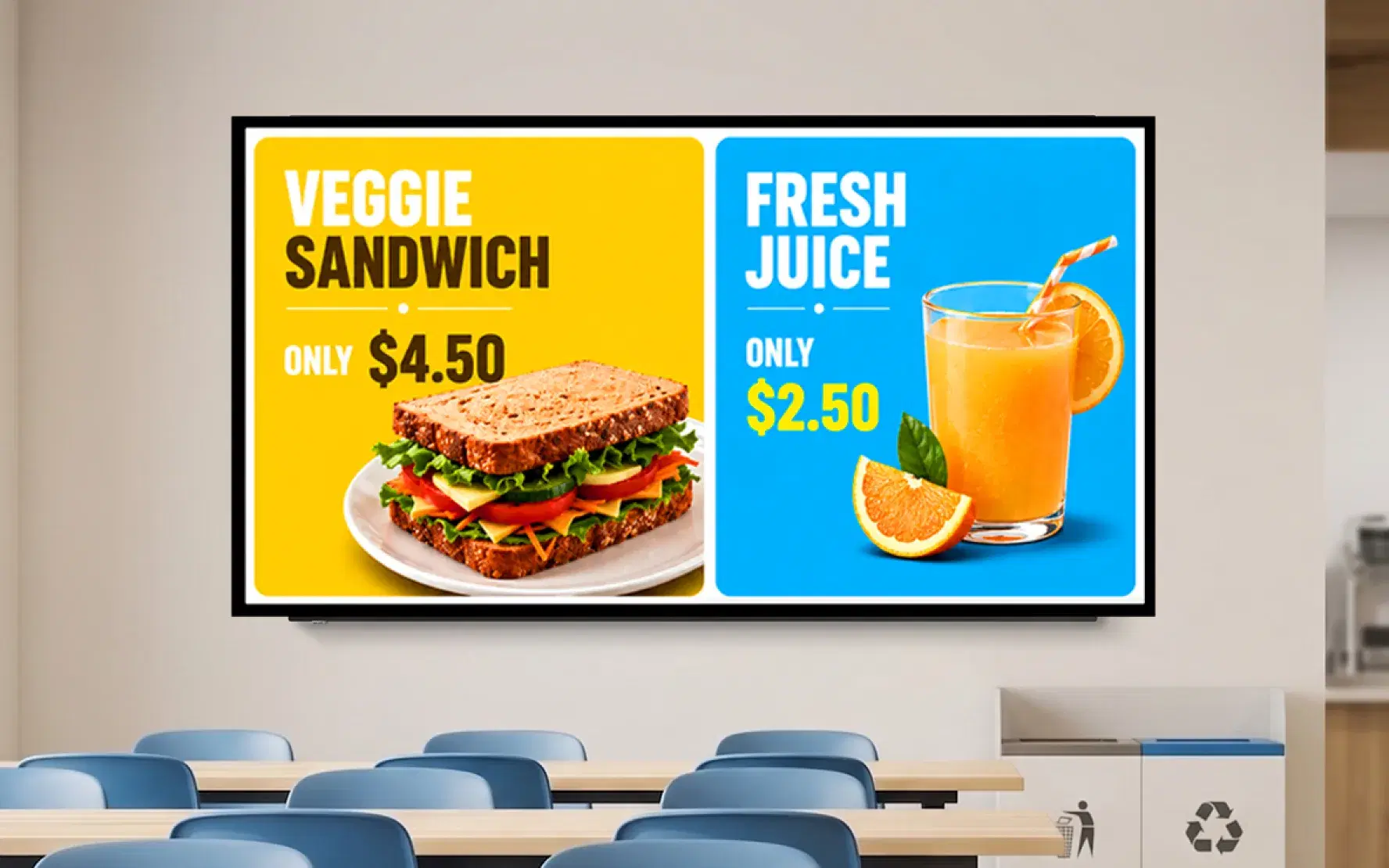
Digital menu boards give cafeteria operators a faster and more accurate way to communicate meal options. Unlike a printed weekly menu that becomes inaccurate the moment an ingredient is unavailable, a digital menu board updates in real time. A cafeteria manager can swap an item off the board in 30 seconds from any device.
Schools serving students with dietary requirements use digital menus to display allergen information clearly, reducing the need for students to ask staff at the point of service. For schools working toward improved student nutrition outcomes, digital boards can highlight the nutritional value of meal options without adding administrative work.
Sports, Events, and School Spirit Content
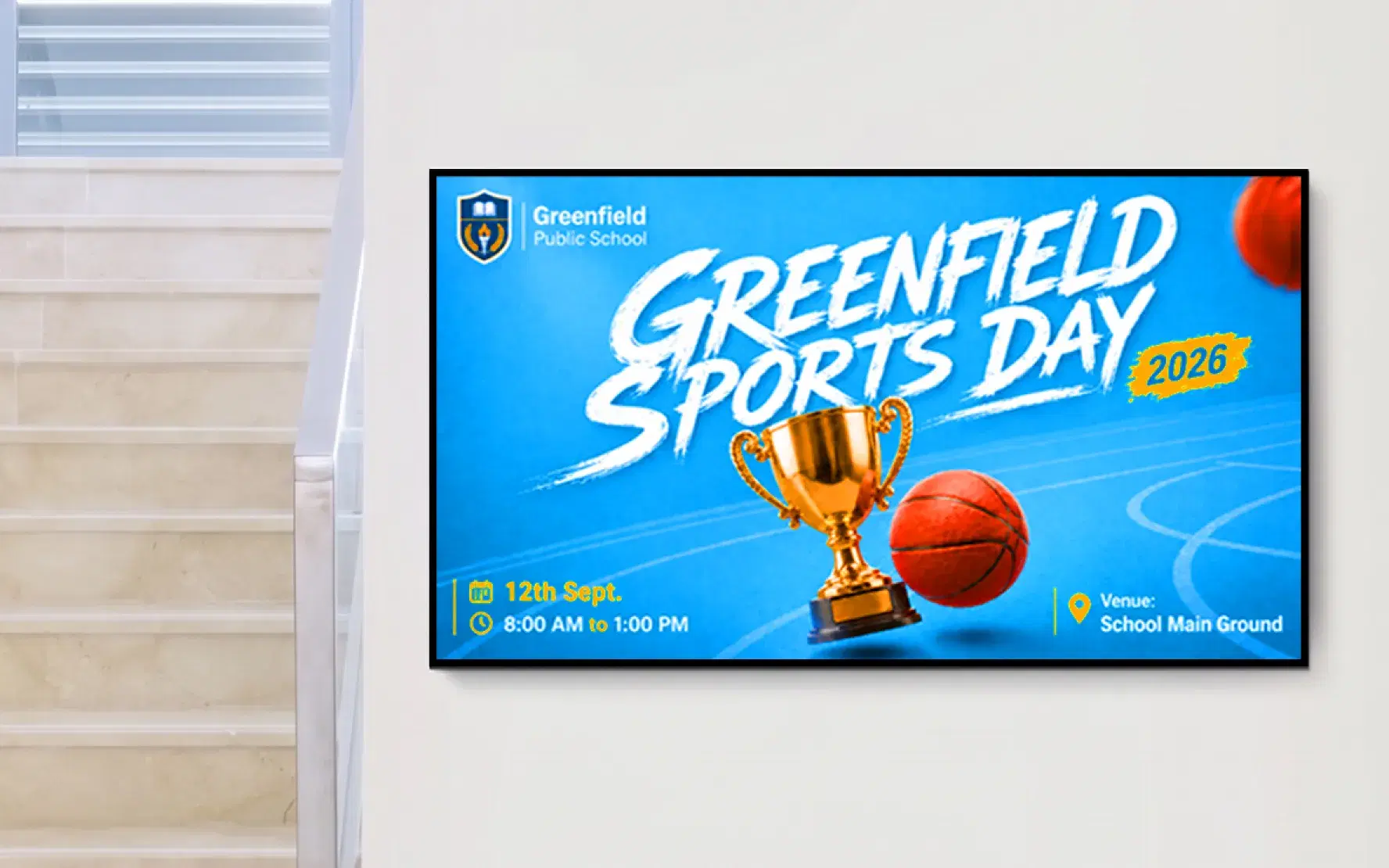
Digital signage gives schools a visible, dynamic platform to promote upcoming fixtures, celebrate results, and build community. A scrolling ticker showing yesterday's football match result, a countdown to the school play, or a photo highlight reel from an inter-school competition builds school identity in a way a printed poster never can.
Read our full guide on how digital signage improves student engagement to see more examples of schools and universities translating pinboard-era communication into dynamic content such as recognition displays, event countdowns, live news feeds, and campus-wide broadcasts that hold attention throughout the day.
Student councils and coaching staff can be given publishing access to update sports displays themselves, without routing every update through the communications office. This distributes the workload and gives students a sense of ownership over school communication.
Emergency Alerts and Safety Broadcasts
Can schools use digital signage for emergency alerts?
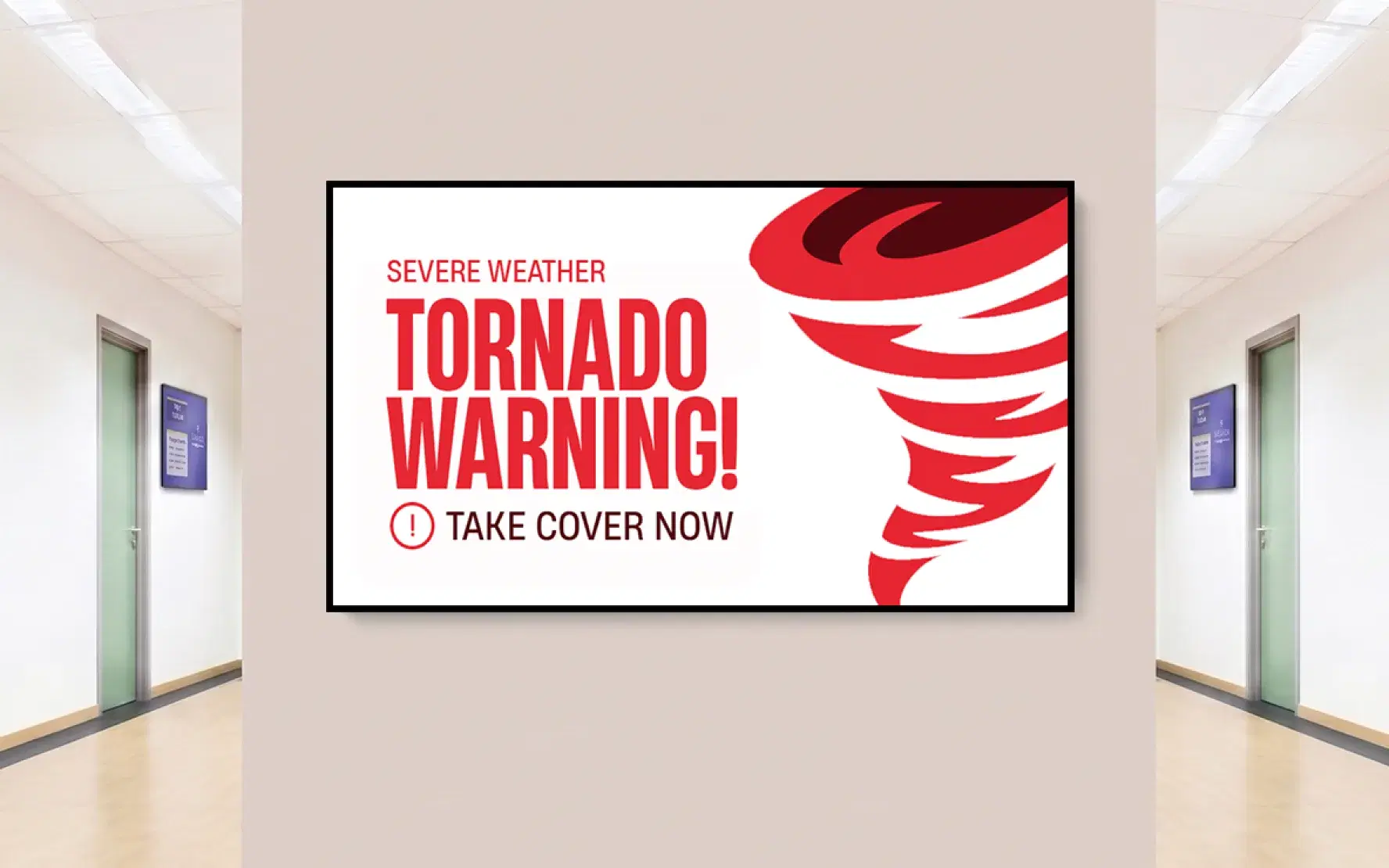
Yes. Pickcel's emergency broadcast feature overrides all scheduled content and pushes a priority message to every connected screen on campus within seconds, covering corridors, reception areas, common rooms, and any other display in the network simultaneously.In any situation requiring immediate school-wide communication, such as a fire drill, a weather emergency, a building lockdown, or a medical incident, every second of delay increases risk. A message displayed on every screen in the building is considerably harder to miss than an email arriving in an already-crowded inbox. Pickcel allows schools to pre-format emergency alert templates for common scenarios, so the staff member managing the response can activate a school-wide broadcast in one or two clicks without composing a message under pressure.
For a step-by-step walkthrough, see how to set up emergency alerts in Pickcel.

Student Achievement and Awards Spotlights
Recognising student achievement publicly builds school culture and motivates students. A rotating display in the main reception can celebrate exam results, arts awards, competition wins, and student council milestones throughout the year.
These displays are particularly effective in reception areas visited by parents, governors, and prospective families, where they provide a visible signal of school achievement without requiring a separate marketing effort. Content updates are quick: a photo of a prize-winning student, a short caption, and a publish button is all it takes. For inspiration on what to display, see our school digital signage content examples.
Campus Wayfinding and Visitor Directions
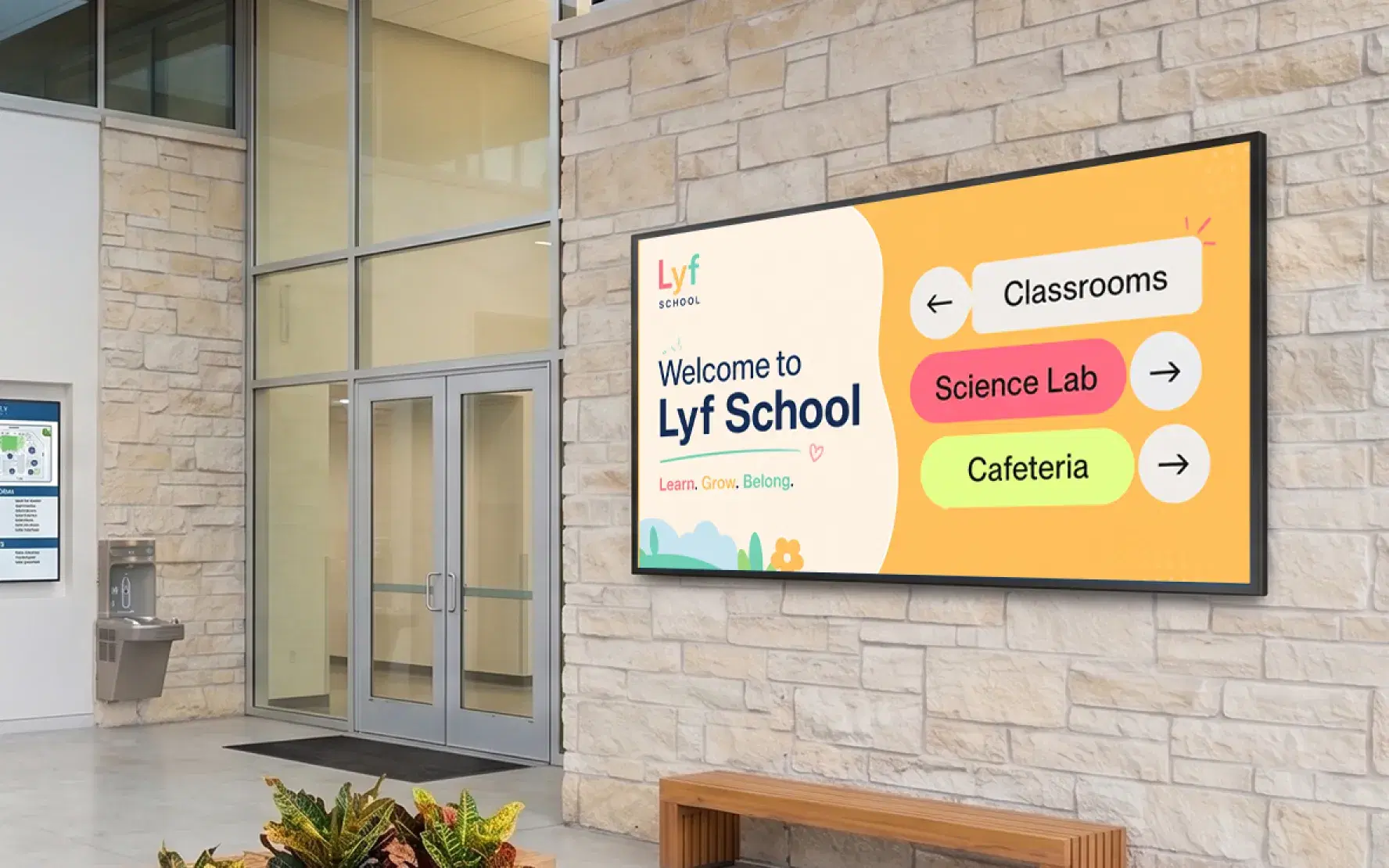
For visitors, supply staff, and new students, navigating a school campus can be confusing. Digital wayfinding displays at building entrances, reception areas, and key junctions guide visitors to the right location without requiring staff assistance at each point.
Wayfinding content is easy to update when room assignments change, when events alter the usual layout, or when new buildings are added. Schools running open days and enrolment events use wayfinding screens to manage visitor flow and reduce the demand on front-desk staff.
For more on campus wayfinding and how to implement it, see our campus wayfinding signage guide and the Pickcel Wayfinding Signage use case page.
Pickcel Features Schools Use Most
Cloud-Based Content Updates
Create and publish content from any browser on any device. No local server, no specialist hardware, and no IT team required for daily content changes. If a staff member can use a browser, they can update a screen.
Learn more about Pickcel Digital Signage SoftwareMulti-Screen and Multi-Building Management
Manage every display across your school or district from a single dashboard. Group screens by building, year group, department, or any other category. Push different content to different screen groups simultaneously. Pickcel currently manages 150,000+ screens for 9,000+ businesses across 70+ countries.
Ready-to-Use School Templates
Pickcel's template library includes pre-built layouts for school announcements, cafeteria menus, event promotions, and achievement showcases. Staff publish professional, on-brand content in minutes without design experience or third-party software.
Free Plan for Schools
Pickcel's free plan lets any school connect one screen with no credit card required and no expiry. Schools evaluating digital signage for the first time can test the platform in a reception area or cafeteria before committing to a paid subscription. No sales call required to get started. See our full breakdown of free digital signage options for schools, including exactly what the free tier covers, where the one-screen limit starts to bite, and when a paid plan becomes worthwhile for a growing building or district rollout.
Emergency Broadcast
Override all scheduled content with a single action and push a priority alert to every connected screen on campus. Pre-formatted emergency alert templates cut response time to seconds in a real incident.
Works on Any Screen
Pickcel is compatible with more than 50 device types: commercial TV screens, existing school monitors, Android media players, Chrome OS devices, Amazon Fire TV, and Windows-based players. Schools do not need to replace existing hardware to get started.
Outdoor Digital Signage for Schools: What to Know Before You Buy
What should schools consider when choosing outdoor digital signage?
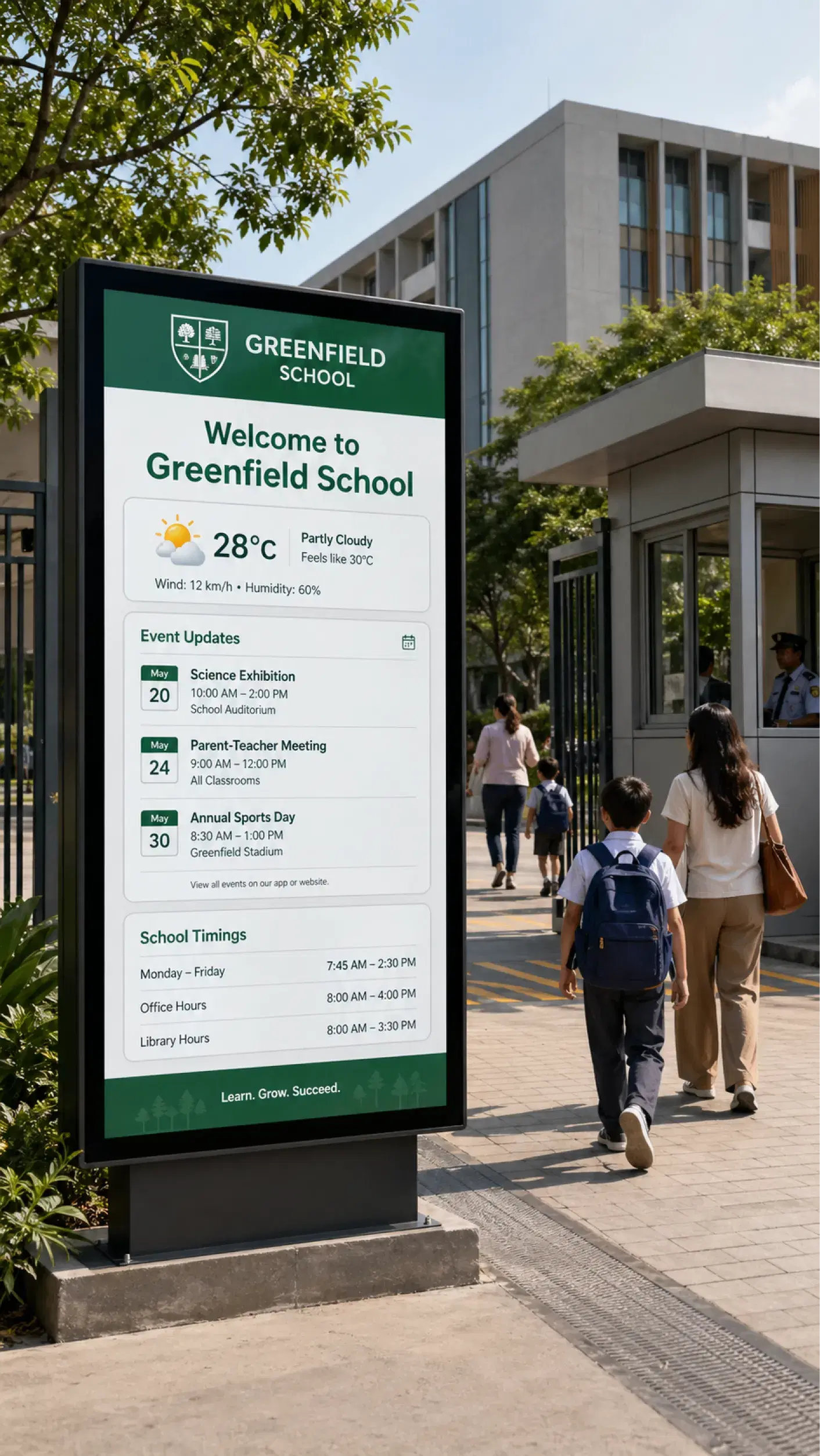
Outdoor digital signage for schools requires displays rated for high brightness and weather resistance. The right hardware ensures content is readable in direct sunlight and durable year-round without regular maintenance.Outdoor displays extend school communication to the entry points, car parks, and sports areas that indoor screens do not reach. A main entrance display can show the day's schedule to arriving students and parents, carry a weather-linked safety notice, or promote upcoming school events to passers-by.
Brightness
Outdoor screens require high-brightness displays rated for outdoor use to remain legible in direct sunlight. Standard consumer-grade TVs are rated for indoor use only and will be unreadable outdoors in daylight.
Weather Resistance
Look for displays rated IP65 or higher. IP65-rated enclosures protect against water ingress, dust, and temperature extremes relevant to outdoor climates.
Placement
Main entrance points, car park entry areas, and school sports field perimeters are the most effective locations for outdoor school signage. High foot-traffic entry and exit points deliver the highest audience contact.
Mounting Requirements
Permanent pole or wall mounting for outdoor displays may require planning approval in some jurisdictions. Check local authority rules before installation.
Pickcel's software works with any outdoor-rated commercial display from any manufacturer. Once connected, outdoor screens are managed from the same dashboard as indoor screens. There is no separate software licence or configuration for outdoor content.
Digital Signage vs. Traditional Notice Boards: A Direct Comparison
| Capability | Pickcel Digital Signage | Traditional Notice Board |
|---|---|---|
| Update speed |  Under 2 minutes from any device Under 2 minutes from any device |  Print, walk, pin (15+ minutes) Print, walk, pin (15+ minutes) |
| Campus reach | Every screen simultaneously | Only students who walk past it |
| Emergency alerts | Instant broadcast, one click | Not possible |
| Content scheduling | Automated, date-specific | Manual removal required |
| Video and dynamic content | Supported | Not possible |
| Ongoing cost | Free plan + low per-screen pricing | Continuous print and materials cost |
Security and Privacy: What School IT Teams Need to Know
SOC 2 Type II Certified
Pickcel's infrastructure meets the SOC 2 Type II standard for security, availability, processing integrity, confidentiality, and privacy, independently audited by a third-party assessor.
ISO 27001 Certified
Pickcel's information security management system is certified to ISO 27001, the internationally recognised standard for information security practices.
No Student Personal Data Required
Pickcel is a content management and display platform. Operating the platform does not require the collection or processing of student personal data. Schools control all content published on their screens.
Schools seeking compliance documentation for data protection impact assessments or IT governance reviews can request Pickcel's full compliance pack from the support team.
Pickcel in Education: CHRIST University
Education / Multi-Campus
CHRIST University: From Pinboards to Real-Time Campus Displays
The Challenge
Managing communication across campuses in Bangalore, Delhi, and Pune through static pinboards and fragmented channels, with no consistent way to display exam schedules, roll numbers, and events across all three locations.
The Outcome
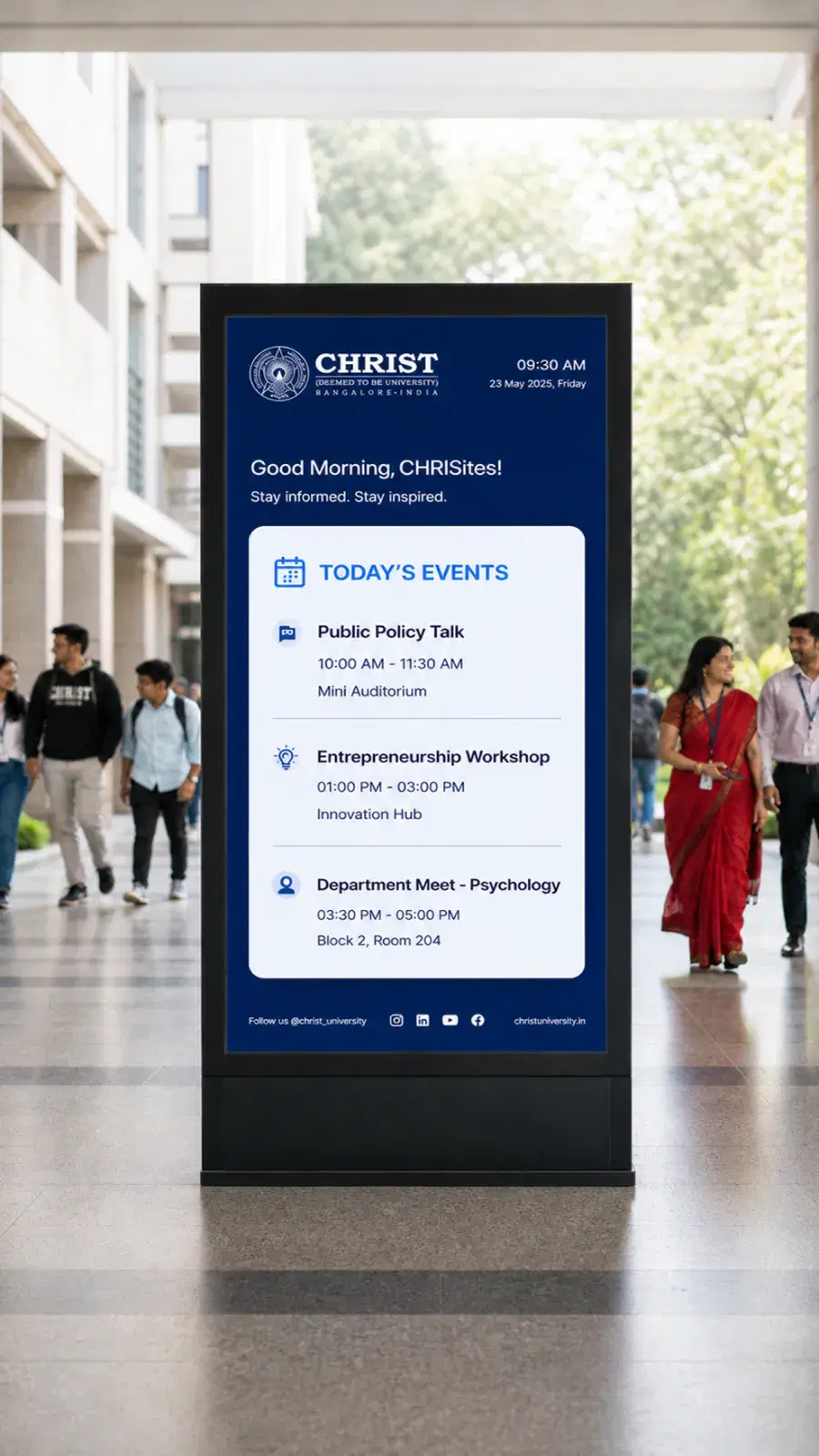
CHRIST University deployed Pickcel on Android digital standees across all three campuses, managing exam schedules, roll numbers, event calendars, and real-time announcements from a single Pickcel dashboard. The transition from pinboard to digital produced a visible improvement in student and staff engagement with dynamic content including video, live news feeds, and event countdowns.
Managing screens across multiple campuses? See how Pickcel supports digital signage for universities at scale.
Set Up School Digital Signage in Three Steps
Starting with Pickcel takes under 30 minutes. You do not need an IT team, a procurement process, or any new hardware to run your first screen.
Create Your Free Account
Go to pickcel.com and sign up. No credit card required. Your free plan is active immediately, with access to the full content editor, the template library, and scheduling tools.
Connect Your Screen
Download the Pickcel app on any compatible display. This can be a commercial TV in your reception, an existing monitor in a corridor, or a low-cost Android media player connected to any HDMI input. Connect the device to your account using a four-digit pairing code. Your screen is live in under five minutes.
Publish Your First Announcement
Open the content editor, choose a school announcement template, add your text and any images, and click Publish. The announcement appears on your connected screen immediately. From here, you can add more screens, set a content schedule, and group displays by building or area.