Digital Signage for Universities
One platform to manage every campus screen, from lecture halls to student lounges.

What Is University Digital Signage?
University digital signage is a network of digital displays managed centrally from a cloud-based platform, enabling campuses to deliver real-time announcements, wayfinding, emergency alerts, event promotions, and student engagement content across lecture halls, libraries, dormitories, and common areas.
Key facts
- Pickcel manages 150,000+ screens for 9,000+ businesses across 70+ countries
- Compatible with 50+ device types, including existing TVs and commercial displays
- Real-time content updates push to all campus screens in under 60 seconds
- Amrita University and Christ University are among Pickcel's education customers
Best for
Why Campus Communications Break Down
Universities face a structural communication problem. Most campuses have built their display infrastructure piece by piece: a screen here, a noticeboard there, displays from different vendors and different eras. Each managed separately, each requiring individual attention to update. When a timetable changes or an event is cancelled, the update travels screen by screen. When an emergency happens, there is no reliable way to reach every display simultaneously.
Pickcel's cloud-based platform addresses this by giving campus administrators central control over every screen from a single dashboard, regardless of building, device type, or location.
How do you keep every building aligned without sending IT to every screen?
Managing communications across a multi-building university campus requires a system that can push updates to every display simultaneously, without on-site IT intervention. Pickcel's cloud-based dashboard gives campus administrators central control from any device, anywhere.
How do you reach every student when seconds matter?
Pickcel's emergency override broadcast instantly pushes a full-screen alert to every connected display, overriding all scheduled content until the alert is cleared. Administrators activate the broadcast from any device with a browser. Static noticeboards and group emails have no place in a campus emergency. An override broadcast through Pickcel activates in seconds and reaches every screen simultaneously, whether students are in the library, a lecture hall, or a dormitory corridor.
How do you cut through to students who are on their phones?
University digital signage works because it is ambient and contextual. A screen showing today's dining menu near the cafeteria, or live exam results outside the examination block, captures attention that a push notification cannot. Campus emails go to spam. Printed notices go unread.
Pickcel for University Campuses
Pickcel is a cloud-based digital signage platform that manages every screen on your campus from a single dashboard. Administrators can schedule content, push emergency alerts, and update individual screens or entire groups without leaving their desk, whether the campus has three buildings or eight locations across multiple cities.
The platform is part of Pickcel's broader education digital signage platform, designed for institutions at every scale. For administrators managing schools and K-12 environments, digital signage for schools covers the specific requirements of those settings.
Deployment does not require new hardware or an on-site server. Pickcel works with the commercial displays, Android media players, and large-format panels your campus may already own.
How Pickcel Works on a University Campus
Connect your screens
Pickcel installs on existing Android media players, Windows players, and commercial display panels. No on-site server required.
Organise by location
Group screens by building, faculty, or campus. Each group publishes independently, with central IT retaining full oversight across all locations.
Schedule and publish
Use the web-based dashboard or drag-and-drop editor to target specific screens, groups, or the entire campus. One upload reaches all assigned displays.
Update in real time
Push changes to all connected screens in under 60 seconds from any browser-connected device. Emergency override broadcasts reach every screen immediately.
What Universities Use Pickcel For
Universities deploy Pickcel across six everyday campus display environments — from wayfinding and event boards to emergency alerts and dining menus.

Campus Wayfinding and Maps
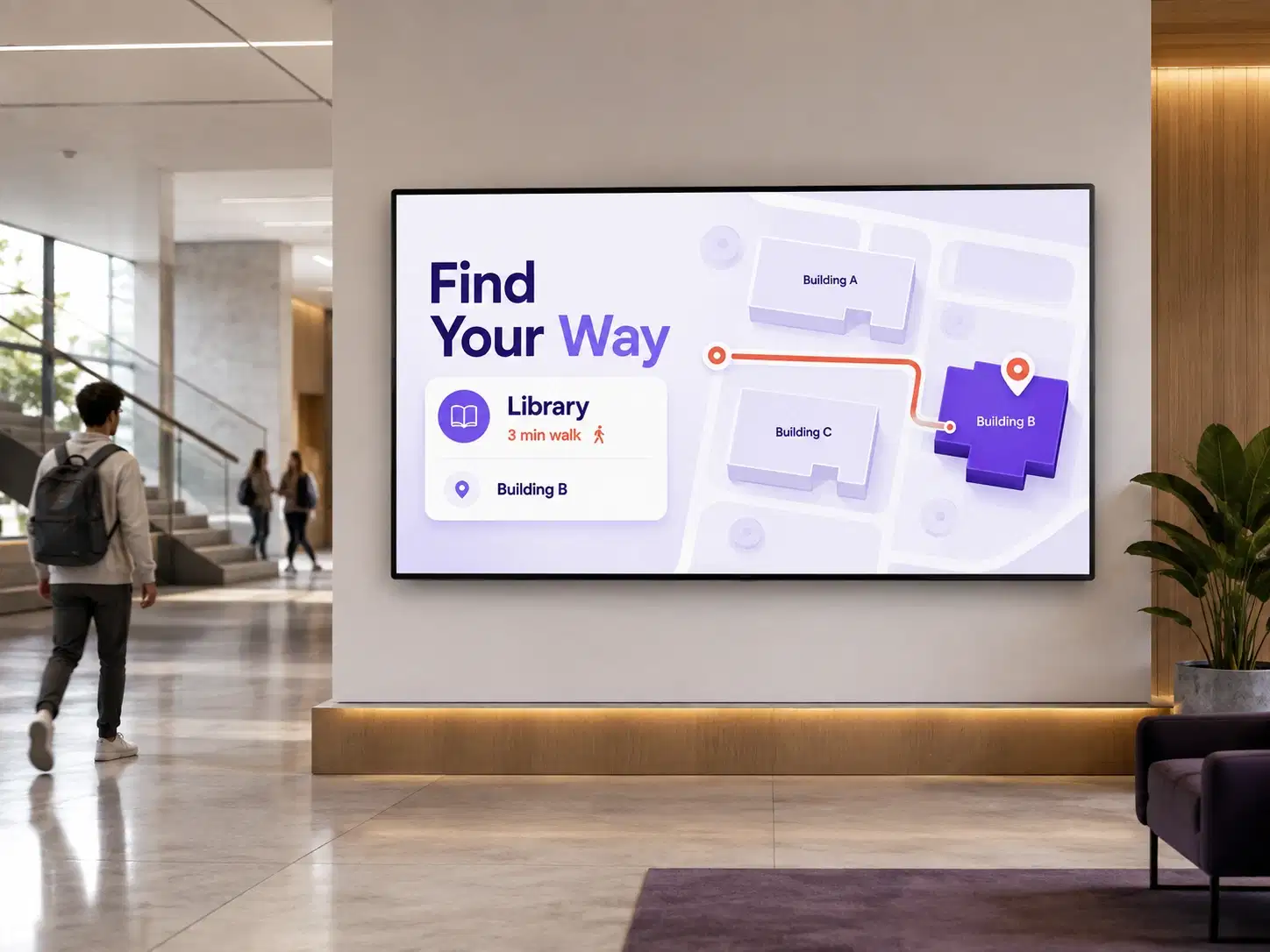
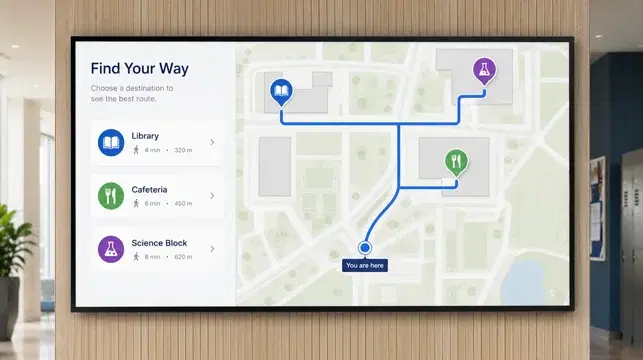
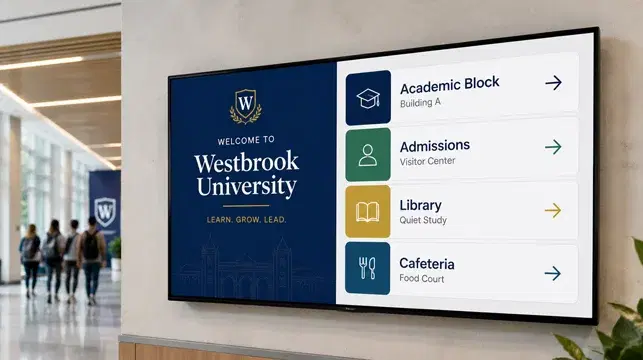
University digital signage placed at campus entrances, building lobbies, and key navigation points helps students, visitors, and new faculty find their way without staff assistance. Pickcel supports static maps as well as multi-floor building directories.Large campuses are genuinely difficult to navigate, particularly at the start of a new semester or during open days. Wayfinding displays at building entrances reduce the load on reception staff and help visitors reach their destination without asking for directions. For guidance on campus wayfinding design and implementation, see the campus wayfinding signage guide.
Reduces reception wayfinding queries

Event Announcements and Promotions
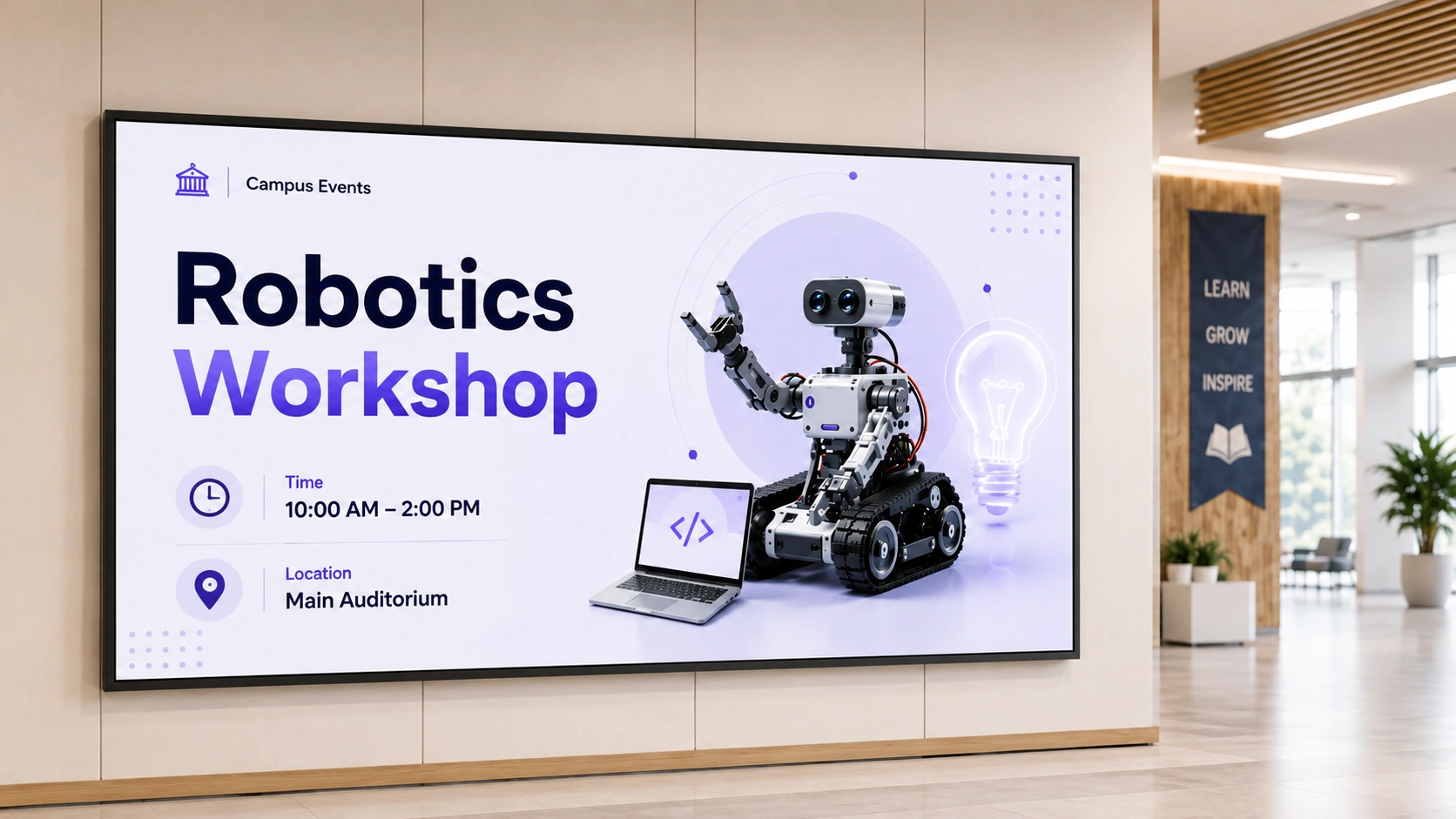
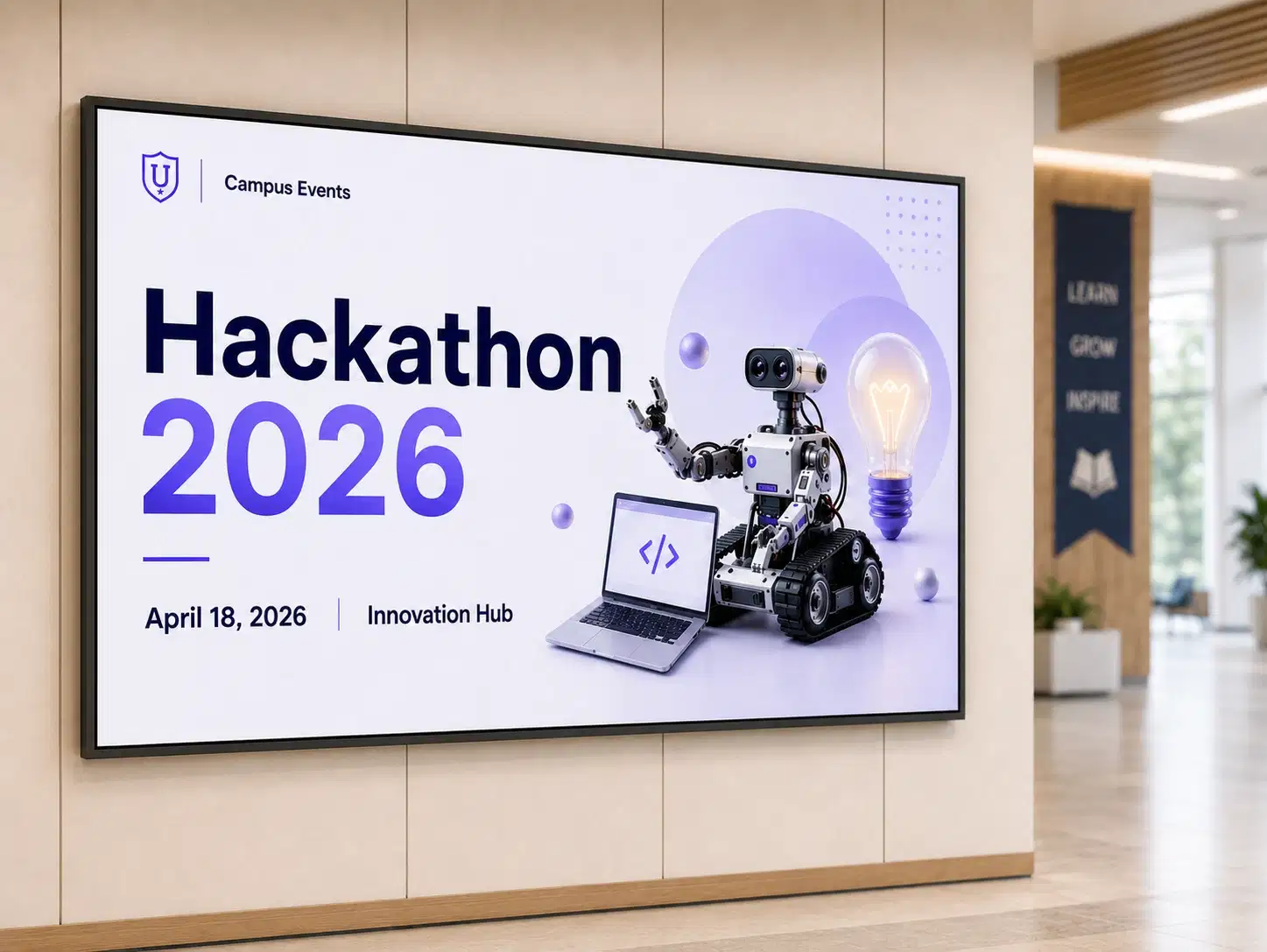
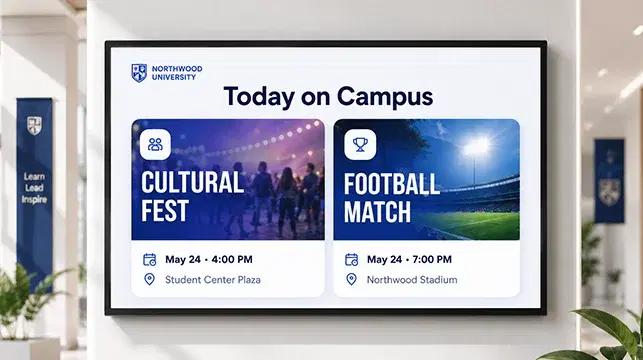
Pickcel allows campus communications teams to schedule event promotions across specific buildings or the entire campus, with content automatically expiring after the event date. No manual removal or screen-by-screen updates required.Student events, faculty lectures, sports fixtures, open days, and cultural programmes all need to reach the right audience at the right time. A single upload in Pickcel populates every relevant screen and clears automatically once the event has passed.
Auto-expires after event date

Emergency Alert Broadcasts
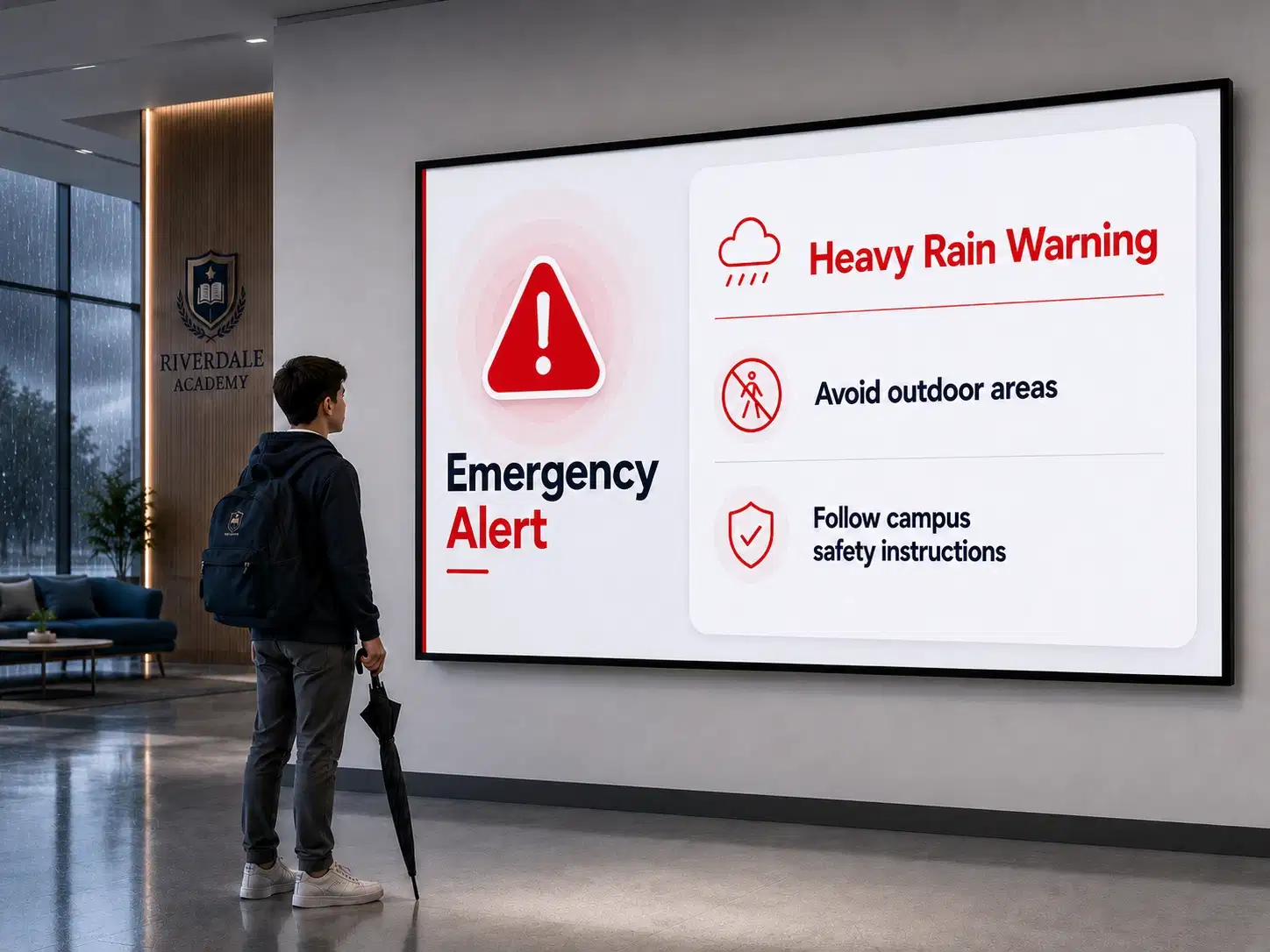
Pickcel's emergency override pushes a full-screen alert to every connected campus screen within seconds, overriding all scheduled content. The broadcast stays live until the administrator clears it, and no technical expertise is required to activate it.Emergency broadcast capability is built into the platform. Fire evacuation routes, lockdown instructions, and weather alerts: the same one-click activation changes every display across every building simultaneously.
Campus-wide reach in seconds

Department Directories and Academic Schedules
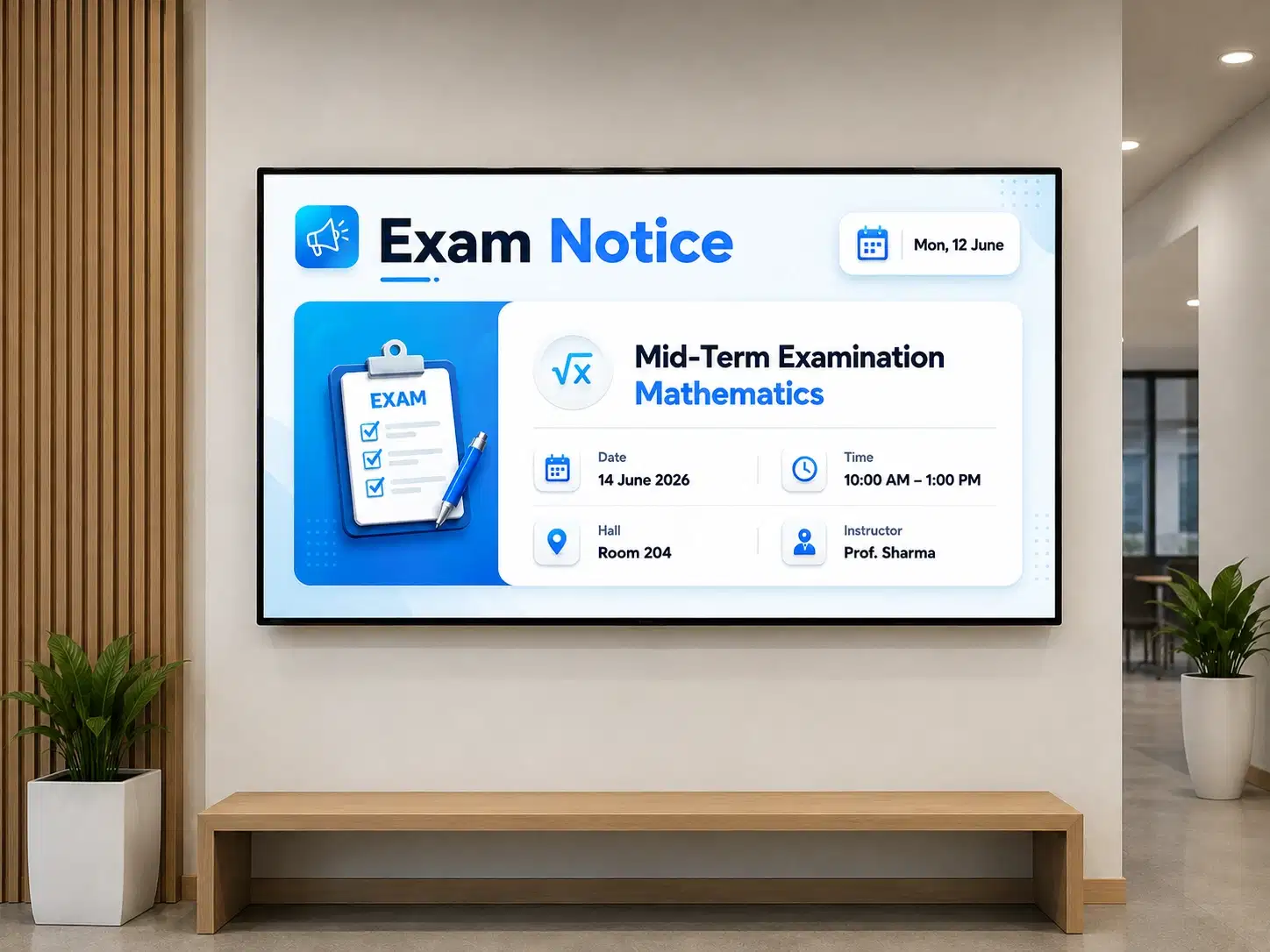
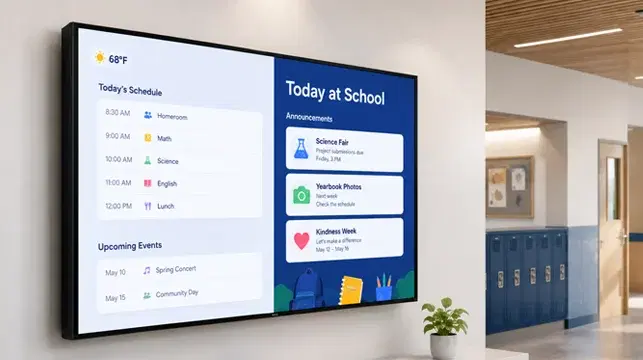
University digital signage replaces static faculty boards and printed timetables with live, updatable displays. Lecture hall screens show the current and next session; faculty directories update when a staff change is recorded.Exam timetables, faculty office hours, and lecture schedules change frequently. Keeping printed versions current is an administrative overhead that most campus teams manage manually today.
Live timetables, no reprinting

Cafeteria and Dining Hall Menus
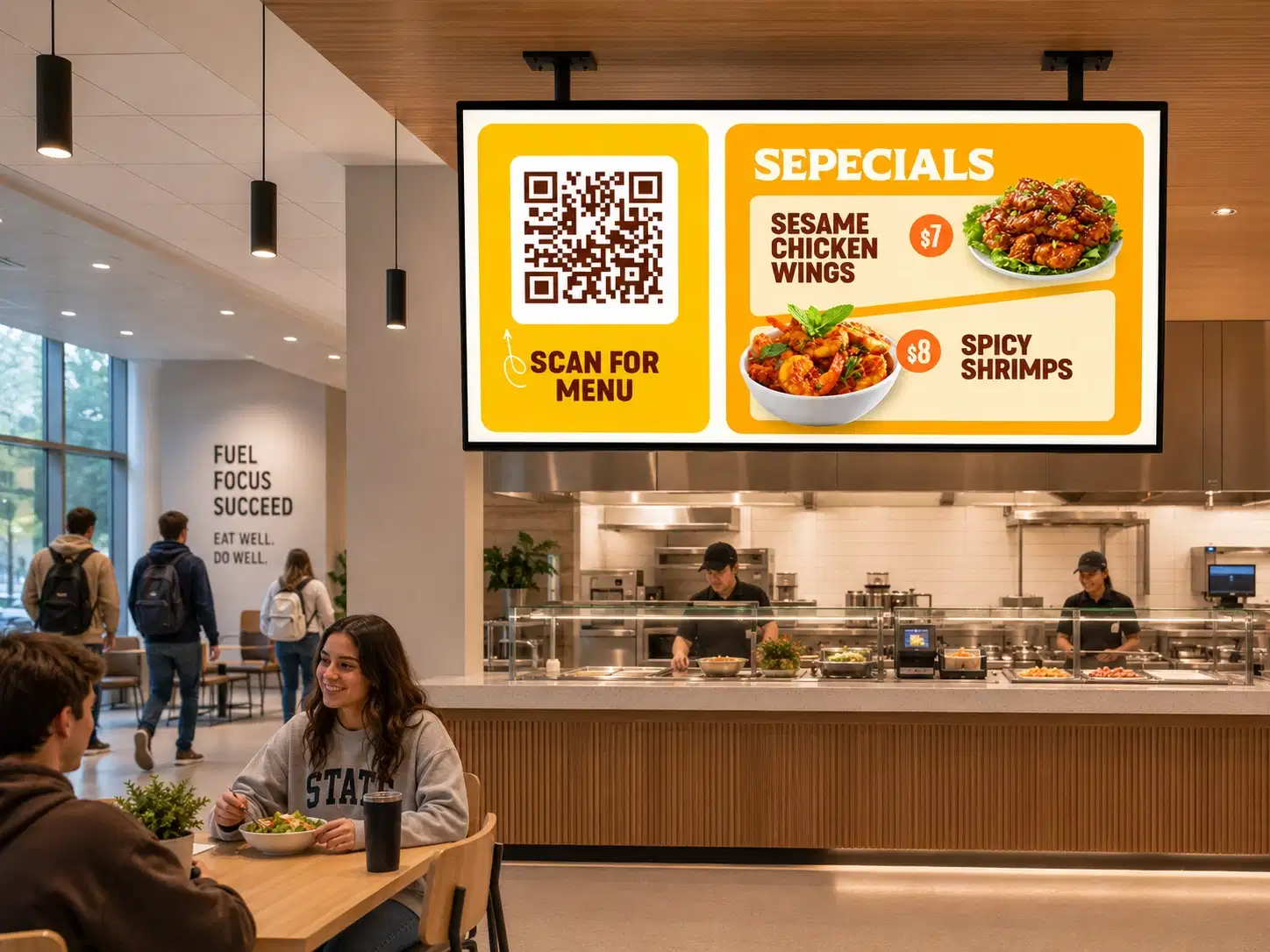
Pickcel digital menu boards update in real time, allowing dining teams to reflect daily specials, allergen notices, and price changes without reprinting. Updates publish across all dining locations from a single dashboard.Dietary requirements and allergen transparency matter to university students. A menu board that updates centrally ensures the information on screen is always current, whether it is a routine daily menu or a last-minute allergen change.
All dining locations, one dashboard

Student Recognition and Alumni Engagement
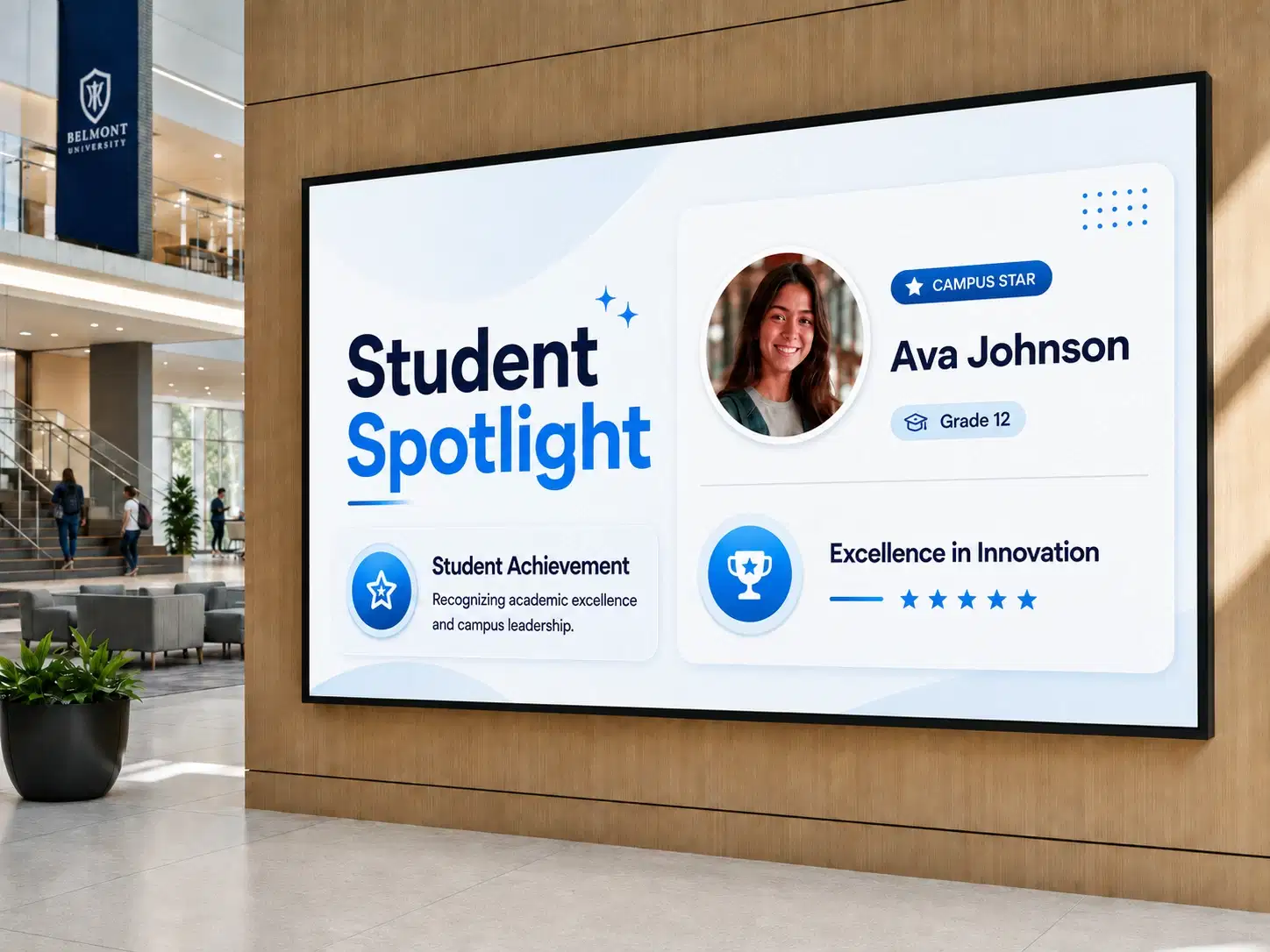
Pickcel allows communications teams to schedule recognition content across campus screens, timed to coincide with ceremonies, results days, or alumni events. Achievement boards, scholarship announcements, and alumni news reach students in common areas without additional staff time.A screen displaying scholarship recipients outside the awards hall, or a congratulations message for a graduating cohort in the main atrium, builds a sense of community at scale.
Scheduled recognition at scale
How Pickcel Compares to Traditional Campus Communication Systems
How Pickcel compares to siloed display systems and static noticeboards across the metrics that matter for multi-building university campuses.
| Capability | Pickcel | Siloed display systems | Static noticeboards |
|---|---|---|---|
| Content update speed | Under 60 seconds, all screens simultaneously | Screen by screen, on-site access required | Printing and physical replacement |
| Emergency broadcast | One-click override to every campus display | No centralised broadcast capability | No broadcast capability |
| Multi-building management | Single web dashboard, accessible from anywhere | Individual logins or on-site visits per building | Physical visits required per location |
| Device compatibility | 50+ device types, including existing hardware | Vendor-locked per installation | No digital infrastructure required |
| Security certification | SOC 2 Type II, ISO 27001 certified | Variable by vendor | Not applicable |
Platform Features for University Digital Signage
Multi-location management from one dashboard
Manage every screen across every building and campus from a single web-based account. No individual logins per location, no screen-by-screen updates, no on-site IT visits required. Campus IT teams retain full visibility across all locations.
Emergency override broadcast
A one-click broadcast overrides all scheduled content and pushes a full-screen alert to every connected display. Activates faster than any manual system, and requires no technical expertise. Every person on campus sees the same message at the same moment.
Content scheduling and dayparting
Schedule content to appear at specific times on specific screens or screen groups. Morning announcements, midday promotions, and evening event reminders all run automatically, without intervention from your communications team.
50+ device compatibility
Works with over 50 device types, including Android media players, Windows players, and existing commercial display panels. Universities can deploy Pickcel on screens they already own, reducing deployment costs and accelerating rollout.
Cloud-based, no on-site server required
Pickcel runs entirely in the cloud. No server room installation, no on-premise hardware, no local network dependency. Administrators update screens from anywhere with a browser, including off-campus locations and mobile devices.
Role-based access for department-level publishing
Assign publishing permissions at the department, building, or campus level. Each team manages only the screens assigned to them. Departments gain autonomy over their own communications while central IT retains full administrative oversight.
Security Built for University IT
Pickcel is SOC 2 Type II and ISO 27001 certified. Both certifications are relevant to university procurement processes, and documentation is available for IT security teams and vendor evaluation panels.
SOC 2 Type II
Independent audit of data security, availability, and confidentiality controls
ISO 27001
International standard for information security management systems
Role-Based Access Control
Department-level publishing permissions with central IT oversight
Role-based access controls allow individual departments to publish content to their assigned screens without accessing displays in other buildings or faculties. A communications manager in the business school manages their own screens. Central IT retains administrative oversight of all locations from the top-level account.
Pickcel's platform does not store or process student personal data on displays. Content is pushed from the cloud to the screen. Pickcel's security architecture is designed with student data privacy in mind.
For IT teams carrying out formal vendor evaluations, Pickcel's team can provide security questionnaire responses and compliance documentation on request.
Universities Using Pickcel
Amrita University
Amrita University
The Challenge
Deploy digital signage across eight campus locations spanning more than 1,200 acres, compatible with existing MI and VU display hardware across both Android and Windows environments, with full control over content and system security.
The Outcome
Pickcel gives Amrita University complete ownership of its content infrastructure. Faculty information, campus announcements, and visitor communications are managed centrally, with screens positioned across all eight locations reaching students, faculty, and visitors at every point on campus.
Christ University
Christ University
The Challenge
Replace traditional pinboards across campuses in Bangalore, Delhi, and Pune that led to missed announcements and delayed responses from students and staff.
The Outcome
Android-powered standees at receptions, front offices, and building foyers now display notices, exam schedules, event calendars, and real-time announcements. Staff manage content remotely via the web dashboard and the Pickcel Go mobile app. Christ University has reported a visible improvement in student and staff attention to institutional communications.
Frequently Asked Questions
University digital signage is a centralised network of digital displays that allows campuses to publish, schedule, and manage content across every screen from one cloud-based platform, covering wayfinding, event boards, emergency alerts, dining menus, and academic schedules.
Universities use digital signage to replace fragmented physical noticeboards and printed schedules with a system that updates in real time and reaches every campus location simultaneously. For large institutions managing screens across multiple buildings and campuses, a cloud-based platform such as Pickcel provides central control with no requirement for on-site IT visits. Administrators can update all campus screens from any device with a browser, whether they are on campus or working remotely.