App Features
The Pickcel world clock app is a perfect fit for any screen, whether it is a passenger information system, or a retail store display. Choose from 5000+ cities of the world and show the local time accurately.
Display multiple time zones together
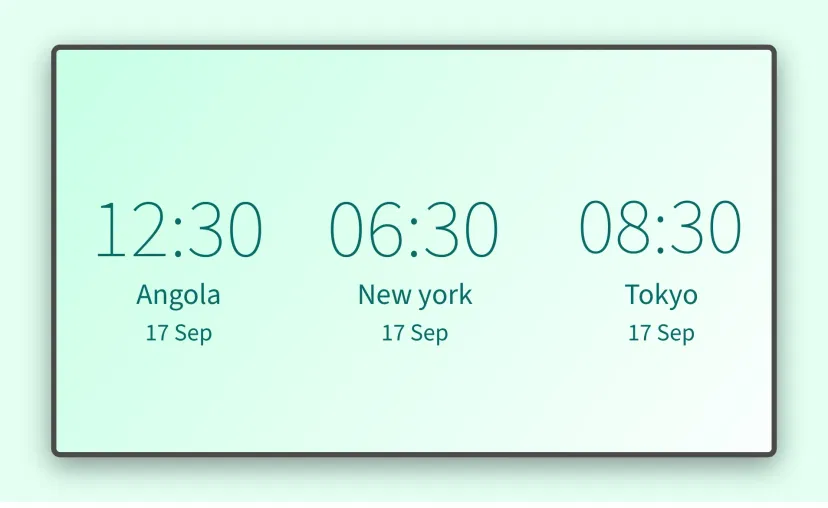
With the Pickcel clock app, you can display the date and time of a single location (regular clock) or multiple locations (world clock). Add up to 6 time zones in a single frame.
Multiple time formats
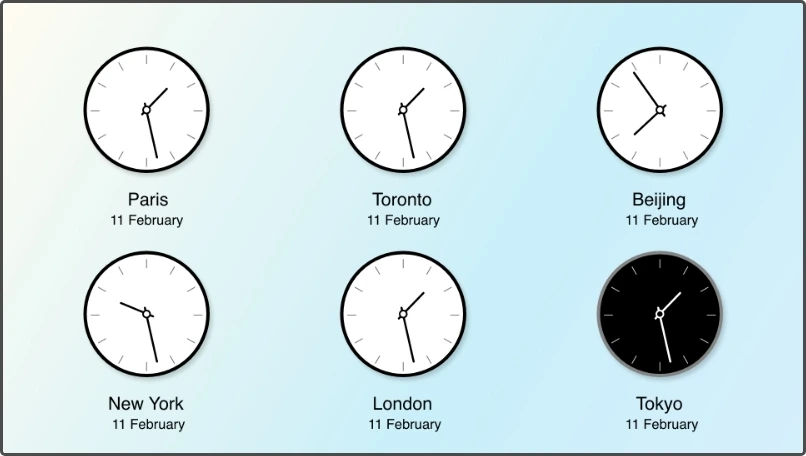
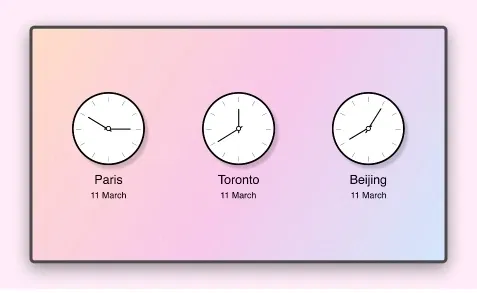
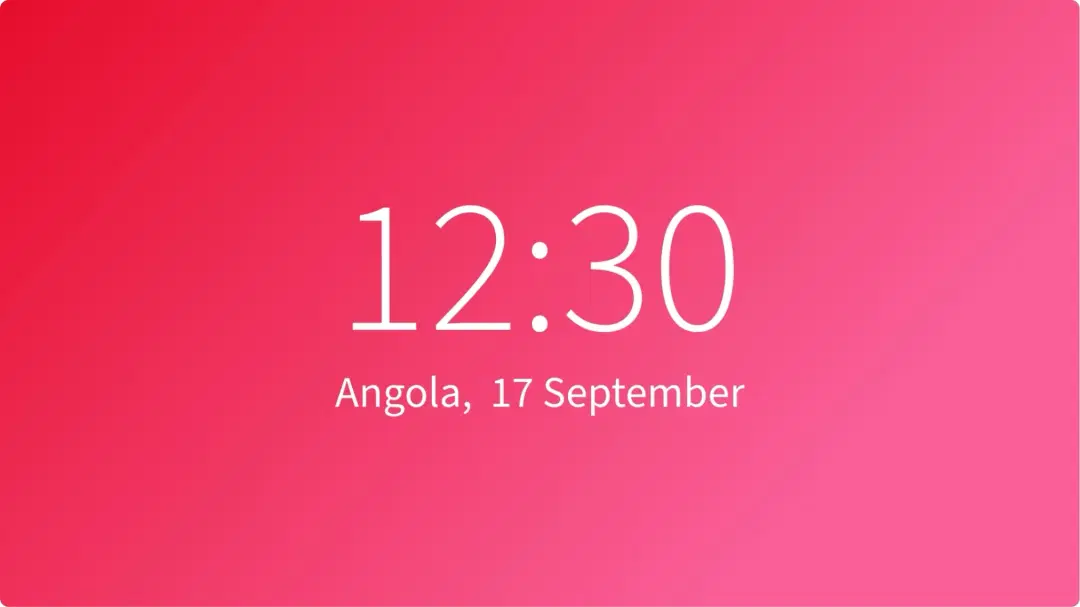
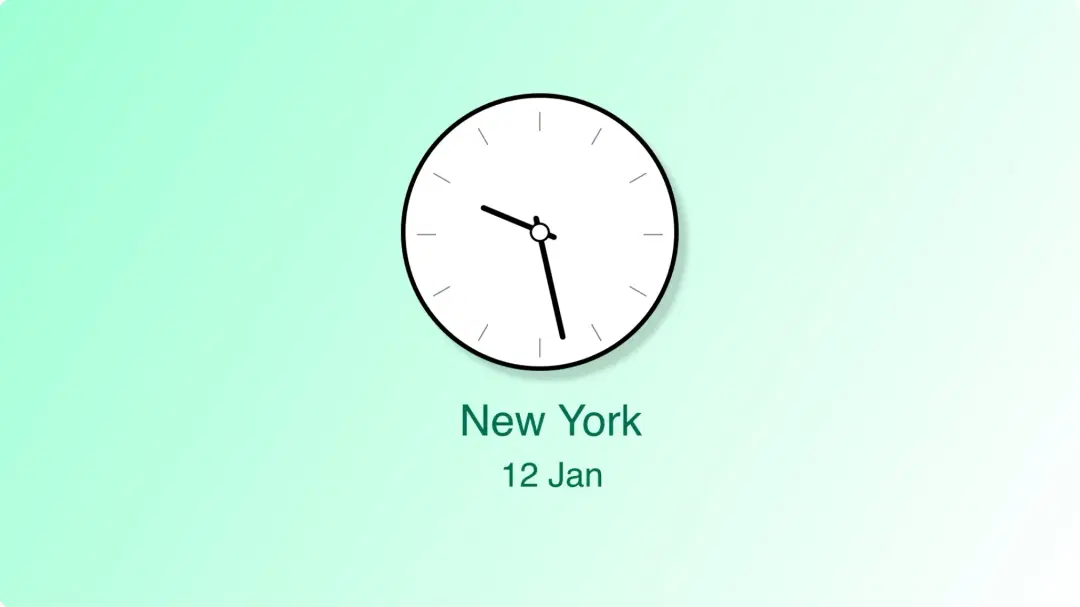
Show the time in any style; add a cool digital clock or a good old-fashioned analog clock. Further, the digital clock can also be displayed in either the 12-Hour or the 24-Hour formats.
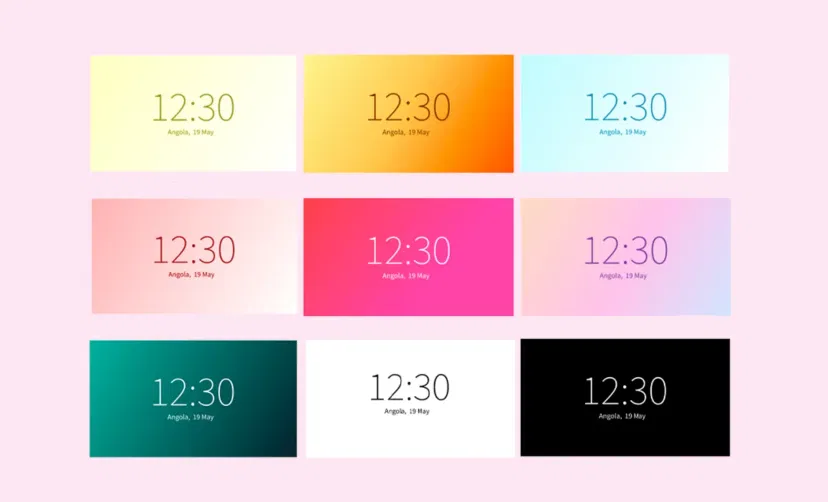
Spectacular themes
Choose from a range of eye-catching color schemes to display your world clock. Use the standard black or standard white background. Or, brighten up your screens with a dash of color.
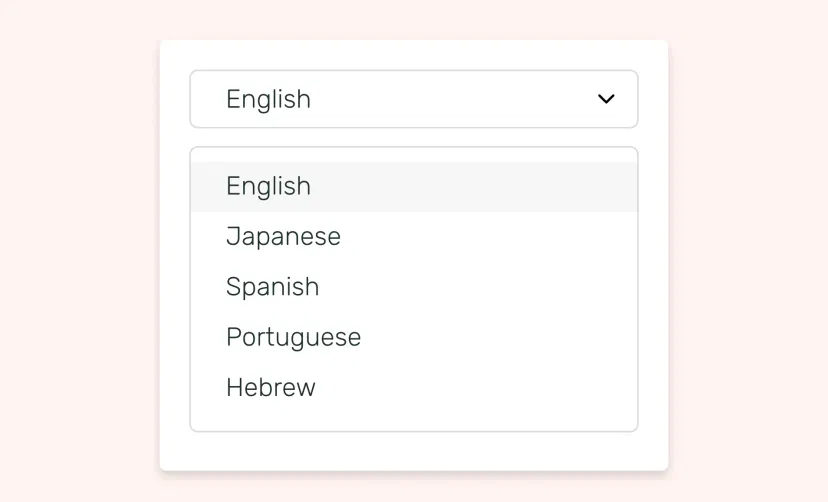
Available in 5 languages
Show the name of the selected city and the date in English, Japanese, Portuguese, Spanish, and Hebrew.
Supported on all OSs
The world clock app for digital signage is supported on Android, Windows, Samsung, MacOS and all other standard hardware operating systems.
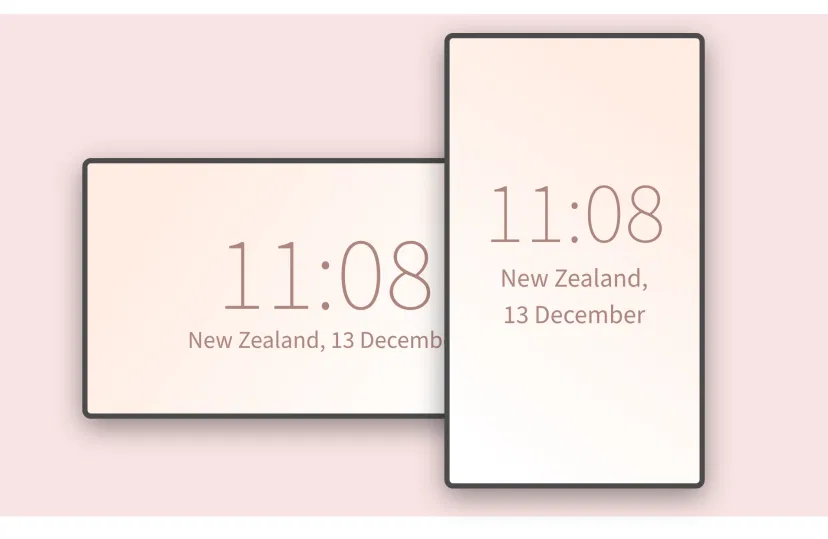
Adjustable with any layout
Forget the hassle of manual resizing. The Pickcel world clock app intuitively auto-fits the content based on the available screen space and display orientation.
Update in a flash
Modify the time format, location(s) and color schemes at anytime, with just a few clicks. Preview the app content before publishing.
Preview
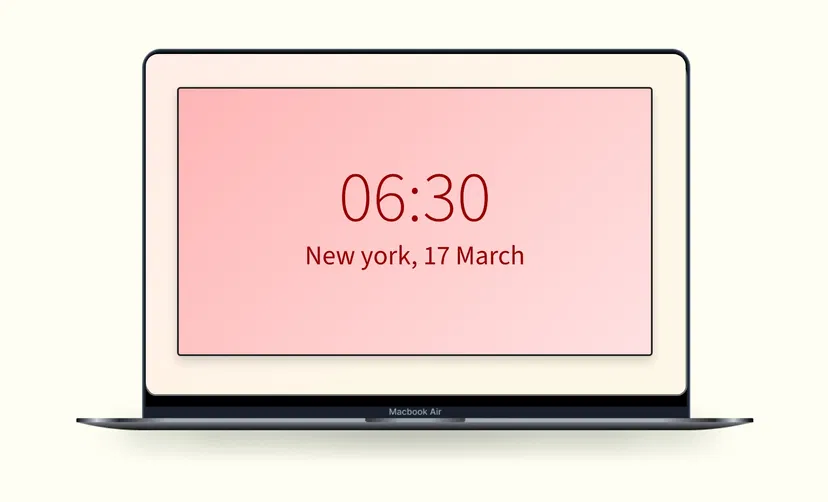
Before you publish your app on screen, the preview option allows you to do a quick quality check on the look and feel.
Same App, Different Looks!
Present your world clock in multiple styles. Which one is your favorite?
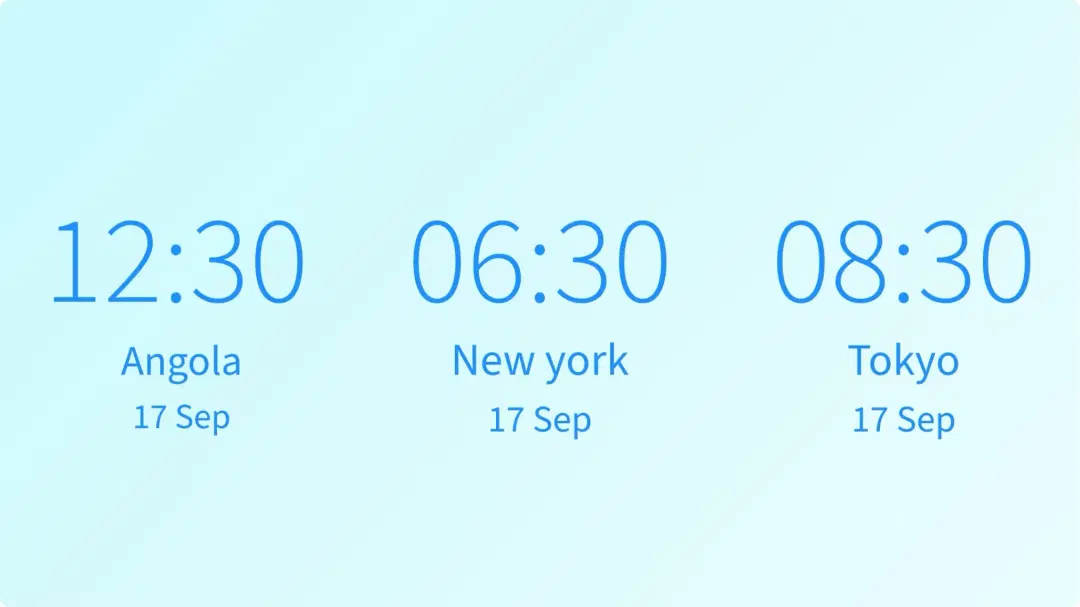
Ready to unlock the World Clock app for your digital signage?

Interesting Use Cases for the World Clock App
We have listed a few. The sky is the limit for you!

In a global workplace
Businesses that heavily rely on global workforce communication need to be aware of the local time of multiple cities around the world. Showing real-time temporal updates in such corporate workplaces can help to avoid friction that comes with non-parallel working hours in different regional offices.
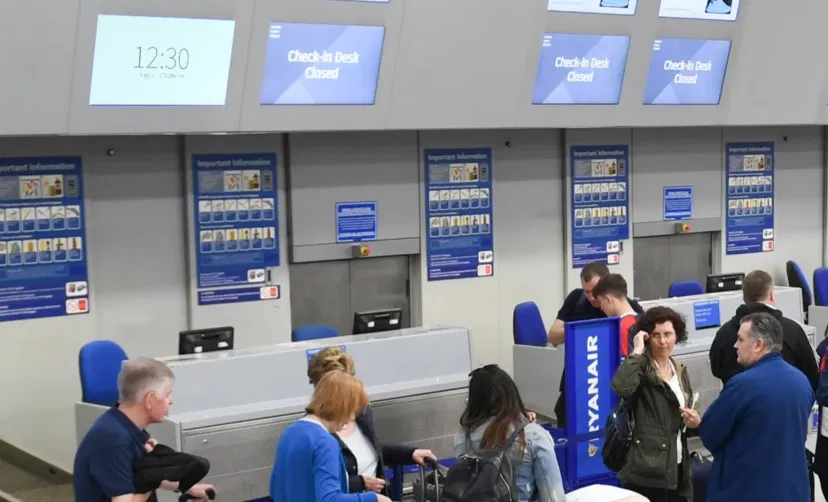
At international airports
Both passengers and flight crew can benefit from the world clock. International airports can show local time as well as the time of all major cities of the world. A clock room showing the time and date of different countries can engage bored passengers at the airports.
How to add the world clock app on your digital signage?
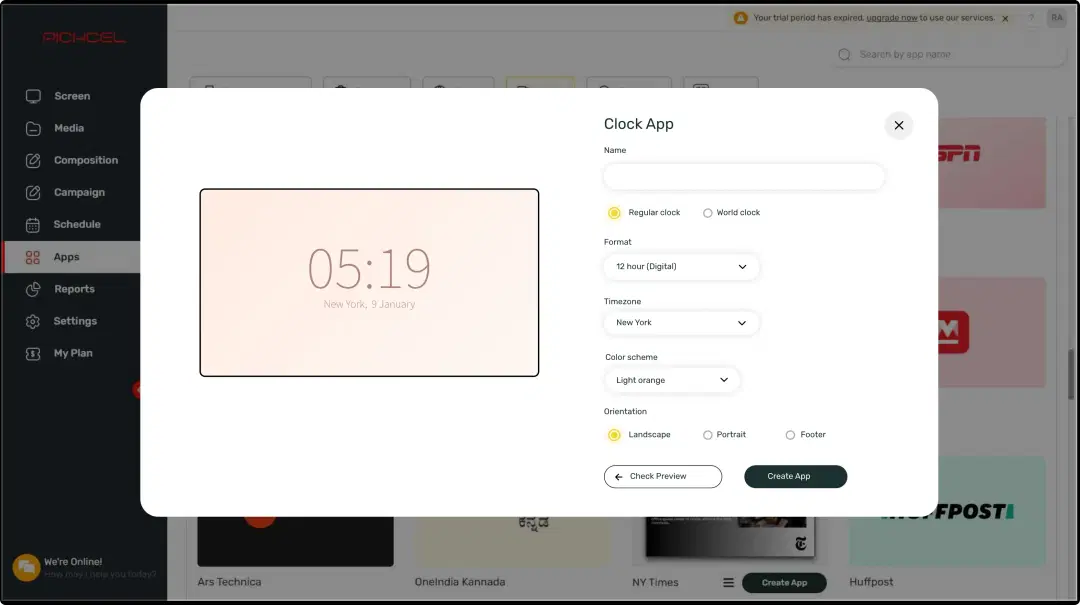
Configure the app from the app store
Add the app name, set the location, choose a theme and create the app.
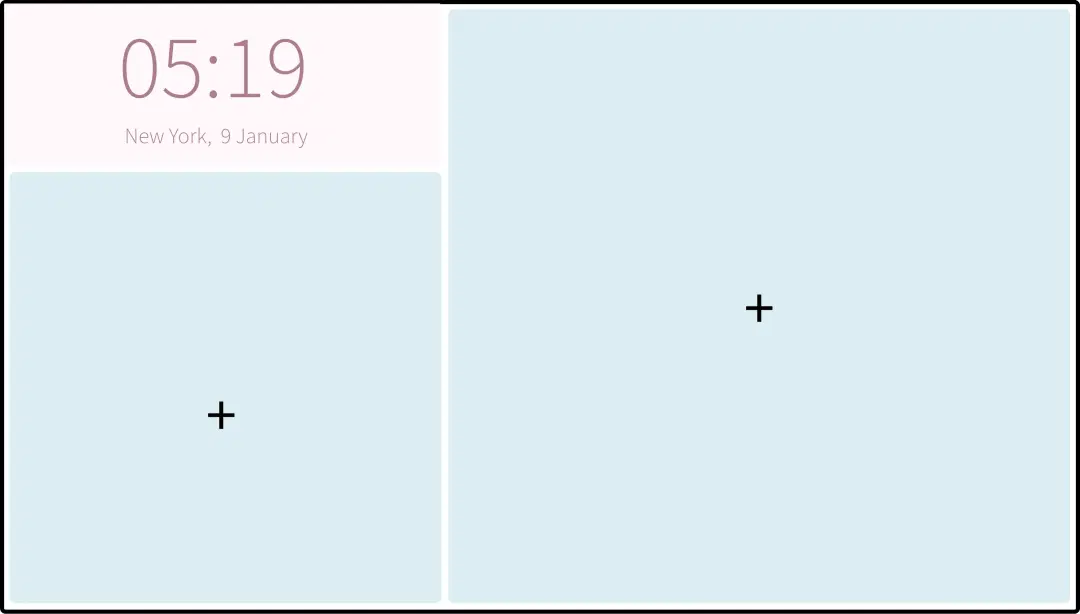
Create a composition
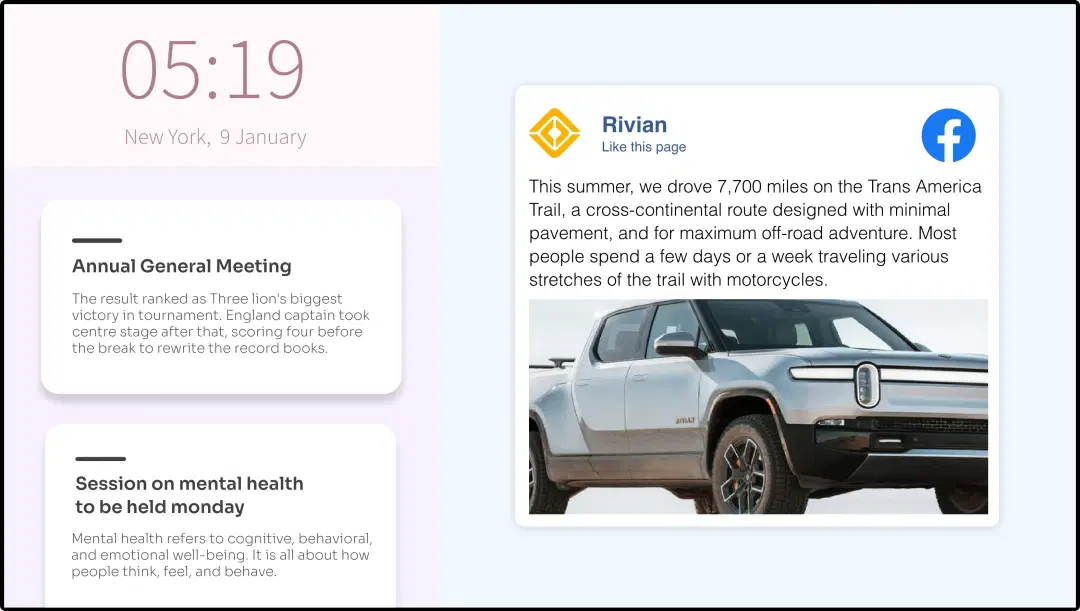
Show the world clock on the entire screen. Or, create a multi-zone layout.
Publish the composition
Select the screens and hit publish.
Step-by-step tutorial of adding the World Clock AppNeed customized apps? Connect with us.
We are open to all kinds of customization & integration with third-party applications.
More Pickcel Apps to Complement the World Clock App on Your Digital Signage

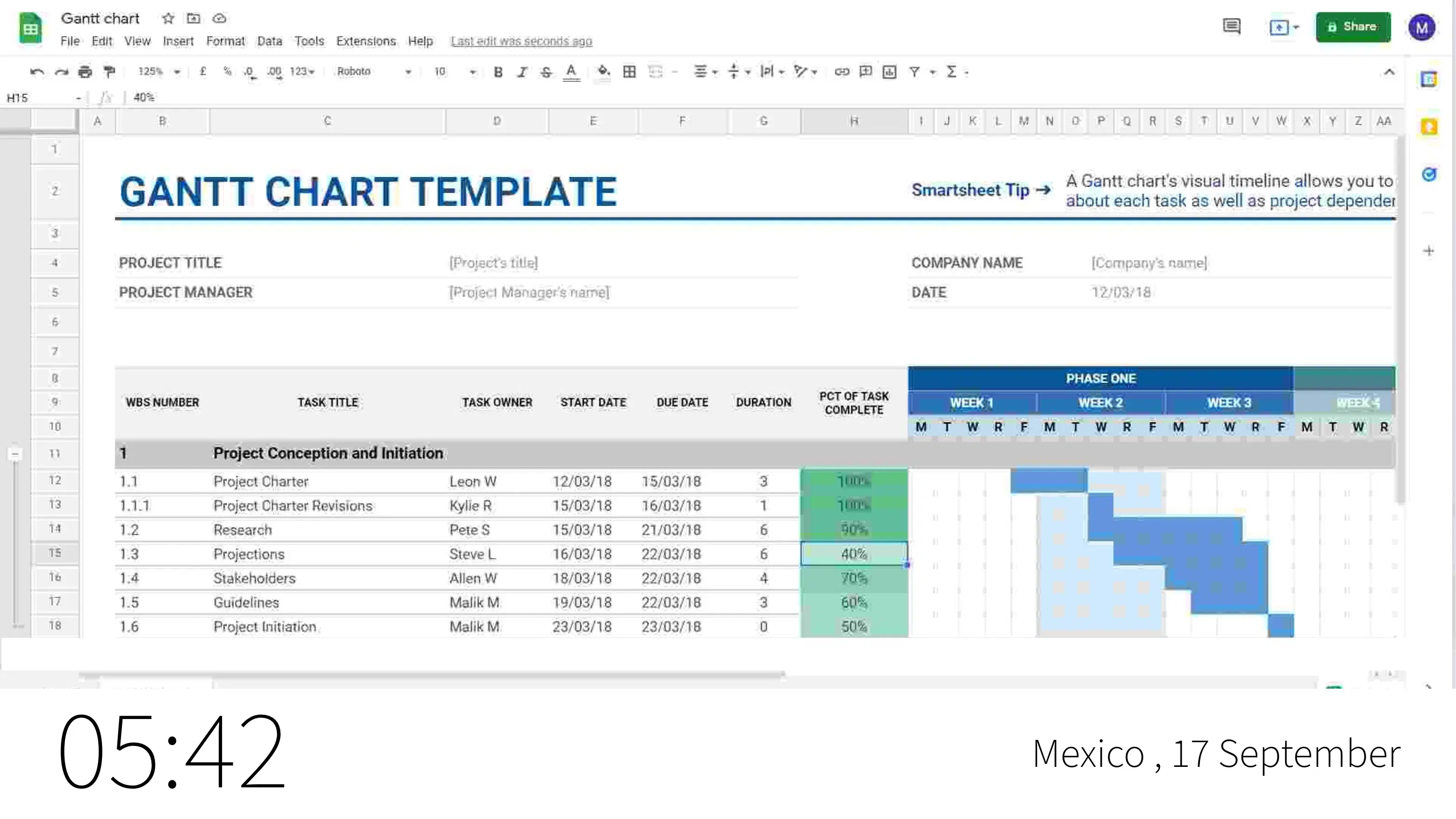
Google Sheet app
Show the latest data from Google Sheet

RSS feeds app
Syndicate feeds from blogs & websites

Scroller app
Show scrolling text to add trivia

Live DTH app
Stream live TV content