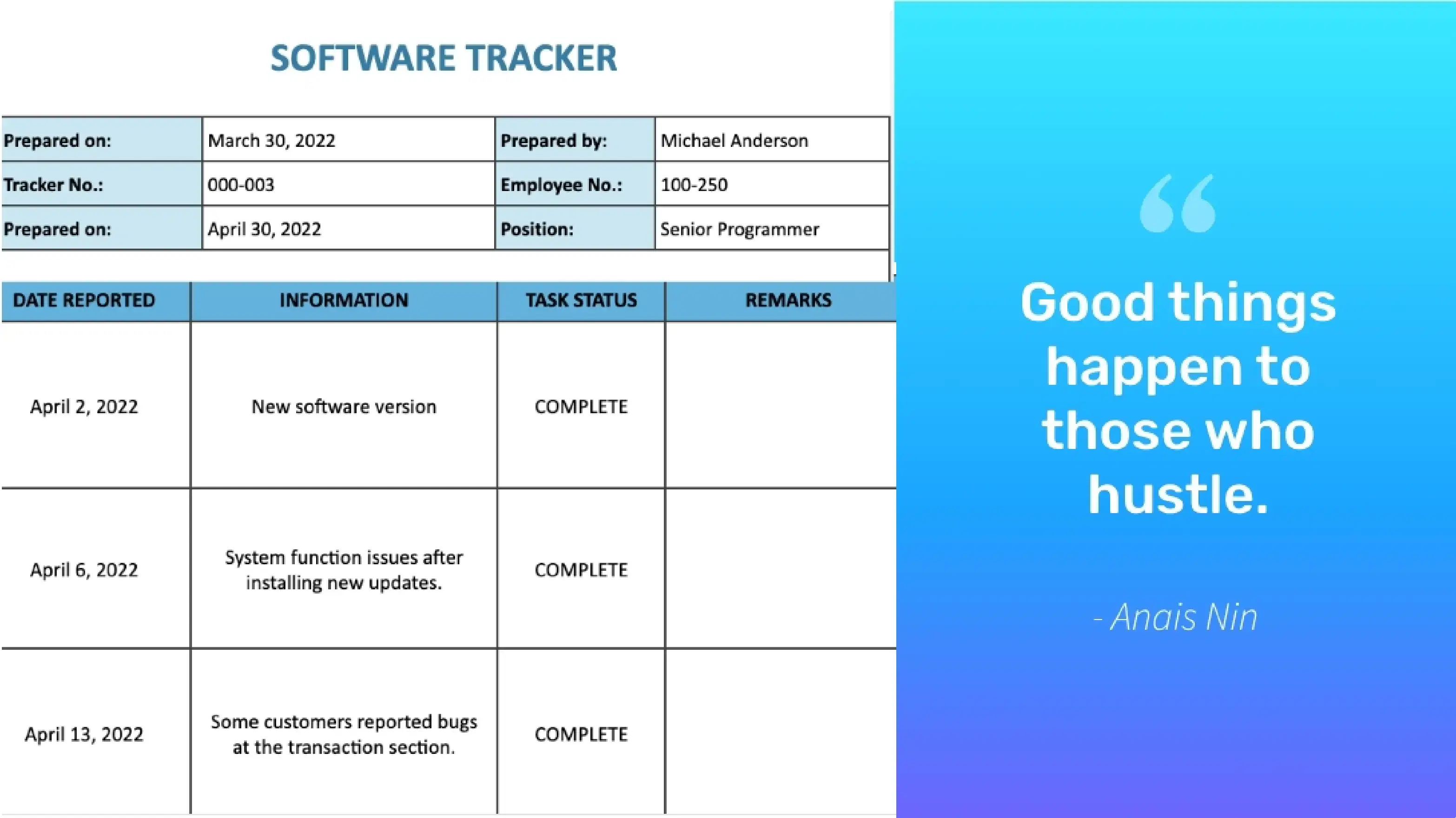
Google Sheets App
Share data & reports among your employees via digital signage and boost your team's collaborative spirit
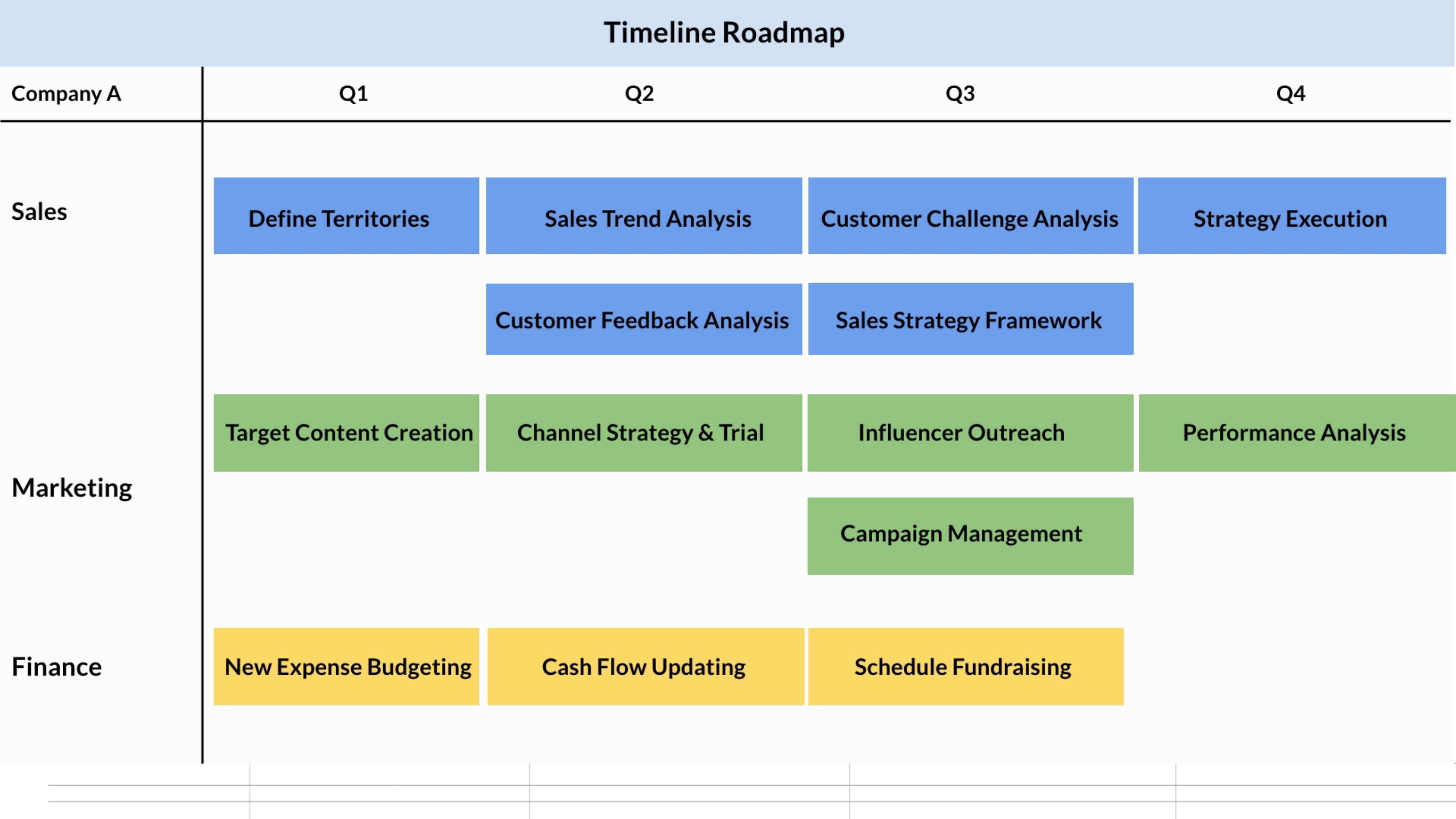
App Features
The Pickcel Google Sheets app is perfect for any organization that wants to promote effective internal communication and make the most out of its teamwork. The app is supported on every digital signage player OS.
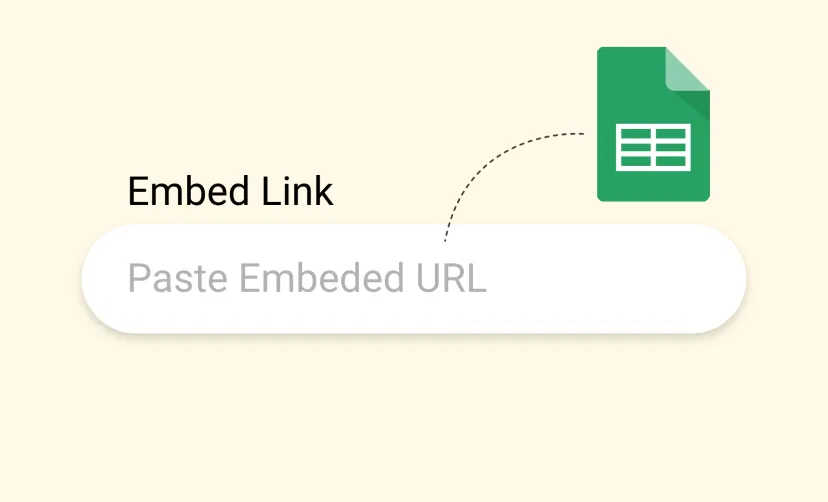
Easy Configuration
Creating the app and sharing it on your screens is a child's play. Copying and pasting the Google sheet link to the Pickcel app is what you have to do. Once created, publish and relax!
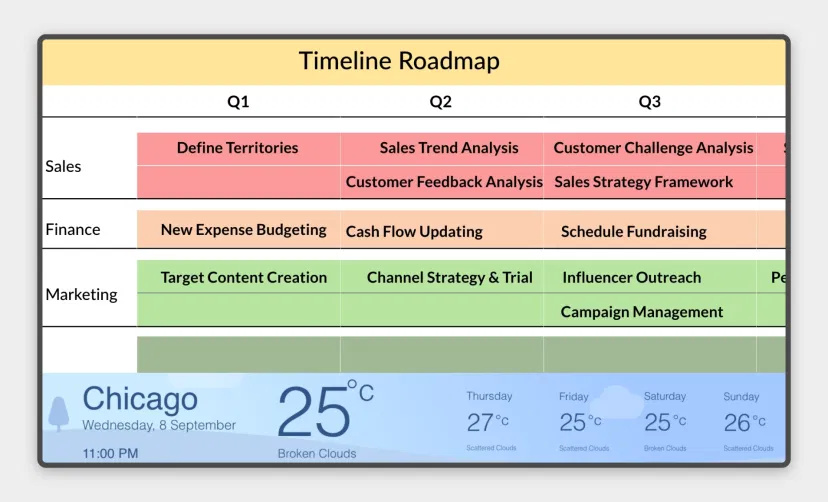
Simultaneous content rendering
Your key figures and reports (whatever you share from your sheets) will be played in sync with other content like videos or Live TV. So, you get to keep your team up-to-date on all counts.
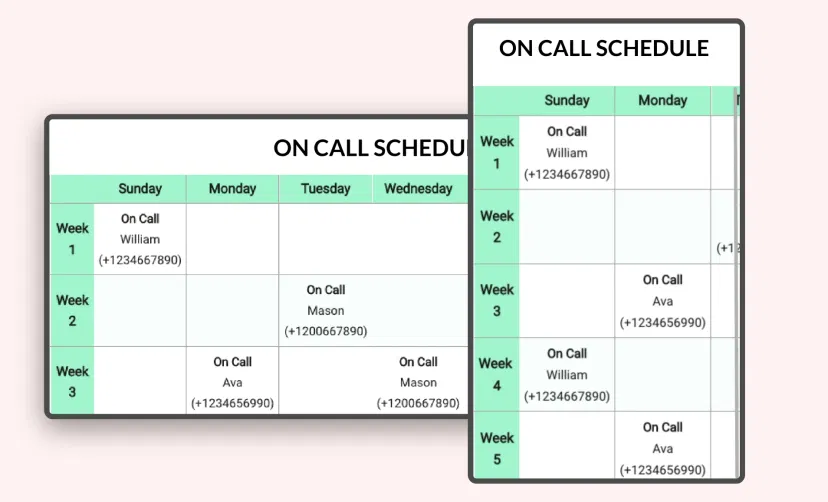
Supported on any layout
The Pickcel Google Sheets app is supported on all layout variations, offering immense flexibility & convenience in terms of designing and publishing your digital signage content.
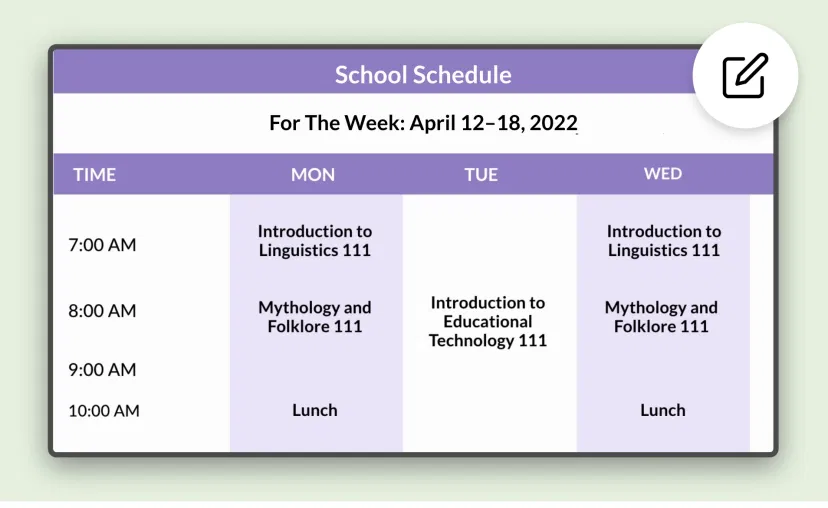
Update anytime
The Google Sheets app gets saved to the 'media' section within the Pickcel console. So, you can update the sheet anytime just by editing the URL box and adding the new sheet link to it.
Ready to unlock the Google Sheets App for your digital signage?
Interesting Use Cases of the Google Sheets App
We have listed a few. The sky is the limit for you!
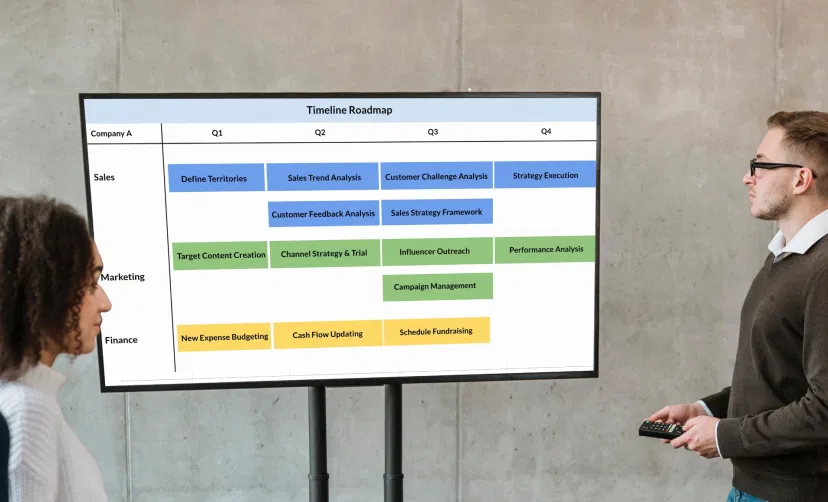
Corporate communications
Keep employees on their heels with all the projects by displaying achieved targets and upcoming deadlines. Uplift their morale with past success reports and motivate them to perform.
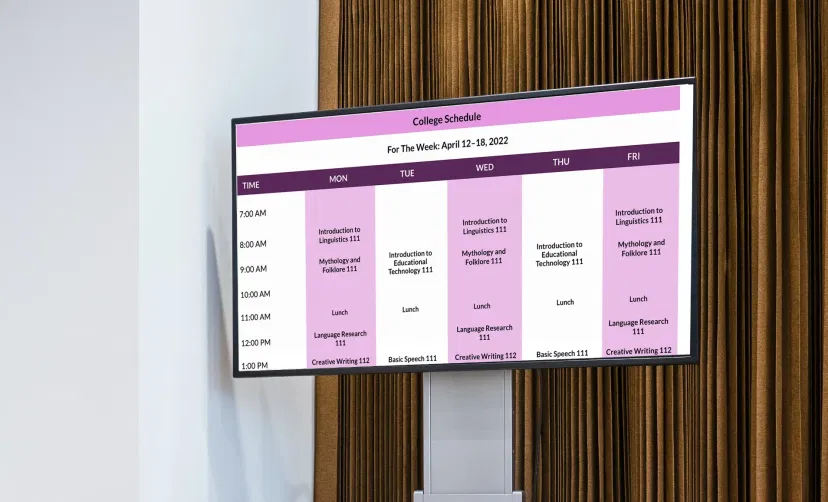
Educational institutes
Inspire your students to achieve higher goals by sharing exam reports, attendance charts, and grade books on digital screens. You can also display the holiday list to boost their energy.
How to add the Google Sheets app on your digital signage?
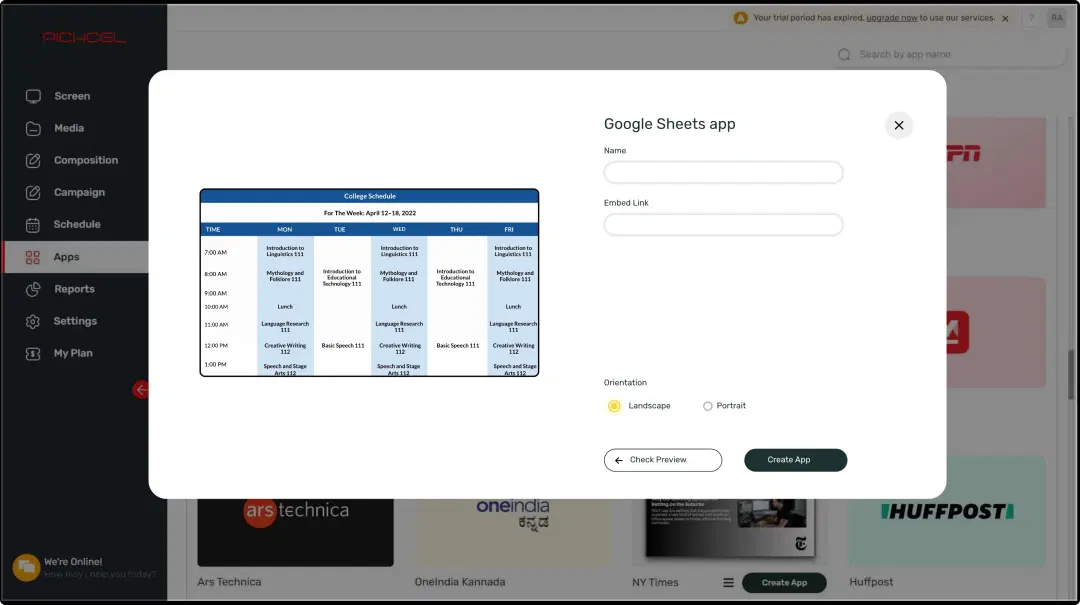
Configure the app from the app store
Set the app name, add the sheet link, and save the app to your media.
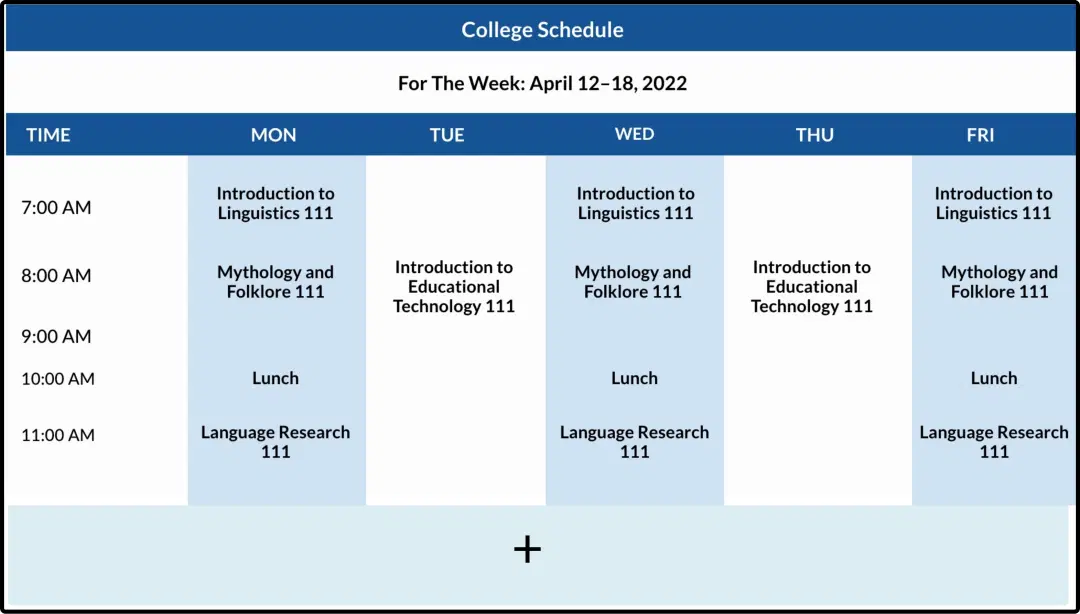
Create a composition
Use the full screen space for your spreadsheets or create a multi-zone layout to run it along with other content.
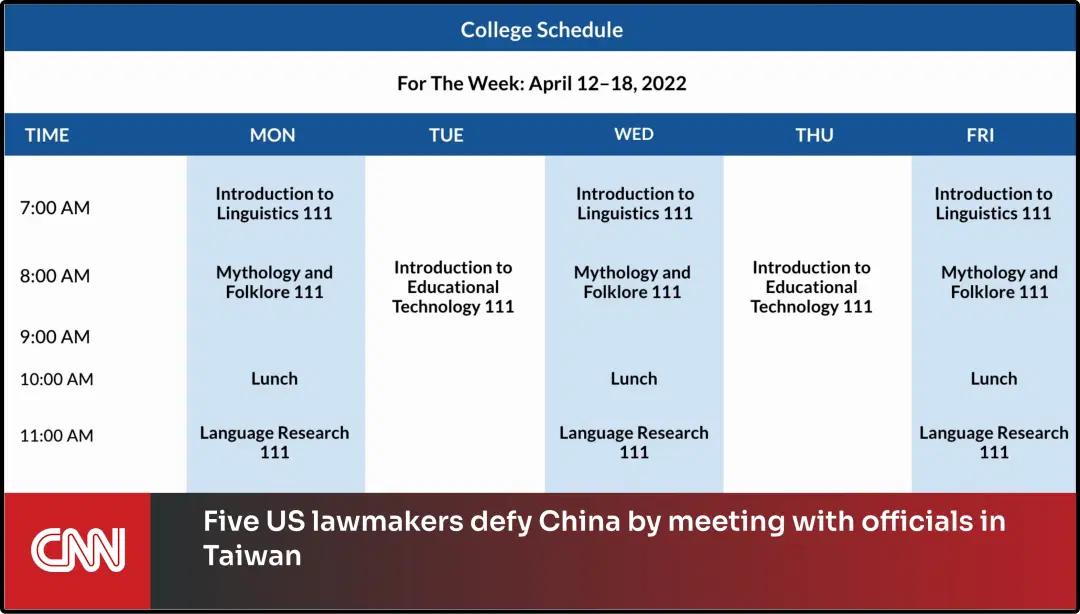
Publish the composition
Select the screens and hit publish.
Step-by-step tutorial of adding the Google Sheets applicationNeed customized apps? Connect with us.
We are open to all kinds of customization & integration with third-party applications.
More Pickcel Apps to Complement the Google Sheets App on your Digital Signage

Quotes app
Display motivational quotes on your digital signage

Slack app
Show the Slack messages on your screen

Digital bulletin board app
Show notices & announcements

Scroller app
Show scrolling text to add trivia