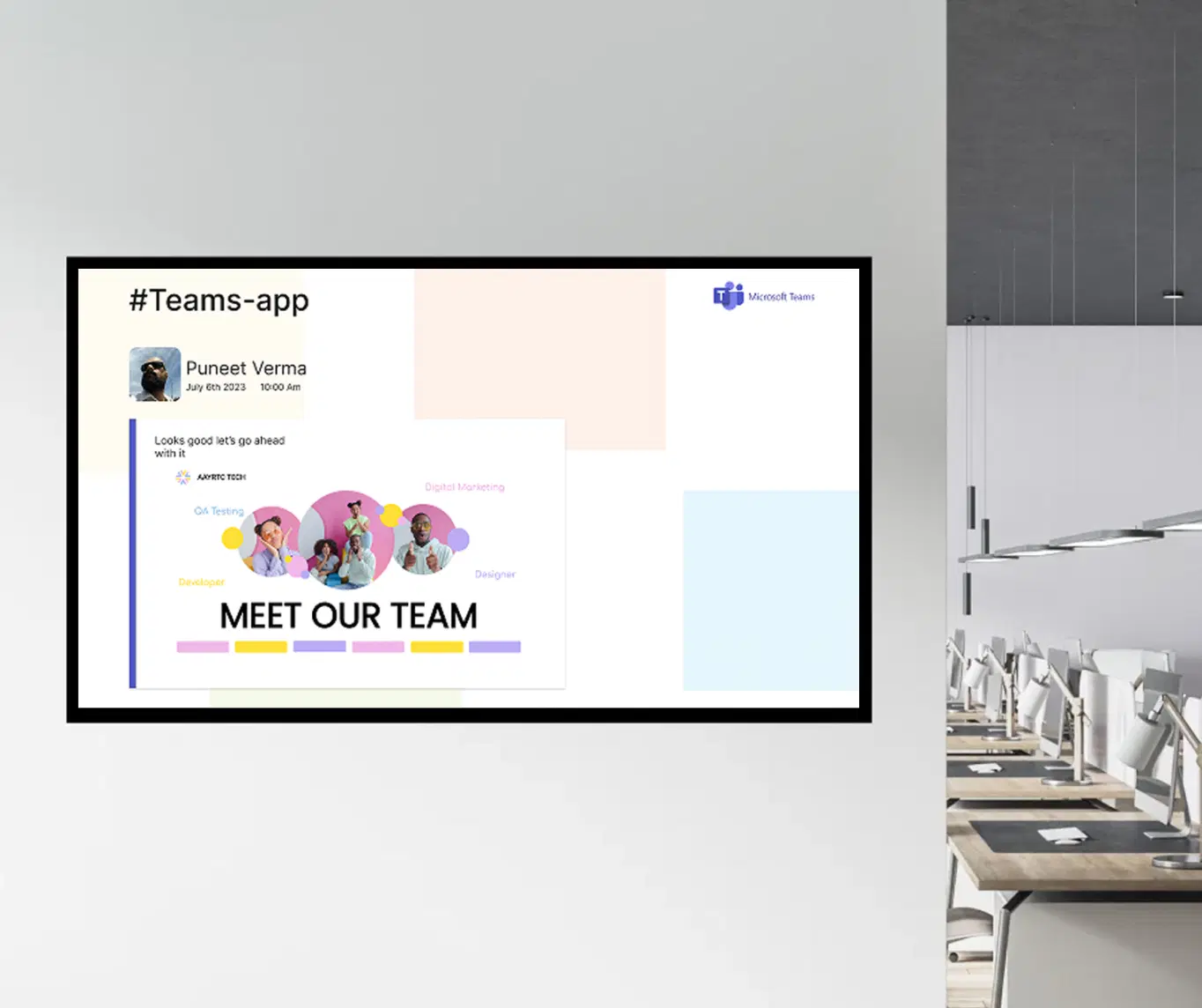
Stream: Zoom, MS Teams & Live Events
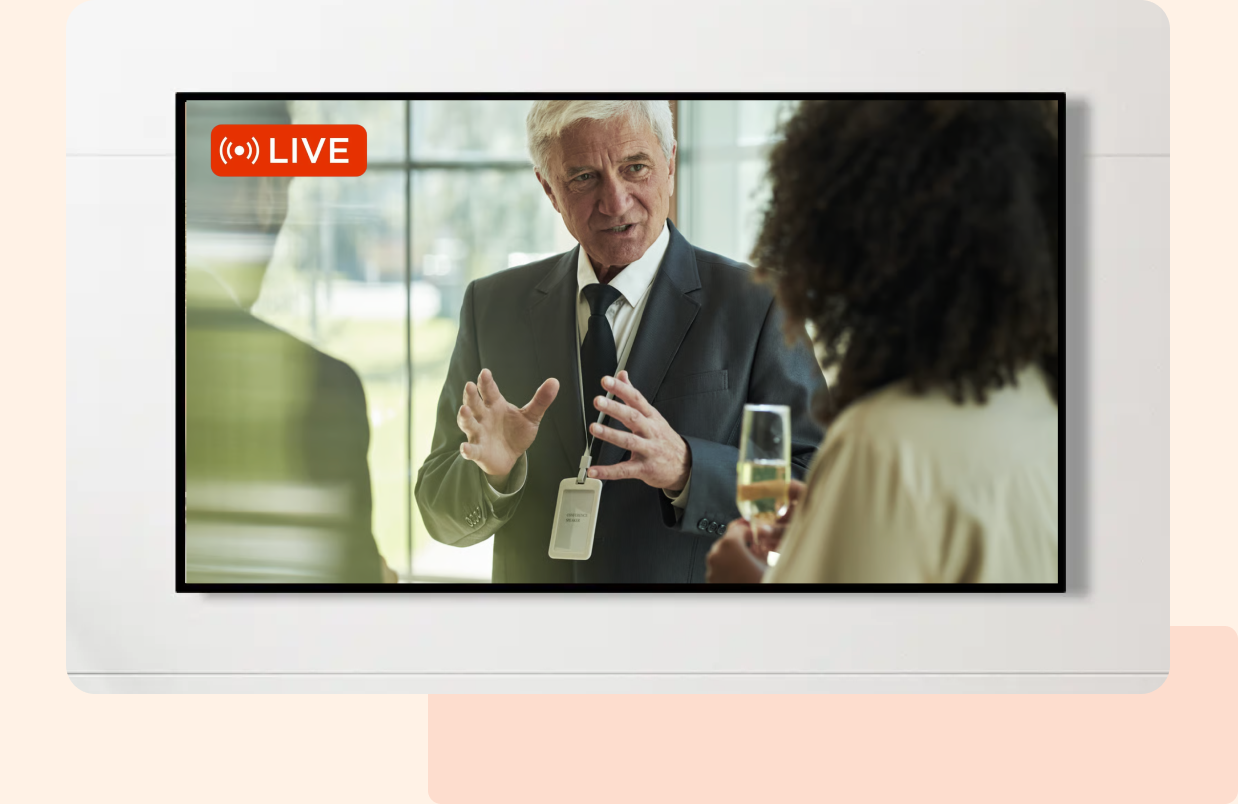
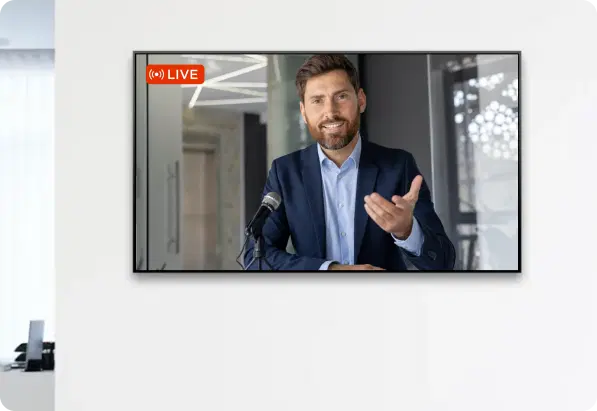
Broadcast Zoom, Microsoft Teams, and live event sessions directly on your digital signage screens, turning every display into a real-time collaboration and communication hub.

Trusted by businesses worldwide







SOC 2 Type II
ISO Certified
Key Feature Highlights

Easy Integration
Integrate seamlessly with Zoom, MS Teams, and Pickcel's scalable platform to display your content seamlessly.

Real-Time Streaming
Broadcast live meetings, events, and presentations to your screens in real-time, ensuring everyone is up to date.

No-Tech Setup
Begin streaming through Pickcel's platform. No technical knowledge required, just set up and go live.

Multi-Screen Support
Stream to multiple screens simultaneously, perfect for large spaces, corporate offices, or event halls.
Flexible Layouts
Customize your display with different layouts to meet your needs, ensuring a professional presentation on every screen.

Cloud-Driven Management
Manage and update contents remotely, ensuring your live events and meetings are seamlessly brought together.
One App, Many Display Styles
Classic, modern or minimalistic – find a style that fits your brand.


Interesting Use Cases
See how organizations use display to provide timely updates, business insights and improve visibility across a wide range of industries.
Corporate Offices
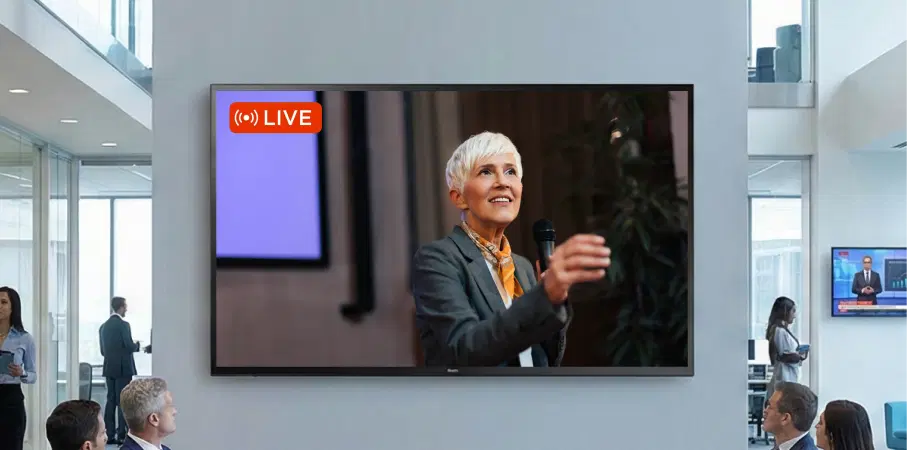
In corporate environments, broadcast virtual meetings and company-wide updates directly to digital signage screens across your office or building. Whether it's an all-hands meeting or an important presentation, everyone stays aligned and engaged without having to crowd into a single room.
Educational Institutions
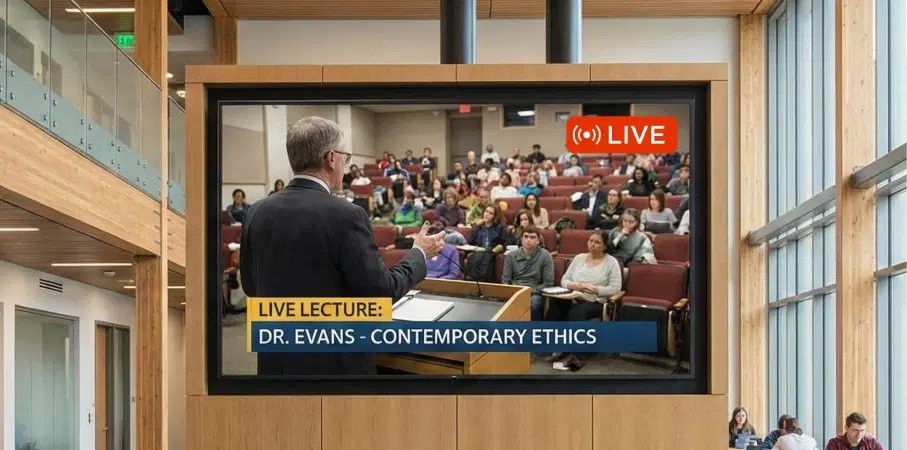
In schools and universities, stream online lectures, seminars, or live events directly to classrooms and labs, helping students and faculty stay connected to remote events. Create a real-time learning experience for the entire campus, ensuring all students can view important discussions and classes, no matter where they are.
How-To Steps
The Stream App connects securely with Zoom, Microsoft Teams, and custom RTMP sources, letting you publish live meetings, events, and presentations to office screens, campuses, and common areas — all from one simple interface.
Step 1: Configure the app
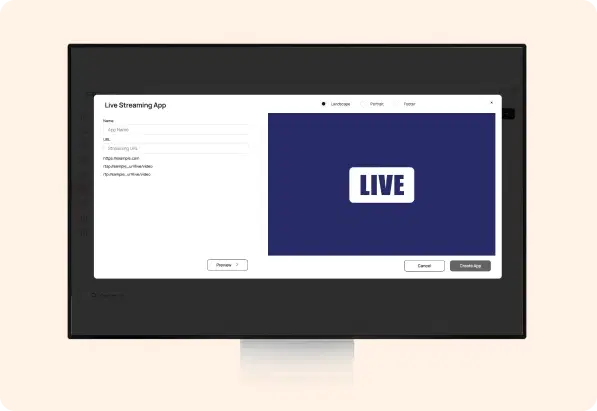
In the Pickcel Console, go to Apps → Stream, create a new instance, then configure your streaming source (Zoom, MS Teams, or custom RTMP). Enter your streaming credentials and set up your display preferences.
Step 2: Add to a composition
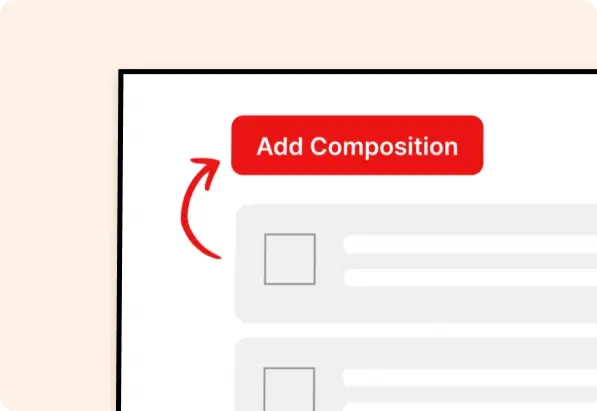
Create a new composition, add the Stream app, position and size it for visibility, and optionally pair it with other widgets like date, time, or announcements.
Step 3: Publish to Screens
Assign the composition to your screens or groups and publish. Your live stream appears instantly and updates in real-time as meetings and events begin.
More Pickcel Apps to Complement the Stream App on your Digital Signage
Modernize your communications everywhere—not just on your desktop. Pickcel extends your internal communication to every screen your employees see.