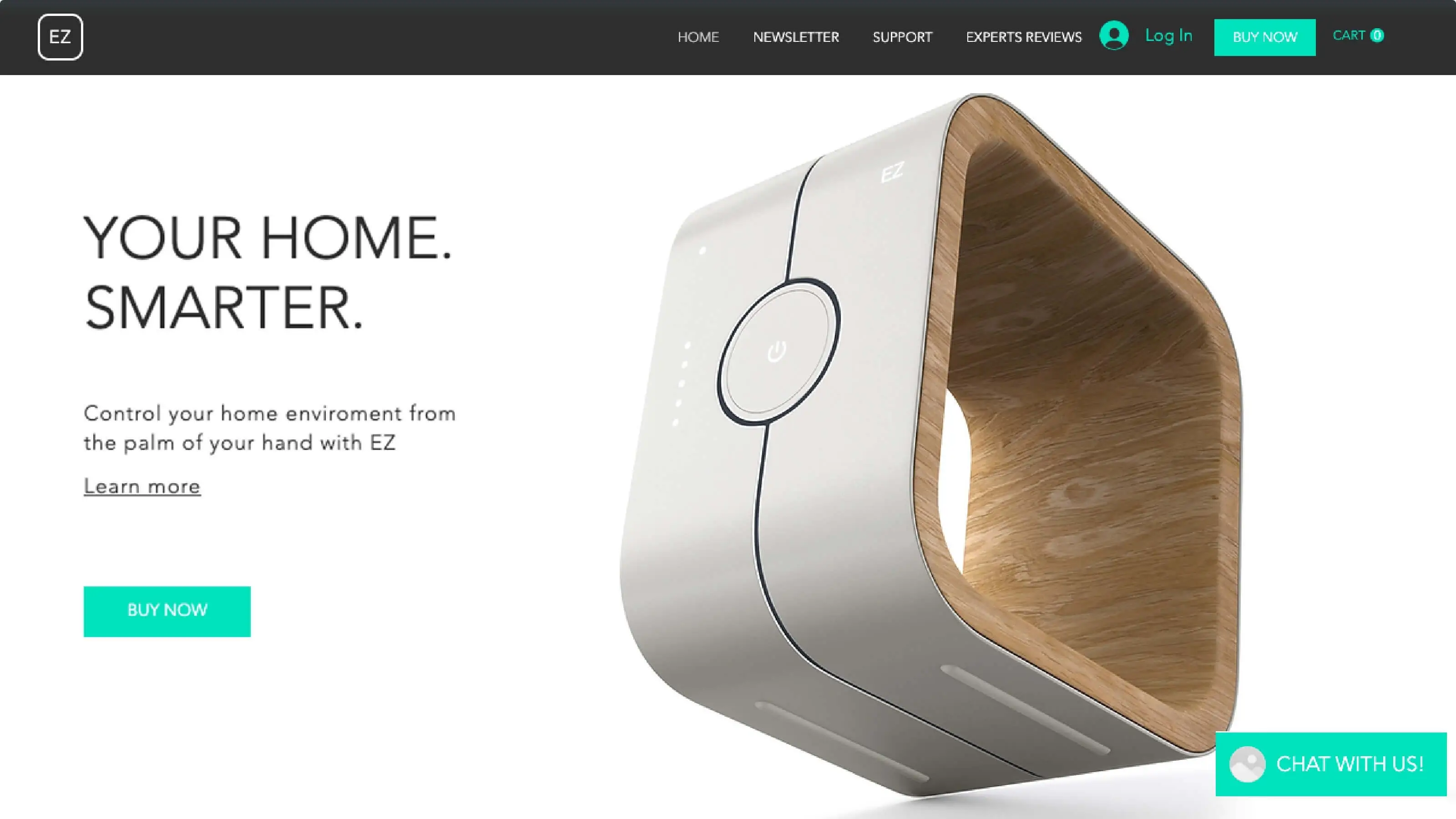
App Features
The Pickcel Web URL app is perfect for corporates, schools, colleges, and retail businesses. This digital signage software allows users to show any website page on digital signage through HTTPS links.

Easy to add
Adding a webpage to your screen has never been easier. Simply copy the desired website link and paste it in the Pickcel Web URL app.

Update in a second
The web URL app can be redefined and updated anytime. It takes less than a minute to make changes.
Ready to unlock the Web URL app for your digital signage?

Interesting Use Cases of the Web URL App
We have listed a few. The sky is the limit for you!
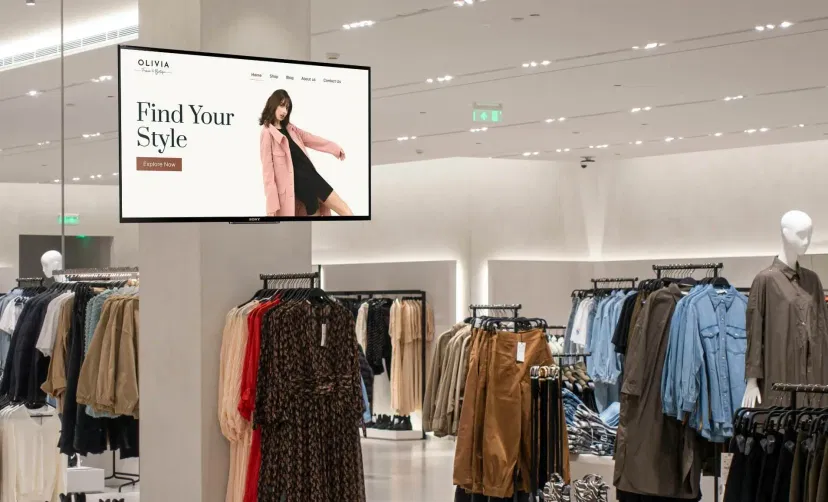
In Multi-brand Retail Stores
Multi-brand retailers selling products of different brands can show the brands' websites to let customers connect with the brand.

In Corporate Offices
When impressing a client, your website may come as a handy supplement. You can display webpages like product pages, or company press releases.
How to add the Web URL app on your digital signage?
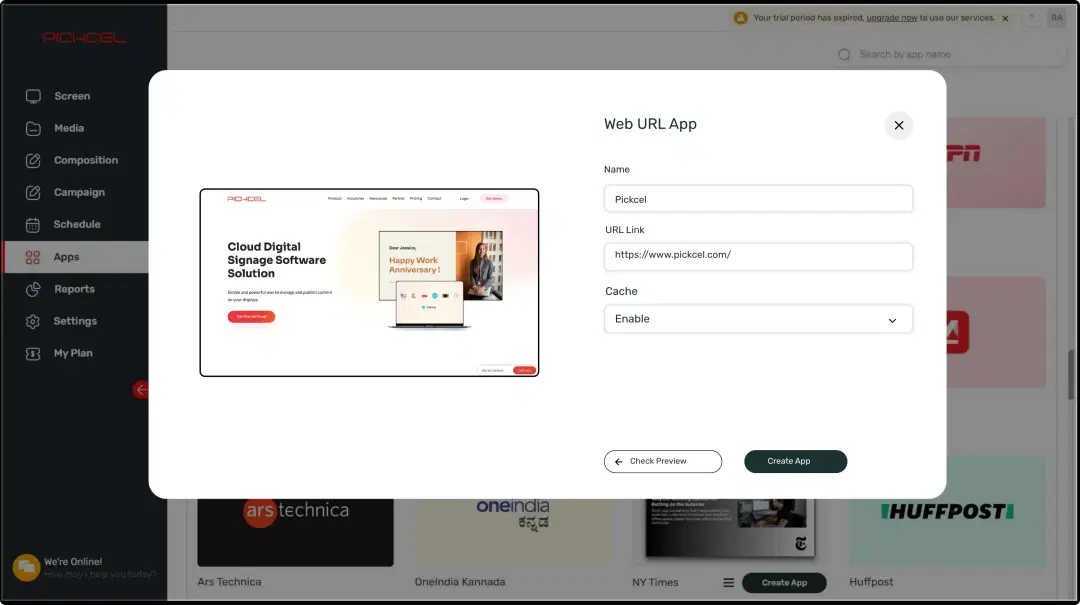
Configure the app from the app store
Set the app name, paste the website link, and add the app to your media.
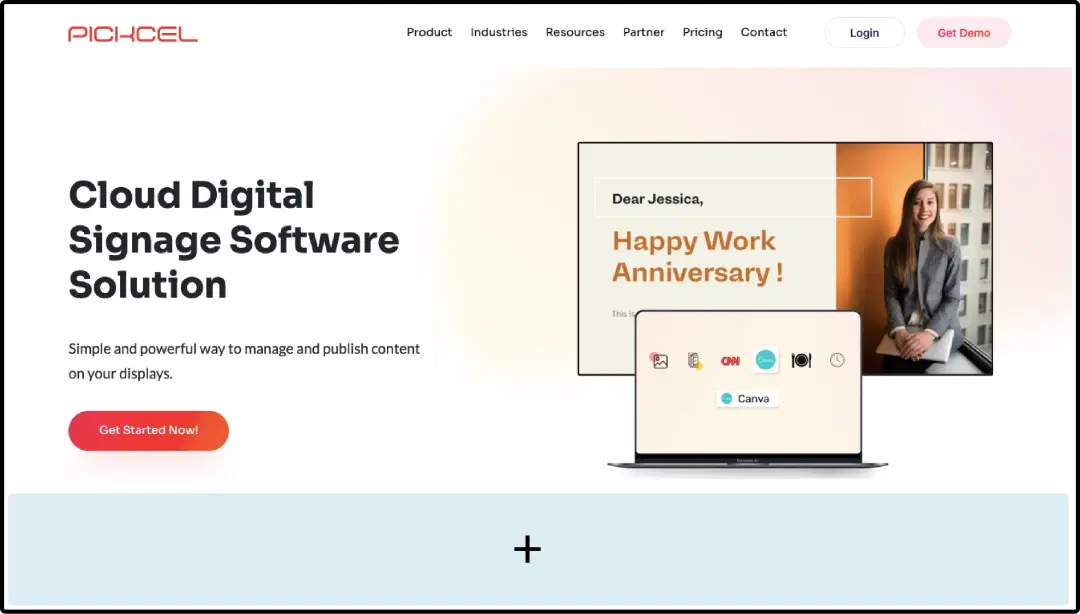
Create a composition
Show the webpages on full-screen. Or create a multi-zone layout to display it along with other content.
Publish the composition
Select the screens and hit publish.
Step-by-step tutorial of adding the Web URL appNeed customized apps? Connect with us.
We are open to all kinds of customization & integration with third-party applications.
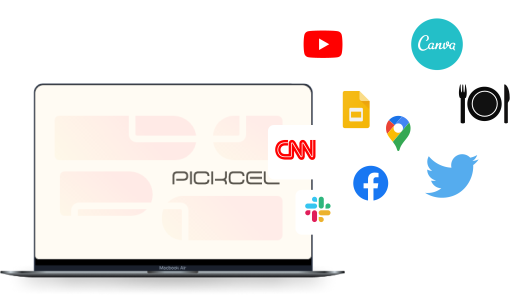
More Pickcel Apps to Complement the Web URL App on your Digital Signage

NYT news app
Show the latest stories from New York Times

Scroller app
Show scrolling text to add trivia

Stock Market App
Display the live stock market updates

AQI App
Enrich your signage with live air quality data