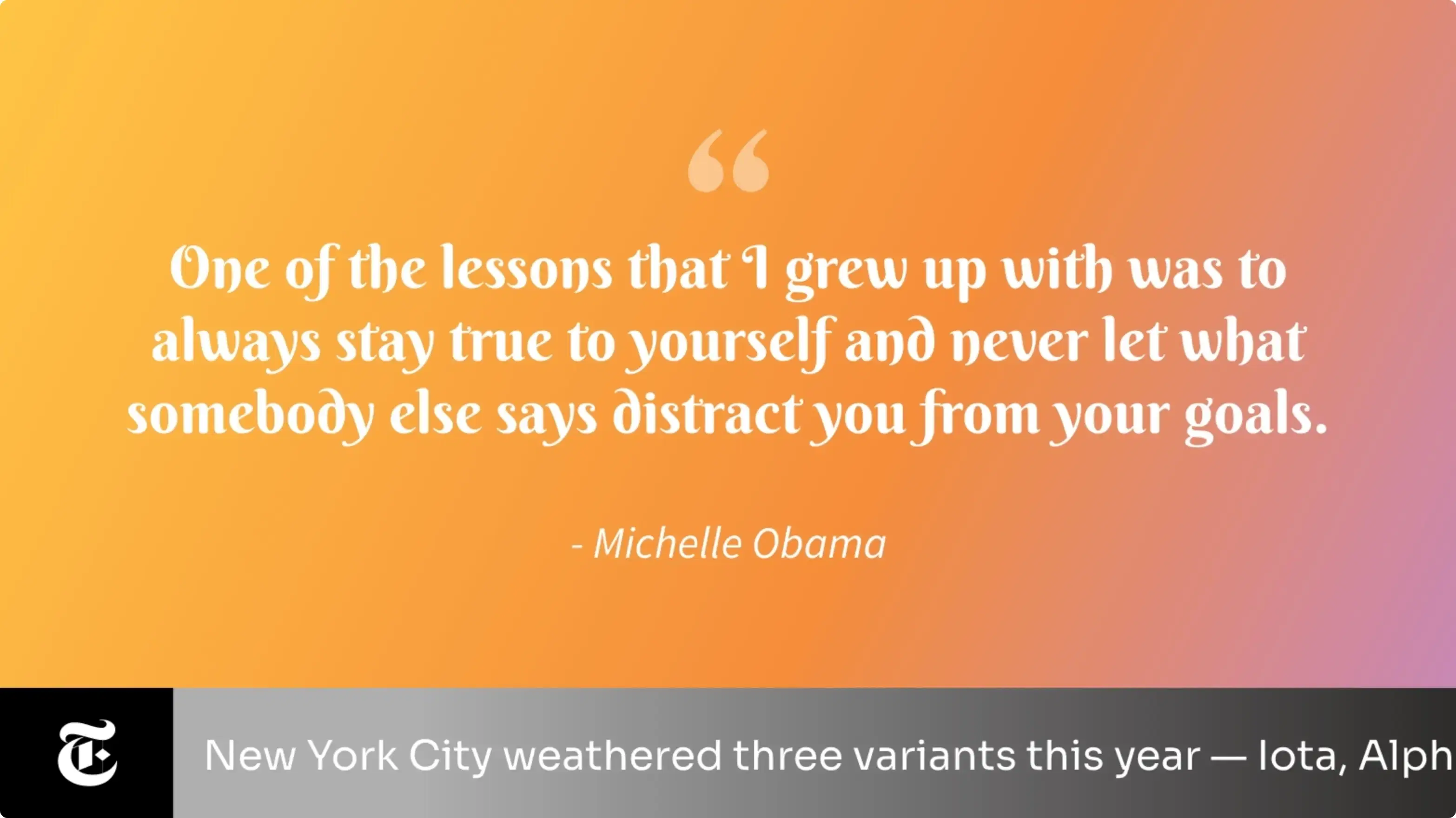
Quotes App
Display motivational quotes on your corporate digital signage software to boost employee morale.
App Features
The Pickcel Quotes app is perfect for any organization that goes the extra mile to rouse & engage its employees. The app is supported on Android, Windows, MacOS and all other digital signage playeroperating systems.
No Extra Effort
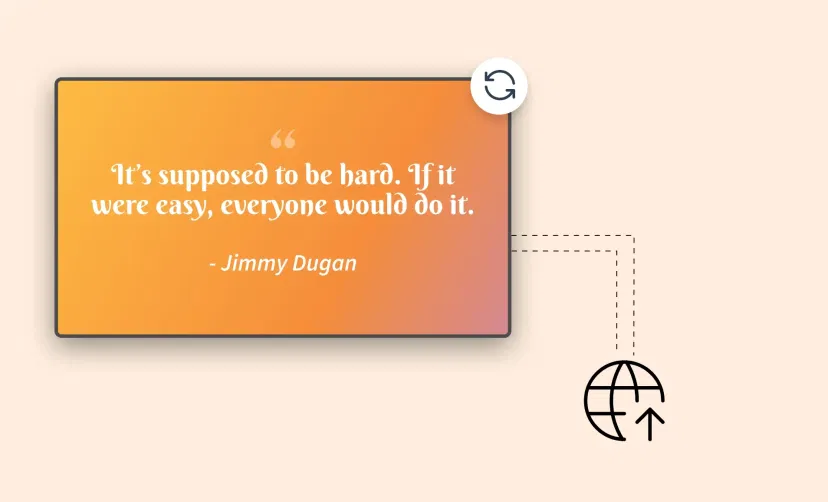
The app doesn't require users to forage the internet for their daily dose of inspiration. Once you configure the app, the quotes are randomly-generated & auto-populated on your screen.
Customize the Presentation
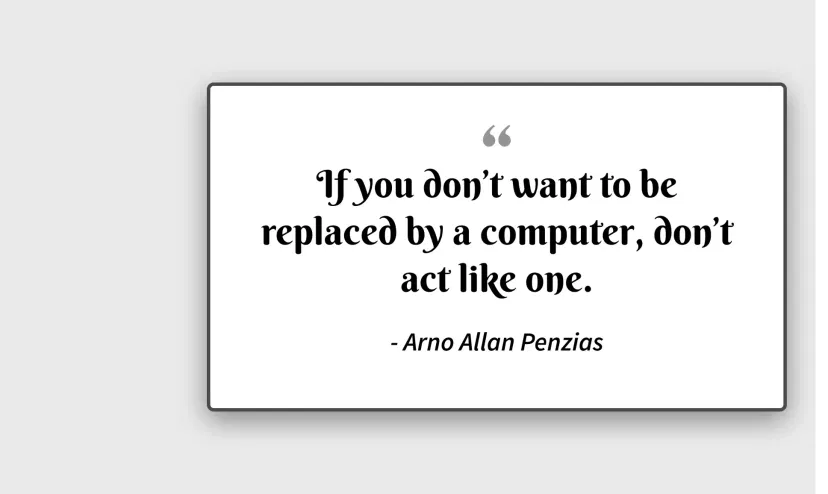
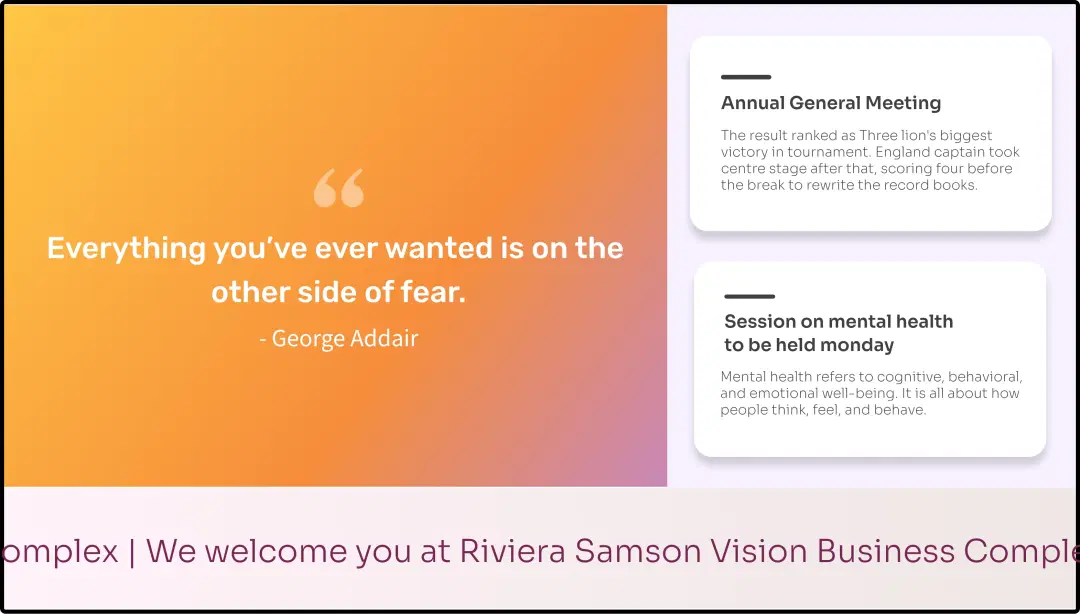
Often, the words aren't enough; the optics are important too. With changeable background colors, fonts & transition speed, you are in full control of presenting the content to your viewers.
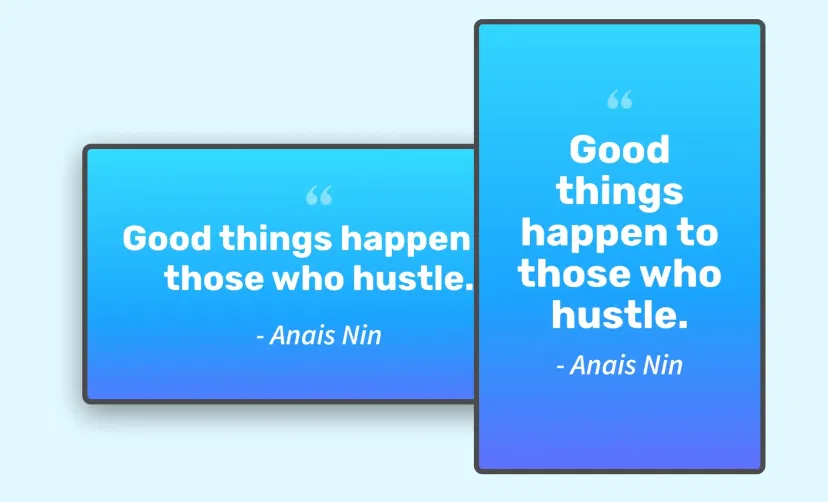
Supported in Any Layout
The Pickcel quote creating application can render the content in correct size & resolution on both horizontal and vertical displays. No manual intervention is required.
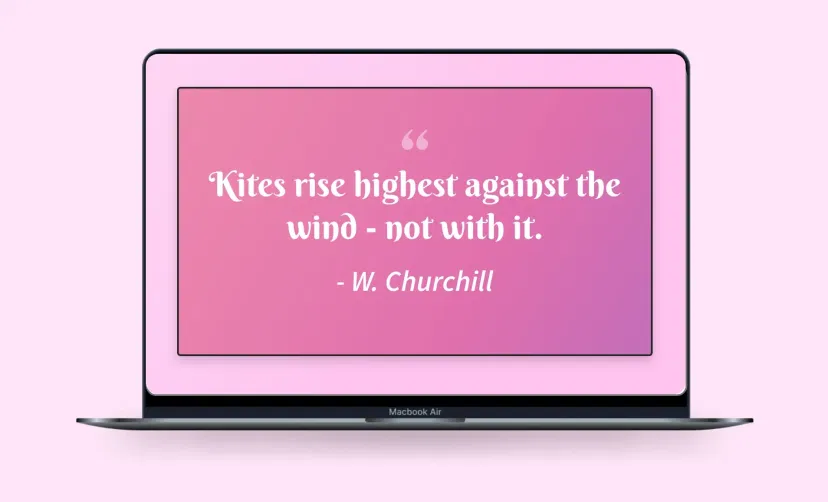
Preview Option
Previewing the content before publishing it on digital signage will ensure that no error slips through your notice. Quick tip: do check the custom color & font combinations on preview.
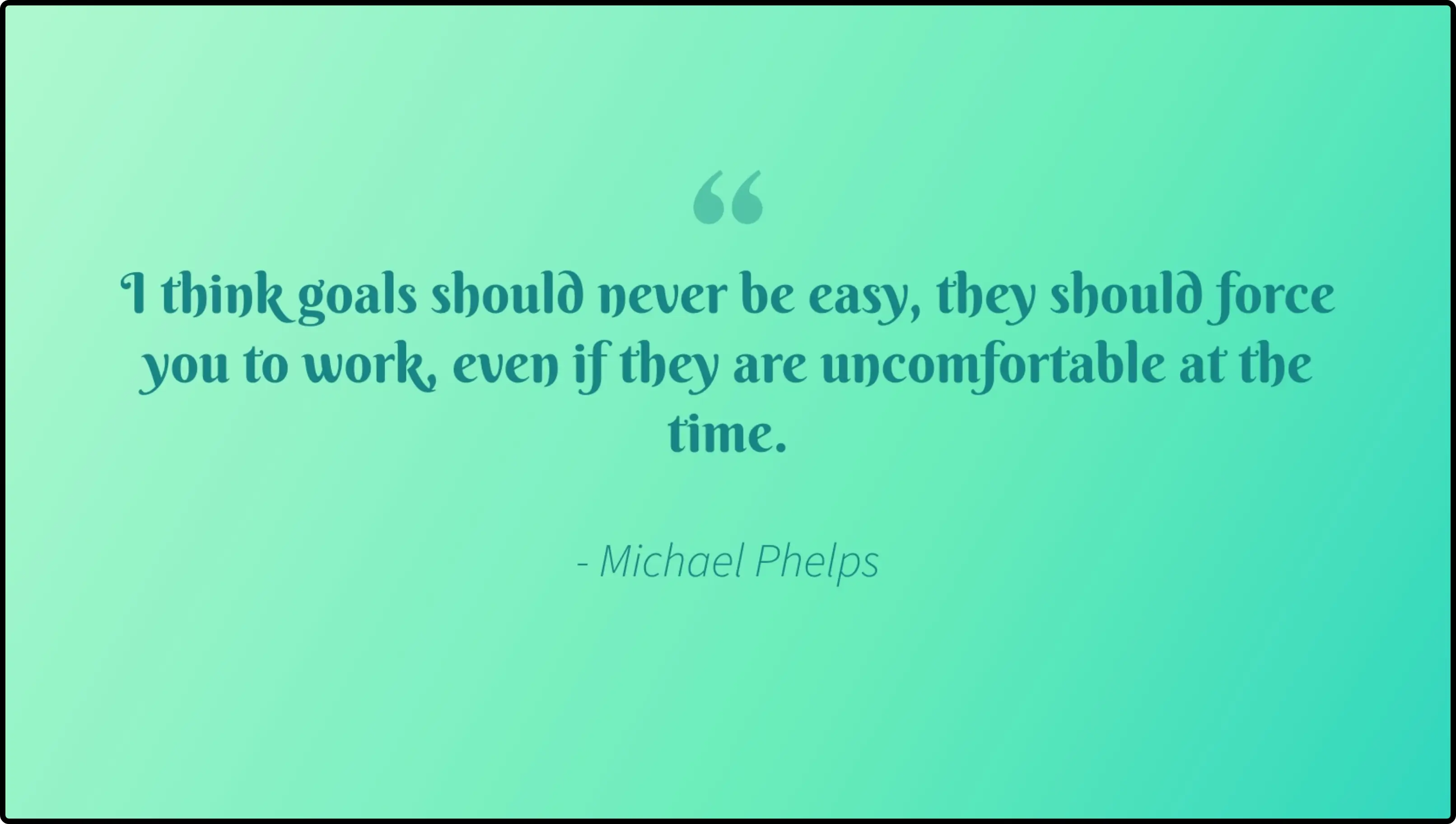
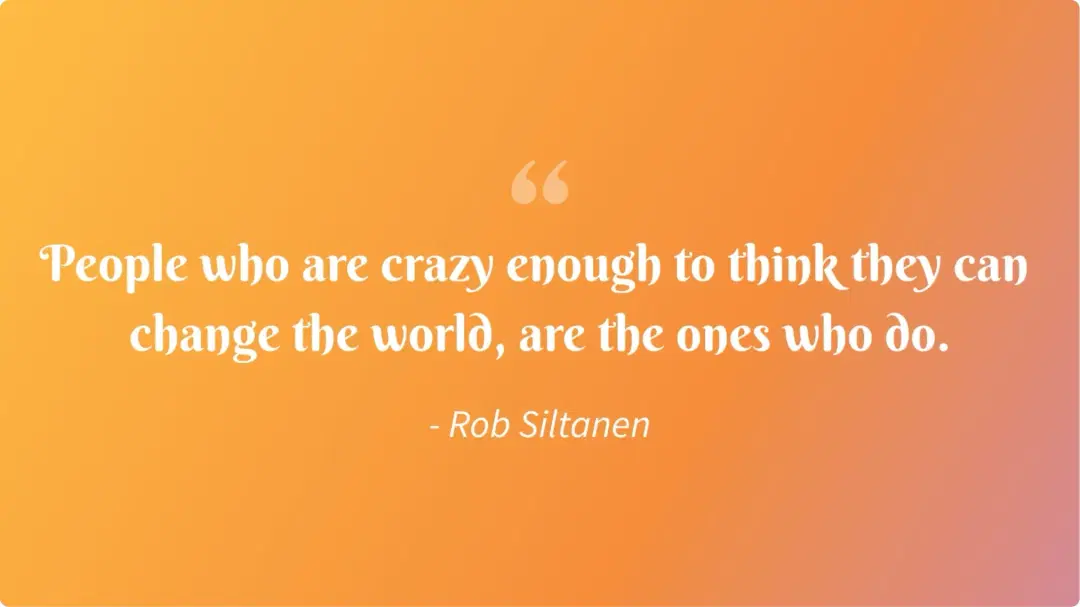
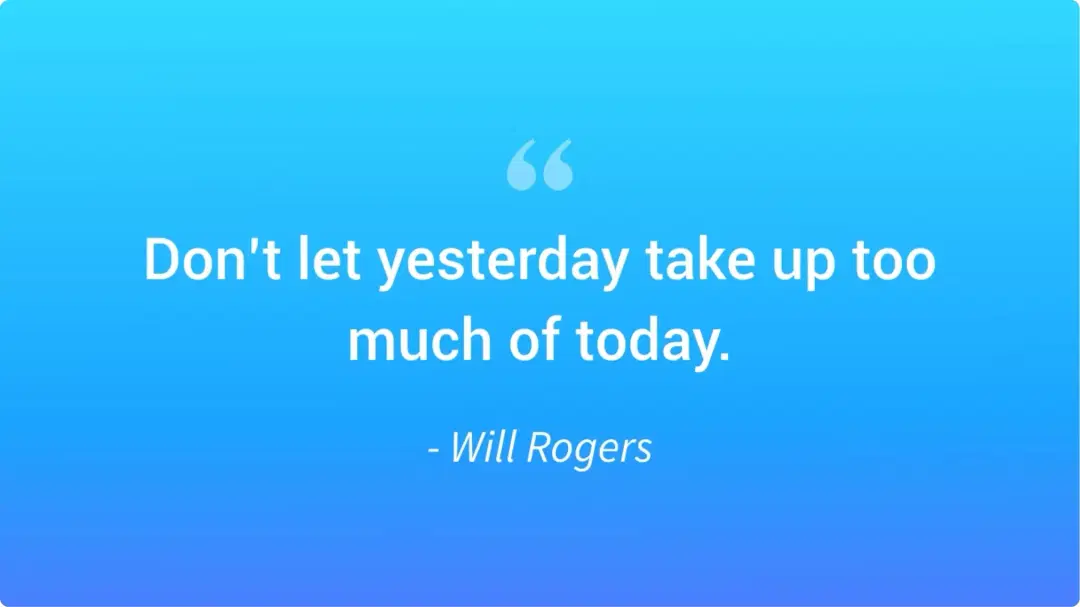
Same App, Different Looks!
Present the daily motivational quotes in multiple styles. Which one is your favorite?

Ready to unlock the Quotes app for your digital signage?

Interesting Use Cases of the Quotes Creator App
We have listed a few. The sky is the limit for you!
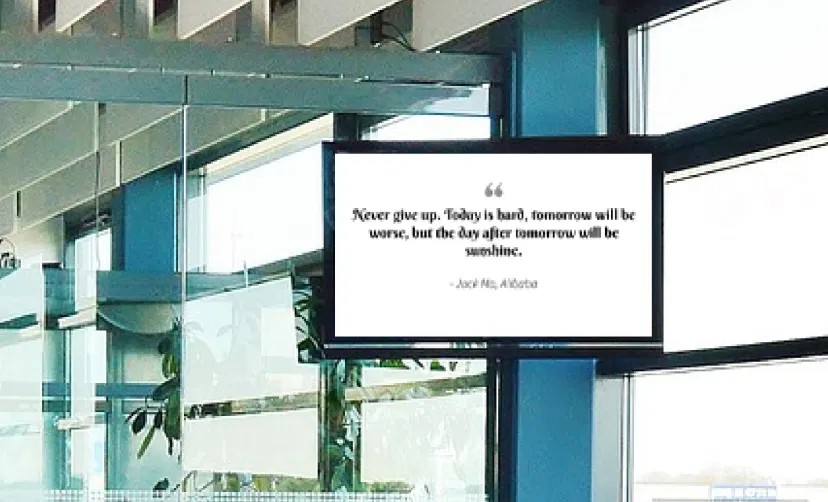
Outside Interview Rooms
Job interviews can be daunting, especially for the freshers. At such moments, simple 'You can do it' works like magic. It also shows that your organization is a people-centric space.
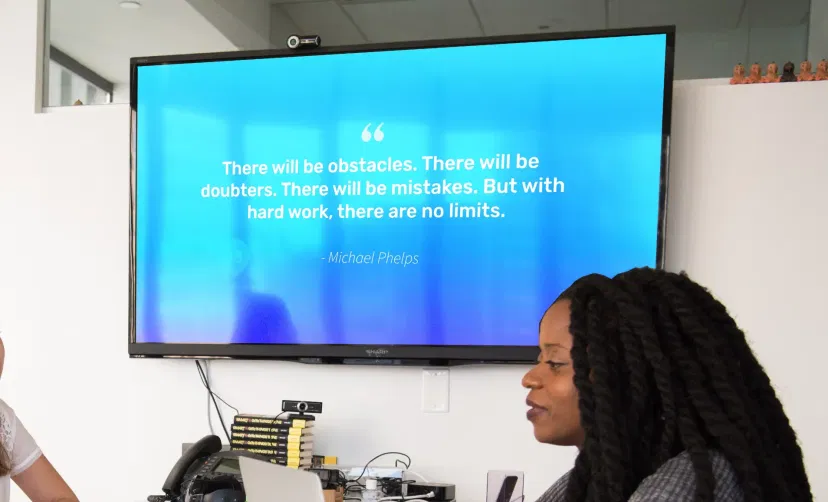
At Pitch Fests
Who needs a little rush of adrenaline before pitching their idea to investors or bosses? Everyone! Event organizers can use the Quotes app to show a flurry of inspirational messages before the final get, set, go.
How to add the Quotes app on your digital signage?
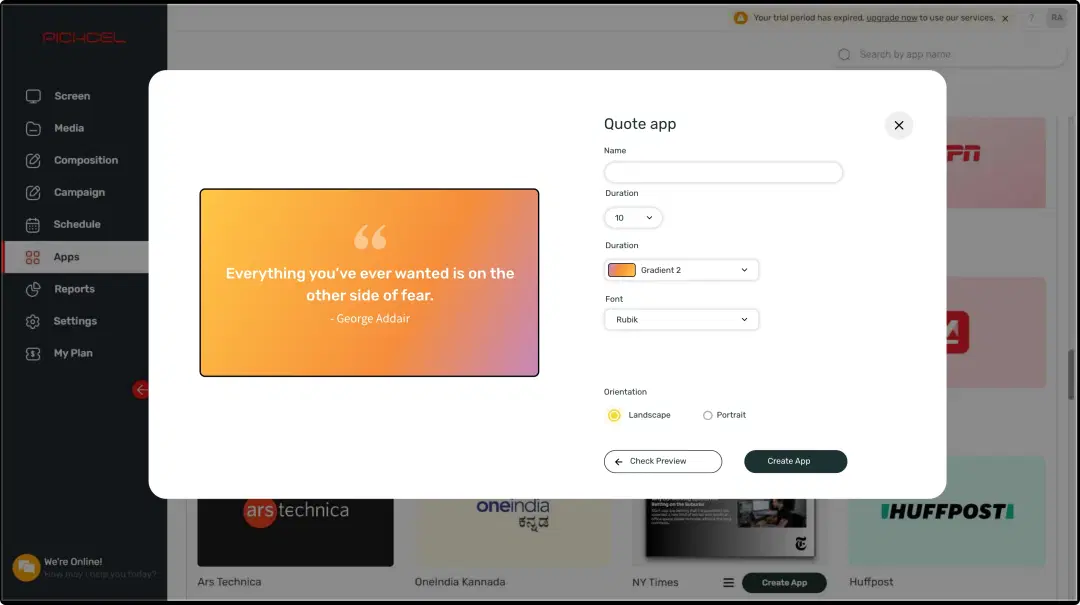
Configure the app from the app store
Set the app name, customize the aesthetics, preview, and add the app to your media.
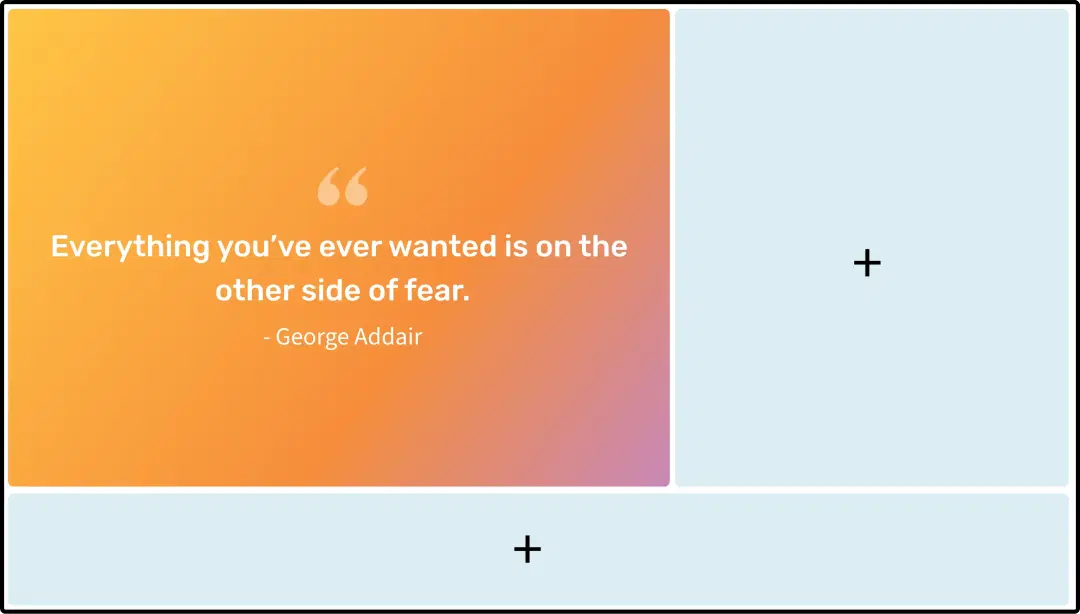
Create a composition
Dedicate the full screen space for your quotes. Or create a multi-zone layout to display it along with other content.
Publish the composition
Preview to make any necessary tweaks, select the screens and hit publish.
Step-by-step tutorial of adding the Quotes creator applicationNeed customized apps? Connect with us.
We are open to all kinds of customization & integration with third-party applications.
More Pickcel Apps to Complement the Quotes App on your Digital Signage

NYT news app
Show the latest stories from New York Times

Slack app
Show the Slack messages on your screen

Stock Market App
Display the live stock market updates

AQI App
Enrich your signage with live air quality data