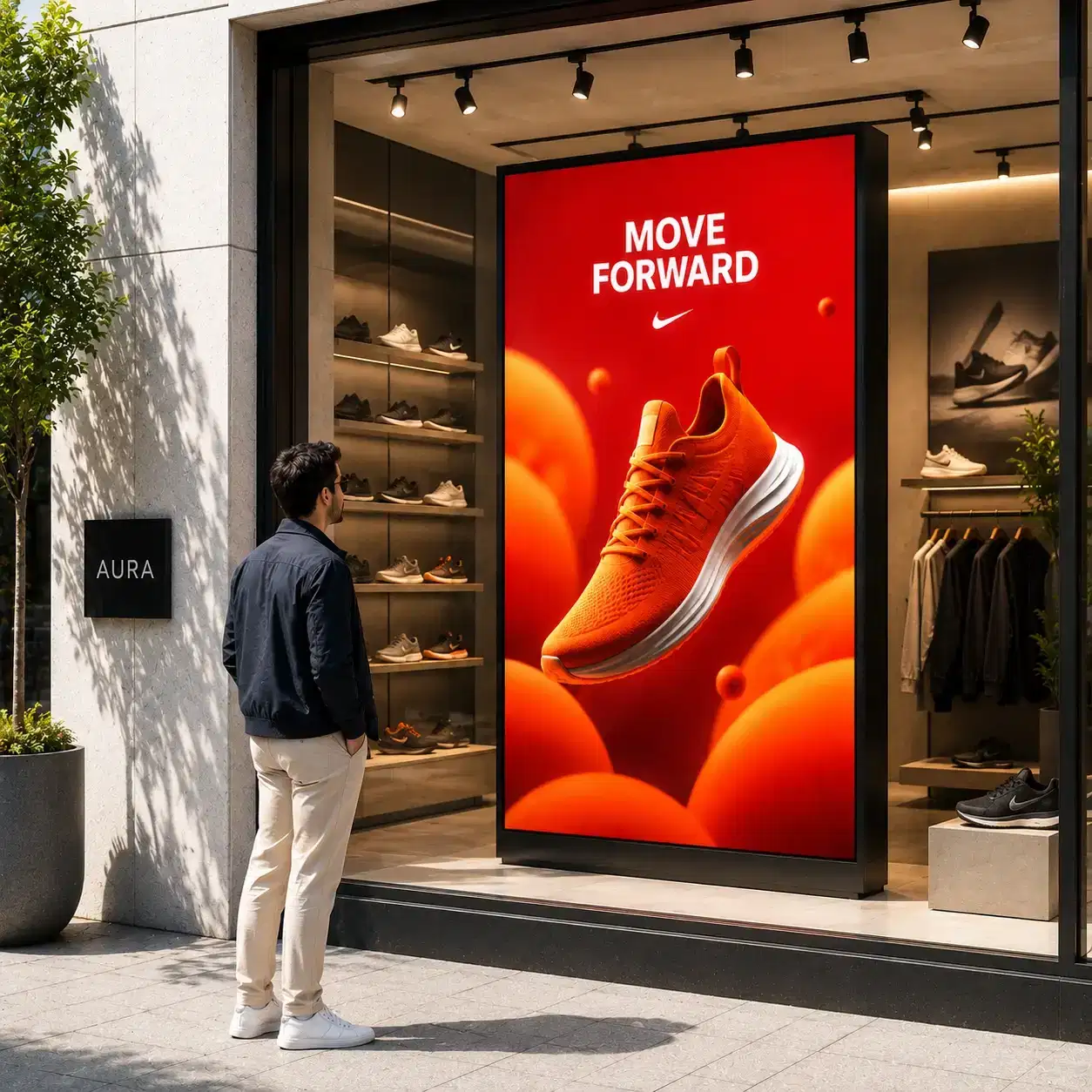
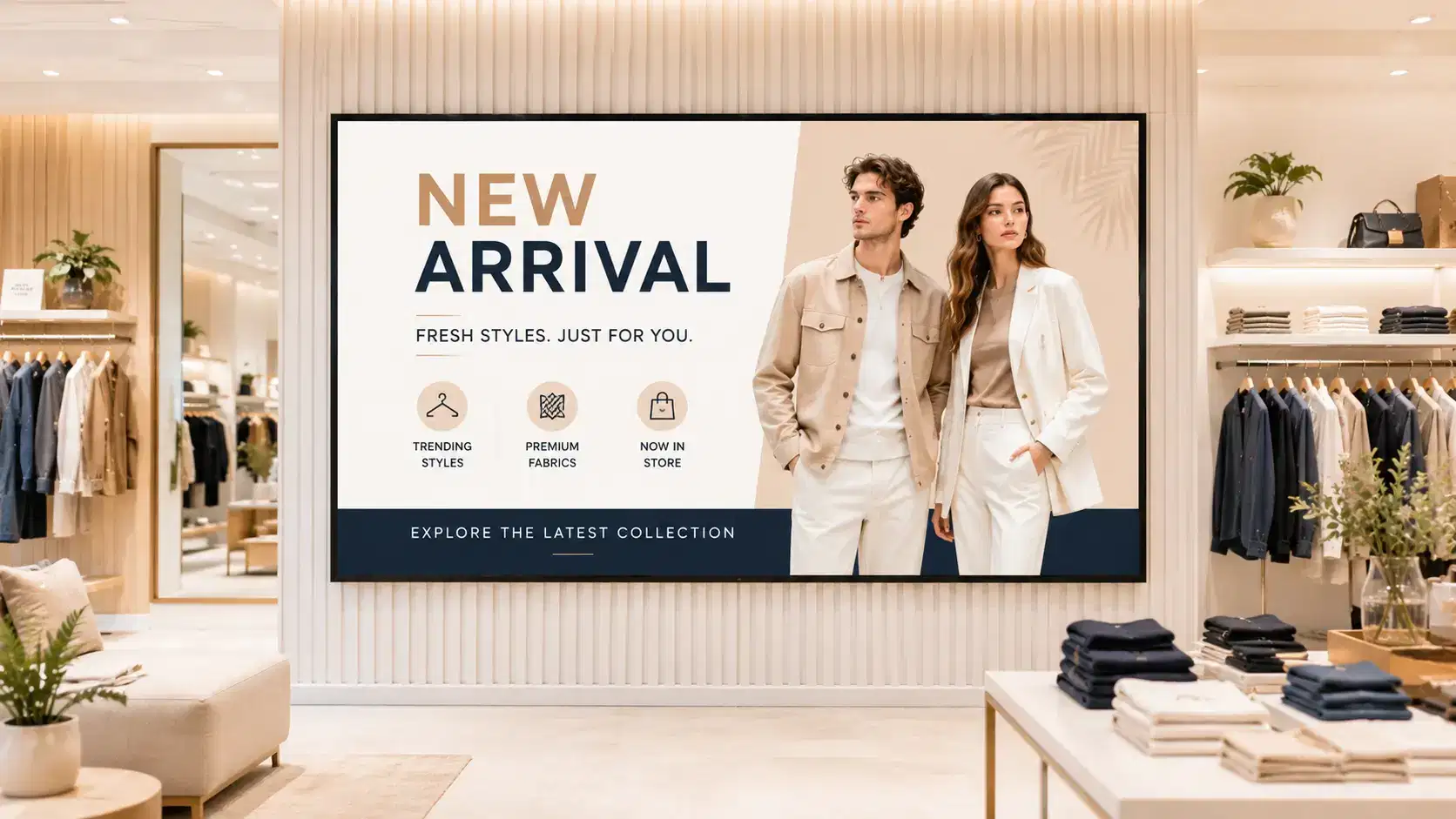
Window content only changes when someone visits the store
First, content goes stale between campaigns because updating a physical sign takes a trip to the store.
Pickcel manages the content on your window-facing displays remotely, so promotions, new arrivals, and seasonal campaigns change on schedule without anyone printing or swapping a physical sign.

Trusted by multi-location retail teams





A digital window display only earns its space if the content on it changes as often as the store's promotions do. Most retail teams still update window signage by hand: a visual merchandiser prints a new poster, drives or walks to each location, and swaps it out. Pickcel replaces that cycle with software. Store and marketing managers build a schedule once, and Pickcel pushes it to every window-facing screen at the assigned time, whether that is one storefront or two hundred.
Pickcel manages the content on your window-facing displays remotely, so promotions, new arrivals, and seasonal campaigns change on schedule without anyone printing or swapping a physical sign.
Remote
campaigns push to every window-facing screen on schedule
Daylight
layouts built for sidewalk reading, not the sales floor
Multi-store
one dashboard for one storefront or two hundred
Retail teams running window displays hit the same three walls, whichever category they sell in.
First, content goes stale between campaigns because updating a physical sign takes a trip to the store.
Second, nobody at head office can see what is actually playing on a given storefront's window right now, so a promotion can run days past its end date without anyone noticing.
Third, a display that looks fine on an indoor showroom monitor often washes out completely once it faces outward into daylight, which turns a signage investment into a blank window during business hours.
Pickcel addresses each one directly.
From a scheduled campaign to a screen a shopper reads from the sidewalk.
Promotions, new arrivals, seasonal campaigns
Scheduling engine and central dashboard
One storefront or two hundred, daylight-readable
Reading the window from the sidewalk, in daylight
Nothing here is a generic indoor signage pitch retrofitted for windows.
Window content only changes when someone visits the store

How Pickcel handles it
Cloud scheduling pushes new content to every window screen automatically at a set time
What you get
Campaigns start and end on the date you picked, with zero site visits
No visibility into what is actually playing on a given storefront window
How Pickcel handles it
A central dashboard shows live status and current playlist for every screen, remotely
What you get
Head office confirms every window is on-brand without a store visit
Indoor-grade displays wash out in daylight or direct sun
How Pickcel handles it
Content and layout guidance built for outward-facing brightness, paired with daylight-readable hardware
What you get
A window display that stays legible from the sidewalk, not just from inside
| Problem you have today | How Pickcel handles it | What you get |
|---|---|---|
| Window content only changes when someone visits the store | Cloud scheduling pushes new content to every window screen automatically at a set time | Campaigns start and end on the date you picked, with zero site visits |
| No visibility into what is actually playing on a given storefront window | A central dashboard shows live status and current playlist for every screen, remotely | Head office confirms every window is on-brand without a store visit |
| Indoor-grade displays wash out in daylight or direct sun | Content and layout guidance built for outward-facing brightness, paired with daylight-readable hardware | A window display that stays legible from the sidewalk, not just from inside |
The scheduling engine, the remote dashboard, and the layout guidance below are built around a screen that faces the street, not the sales floor.
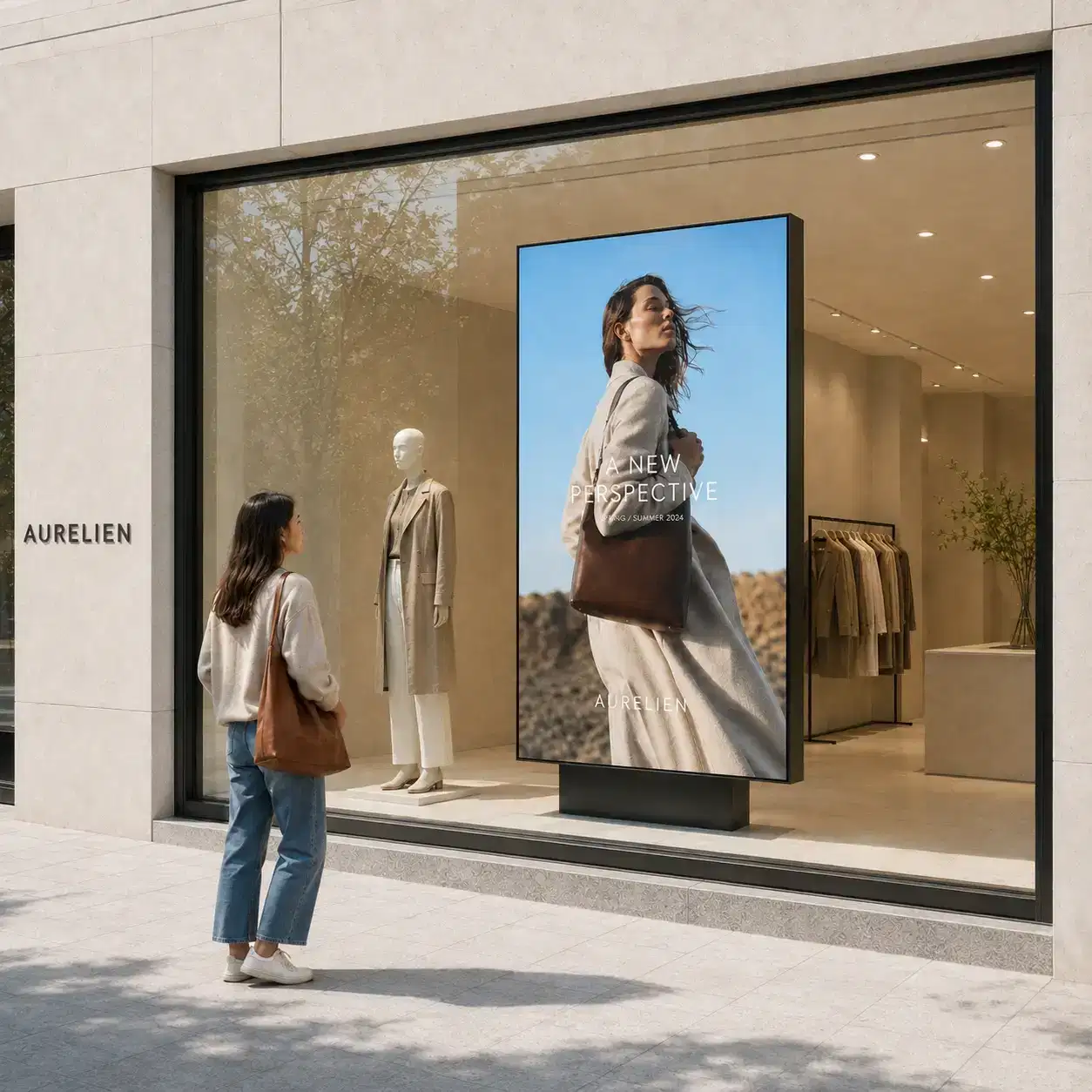
A window display is read from outside, in changing light, by someone walking past at a normal pace, and that changes what "good content" means.
Pickcel's content tools support this in two ways. The scheduling and playlist engine works with any display brightness rating, so a store can run a daylight-readable panel without changing how content gets built or pushed. And Pickcel's design guidance for window-facing layouts favors high-contrast color blocks, larger type, and shorter on-screen dwell times than an indoor menu board or lobby display would use, because a passerby has seconds, not minutes, to read the message.
The hardware side of daylight readability, brightness ratings measured in nits, anti-glare treatments, sunlight-readable panel types, is a display specification question, not a content management one. Which daylight-readable displays are supported is covered in the Compatible Hardware section below; this page focuses on getting the right content onto whichever compatible screen you choose.
For a store considering the switch, the honest answer to "will this work in daylight" is: the software will run the content correctly on any display you install, but the display itself needs a brightness rating built for outward-facing placement. Getting that pairing right the first time avoids a rebuild in your second month.
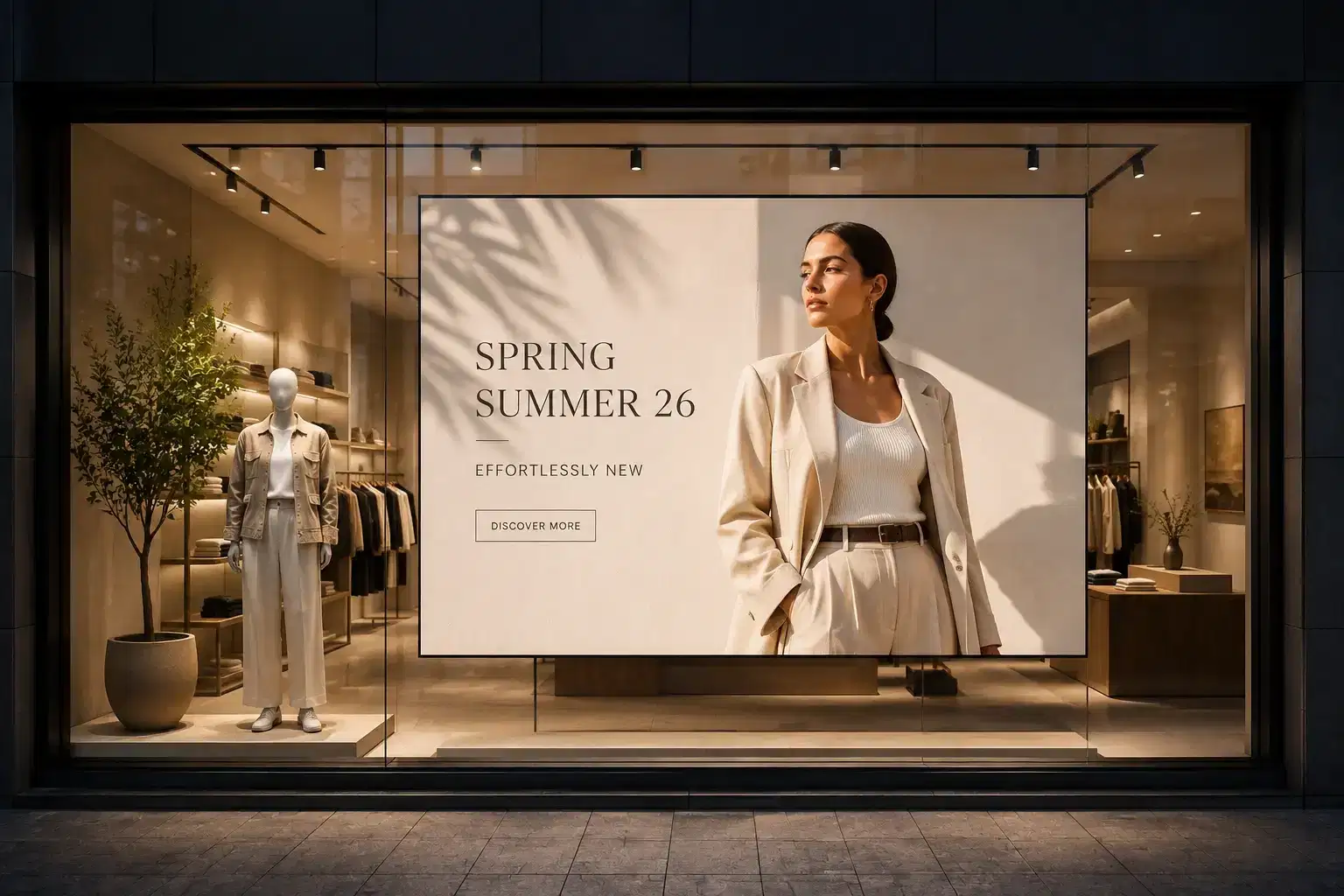
The daily work of a window display is scheduling: deciding what runs when. A store's window content changes for a new arrival drop, a weekend promotion, a holiday campaign, or a clearance push, often on a calendar set weeks in advance by a marketing team that does not visit the store.
Pickcel lets a marketing manager build that entire calendar in one sitting: a promotion queued for Friday morning, a seasonal swap for the following Monday, a clearance banner set to expire automatically at the end of the sale. Nobody has to remember to take content down manually or drive to a location to change a sign. Store managers keep local override permissions for time-sensitive changes, like pulling a sold-out product from rotation, without needing to touch the master calendar.
Setup itself does not require a new team or a new workflow. A retailer connects existing content, images, video, promotional graphics, to Pickcel's cloud dashboard, assigns it to the relevant window screens by location, and sets the schedule. Most single-location stores are running their first scheduled campaign within a day; multi-location rollouts typically take longer only because of the physical install of daylight-readable hardware, not the software configuration.
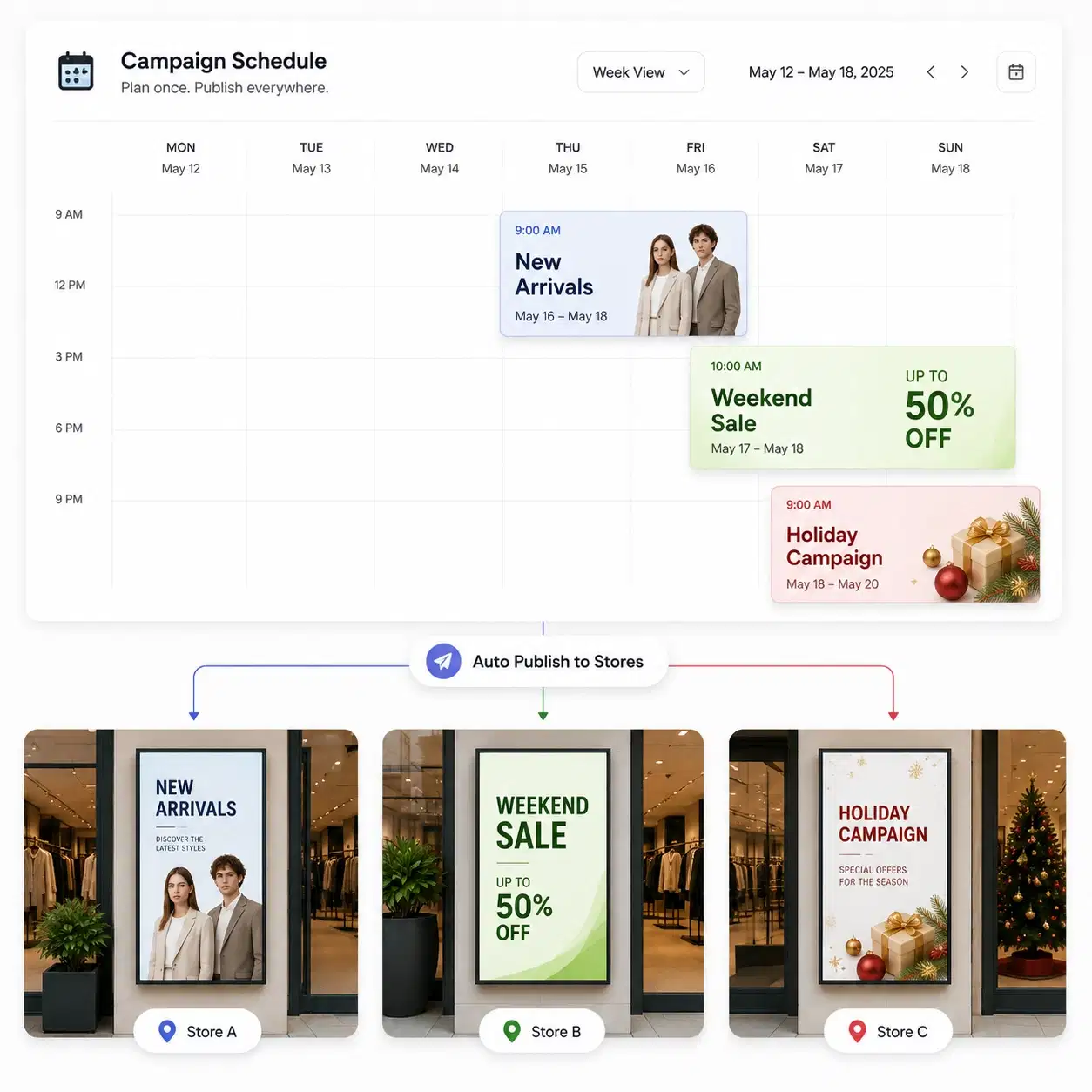
A single storefront window is straightforward to manage by hand. Ten, fifty, or two hundred storefronts are not, and this is where most manual approaches to window signage break down entirely.
Pickcel's dashboard groups storefronts by region, format, or campaign group, so a retail chain can push one seasonal campaign to every location at once, or run a regional promotion to a subset of stores while the rest continue their standard rotation. A national retailer running a holiday campaign, for example, schedules the swap once and it lands on every assigned window at the same time, rather than depending on two hundred individual store visits happening on schedule.
Role-based access keeps this controllable at scale: head office owns the master campaign calendar, regional managers can adjust within their assigned stores, and individual store staff get local override only where the brief allows it. That structure is what turns "we have window displays in 150 stores" from a coordination problem into a single dashboard.
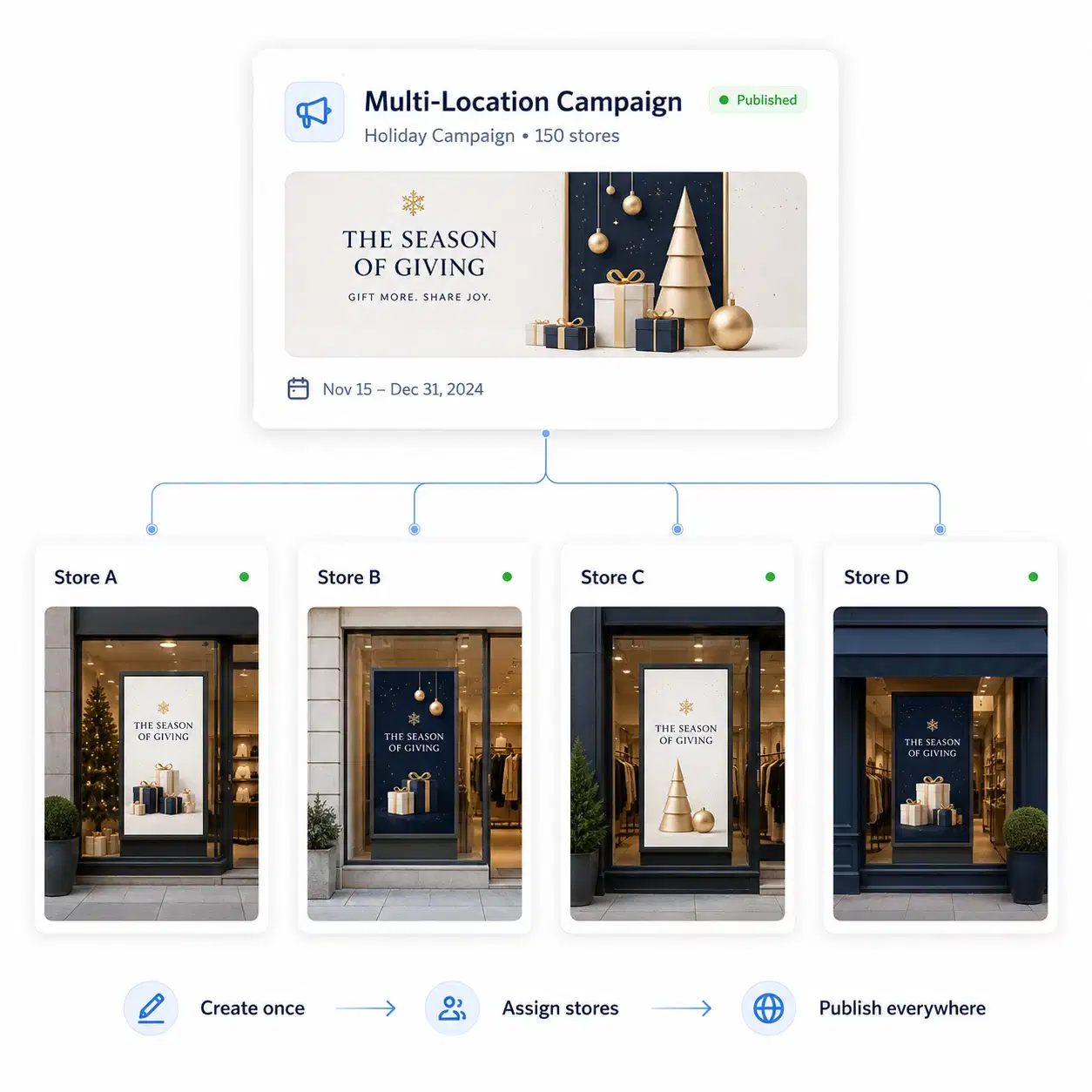
See a daylight-readable window display running live campaigns in a 20-minute walkthrough.
Pickcel's software runs on more than 50 display types, including daylight-readable and high-brightness panels built for outward-facing placement. The right panel for a window depends on the store's window orientation, direct sun exposure, and typical foot traffic patterns outside, which is a hardware sizing conversation more than a software one.
Full specifications, supported brightness ratings, and recommended daylight-readable models are covered on the hardware compatibility page. Bring your window's dimensions and orientation to a demo call and Pickcel's team will help match a display before you commit to content strategy.






A multi-location fashion retailer moving from printed window posters to Pickcel typically starts with one use case: getting a new-arrival campaign onto every storefront window on the same morning, instead of staggering it over a week as regional teams get around to swapping posters by hand. Once that first campaign runs cleanly, most teams add a second layer fast, scheduling clearance and seasonal swaps weeks in advance so nobody has to remember to pull a promotion down after it ends.
Pickcel is SOC 2 Type II and ISO 27001 certified, and runs on more than 150,000 screens across 9,000-plus businesses in 70-plus countries, with 99.99% uptime. For a retail IT team, that means window display management sits on the same secure, audited infrastructure as the rest of the store's digital signage software, not a separate system with its own risk profile.