Store and mall launches
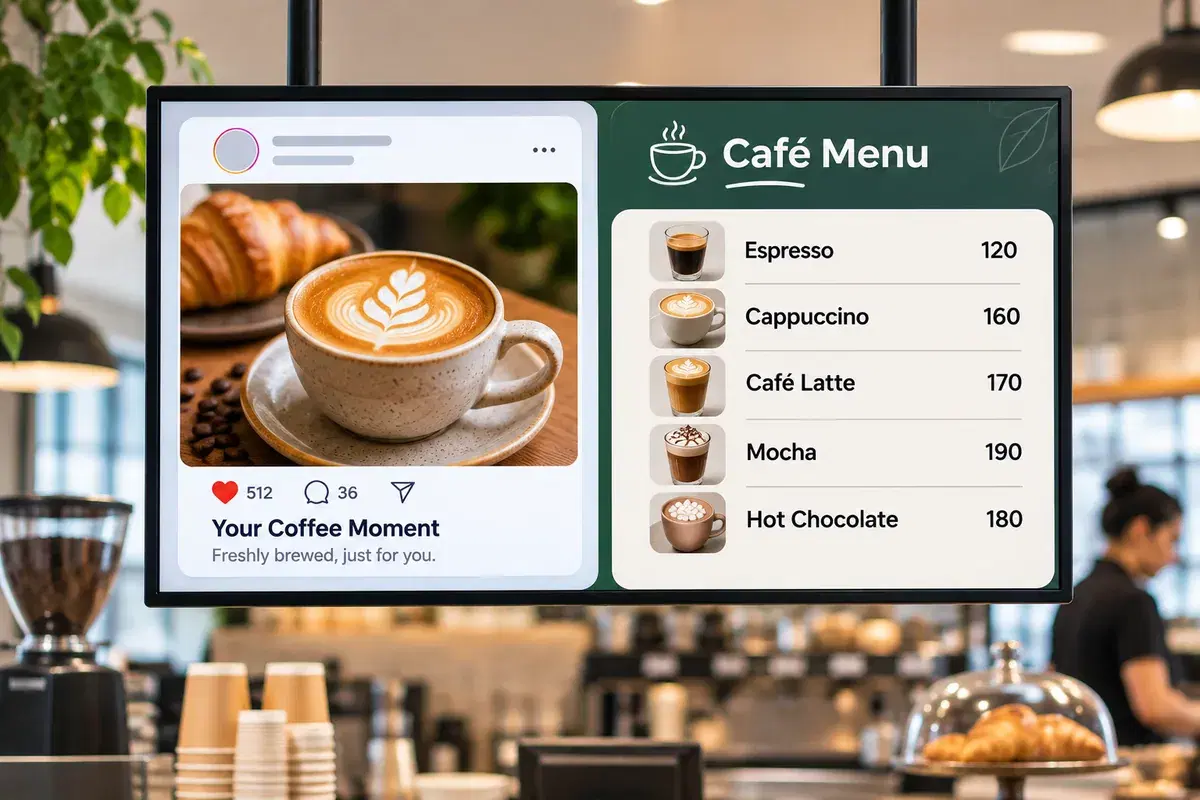
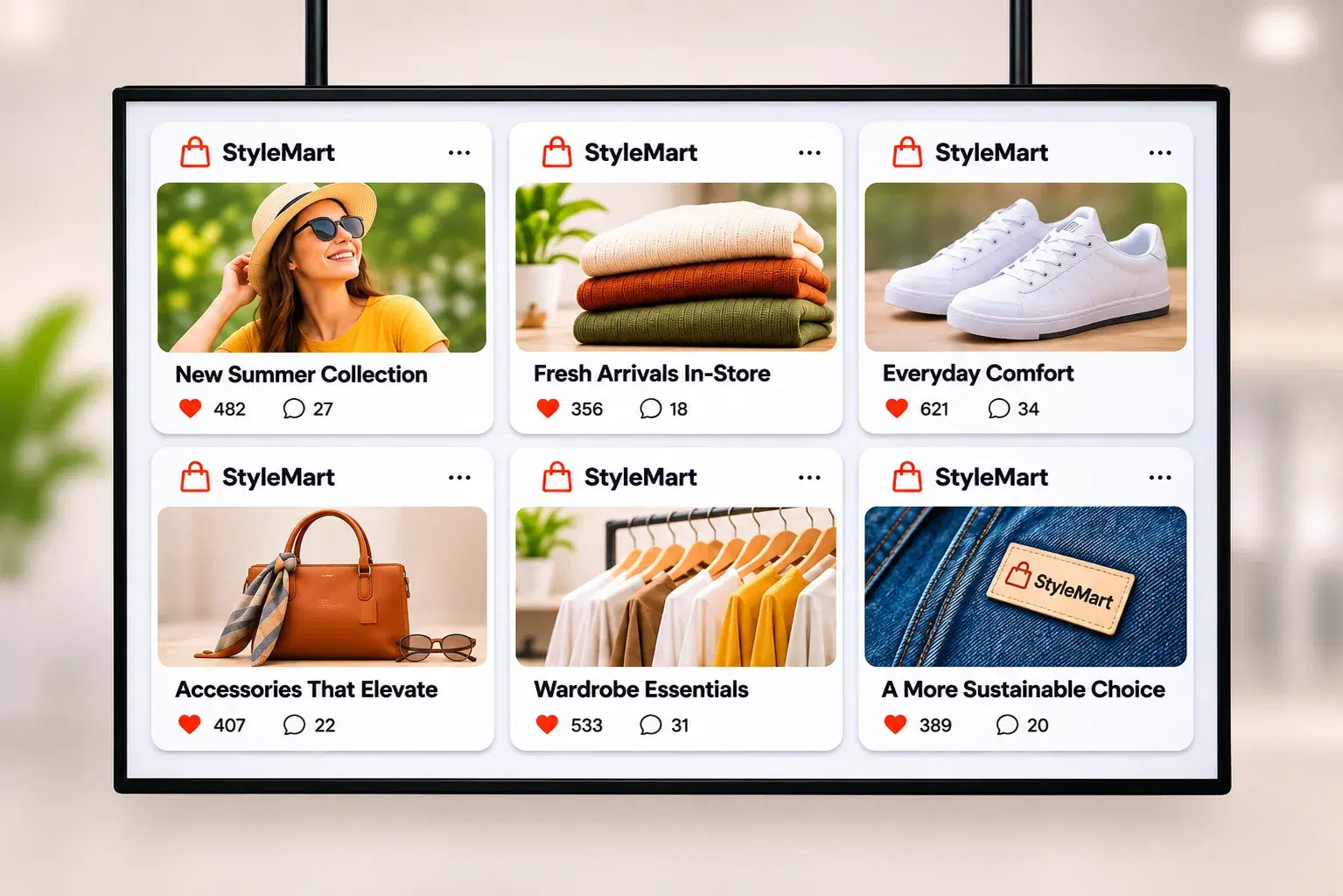
A retail brand posts a new collection on Instagram, and the same posts rotate on its store screens and a mall video wall. Nobody exports images or rebuilds a playlist.
Put your brand's Instagram and Facebook posts on store screens, choose which ones play, and schedule the wall like any other content.




What it is
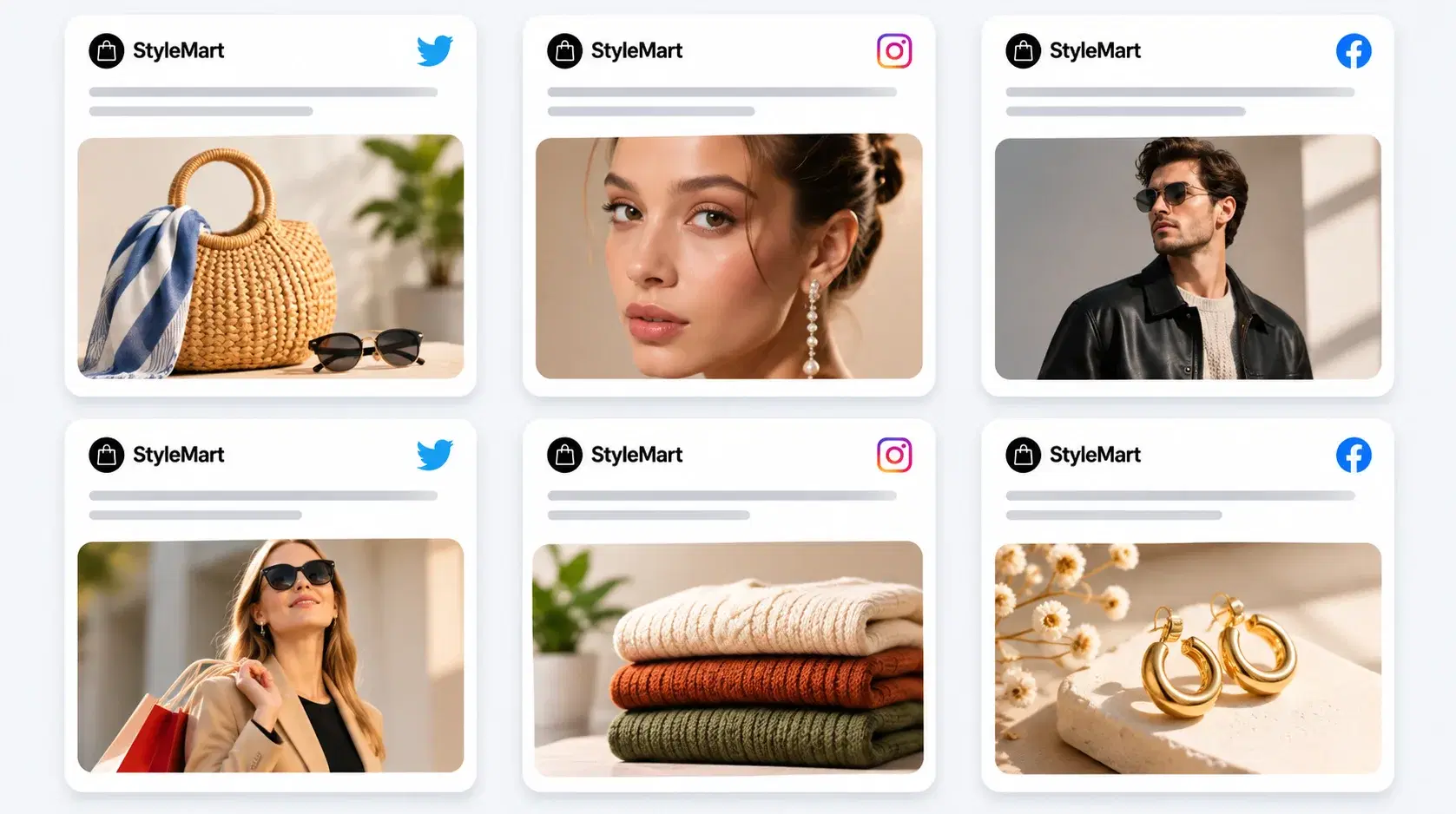
Pickcel's Social Wall is an app in Pickcel's digital signage software that combines posts from your brand's own Facebook page and Instagram account into one rotating wall on screen. It is social media digital signage without a second tool to pay for: the wall sits in your Media library, goes into a layout and is scheduled to screen groups like any other content. Posts come only from the accounts you connect, never from hashtags or strangers.
Setup
A first wall takes four steps in the Pickcel console, all from the Apps module.
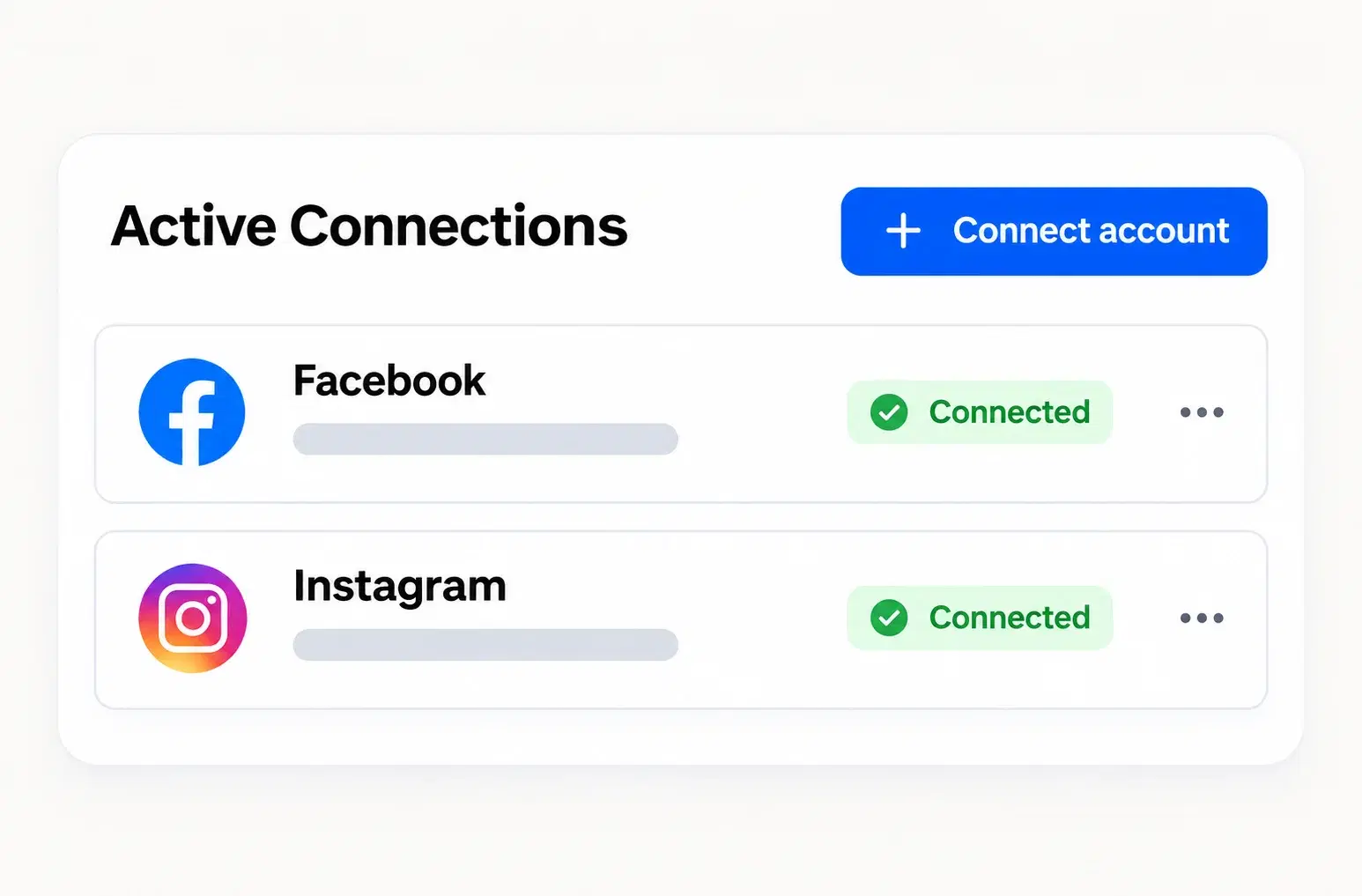
Create a Social Wall, then connect the Facebook page and the Instagram account it should pull posts from.
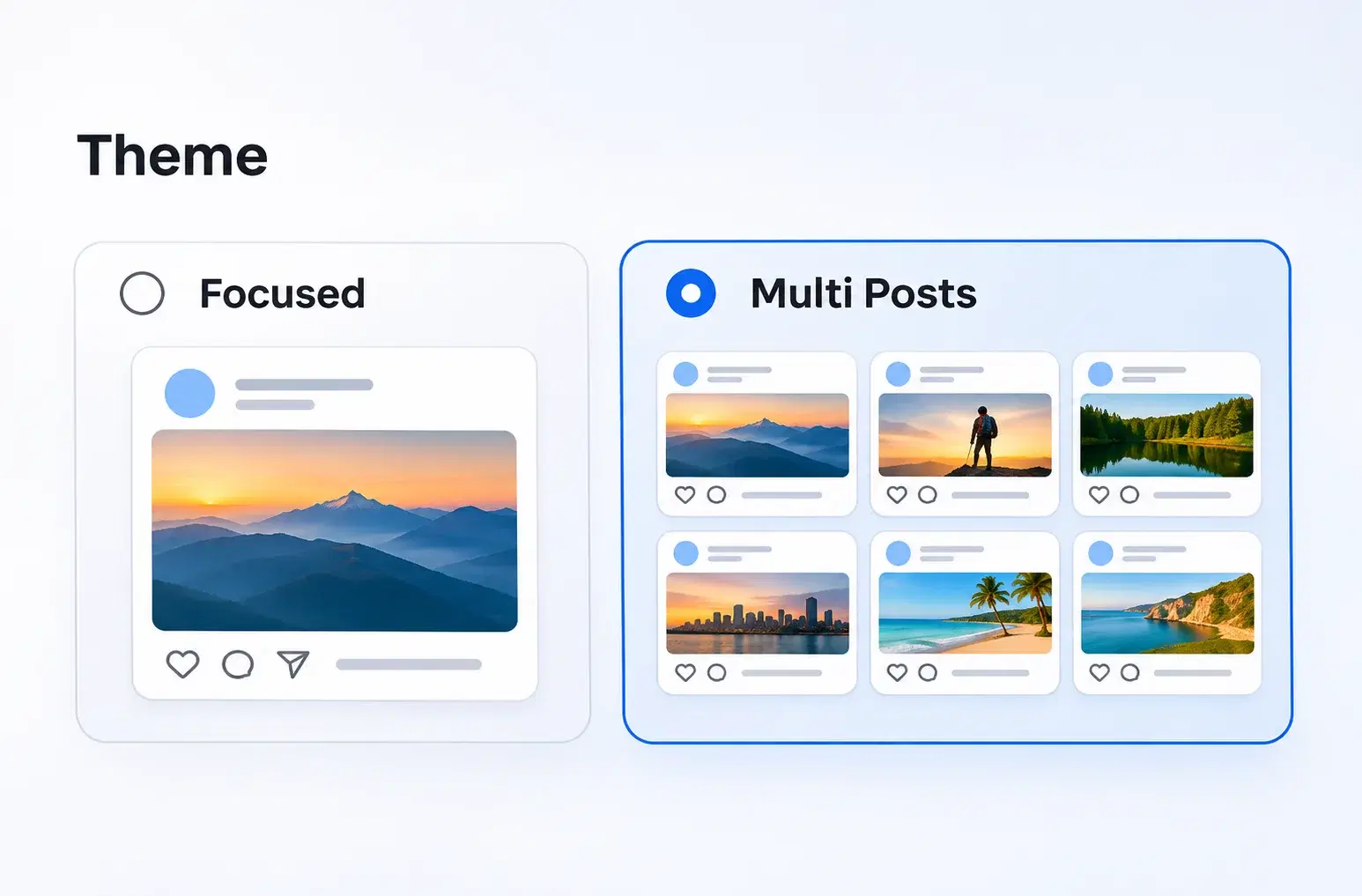
Choose how posts are laid out and how many seconds each one stays on screen.
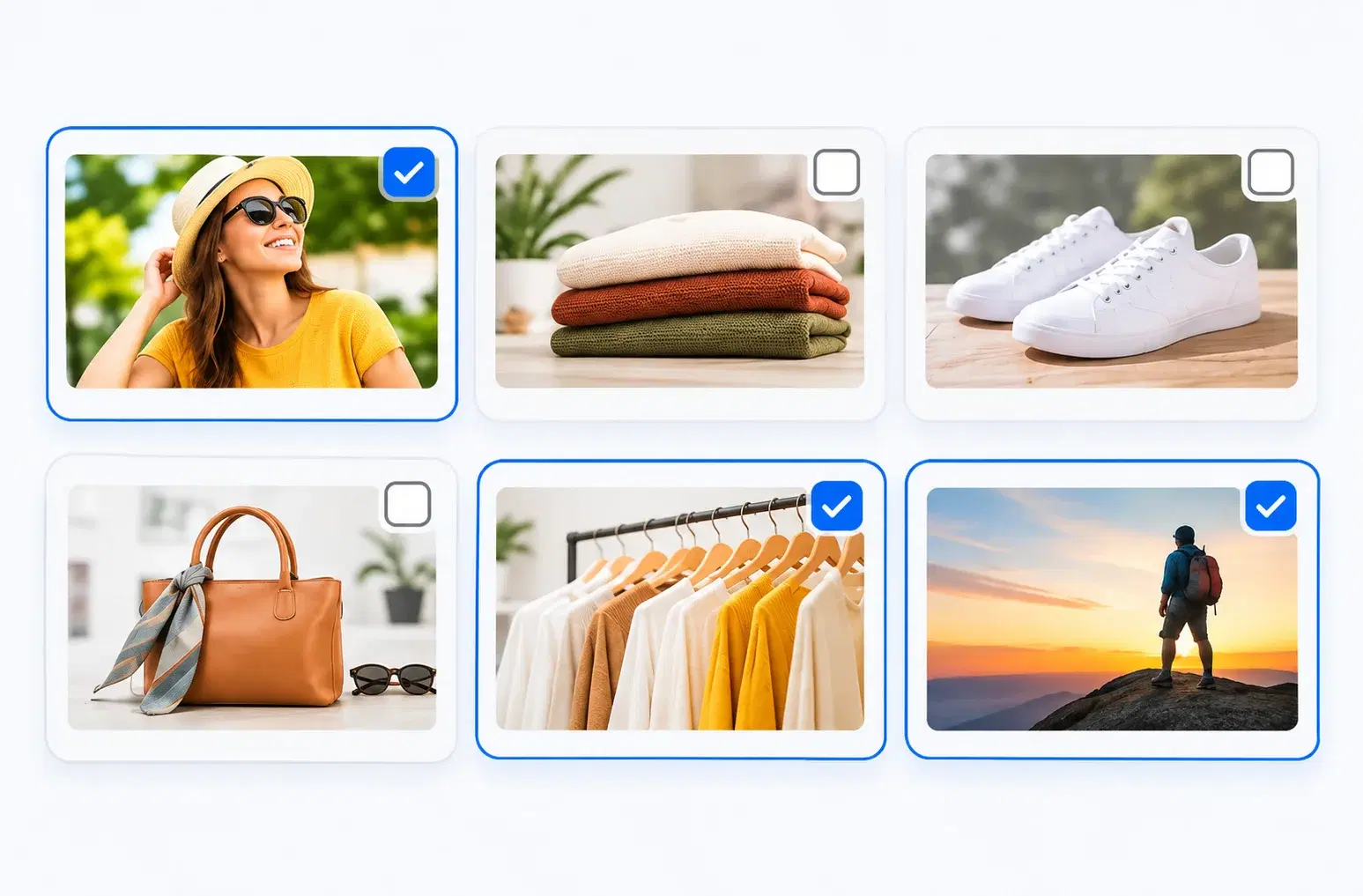
Every recent post plays by default. Turn on moderation and only the posts you select appear, so a post written for Instagram that would look wrong on a store wall stays off it.
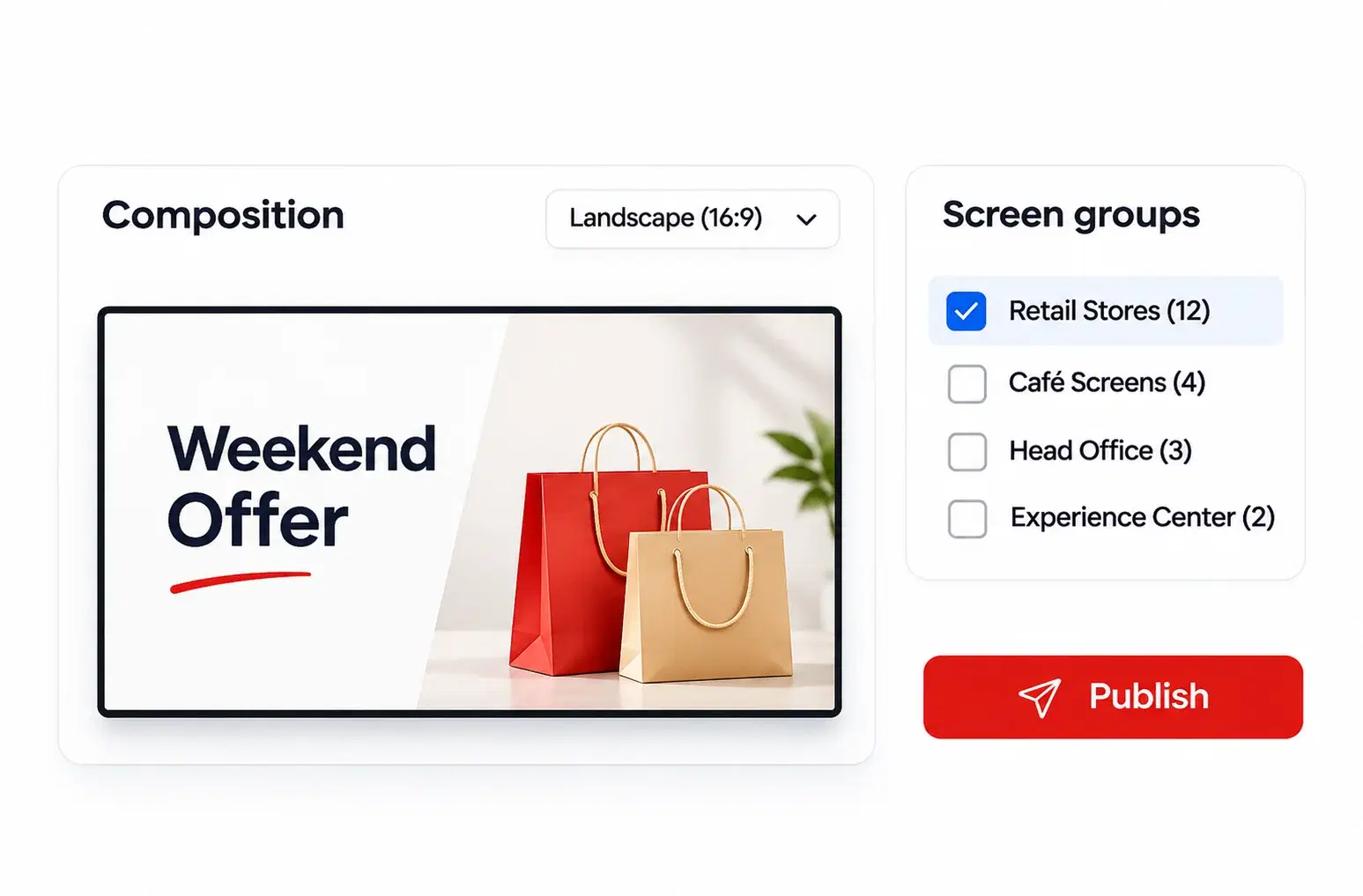
Add the wall to a composition, full screen or in a zone, and schedule it to the screen groups that should show it.
Field-by-field instructions are in the Social Wall user guide.
Pickcel customer stories
Decathlon India
a social wall runs among the in-store apps across 200+ stores; the rollout drove 5X higher engagement from young shoppers.
Decathlon case studyFun Station UK
Instagram feeds play in real time on video walls across 5 family entertainment centres.
Fun Station case studyMcDonald's India
1,300+ menu boards across Android players and LG webOS displays, with zero on-site installation visits.
McDonald's India case studyAmazon
850+ screens in 400+ mall kiosks, rolled out in about a week.
Amazon case studyCapabilities
| Sub-capability | What it does | Limit / spec |
|---|---|---|
| Networks | Pulls recent posts from a Facebook page and an Instagram account | One Facebook page and one Instagram account per wall |
| Post source | Shows only the connected accounts' own posts | No hashtag feeds, no posts from other accounts |
| Moderation | Lets you select which pulled posts play | Optional, off by default; no keyword or profanity filter |
| Themes | Focussed or Multi Posts layout | Focussed: 1 post, full screen · Multi Posts: up to 6 in a grid |
| Posts in rotation | Sets how many recent posts rotate from each network | Up to 50 from Facebook and 50 from Instagram |
| Post duration | Sets how long each post stays on screen | Set in seconds, per wall |
| Placement | Plays inside a composition | Full screen or one zone beside other content |
Themes
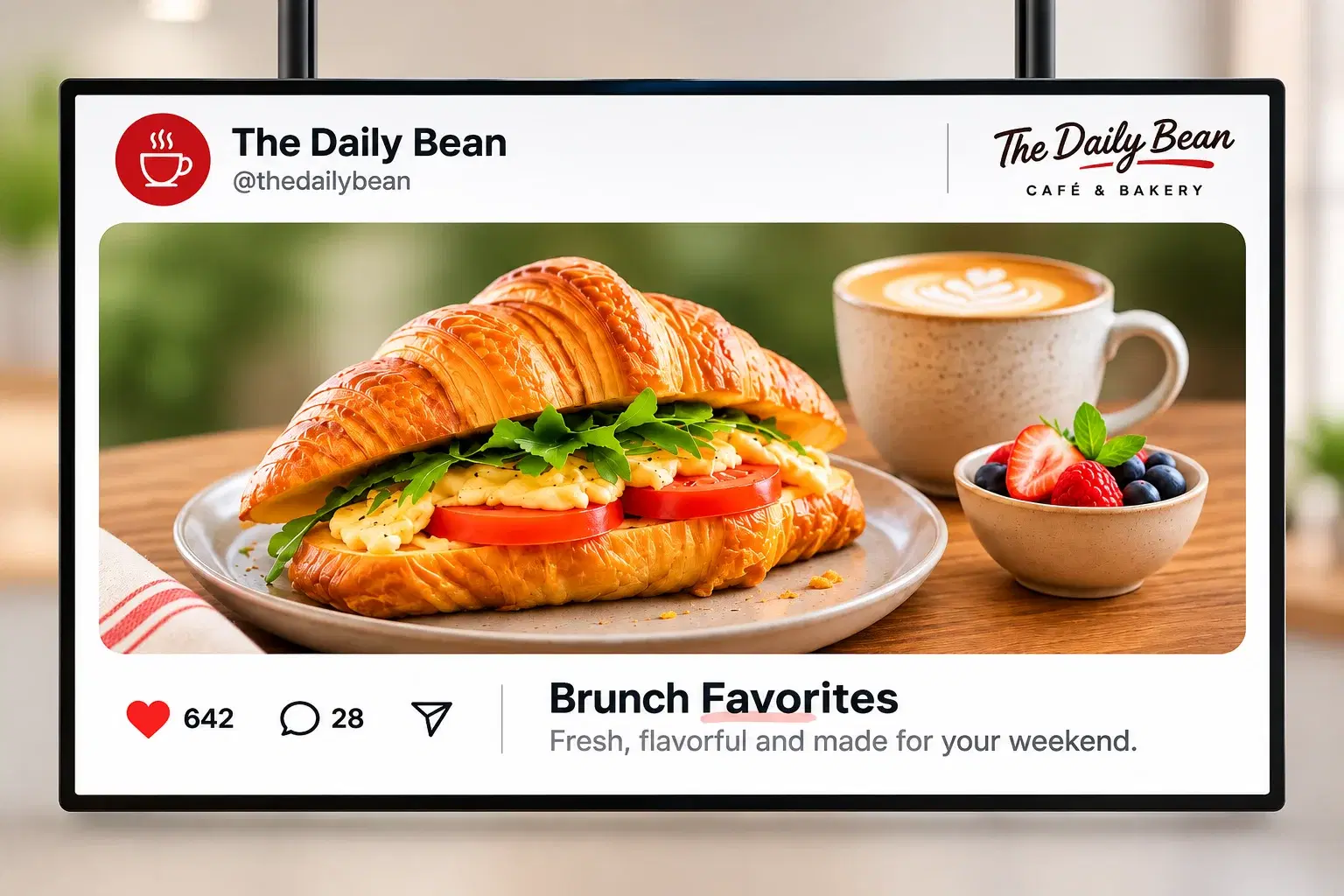
Focussed: one post at a time.
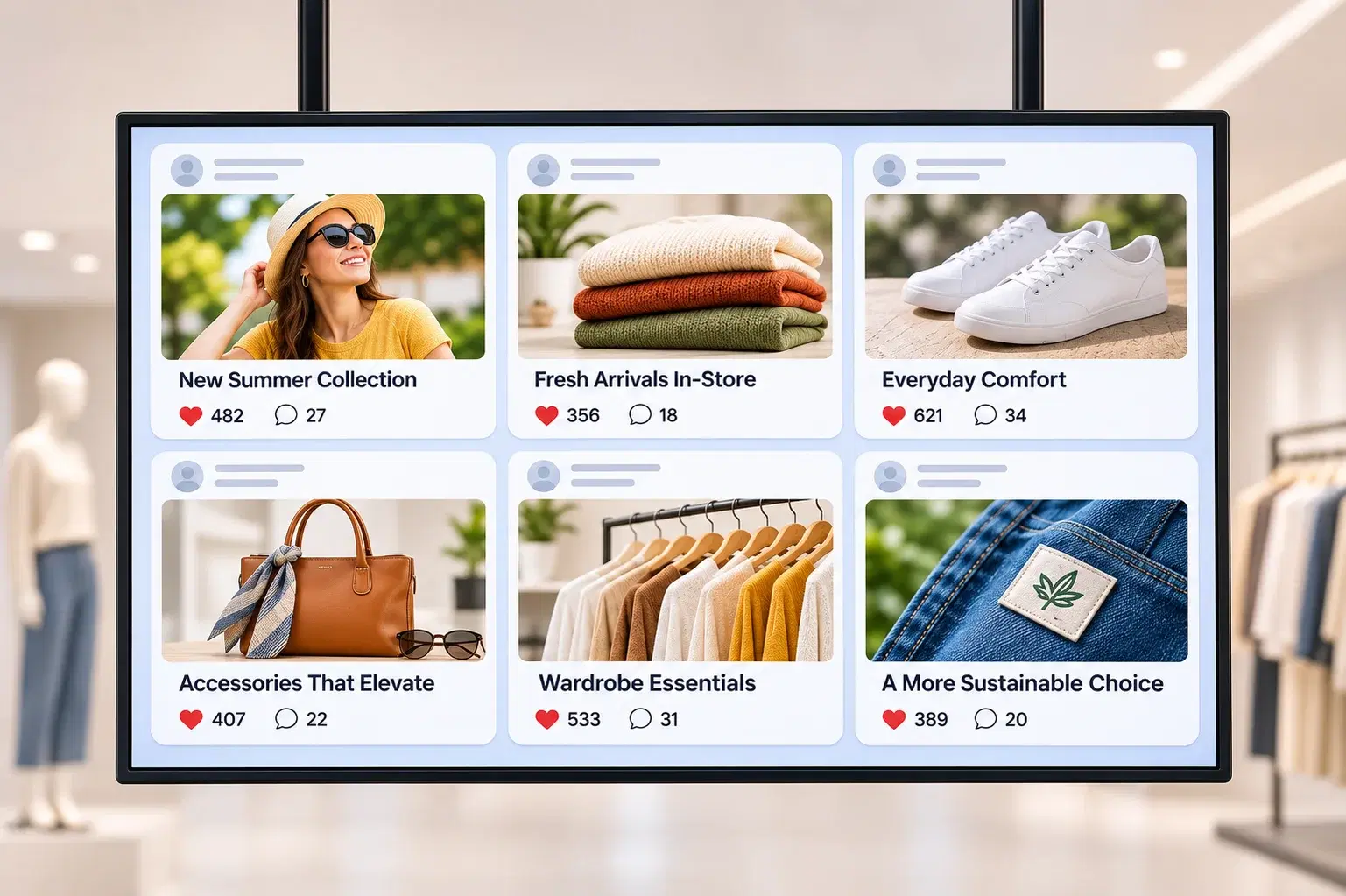
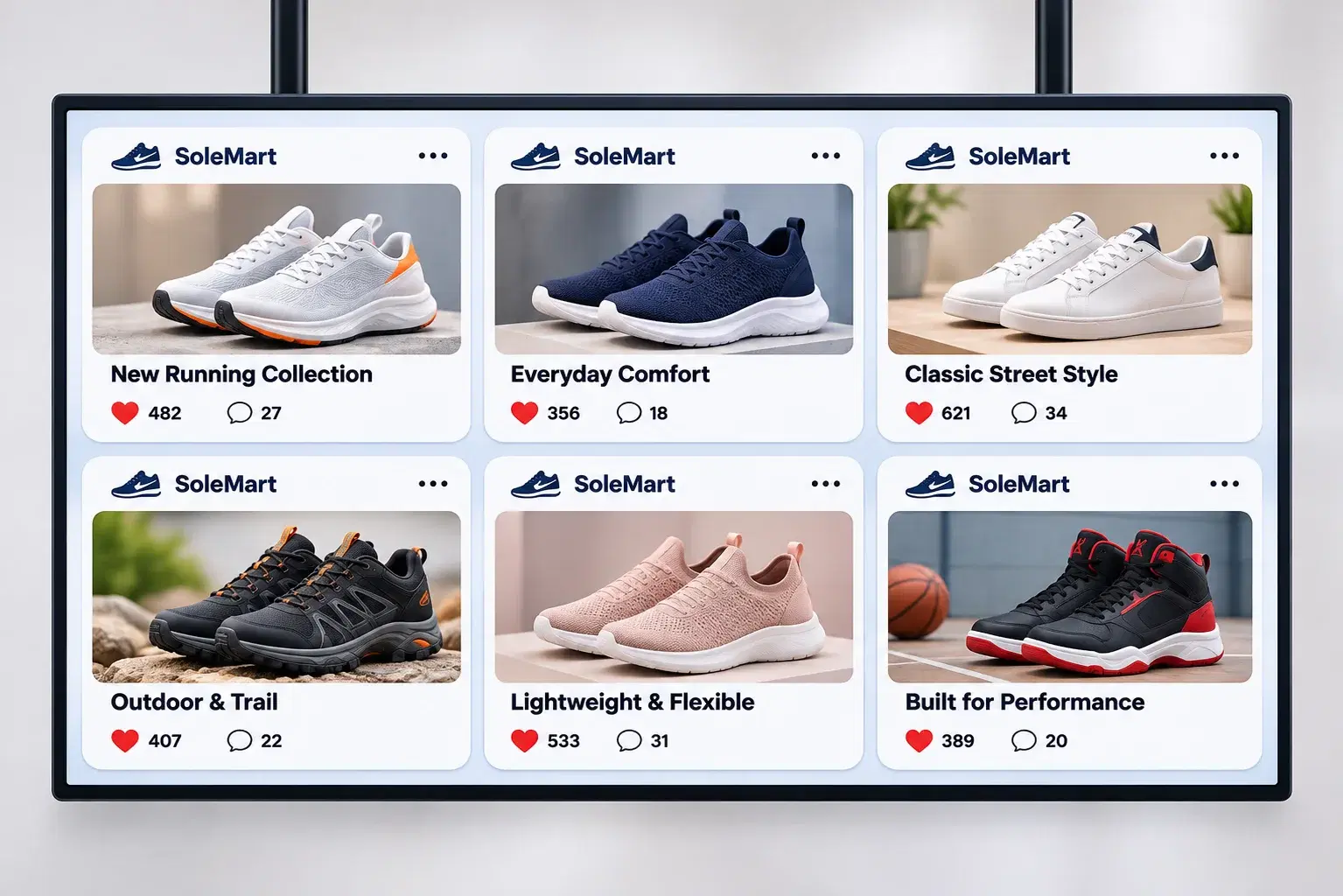
Multi Posts: up to six posts in a grid.
Free trial
Connect your brand's accounts and see your posts on a screen today. All features for 14 days.
Use cases
Three setups cover most walls we see.
A retail brand posts a new collection on Instagram, and the same posts rotate on its store screens and a mall video wall. Nobody exports images or rebuilds a playlist.
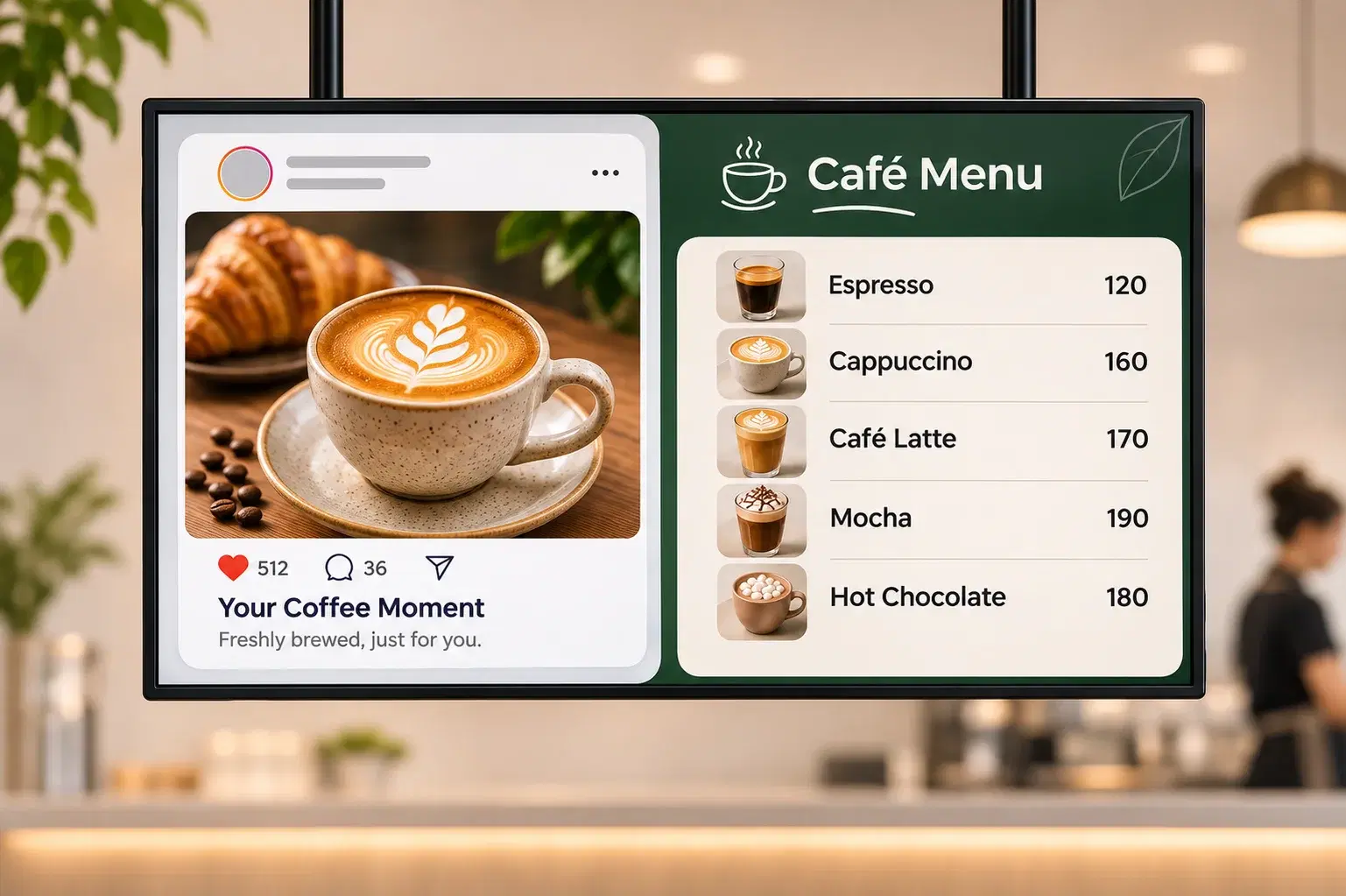
A café chain runs the wall in a zone beside its menu, showing its own Instagram posts, including customer photos it has reposted. Moderation keeps a finished offer off the counter screen.
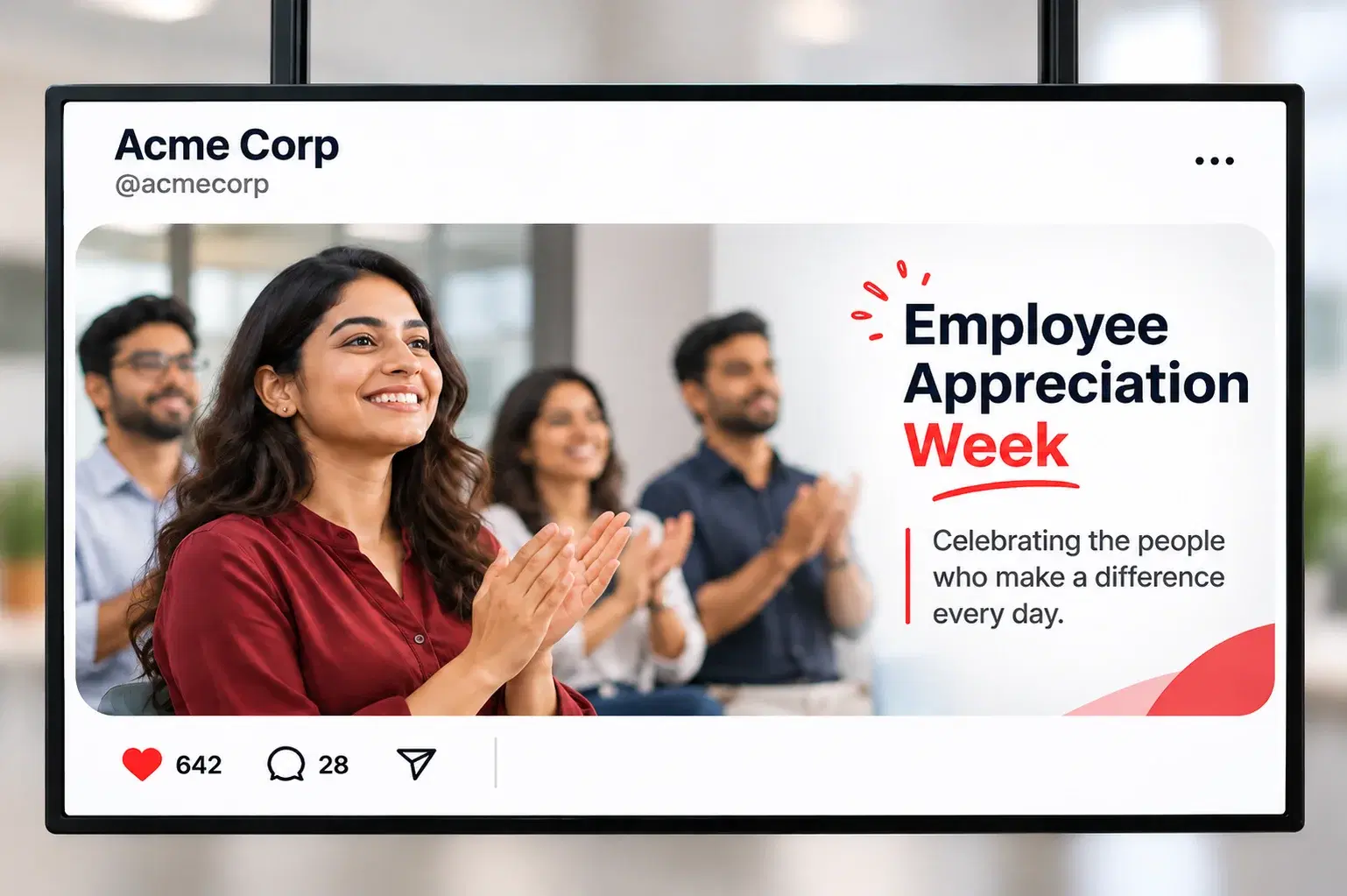
An internal communications team plays the company's own Facebook and Instagram posts on the reception screen. Visitors see this month's events and awards without anyone updating a slide.
Screens
The Social Wall plays on any screen running the Pickcel player app, from Android boxes to Samsung and LG commercial displays, because it is standard content in a composition. It can fill the screen or share it with promotions, a menu or a ticker. For one network on its own, use the single-network Instagram feeds or Facebook feeds apps.
FAQ
No. Pickcel asks Meta for read-only permission, so the Social Wall can read posts from the accounts you connect but cannot publish, edit, delete or reply to anything on them. How Pickcel protects connected-account data is covered on the security page.
Pickcel tracks API changes from Meta and makes the backend changes on its side, so your team never maintains an integration. The wall still depends on what Meta's APIs allow, so a change Meta makes can affect which posts or post types the wall can pull.
No. The wall shows posts only from the Facebook page and Instagram account you connect, not hashtag results or posts on other people's profiles. To show a customer's photo, repost it on your brand account with their permission, and it joins the rotation like any other post.
No. The Social Wall connects to Facebook pages and Instagram accounts only. It does not pull posts from X, LinkedIn, YouTube or any other network, so a brand that posts mainly on those channels should plan its screen content around scheduled media instead.
Yes. Each Social Wall is saved under its own name with its own connected accounts, so you can create one wall per store or region and schedule each to that store's screens. With role-based access, a store manager runs their store's wall while head office still schedules national campaigns across every store.
The Social Wall is a live feed, so it needs the store's connection to fetch posts. Images and videos scheduled on the same screen are stored on the player and keep playing through the outage. Placing the wall in a zone beside stored content keeps the screen useful until the connection returns.