

Internal comms
For the internal communications manager:
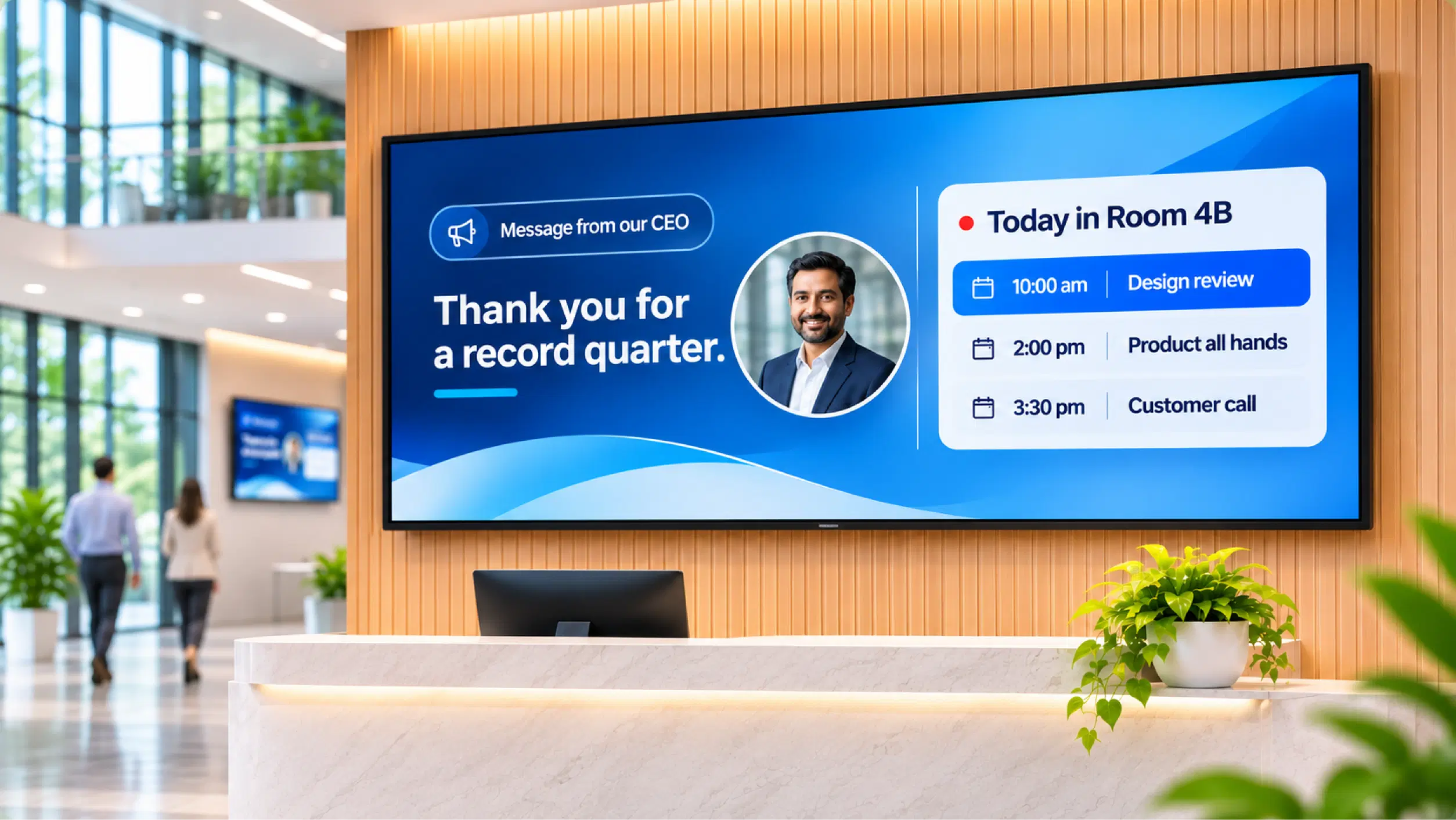
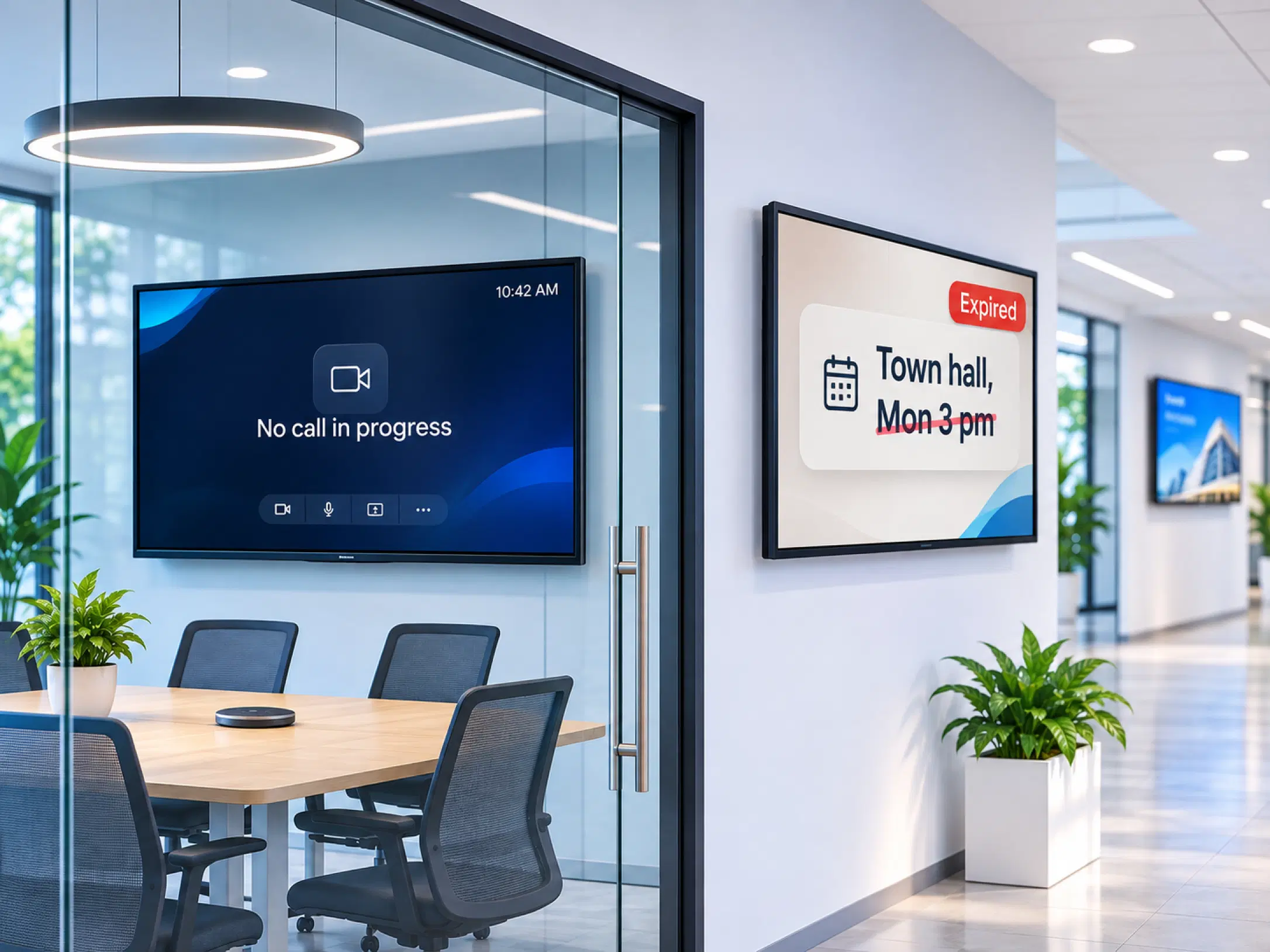
one leadership message reaches every office screen in the same hour, scheduled to expire when it is out of date. See office digital signage for internal comms.
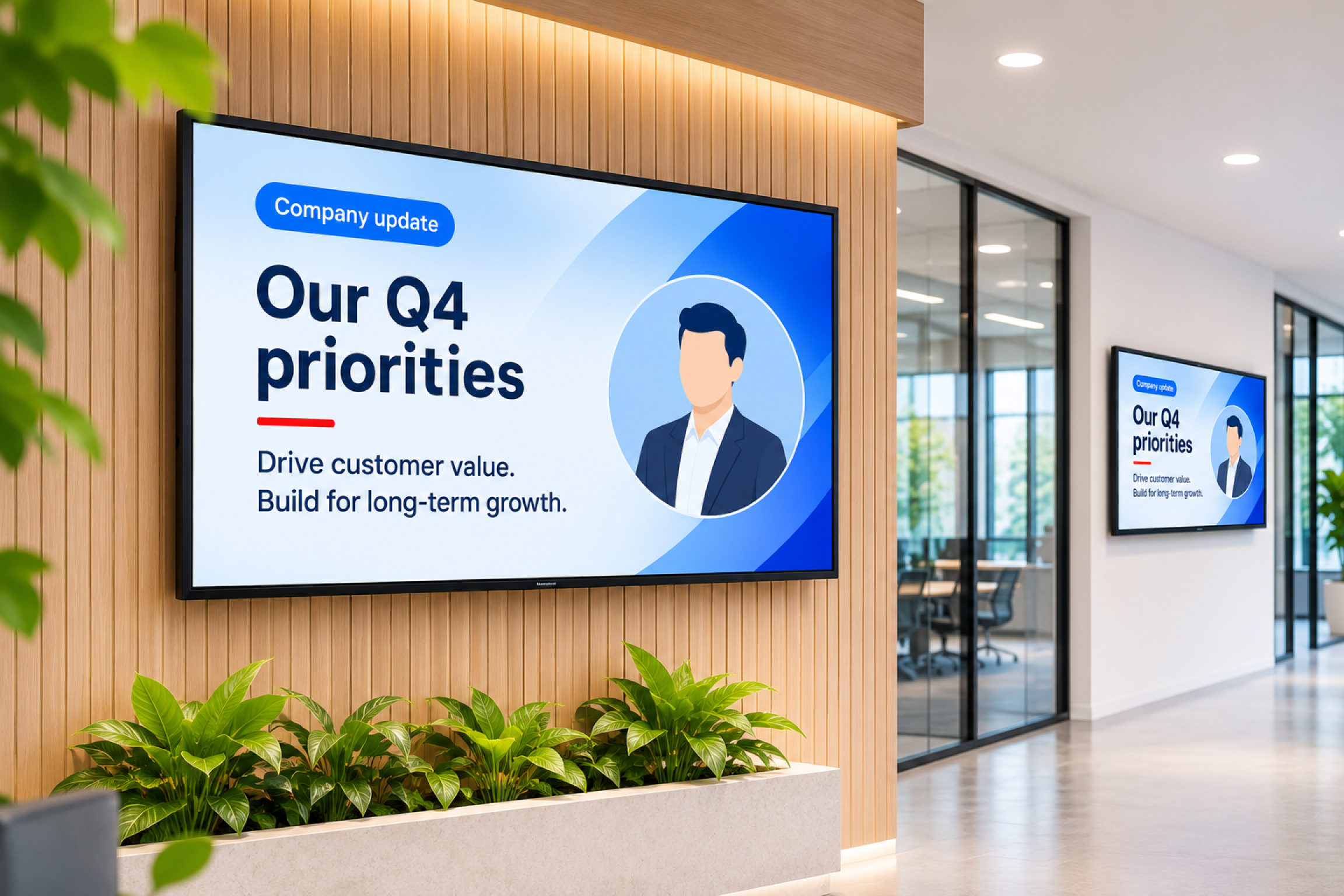
Corporate digital signage is a company-wide network of screens in lobbies, cafeterias, meeting rooms and work floors, managed from one software account. Internal comms, HR, facilities and IT each publish to their own groups of screens, so a leadership update, a room schedule and an evacuation alert can share the same hardware in every office.
Published once from head office.
Showing in every lobby within the hour.
3:00 PM · All offices
Wi-Fi details at the desk
Head office usually gets the message first and the regional offices get it late. A CEO update goes up on the HQ lobby screen on Monday. The Pune or Leeds office prints it on Wednesday, if someone remembers. Screens bought office by office run different software, so nobody can see what any of them is showing right now.
The bigger problem sits between departments. Facilities buys meeting-room panels, IT operations hangs a dashboard on a TV driven by a laptop that logs itself out, and HR still prints posters for the cafeteria. Each tool needs its own security review. Meanwhile the video-conferencing displays in most meeting rooms sit dark between calls, even though they are the most-watched screens in the building.
Pickcel puts every screen in the company under one account, then splits control so each function owns its own part of the network.
Who publishes
Pickcel account
One account, separate publishing rights
Screen groups per office, floor and function
Where it shows
Install the Pickcel player on smart TVs, Android or Windows media players, ChromeOS devices or Raspberry Pi. Office PCs can also show approved content as a managed Windows screensaver.
Screen groups follow your offices, floors and functions: "Mumbai, floor 3", "All cafeterias", "IT ops wall".
Comms publishes company news everywhere, HR publishes to cafeterias and break rooms, and facilities runs lobbies and room displays. IT keeps admin rights over all of it.
Apps for Microsoft 365, Microsoft Teams, Outlook, SharePoint, Slack, Google Slides and meeting calendars, plus signed-in dashboards from Power BI, Tableau, Jira and Grafana, refresh on screen without anyone re-uploading a file.
All of this runs on Pickcel's digital signage software, the same platform used across retail, healthcare and transport networks.
Pickcel in corporate offices

Hindustan Unilever
A 3-screen cafeteria pilot reached every display in its Bangalore and Mumbai offices within one month.
Hindustan Unilever case study
Accenture
Live, city-specific flight boards in 50+ office receptions, set up and managed remotely.
Accenture case study
TerraPay
One cloud account runs reception screens in 4 countries: India, Singapore, the UAE and the UK.
TerraPay case study
Mercedes-Benz
Installed on-premise at its Berlin office with zero on-site vendor visits.
Mercedes-Benz case studyCorporate IT teams usually ask four things before a signage platform goes on the network.


Independent security auditSOC 2 Type II certified
Information security managementISO 27001 certified
Identity and accessSSO, multi-factor authentication, role-based access and audit logs on higher plans, with Active Directory and LDAP integration
Data residencyOn-premise deployment on your own servers, on the Enterprise plan
How to set up screen groups, publishing roles and an IT review pack for a multi-office rollout.
one leadership message reaches every office screen in the same hour, scheduled to expire when it is out of date. See office digital signage for internal comms.
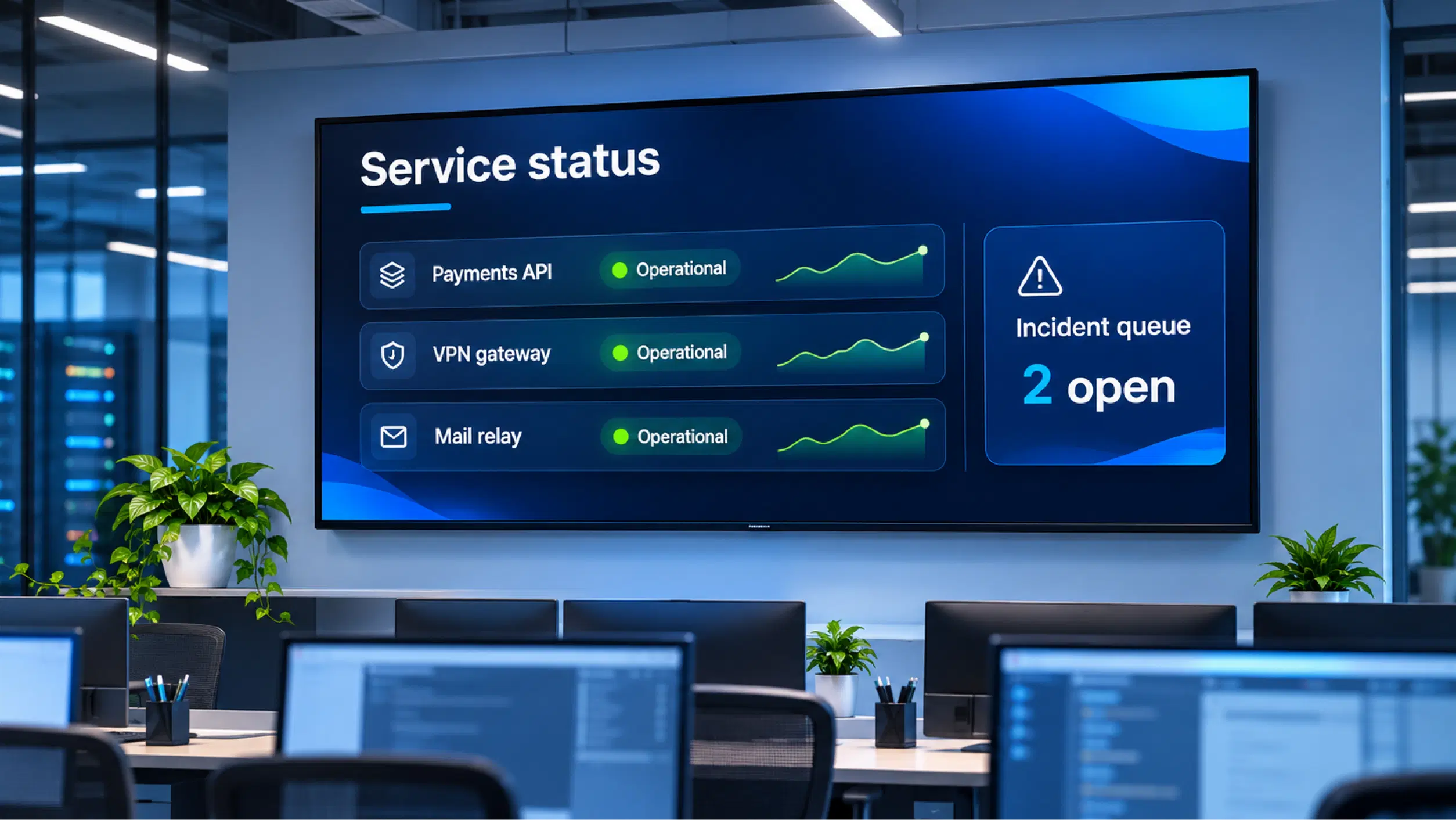
service status and incident queues stay live on the ops-floor wall, signed in and refreshed on a schedule. See KPI and dashboard screens.
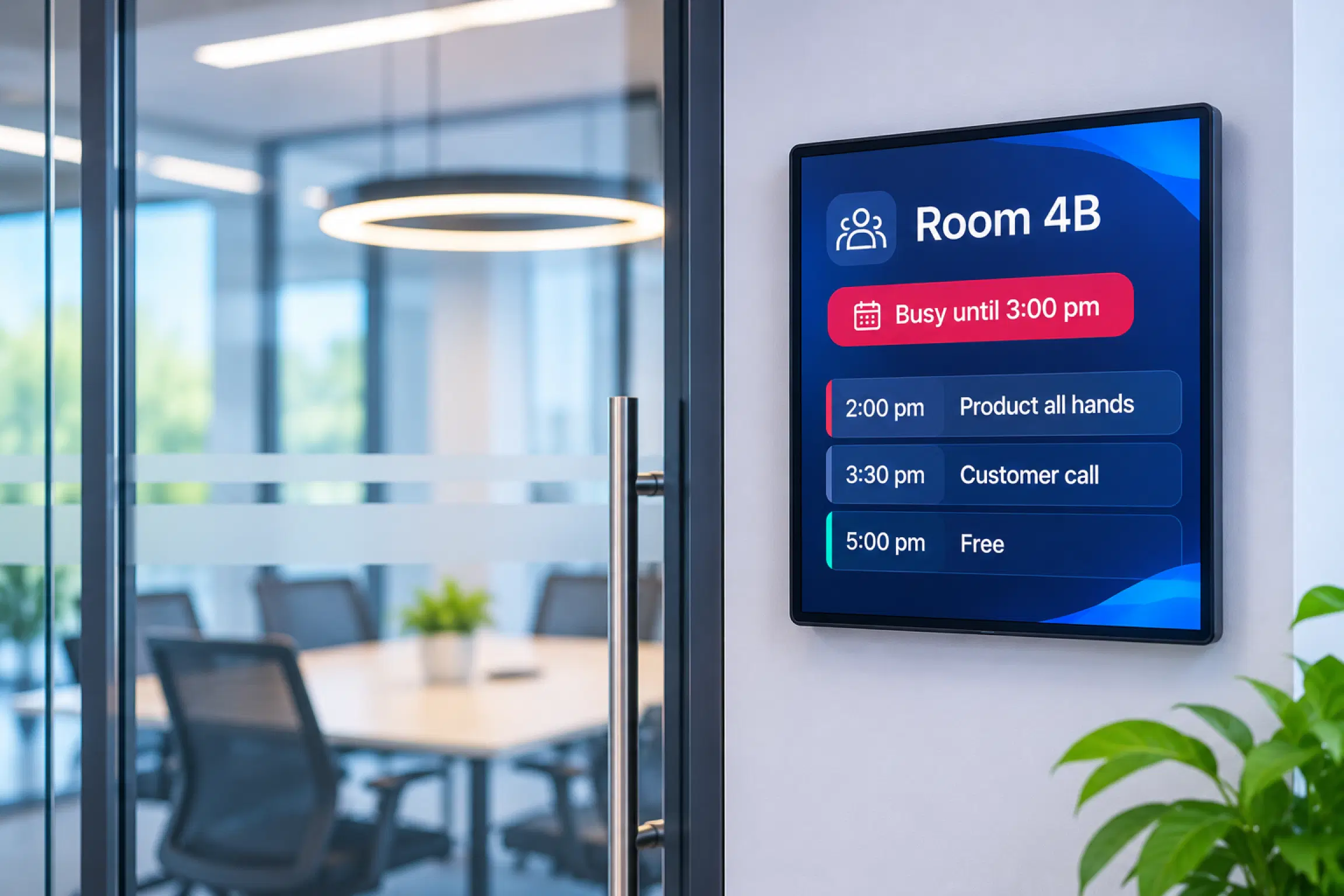
each meeting room shows today's bookings from the company calendar, so walk-ins stop interrupting. See meeting room signage.
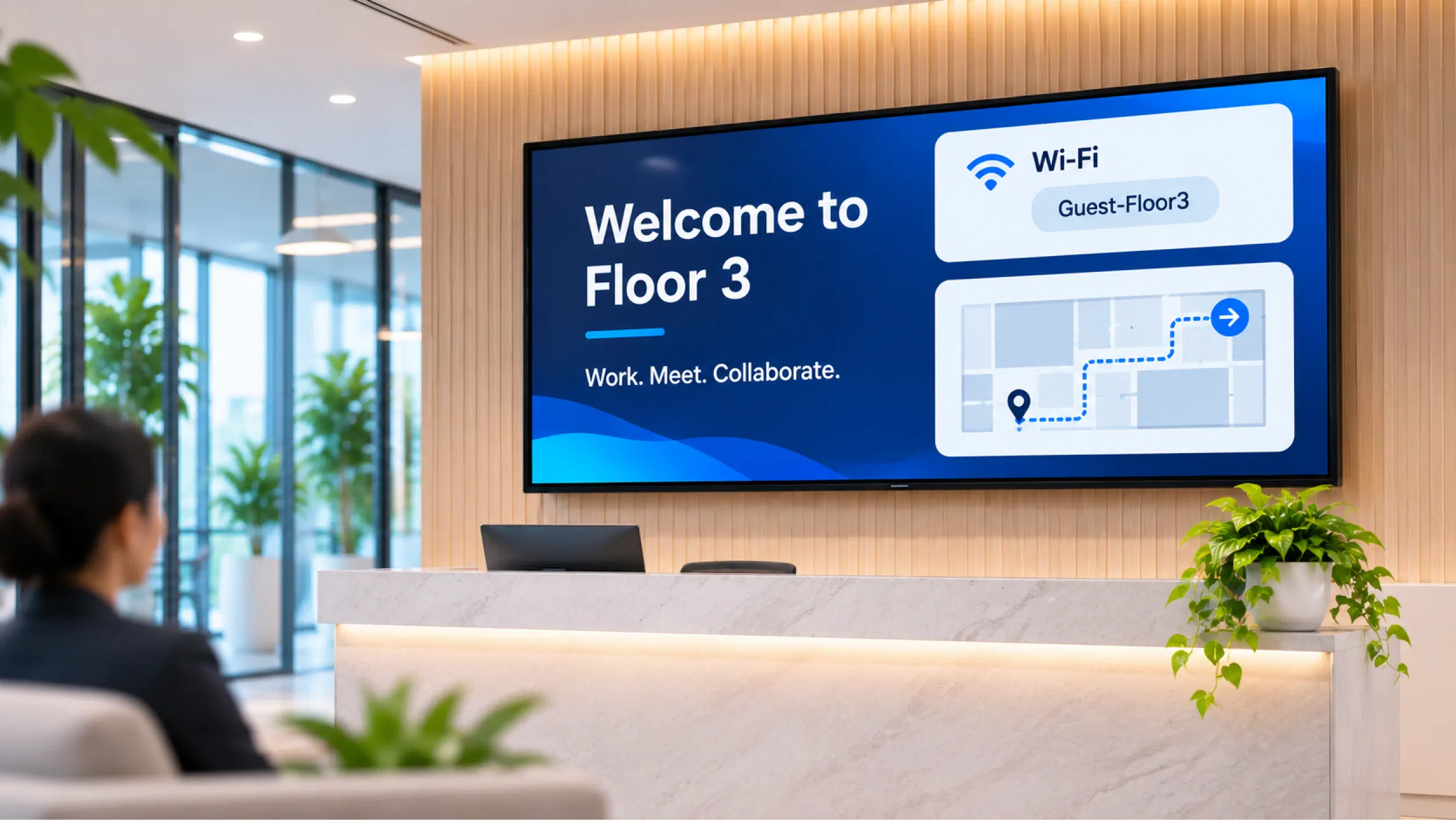
reception screens welcome visitors, show Wi-Fi and floor directions, and carry the brand story while guests wait. See lobby digital signage.
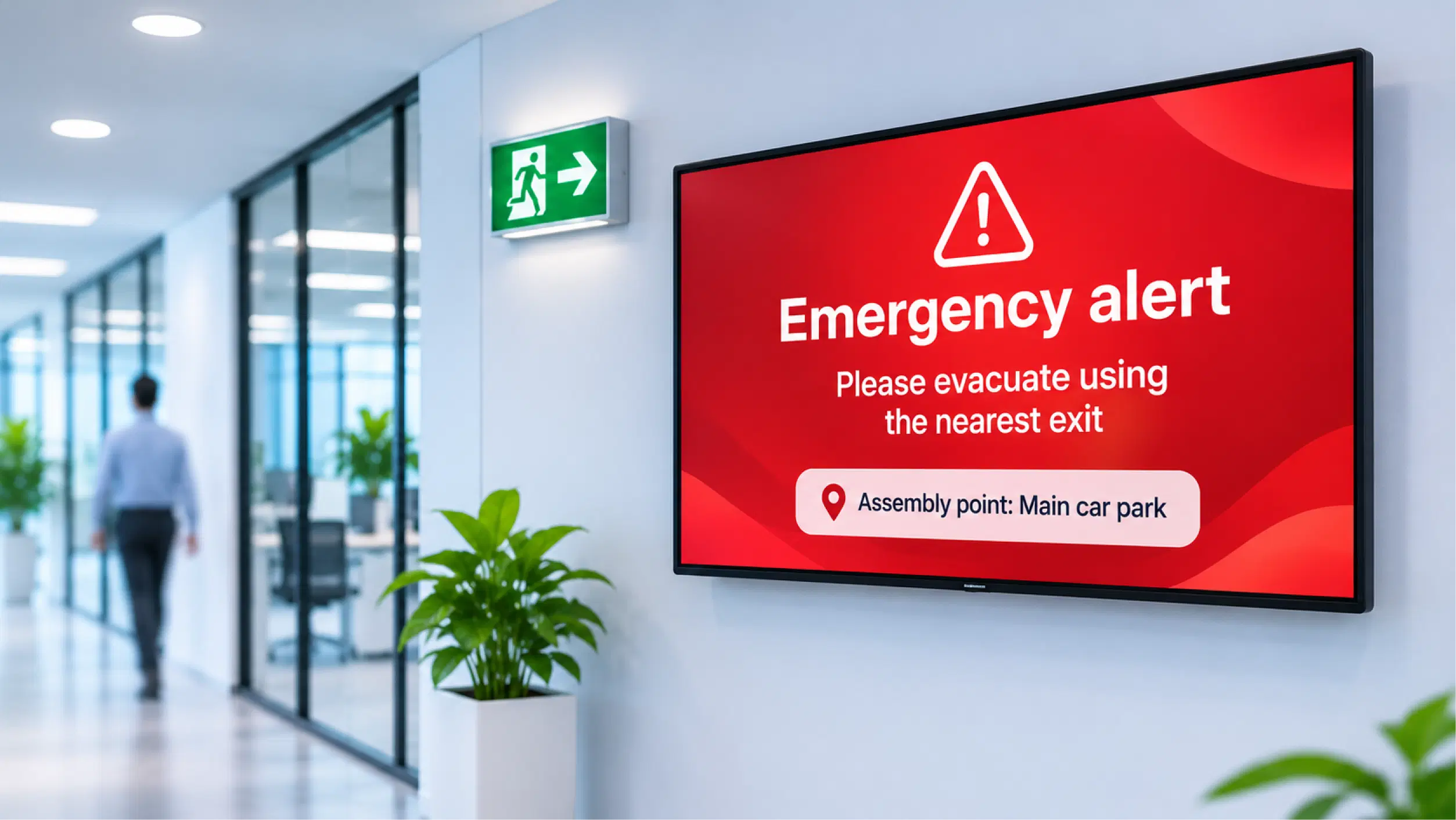
one action overrides every screen in a building with a full-screen evacuation or safety alert, from the dashboard or the Pickcel Go mobile app. See emergency alerts on office screens.
Pickcel is priced per screen per month. The Professional plan starts at USD 13.50 per screen per month, billed annually. Screens and media players are a separate one-off cost, and Enterprise options such as SSO and on-premise hosting are quoted for your rollout. See plans and pricing.
Yes, in most cases. Pickcel runs on 50+ device types, including Samsung Tizen and LG webOS smart TVs, Android and Windows players, Amazon Fire TV and Raspberry Pi. Mercedes-Benz kept its existing Raspberry Pi hardware in Berlin. For screens running 12 hours or more a day, commercial displays last longer than consumer TVs.
Yes. Webex room devices block third-party app installs, so Pickcel runs as a web-based virtual screen inside the Webex player instead. HCLTech uses this at its Noida office to put centrally managed content on meeting-room screens that used to sit idle outside calls.
Your Pickcel admin does. Each user gets a role and a set of screen groups, so HR can publish to cafeterias but not to the lobby. You can add an approval step so drafts go live only after a named approver signs them off, and Enterprise customers can define custom roles such as Manager, Editor and Operator.
A single office can usually be set up in a day once screens are mounted and on the network. Most companies pilot one space first, such as a cafeteria or reception, then extend floor by floor. Your IT team registers players and sets up access through its usual change process.
Screens keep playing the last content they downloaded, so a lobby or cafeteria screen does not go blank during an outage. When the connection comes back, the player picks up any updates published in the meantime without anyone visiting the site.
Business and Enterprise plans include chat and phone support, so an admin in any office can raise a screen or content issue with Pickcel directly. Enterprise adds a dedicated customer success manager and remote assistance while screens are rolled out across your offices.
