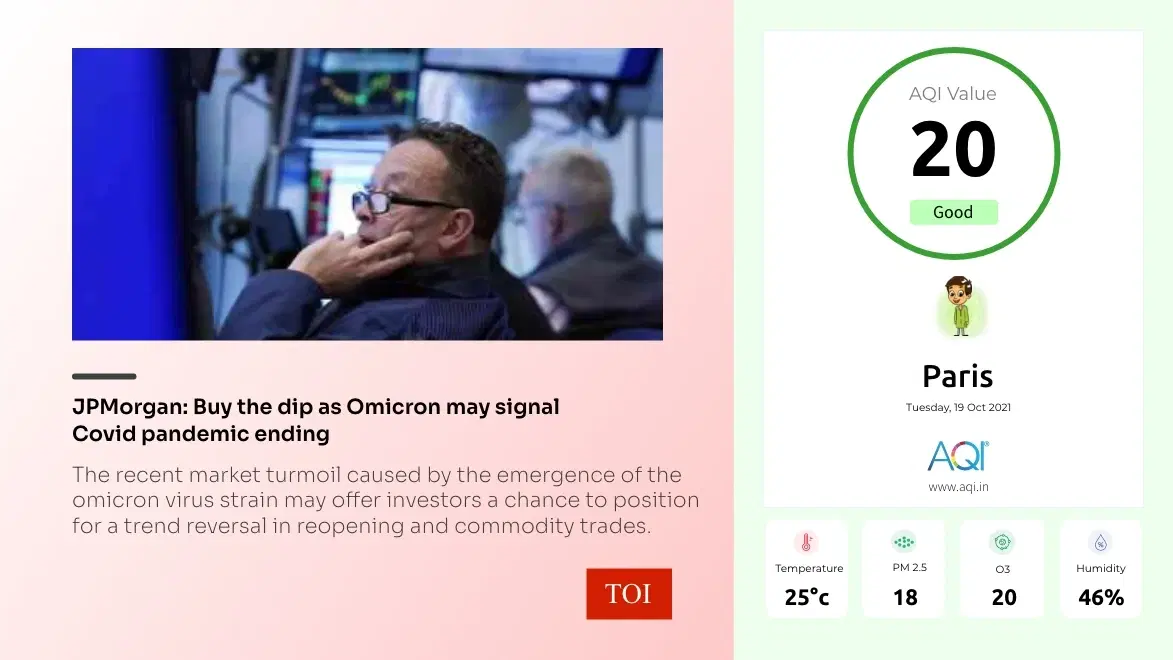
App Features
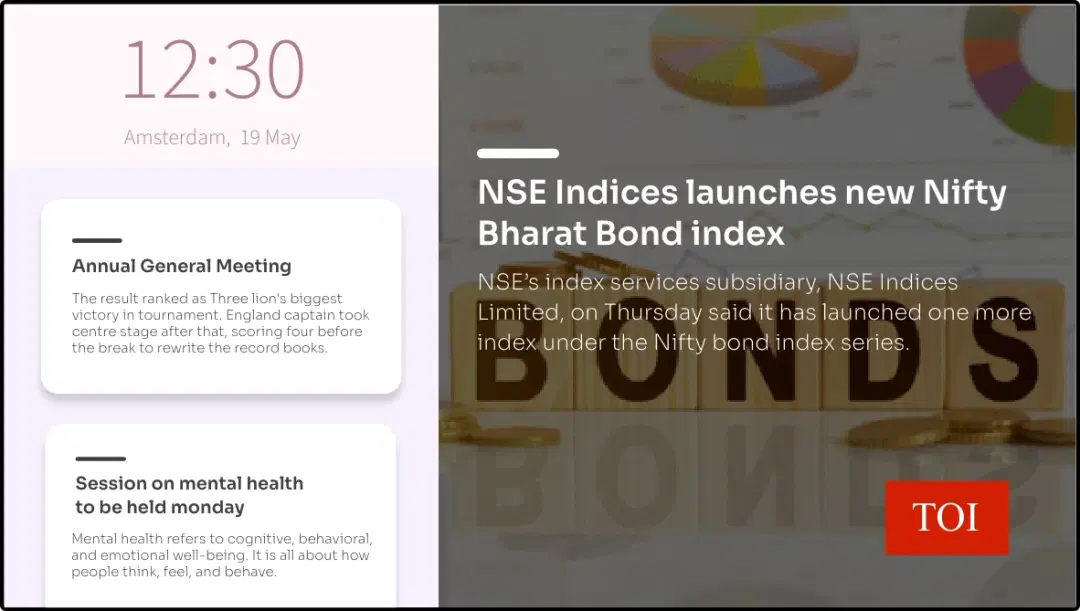
The app is a fantastic addition to any screen. Show the real-time news feeds from TOI on your corporate cafeterias, airport lounges or hotel receptions.
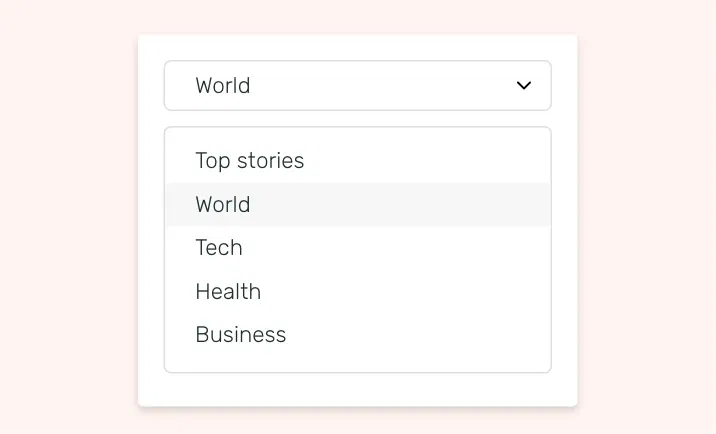
Choose your news category
The app is a fantastic addition to any screen. Show the real-time news feeds from TOI on your corporate cafeterias, airport lounges or hotel receptions.
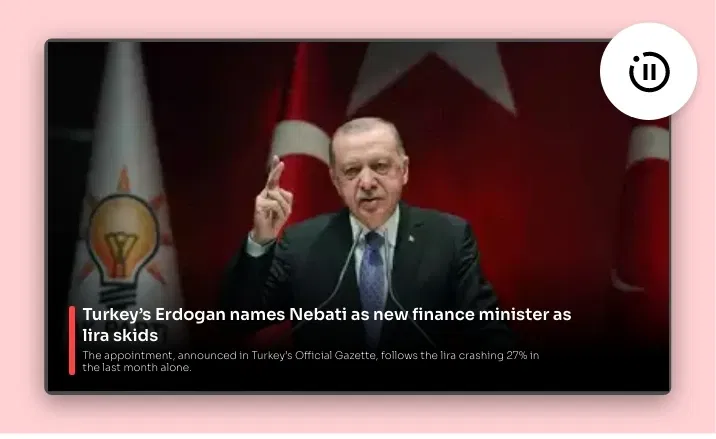
Change the aesthetics
Break the monotony. Show your news feeds in five different themes. Users can also add stellar animation effects to turn more eyeballs.
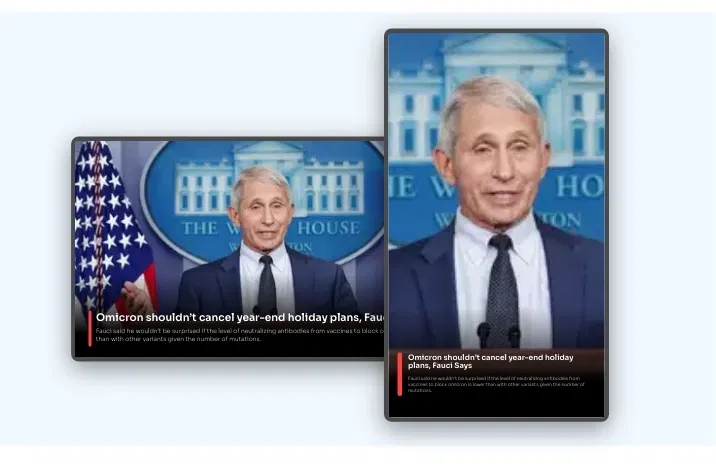
Supports all screen layouts
Show your news feeds in full-screen or simply as a footer with other content. The TOI news app content will auto-adjust to any display orientation.

Adjust the transition speed
Allow your readers the time to <a href="/blog/digital-signage-content/" class="text-primary">engage with your screen content</a>. The TOI news app lets you moderate the slide duration of each news story.
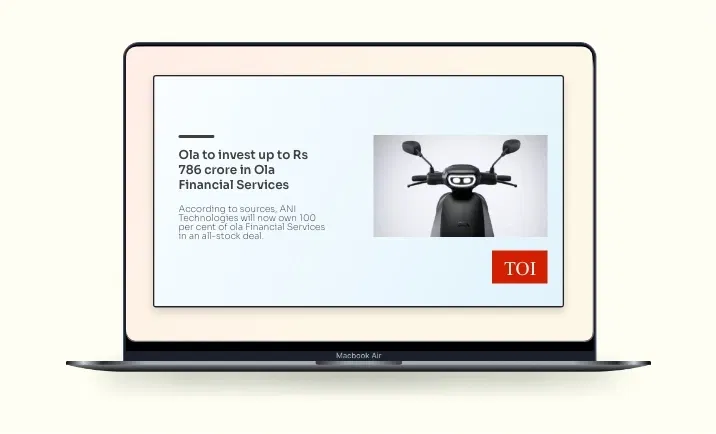
Advanced preview options
Before you publish the news headlines from TOI on your digital signage, the 'Preview' option lets you do a quick quality check.
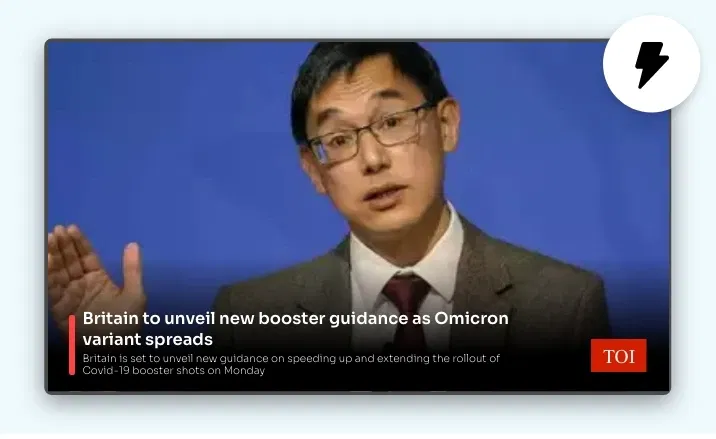
Update instantaneously
Change the news subject, style, transition speed, and layout with just a few clicks. Your Times of India app will be ready as new.
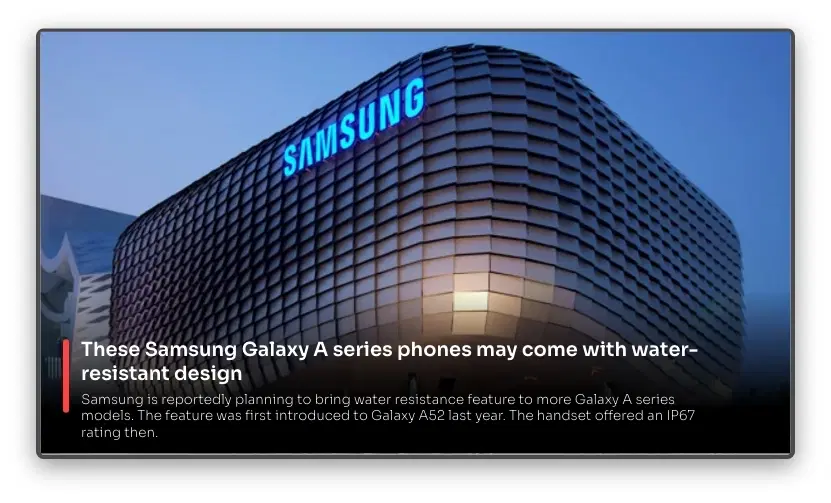
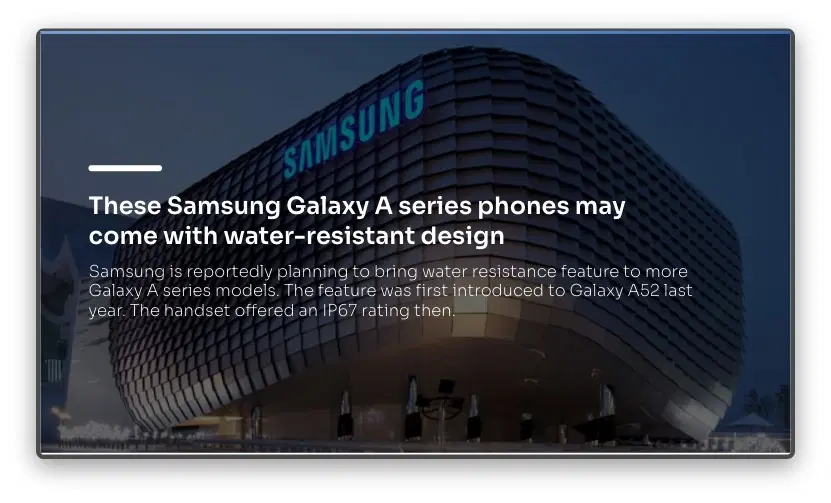
Same App, Different Looks!
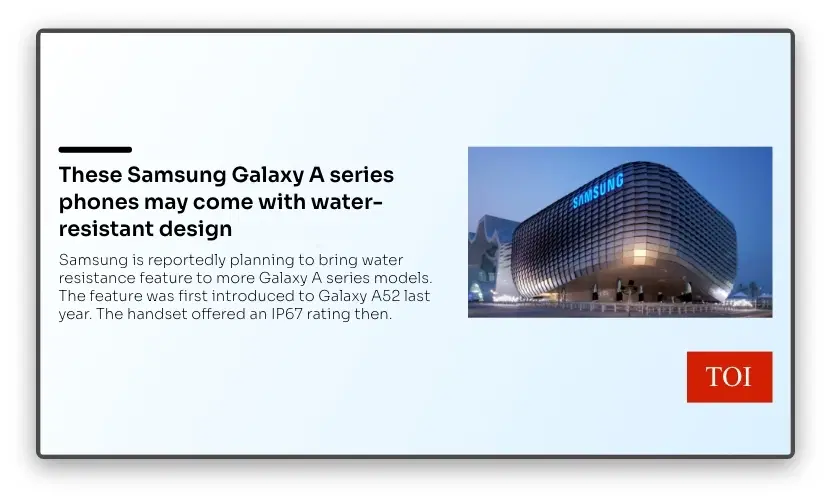
Present your TOI news feeds in multiple styles. Which one is your favorite?
Ready to unlock the TOI news app for your digital signage network?

Interesting Use Cases for the TOI News App
We have listed a few. The sky is the limit for you!
Follow industry trends
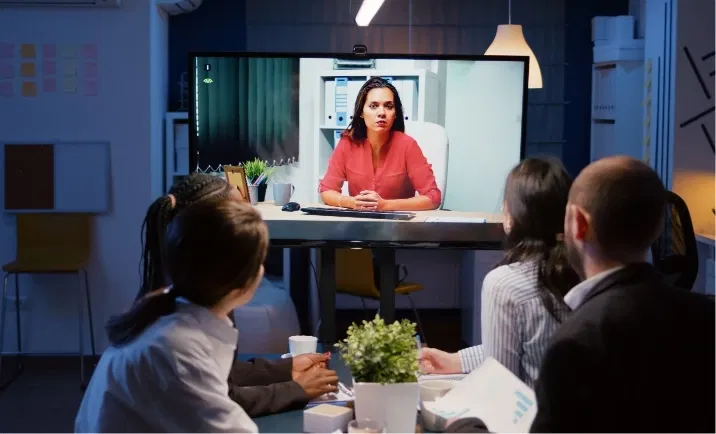
See how the current socio-political dynamics are affecting your industry. Corporate decision makers, consultancy firms & research organizations can make the best use of this app.

Engage & entertain waiting visitors
People wait for long hours in <a href="/blog/importance-of-using-digital-signage-for-public-sector" class="text-primary">public sector offices</a>, hospitals, restaurants, and bus-stops. Make the wait worth the public's time by showing engaging news from the TOI app.
How to add the Pickcel TOI app on your digital signage?
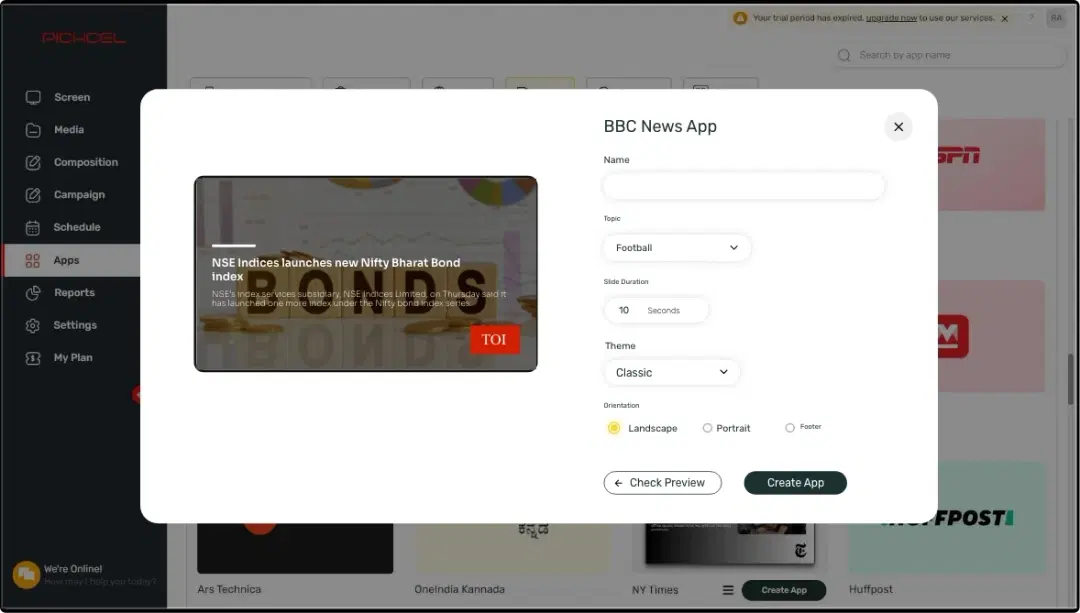
Configure the app from the app store
Add the app name, set the transition speed, choose your sports topic & customize the graphics.
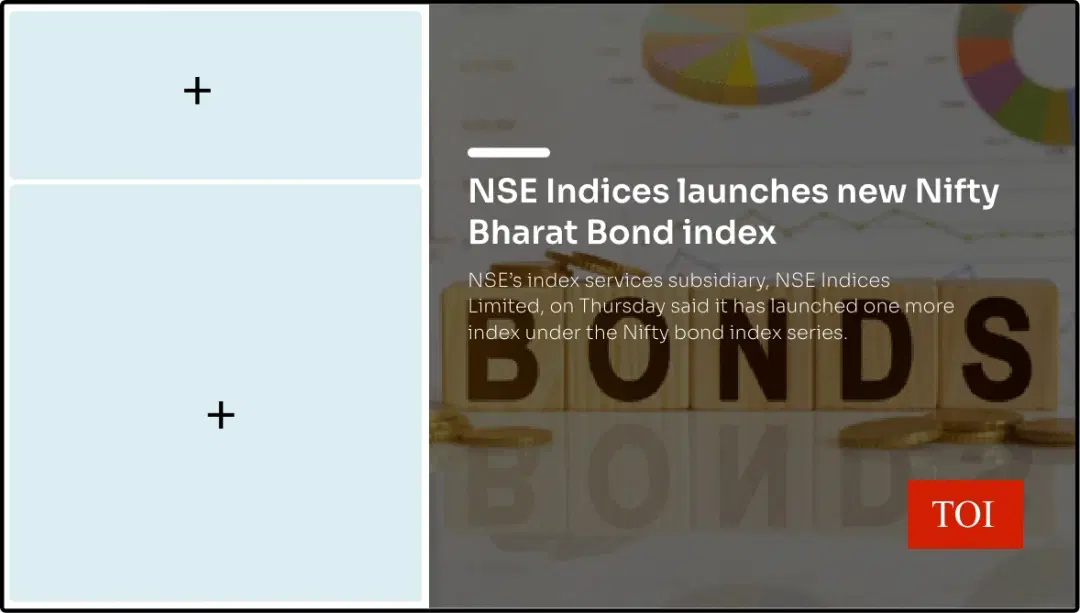
Create a composition
Show the TOI news feeds on the entire screen. Or, create a multi-zone layout.
Publish the composition
Select the screens and hit publish.
Step-by-step tutorial of adding the TOI News AppNeed customized apps? Connect with us.
We are open to all kinds of customization & integration with third-party applications.
More Pickcel Apps to Complement the TOI News App on your Digital Signage

AQI App
Enrich your signage with live air quality data

Digital bulletin board app
Show notices & announcements

Social Wall app
Aggregate social media posts, tweets & hashtags

QR code app
Engage your audience with interactive QR codes