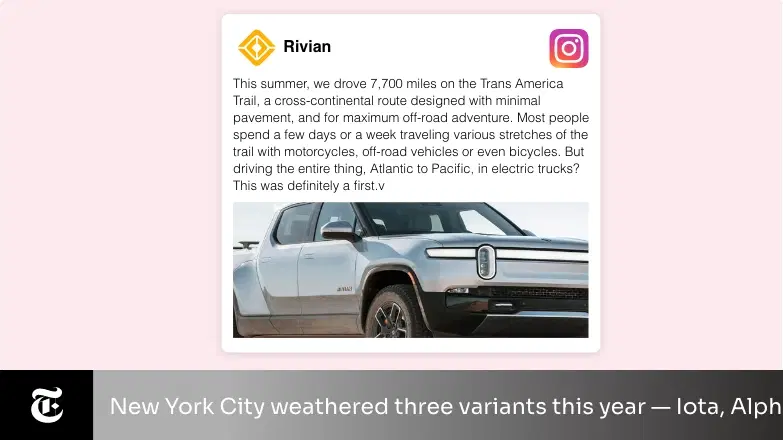
Instagram App
Showcase your business Instagram photos, posts, and likes on your screens using a digital signage app. Use the social media fanfare to impact your offline business!
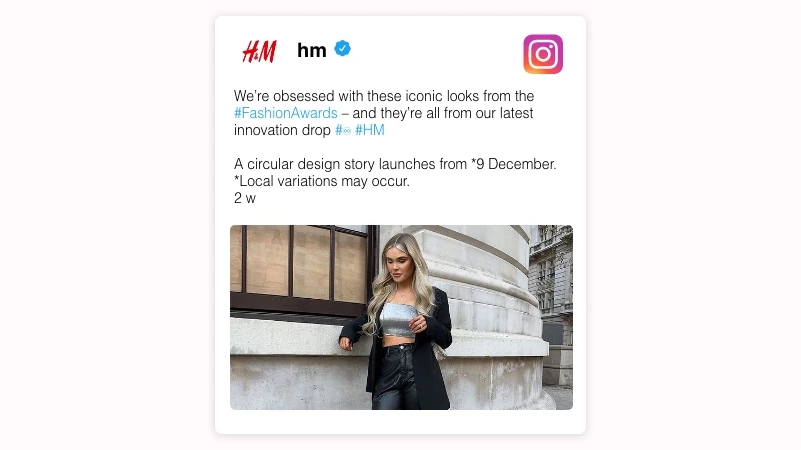
App Features
The Instagram app is available in the Pickcel App Store. Pickcel users can enjoy the app for free. The Instagram app is supported on all standard digital signage hardware including Android, LG webOS and more.

Content moderation
If you want more control over the selection of your screen content, you can enable the 'Moderation' feature. This option lets you hand-pick your favorite Instagram posts.
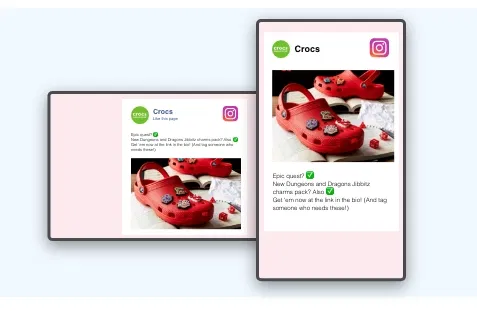
Multiple themes
The Pickcel Instagram app is tailor-made for both landscape and portrait screens. Users can display their feeds in different styles & themes.
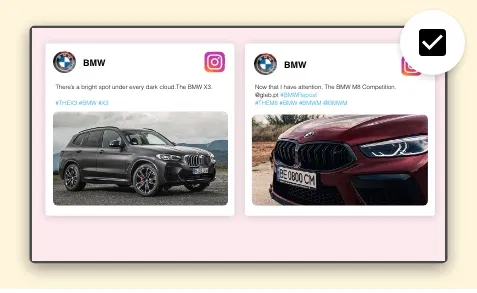
Flexible volume of posts
You can set the number of Instagram posts you want to show on your digital screen. The application takes care of the spatial adjustments.
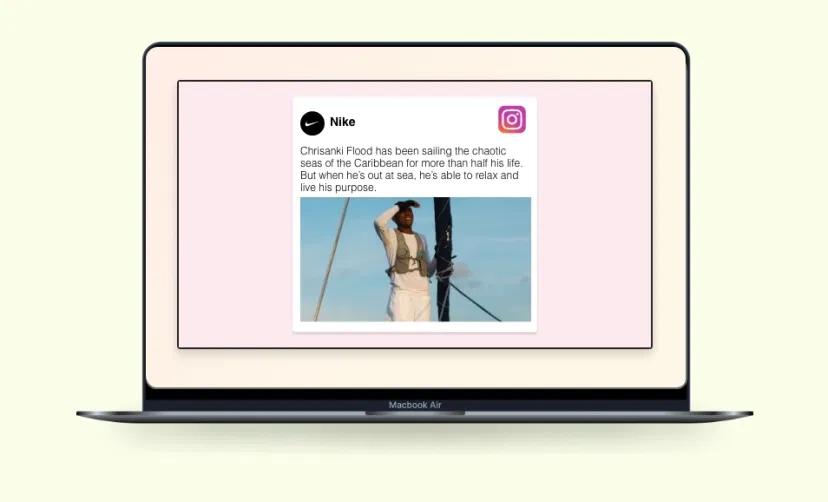
Preview Option
Before you publish your Instagram wall on the digital displays, the preview option in the app enables you to run a quick quality check.
Same App, Different Looks!
Present your content in different styles; which one is your favorite?



Ready to unlock the Instagram app for your digital signage?

Interesting Use Cases of the Instagram App
We have listed a few. The sky is the limit for you!

Branding Made Easy
Most businesses operating in the realms like retail, real estate, hospitality, or designing can showcase their products, portfolios, recent projects & celebrity endorsements.

Create a buzz about Upcoming Events
Whether it's a theatre show or an international music concert, event organizers can use their Instagram posts to popularize their events, showcase guest list, and show some 'behind the scene' clips to create hype.
How to add the Instagram app on your digital signage?
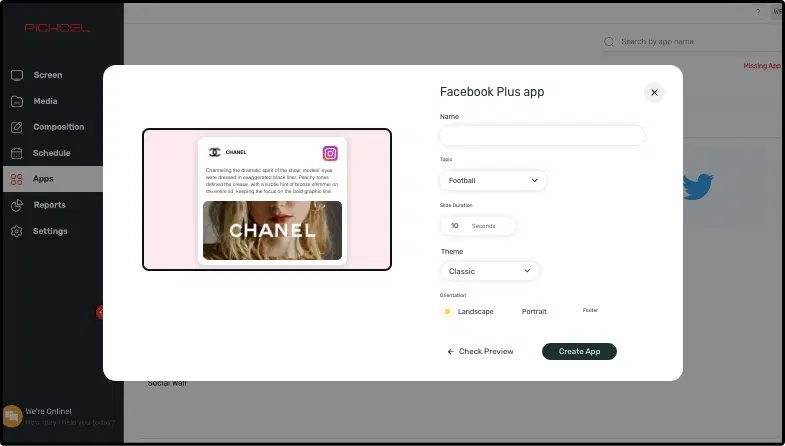
Configure the app from the app store
Login to your Instagram business account, add the app name, and customize the graphics.
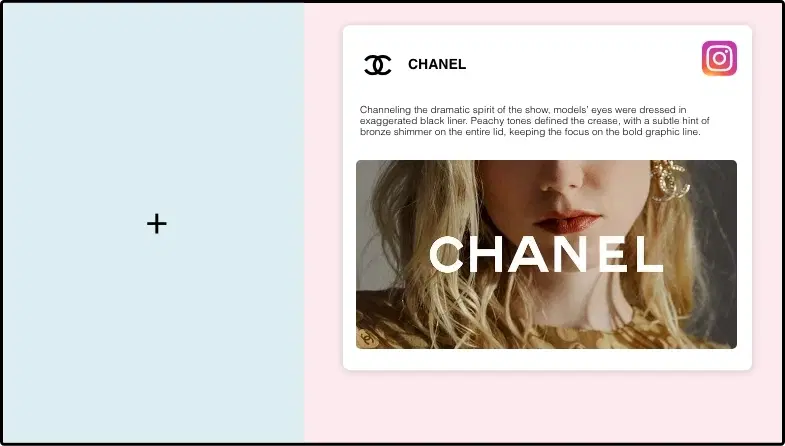
Create a composition
Show your Instagram feeds on the entire screen. Or, create a multi-zone layout.
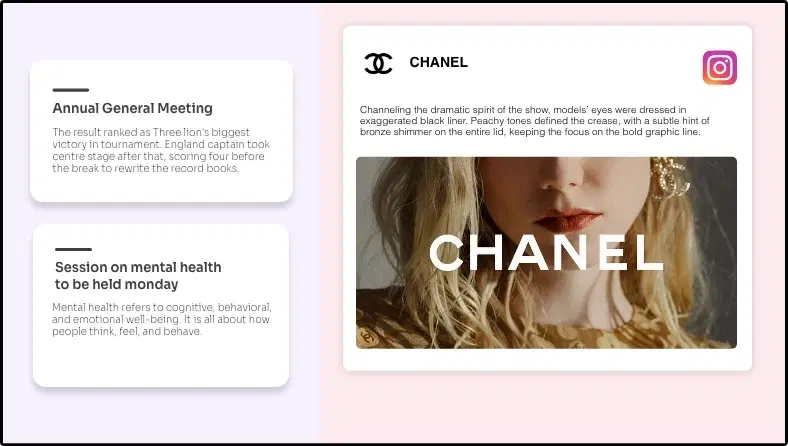
Publish the composition
Select the screens and hit publish.
Step-by-step tutorial of adding the Instagram AppNeed customized apps? Connect with us.
We are open to all kinds of customization & integration with third-party applications.
More Pickcel Apps to Complement the Instagram App on your Digital Signage

NYT news app
Show the latest stories from New York Times

Youtube App
Display the latest videos from Youtube

Digital menu board app
Create and publish digital menus

URL app
Display your webpage