Google Slides app
Pace up your workflow by sharing your presentations on digital screens using digital signage software in the easiest way.
App Features
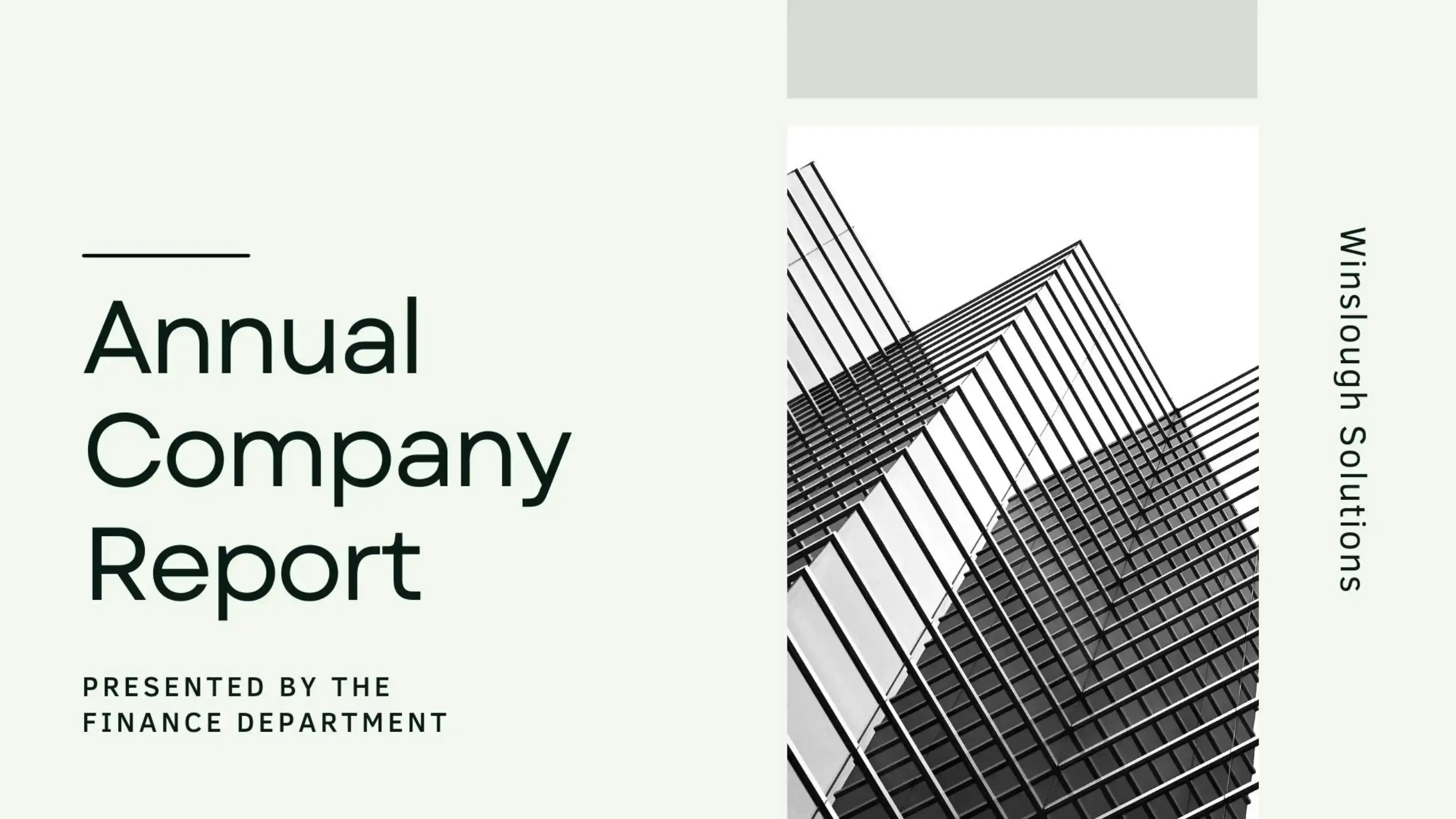
If you want to cut-short your efforts on displaying your corporate goals, brand performance and employee rewards, yet do it effectively, the Pickcel Google Slides app is for you. It’s supported on all digital signage player OS and is free with the signage software.
Easy Configuration
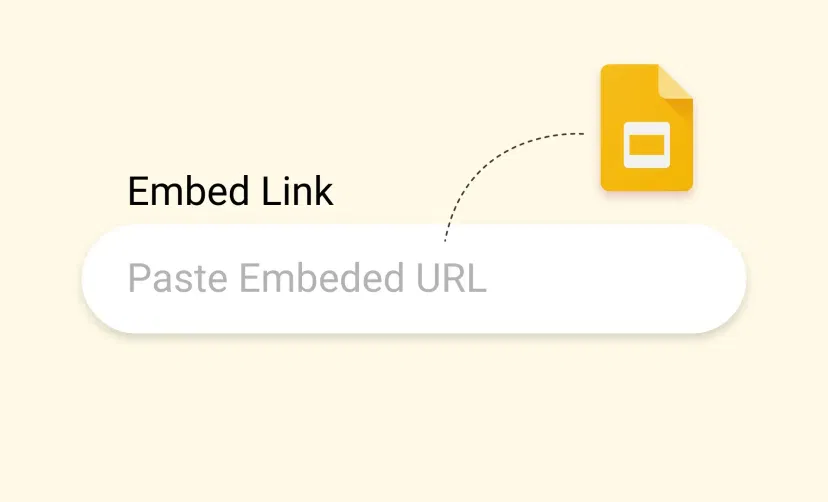
You just have to copy the link of your presentation from Google Drive, paste it to the URL box, click on 'create app', and you're all set to publish it on all your screens. Yes, it's that easy!
Simultaneous content rendering
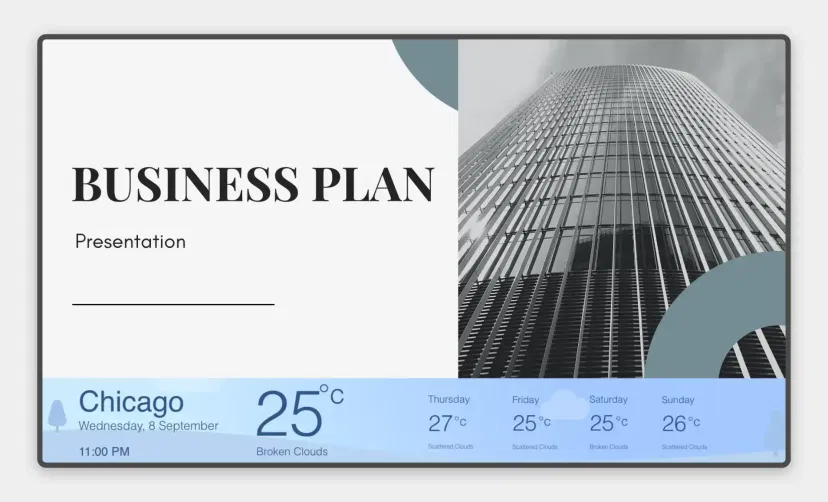
Your slides will run along with other significant content (reviews, videos, RSS feed or weather forecast) on the same screen, at the same time. Let's build a next-level audience engagement.
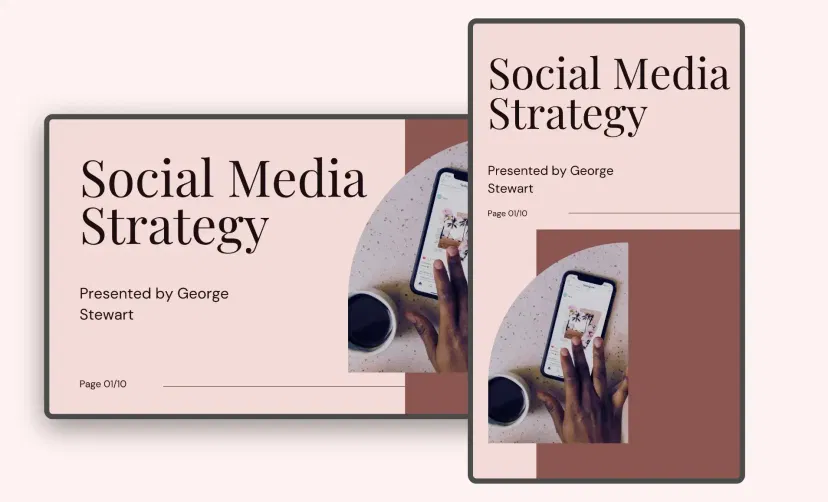
Supported on any layout
The Pickcel Google Slides app is supported on all kinds of layouts, offering immense flexibility & convenience in terms of designing and publishing your digital signage content.

Update anytime
The Google Slides app gets saved to the 'media' section within the Pickcel console. So, you can update the slide anytime just by editing the URL box and adding the new slide link to it.
Ready to unlock the Google Slides App for your digital signage?
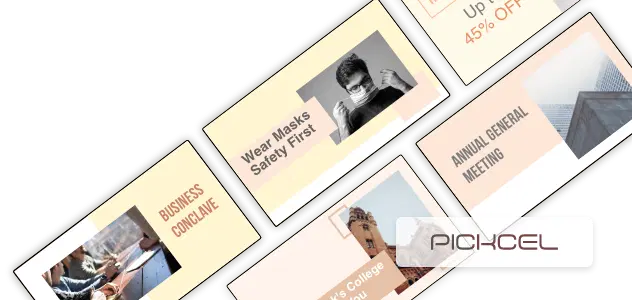
Interesting Use Cases of the Google Slides App
We have listed a few. The sky is the limit for you!
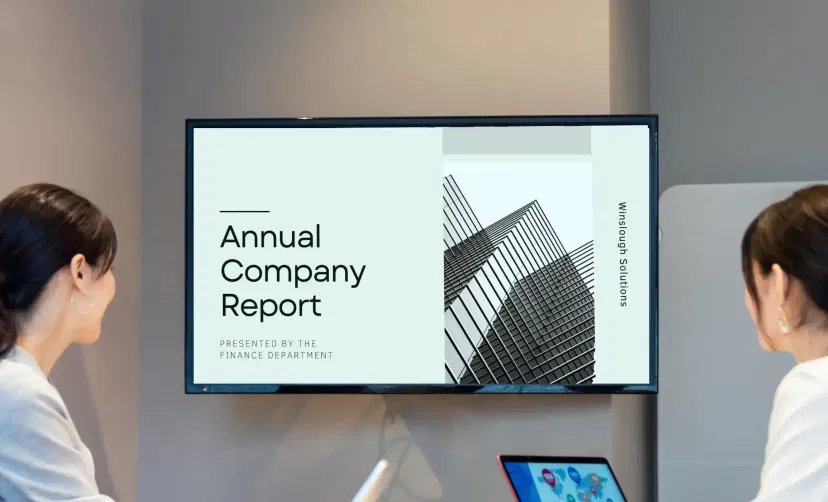
Corporate Presentations
Meeting presentations, project demonstrations, and showcasing company achievements to your audience - everything becomes effortless. Edit & update the slides in real time and present whenever, wherever.

At Healthcare Centers
People are either anxious or brooding over critical health concerns. Help them out with creative presentations on safety guidelines or cure measures for a few ailments. Build trust!
How to add the Google Slides app to your digital signage?
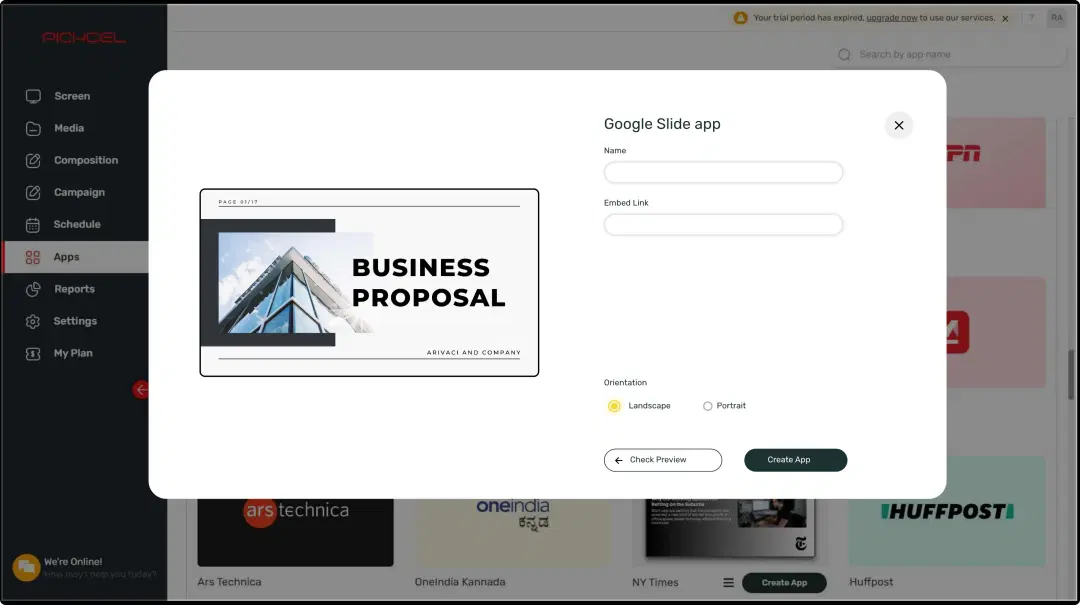
Configure the app from the app store
Set the app name, add the presentation URL, and save the app to your media.
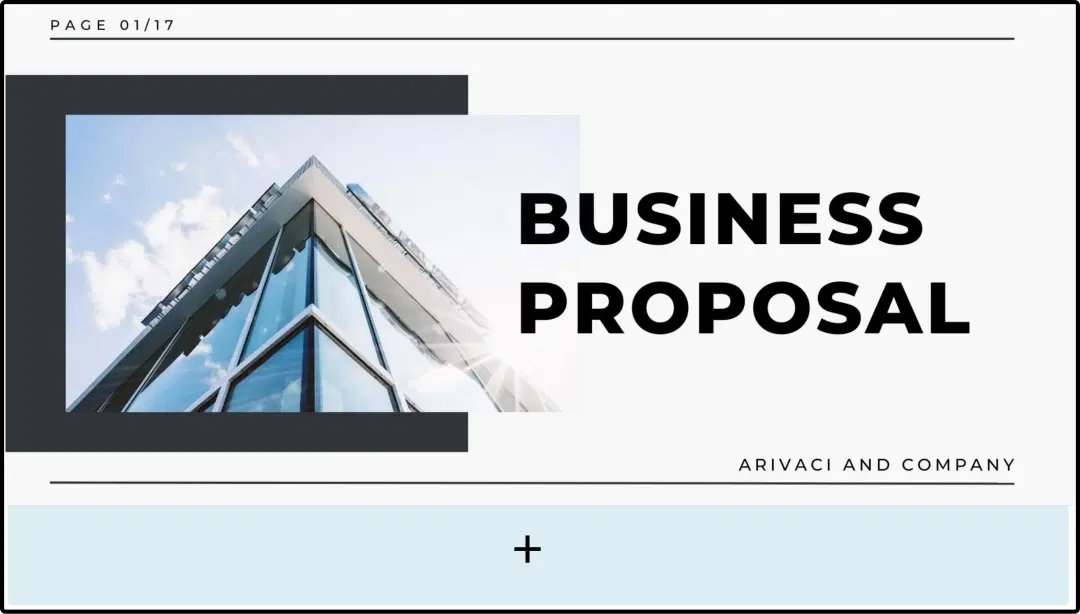
Create a composition
Dedicate the full screen space for your slides or create a multi-zone layout to display it along with other content.

Publish the composition
Select the screens and hit publish.
Step-by-step tutorial of adding the Google Slides applicationNeed customized apps? Connect with us.
We are open to all kinds of customization & integration with third-party applications.
More Pickcel Apps to Complement the Google Slides App on your Digital Signage

Quotes app
Display motivational quotes on your digital signage

Slack app
Show the Slack messages on your screen

Stock Market App
Display the live stock market updates

Scroller app
Show scrolling text to add trivia