Building Directory
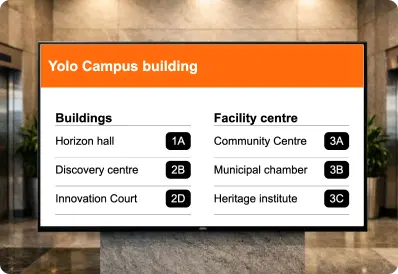
Display building directories clearly on any screen to help visitors find rooms, floors, and departments quickly.

Trusted by businesses worldwide







SOC 2 Type II
ISO Certified
Key Feature Highlights

Structured sections
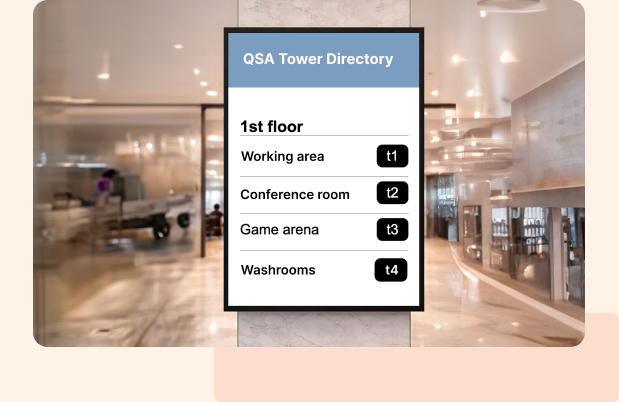
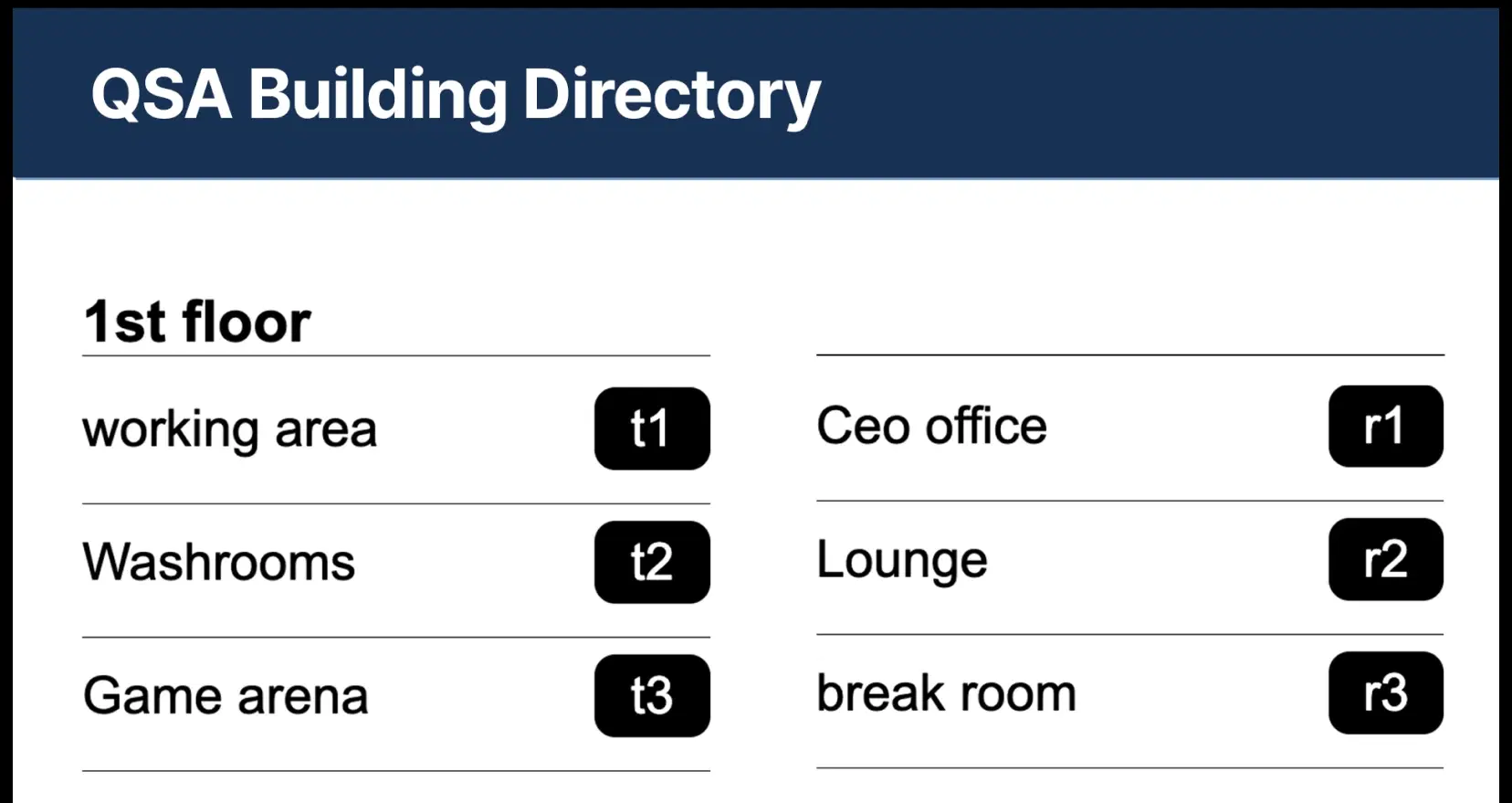
Group listings by floor or department so visitors scan less and locate faster.

Drag-and-drop listings
Add names, rooms, or companies with a short descriptor and reorder anytime without redesigning the screen.

Visual listings
Use portraits, logos, or icons to make entries recognizable at a glance.

Brand header
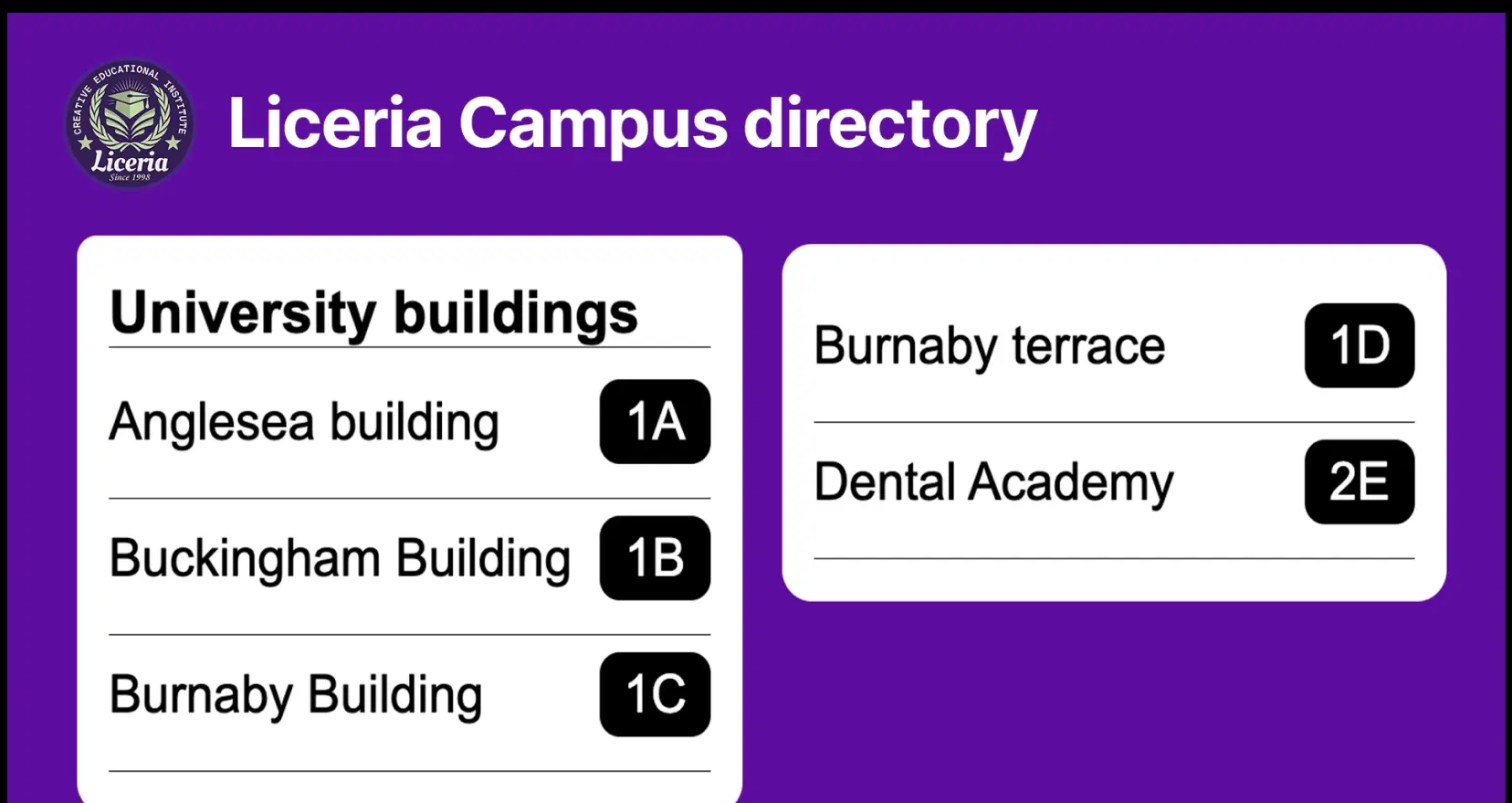
Place your logo and directory title at the top for a professional, consistent look across properties.

QR handoff
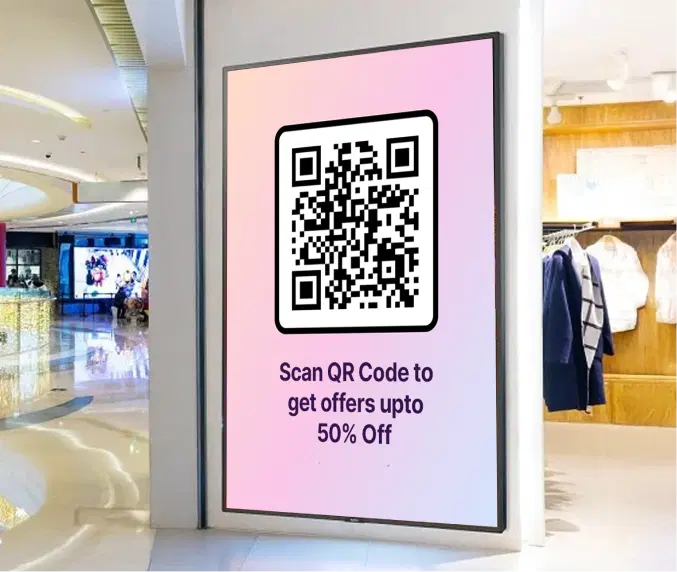
Add a QR code that opens a detailed map, check-in form, or help page on mobile for extra clarity.

Highlight mode
Draw attention to a key section like “You Are Here,” event floors, or today’s meeting level.
One App, Many Display Styles
Classic, modern, or minimal - find a style that fits your brand.

Interesting Use Cases
See how global brands deploy Pickcel to unify updates, broadcast insights, and improve visibility across corporate environments.
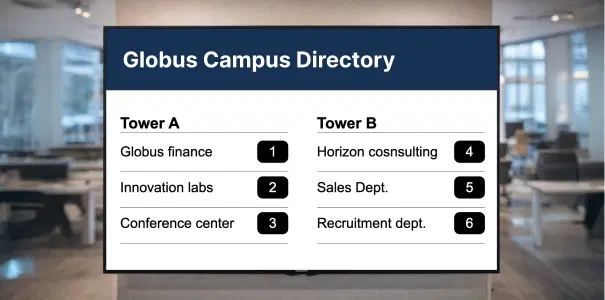
Corporate campuses and office towers
Show floors, wings, and departments in the lobby. Cut queue time at reception and keep branding consistent across buildings.
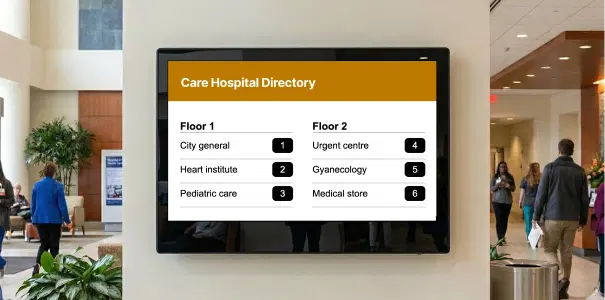
Hospitals and healthcare
List departments, wards, labs, and support desks by floor. Pair with a QR to open maps or visiting-hours info.
How-To Steps
The Building Directory App connects securely with Pickcel CMS and lets you publish directories, listings, and updates to office screens, campuses, and common areas — all from one simple interface.
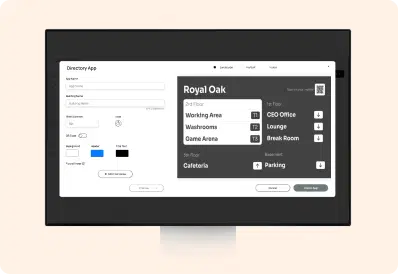
Step 1: Configure the app
Create a new instance and build the directory by adding floors and room listings. Set a highlight color for each floor, add listing images and a QR code for maps or check-ins, then Preview and click Create App.
Step 2: Add to a composition
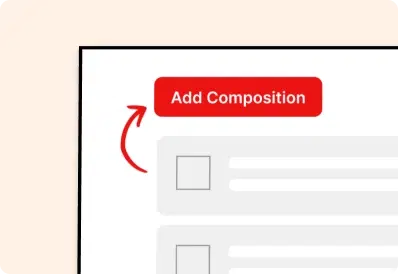
Create a new composition, add the Building Directory app, position and size it for visibility, and optionally pair it with a welcome banner.
Step 3: Publish to Screens
Assign the composition to your screens or groups and publish. Your directory appears instantly and stays current with every update from the dashboard.
More Pickcel Apps to Complement the Building Directory App on your Digital Signage
Modern workplaces communicate everyday so — not just on your desktops. Pickcel extends your internal communication to every screen in your premises too.