App Features
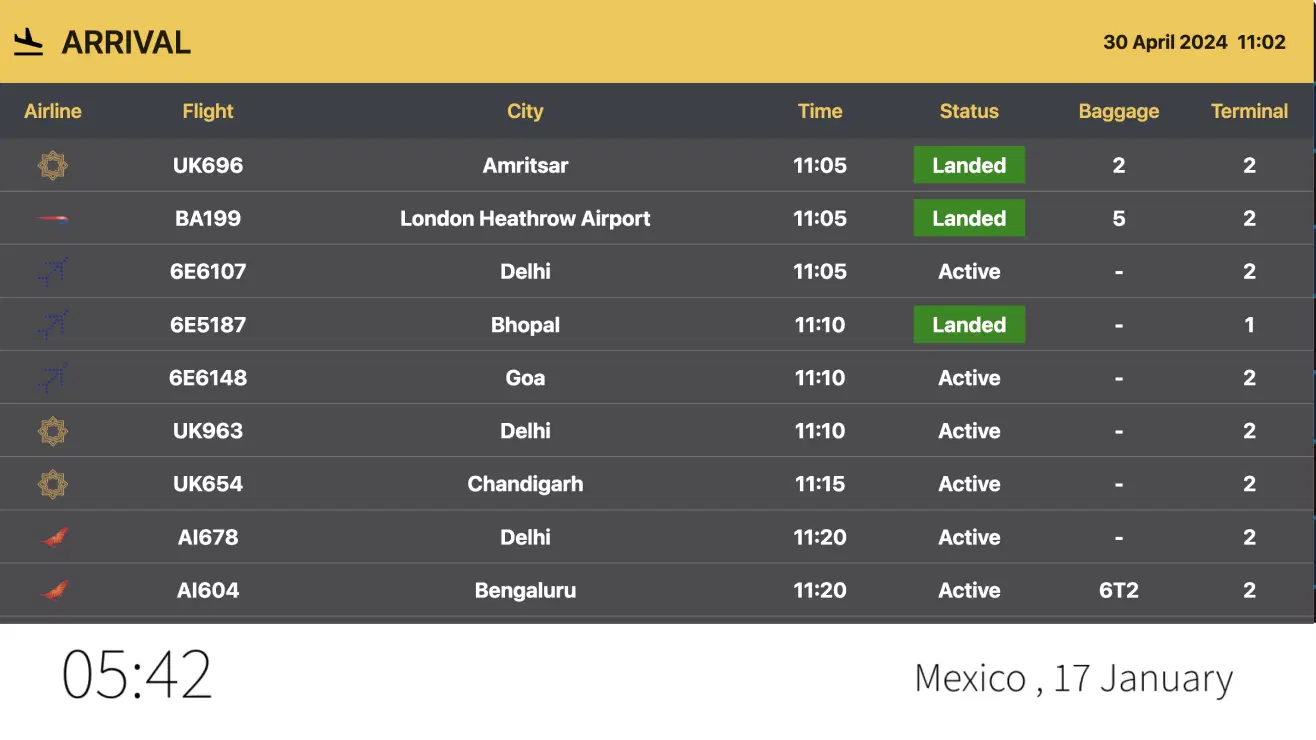
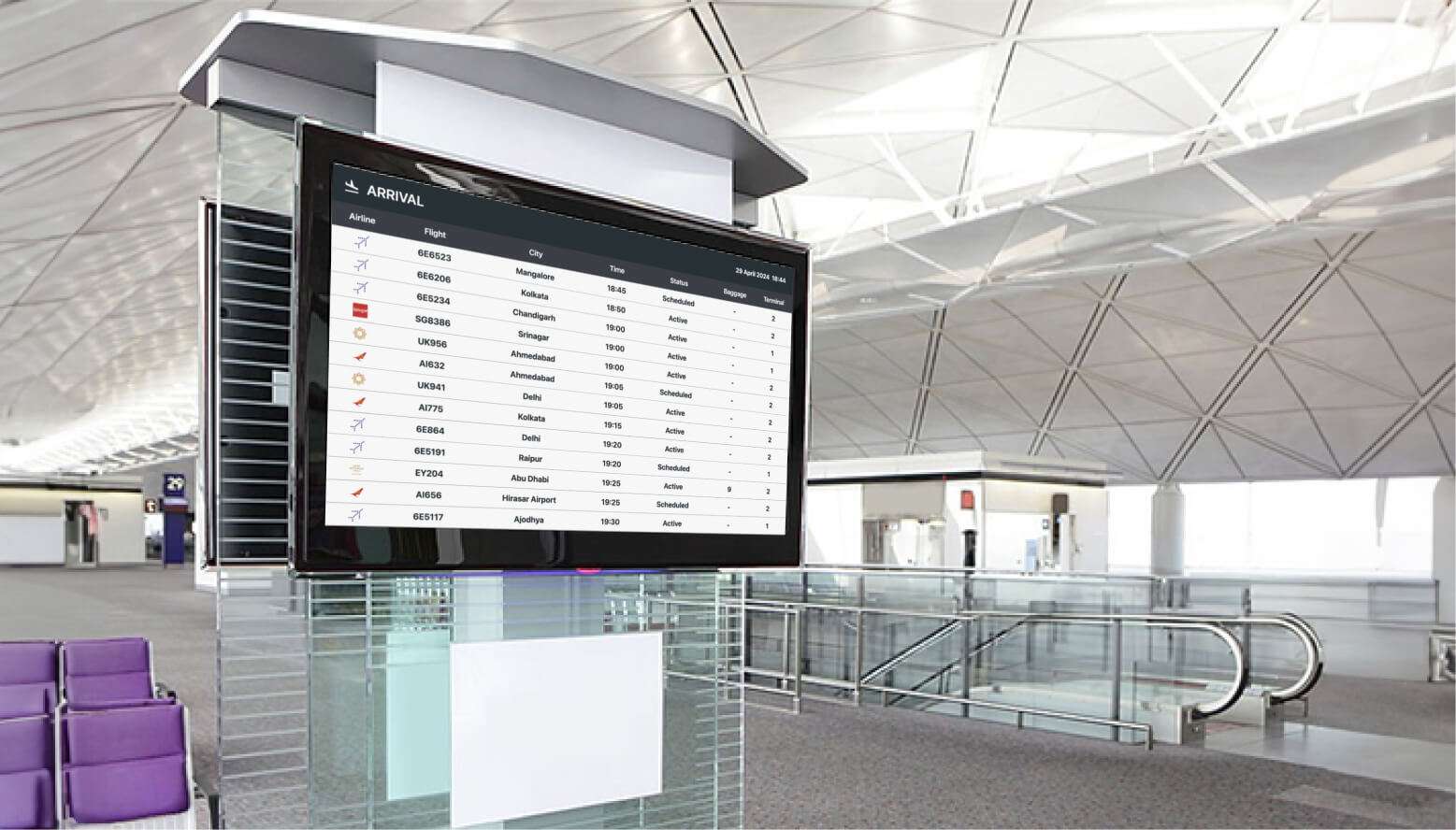
Flight status is crucial, as it allows viewers to make advance choices in case of delays or cancellations of their flight. Adding Flight to your digital signage will provide live flight status updates for any desired airport. This integration is essential for airports or hotels located nearby.
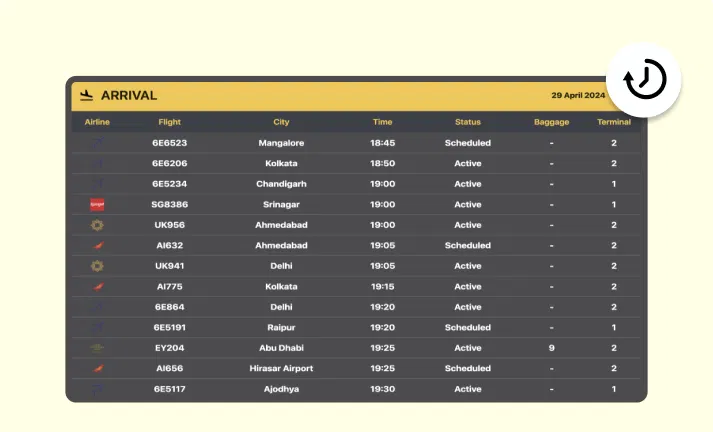
Auto-update of flight status
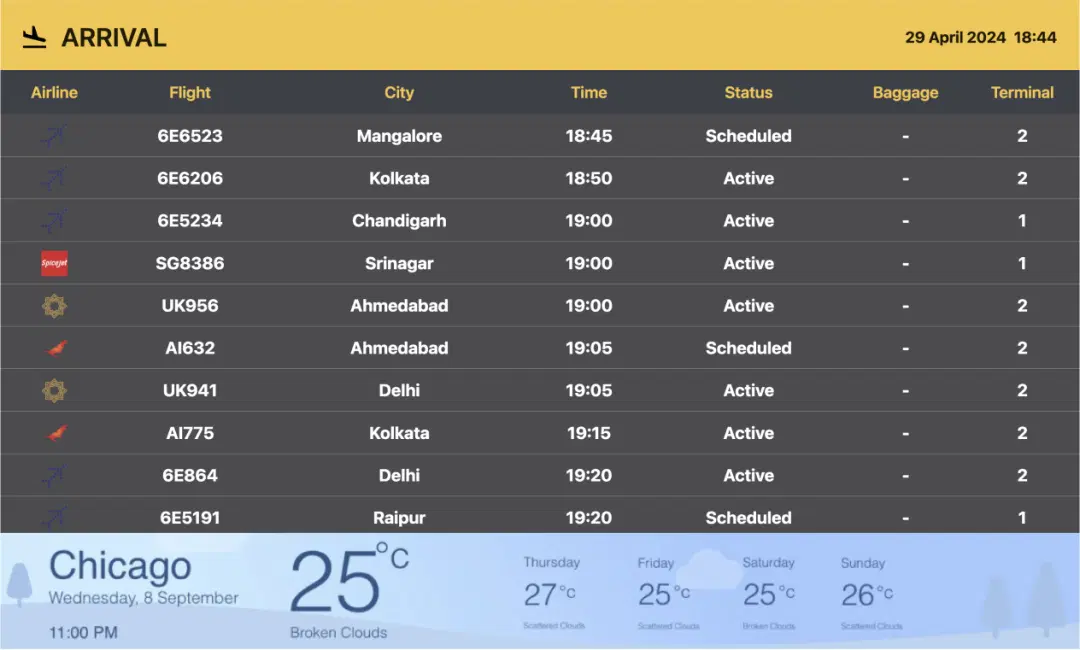
The flight status will be updated automatically once the required settings are done. Flight status (scheduled, active, delayed), time, city, baggage, terminal, and flight number with airlines will be displayed and updated with time.
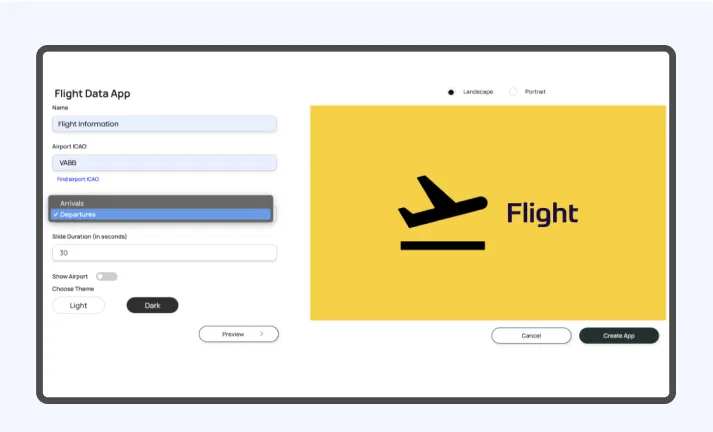
Control arrival and departure setup
You can display live updates of flight arrivals and departures. You have the option to choose whether you want to display arrivals or departures on the screen. Additionally, all the information will update immediately in real-time.
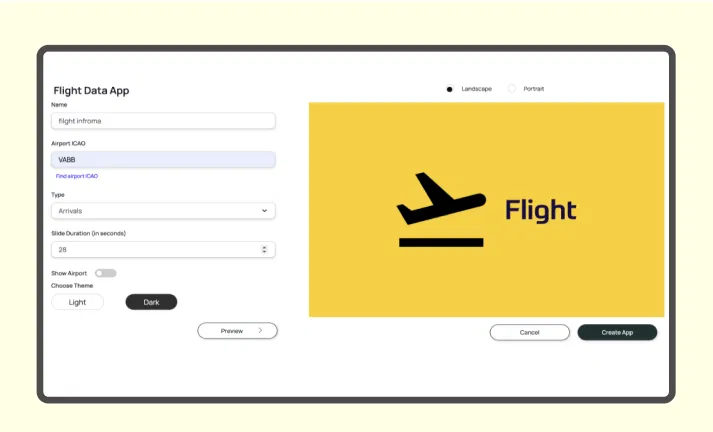
Customize the slide duration
Choose how long you want each slide to be displayed before moving on to the next one. You can set the intervals between slides to any duration from 1 to 300 seconds.
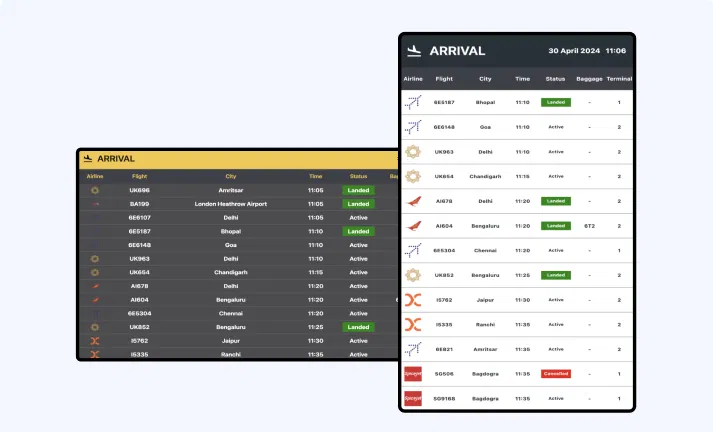
Option for preview
Preview how the layout will appear when it's displayed. Check if all the information is visible and determine which orientation will suit your digital screen.
Same App, Different Looks!
Display the live updates of flight information in both dark and light mode. Which one is your favorite?
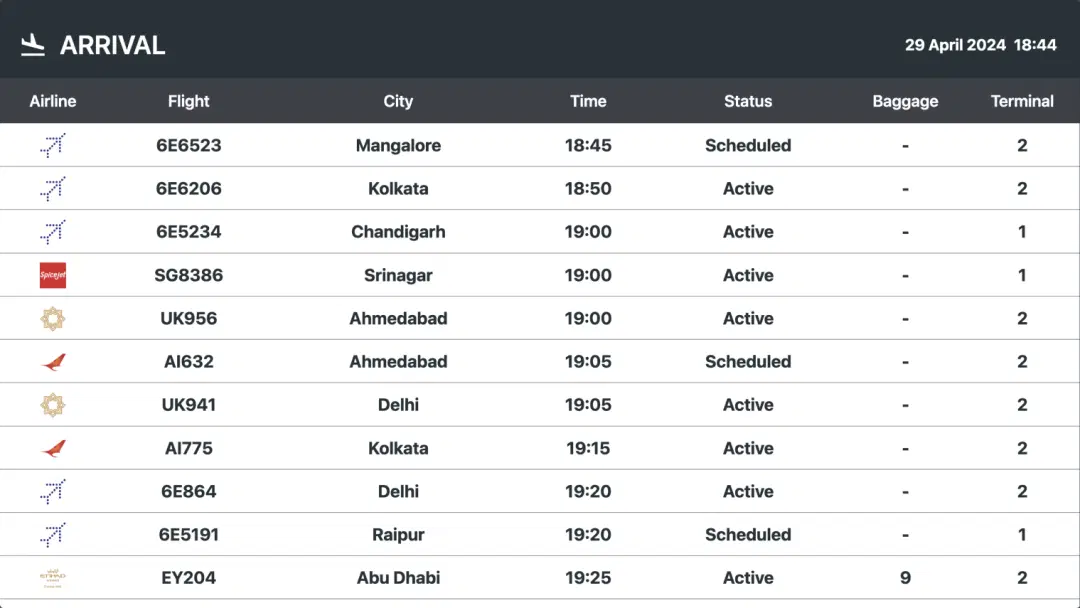
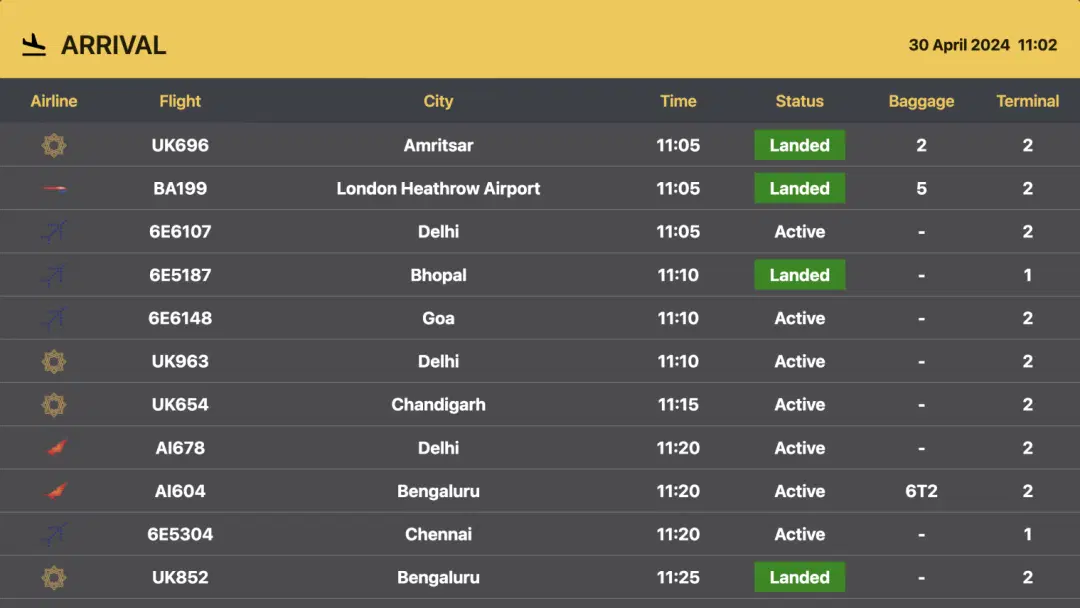
Ready to unlock the Pickcel Flight app for your digital signage?

Interesting Use Cases for the Flight App
We have listed a few. The sky is the limit for you!
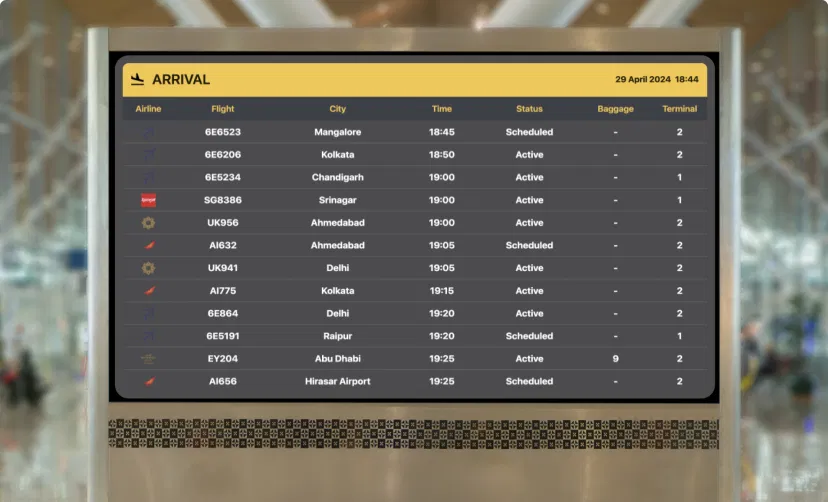
Flight updates in the airport
Passengers can receive timely updates about their flights, including information about terminals and gates. It also enables them to handle flight delays and cancellations.
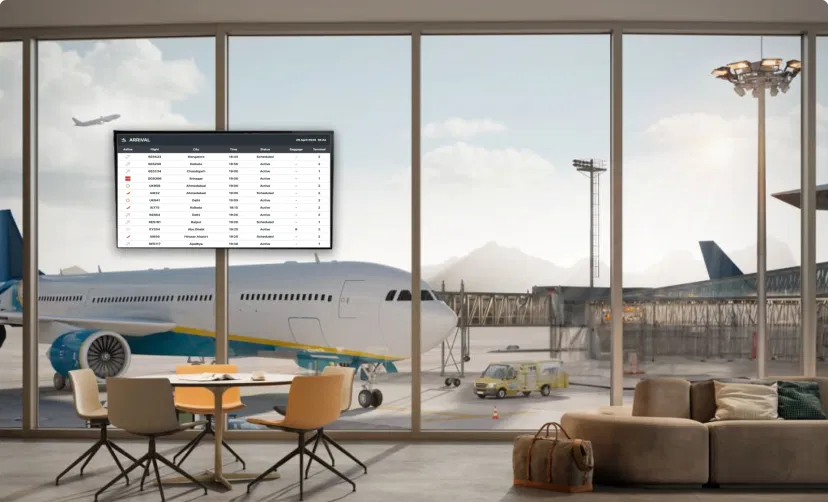
Flight status in the hotel lobbies for the guests
Guests can manage their check-in and check-out times according to their scheduled flights. Live flight updates in the hotel are a perk for them when they are not at the airport.
How to add the Flight app to your digital signage?
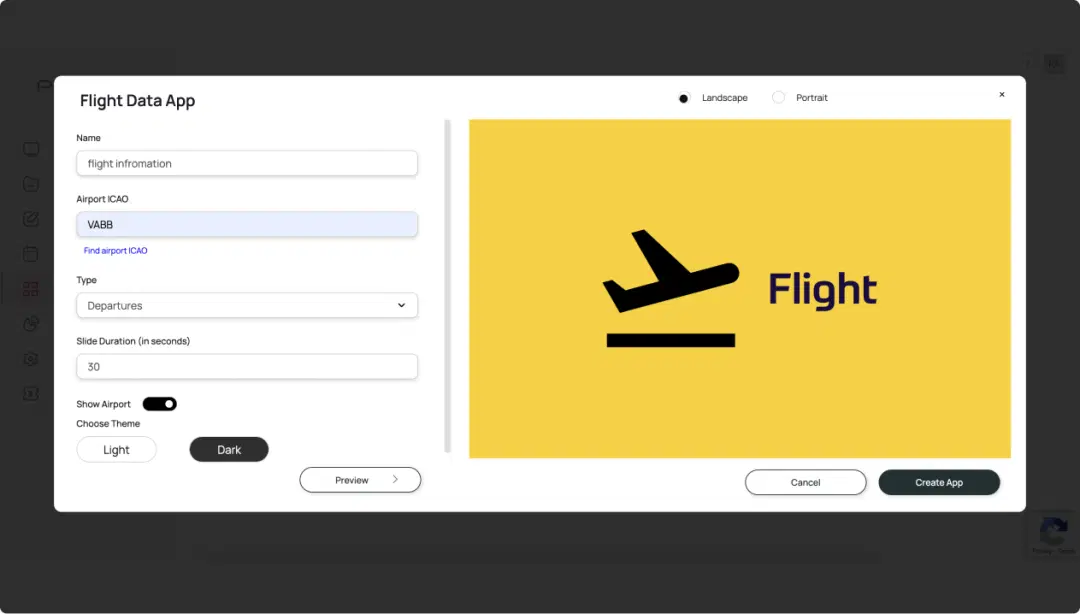
Configure the app from the app store
Add the app name, paste the desired Airport ICAO, select the type, set the slide duration, then preview the changes and save.
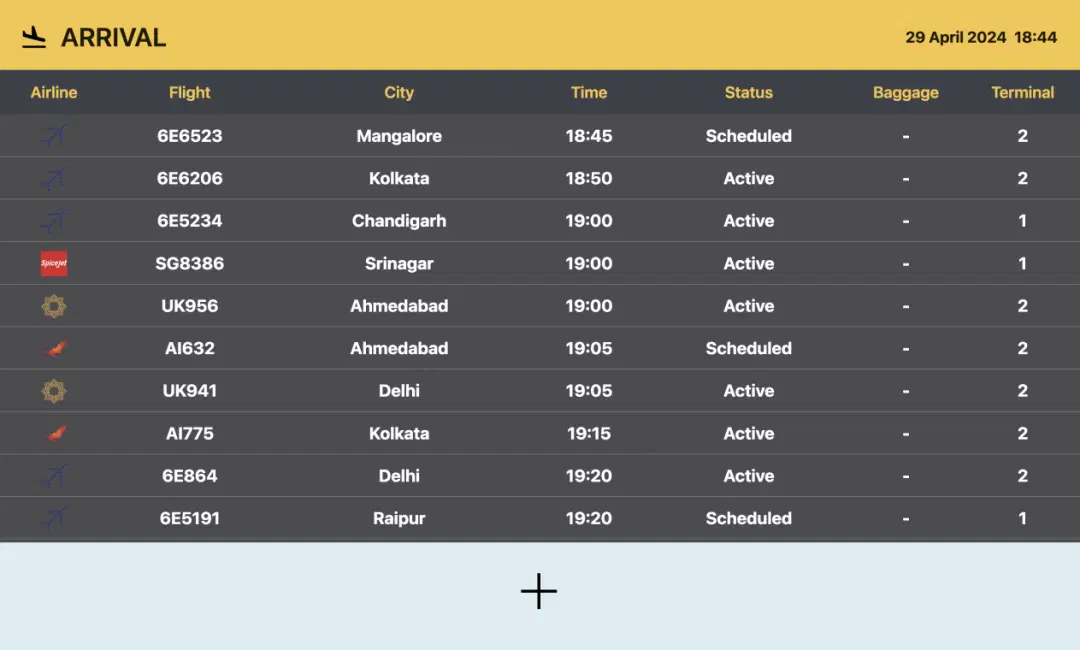
Create a composition
Show the live flight updates on full-screen. Or create a multi-zone layout to display alongside other content.
Publish the composition
Select the screens and hit publish.
More Pickcel Apps to Complement the Flight App on your Digital Signage

World Clock
Display the time of any city in the world

Google Traffic app
Present live traffic updates

Digital bulletin board app
Show notices & announcements

AQI App
Enrich your signage with live air quality data