
Pickcel

Core Platform

  • Software Features
  • Pickcel Comms
  • Templates
  • Security & Compliance

Enterprise

  • On-Premise
  • Integrations & Automation
  • Our Services

Extensions & Apps

  • Mobile App
  • App Integrations

Digital Signage Players

  • Android
  • Samsung Tizen
  • BrightSign
  • Amazon Signage Stick
  • View all Players
What is Digital Signage?

Learn the basics of digital signage and how it can transform your business.

Industries We Serve

  • Office
  • Retail
  • Restaurant
  • Manufacturing
  • Hospitality
  • Healthcare
  • Transportation
  • Education
  • View all Industries

Solutions

  • Dashboard
  • FIDS
  • Digital Menu board
  • Car Dealership App
  • Wall Craft
  • Event Stream
  • Transport PIS
  • Social Wall
  • View all Solutions
See How Pickcel  Helped Amazon
See How Pickcel Helped Amazon

Case Studies

  • Mercedes-Benz
  • Accenture
  • Magnolia Bakery
View all

All Resources

  • Digital Signage Blog
  • Learn
  • Digital Signage Gallery
  • Case Studies
  • Support
  • Download
Partnerships
Partnerships

Partnerships

  • White-Label
  • Reseller
Pricing
Login
  1. Home
  2. /
  3. Compare
  4. /
  5. Pickcel vs SnapComms
PickcelvsSnapComms

Pickcel vs SnapComms: Which Employee Communication Platform Reaches Your Entire Workforce?

Pickcel and SnapComms both carry the employee communication label, but they solve different problems using different channels. See what each platform does, who each is built for, and how to decide which one — or both — belongs in your stack.Trusted by 9,000+ businesses across 150,000+ screens in 70+ countries
Book a Switch Consult
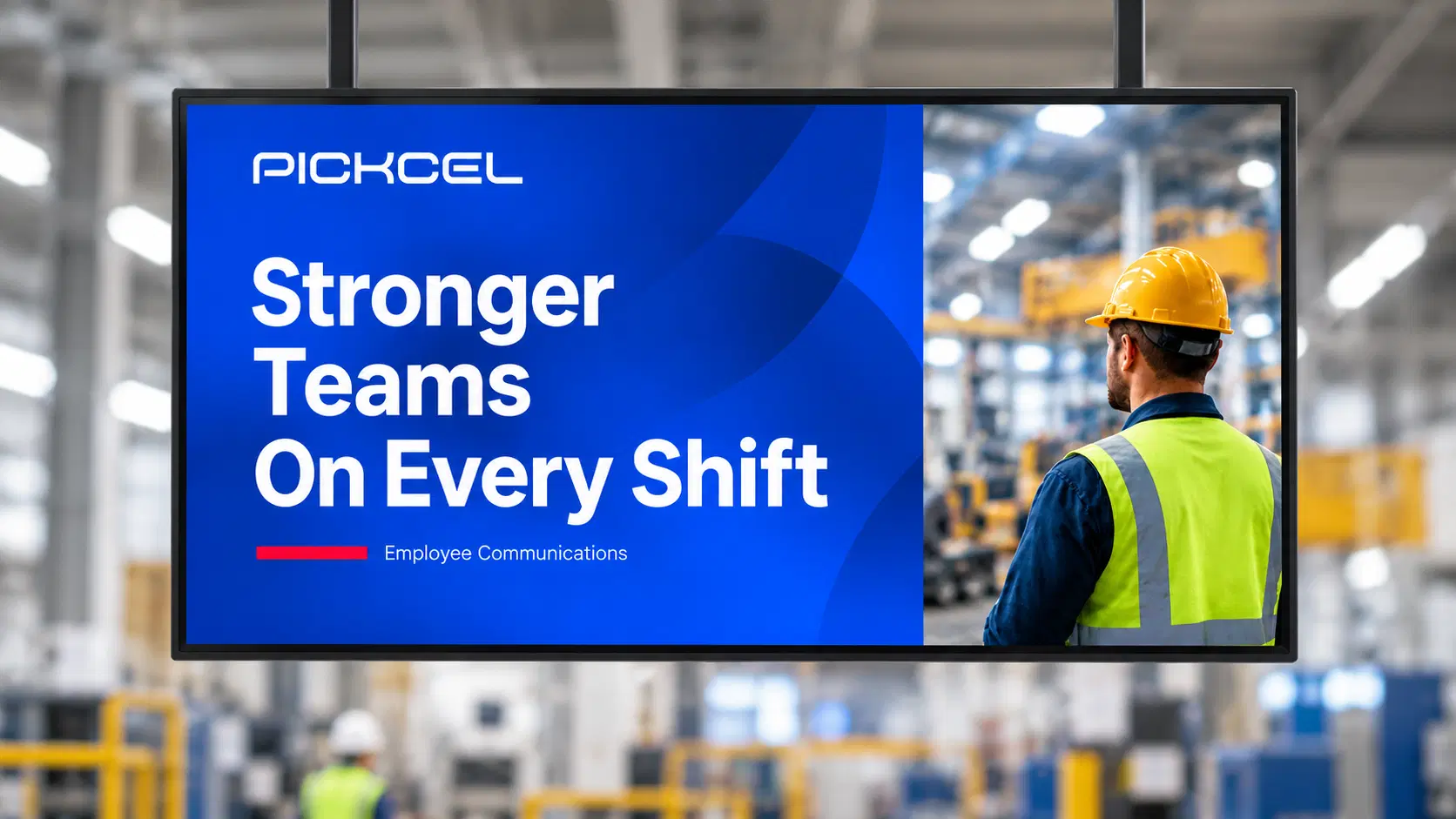
Pickcel digital signage screen showing a Stronger Teams On Every Shift workplace message
At a Glance

A quick look at which platform fits different needs.

Pickcel wins for

  • Significant deskless or frontline workforces
  • Ambient screen communication in shared spaces
  • Manufacturing, healthcare, retail, and multi-site ops

SnapComms wins for

  • Desk-based, device-equipped teams
  • High-visibility targeted alerts and pop-ups
  • Compliance notifications with acknowledgement

Compare further if

  • Your workforce includes both desk and deskless employees
  • One platform may not cover both segments
  • You may need a complementary approach
Core Difference

Device-based vs screen-based employee communication.

SnapComms delivers targeted employee communications via device-installed channels: desktop alerts, screensavers, lock screens, and a mobile app. Pickcel delivers ambient employee communications via physical screens in shared spaces, with no device required for the recipient.

The two platforms serve different communication objectives and different workforce segments. As a multi-channel employee communication platform, Pickcel's screen-based approach complements device-centric tools for organisations with mixed workforces.

Learn more about the key differences
VS

Screen-based

Ambient display in shared spaces. No employee device required.

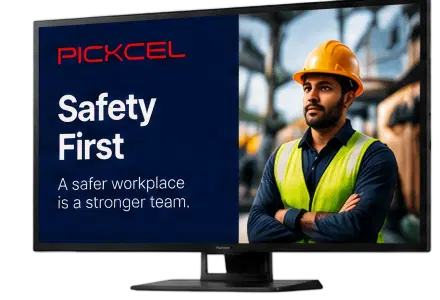
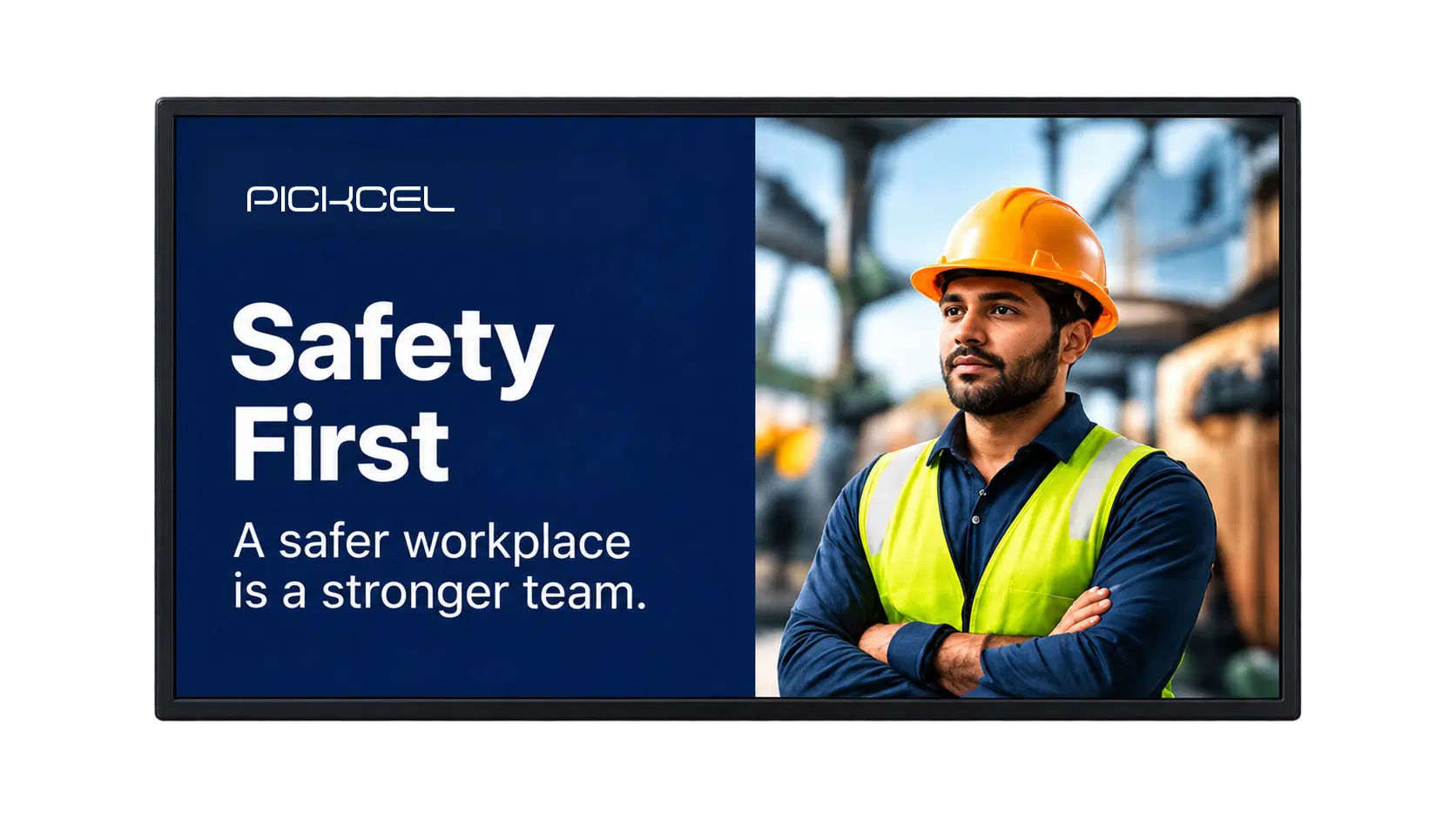
Pickcel digital signage screen showing a Safety First workplace message
Shared screensDeskless reachFloor teams

Device-based

Desktop alerts, screensavers, lock screens, and a mobile app.

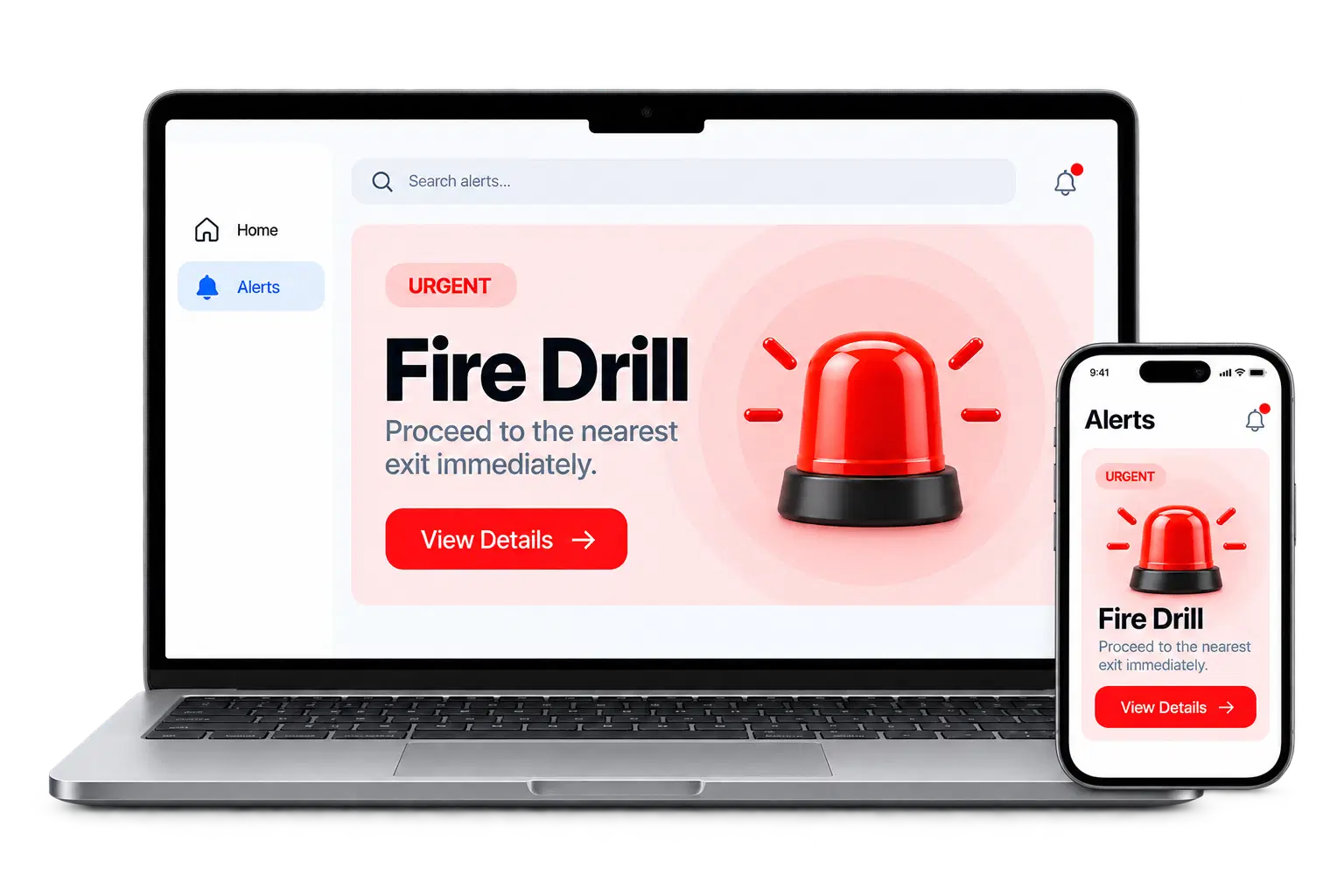
Device-based employee notifications on a laptop and smartphone
Desktop alertsMobile appAcknowledgements

Example: For a 500-person manufacturing company where 350 people work on the floor, SnapComms's device-based model reaches the 150 office employees well. Pickcel reaches all 500 through screens on the production floor, in the canteen, and at shift handover points. Neither platform fully replaces the other in a mixed workforce.

About the Platforms

Two platforms. Two different approaches.

Both platforms communicate with employees, but they focus on different channels and use cases. Here's a closer look at what each platform does.

Pickcel

Screen-based employee communication

Cloud-based digital signage that reaches employees through physical screens in shared spaces — no device, app, or login required.

  • Ambient screen communication
  • Centralised CMS & real-time push
  • Reaches deskless & frontline staff
  • 50+ device types
  • SOC 2 Type II & ISO 27001 certified
  • Used by 9,000+ businesses across 150,000+ screens in 70+ countries
Learn more about Pickcel
Pickcel digital signage screen showing a Stronger Teams On Every Shift workplace message
SnapComms

Device-based employee notifications

An Everbridge platform built around desktop alerts, screensavers, lock screens, and a mobile app installed on each employee's device.

  • Desktop alerts & pop-ups
  • Screensaver / lock screen messaging
  • Mobile employee app, desktop ticker & newsletter tools
  • Surveys, quizzes, emergency panic button & SMS add-on
  • Used by 2.5M+ employees in 75+ countries
  • Customers include Air France, Comcast, and KPMG
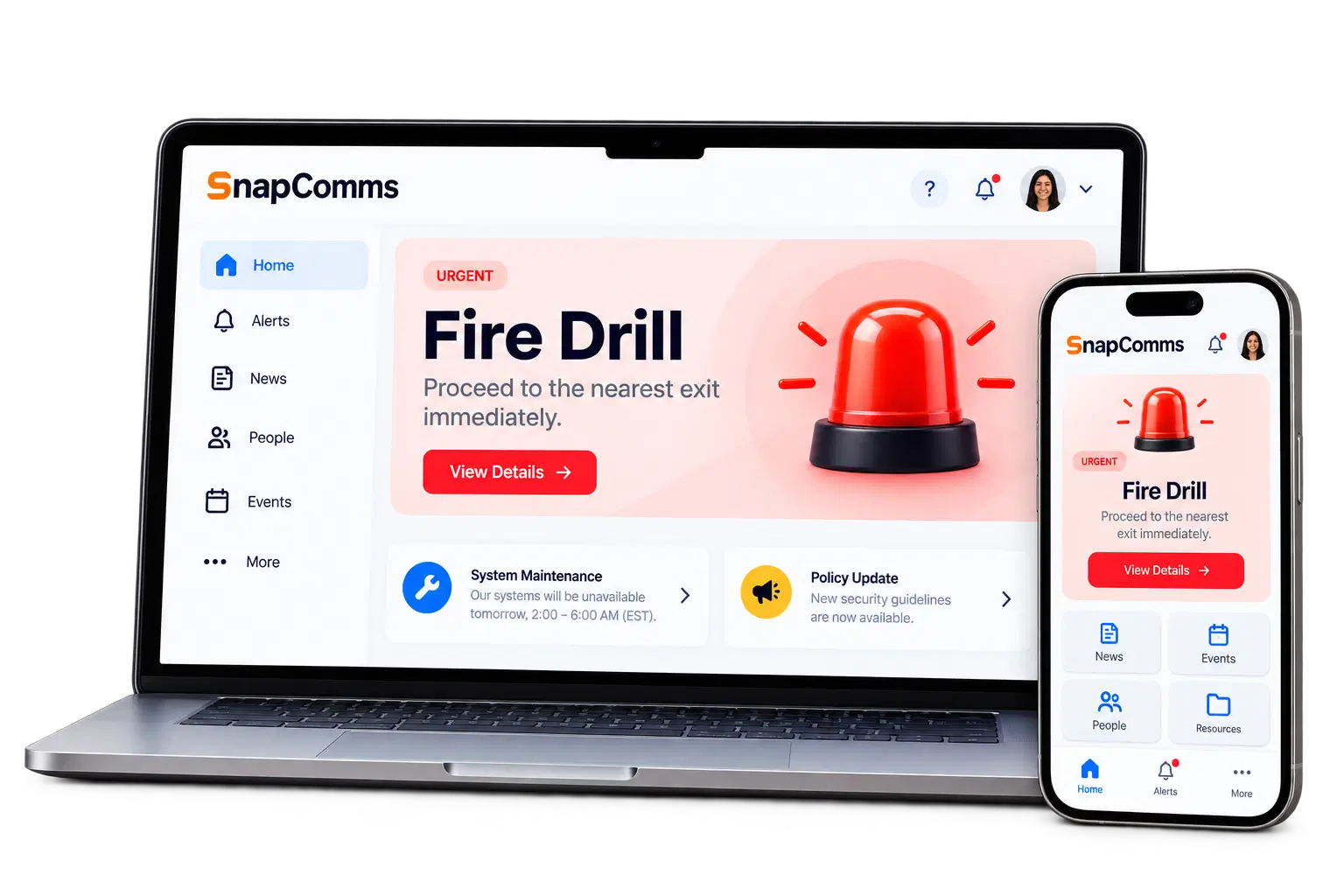
Device-based employee communication shown on a laptop and smartphone

Feature Comparison

Compare key features side by side.

Feature / CapabilityPickcelScreen-Based CMSSnapCommsDevice-Based Notifications
Primary delivery channelScreen-based ambient displayDevice-based notifications (alerts, screensavers, app)
Employee device required to receive contentNoYes
Reaches deskless workers without a company deviceYesNo
Internal digital signageDedicated platformOne channel among several
Multi-location screen managementYesNot confirmed in public sources
Desktop alerts and pop-upsNoYes
Screensaver / lock screen messagingNoYes
Mobile employee appNoYes
Emergency broadcastYesYes
Content schedulingYesYes
Real-time content updatesYesYes
50+ hardware device compatibilityYesNot confirmed in public sources
SOC 2 certifiedYes (Type II)yes
ISO 27001 certifiedYesYes
Pricing modelCustom quote / per-screen plans publishedCustom quote

All SnapComms capabilities verified from snapcomms.com, June 2026. "Not confirmed" means the capability was not found in public sources. Disclaimer: Pickcel is independent of SnapComms and Everbridge. We encourage you to verify details with each vendor.

Request a Demo

No credit card required

Who Should Choose Which

Different teams. Different needs.

Who Should Choose Pickcel

Pickcel is the right choice when the communication objective is ambient, always-on reach through shared physical spaces, particularly for deskless, shift-based, or non-device workforces.

  • Manufacturing and logistics

    Machine operators, warehouse pickers, and dispatch teams benefit from screens displaying safety alerts, production KPIs, shift updates, and compliance reminders at their point of work.

    Factory floor communication
  • Healthcare

    Nursing staff and facility teams receive updates through screens in staff rooms, break areas, and department entry points, without interrupting patient-facing tasks.

  • Retail and hospitality

    Floor staff, kitchen teams, and checkout staff see scheduling updates, promotional content, and safety notices on screens throughout the venue.

  • Multi-site operations

    A single content update reaches all screens across dozens or hundreds of locations through Pickcel's centralised CMS.

  • Desk-based environments

    Ambient screen communication complements rather than interrupts work: lobby screens displaying company news, office screens showing team metrics, and conference room displays.

Get Started Free

Who Should Choose SnapComms

SnapComms is the right choice when the objective is targeted, trackable notification to device-equipped employees who must acknowledge critical messages.

  • IT security and compliance

    Desktop alerts and mandatory acknowledgements for cybersecurity updates, password resets, policy changes, and regulatory compliance reminders.

  • Corporate and head-office communications

    Organisations where the full workforce sits at desks: leadership updates, change communications, and benefits enrolment.

  • Emergency notification

    SnapComms's panic button and high-visibility alert channels cut through other applications and demand immediate attention.

For a broader view of communication solutions for deskless workers, see our dedicated guide.

Better Together

Can Pickcel and SnapComms Work Together?

In large organisations with mixed workforces, the two platforms are complementary rather than competitive.

  • Use SnapComms for device-equipped desk staff

    Targeted, trackable notifications for IT security alerts, compliance acknowledgements, and corporate announcements.

  • Use Pickcel for deskless and floor-based teams

    Ambient screen communication on factory floors, clinics, warehouses, and retail floors — no individual device required.

  • Keep segments covered without duplication

    The two systems serve different employee segments and do not duplicate effort across a mixed workforce.

Device notifications on a laptop beside a Pickcel digital signage screen

Example: A global manufacturer with 2,000 head-office staff and 8,000 production workers might use SnapComms for IT security alerts across the office population, while using Pickcel to deliver safety briefings and production targets on screens across manufacturing sites.

Want to estimate the cost impact before committing? Run the switch ROI calculator.

See Your 12-Month Switch ROI

Tell us about your current setup. We'll send a personalised estimate.

We use this only to build your estimate. You'll book a switch consult next.

Migration Guide

Switching from SnapComms to Pickcel

If you are evaluating Pickcel for screen-based communication and moving content from SnapComms, here is what the transition typically involves.

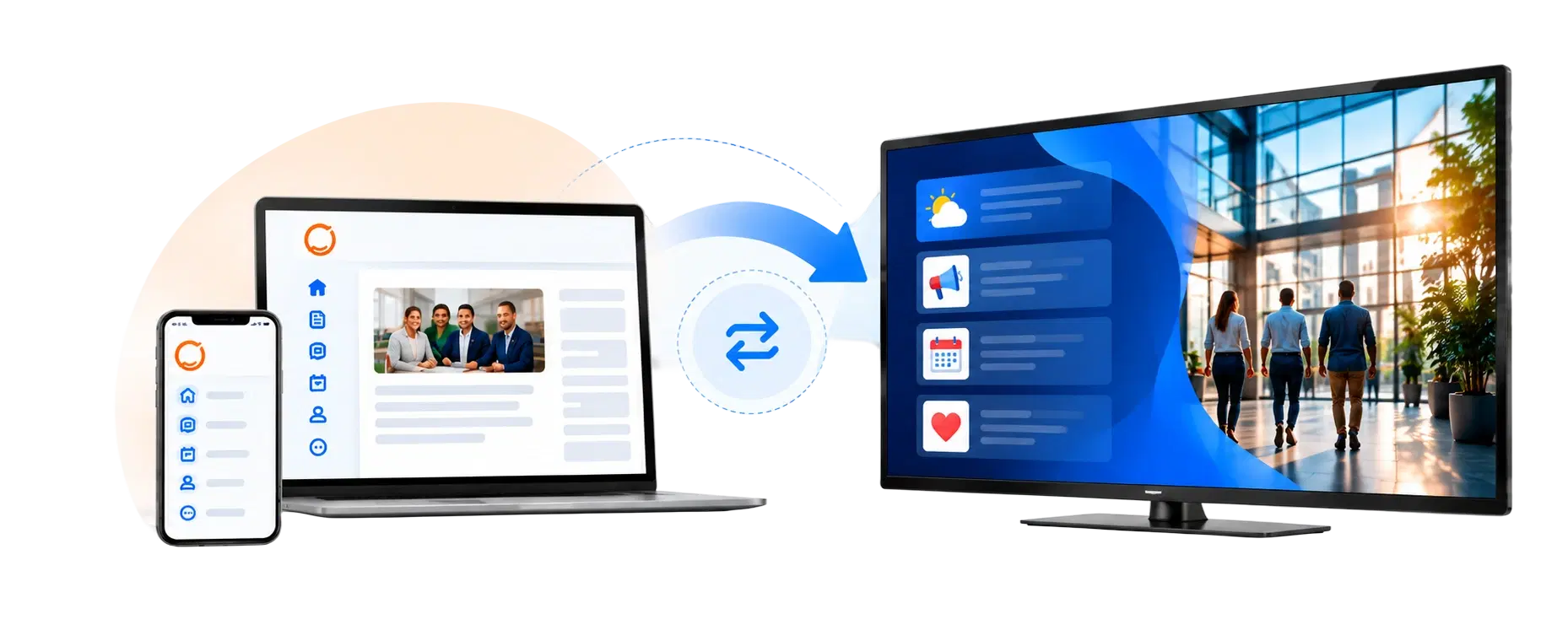
Current workplace tools connected by an arrow to a Pickcel digital signage screen
  1. 01

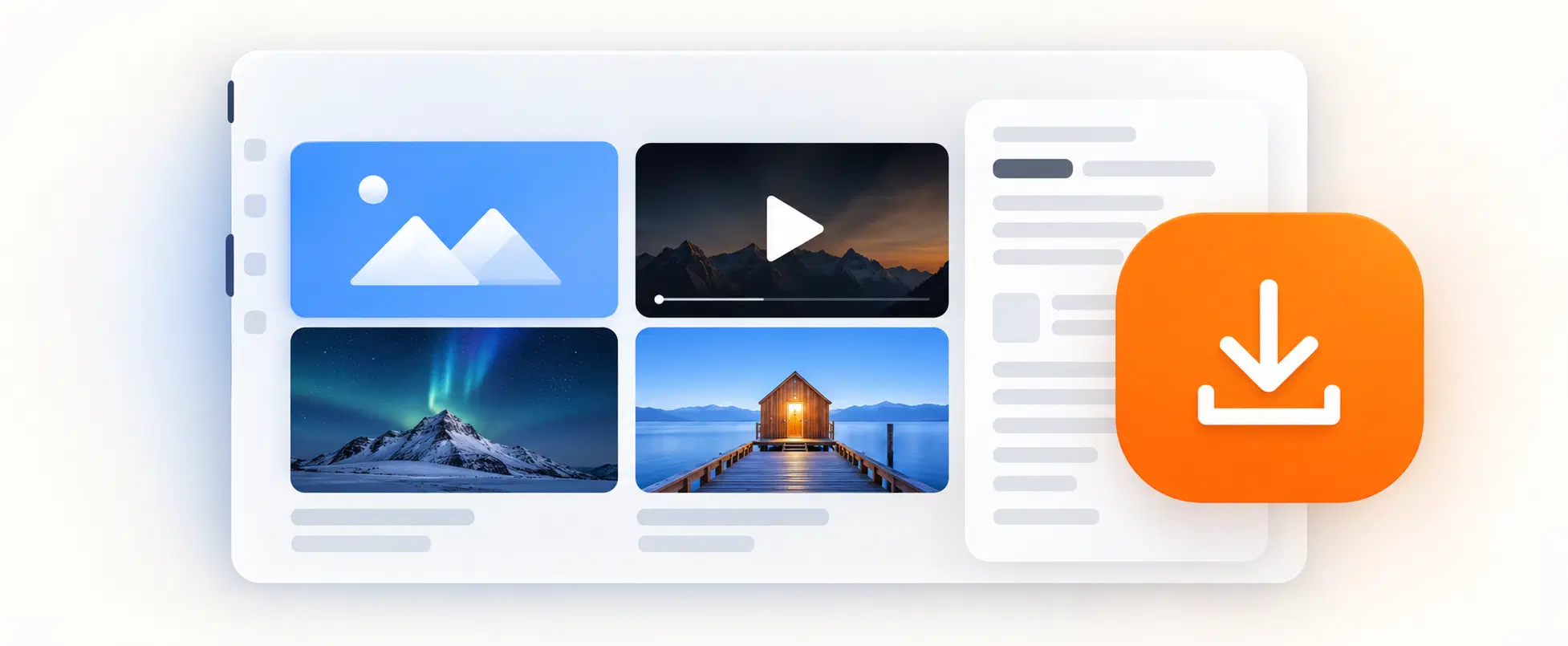
    Step 1: Audit your existing content

    Export and catalogue current SnapComms content by type: safety notices, HR updates, shift communications. Identify what translates to screen display and what requires device delivery to remain effective.

    Effort: 1 to 3 days

    Media library of images and videos with a download button
  2. 02

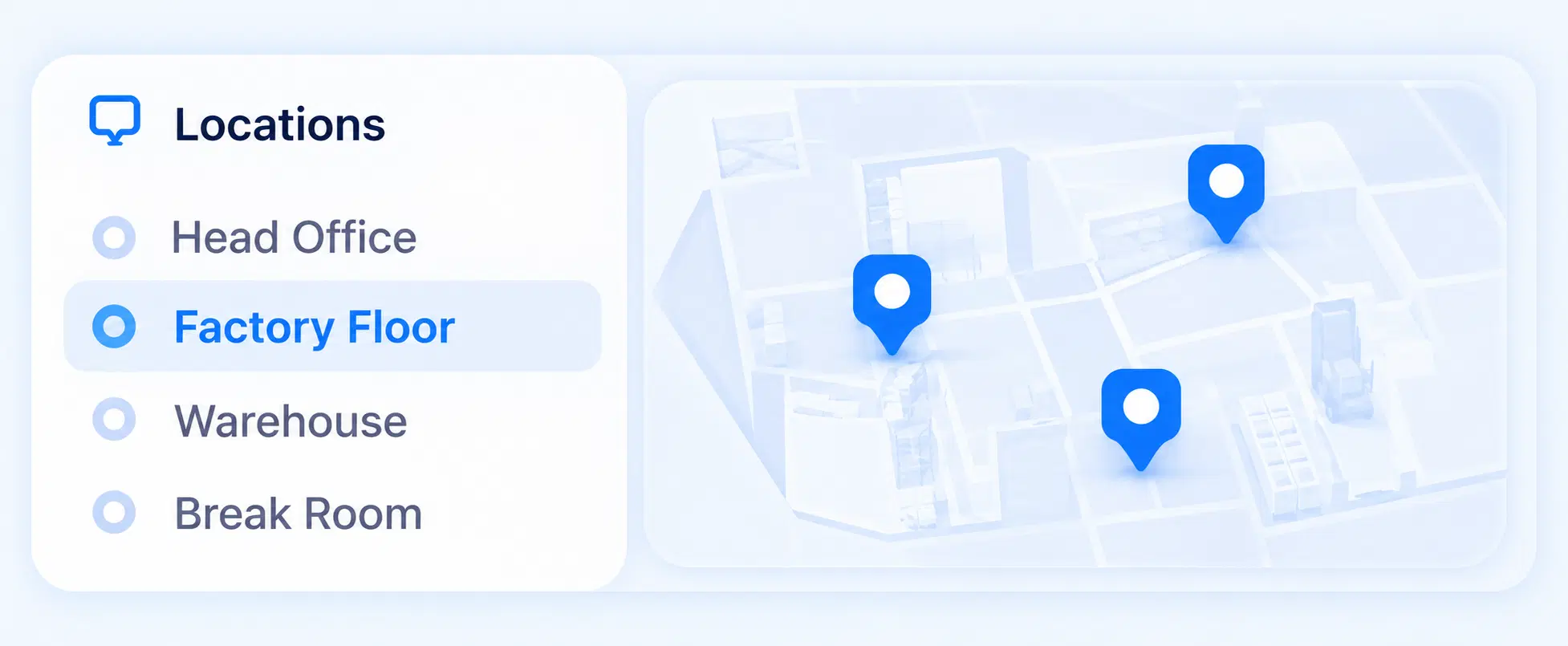
    Step 2: Map screen locations

    Identify where screens will be installed or repurposed in each site. Break rooms, entry points, production floors, and common areas are typical start points.

    Effort: 1 to 2 days per site

    Locations list with Head Office, Factory Floor, Warehouse and Break Room beside a map with location pins
  3. 03

    Step 3: Pilot on a single site

    Run Pickcel on 5 to 10 screens at one location for four weeks alongside existing tools. Measure reach, content update frequency, and team feedback before wider rollout.

    Effort: 1 week setup

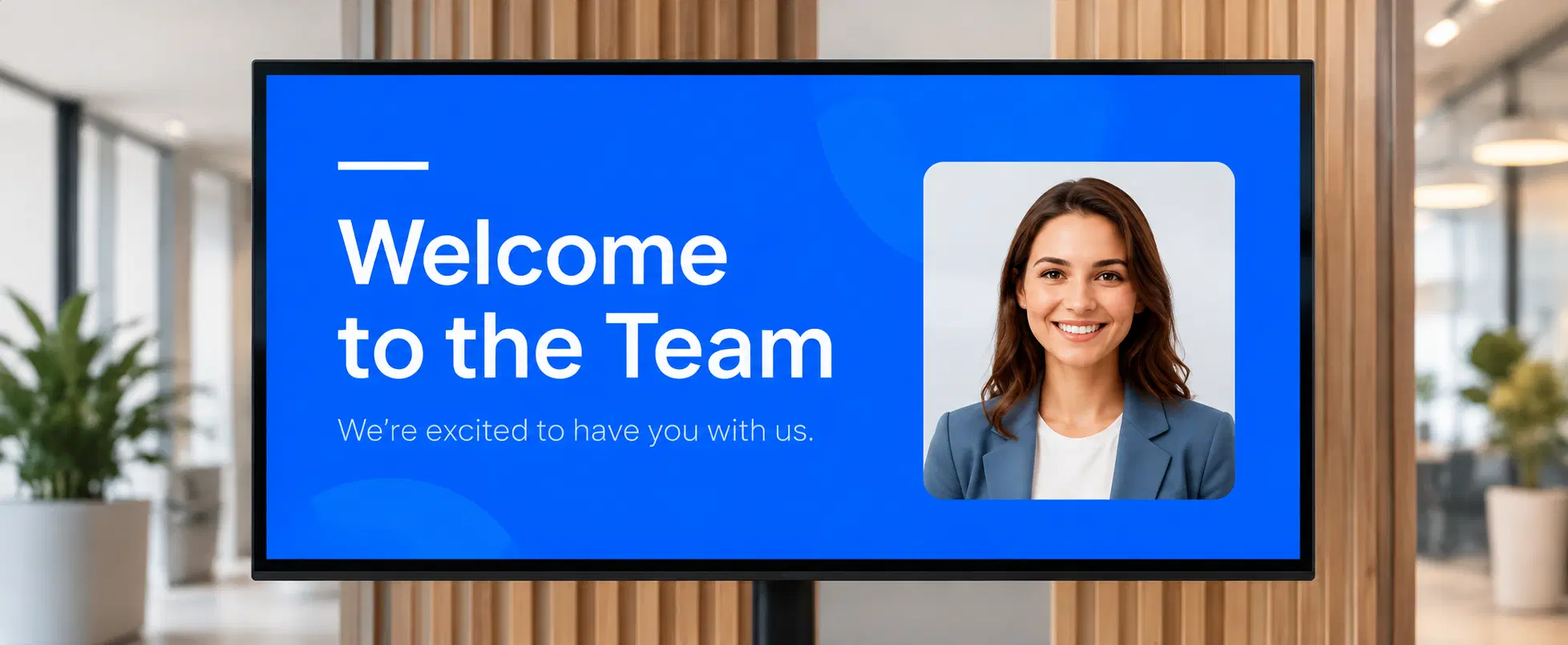
    Workplace screen showing a Welcome to the Team message
  4. 04

    Step 4: Migrate content and schedule

    Build your content schedule in the Pickcel CMS and run parallel delivery for two to four weeks to confirm coverage.

    Effort: 1 to 2 weeks

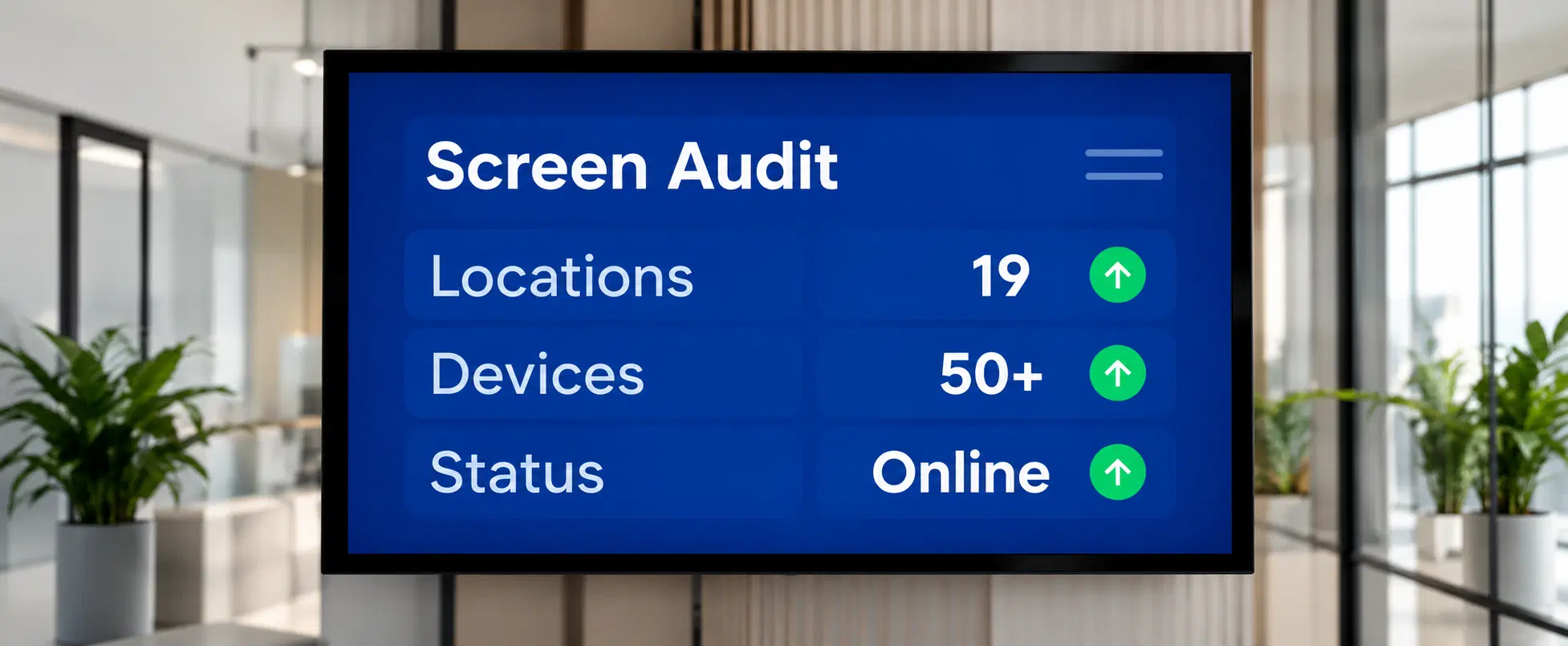
    Workplace screen showing a Screen Audit with locations, devices and status online
  5. 05

    Step 5: Expand and decommission

    Once the pilot site is stable, roll out to remaining sites and wind down SnapComms on migrated segments.

    Effort: Varies by site count

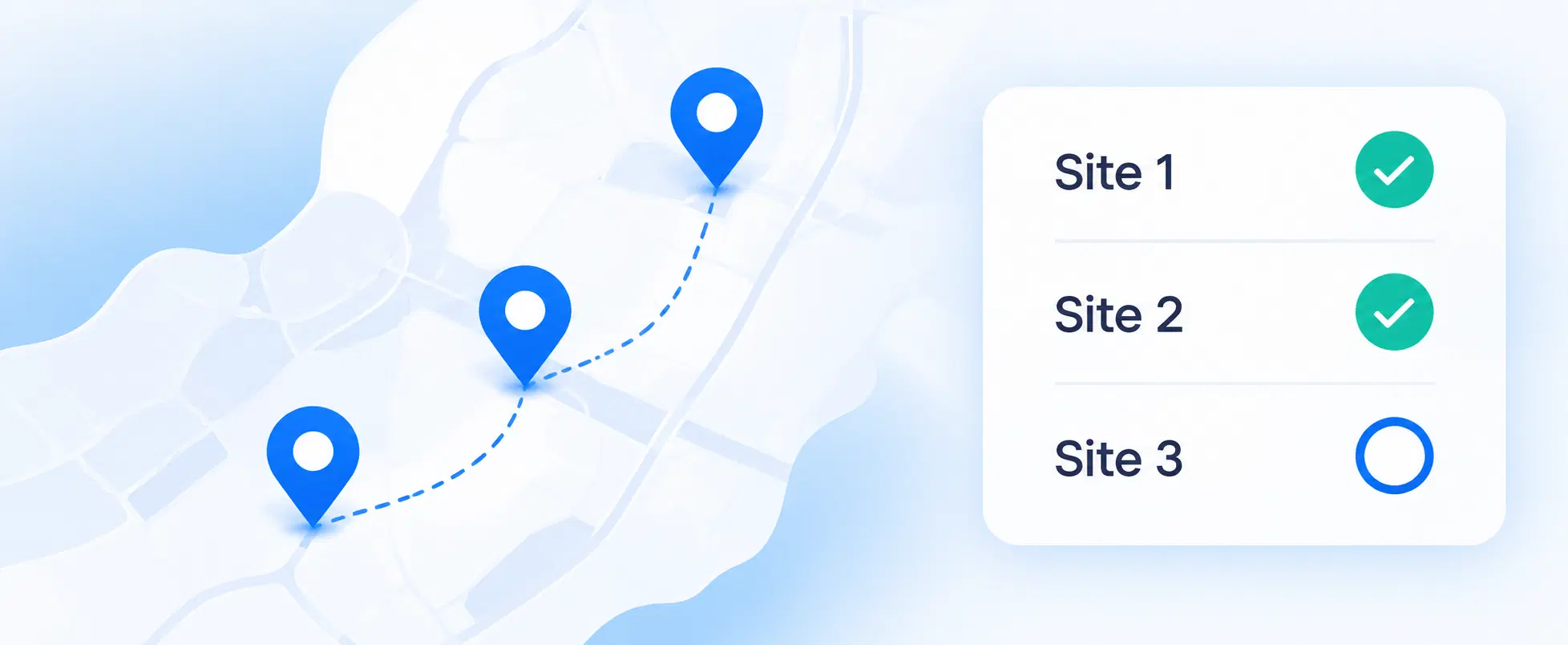
    Map with a route between three sites beside a checklist with Site 1 and Site 2 complete

Be honest about the pain: SnapComms's individual delivery tracking does not have a direct equivalent in a screen-based model. If mandatory individual acknowledgement is a compliance requirement for specific message types, a hybrid approach (keeping SnapComms for those use cases) may be the right outcome.

Typical pilot: four weeks on 5–10 screens at one site. Pickcel's onboarding team supports the migration at each stage.

Security and Compliance

Security Comparison

Both platforms hold SOC 2 and ISO 27001 certifications.

Pickcel

Pickcel's SOC 2 Type II and ISO 27001 certified status is current and independently verified. Both attestations apply to the Pickcel platform directly. SOC 3 is not confirmed.

SOC 2 Type IIISO 27001GDPR

SnapComms

SnapComms operates as part of Everbridge and publishes its security documentation through trust.everbridge.com. Public materials confirm SOC 2, ISO 27001, SOC 3, and GDPR compliance.

SOC 2ISO 27001SOC 3GDPR

Pricing

Different pricing models.

Pickcel

Per-screen pricing

Pickcel publishes per-screen, per-month plans. A 14-day free trial is available with no credit card required.

  • Published per-screen plans
  • Predictable for large physical workforces
  • 14-day free trial, no credit card required

SnapComms

Custom quote

SnapComms does not publish fixed pricing; it prices on a custom quote basis, typically by number of users or employees. Demos are available on request through their website.

  • Custom quote (typically per user / employee)
  • No public pricing page at time of writing
  • Demos available on request

SnapComms pricing page returned 404 at the time of writing (June 2026). No pricing figures are included for SnapComms.

See How Pickcel Reaches Employees SnapComms Cannot

More than 9,000 businesses use Pickcel to communicate with workforces that device-based tools cannot reach. If your organisation has deskless workers, production floor teams, or multi-site operations, see what screen-based communication looks like for your environment.

No credit card required

FAQ

Frequently Asked Questions

Pickcel is a screen-based digital signage platform that communicates through physical screens in shared spaces, without requiring employees to have a device or app. SnapComms is a device-based platform that delivers targeted notifications through desktop alerts, screensavers, and a mobile app installed on each employee's device. The two serve different workforce segments and communication objectives.
Yes. Because Pickcel delivers content through screens installed in shared spaces, employees do not need a device, login, or app to see the content. Anyone in the physical space sees the communication on the nearest screen. This is a core distinction from device-centric platforms like SnapComms, which require each employee to have the software installed on their own device.
Yes, and in mixed workforces this is a common configuration. SnapComms handles targeted, trackable notifications for desk-based device users: IT security alerts, compliance acknowledgements, corporate announcements. Pickcel handles ambient screen communication for deskless or floor-based employees. The two platforms do not overlap in functionality and address different employee segments within the same organisation.
Not in all cases. If your requirement is targeted desktop pop-ups, mandatory individual acknowledgement, or mobile push notifications to device-equipped employees, SnapComms is purpose-built for that. Pickcel is the right replacement or addition when the goal is reaching employees through shared physical screens rather than individual devices. Organisations with significant deskless workforces often find Pickcel reaches employees that SnapComms cannot. To see how Pickcel's screen-based approach works in practice for your workforce, book a short demo.
Pickcel publishes per-screen, per-month pricing, while SnapComms prices on a custom quote and does not publish fixed rates. Pickcel is priced per screen rather than per employee, which can make costs more predictable for large physical workforces where a per-employee model would scale significantly. See Pickcel's pricing page for current plans, or contact the team for volume pricing across many locations.
Related Reading

You Might Also Like

Pickcel vs Staffbase
Comparison

Pickcel vs Staffbase

Pickcel vs Staffbase for enterprise employee communication.

Read more
Pickcel vs Appspace
Comparison

Pickcel vs Appspace

Pickcel vs Appspace for enterprise digital signage and comms.

Read more
Employee communication platform comparison guide
Guide

Employee communication platform comparison guide

All major employee communication tools in one place.

Read more
Communication solutions for deskless workers
Deep Dive

Communication solutions for deskless workers

How screen-based communication reaches employees without devices.

Read more

Product

  • Software Features
  • Digital Signage Hardware
  • Digital Menu Board Software
  • Digital Signage Player
  • Interactive Kiosk
  • OTT Digital Signage Software
  • Queue Management Software
  • Visitor Management software
  • On-premise Digital Signage

Enterprise

  • Integrations & Automation
  • On-premise Digital Signage
  • Our Services

Solutions

  • Corporate Communication
  • Retail Digital Signage
  • Digital Signage Hospitality
  • Multi Channel Employee Communication
  • Restaurant Digital Signage
  • Banking & Finance Signage
  • Transportation Digital Signage
  • Digital Product Catalogue
  • Electronic Bulletin Board
  • Employee Communication App
  • Wayfinding Signage

Resources

  • Case Studies
  • What is digital signage?
  • Digital Signage Blog
  • Apps
  • Pricing
  • FAQ

Company

  • About Us
  • Contact Us
  • Support
  • Press Release
  • Careers

Trust & Compliance

  • Privacy Policy
  • Terms of Service
  • Refund Policy
  • Data Processing Addendum
  • Sub-processors
  • Security
  • Cookie Policy

Partner program

  • White Label Digital Signage
  • Reseller Digital Signage
Capterra4.6G24.6GoodFirms4.6

© 2026 LaneSquare Technology Pvt Ltd. All rights reserved.