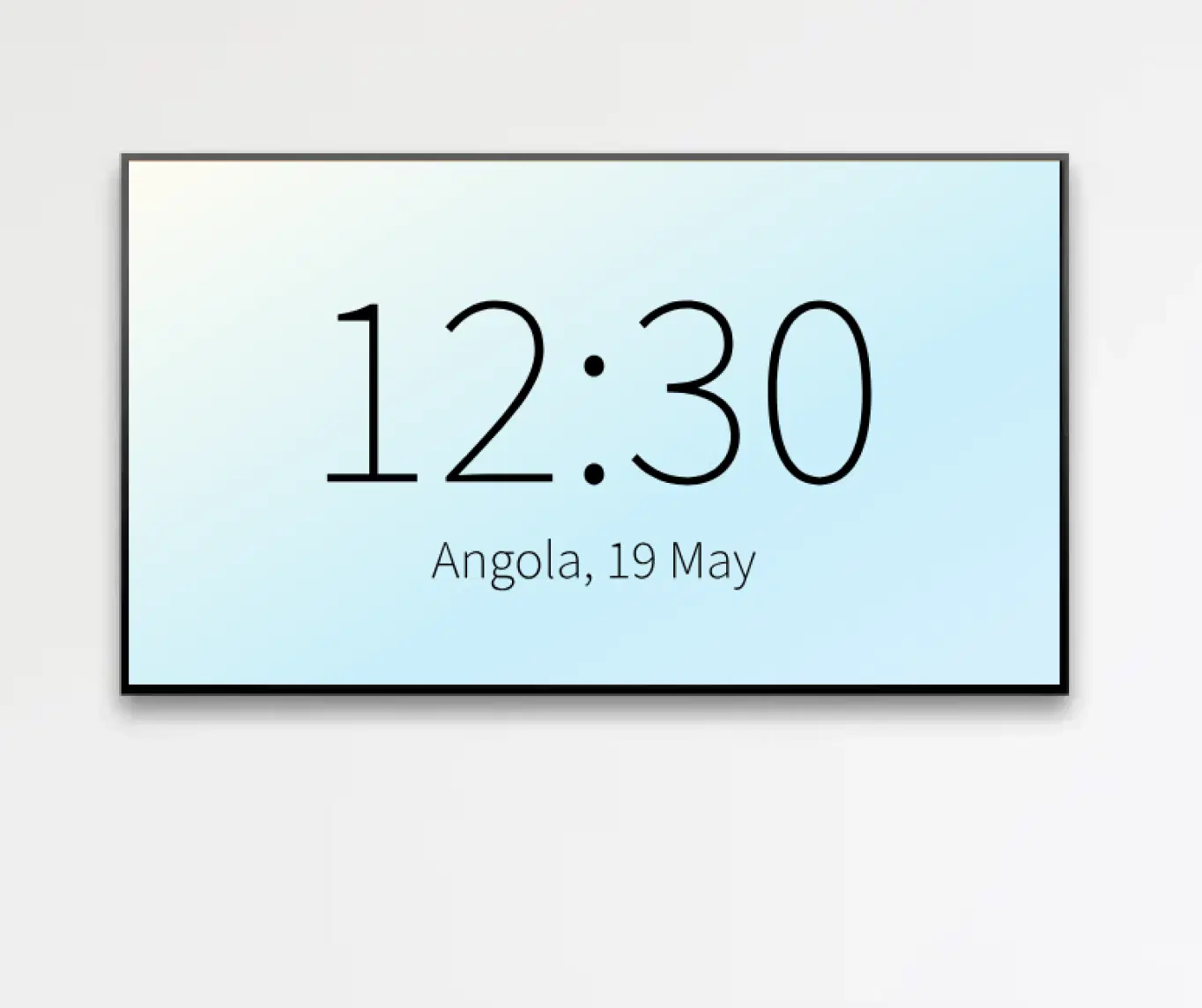
Currency Exchange Board
Show real-time currency rates with centralized control for instant updates.

Trusted by businesses worldwide







SOC 2 Type II
ISO Certified
Key Feature Highlights
Buy & Sell Columns
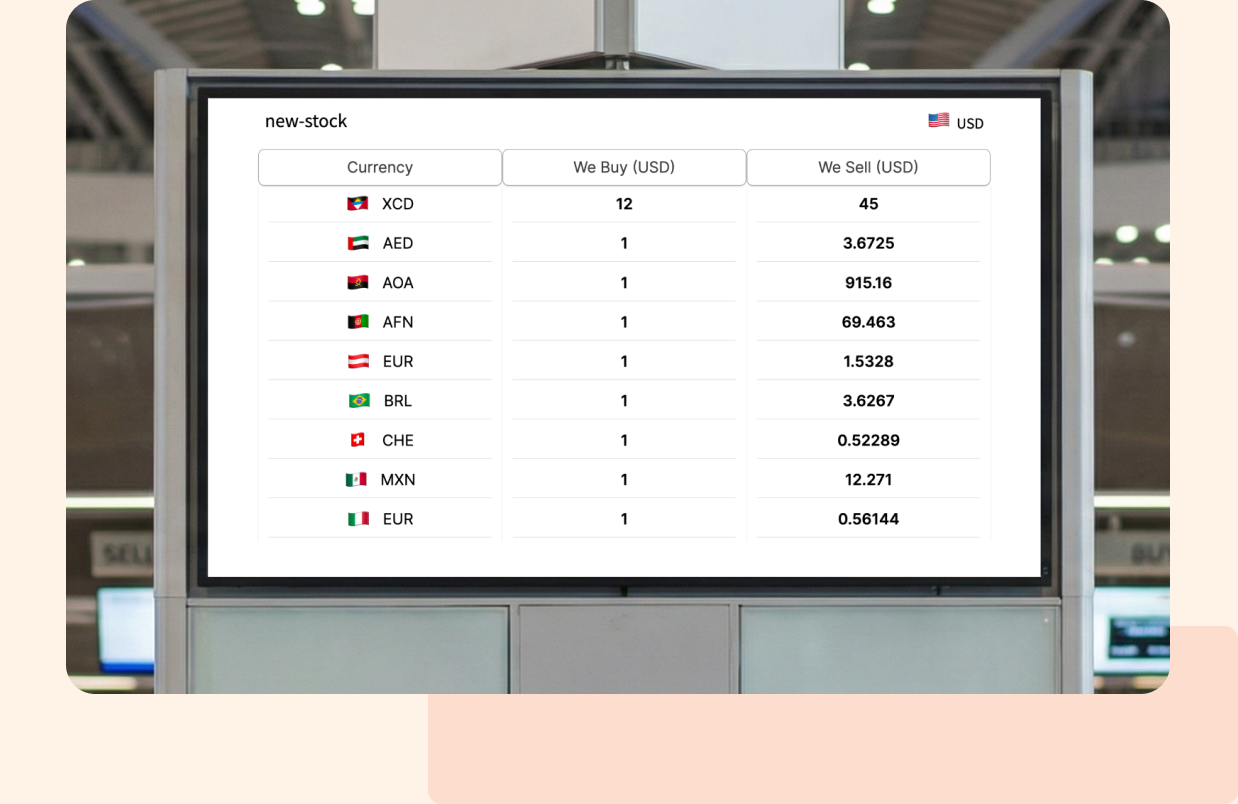
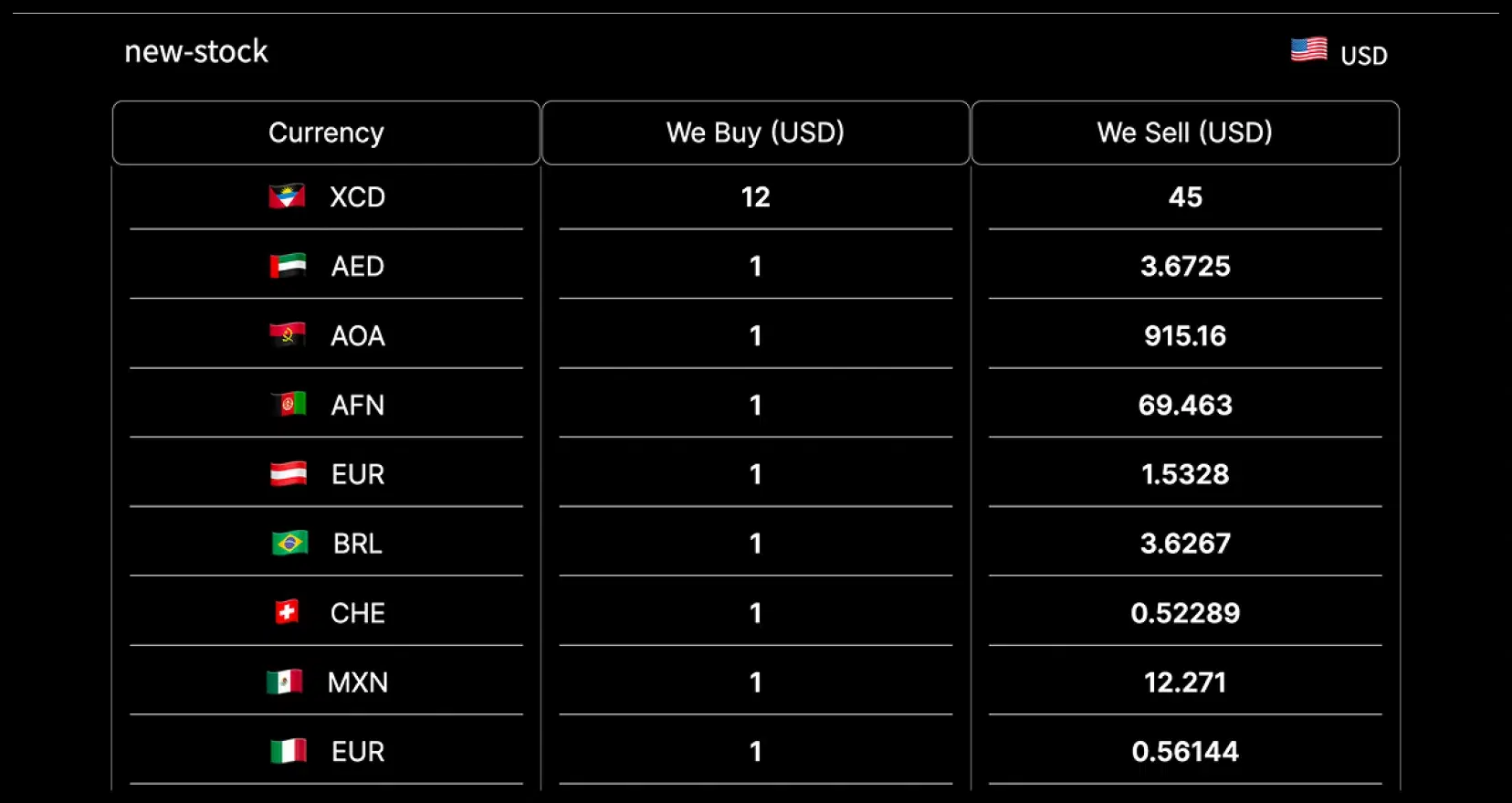
Two clean columns per currency so customers read rates at a glance, ask fewer questions, and decide faster at the counter.
Base Currency Control
Set the base currency once and keep every board aligned with your pricing policy across locations. Fewer manual edits, fewer mistakes.

Multiple Currencies
Add all the currencies you trade and update them from our app in seconds. Scale for local demand without redesigning your layout.

Branded Look
Set an app title and background image to match your brand. A polished, on-brand board builds trust and feels professional.

Remote Updates & Scheduling
Change rates centrally and schedule different boards by time or day. Coordinate peak-hour pricing and promos without on-site changes.

Works on Any Screens
Deploy on Android, Samsung Tizen, LG webOS, Windows, macOS, and Linux. No new hardware needed. Faster rollout, lower cost.
One App, Many Display Styles
Classic, modern or minimalistic – find a style that fits your brand.

Interesting Use Cases
See how organizations use display to provide timely updates, business insights and improve visibility across a wide range of industries.
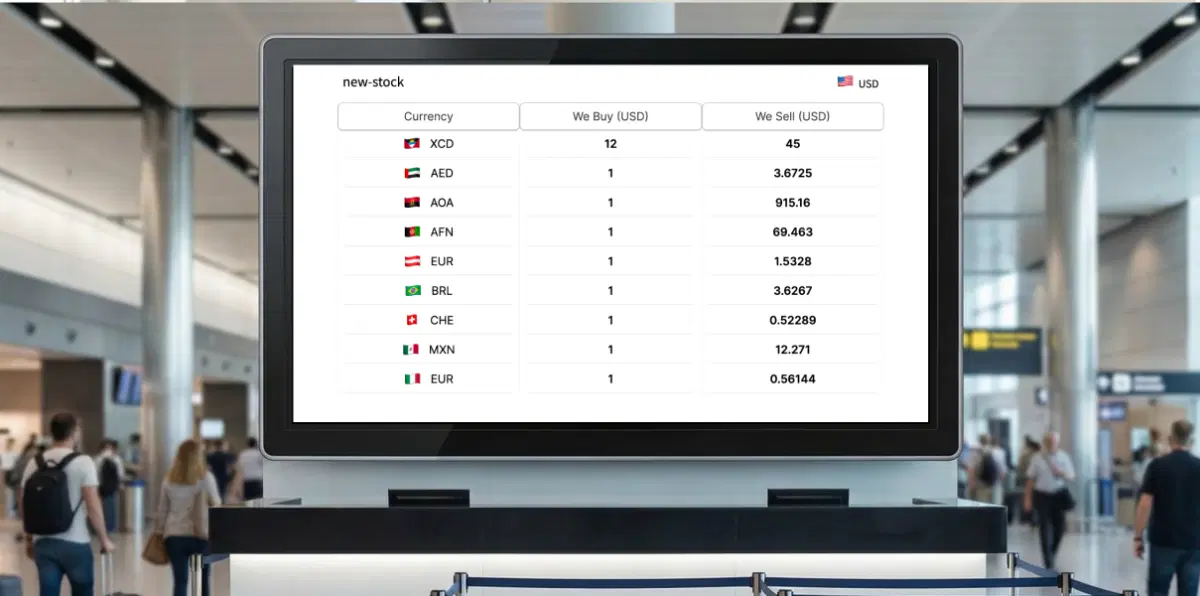
Airport and transit counters
Show current buy and sell rates where decisions happen. Fewer questions at the counter and faster service during rush hours.
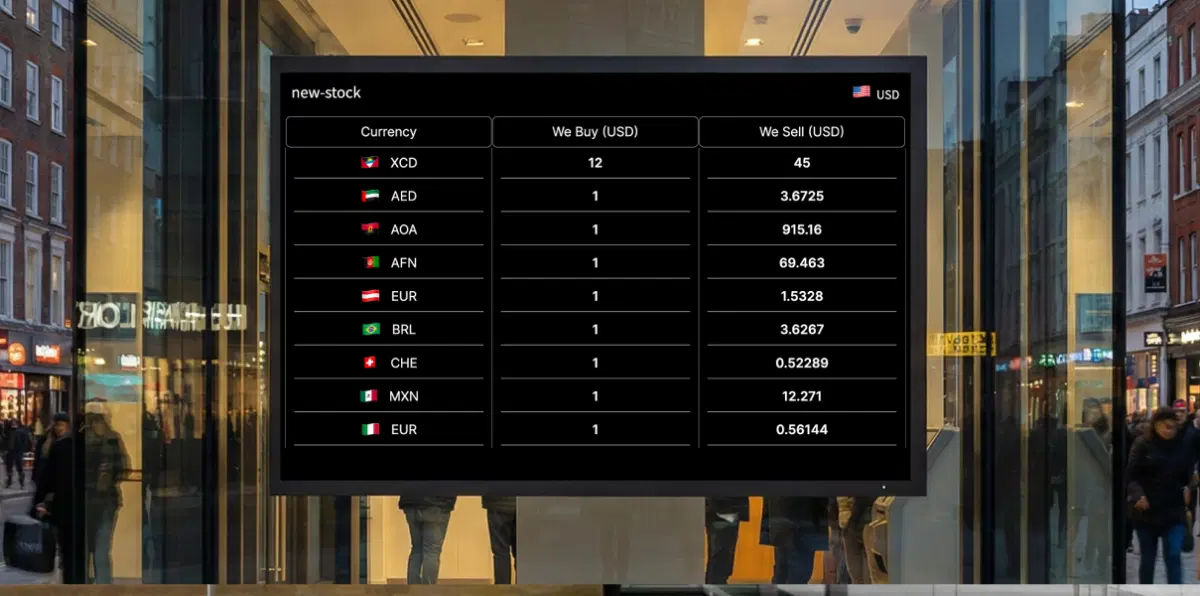
High-street money changers and chains
Publish a single master board to all outlets, keep brand and rates consistent, and switch boards for weekends or late-evening pricing.
How-To Steps
The SharePoint App connects securely with Microsoft SharePoint, you publish pages, news posts, and intranet data to all your screens, campuses, and customers in an easy-to-use template display.
Step 1: Configure the app
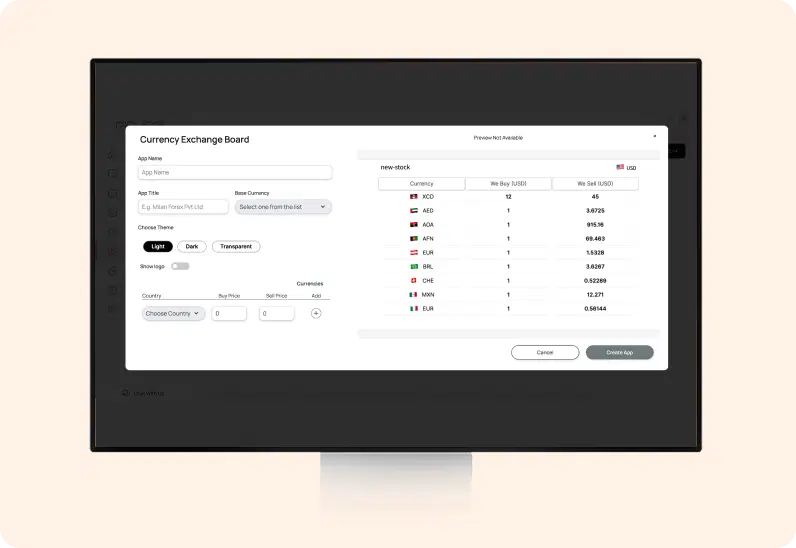
In the Pickcel console, go to Apps and search Currency Exchange Board; open it, choose the Base Currency; to add a currency, select the Country and enter its Buy Price and Sell Price; use the + button to add more currencies; when finished, click Create App.
Step 2: Add to a composition
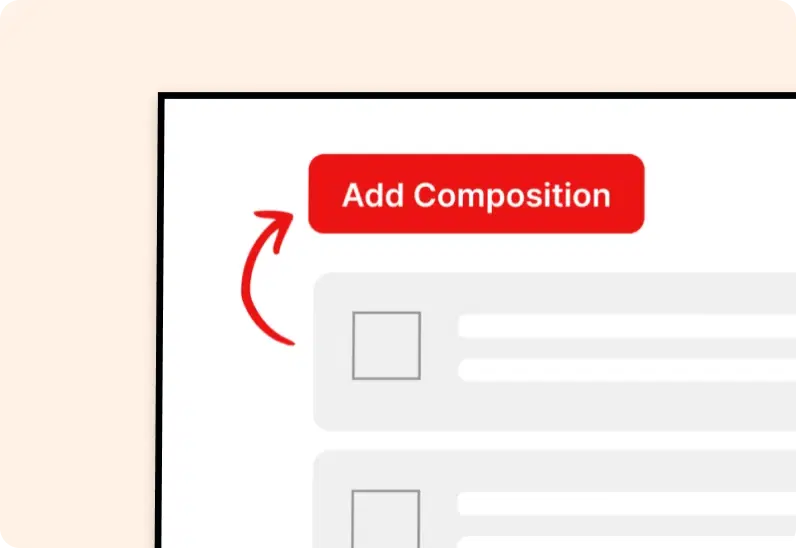
Create a new composition and drag the Currency Exchange Board app onto the canvas. Resize and position it, and optionally add a header, ticker, or promotional panel.
Step 3: Publish to Screens
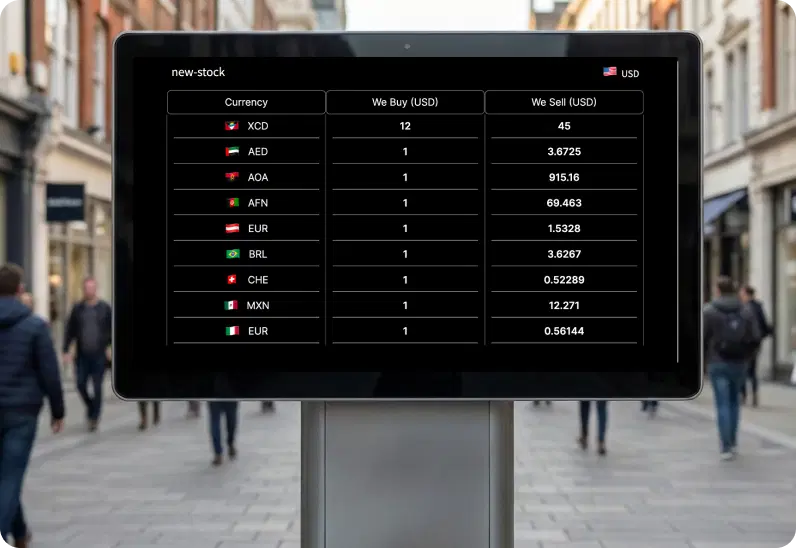
Assign the composition to your selected screens or groups and click Publish. Your rate board appears instantly on the displays.
More Pickcel Apps to Complement the SharePoint App on your Digital Signage
Pickcel works as a communication everywhere – for staff or your dealers. It complements your internal communication to every employee and customer.