Every campus administrator knows the pattern. The event poster goes up. The email goes out. The PA announcement runs. On the day, attendance is a fraction of what it should be.
Students are not hard to reach. They have learned to filter channels that rarely deliver anything relevant or timely: bulletin boards buried under layers of older notices, email inboxes that fill faster than anyone can clear them, PA announcements too brief and too broad to drive action.
Pickcel digital signage software gives campus administrators a different approach: dynamic screens in the spaces where students spend their time, updated automatically from a single dashboard.
What Is Student Engagement in Education?
Student engagement in education is the degree of attention, interest, and participation students show in academic coursework, social activities, and campus life. High engagement depends on students receiving timely, relevant information and on the campus communication channels that deliver it.
Student engagement covers three distinct dimensions. Academic engagement describes how actively students participate in learning, ask questions, and pursue development beyond the minimum. Social engagement captures involvement in clubs, societies, peer networks, and community events. Institutional engagement reflects awareness of and participation in the broader campus environment: announcements, deadlines, student bodies, and support services.
All three dimensions share one dependency: students need to receive and process information about what is happening around them. When campus communication fails consistently, students miss opportunities, feel less connected, and disengage from campus life. The channel matters as much as the content.
Why Traditional Campus Communication Fails Students
Traditional campus communication fails because it requires students to actively seek out information rather than delivering it in the places and moments where they are already present. Bulletin boards, email, and PA systems all carry structural weaknesses that make them easy to miss.
Three failure modes drive this gap.
Visual clutter. Bulletin boards accumulate notices over weeks. A poster from Monday is buried beneath six newer ones by Friday. Students learn to walk past them because the signal-to-noise ratio is too low to reward attention.
Email fatigue. Campus inboxes fill quickly with administrative messages, course communications, and promotional content. Students frequently skim or skip messages from addresses they do not recognise, and event announcements rarely break through.
One-size-fits-all messaging. A sports event announcement on the PA is irrelevant to a postgraduate student in the library. Location-specific screens show the right message to the right audience automatically, without broadcasting to everyone at once.
| Communication Channel | Update Speed | Location Targeting | Failure Mode |
|---|---|---|---|
| Campus digital signage | Instant: updates from CMS in seconds | Per building, floor, or time slot | None when scheduling is maintained |
| Physical bulletin board | Hours to days: print, post, and distribute | Building-level only | Visual clutter; outdated content competes with new notices |
| Minutes to send | No location targeting | Inbox saturation; students skip unfamiliar senders | |
| PA announcement | Immediate broadcast | Building-wide only | One-time delivery; no visual reinforcement |
How Digital Signage Improves Student Engagement
Digital signage improves student engagement by placing scheduled, visually dynamic content on campus screens where students naturally gather. Pickcel lets administrators assign different content to screen groups by building, floor, or time of day, so every screen shows the most relevant message to the students in front of it.
Campus Announcements and Real-Time Updates
Campus digital signage delivers real-time announcements to screens in corridors, common rooms, and canteens simultaneously. An administrator updates content once in Pickcel’s cloud CMS and it appears on every relevant screen immediately, without printing, posting, or manual distribution.
Timing and placement drive the difference. A deadline reminder on library screens at 4pm reaches students most likely to act on it. An event reminder in the sports centre the day before the event reaches the right audience without cluttering inboxes. Administrators set the screen group, the content, and the display window once. Pickcel handles delivery automatically.
Student Recognition and Achievement Boards
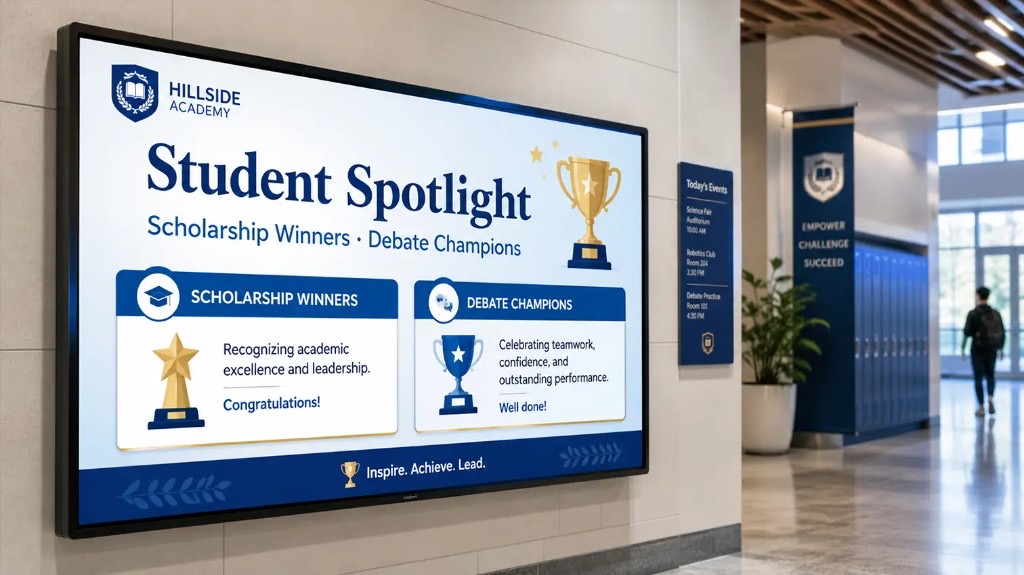
Student recognition boards on campus digital signage display academic achievements, competition wins, and scholarship awards on prominent screens. Public recognition in high-traffic spaces motivates students and reinforces a campus culture where effort and accomplishment are visibly valued.
Publishing a new recognition notice in Pickcel takes seconds. The update appears across all designated screens immediately, with no design cycle or print run. A name on a shared corridor screen carries a different weight from a quiet email notification. Recognition boards work well for academic prizes, sports achievements, elected student leadership positions, and community contributions.
School Spirit and Event Promotion
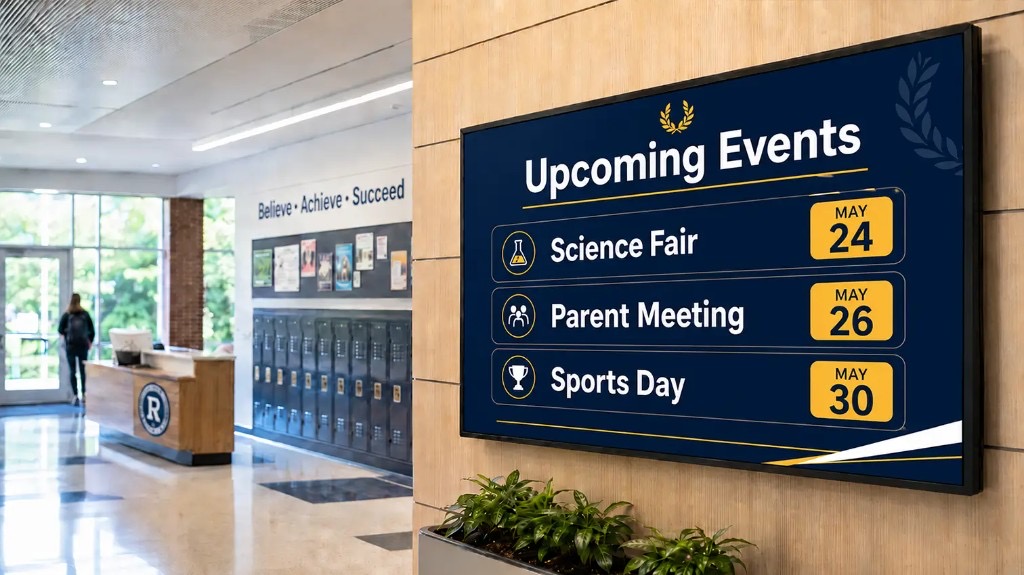
School spirit walls on digital signage display upcoming events, sports fixtures, club highlights, and campus milestones. Countdown timers and event imagery create anticipation and prompt students to register or attend, turning passive corridor traffic into active participation.
A bulletin board poster gives students a static image they may or may not notice. A digital signage event loop running across cafeteria and common area screens in the week before an event gives them a countdown, the venue and time, and a reason to show up. The loop schedules in advance and removes itself automatically once the event has passed.
Learning Support in Classrooms and Labs
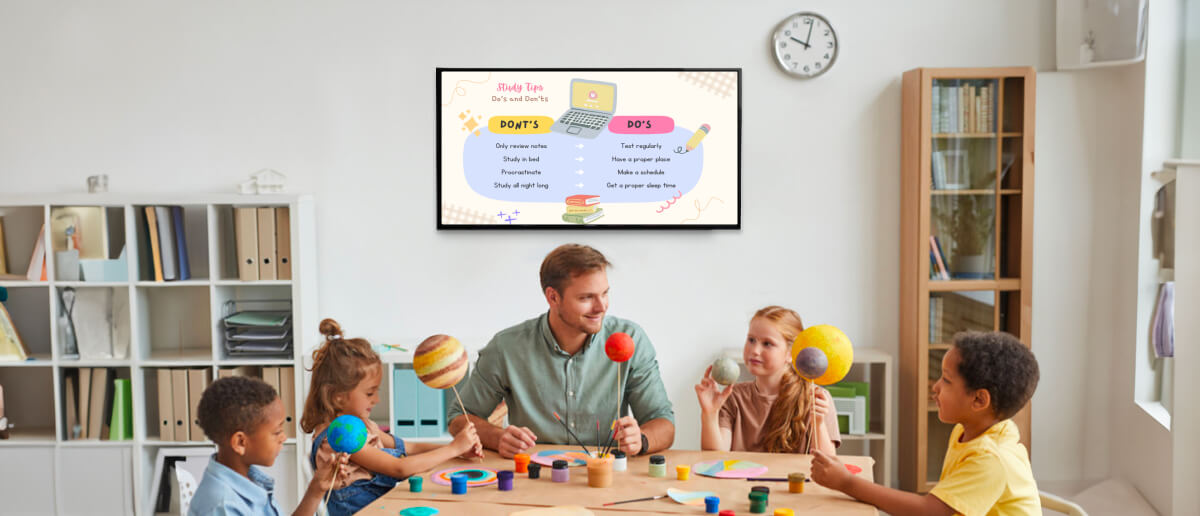
Classroom and lab digital signage displays timetables, session schedules, lab safety protocols, and programme notices on screens outside and inside learning spaces. Pickcel’s screen group scheduling assigns different content to each room or department, so every display stays relevant to the students using that space.
Screens outside seminar rooms showing the session timetable reduce confusion during room changes and cut directional queries to reception. Safety protocol displays in labs replace static printed posters that require manual updates whenever protocols change. Department corridor screens show notices relevant to students in that faculty, without pushing those messages to the entire institution.
Emergency Alerts and Safety Communication
Emergency alerts on Pickcel digital signage override all scheduled content immediately across every screen or a defined zone. A safety message published from the cloud CMS appears campus-wide within seconds, supporting rapid and consistent notification during incidents.
For schools and institutions with duty-of-care obligations, instant override capability is a compliance requirement. Designated administrators interrupt all screen content from the Pickcel dashboard at any point, replacing it with a full-screen alert until it is manually cleared. No separate emergency system is required.
Campus Wayfinding for New Students
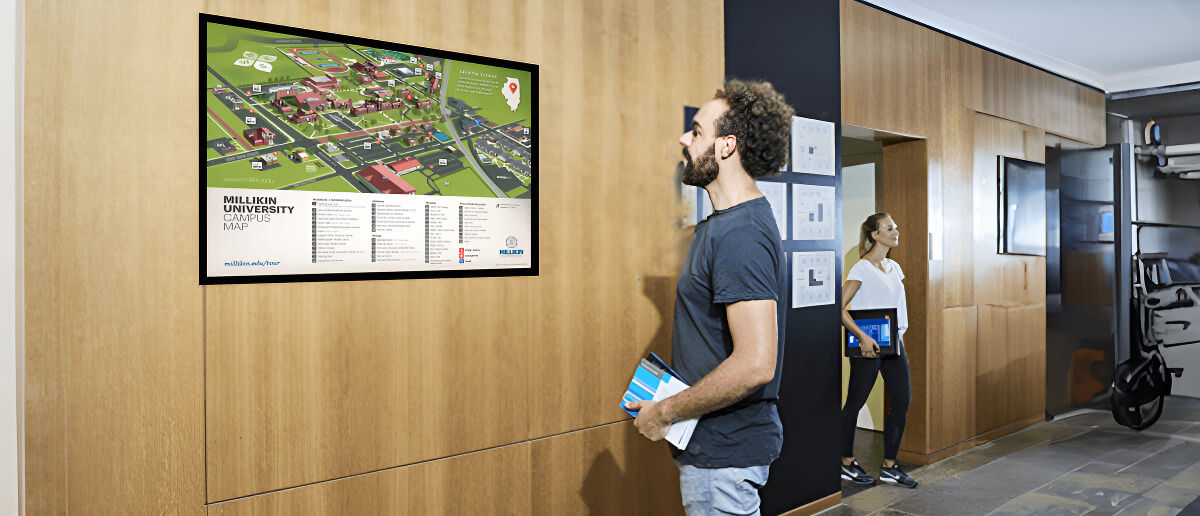
Campus wayfinding digital signage displays building maps, room directories, and event-day directions on screens at campus entrances and building lobbies. Pickcel’s scheduling runs orientation wayfinding content during induction periods and switches back to standard content automatically once those periods end.
Digital wayfinding for campuses reduces orientation friction for new students and cuts the volume of directional queries to reception and administration staff. Once induction is complete, the same screens return to their standard content schedule without any manual intervention. For a fuller guide, see campus wayfinding signage .
How Pickcel Works for Educational Institutions
Pickcel is a cloud-based digital signage for education platform trusted by more than 9,000 businesses worldwide, with 150,000+ screens managed across 70+ countries. It is compatible with more than 50 device types: Android media players, ChromeOS displays, Windows PCs, and commercial SoC screens from Samsung and LG. Most campuses can deploy on existing hardware without new purchases.
Setup follows four steps.
- Connect. Plug a compatible device into any display. The device registers with the Pickcel dashboard in minutes.
- Create. Build content in the browser-based CMS using built-in tools, Canva integration, or Google Slides import. No design training required.
- Schedule. Assign content to screen groups by location, department, or time slot. Different buildings show different content automatically.
- Manage. Monitor and update every screen across every campus from one dashboard, from any device, at any time.
Both cloud and on-premise deployment are supported. Pickcel is SOC 2 Type II and ISO 27001 certified, meeting institutional data security and student data privacy requirements.
Real-World Results: Amrita University and Christ University
Amrita Vishwa Vidyapeetham, one of India’s largest private research universities, deployed Pickcel on-premise across eight campuses covering more than 1,200 acres and 250+ undergraduate, postgraduate, and doctoral programmes. The university runs Pickcel on its own virtual machine infrastructure, maintaining complete control over content security while distributing faculty information and campus announcements in real time across a geographically distributed campus network.
CHRIST University, operating across campuses in Bangalore, Delhi, and Pune, replaced physical pinboards with Android-powered digital standees in reception areas, front offices, and building foyers. Using Pickcel’s cloud CMS, the university publishes exam schedules, roll numbers, event calendars, and live bulletin updates. Multiple departments manage their own content through separate login credentials, with central oversight across all screens from one dashboard. The deployment delivered a visible improvement in student and staff attention to campus communications.
Full case studies: Amrita University | Christ University