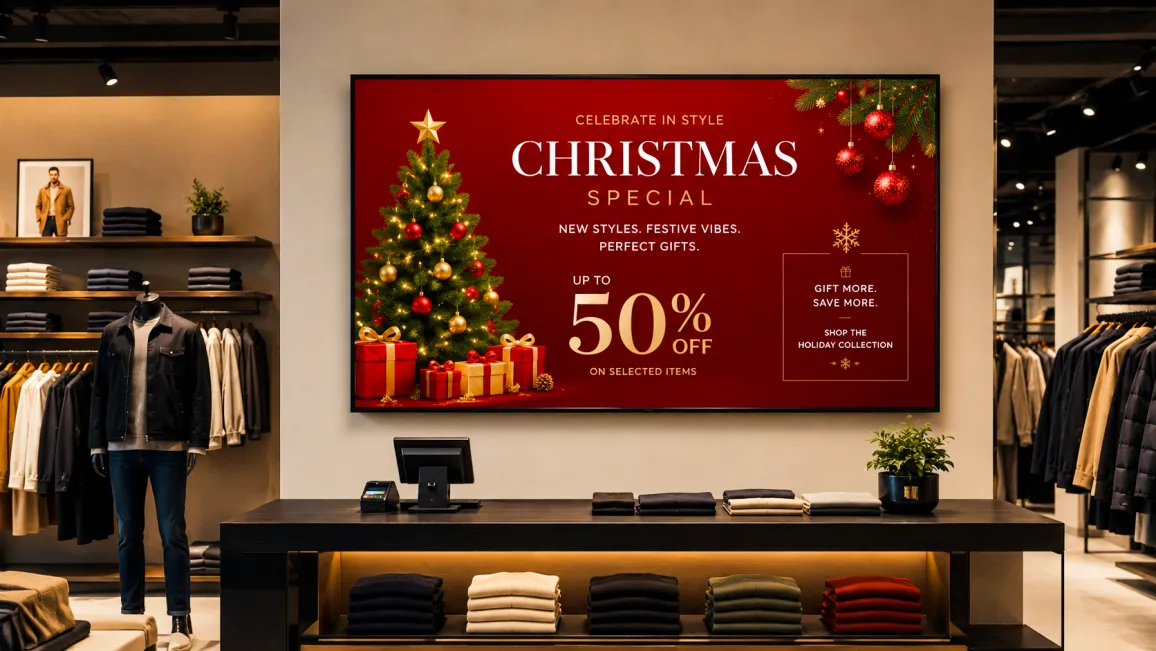
- Holiday season generates nearly 19% of annual US retail sales (NRF, 2024).
- Scheduling seasonal content 8-10 weeks ahead removes last-minute execution risk.
- Pickcel auto-activates seasonal campaigns across all store screens on a set date.
What is retail seasonal digital signage?
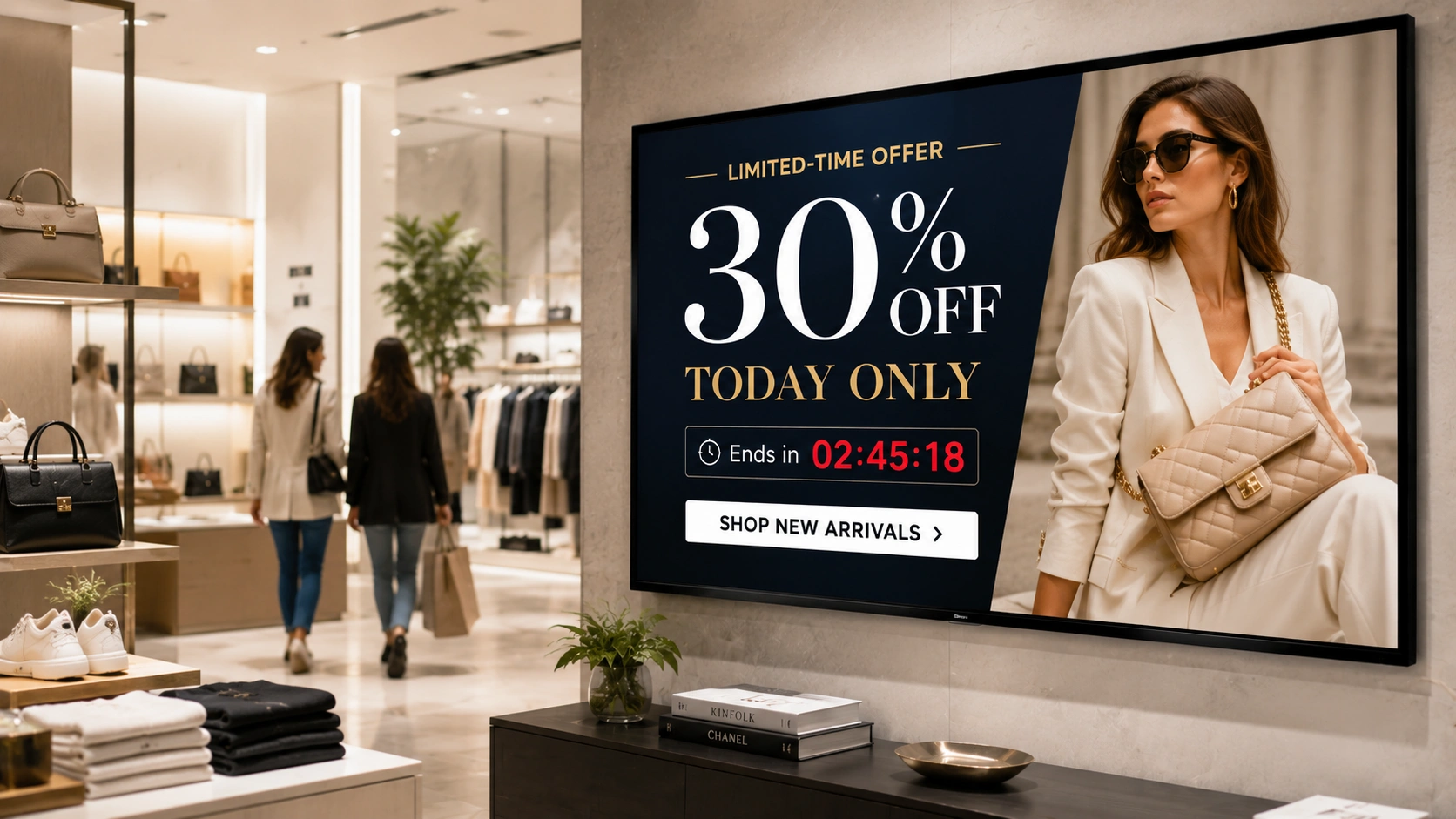
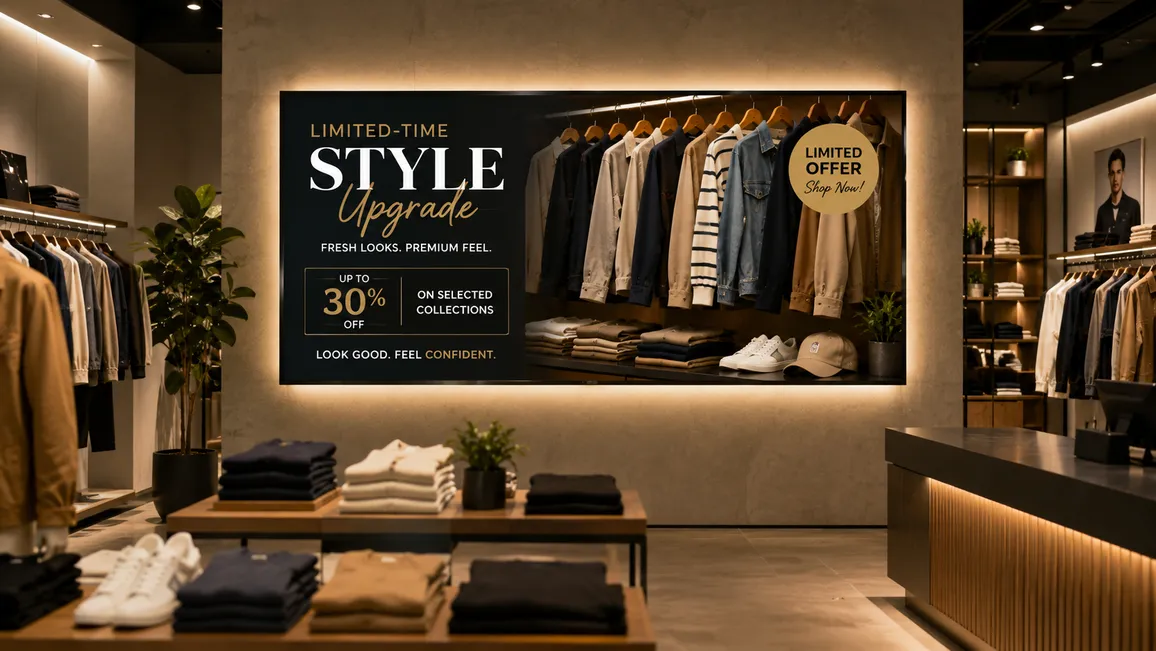
Retail seasonal digital signage is the practice of pre-scheduling promotional content on in-store screens to align with key trading periods: Q4 holidays, festive seasons, Valentine’s Day, Back to School, and end-of-season sales. Unlike static printed POS materials, digital signage campaigns can be built weeks in advance, activated automatically on a set date, updated without print costs, and pushed to every store location from a single dashboard, deepening how seasonal digital signage builds brand connection with shoppers at every touchpoint.
How to build a seasonal digital signage campaign plan
Seasonal campaigns that land on time share one trait: they were planned before the season felt urgent. The following framework covers the four areas retail marketing and operations teams need to get right, whether you run a single store or manage screens with retail digital signage software across a national estate.
Build a 6-month campaign calendar first
November and December generate nearly 19% of annual US core retail sales, according to the National Retail Federation’s 2024 post-season report. That concentration of spend means in-store seasonal content must be live at campaign launch, not catching up to it.
Start with a content calendar for digital signage that maps every key trading period in the next six months:
- Q4 holidays (Christmas, Diwali, Eid, Hanukkah, Kwanzaa)
- Valentine’s Day and gifting occasions (Mother’s Day, Father’s Day)
- Back to School
- Summer sale and end-of-season clearance
- Product launches tied to seasonal moments (a winter skincare range activating in October, for example)
For each event, record three dates: the content-creation deadline, the internal approval deadline, and the scheduled go-live date in Pickcel. Map these dates in a shared document that both marketing and store operations teams can access. The campaign deadline is the go-live date on the screen, not the date managers get an email.
Content creation timelines that actually work
Most seasonal campaign delays originate with unrealistic timelines, not inadequate budgets. A practical planning cadence for retail digital signage campaigns:
- 8-10 weeks before go-live: Brief the creative team and produce all campaign assets: images, video, animated slides, price callouts
- 6 weeks before: Upload assets to Pickcel, build campaign playlists, configure store groups, and set auto-publish rules
- 3-4 weeks before: Internal QA pass. Test on a sample store screen. Collect final marketing approval
- 1-2 weeks before: Sign-off and lock. Campaign queued for automated activation
- Day 0: Campaign activates automatically. No manual intervention required at store level
For multi-region retailers, build in an extra two weeks at each stage for localisation. A Ramadan/Eid campaign needs local language, culturally appropriate visuals, and different activation timing across markets.
Scheduling seasonal campaigns in Pickcel
Pickcel’s digital signage software lets marketing teams build, approve, and queue seasonal campaigns up to 12 months in advance. Each campaign playlist can be assigned to individual screens, store groups, or the entire store estate from a single dashboard.
Four scheduling features matter most for seasonal campaigns:
Store-group targeting. A Back to School campaign is relevant to stores near schools and university campuses, not to every city-centre flagship. In Pickcel, you define named store groups and assign campaigns to groups rather than screen by screen.
Auto-start and auto-end dates. Set the exact date and time a campaign activates and the date it reverts to your standard evergreen playlist. Your Christmas campaign starts November 24 and hands back to standard content on January 2, with no action required at close.
Emergency content override. When a flash sale or mid-season markdown needs to go live immediately, Pickcel’s priority override pushes new content above all scheduled playlists and reaches every assigned screen within minutes.
Campaign cloning. Once a seasonal campaign is built and approved, clone it for the following year and update only the creative assets and dates. The entire scheduling infrastructure carries forward.
Dayparting: match seasonal messages to shopping hours
The right seasonal message at the wrong time of day is a missed conversion. Dayparting divides operating hours into defined windows and serves different content to each.
A practical dayparting structure for a Q4 holiday campaign:
| Time window | Primary audience | Message focus |
|---|---|---|
| 9 AM – 12 PM | Morning browsers | Gift inspiration, new arrivals |
| 12 PM – 2 PM | Lunch-hour shoppers | Deals, fast-decision items |
| 2 PM – 5 PM | Afternoon browsers | Range depth, bundle offers |
| 5 PM – 8 PM | Evening peak | Urgency messaging, last-chance deals |
Pickcel’s dayparting rules can be configured per store group, so a high-footfall commuter location gets different daypart messaging from a suburban family store, even within the same seasonal campaign.
5 seasonal campaign types and how to execute them
1. Holiday and festive campaigns (Q4)
Q4 is the highest-stakes trading window for most retailers. A 2025 Mood Media survey of 1,000 shoppers found that 56% noticed digital signage as part of their seasonal shopping experience, placing screens alongside music and scent as a primary in-store atmospheric element.
What to show:
- Countdown clocks to Christmas Eve, Diwali, or Eid
- Gift recommendations organised by price band or recipient type
- Promotional pricing on key category items
- Festive brand imagery with seasonal messaging that rotates through the day
Execution in Pickcel: Set a Q4 campaign playlist from early November with auto-end on January 2. Create two store groups: one for markets where Christmas leads, one for Diwali/Eid-led markets, and assign different creative to each. Use an animated countdown as the lead content slot in the 5 PM to 8 PM daypart. For ready-to-use assets, explore holiday digital signage templates for seasonal promotions .
2. Valentine’s Day and gifting events
Valentine’s Day is a short, high-intensity window. The campaign needs to be visible from late January and should switch automatically to clearance or evergreen content by February 15.
What to show:
- Gift curations by price point
- Gifting pairs and bundle offers
- Urgency messaging in the 72 hours before February 14
Execution in Pickcel: Create a gift-events store group if your estate does not universally carry gifting categories. Set auto-start on January 22 and auto-end on February 15. Use the emergency override for any last-minute markdowns if stock needs to clear in the final 24 hours.
3. Back to School
Back to School purchasing decisions begin in July for an August and September peak. Retailers who wait until August to update in-store screens miss the early-mover shoppers who plan ahead.
What to show:
- Category promotions across stationery, clothing, footwear, and electronics
- Bundle deals and value-for-money messaging
- Practical, functional visuals rather than aspirational lifestyle imagery
Execution in Pickcel: Use store-group targeting to limit Back to School campaigns to stores in relevant catchment areas. Stores near schools drive footfall directly; city-centre flagship locations may carry a lighter seasonal version or focus on different categories entirely.
4. Summer sale and end-of-season clearance
Clearance events require faster content changes than any other campaign type. Prices, stock availability, and promotional categories change day by day during a clearance period.
What to show:
- Category-wide discount callouts
- Percentage-off promotions for specific lines
- Stock-urgency language (“Final reductions” or “Last units”)
Execution in Pickcel: The emergency override is essential during clearance. As stock clears, swap out specific category promotions without disrupting the rest of the clearance playlist. Pickcel allows single-item overrides within a playlist, so one category can be updated without touching the others. Pair clearance messaging with digital signage for upselling at checkout to capture additional revenue at the last conversion point.
5. Product launches tied to seasonal moments
Product launches that anchor to a seasonal moment (a winter skincare range in October, a sportswear collection for the January fitness peak, a limited-edition food product for a summer occasion) need to behave like seasonal campaigns, not standard product pushes.
What to show:
- New product hero imagery with key claims and differentiators
- Before/after or comparison visuals where relevant
- Any launch-exclusive offer or early-access pricing
Execution in Pickcel: Build the launch campaign as a standalone playlist with its own scheduled start and end date. Layer it as an additional content slot within an existing seasonal campaign rather than replacing it. When the launch period closes, the underlying seasonal campaign resumes without manual intervention.
For year-round engagement beyond seasonal peaks, see how in-store digital signage drives customer engagement .
Frequently Asked Questions
How do retailers use digital signage for seasonal promotions?
How far in advance should I schedule seasonal digital signage content?
Can Pickcel automatically switch from one seasonal campaign to another at a set date?
Does Pickcel support different seasonal content for different store locations?
Can digital signage replace printed seasonal POS in a retail store?
Running Pickcel’s digital signage software across your store estate? The platform serves 9,000+ businesses, 150,000+ screens across 70+ countries, and is SOC 2 Type II and ISO 27001 certified.
Ready to run every seasonal campaign from one dashboard?
Request a demo to see seasonal scheduling, store-group targeting, and dayparting on a live system. Or get started free and build your first campaign calendar yourself. No commitment required.