
Oct 22 2024

7 min read
February 20, 2026
6 min read


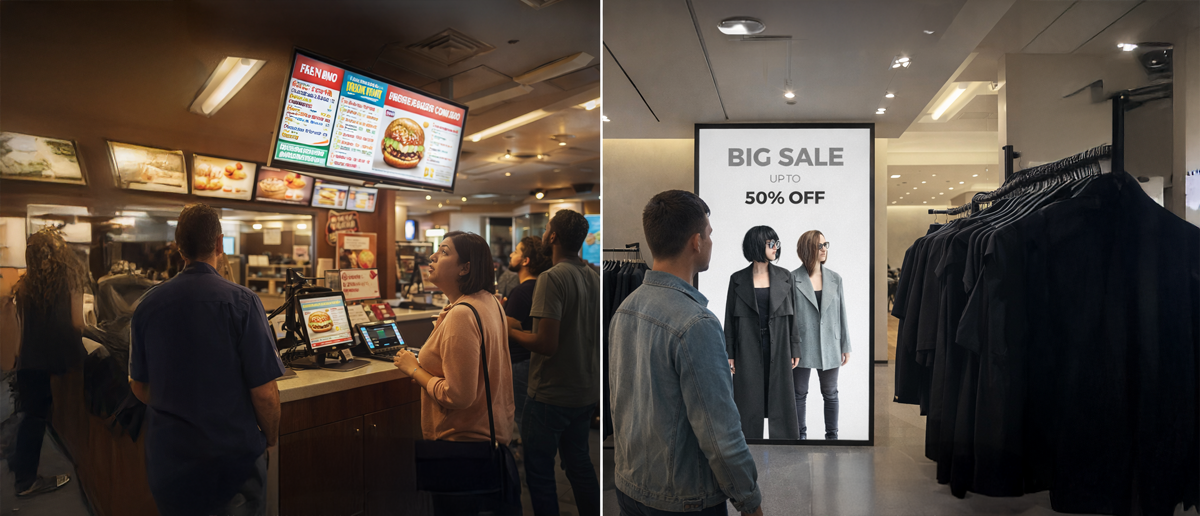
Retail and QSR use digital signage for the same core reason: to influence decisions at the exact moment a customer is choosing what to buy.
In QSR, that’s the digital menu board and order queue. In retail, it’s the entrance, aisle endcaps, and the checkout zone. In both cases, the screen isn’t a decoration. It’s part of the buying flow, so when it’s wrong or offline, you don’t just lose “visibility,” you lose orders, margin, and trust.
Because it sits that close to the purchase, the bar is simple: screens must stay readable, content must stay accurate, and updates must stay controlled across every location.
Here are the 12 most common mistakes that retail and QSR make while implementing digital signage for their business.
Buying screens before defining the job and success metric: Screens should be tied to a specific outcome (menu clarity, promo lift, queue guidance) and a simple way to measure it. Without that, the rollout turns into “content on screens” with no clear impact, and priorities keep shifting between teams.
Underestimating total cost by budgeting only for hardware: The purchase is only one line item. Ongoing cost comes from content production and refresh, software licensing, monitoring/support time, replacements, and periodic upgrades. When this isn’t planned, the network slowly degrades through stale content, inconsistent updates, and avoidable downtime.
Running a pilot that can’t scale: At the multi-location scale, lack of standards (hardware, install method, network requirements, update process) creates a fragmented fleet that’s hard to update remotely and expensive to support, with issues repeating store by store.
Here are some resources that will help you solve these problems
Why Digital Menu Board Costs Spiral and How to Budget Them Correctly
Cloud vs On-Premise Digital Signage: TCO & Cost Guide
How to Run A/B Tests on Digital Signage Content (Methodology + Examples)
No clear owner across IT, Ops, and Brand: When roles aren’t defined, updates slow down, and issues take longer to fix. Decide who owns uptime and devices, who owns content and approvals, who owns store execution, and where tickets go for screen outages vs content changes.
No content operating system: Multi-location signage needs a central brand system with controlled local flexibility.
Use HQ templates to lock layout and brand, allow regional fields for pricing, language, availability, and store promos, enforce start and expiry dates, require approval only for high-risk screens (prices, legal, nutrition), and keep a one-step fallback playlist for bad updates. Build a content governance policy for digital signage.
Choosing consumer-grade displays or the wrong screen for the location: Retail windows, QSR kitchens, and drive-thrus need commercial displays built for long hours, heat, and bright light. Using consumer TVs or low-brightness panels leads to washout, burn-in, overheating, early failure, and replacement churn.
Ignoring visibility basics: A screen that’s hard to see is a wasted install. Plan for real sightlines, viewing distance, and glare from lights/windows, then mount at a usable height without creating accessibility issues. If customers have to strain, they won’t read it.
Over-relying on built-in “smart TV” software or weak players: Built-in OS/apps are often fine for simple loops, but they struggle with heavy menus, HTML layouts, and frequent updates. A dedicated player with controlled settings is usually the safer choice for customer-facing screens.
Here are some resources that will help you solve these problems:
How to Choose the Right Digital Signage Display?
Importance of Digital Signage for US Quick Service Restaurants
QSR Experience: What is it & How to Improve it
Network shortcuts: Many rollouts run on the same network as everything else. That causes playback issues during peak hours and creates avoidable risk if signage sits too close to guest Wi-Fi or POS traffic. Mission-critical screens usually need wired links, planned update windows, and a separate network segment for signage.
No offline fallback or local caching plan: If players depend on a live connection, screens go blank or show errors. The basic requirement is local caching, so screens keep playing the last approved playlist even when the network is down, and data-driven screens have a safe fallback state.
No monitoring + recovery playbook: Without visibility, screens can be down for days. Minimum operations is a dashboard that shows device status, alerts when a player stops reporting, and a standard reset path (remote reboot, app restart, swap steps) so fixes don’t depend on store staff finding plugs.
Skipping POS/inventory integration planning: When menus and promos are updated separately from POS/inventory, price mismatches and out-of-stock items show up on screen. That creates customer friction and slows ordering, especially during rush periods.
Retail and QSR signage usually fails for practical reasons, not because screens don’t work. Goals aren’t clear, ownership is split, hardware doesn’t match the location, the network isn’t planned for outages, and content becomes hard to read or easy to get wrong across stores.
Real-world examples:
Second Cup Coffee used Pickcel to keep HQ menu designs consistent while allowing franchise locations to update only their local items and prices, making updates faster and more consistent.
J&W Seafood used Pickcel to handle multi-tier pricing and update prices quickly when rates changed.
Decathlon used Pickcel to keep HQ in control while giving stores role-based access to run local promotions faster, which improved engagement.
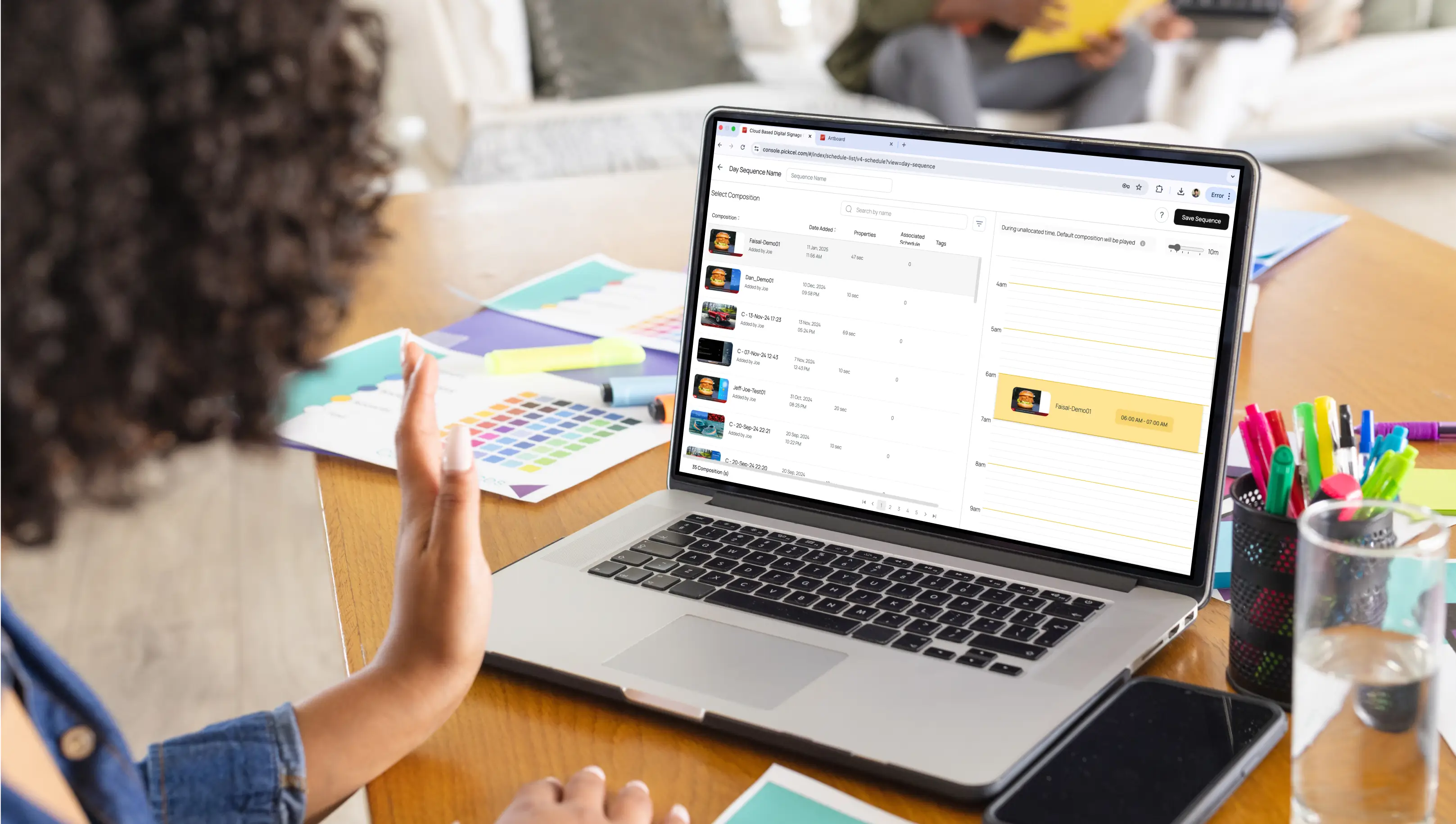
If you need a rollout that stays consistent at scale, Pickcel helps you run and control screens from one dashboard. It supports templates, permissions, scheduling, and dayparting, offline playback, monitoring, and broad hardware compatibility, so updates and fixes don’t depend on store staff.

It usually comes from using print-style creatives on screens. PDF-like layouts create clutter and a weak hierarchy. Low-resolution or wrong-aspect assets look blurry or stretched. No refresh plan leads to stale promos. Small fonts and low contrast fail at real viewing distances. Inconsistent branding across teams breaks trust.
Bad placement makes good content invisible. Screens mounted too high or at awkward angles get ignored. Window glare and harsh lighting turn displays into mirrors if brightness and anti-glare aren’t planned. Screens hidden behind racks/pillars lose impressions. A long viewing distance with small text makes messages unreadable.
The biggest one is using consumer TVs for long daily runtime. Heat and enclosed installs cause early failures and black screens. Static menus cause burn-in. Wi-Fi-only setups create buffering and dropouts. No offline playback means menus go blank during outages. Drive-thru needs outdoor-rated brightness and protection.
People scan screens in seconds, not minutes. Too many items and prices create cognitive overload, so customers tune out. In QSR, cluttered menu boards slow ordering because items are harder to find. Overload also hides the main CTA, so even interested customers don’t know what to do next.

Oct 22 2024
7 min read

Feb 17 2026
6 min read
Feb 4 2026
4 min read
Feb 2 2026
9 min read
Take complete control of what you show on your digital signage & how you show it.
Start Free Trial Schedule My Demo