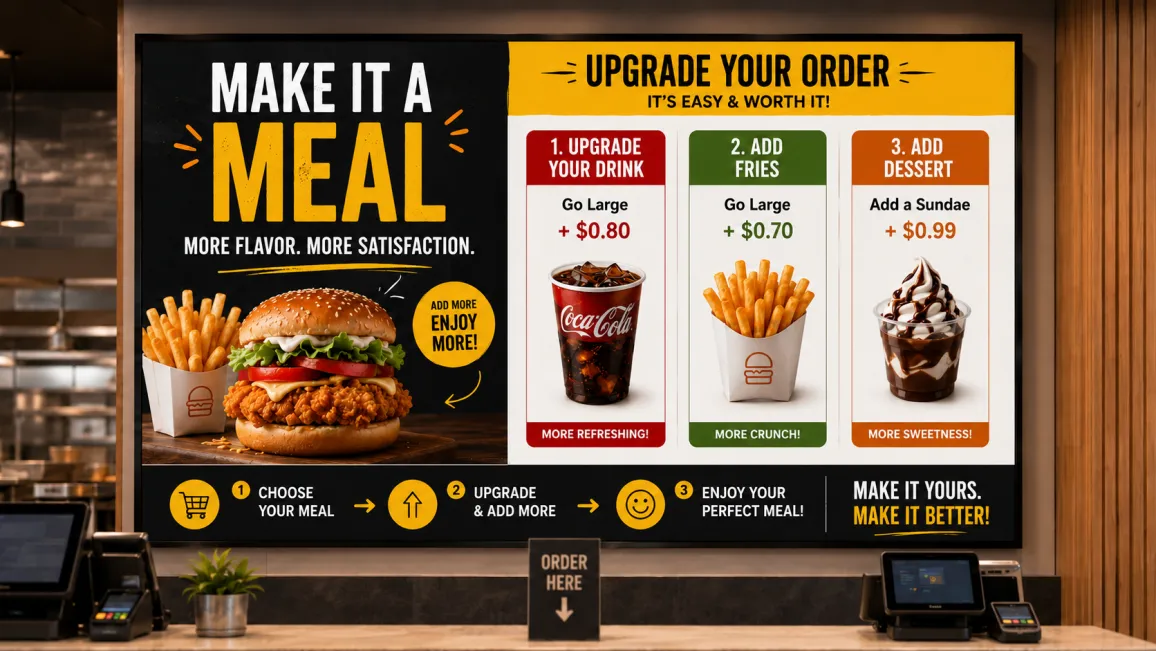
- Staff upsell prompts vary by shift; screens never do.
- Five proven content formats turn menu boards into a passive upsell channel.
- Placement at the order moment matters more than screen count.
What is restaurant upsell digital signage?
Restaurant upsell digital signage is the use of digital menu board software , counter screens, and queue-line displays to show add-on offers, bundles, and featured items at the exact moment a customer is deciding what to order. Unlike a printed menu, it can change by time of day, inventory, or promotion without reprinting. The content does the prompting that a server or cashier might forget, skip, or deliver inconsistently between shifts.
The upsell consistency problem
Staff upsell consistency is unreliable because suggestive selling depends entirely on whether an individual employee remembers to do it, and feels like doing it, on any given order. A server who suggests a dessert on a quiet Tuesday morning may forget to do it during a Friday dinner rush. Multiply one missed prompt by every order, every shift, every location, and the lost add-on revenue compounds fast. Staff turnover makes it worse: a new hire has not yet learned the patter that gets a customer to add fries or a drink.
Multi-unit operators feel this most. A prompt that works well at one location depends on whether that specific cashier remembers to say it. Restaurant digital signage software removes that dependency. A bundle offer on the menu board shows up the same way at every till, every shift, every store, whether the person working it has six years of experience or six days.
This does not replace staff. It backs them up. The screen does the reminding; the cashier still closes the sale.
5 upsell content strategies for restaurant digital signage
1. Featured item spotlights
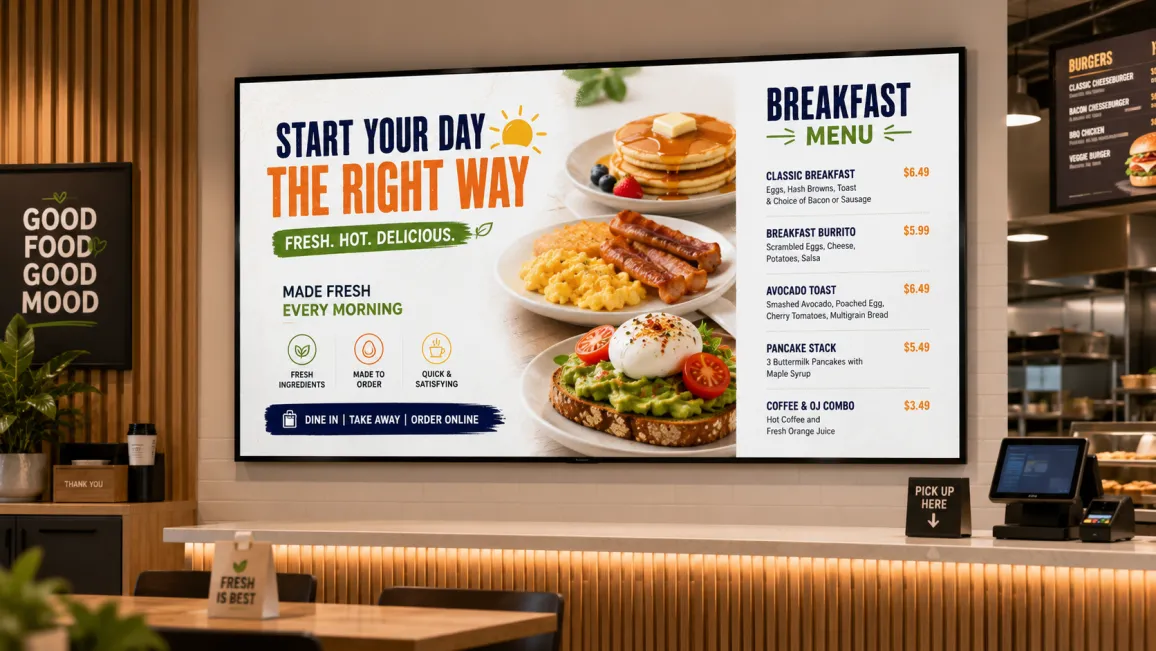
A single hero visual of one dish or drink, a short two-line description, and a clear price draws attention away from the rest of the menu and toward one specific item. Rotate the spotlight weekly or by ingredient availability. Keep the image large and the copy short: customers decide fast at the counter, and a cluttered spotlight gets skipped.
2. Bundle and combo callouts
Pairing a main item with a side or drink at a stated saving (for example, “Add a drink and dessert, save 2”) gives customers a reason to add rather than just an option to add. The saving should be visible without doing mental math. Bundle messaging works best directly above or beside the item it pairs with, not on a separate unrelated screen.
3. Limited-time offer countdown timers
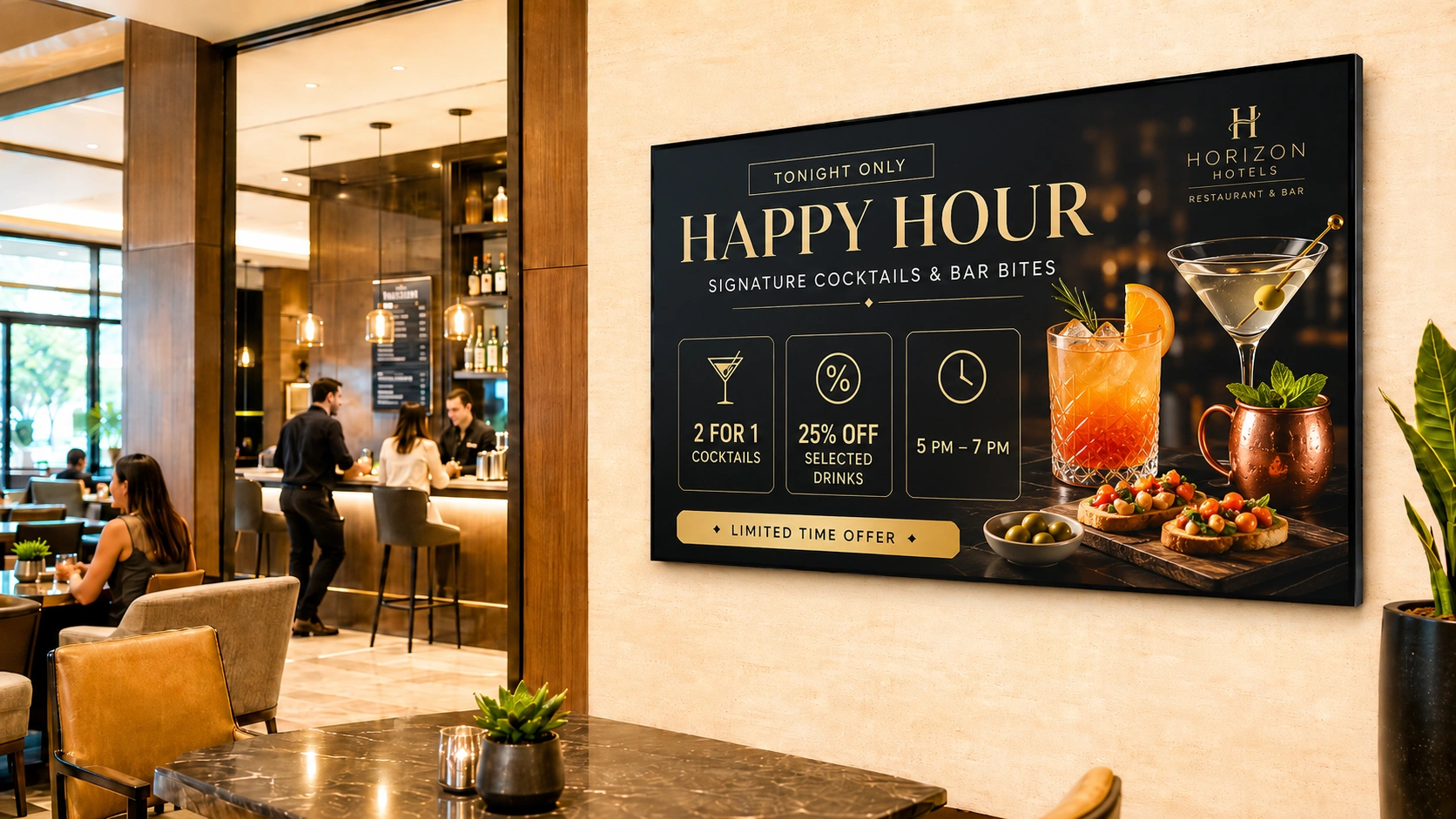
A visible countdown (“Ends in 2 hours” or “Today only”) creates urgency that a static printed insert cannot. This works particularly well for items nearing their daily sell-by window, like fresh bakery items, or for short promotional windows tied to a daypart. Pair the countdown with the item image so the urgency and the offer are read together.
4. Seasonal and dayparted specials
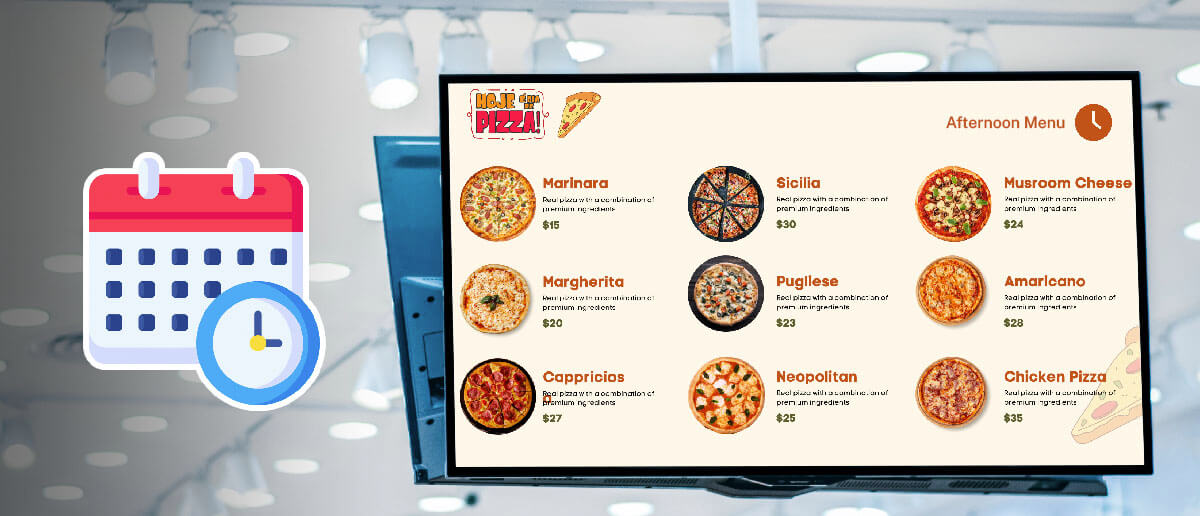
A breakfast add-on screen should not be showing dinner specials at 8am. Scheduling content by daypart means the morning screen pushes coffee refills and breakfast sides, while the evening screen shifts to desserts and after-dinner drinks. Pickcel’s scheduling lets operators set this once and let it run automatically across every connected screen. For a deeper look at how this scheduling works in practice, see this restaurant menu dayparting guide .
5. Pairing suggestions at the counter or tableside
A wine pairing next to a featured entrée, or a side suggestion next to a sandwich, reads as a recommendation rather than a sales pitch when it is visually tied to the item itself. This format works on counter screens at order time and on tableside displays during the meal, prompting an add-on order before the bill arrives.
Where to place upsell screens in a restaurant
Placement determines whether an upsell prompt gets seen at the moment it can change a decision.
- Counter or menu board: the primary order decision moment. This is where featured items and bundle callouts belong.
- Queue line: customers have time to read while waiting, making this a good spot for spotlight content and limited-time offers.
- Tableside: mid-meal add-on orders, dessert and refill prompts, best suited to pairing suggestions.
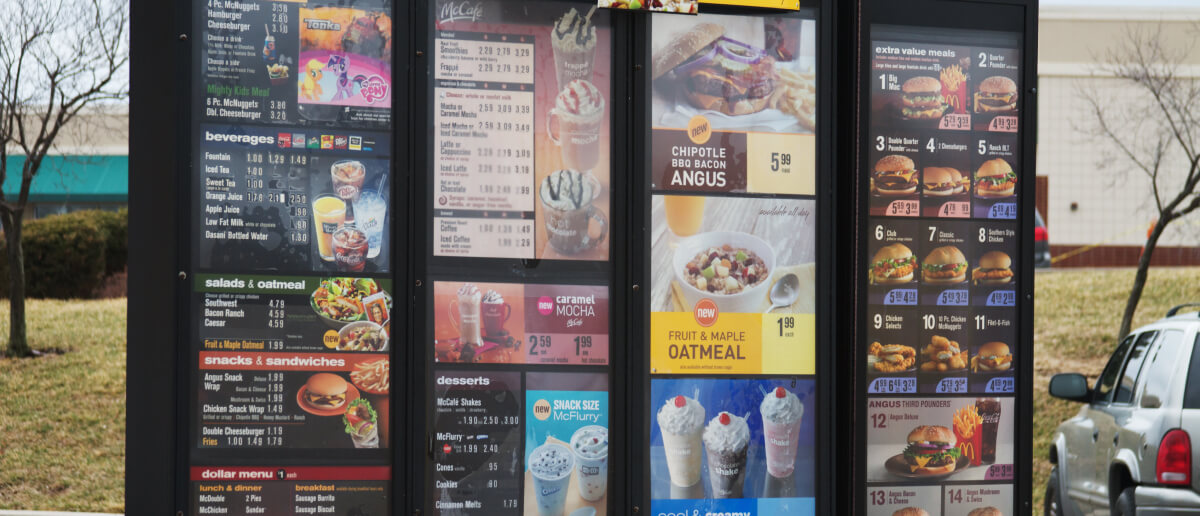
- Drive-thru boards: combo callouts and dayparted specials, since drive-thru customers decide quickly and respond well to a clear, single bundle offer. See drive-thru digital menu boards for more on this format specifically. Pairing that combo strategy with drive-thru digital menu boards built for outdoor speed of service keeps pricing and promotions readable at typical approach distances, even during peak drive-thru rush hours when order accuracy matters most.
A screen in the wrong spot, like a dessert promotion at the entry door before anyone has seen the main menu, will not move the same numbers as one placed at the actual decision point.
How to schedule upsell content with Pickcel
Pickcel lets operators build a content calendar once and run it automatically across every location. Dayparting rules switch breakfast, lunch, and dinner content without manual swaps. Campaign scheduling sets start and end dates for limited-time offers so they expire on their own. A/B rotation cycles between two versions of a featured item spotlight to see which pulls more attention, without needing to touch the screen in person. The McDonald’s digital menu board case study shows this kind of scheduled rotation running at scale.
For a multi-location chain, this means a head office marketing manager sets the calendar once, and every store runs the same upsell sequence on the same schedule, with no dependency on local staff to update anything.
If you want to see this scheduling running on a live menu board, the digital signage software platform page walks through the setup.
Looking at hospitality more broadly? Our guide on hotel restaurant digital signage covers the same upsell mechanics across multi-outlet F&B teams. For the scheduling mechanics behind daypart switching specifically, see the restaurant menu dayparting guide linked above, and for a vertical overview of how restaurant digital signage fits a QSR or casual dining rollout, see digital signage for restaurants.
Frequently Asked Questions
What is restaurant upsell digital signage?
What content on a digital menu board is most effective for upselling?
How does digital signage increase average transaction value in restaurants?
Can Pickcel display different upsell content at different times of day (dayparting)?
Where in a restaurant should I place screens to maximise upsell impact?
Ready to make every screen a passive upsell channel?
If your locations rely on staff remembering to upsell, request a demo to see how scheduled menu board content keeps the prompt consistent at every till. Or get started free to try the scheduling workflow yourself.