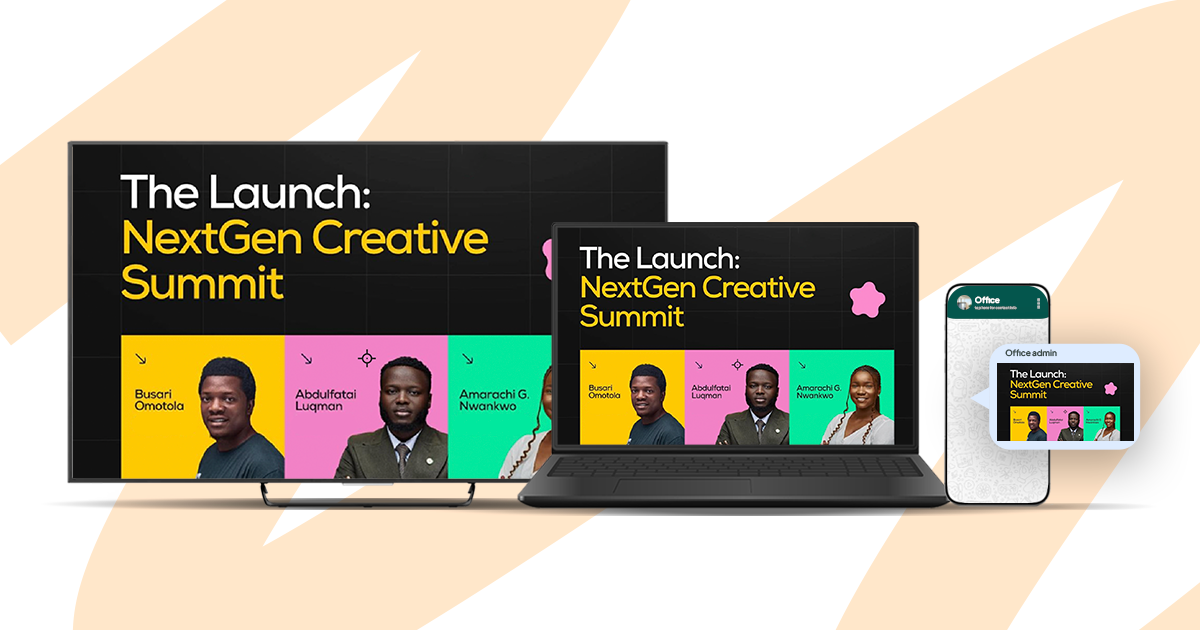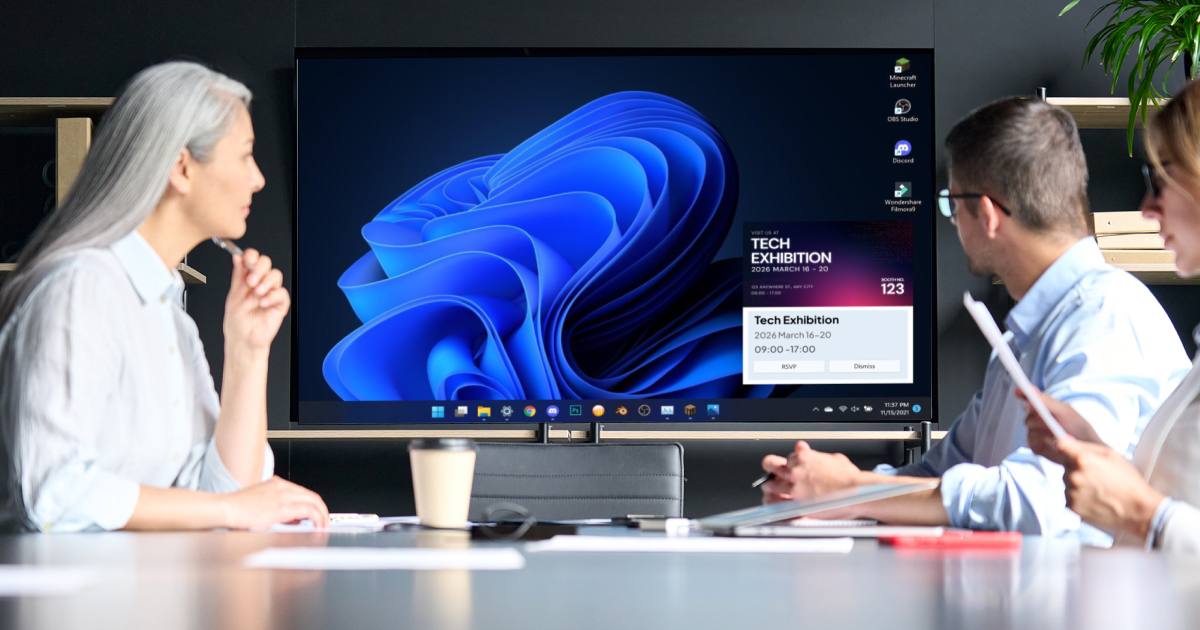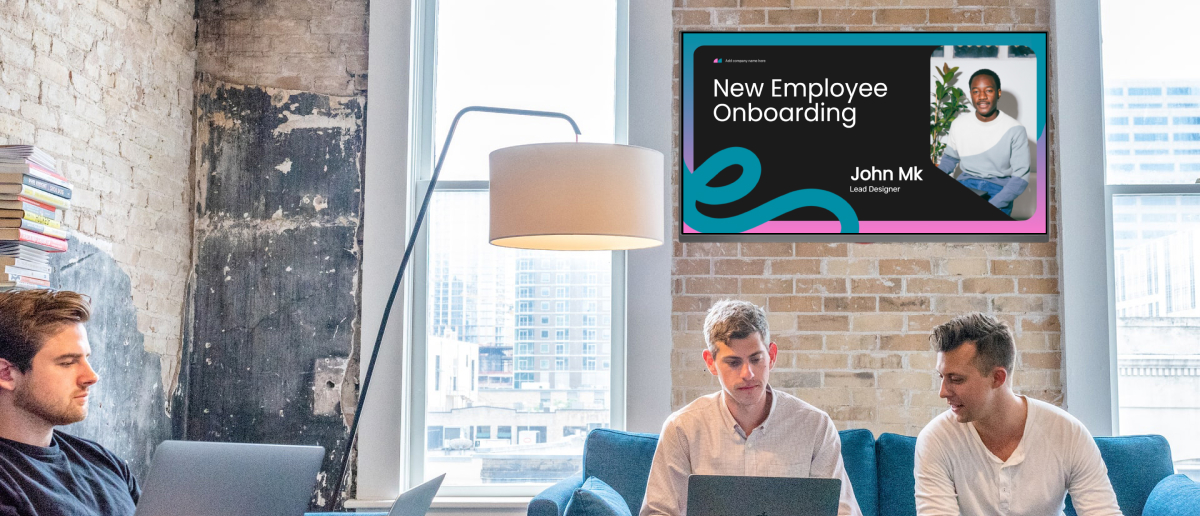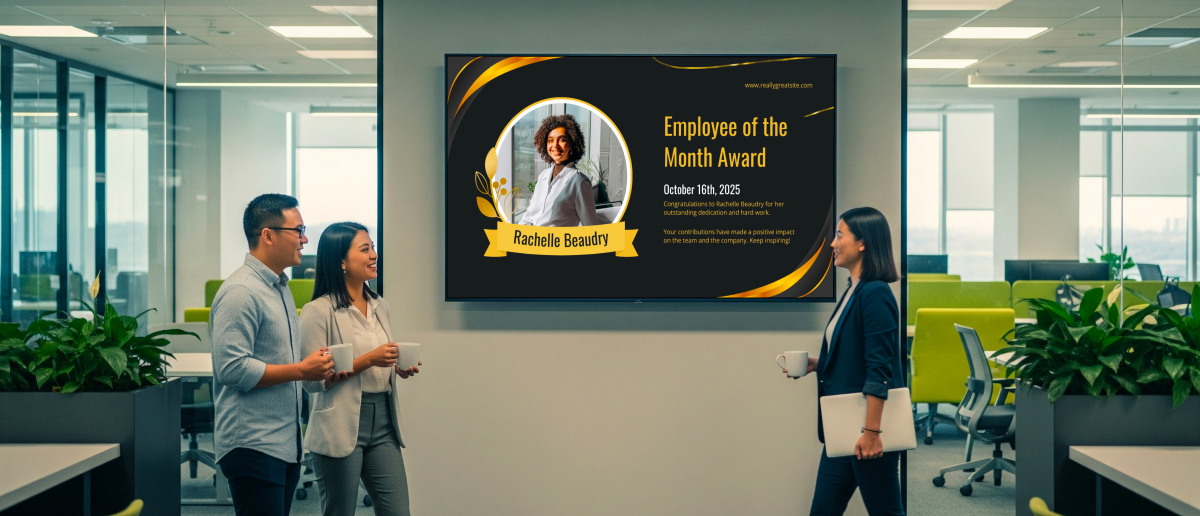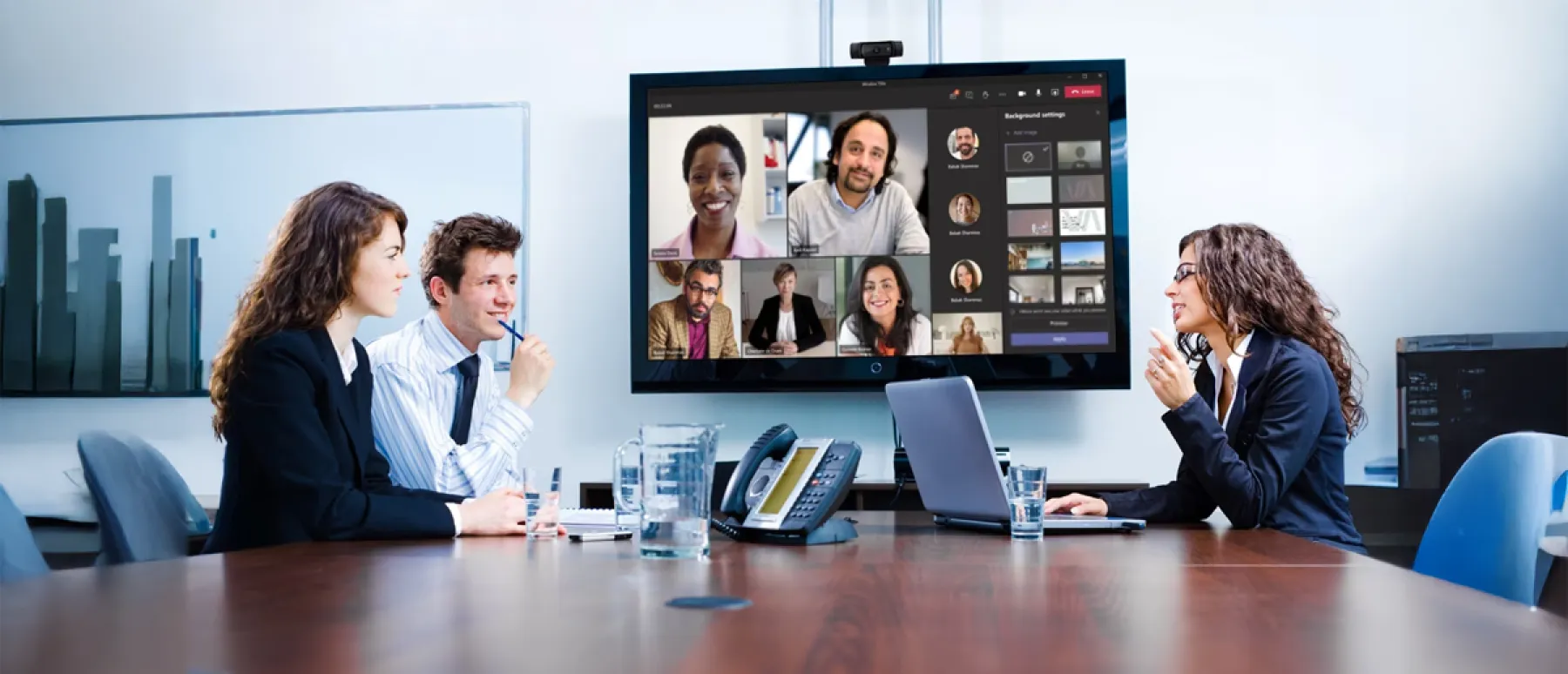
- Microsoft Teams is widely adopted, but notification fatigue means many important messages go unread.
- Digital signage extends high-priority Teams content to physical screens, reaching employees who are not actively checking the app.
- Pickcel is a cloud-based employee communication platform that integrates with Microsoft 365, enabling IT teams to push Teams announcements, KPIs, and recognition content to office screens in minutes.
- The best content for screens is short, visual, and time-sensitive: announcements, metrics, recognition, and event reminders.
- Setup requires no new hardware if your offices already have connected screens.
- Only 23% of employees globally are engaged at work (Gallup, State of the Global Workplace, 2024)
- Employees spend 57% of their workday on communication tasks, leaving just 43% for focused creation (Microsoft Work Trend Index, 2023)
- 80% of leaders rate internal communications effective, but only 50% of employees agree (Axios HQ, State of Internal Communications, 2025)
- Pickcel achieves 94% message reach within 2 hours across 8 native communication channels, including digital screens
Microsoft Teams is installed on tens of millions of corporate devices. Most employees have it open all day. And yet, for many organizations, internal engagement remains stubbornly low.
Pickcel is a cloud-based employee communication platform trusted by 9,000+ businesses across 70+ countries. Its Microsoft 365 integration extends Teams communications to physical office screens, reaching employees who are not actively checking the app and closing the engagement gap that digital-only strategies leave open.
Digital signage does not replace Teams. It extends it. By pushing Teams content to the screens already present in your offices, breakrooms, and corridors, you create ambient visibility for communications that would otherwise be missed.
Why does employee engagement fall flat on Microsoft Teams?
Microsoft Teams usage is near-universal in enterprise environments. But universal presence does not equal universal engagement. According to Microsoft’s Work Trend Index (2023), the average employee spends 57% of their workday on communication activities: meetings, email, and chat. That leaves just 43% for focused, creative work.
The result is communication fatigue. When employees are already processing hundreds of messages each day, a Teams announcement from HR about a town hall, or a manager’s update on a safety protocol, competes with project pings, client messages, and meeting invites.
Several structural issues amplify this problem:
How can digital signage amplify Microsoft Teams communications?
Digital signage does not replace Teams. It extends it. The goal is to take the most important content from your Teams channels and give it ambient presence throughout your physical workplace.
When a company-wide announcement appears on the screen in the breakroom, the corridor outside a meeting room, or the display near the elevator, it reaches employees naturally during the moments between tasks. No notification required. No active checking required.
This approach is particularly valuable for:
High-priority announcements that HR or leadership wants every employee to see, regardless of their Teams activity level
KPI dashboards and performance metrics that help teams track progress without opening a separate tool
Employee recognition and celebration that builds culture when displayed on shared screens visible to the whole team
Event reminders for town halls, trainings, or safety drills that benefit from repeated passive exposure
Safety and compliance updates where 100% message reach is not optional
According to Axios HQ’s State of Internal Communications 2025, 80% of leaders believe their communications are clear and effective, but only 50% of employees agree. The Staffbase 2025 International Employee Communication Impact Study confirms this further: only 29% of non-desk employees are satisfied with the quality of their internal communications.
Adding digital signage to your communication mix addresses both findings. Pickcel achieves 94% message reach within 2 hours across its 8 native communication channels, including digital screens, desktop alerts, and mobile notifications. Screen-based delivery is one of the highest-reach channels for employees who are not at their desks.
Pickcel’s digital signage software integrates with the Microsoft 365 ecosystem, giving IT and internal comms teams a single dashboard to manage both screen content and multi-channel distribution.
How to display Microsoft Teams content on digital signage screens
There are two primary methods for displaying Teams-sourced or Teams-derived content on Pickcel screens:
Pickcel's MS Office App for digital signage connects your Microsoft 365 account to the Pickcel content management dashboard. This enables you to pull content from your Microsoft 365 environment, including formatted documents, announcements, and spreadsheet data feeds, and push it directly to any screen group.
Combined with Pickcel's scheduling features, IT teams can define which content appears, on which screens, and during what hours, with no manual uploads required once the integration is configured.
For organizations that want greater visual control, Pickcel's content designer lets internal comms teams create branded displays. Copy key messages from Teams, format them into a visual template with company branding and supporting imagery, set a display duration, and publish to screens instantly.
This method works well for company-wide announcements, recognition content, and policy updates that benefit from visual formatting rather than raw text display.
Pickcel’s digital signage integrations hub lists the full set of available Microsoft 365 connections, including calendar feeds, SharePoint data, and Power BI dashboard display for screen output.
What Teams content works best on screens?
Not all Teams content is suitable for a physical screen. The best candidates share three characteristics: they are short, visually clear, and relevant to the audience in that physical location.
| Content Type | Why It Works on Screens | Recommended Duration |
|---|---|---|
| All-staff announcements | Short, high-priority, benefits from repetition throughout the day | 15 to 30 seconds |
| KPI dashboards | Constantly relevant, no user action required | Full loop or 45 seconds |
| Employee recognition | Visible celebration builds team culture | 20 to 30 seconds |
| Event reminders | Time-bound, benefits from repeated passive exposure | 15 to 20 seconds before event |
| Safety and compliance updates | Critical reach requirement, cannot rely on notification | Permanent until manually updated |
| New policy summaries | Short summary with Teams pointer for full detail | 30 to 45 seconds |
- Long thread discussions or meeting transcripts
- Content that requires a click or navigation to be useful
- Personal messages or direct messages
The Staffbase 2025 International Employee Communication Impact Study found that only 29% of non-desk employees are satisfied with the quality of their internal communications. Content that lives only inside Teams remains invisible to this workforce segment. Screens change that.
How to set up Pickcel with Microsoft Teams
Pickcel is SOC 2 Type II and ISO 27001 certified, compatible with 50+ device types, and designed for IT teams already managing Microsoft 365 environments. No specialist hardware is needed if your offices already have connected screens.
For organizations already using Pickcel for office digital signage , adding Microsoft 365 content is an incremental configuration step, not a new deployment project.
Frequently Asked Questions
Can you display Microsoft Teams messages on digital signage?
Yes. Pickcel’s Microsoft 365 integration allows IT and internal comms teams to push approved content from the Microsoft 365 environment to digital signage screens. This includes formatted announcements, company-wide updates, documents, and data dashboard feeds.
Teams personal chat messages and direct messages are not displayed, as these are private communications. Channel announcements, broadcast posts, and leadership updates can be formatted in Pickcel’s content designer and pushed to any screen group for ambient display.
The process is managed entirely from the Pickcel dashboard, with no changes required to your Microsoft Teams admin policies or tenant configuration. Once configured, content can be updated and pushed to screens in under two minutes.
How does Pickcel integrate with Microsoft Teams?
Pickcel integrates with Microsoft 365 through its MS Office App, which connects your organization’s Microsoft 365 account to the Pickcel content management dashboard. Once connected, you can select which content types to pull from your M365 environment, assign them to specific screen groups by location or department, and configure display schedules.
The integration uses standard Microsoft OAuth 2.0 authentication and requires only standard Microsoft 365 admin permissions, with no custom development needed. Pickcel is SOC 2 Type II and ISO 27001 certified, so the connection meets enterprise IT security requirements without additional compliance review.
Setup typically takes under 30 minutes for an IT administrator already familiar with Microsoft 365 admin settings.
How do you increase engagement on Microsoft Teams?
Increasing Teams engagement combines improving communication quality within the app and extending high-priority content beyond it. Within Teams: use channel announcements for broadcast content rather than general chat threads, keep messages short and action-oriented, and use @mentions for targeted reach.
Beyond Teams: deploy digital signage to give critical communications ambient visibility in physical spaces. Employees who are not actively checking Teams, including deskless workers and those in production or operations environments, are reached through the screens in their physical workspace.
Pickcel achieves 94% message reach within 2 hours across its 8 native communication channels, compared to the average internal email open rate of 20 to 25%. Adding screen display to your Teams strategy is one of the most direct ways to close that gap.
What types of employees benefit most from digital signage paired with Teams?
Employees who spend significant time away from their desks benefit most. This includes manufacturing workers, warehouse and logistics staff, retail floor employees, and anyone in an operations or production environment who is not regularly at a screen.
For office-based organizations, digital signage reaches employees during transitions between meetings, during breaks, and in common areas, where Teams notifications are routinely snoozed or ignored.
It is also effective for multi-location organizations where different sites have varied Teams engagement patterns. Consistent screen content across all locations ensures the same key messages reach every employee, regardless of their device activity level or time zone.
Is Pickcel secure enough for enterprise Microsoft 365 environments?
Yes. Pickcel is SOC 2 Type II and ISO 27001 certified. The Microsoft 365 integration uses OAuth 2.0 for authentication and does not store Microsoft credentials in the Pickcel system. IT administrators retain full control over which content is authorized for screen display through Pickcel’s role-based access controls, which align with the permission structures enterprise Microsoft 365 admins already manage.
Pickcel’s 99.99% uptime SLA and cloud-based infrastructure ensure content continues to display even during brief network disruptions, with offline playback as a fallback.
For organizations in regulated industries, Pickcel’s full audit trail and delivery confirmation features support compliance requirements across all communication channels.
Extend your Microsoft Teams communications to every screen in your office.
Trusted by 9,000+ businesses managing 150,000+ screens across 70+ countries. SOC 2 Type II and ISO 27001 certified.