

At a Glance: IT Outage Notification Templates
An IT outage notification is a structured message sent to employees, stakeholders, or customers confirming that a system or service is unavailable or degraded, what they should do in the meantime, and when to expect the next update.
When a critical system goes down, every minute of silence is a minute of lost productivity, frustrated users, and mounting costs. According to the ITIC 2024 Hourly Cost of Downtime Survey (1,000+ firms worldwide), the average cost of a single hour of downtime exceeds $300,000 for over 90% of mid-size and large enterprises.
Without a timely, clear IT outage notification, employees waste time troubleshooting issues that are already known, submit duplicate tickets, and escalate to the wrong teams. The right template, sent within the first five minutes, stops that cascade before it starts.
This guide gives you seven ready-to-use IT outage notification templates for every scenario—from the first alert to the post-incident summary—along with best practices that separate fast, trusted IT teams from slow, reactive ones.
- The average cost of a single hour of downtime exceeds $300,000 for over 90% of mid-size and large enterprises (ITIC 2024 Hourly Cost of Downtime Survey, 1,000+ firms worldwide)
- The first notification should go out within 5 minutes of confirming an incident, before the root cause is known
- Every effective outage notification requires: system affected, scope of impact, current status, available workaround, and next update time
- This guide provides 7 templates covering all incident phases: initial alert, status update, resolution notice, post-incident summary, P1 critical, partial outage, and scheduled maintenance
Outage notifications typically fall into four types:
- Initial alert: the first message, sent as soon as the incident is confirmed
- Status update: periodic messages during an ongoing outage
- Resolution notice: confirmation that the system is restored
- Post‑incident summary: a debrief shared within 24–48 hours of resolution
Without a timely, clear IT outage notification, employees waste time troubleshooting issues that are already known, submit duplicate tickets, and escalate to the wrong teams. The right template, sent within the first five minutes, stops that cascade before it starts.
This guide gives you seven ready-to-use IT outage notification templates for every scenario, from the first alert to the post-incident summary, along with best practices that separate fast, trusted IT teams from slow, reactive ones.
What Is an IT Outage Notification?
An outage notification serves three purposes at once. It tells people what is broken so they can stop trying to use it. It tells them what to do in the meantime. And it tells them when to expect a resolution or the next update.
Outage notifications fall into four types:
Initial alert: The first message, sent as soon as the incident is confirmed
Status update: Periodic messages during an ongoing outage
Resolution notice: Confirmation that the system is restored
Post-incident summary: A debrief shared within 24 hours of resolution
Free IT Outage Notification Templates
Use these templates as starting points. Fill in the brackets and send. Every template is written for copy-paste use in email, Slack, Teams, or an internal status page.
Use these templates as starting points. Fill in the brackets and send. Each template works in email, Slack, Teams, or an internal status page.
Template 1: Initial outage alert
Use when: an outage is confirmed and you need to send the first notification fast, before root cause is known.
Subject: [System Name] is currently unavailable

We are aware of an issue affecting [System Name / Service]. The system is currently unavailable for [all users / users in Region X / users in Department Y].

Impact: [What users cannot do, e.g., "You cannot access email or the CRM until this is resolved."]
Status: Under investigation
Next update: [Time, e.g., "3:00 PM EST" or "within 30 minutes"]

Please avoid submitting new tickets for this issue. Reference ticket [INC-XXXXX] has been opened.

For urgent matters, contact: [Name / Slack channel / phone]

IT Operations
Template 2: Ongoing status update
Use when: the outage is continuing and it is time for your scheduled update.
Subject: UPDATE: [System Name] still under investigation

Update as of [Time, Date]:

We are continuing to work on the [System Name] issue. Our team has [identified the root cause / narrowed down the cause / is actively investigating].

Estimated resolution: [Time, or "We do not yet have an ETA. We will provide the next update at [Time]."]
Workaround: [Available workaround, or "No workaround is available at this time."]
Still affected: [List remaining affected systems or user groups]

Next update: [Time]
Ticket reference: [INC-XXXXX]

IT Operations
Template 3: Resolution notice
Use when: the system is restored and users need to be informed.
Subject: RESOLVED: [System Name] is back online

[System Name] has been fully restored as of [Time, Date].

Root cause: [Brief plain-language description, e.g., "A failed database failover caused the service interruption."]
Total duration: [Start time] to [End time], approximately [X] hours and [X] minutes
Users affected: [Scope]

If you continue to experience issues, submit a ticket or contact [Help Desk contact].

A full post-incident report will be shared within [24 / 48] hours.

IT Operations
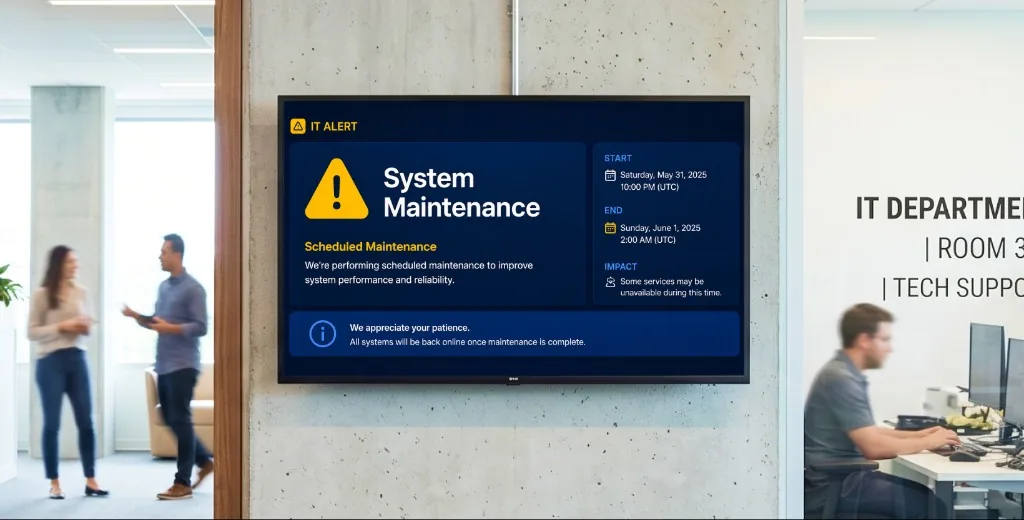
Template 4: Scheduled Maintenance Notification
Subject: Scheduled maintenance: [System Name] on [Date], [Start Time] to [End Time]

Planned maintenance will be performed on [System Name] on [Date] from [Start Time] to [End Time] [Timezone].

During this window, [System Name] will be [unavailable / running in read-only mode / experiencing intermittent performance].

What you should do before [Time]: [Save work, avoid scheduling [specific activity], use [workaround] if needed.]

Questions? Contact [Help Desk name] at [email / Slack channel].

IT Operations
Template 5: Critical system outage (P1 emergency level)
Use when: a major system is down and the full organization is affected. Speed matters more than polish.
Subject: CRITICAL: [System Name] outage, all users affected

[System Name] is experiencing a major outage affecting all users.

Severity: P1. Incident Commander: [Name]
Time of failure: [Time, Date]
Affected: [All users / specify scope]

What to do now: [Immediate action, e.g., "Do not attempt to log in. Do not process orders manually until notified."]

Response team: [Names or roles currently working on this]
War room: [Teams / Zoom bridge link or room number]
Next update: [Time, must be within 15 minutes for P1]

IT Operations / Incident Command
Template 6: Partial Outage or Degraded Service
Use when: some users or features are affected, but the system is not fully down.
Subject: NOTICE: [System Name] degraded performance affecting [Region / Feature]

[System Name] is currently experiencing degraded performance. Not all users are affected.

Affected: [Specific feature, region, or user group]
Symptoms: [What users will notice, e.g., "Slow loading and timeout errors in the reporting module."]
Status: Under investigation
Workaround: [If available, or "No workaround at this time."]

If you are not affected, no action is required. We will notify you when the issue is resolved.
Next update: [Time]

IT Operations
Template 7: Post‑incident summary
Subject: Post-Incident Report: [System Name], [Date of Incident]

Incident reference: [INC-XXXXX]
Duration: [Start time] to [End time] ([Total duration])
Systems affected: [System Name(s)]
Users affected: [Number or scope]

Summary: [2 to 3 sentences describing what happened and how it was resolved.]

Root cause: [Technical explanation in plain language]

Timeline:
- [Time]: Issue first detected by [monitoring system / user report]
- [Time]: Incident declared, response team assembled
- [Time]: Root cause identified
- [Time]: Fix deployed, service restored

Actions taken to prevent recurrence:
1. [Action 1]
2. [Action 2]

Questions? Contact [IT Operations lead or manager].

IT Operations
Best practices for IT outage communication
1) Send the first notification within 5 minutes of confirming the incident
The most common mistake is waiting until the root cause is known before communicating. Recipients don’t need a diagnosis in the first message—they need to know the issue is real and being handled.
2) Use structured fields, not free‑form prose
Use the same core fields every time: system affected, scope of impact, current status, workaround, next update time. Templates reduce cognitive load during live incidents and make messages easy to scan.
3) Set a mandatory update cadence
For P1/P2 incidents, send an update every 15–30 minutes, even if nothing has changed. “Investigation is ongoing. Next update at 3:30 PM” is far better than silence.
4) Classify severity before communicating
Define severity levels in advance (P0–P3, or your organization’s model). Match message urgency and audience size to real impact.
5) Separate the incident response channel from the user communication channel
Engineers need a focused war room. Users need a clear outbound channel (status page, dedicated comms channel, or screen-based alert system). Mixing them creates noise during response.
Related reading
- The best internal communication tools : how choosing the right channels determines how quickly different segments of your workforce receive the alert.
- Securing internal communications during incidents : for IT teams with compliance requirements, communication security is as important as response speed.
How to automate outage notifications with digital signage
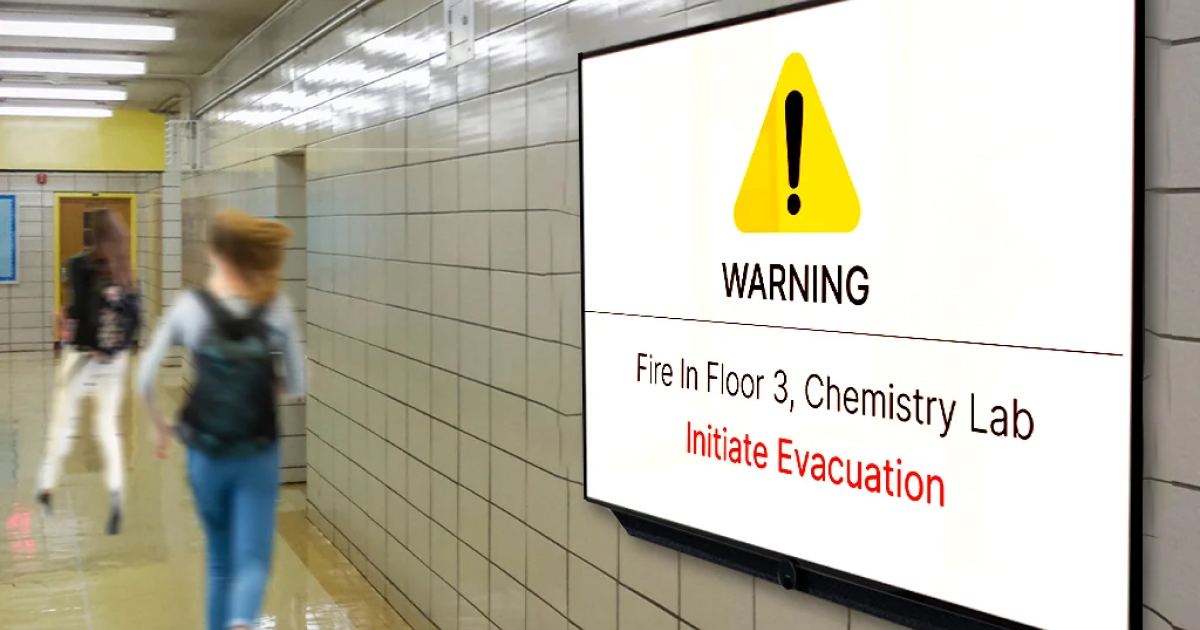
Most notification systems assume employees are in front of a computer and actively monitoring email or Slack. For frontline environments, that’s rarely true. Screen-based alerts close the gap by reaching people where they already are.
How Pickcel pushes emergency alerts to every screen instantly
Pickcel is a cloud-based digital signage software used by 9,000+ organizations across 70+ countries. Emergency alert mode pushes a notification to all connected displays in seconds, regardless of what content is currently playing.
Pickcel manages over 150,000 screens across 50+ device types and is SOC 2 Type II and ISO 27001 certified.
If you want full channel coverage, pair screen alerts with your usual channels (email/chat/status page) so desk-based and deskless teams receive the same message at the same time.
To see how it works in your environment, try Pickcel free for 14 days. No credit card required.