The question most IT managers ask when a digital signage request lands on their desk is not “can we do this?” It’s “how much is this going to cost my team to support once it’s live?”
Answering that question honestly is what this guide is for. We’ll cover what corporate digital signage requires from an IT perspective: how the system is architected, what the network looks like, what security certifications address enterprise procurement requirements, and what ongoing IT involvement actually looks like after deployment. If you’re building your evaluation shortlist, the enterprise digital signage IT procurement checklist covers the vendor vetting criteria.
For cloud-based platforms like Pickcel, the IT footprint is smaller than most managers expect.
- No on-premises server required: Pickcel is fully cloud-managed.
- SOC 2 Type II and ISO 27001 certifications satisfy enterprise security checklists.
- Offline playback keeps screens live during network interruptions.
What does an IT manager need to know about corporate digital signage?
Corporate digital signage is a network of displays managed through a central cloud CMS, where an IT manager’s involvement covers four domains: network provisioning, device enrollment, security validation, and business team onboarding.
After initial deployment on a cloud-based platform, content operations (scheduling, publishing, and campaign management) are managed by marketing, communications, or HR teams. IT is not involved in day-to-day content management.
Beyond the initial setup, the four domains map to clear responsibilities. Network provisioning means confirming devices have appropriate connectivity and that outbound traffic rules permit communication with the platform. Device enrollment involves choosing compatible hardware and deploying the player application. Security validation covers platform certifications, access controls, and data handling. Business team onboarding is a one-time activity: configuring roles and permissions so non-technical staff can operate the CMS without IT involvement.
Understanding this scope upfront prevents the most common IT objection: the assumption that ongoing signage management will add to the IT team’s workload. It does not.
Deployment architecture: how Pickcel works
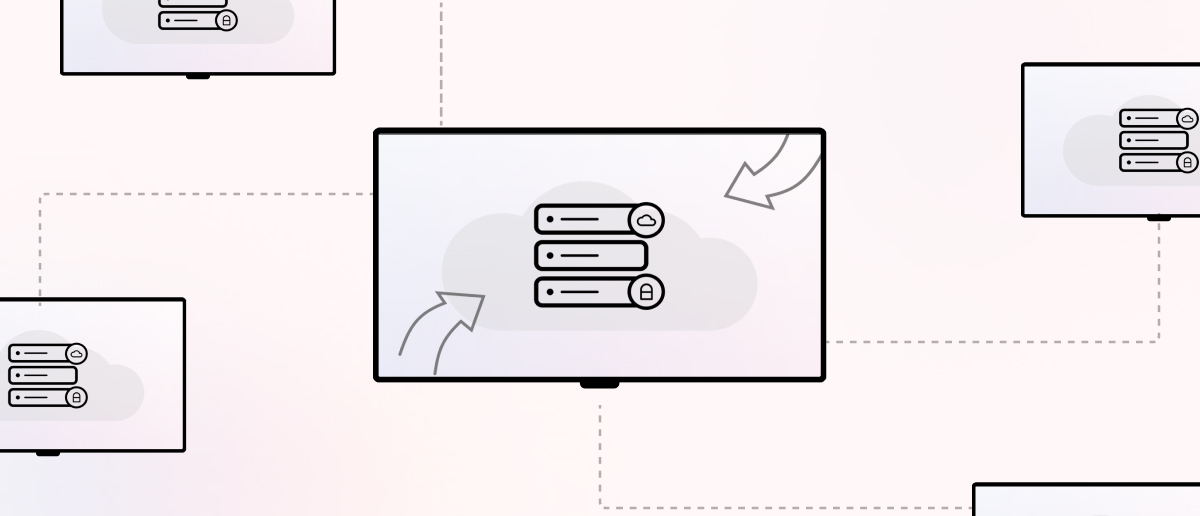
Pickcel operates on a cloud-managed architecture. The CMS (Pickcel’s browser-based control panel) is hosted in the cloud. Content, including images, videos, live data feeds, and scheduled playlists, is pushed from the CMS to individual player devices over a standard internet connection. Devices display that content on connected screens.
There is no on-premises server, no local media server, and no IT-side infrastructure beyond the player devices and network connectivity. For organizations weighing the infrastructure cost tradeoffs, the cloud vs. on-premise digital signage cost guide covers TCO in detail.
Supported operating systems and device types
Pickcel’s player app runs on:
- Windows (Windows 10 and above)
- Android (commercial-grade displays and Android media players)
- Linux (including Raspberry Pi)
- Chrome OS (Chromebit and Chrome-based commercial displays)
- Amazon Fire TV Stick
- Existing smart displays where a compatible OS or HDMI player can be attached
For organizations with existing commercial displays, Pickcel can often be deployed on current hardware, avoiding full replacement. The 50+ device compatibility means the IT team is not locked into a single hardware vendor.
Network requirements
Pickcel devices communicate outbound over port 443 (HTTPS). No inbound firewall rules are required. For corporate environments with strict outbound content filtering, Pickcel provides a CDN domain whitelist for allowlisting.
Bandwidth per device is equivalent to standard HD video streaming.
Offline playback
If a device loses internet connectivity, it continues playing the last synced playlist. Playback does not pause during temporary outages. For high-visibility locations such as lobbies, cafeterias, or reception areas, this prevents blank screens during network interruptions.
MDM integration
Pickcel player devices can be enrolled in enterprise MDM platforms for fleet-wide management, remote wipe, and policy enforcement. Silent deployment via MDM app push is supported on Android and Windows.
Security and compliance
Two certifications cover the majority of corporate IT security requirements for SaaS platforms in enterprise procurement: SOC 2 Type II and ISO 27001. Pickcel holds both. See Pickcel’s digital signage security certifications for the full documentation.
SOC 2 Type II
SOC 2 Type II is an independent audit of a platform’s security, availability, processing integrity, confidentiality, and privacy controls conducted over a sustained operating period, not a point-in-time snapshot. This distinction matters for procurement: Type II confirms that the controls have been operating consistently, not just that they existed on audit day. For most enterprise security checklists, SOC 2 Type II is the baseline requirement for SaaS vendor approval.
ISO 27001
ISO 27001 is the international standard for information security management systems. It covers the policies, procedures, and controls governing how data is collected, stored, processed, and protected. ISO 27001 certification is a common requirement for regulated industry deployments and public-sector procurement. Pickcel’s ISO 27001 certification means these controls have been independently assessed and verified.
Role-based access control
Pickcel supports granular RBAC. Content editors, playlist managers, screen administrators, and account owners each have distinct permission sets. IT sets these roles at initial configuration; the business team operates within those boundaries without further IT involvement. Permissions can be scoped by location, screen group, or content type.
SSO integration
Pickcel supports SSO integration, allowing employees to authenticate with existing corporate credentials. This removes the need for separate Pickcel account provisioning and simplifies offboarding: when an employee leaves, revoking access at the identity provider level also removes CMS access.
Audit trail
The Pickcel platform maintains a log of content changes, scheduling actions, user activity, and login events. This is available without additional IT configuration and supports internal compliance audits and governance requirements.
See Pickcel's security documentation and run through the enterprise checklist with a Pickcel solutions engineer.
IT management overhead: what IT owns vs. what the business team owns
The clearest way to answer the overhead question is to map the responsibility split.
IT owns:
- Initial network provisioning for player devices (connectivity, port allowlisting, CDN domains)
- Hardware procurement and MDM enrollment
- Firewall and whitelist configuration
- SSO integration (if applicable)
- Role and permission configuration at account setup
The business team owns (after setup):
- All content creation, playlist scheduling, and campaign management
- Screen grouping and zone assignments
- Publishing and unpublishing content
- Adding users within existing roles
- Reporting and content performance review
Once deployed, IT involvement is typically limited to new site rollouts (adding devices at new locations), hardware replacements, and changes to SSO or network infrastructure driven by broader IT decisions. Content operations run independently, without IT involvement.
For organizations with 10 to 10,000 screens, the support model is the same. The CMS scales without additional server-side infrastructure changes from IT.
Uptime and enterprise support
Pickcel operates to industry-standard uptime SLA levels for cloud platforms. Incident communications are distributed via status page and email.
Integration with corporate IT infrastructure
Microsoft 365 and Google Workspace
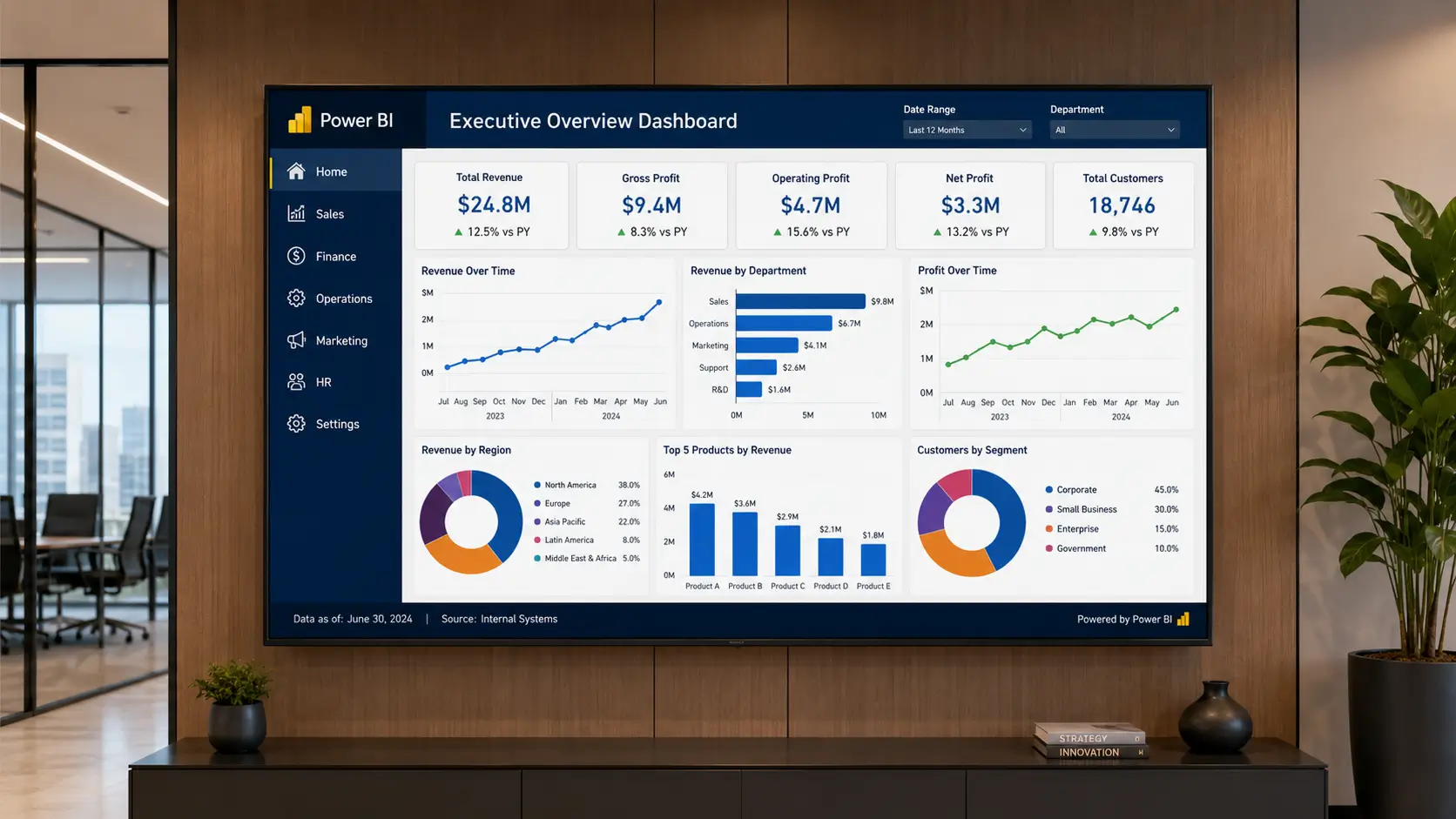
Pickcel’s content library supports Google Slides, Google Sheets, and PowerPoint content natively. Teams can build content in tools they already use and publish directly to screens without file conversion or reformatting. Existing Google Sheets data, including live KPIs, metrics boards, and schedules, can be displayed on screens and updated automatically.
Live data feeds
For organizations that surface content from existing business systems, including ERP platforms, HR tools, or internal dashboards, live data feeds from URLs can be displayed on screens without additional middleware. This removes the need for manual CMS updates when the underlying data changes.
For a complete list of supported integrations, see Pickcel’s integration directory .
Frequently Asked Questions
What does an IT manager need to know when deploying a corporate digital signage system?
What network bandwidth does Pickcel require per digital signage device?
Does Pickcel support SSO and MDM integration for corporate IT environments?
What security certifications does Pickcel have that are relevant for enterprise IT buyers?
How much ongoing IT involvement does Pickcel require after initial deployment?
Ready to see this in a corporate environment?
If you want to see Pickcel running against a corporate IT checklist, request a demo and the team can walk through the platform against your organization's specific requirements, including security documentation and deployment support options. For the full feature and deployment model breakdown, see Pickcel's digital signage software.