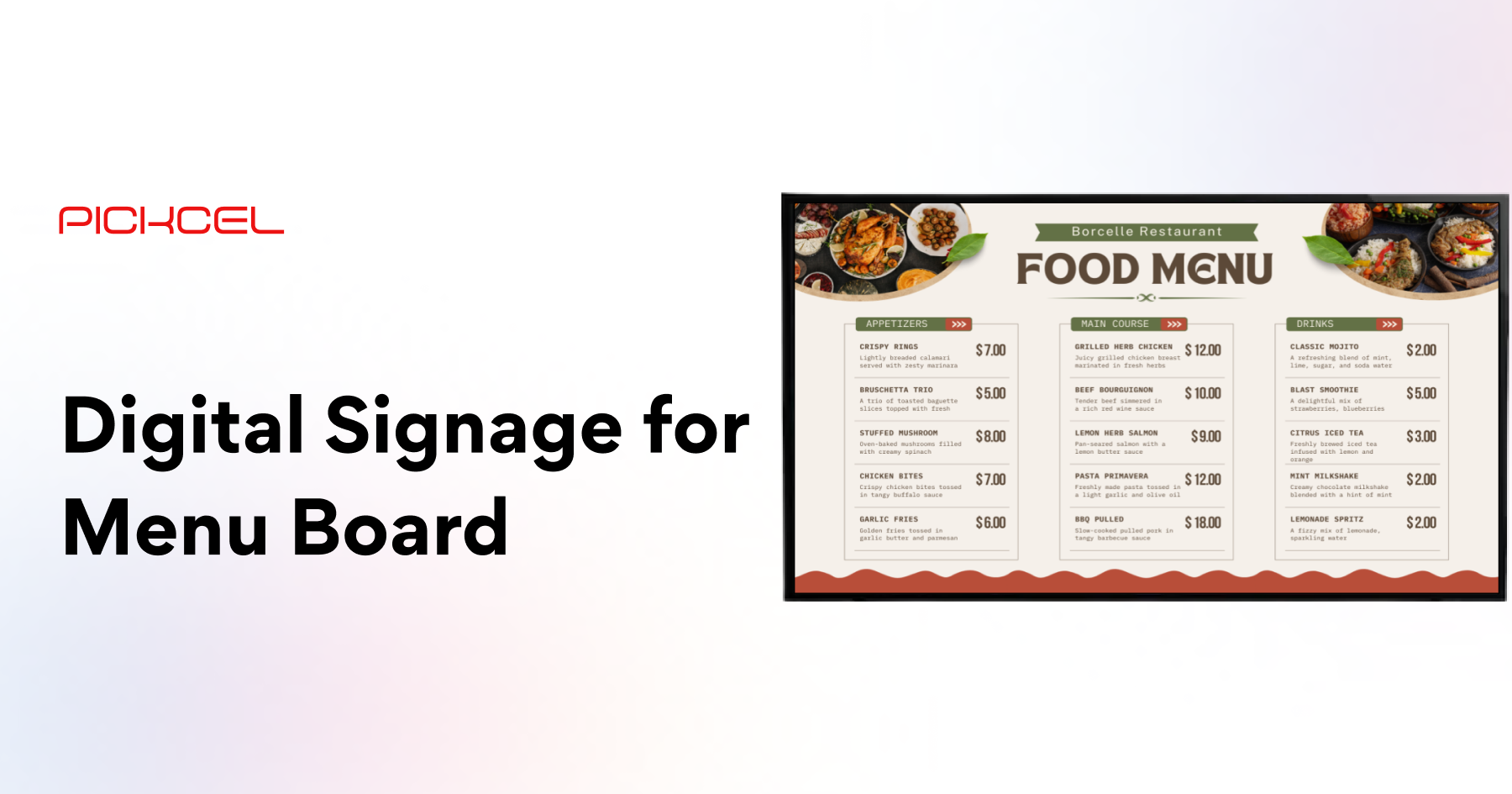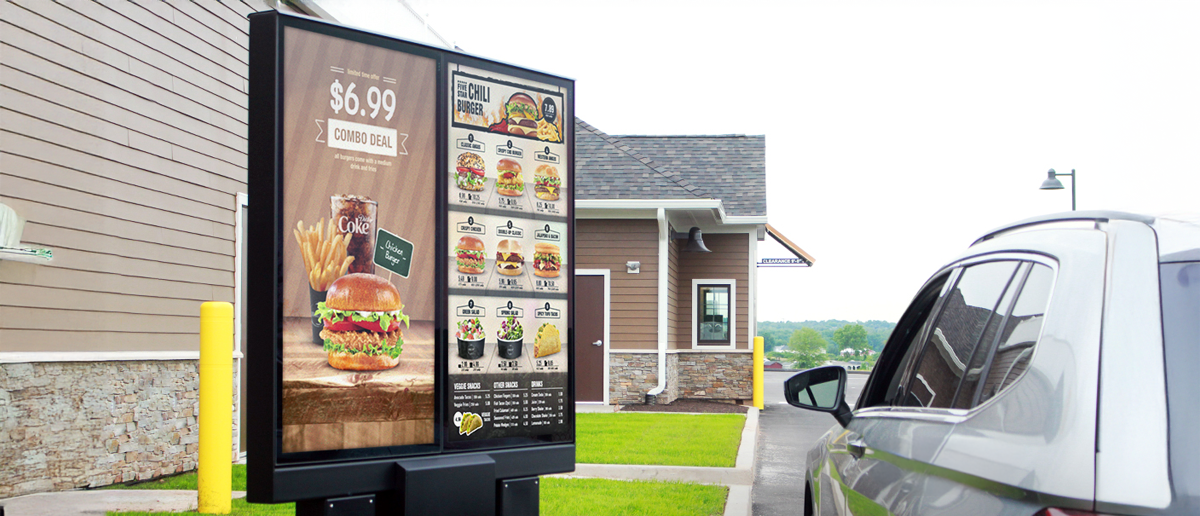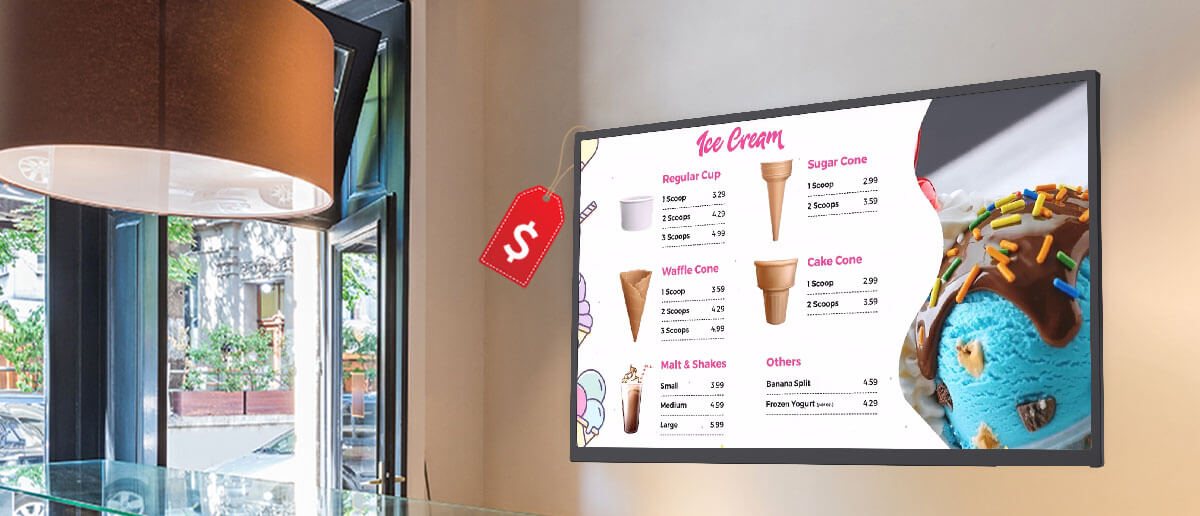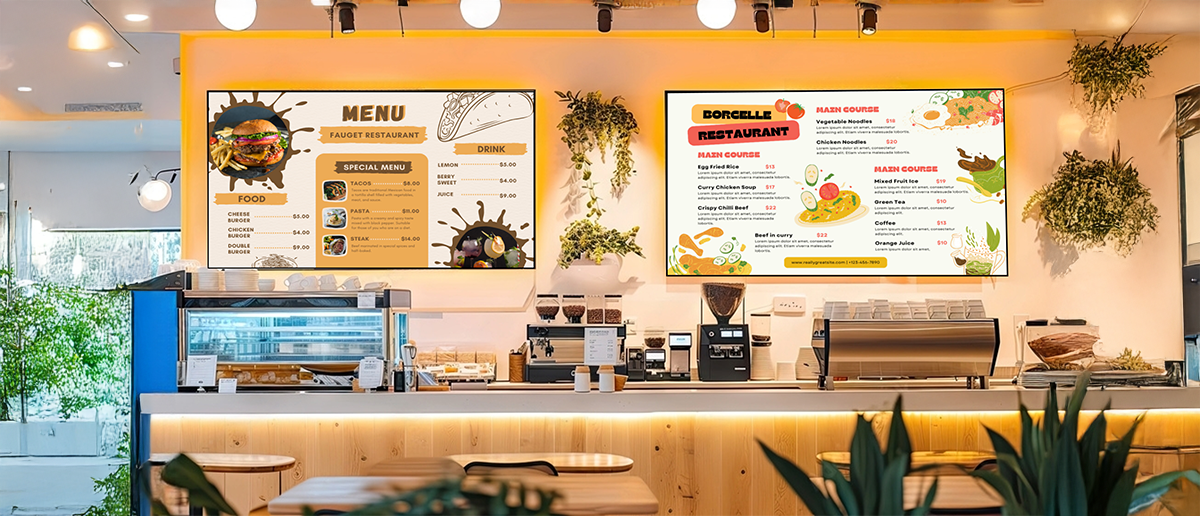
Everything a restaurant owner needs to know about indoor digital menu boards — types, screen sizes, content design, costs, and how to set up and manage with Pickcel.
- Indoor digital menu boards increase average order value by 3–5% compared to static printed menus (NRA, 2022) and influence 76% of in-store purchasing decisions (POPAI, 2019).
- Screen size should be sized to viewing distance: 43-inch minimum for 3-metre queues; 65-inch or larger for food courts with 5–6 metre viewing distances.
- A three-screen indoor setup typically costs $2,000–$6,000 for hardware and installation, plus $15–$40 per screen per month for CMS software.
- Daypart scheduling, price updates, and sold-out flags all update across all locations simultaneously in under 30 seconds with Pickcel.
- Always use commercial-grade displays rated for 18–24 hours per day. Consumer TVs are not built for continuous restaurant operation.
The printed menu is disappearing from restaurant counters. Digital menu boards now dominate quick-service and fast-casual restaurants because they do what print never could: update in seconds, promote high-margin items at the right time of day, and respond to sold-out items without a manual intervention at each location. This guide covers everything a restaurant owner needs to know about indoor digital menu boards — from choosing the right setup to managing content with Pickcel.
What are indoor digital menu boards?
Indoor digital menu boards are screens positioned inside a restaurant or food service venue to display menu items, pricing, nutritional information, promotional offers, and daypart-specific content to customers at the point of ordering.
Unlike outdoor displays, indoor menu boards operate in controlled environments with consistent lighting and stable temperature. This means standard commercial-grade displays work well, and hardware costs are significantly lower than outdoor-rated units.
Indoor digital menu boards serve multiple functions:
Counter ordering displays: Mounted above the counter showing the full menu — the most common deployment in QSR and fast casual restaurants
Menu preview screens: At the entry or waiting area, helping customers decide before they reach the counter
Table-side promotions: Smaller screens showing specials, upsell offers, or loyalty program information
Drive-through confirmation screens: Interior displays showing the order summary before customers collect
What are the benefits of indoor digital menu boards?
Indoor digital menu boards deliver four measurable advantages over static printed menus:
< 30 sec
Instant content updates
A price increase, a sold-out item, or a new limited-time offer can be updated on every screen across every location in under 30 seconds from the Pickcel dashboard. No reprinting, no laminating, no staff involvement at each location.
Automated
Daypart menu switching
Breakfast menus automatically switch to lunch at a scheduled time. Dinner specials appear at 5pm. Happy hour pricing activates and deactivates without manual intervention. Pickcel handles daypart switching across all screens simultaneously.
3–5%
Higher average order value
Digital menu boards can prominently feature high-margin items, combo deals, and add-ons in optimized positions. Research from the National Restaurant Association (2022) shows digital boards increase average order value by 3–5% vs. printed menus.
Reduced
Print and operational costs
Eliminating print production for seasonal menus, pricing updates, and promotional content saves significantly for multi-location operators. The cost per content update approaches zero once the digital system is installed.
What types of indoor menu board setups are most popular?
The most popular indoor digital menu board configurations vary by restaurant type and available space:
Single landscape screen (horizontal mount)
A single wide-format screen (typically 43–65 inch, landscape orientation) mounted above the counter. Best for small cafes, food trucks with indoor areas, or counters with limited horizontal space. The most affordable entry point for digital menu boards.
Multiple portrait screens (vertical mount)
Two, three, or four portrait-orientation screens arranged side by side above the counter, each showing one or two menu categories. Common in QSR restaurants — gives the appearance of a traditional multi-panel menu board while keeping content organized. Typically 43–55 inch displays per panel.
Video wall / large format display
A wide continuous display or tiled video wall behind the counter. Used by premium fast casual brands, airport food halls, and stadium concessions where visibility from a distance is critical. Typically 75 inch or larger, or tiled 2×1 and 3×1 configurations.
Hanging digital menu boards
Suspended from the ceiling on cables or mounts in locations where wall space is limited or where visibility is needed from multiple approach angles. Common in food courts and open-plan dining halls.
Self-order kiosk panels
Interactive touchscreen kiosks that display the menu and accept orders, reducing counter queuing. These integrate with the restaurant's POS system and serve simultaneously as display and ordering device. For the outdoor equivalent, see our outdoor digital menu boards guide.
How to choose the right screen for indoor menu boards
Selecting the right display for an indoor menu board involves four decisions:
Screen size
The guideline is one inch of screen diagonal for every foot of viewing distance. For a counter where customers queue 3 metres back, a 43-inch minimum. For food courts with 6+ metre viewing distances, 65-inch or larger is appropriate.
Orientation
Landscape (horizontal) screens are better for multi-item menus with imagery side by side. Portrait (vertical) screens are better for category-focused panels where each panel shows one food category with pricing.
Brightness
Indoor displays require 300–500 nits. If your restaurant has significant natural light from large windows or skylights, consider 700–1,000 nit commercial displays to maintain contrast in bright ambient light.
Connectivity and duty cycle
Ensure the display supports HDMI or DisplayPort for the Pickcel media player and has reliable network access. Commercial-grade displays are rated for 18–24 hours per day continuous operation. Consumer TVs are not — they will fail faster in restaurant environments.
How to design effective indoor menu board content
Content design for indoor menu boards follows a different set of rules than printed menus. Customers spend 3–5 seconds reading a menu board before ordering.
Use high contrast. White or yellow text on a dark background works consistently across most restaurant environments. Avoid mid-tone combinations that reduce readability in ambient lighting.
Limit items per screen zone. Show 5–8 items maximum per zone. More than 8 creates decision paralysis and slows queue throughput.
Use daypart logic. Use Pickcel’s scheduling tools to show breakfast items until 10:30am, lunch from 10:30am to 4pm, and dinner from 4pm. This keeps the board relevant and reduces choice overwhelm.
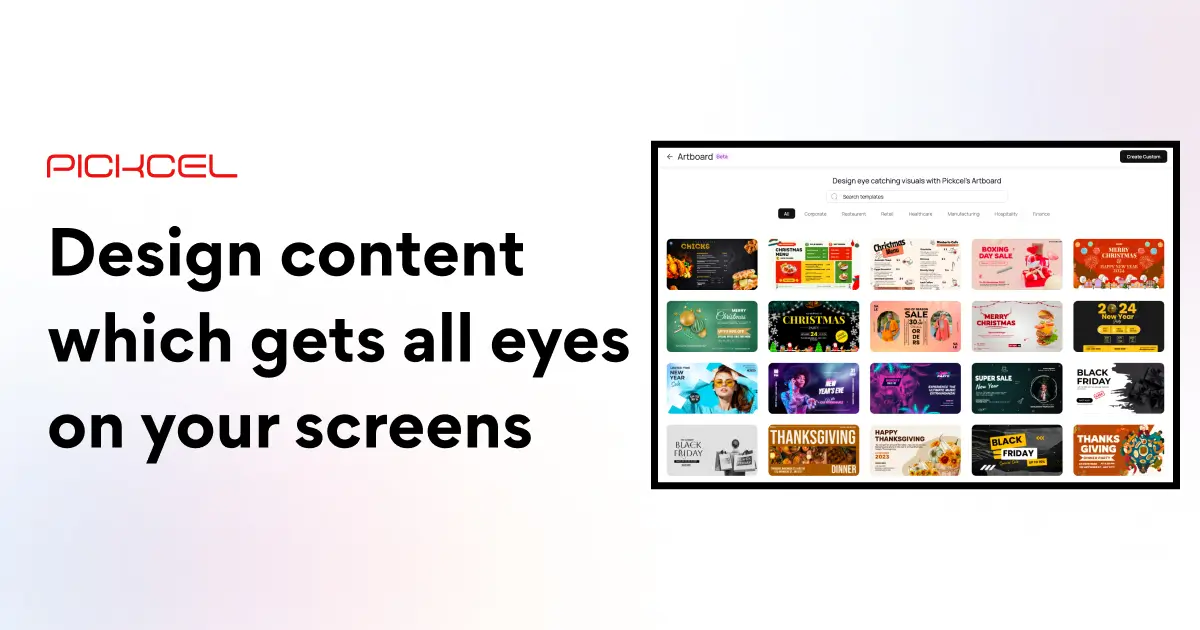
Feature one hero image per zone. A single high-quality food photograph per menu zone draws the eye and communicates quality faster than text alone. Hero images should change with promotions. Pickcel’s content library includes pre-built restaurant menu templates with food photography placeholders — non-designers can create professional-quality menu content without agency involvement.
Consistent price formatting. All prices at the same font size, positioned consistently. Inconsistent price formatting forces customers to search for information, which slows decisions.
Pickcel’s digital signage software includes a template library with restaurant-specific menu board designs, making professional content accessible to operators without a design team.
How to set up indoor digital menu boards with Pickcel
Setting up indoor digital menu boards with Pickcel takes three steps:
Select and install your displays
Choose commercial-grade displays sized for your viewing distances. Mount above the counter at a height that keeps the screen top at no more than 2.5 metres. Ensure power outlets and network cables are accessible at the mount point. Run cabling during installation to avoid visible wire management later.
Connect to Pickcel
Install a Pickcel-compatible media player behind the display. Connect via HDMI or DisplayPort. Register the display in the Pickcel dashboard. Pickcel supports over 50 device types — most installations use low-cost Android players priced at $50–$150. The display appears in your Pickcel account as a manageable screen within minutes of setup.
Build and schedule your menu content
Use Pickcel's built-in menu board templates or the drag-and-drop content editor. Set daypart schedules for automatic menu switching. Add pricing, item names, food photography, and promotional panels. Publish to all your screens simultaneously — any change appears on all screens in under 30 seconds.
Pickcel is trusted by 9,000+ businesses across 150,000+ screens in 70+ countries, including restaurant groups managing indoor menu boards across dozens of locations from a single account. Pickcel’s digital menu board solution is purpose-built for QSR, fast casual, and cafe operators.
Ready to replace your printed menu boards?
Pickcel has templates, daypart scheduling, and multi-location management built in. Setup in one day.
Frequently Asked Questions
What size screen is best for indoor menu boards?
How much do indoor digital menu boards cost?
Can I use a regular TV as a menu board?
How do I design a digital menu board?
What is the best digital menu board software?
Ready to upgrade your restaurant menu boards?
Pickcel's digital menu board platform manages indoor counters, outdoor drive-throughs, and everything in between — from one dashboard. 9,000+ businesses. 150,000+ screens.