
Dec 24 2025

10 min read
November 07, 2025
11 min read


ALL
GENERAL
They say humans have shorter attention spans than a goldfish. That’s a myth.
People stay when the message is clear and relevant.
If your screens don’t spark recall, the reason might just be the plan rather than the panel.
That’s what we call wasted signage potential: visuals without meaning and messages without human connection.
A Reddit thread in r/digitalsignage lists five reasons projects fail.

One truth stands out: when strategy is weak, even the brightest display becomes background noise.
Before buying more hardware, pause and assess. Ask:
What’s working?
What’s not?
How do we prove impact?
Are our screens helping people?
When you design for humans, business ROI follows. This Pickcel playbook shows how to improve digital signage performance without big new budgets. It centers on three pillars: content clarity, visual quality, and smart placement. Start by reassessing what you have, test small changes, iterate, and most importantly, do not rush.
Who This Is For: Marketing and operations managers who are already using digital signage and want to address low attention and poor investment returns through practical, data-driven improvements.
Many programs underperform due to unclear messages. Audiences see random videos or slides packed with offers, logos, and QR codes, lacking a clear digital signage strategy to drive action.
The fix:
One message per frame. If it can’t be read in a tweet, it’s too long. Ask: What do I want the viewer to notice or do right now?
Match tone and intent to context (inform, inspire, guide).
Keep copy conversational (short phrases and simple language), fonts legible (sharp contrasts), and dwell‑time aligned (~4–6s).
Avoid generic fillers. Don’t flood playlists with brand jingles or idle slides. If you must include a logo sting, keep it under two seconds and balance it with purpose-driven messaging.
Pickcel tip:
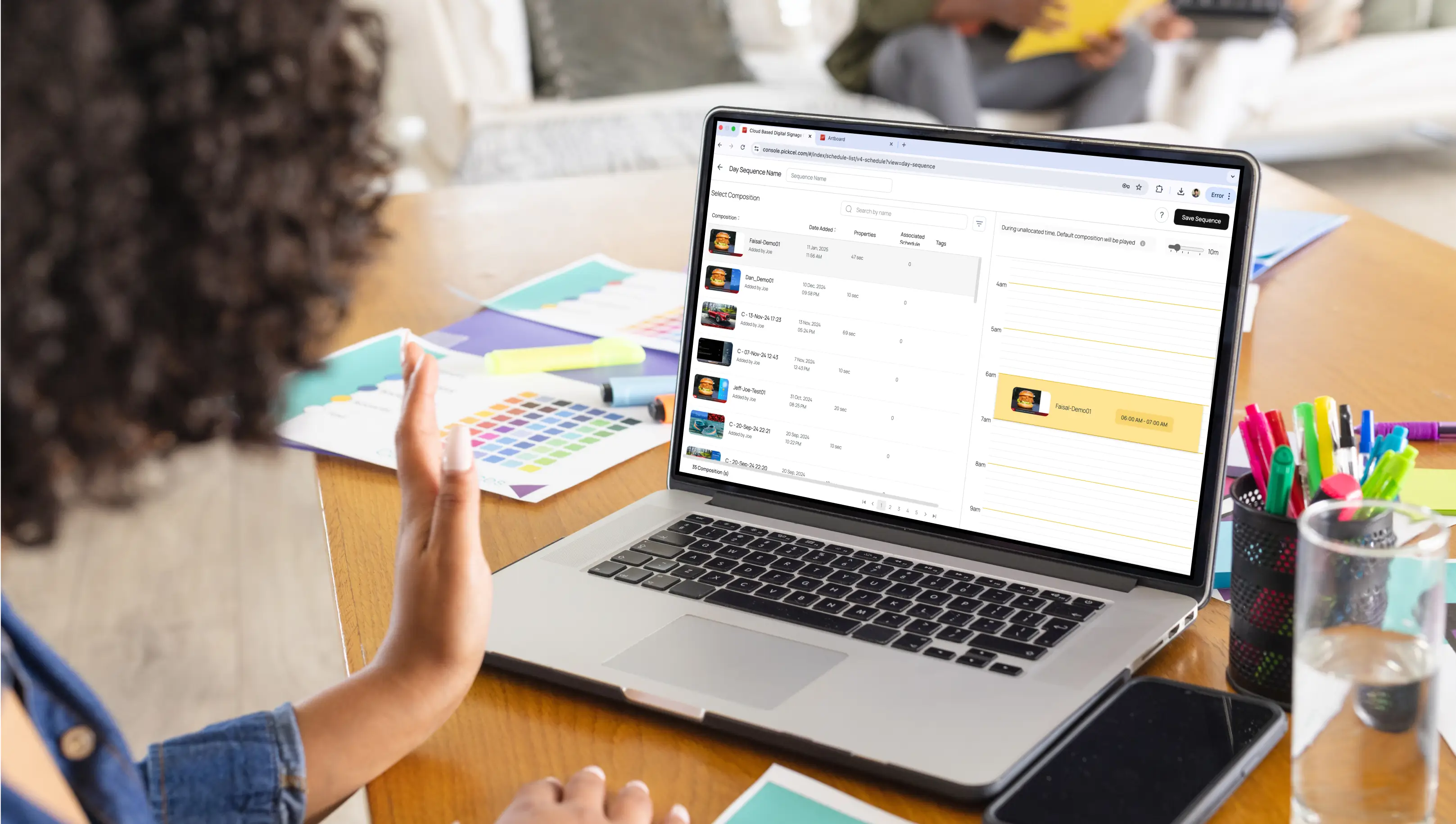
With Pickcel’s digital signage software solution, plan and schedule messages contextually so each zone delivers the right emotion and action.

Even a powerful message can fail if the content looks poor. Science shows that our brains instantly respond to motion, color, and contrast. Thus, a blurry image or mismatched tone weakens credibility.
The fix:
Use HD/4K assets and test them under real lighting conditions.
Check color, brightness, and motion under normal light before going live.
Apply color psychology (red=energy, blue=trust, green=calm).
Invest in the right digital signage player.
Maintain brand consistency (fonts, palettes, tone, and logo spacing matter for recognition).
A/B test creative variables (headline (6–8 words), color accents, motion intensity, and thumbnail/key frame).
Run time windows: test morning vs. evening; weekdays vs. weekends.
Decision rule: promote winners that beat baseline by ≥10–15% on QR scans, tap-throughs, or dwell-time proxies.
Note:
Insight:
According to the HubSpot State of Marketing Report, both B2B and B2C brands most commonly use short-form video (≈30%) and images (≈29–30%), and marketers rank short-form video (21%), images (19%), and live streaming (16%) as the highest-ROI formats.

Pickcel tip:
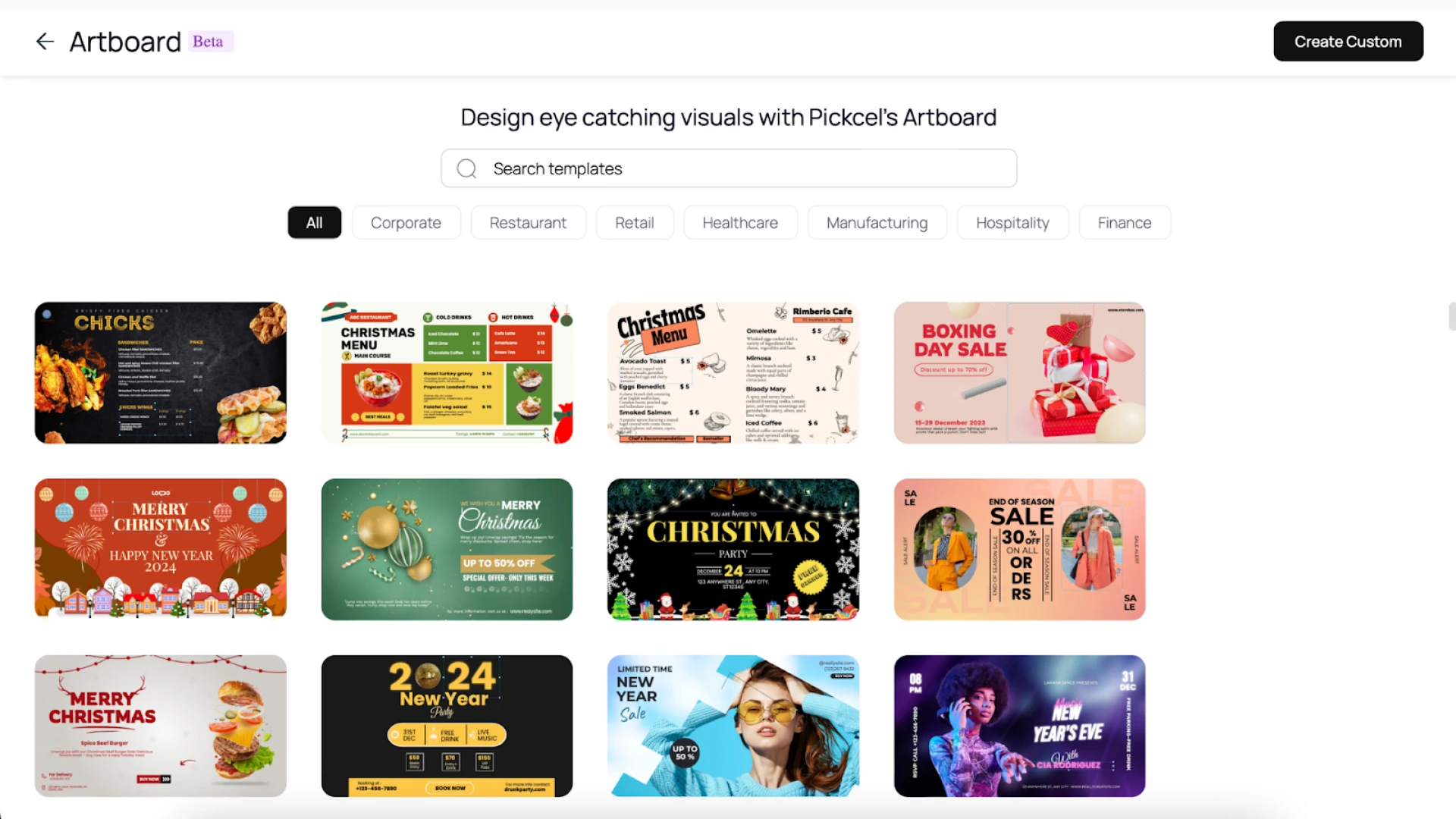
Use Artboard editor or Canva/Unsplash/Pexels/Pixabay integrations to design emotionally resonant visuals that render smoothly across devices.

The most beautiful content means nothing if no one can see it. Placement is the quiet ROI killer in many signage projects. In CX terms, visibility equals respect for the audience’s effort, making their glance effortless.
The fix:
Eye‑level positioning (60–66 in for standing, 48–52 for seated).
Place screens where people naturally pause.
Audit glare and distance quarterly using a 20‑point visibility score.
Reassess when layouts or décor change.
Pickcel tip:
Split screen into zones for context‑specific content. The result: consistent visibility, fewer content errors, and zero wasted space.

Practical exercise:
There is a simple 3-step exercise you can perform to find the best screen spots without any fancy tools.
Walk your space (corridors, waiting zones, entry points, lift areas, work bays).
Mark “pause points.” These are places where people naturally stop, wait, or slow down.
Score visibility for each location (1–5 scale):
| Factor | Score Range | What to check |
|---|---|---|
| Eye Level | 1 (too high/low) → 5 (perfect) | Is the screen roughly at eye height? |
| Glare | 1 (strong glare) → 5 (no glare) | Can you see the content clearly under normal light? |
| Distance | 1 (too far) → 5 (within 6–10 ft) | Is the text readable from where people stand? |
| Movement Flow | 1 (people pass fast) → 5 (people linger) | Do people pause here? |
Now, add up the numbers to get the visibility score.
Visibility Score = (Eye Level + Glare + Distance + Flow).
Ideal spots are those that score 16–20. Anything below 12 needs adjustment or relocation.
For example:
| Location | Eye Level | Glare | Distance | Flow | Total | Decision |
|---|---|---|---|---|---|---|
| Reception | 5 | 4 | 5 | 5 | 19 | Keep |
| Hallway | 3 | 2 | 4 | 2 | 11 | Move |
| Canteen | 4 | 4 | 5 | 3 | 16 | Keep |
Outdated content erodes trust. When multiple sites run different messages, confusion multiplies.
The fix:
Schedule campaigns for product launches, events, or internal announcements. Digital signage automation makes this effortless.
Tag and segment playlists by zone or audience.
Sync your signage with CRM/ERP for real‑time data with digital signage APIs so updates happen automatically.
Reassess visibility (colors, layout, placement, and overall context) every quarter, even if the message itself stays the same. A light refresh keeps the viewer’s attention active and prevents visual fatigue.
Set an A/B cadence of every 2 weeks and compare two variants per location.
Tag rigor: asset → location → time block; track proof-of-play, uptime, schedule consistency, and download status.
Decision rule: promote any variant with ≥10–15% lift in QR/UTM visits or dwell-time proxies; ≥500 impressions minimum.
Auto-promote winners: expand to more screens; retire the bottom 20%.
Baseline first: capture one week of “as-is” performance before testing.
Pickcel Tip:
Manage cloud, hybrid, or on-premise digital signage networks with:
Real-time data sync that updates content automatically across every connected system.
Content synchronization that keeps multiple screens perfectly aligned, playing the same visuals simultaneously without lag.
Built-in apps like Google Slides, Slack, or Twitter keep content fresh without requiring manual uploads or design tools.
Centralized dashboards that track uptime, playback accuracy, and overall network health, giving teams clear visibility into what’s live and where.


Case study in point:
When a leading FMCG company needed to boost product visibility across India, they turned to Pickcel to manage 1,500+ displays across six cities.
By tagging screens by location and store type, campaigns were published automatically with daily performance reports.
The outcome: A centralized, scalable network that improved ad visibility and lifted product sales across outlets.
Personalization is about message relevance. Context defines relevance; relevance drives recall. Secure networks ensure reliability and trust.
The Fix
Tailor playlists by zone, region, and time of day. What plays in a branch office might differ from a head office or a public lobby.
Match content to intent. Run real testimonials, community updates, or user-generated content near touchpoints.
Adjust to daily rhythms as timing shapes attention: morning motivation, midday highlights, or evening recaps.
Secure data pipelines and device access to reduce downtime and maintain trust.
Note: Localization doesn’t need a human team updating screens city by city. Tag your displays by region, audience, or event; then let your CMS auto-serve local content. That’s personalization at scale.
Before we wrap this fix, here’s a very odd yet important thing to discuss:
Sometimes, teams mix up message matching, content segmentation, and localization. They sound similar, but each plays a distinct role in making communication relevant and human.
How It All Fits Together: Message, Segmentation, and Localization
| Level | Focus | What It Means |
|---|---|---|
| Message to Zone | Context within one site | Tailor content by physical area, say, a lobby informs, a cafeteria inspires, or a workstation guides. |
| Content Segmentation | Internal organization | Tag screens in your CMS by department or zone so each group sees what matters most. |
| Location Relevance | Personalization at scale | Use automation to localize playlists by region, event, or audience for consistent, context-aware messaging. |
Pickcel tip:
Pickcel is ISO and SOC 2 certified, offers SSO and MFA, and supports role-based access with audit trails, device-level safeguards, and continuous network monitoring. For details, see digital signage security.
Case study in point:
M3M India, a pan-regional enterprise, used Pickcel to segment internal communication across its offices and projects in Delhi NCR by audience: buyers, residents, and stakeholders.
The outcome: Relevance scores improved, and employee engagement rose 22%.
Large networks struggle most with consistency. Device issues and downtime cause fragmented experiences. In CX terms, reliability is a user experience metric.
The fix:
Use enterprise-grade 24/7‑rated commercial hardware.
Automate diagnostics and centralize monitoring and alerts.
Use caching and fallback media to keep screens live even offline.
Pickcel tip:
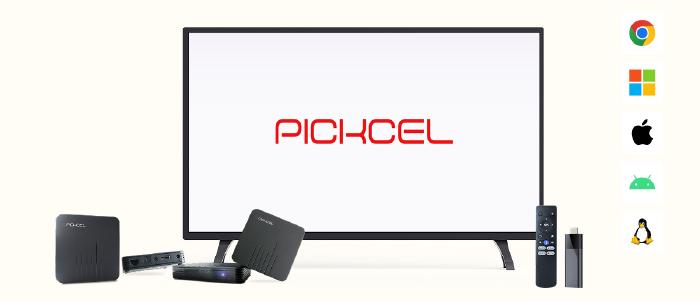
Hardware‑agnostic platform ensures uptime across Android, Windows, iOS, Samsung, LG, and beyond.
Note: And if a screen ever goes dark, let it say, “We’re refreshing content. We’ll be back soon.” Because even downtime can communicate care, a small message that keeps trust intact.
Case study in point:
BR Magazacilik, a leading Turkish men’s fashion retailer with 200 stores, rolled out 100+ screens across campuses using Pickcel.
The outcome: Unified control cut downtime by 35% and accelerated campaign rollout.
After more than a decade of deploying and auditing thousands of signage networks, Pickcel has seen what works and what quietly erodes ROI.
These are the three parameters Pickcel often uses while helping customers assess their networks. They’re not technical checks but experience ones, built around one simple idea: respecting the audience’s attention.
| Parameter | What to Check | Why It Matters (Impact) |
|---|---|---|
| Feedback Loops | Ask frontline staff or use QR cards (“Rate what you saw”) to gather audience reactions. | Screens evolve based on real human feedback, not assumptions. |
| Department Champions | Assign one “signage owner” per function — Marketing, HR, Ops — to review relevance monthly | Keeps content fresh and contextual without extra headcount. |
| Sound & Ambience | Add subtle audio near high-engagement areas; use captions in quiet zones. | Enhances sensory engagement without overwhelming spaces. |
Once clarity, placement, automation, and measurement align, digital signage becomes a living part of your communication ecosystem.
If your screens aren’t sparking attention or trust, it’s time for a conversation.
Contact Pickcel’s expert team to get a full audit and a personalized signage strategy remake that helps every screen perform with purpose.

It’s rarely the hardware. Most screens fail because of a weak strategy. When teams fix clarity, context, and consistency, engagement improves without buying new screens
When done right, dynamic screens capture up to 5× more attention than static posters and lift conversions by 20–30%. The key is clear, context-driven messaging.
Several times a week is ideal. Automated scheduling keeps visuals current without adding workload. Freshness signals care, and audiences notice it.
Because hardware can’t fix human indifference. Disorganized content, lack of data, and poor placement erode ROI. Strategy, not screens, drives impact.

Dec 24 2025
10 min read

Dec 9 2025
14 min read

Nov 26 2025
7 min read
Oct 30 2025
8 min read
Take complete control of what you show on your digital signage & how you show it.
Start Free Trial Schedule My Demo