HR emails get ignored. Digital signage for HR helps teams share benefits reminders, policy updates and wellbeing campaigns on screens employees see daily.
Explore Pickcel Employee Communications →
- 81% of employees want more benefits information year-round.
- HR teams can manage workplace screens without IT involvement.
- Digital signage complements email; it does not replace it.
Open enrolment ends Friday. The email went out on Monday. Today is Thursday, and a significant share of the workforce still hasn’t completed their selections.
That scenario plays out in HR departments across industries. Email remains the default channel for HR communications, but reach has limits. Employees who work on the floor, at a counter, or across multiple shifts may not check their inbox during the workday. Those who open the email often defer action until later and forget.
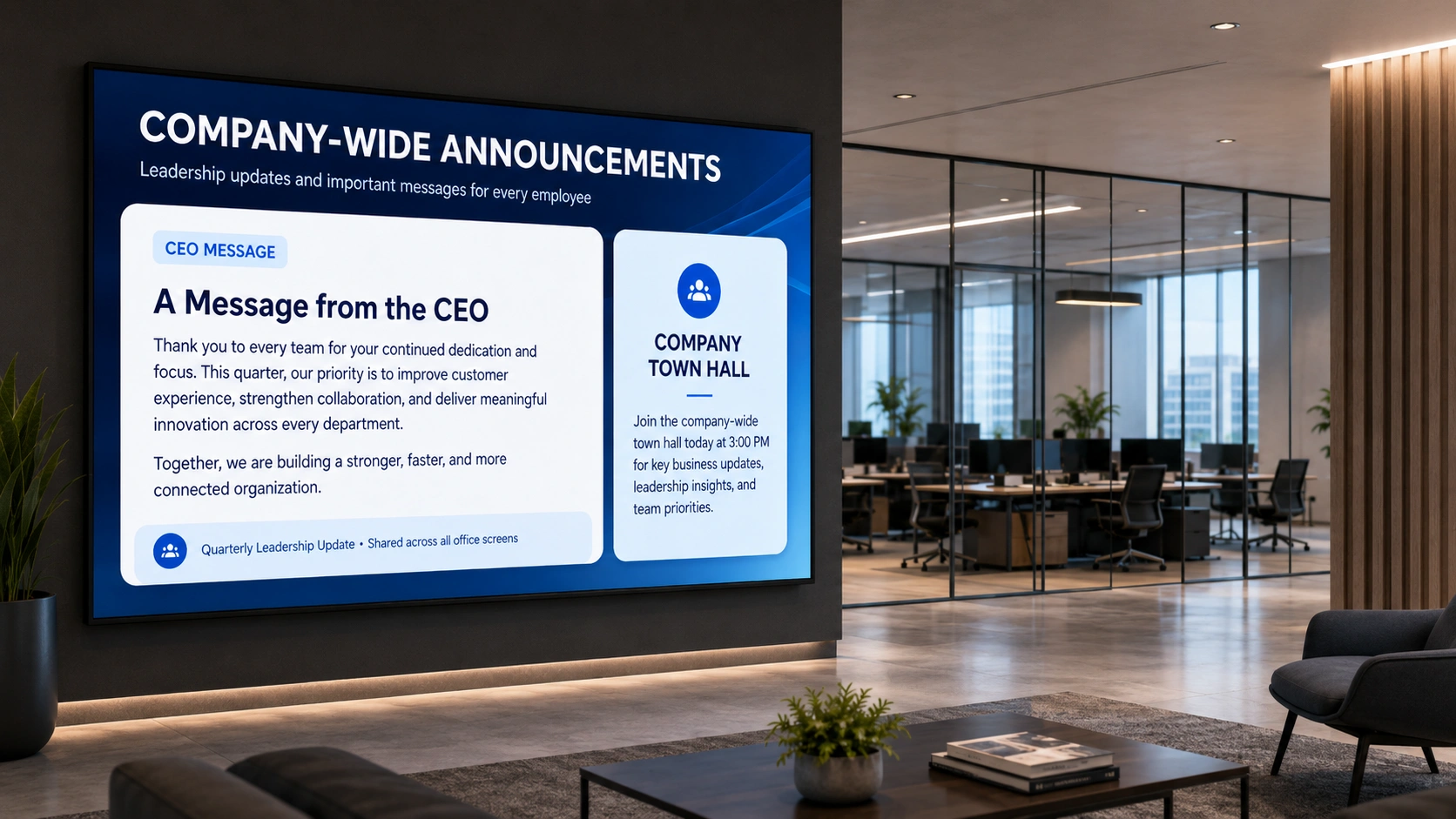
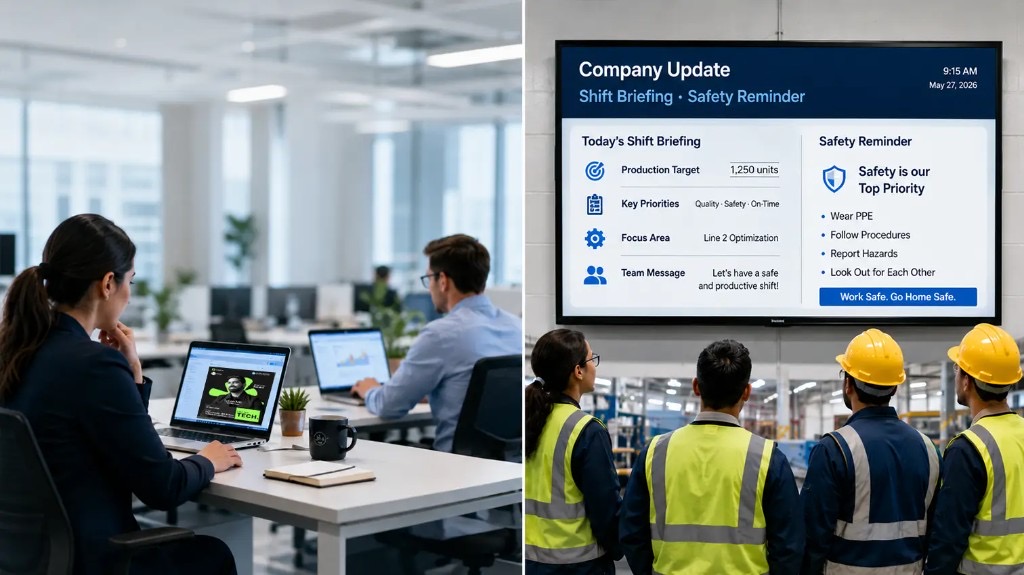
Digital signage for HR addresses this gap directly. It places your most time-sensitive HR content where employees already are: break rooms, corridors, entrance lobbies, and shop floors. The screens update in minutes, require no IT involvement to manage, and stay visible throughout the day.
This guide covers six practical use cases, the data behind why they work, and how HR teams manage their own content without involving IT. For a broader view of digital signage for HR teams, see our companion piece on transforming HR communication and engagement.
What Is Digital Signage for HR?
Digital signage for HR refers to the use of networked display screens in physical workplace locations to deliver HR content to employees. This includes benefits information, compliance notices, policy updates, wellbeing campaigns, employee recognition, and training deadlines. Unlike email, digital signage is ambient: it reaches employees passively in the spaces they already occupy, without requiring them to open a message or navigate a portal.
6 HR Communication Use Cases for Digital Signage
1. Benefits Enrolment Reminders and Deadlines
The most common place benefits enrolment communications fail is not in the planning. It’s in the final days before the deadline, when employees who intended to act haven’t yet.
A 2024 study found that 47% of employees didn’t know enough about each voluntary benefit to make an informed enrolment decision, and 81% said they would welcome more information about company-sponsored benefits throughout the year (LegalShield Workplace Study, Business Wire, July 2024 ).
These are not passive employees. They want the information. The barrier is delivery.
Workplace screens can display:
- Countdown timers showing days remaining until enrolment closes
- Benefit plan summaries with a QR code linking to the full plan document
- Step-by-step enrolment instructions in a rotating message loop
- Location-targeted reminders, segmented by department or site using Pickcel’s audience targeting
A visible countdown in a break room creates urgency without requiring the employee to remember to return to an inbox. It also removes the risk of a single email getting filtered, archived, or simply missed during a busy shift.
2. Policy Update Notices with QR Code Access
Displaying a full policy document on a workplace screen is not practical. Displaying a clear notice that a policy has changed, with a QR code linking employees directly to the updated document, is.
This approach solves two problems simultaneously. First, it provides visible notification that something has changed. Second, it offers immediate access for employees who want to read the full document in that moment, on their own device.
Effective policy update screens include:
- The policy name and effective date
- A one-sentence summary of what changed
- A QR code linking to the document on your HR portal or intranet
- A defined display window that runs for the notice period, then removes automatically through Pickcel’s content scheduling
For regulated industries, this also creates a documented communication date in Pickcel’s content history, which can support compliance reporting if required.
3. Wellbeing and Mental Health Campaigns
Employee wellbeing campaigns are among the HR communications most likely to be deprioritised in a full inbox. A message about an Employee Assistance Programme (EAP) or a mental health awareness initiative arrives alongside operational emails and frequently goes unread.
Passive display changes the dynamic. A screen in a break room or quiet area of the office showing EAP contact details, upcoming wellbeing sessions, or mental health awareness messages reaches employees in a moment of physical stillness. The communication does not demand immediate action. It plants awareness over repeated exposure.
Effective wellbeing content for workplace screens includes:
- EAP helpline numbers and access instructions
- Mental health awareness month messaging with campaign graphics
- Walking challenge or fitness initiative participation updates
- Signposting to internal counselling or coaching resources
Wellbeing content should feel visually distinct from operational notices. Calmer colours, clear typography, and a single focal point help it stand apart from shift schedules and alerts that may share the same screen group.
4. Employee Recognition and Shoutouts
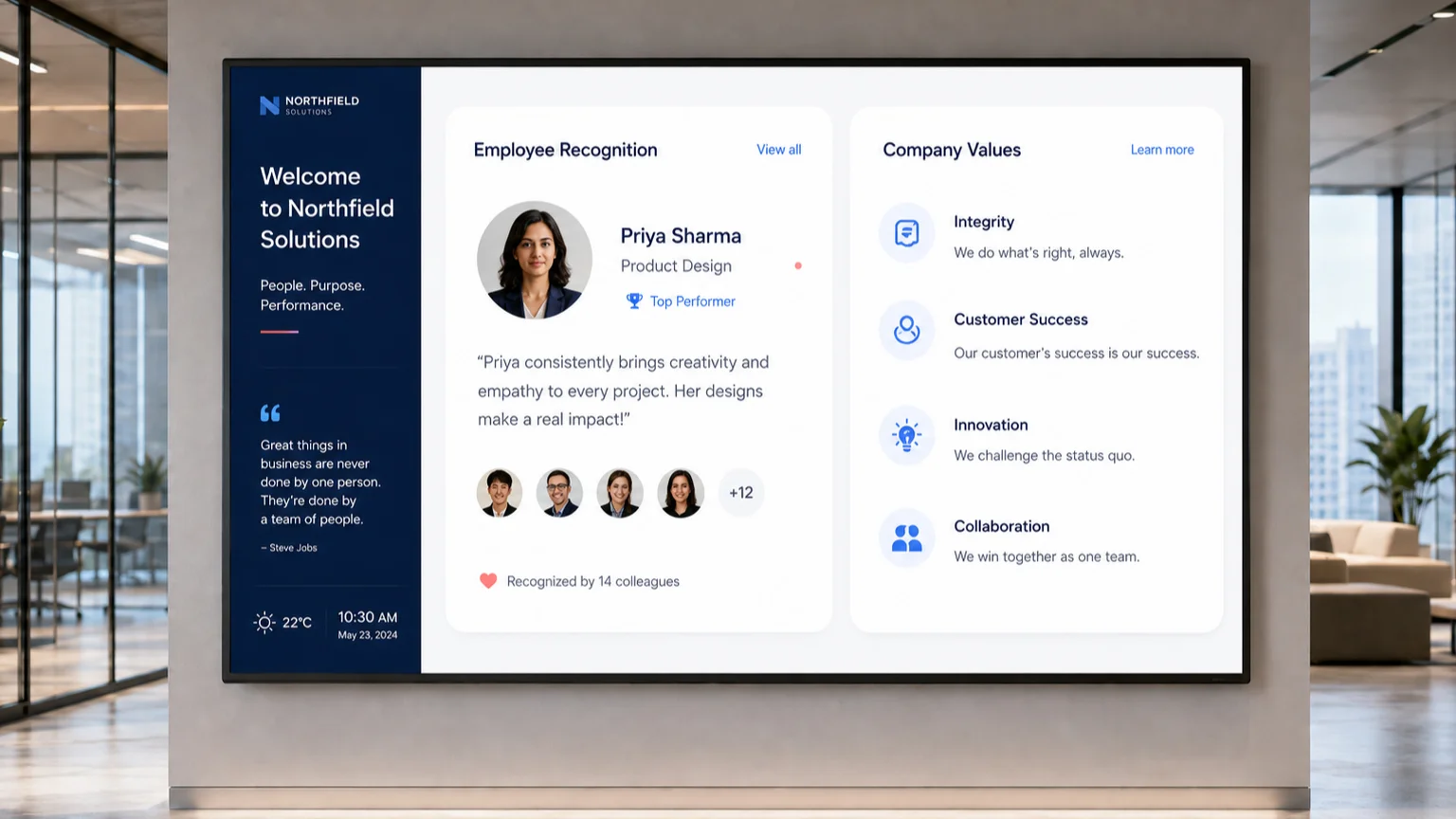
Recognition content is one of the highest-engagement categories on workplace screens. Unlike operational notices, recognition has a personal dimension: the employee being celebrated notices it, and colleagues around them do too.
Pickcel supports manual recognition entry and can pull from recognition data sources to display automated shoutout messages on a scheduled basis. For a deeper playbook of monthly rotation ideas and setup steps, see our complete guide to employee recognition digital signage.
Practical recognition formats for HR digital signage include:
- Employee of the month with name, photo, and team
- Work anniversary milestones (5, 10, 15 years of service)
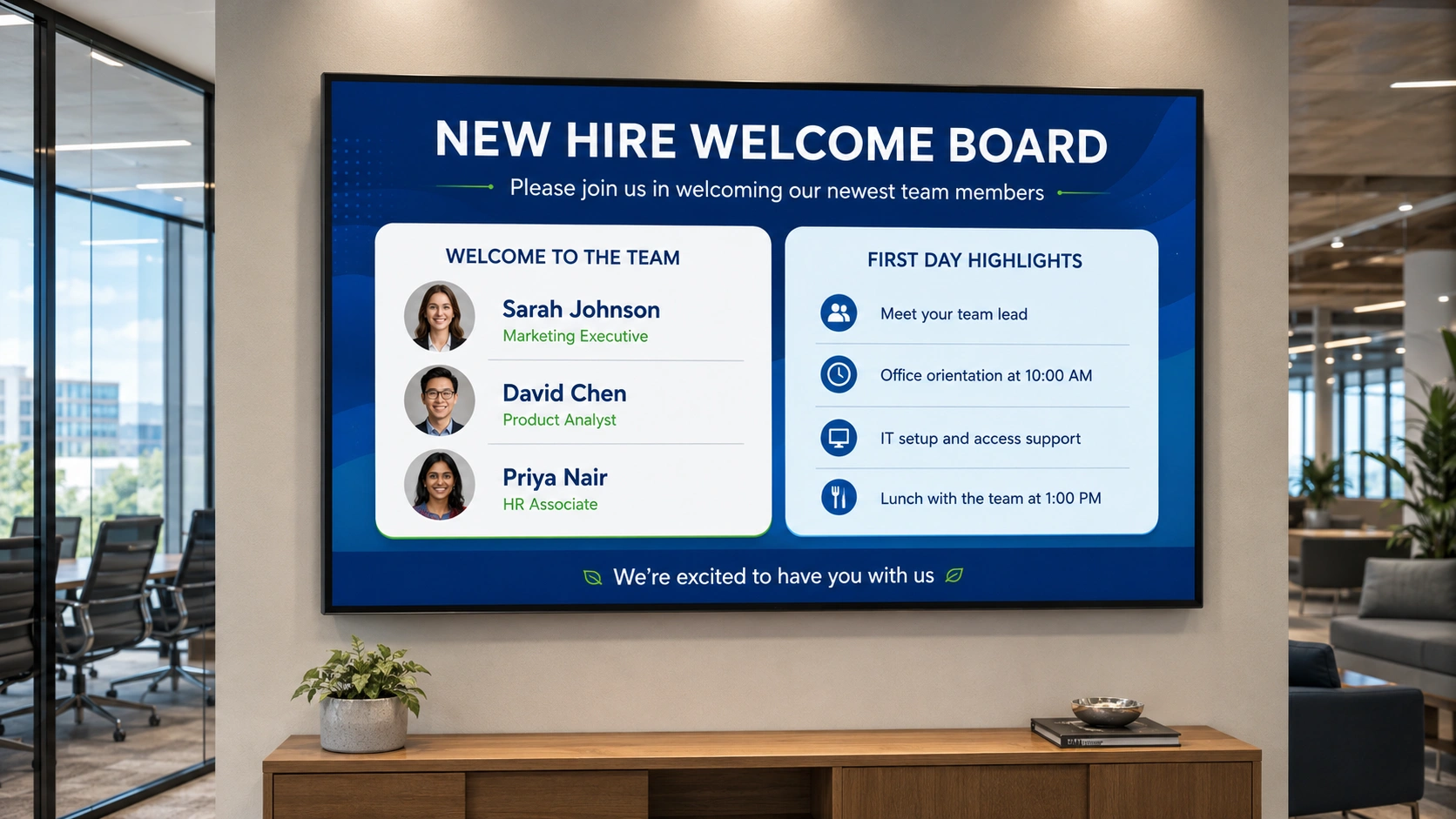
- New hire welcome boards displayed in reception and break areas during the first week
- Team achievement callouts tied to a completed project or performance milestone
Recognition content performs best when it rotates in the standard content loop alongside other messages rather than on a dedicated screen employees learn to ignore. Placing it in the break room rotation ensures colleagues see it during natural pauses in the day.
5. Compliance Training Deadlines and Completion Tracking
Mandatory compliance training follows the same pattern as benefits enrolment. Deadlines arrive, emails are sent, and a subset of the workforce misses the window.
Digital signage can display:
- Completion deadlines with a countdown showing days remaining
- Site-level completion rates (“78% of this location’s team has completed the mandatory data privacy module: 14 people remaining”)
- A QR code linking directly to the training module for immediate access
The social element of a site-wide completion percentage creates mild, productive pressure. Employees who see that most of their colleagues have completed the module are more likely to act than those receiving a reminder email in isolation.
One operational consideration: completion percentage data must be updated regularly. This content type works best where HR can pull an updated export from the LMS and refresh the screen content daily or every two days during the training window.
6. New Hire Welcome Boards
The first day in a new organisation carries a disproportionate amount of uncertainty. New employees arrive in reception, on the team floor, or at a workstation, often with no visible indication that their arrival was anticipated.
A welcome board on the reception screen, or the screen nearest the new hire’s team area, is a small gesture with a measurable effect on first-day experience. It signals preparation and belonging before a single word is spoken.
Typical new hire welcome content includes:
- The new employee’s name and, with their permission, a photo shared in advance
- Start date, department, and reporting line
- A welcome message from their team or line manager
- Key contacts for day one: IT setup, HR point of contact, building access
Pickcel allows HR to schedule welcome boards in advance of the start date with an automatic end date. The content appears, runs for the first week, and removes itself without manual intervention.
How HR Teams Manage Their Own Content in Pickcel
The most common concern HR professionals raise about digital signage is not the content itself. It’s control. The assumption is that workplace screens belong to IT or facilities, and that making any change requires raising a ticket and waiting.
Pickcel is a cloud-based digital signage platform designed to remove that dependency. It is SOC 2 Type II and ISO 27001 certified, providing enterprise-grade data security for organisations managing HR content on networked screens.
Here is how HR teams operate their own content channel in four steps:
Get assigned to your screen groups. IT configures your account and assigns HR to the relevant screen groups (break rooms, corridors, and common areas) using Pickcel’s role-based access system. HR manages only the screens within their remit without visibility into or control over operational screens managed by other departments.
Create content in the no-code canvas. HR managers select from pre-built templates, upload assets, type copy, and set a schedule without writing a line of code or submitting a request to IT. A benefits reminder can be created, approved, and live on screens within 15 minutes.
Set start and end dates for every piece of content. Open enrolment reminders run for three weeks, then disappear automatically. Policy notices are removed when the notice period closes. New hire welcome boards expire after five days. Nothing goes stale because someone forgot to take it down.
Target by location. Screen groups direct content to the right places: a welcome board goes to reception and the relevant team floor, not to a manufacturing area. Compliance training reminders can run across all sites simultaneously. Wellbeing content runs in break rooms and quiet spaces rather than near operational workstations.
For organisations using HR systems such as Workday, BambooHR, or SAP SuccessFactors, Pickcel supports data integration to pull feeds directly into screen content, including recognition triggers, training completion updates, and new hire information.
If you want to see this running in a real HR environment, the Pickcel digital signage software page has device compatibility details, plan options, and a demo booking link.
Get HR communications on your workplace screens
See how Pickcel works for HR teams in a 20-minute product walkthrough. Bring your use case and we'll show you the screens in action.
Frequently Asked Questions
What is digital signage for HR?
What HR content should be displayed on workplace digital signage screens?
Can HR teams manage digital signage content without involving the IT department?
How does digital signage improve employee engagement compared to email HR communications?
What is the best way to display benefits enrolment reminders on workplace screens?
Get HR communications on your workplace screens
If you want to see how Pickcel works for HR teams, the fastest way is a 20-minute product walkthrough with one of our team.